14 DAY TRIAL //
 VPN stands for Virtual Private Network and it is practically a private communications network. A VPN is used within a company or by several companies in order to preserve their "intimacy". The messages are carried over the public network (like the Internet). VPN is composed of two parts: the inside (the protected) network and the outside (less protected) network.
The remote users are generally protected by a firewall and at the connection with the host or server they must enter authentication data for the authentication service inside the area. So, basically, if you are part of a VPN, you must have some sort of authentication in order to access the network and transmit the data.
This is exactly what Hamachi does. It creates private networks and establishes connections between the users. And a good job it does!
The software is a product of Applied Networking Inc., a company which deals with software development in the field of advanced networking and data security. The company was founded in 2002 and has its headquarters in Vancouver, Canada.
OK, let's get into a deeper description of the software. Hamachi is a UDP (User Datagram Protocol)-based VPN system. Its users locate each other and boot strap the connection between them by means of a third node (mediation server). Hamachi people assure the users of the fact that "the connection itself is direct and once it's established no traffic flows through our servers".
For the beginning, let's say that once you have Hamachi installed on your computer it adds a new network adapter, which operates under the default firewalling rules. This means that the network adapter is configurable just like your local area connection. This happens because Hamachi gives therapy sessions to your computer and "persuades" it that is part of a LAN (cool, isn't it?). Now, all you have to do is adjust the configuration of your personal firewalling software on Hamachi adapter.
That was the basic information you have to know about how Hamachi works. I will proceed to the software itself and what it can really do. First of all, it is a freeware and it also has versions that work on MAC and Linux. The installation file is only 779 kb, so it will not be such a great sacrifice if you decide to keep it. The memory usage is pretty low too.
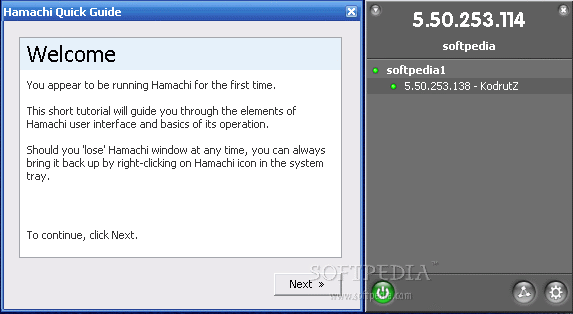
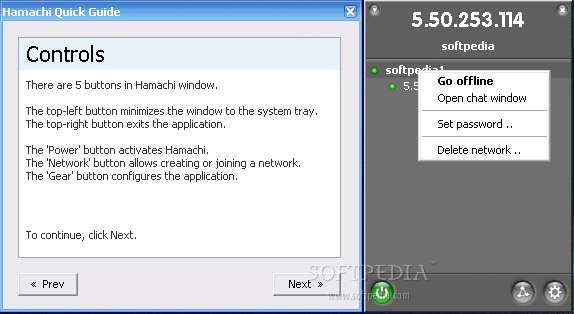
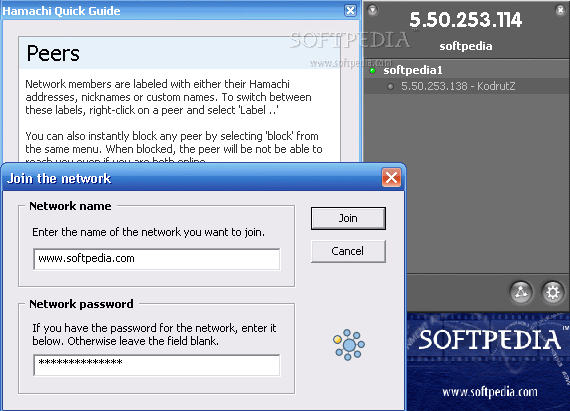
The interface is simple enough so that any user (and I really mean it) can get accustomed to it and make all the necessary settings for establishing a connection. The window has five buttons: minimize, exit (left and right upper part), power off (toggles on/offline), join or create networks, and the configuration button (Preferences menu). The last two buttons are the most important, as they help make the settings for the network and the software.
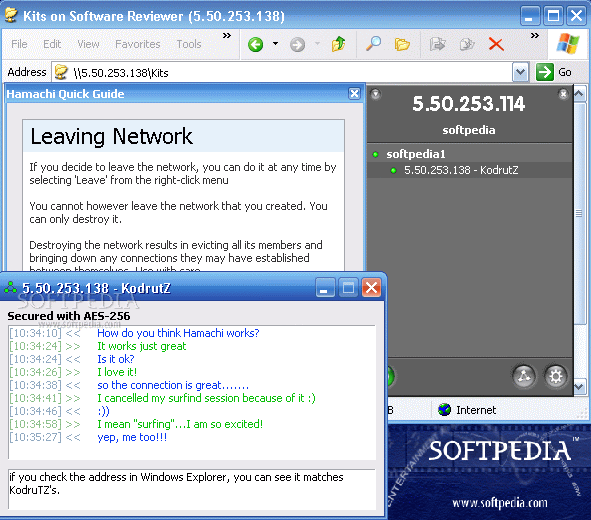
With this application you can make any computer a server and a messaging service. You can chat with your buddies in your own private network, or even create a network for multiplayer games. It comes in really handy when you want to make some changes on your office computer from home.
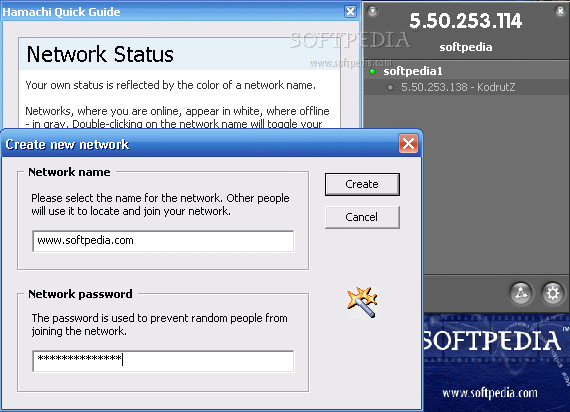
Creating a new network with Hamachi is as easy as 1, 2, 3 and 4: click on the Create or Join Networks button, select Create New Network, fill in the required fields (network name and network password) and click Create button.
Joining an existing network is made in the same four-step manner: click on the Create or Join Networks button, select Join Existing Network, fill in the fields (network name and network password) and click Join button.
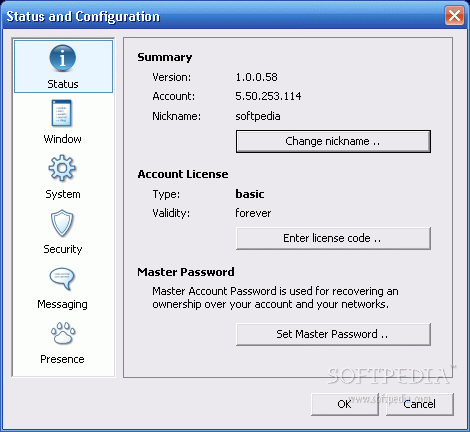
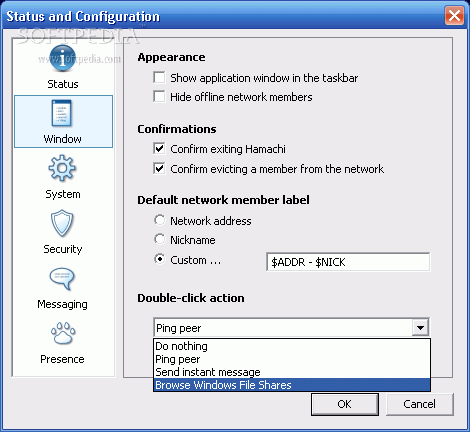
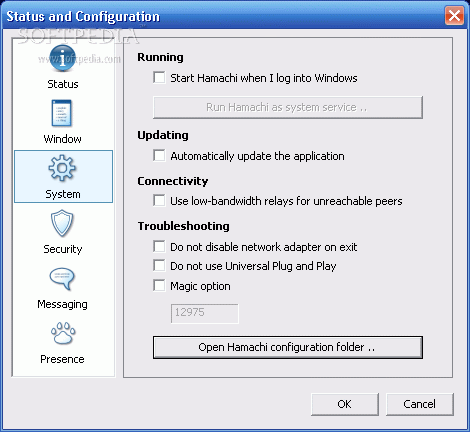
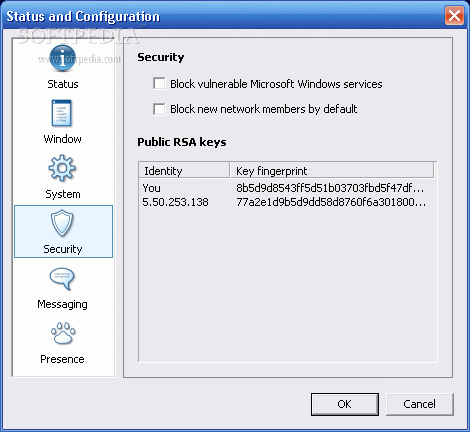
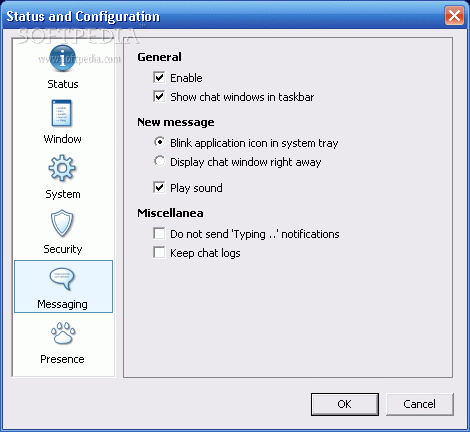
Well, in the Preferences you make the desired settings for Hamachi: status (you can change your nickname and set a master password), window (appearance, confirmations, and network member label), system (starting Hamachi, updating, connectivity), security (block members or services), messaging and presence.
The Good
The software is freeware and does a really good job. The connection is stable and you can even use it for file-sharing and gaming (not to mention remote assistance and remote desktop.)
The Bad
It seems like the help menu at the first run of the software cannot be played again at further runs and all the help you need is to be found on Hamachi discussion forums (you'll find links for topics on the producer's webpage.)
The Truth
It works just fine. I am pretty excited about it because I can create gaming networks and talk in my own VPN; no strings/wires needed beside the Internet connection. Check it out, it's cool stuff and I'm sure it won't disappoint you.
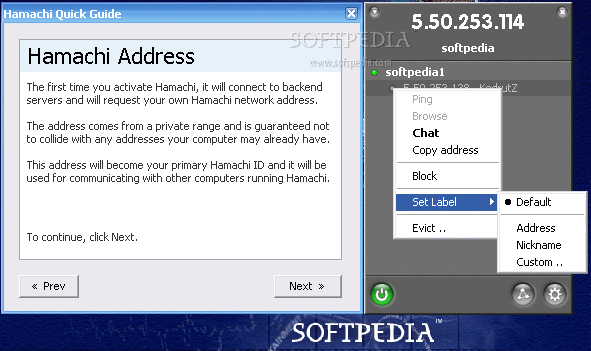
Here are some snapshots of the application in action: