14 DAY TRIAL //
 With so many options on the Internet today it is difficult to make your choice when you’re looking for a simple instrument to standardize your audio collection to a single format. Helium Audio Converter proposes an easy approach that does not require too much effort from your part and supports the most popular audio types.
The application is free of charge and brings in all the extra tools required for the carrying out the conversion task as comfortable as possible. Installation runs quickly and with no fuss, putting on the system only the data it needs.
Looks are not impressive, but the layout is perfect for those of you that want an intuitive interface with no complicated options.
As mentioned before, it can work with all popular audio formats. The list includes FLAC, AAC, MP3, M4A, MP4, MPC, OGG, WAV and WMA. You can use these types both as input and output data, which makes the application very versatile.
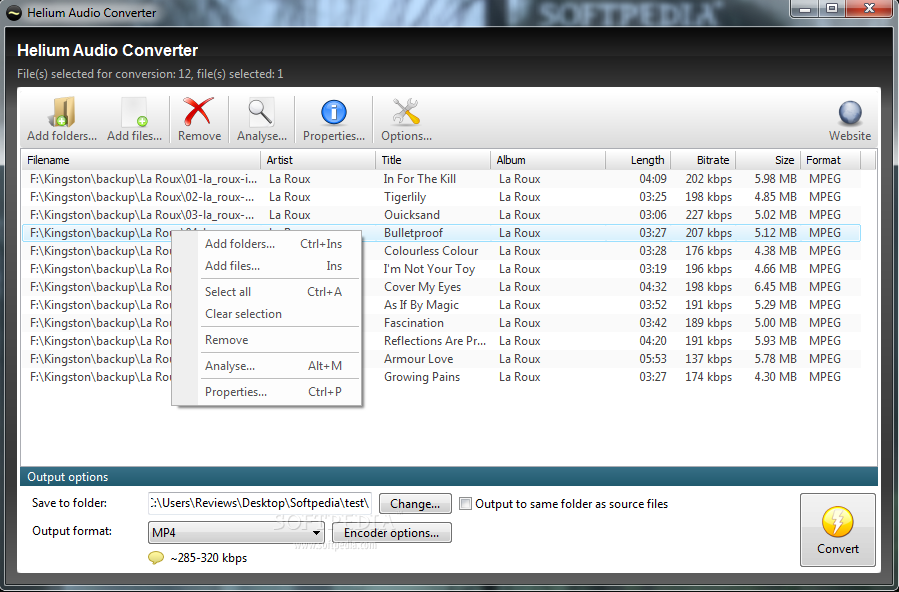
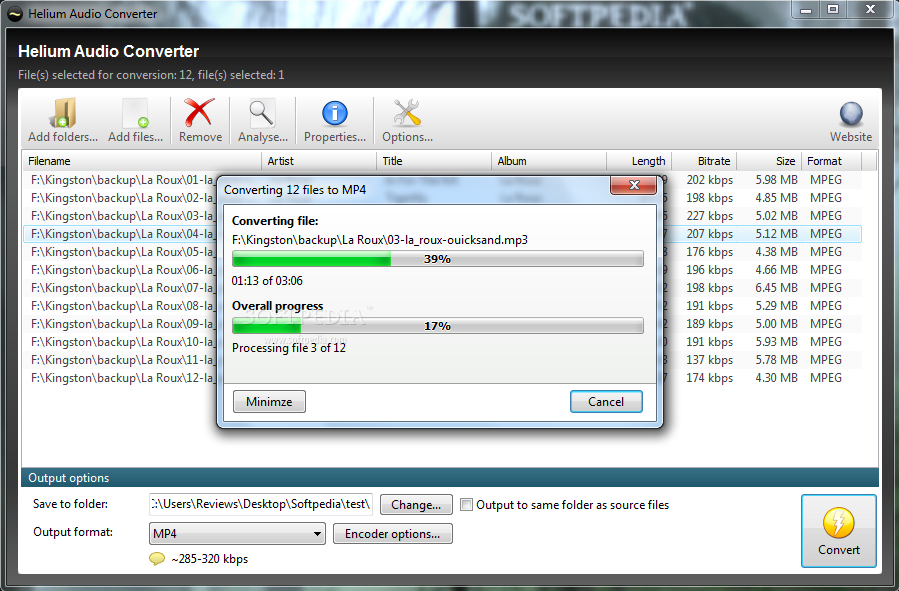
Loading up the items you want to convert is as easy as dragging and dropping them into the interface (files and folder alike), but you can also follow the traditional way and browse for them from the application. In the main screen you will be served some brief audio details, such as the name of the artist and of the track, album, file format, bitrate, duration and size.
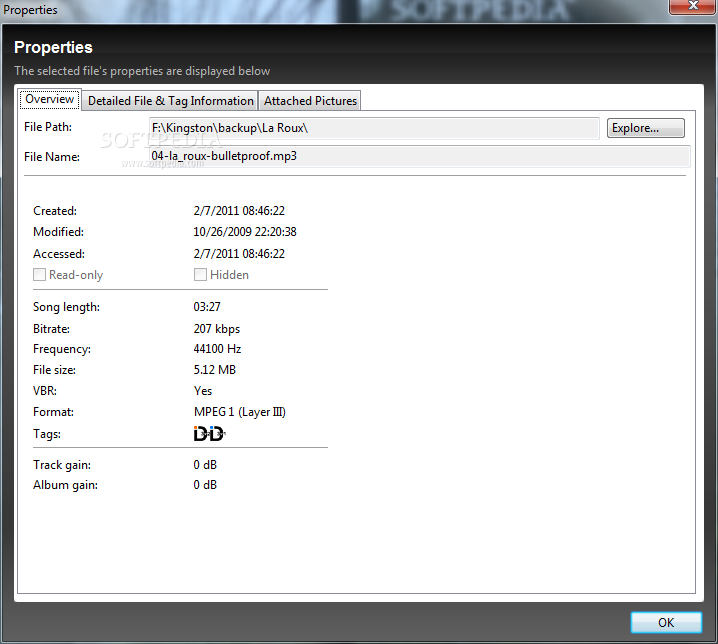
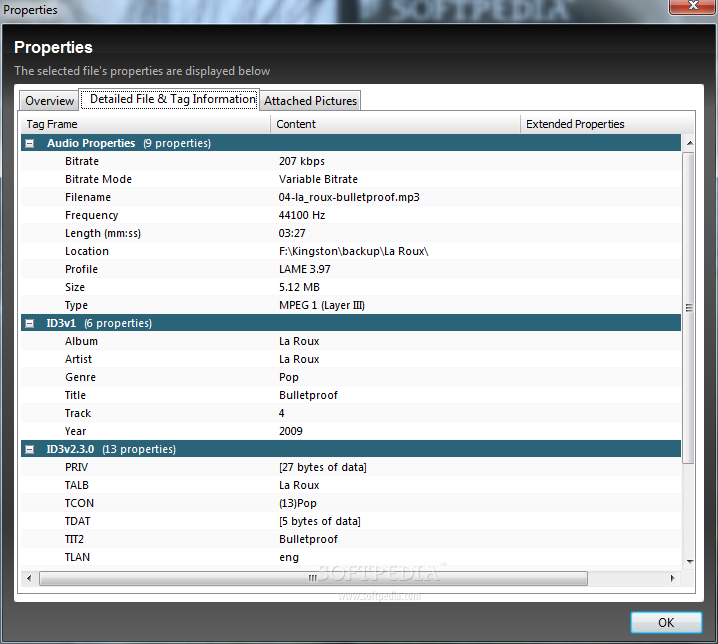
If you want an extended view of the properties you can access them in the “Properties” dialog of the selected item. This includes finer information, such as bitrate mode, frequency, or type. Unfortunately the tags cannot be modified and the output will bear the same info as the original file.
All conversion settings are on the main screen of the program in the lower part. You can select the format of the output file, the location you want the result stored and modify the encoder options; these are immediately loaded up when you pick the audio type of the conversion.
Regardless of your option for the output file, configuration of the encoder is extremely simple and generally resumes to selecting the quality of the result. In some cases you can also choose to normalize the tracks or to go with a variable bitrate.
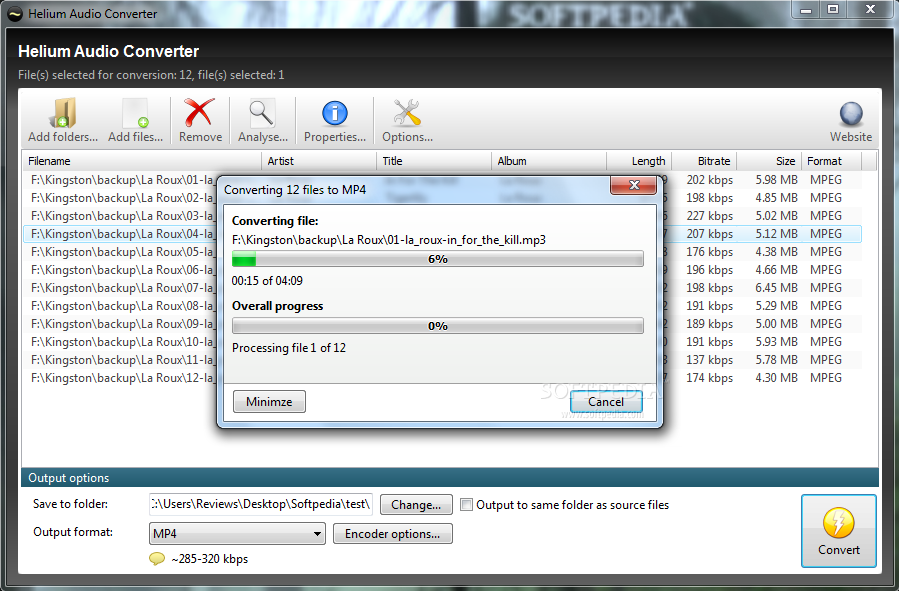
The conversion process is not too fast, but during our tests it never cracked. It managed to successfully carry out the tasks, no matter the input format we fed it. Resources used in the process were not too high, with CPU averaging around 47% and RAM was insignificant under 20MB.
You should know that the application stores all converted data in a temporary folder and moves it to the user-assigned location only when the process completes. This may be viewed as a drawback by some of the users, especially since there is no way to pick the temporary folder yourself.
Also, should you cancel the conversion process before it finishes, you will give up the data that has already been converted to the cancellation point. Also, restarting the job may result in conflicts with the left-overs from the temporary folder.
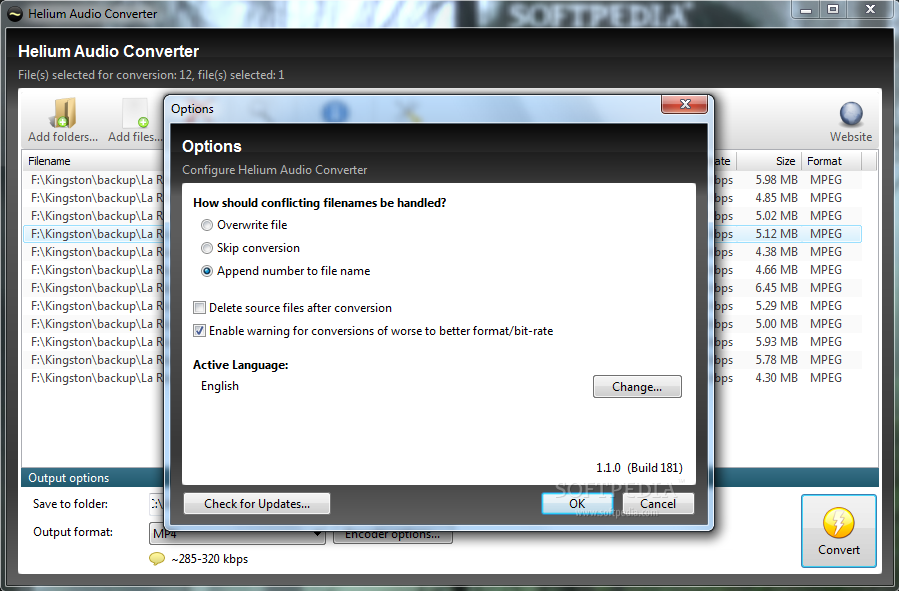
Setting up Helium Audio Converter is nothing complicated. The program lets you select the actions it should take when conflicting filenames are encountered. As the conversion process is not interrupted by such occurrences you can choose to overwrite the file, skip its conversion altogether or simply rename it by adding a number.
Also, if you reach the stage where you can trust the program’s conversion abilities completely you can instruct it to automatically delete the original audio data after the conversion ends. A very important feature is enabling alerts whenever the app has to convert data of a lower input quality than the output, simply because the result would be unsatisfactory.
Loading the audio you want to transform can be easily done by dragging and dropping the items, regardless if they are in bulk or enclosed in a folder. It supports all the popular audio formats and it can convert to and from FLAC, AAC, MP4, MP3, M4A, MPC, OGG, WMA or WAV and alert if anything went wrong during the process or if the result might not be of the expected quality, due to input-output formats. Also, allowing the user to choose the location of the temporary folder would be a good idea; just like moving the completed conversions to the destination folder when the process is interrupted by the user. Or at least prompting the user for an action: either copy the data or dump it altogether. Speed is not among the strong points of the application, but it isn’t too shabby either, considering the resource usage. Overall, it is a great tool to convert your music to the standard you want, especially useful to beginner users.
The Good
The Bad
The Truth