14 DAY TRIAL //
 When it comes to movies, everyone asks if it is out on DVD yet. And it is a very natural question, as DVDs provide high video and audio quality standards that are not yet to be matched. Back in the days (a few years ago) we used to watch DVD releases on DVD players. Nowadays, watching a DVD video on the computer monitor has become a regular activity.
Of course, the most pretentious of us are buying expensive home theaters and invest a lot of money in audio systems for the best performance to be achieved. On the other side of this opulence is watching the DVDs on small portable devices that are often expensive enough for just a few to afford.
But as you may have noticed, over the years, quality has no limits and people tend to chase it to the extreme. We strive to make better devices that render the video and the sound as perfect as can be (sometimes it is so perfect that you cannot imagine how it can be improved, and yet the next month or year you will be proven that it can go way further).
ImTOO, the developer that has issued all kinds of tools for converting different video formats, has released ImTOO DVD Ripper Platinum. It is a tool for converting the DVD video file in formats compatible with all sorts of devices, including portable ones (mobile phones, iPods, PSP, pocket PC). The price of this DVD utility is $45. The developer makes available a trial version that has as limitation converting only five minutes of each video.
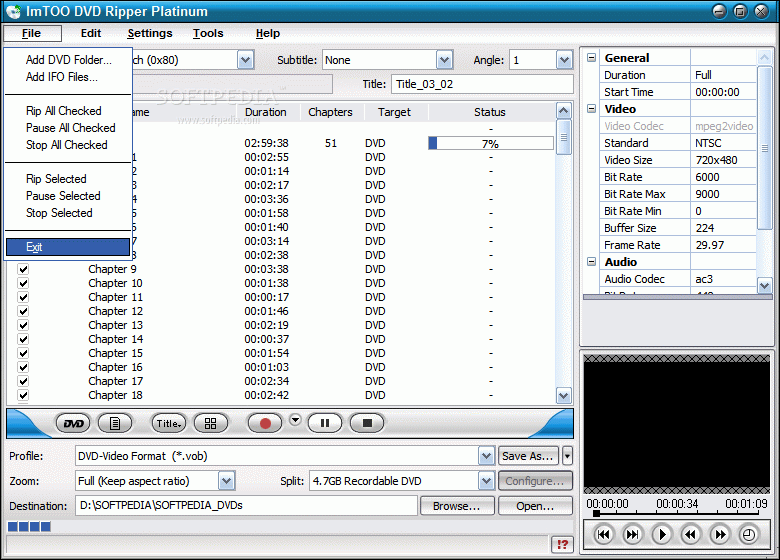
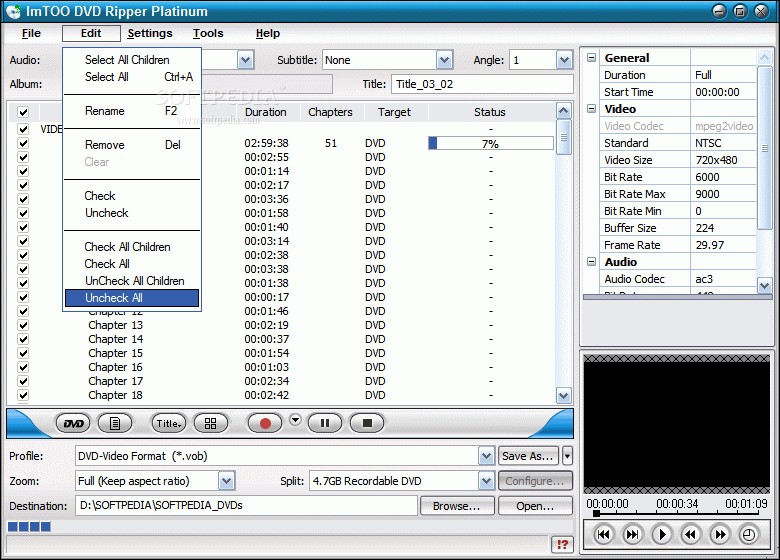
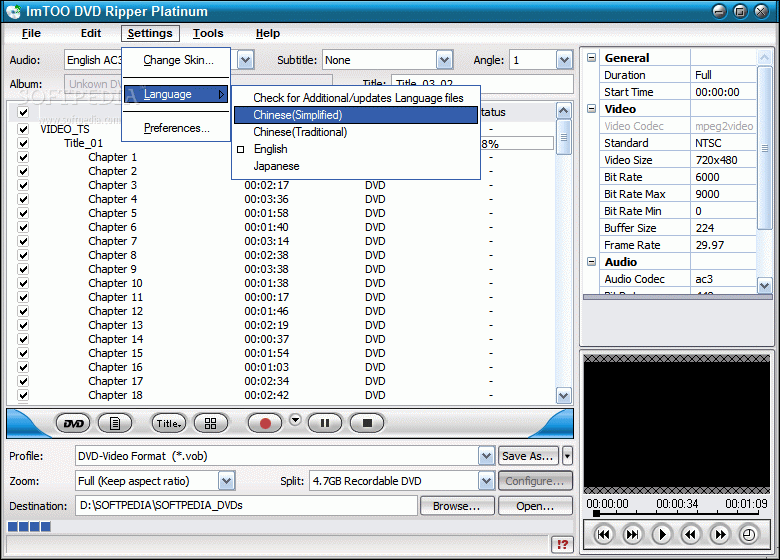
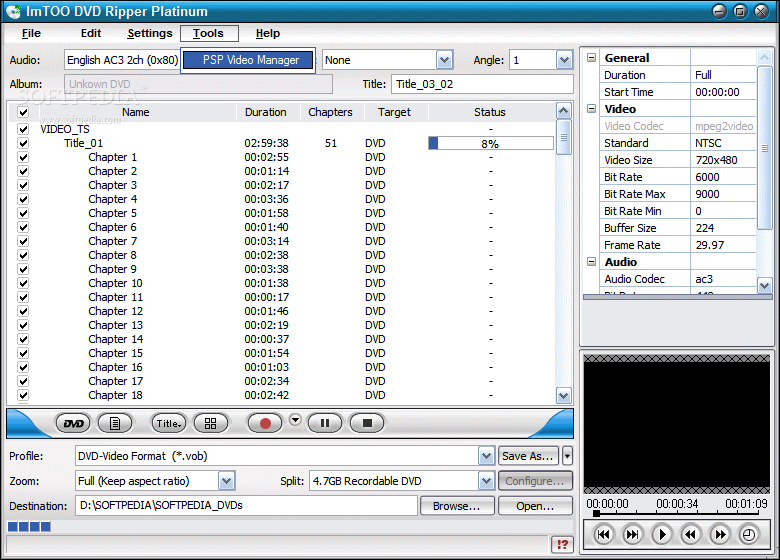
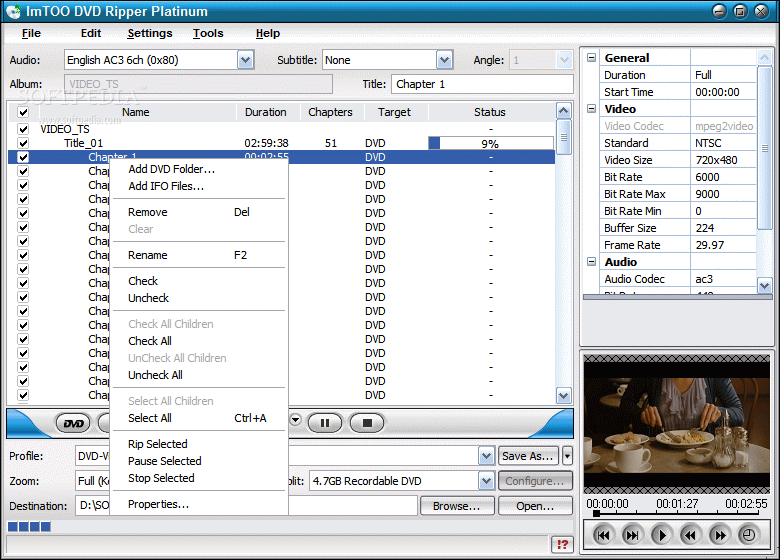
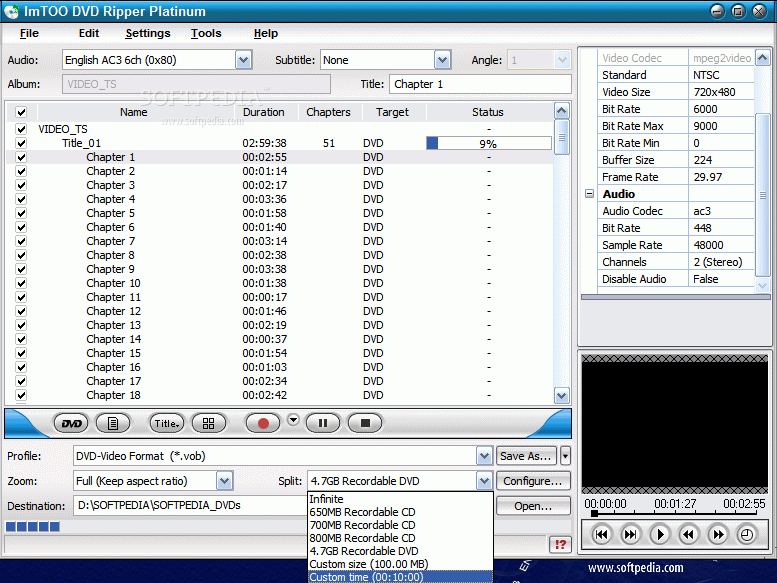
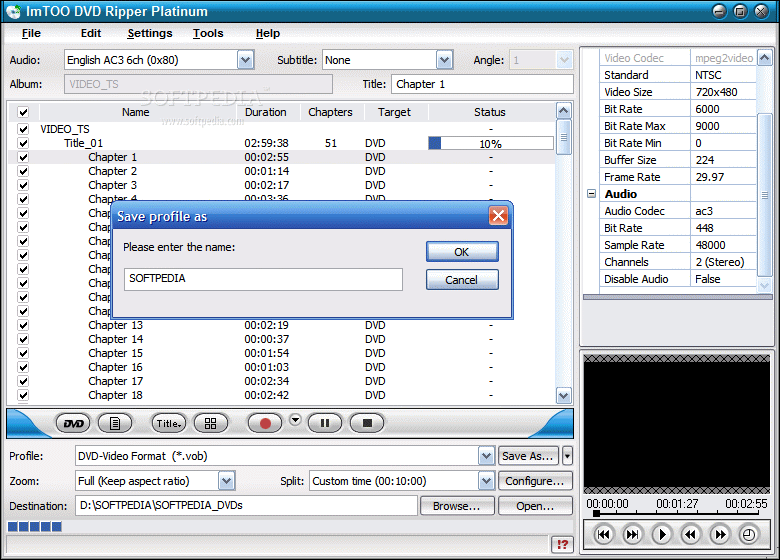
The easy to use interface has been preserved for this software, too, but the looks have been improved and it has been given a slicker aspect. The title bar for one, is slimmer and much better looking. Every box inside the main application window is ergonomically placed and will not intrude or incommode in any way. For a better look at the files the user can resize the main window from the right hand bottom corner of the screen.
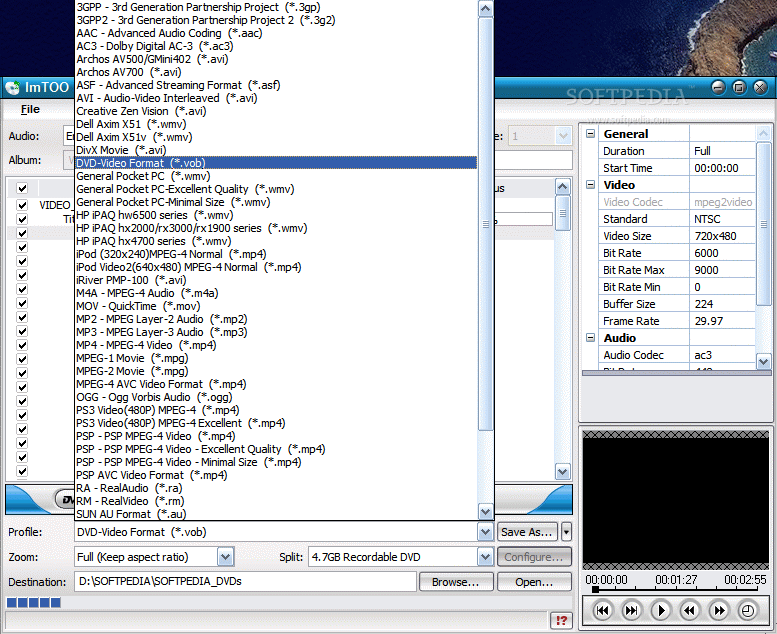
Getting started with the software is easy and the instructions are displayed at the launch of the application. Three steps are all there is to convert the DVD file into the desired format or ripping the audio. The first step is completing the fields in the Profile section at the bottom of the main application window (the video format). Of course, the user can also choose the desired audio format to accompany the video file (at the top of the window).
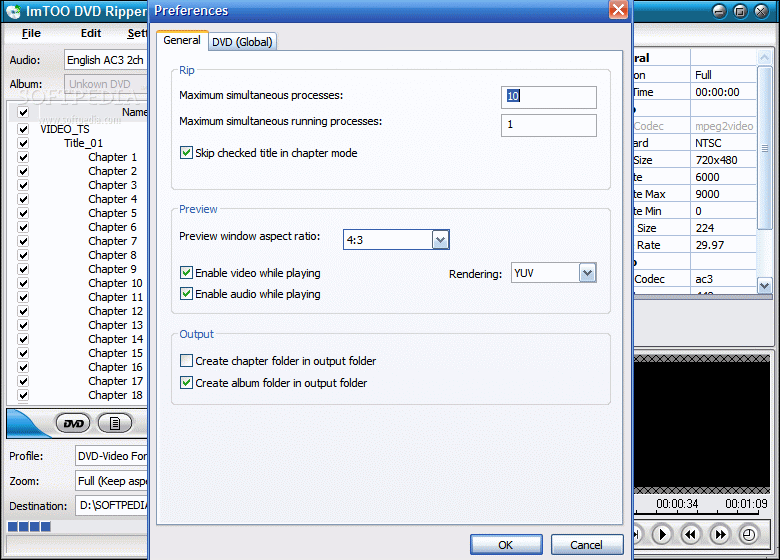
In the Preferences window of the software, the user can set the maximum simultaneous processes or the maximum simultaneous running processes. For this latter option, if you set a greater value you should be aware that the speed will be greatly diminished and you will not be able to do much on your computer if anything.
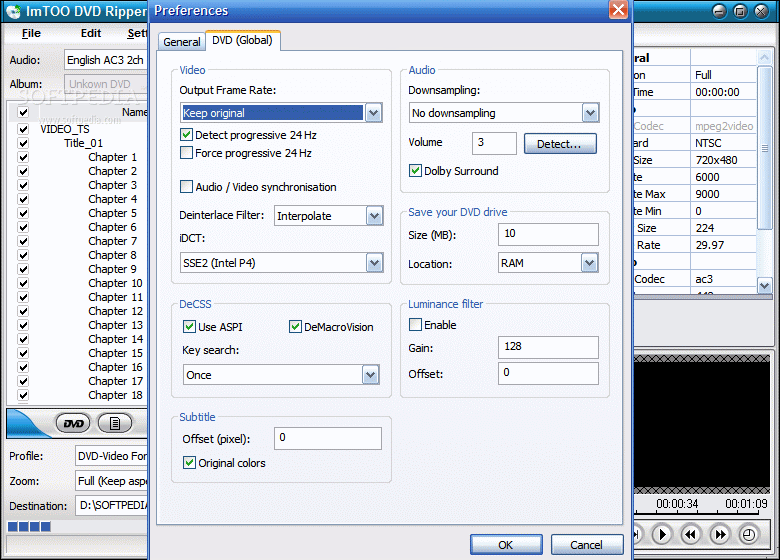
Preview window can be set to a 4:3 or a 16:9 aspect ratio. In DVD global options you can set the video output frame rate and the downsampling for the audio, as well as select the deinterlace filter (interpolate, odd, even or none).
In the right upper side of the application window you can see the details about the currently processing video file (video codec used, the standard, video size, bitrate, buffer size, framerate, audio codec).
So handling the application is not too difficult after deciding on the video format and locating it in the Profile options. To start the ripping, the little red button is used and for a better view on the chapters (or if you want to select only some of them) you can press the Show Chapters button (to the left of Rip button).
Some other settings you can make are the zoom (keep aspect ratio is the most recommended one) and the split (define the file size of the split, only if you want to split the movie).
The Good
You can practically convert the movie in any format you want, be it for PSP, iPod or a mobile phone. The software supports converting to QuickTime and RealPlayer media files. The flexibility of the application goes as far as to converting only segments of the DVD and ripping the audio files.
The Bad
The application does not make available a job finish estimating time. The user is informed only by the progress bar about the job status.
The Help menu does not exist and some of the users may feel overwhelmed with the myriad of formats available. It would have been nice to explain a little the settings of the software.
The Truth
It is not quite the regular DVD ripper you are accustomed to, but it gives you a whole lot more options than the average ones.
Despite the fact that the program is offering a converting solution for lots of portable devices, the price seems a little high. I mean it's $45 we're talking about. On the other hand, there are DVD back up utilities that cost more than this and all they offer is 1:1 DVD copy on your computer, shrinking a DVD9 to DVD5 and burning the result.
Here are some snapshots of the application in action: