14 DAY TRIAL //
 Every day, people use presentations more and more. They can be designed in multiple forms and for a wide range of uses. In advertising, for example, photo slideshows are essential in the development of a marketing campaign for a specific product. Also, in schools, more and more professors demand their students to present a photo slideshow and to make a presentation on their subject. It is pretty clear that the knowledge of creating an attractive presentation has become a necessity.
With the help of the many software products available on the market, all you have to worry about is the content of the presentation. The appearance, format and even the music background are easily configured in the program you choose to use. InAlbum Deluxe will help you create beautiful, colorful slideshows or serious, formal presentations, according to your specific needs.
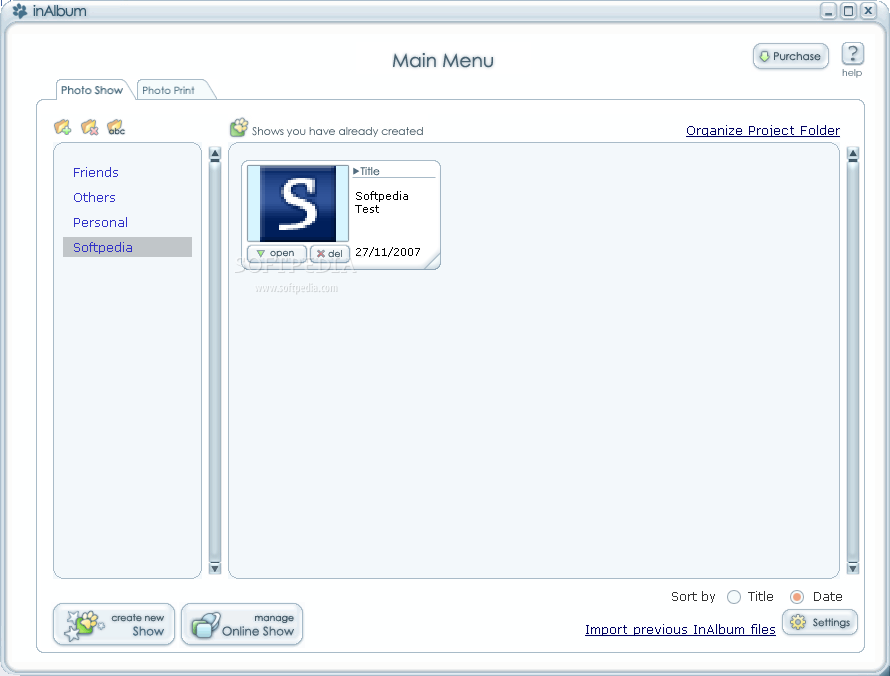
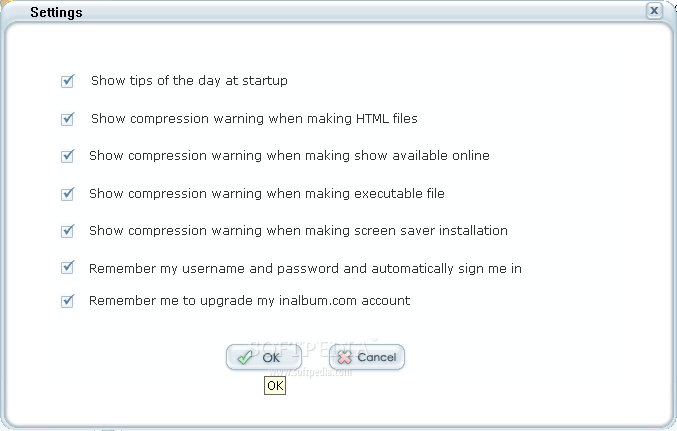
At the start of the application, InAlbum Deluxe shows the tip of the day, providing you with useful information about the program features. The main screen of the application displays a tabbed view of the two main categories: Photo Show and Photo Print. In each of the tabs you can see your folders and thumbnails of your existing photo shows or photo prints. From here, you can create a new photo show or open a previously created presentation in order to modify it.
Create a Photo Show
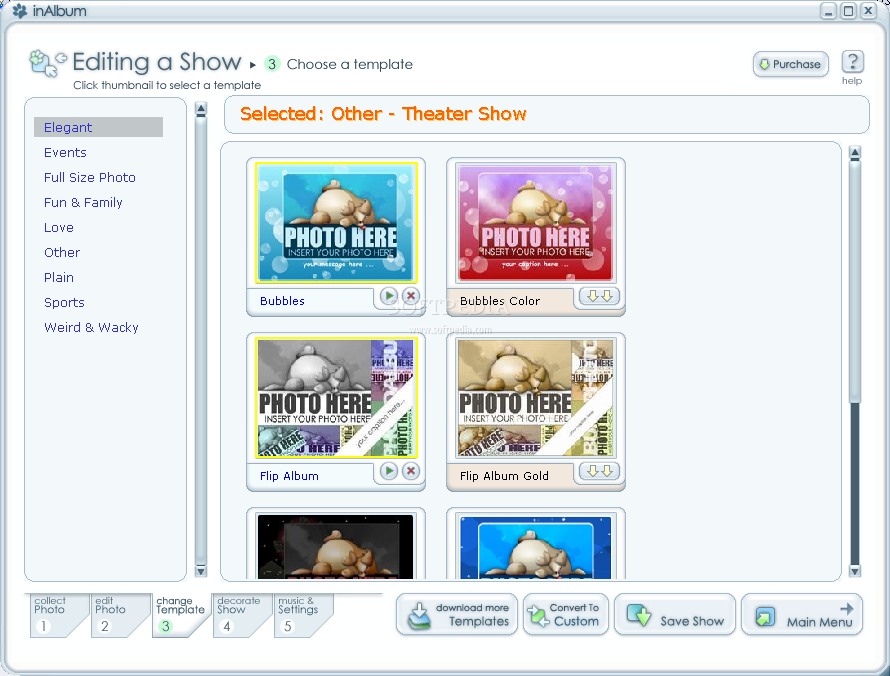
The creation of a new photo show involves a series of steps that you need to follow. First of all, you have to choose the name of the presentation, its corresponding folder and the type of template that you want to use. The ready-made templates, provided by InAlbum Deluxe, will automatically set the background animation, photo layout, transitions and many other aspects of the slideshow, but you can also create your own custom template with your preferred background animations, frames, transitions and buttons.
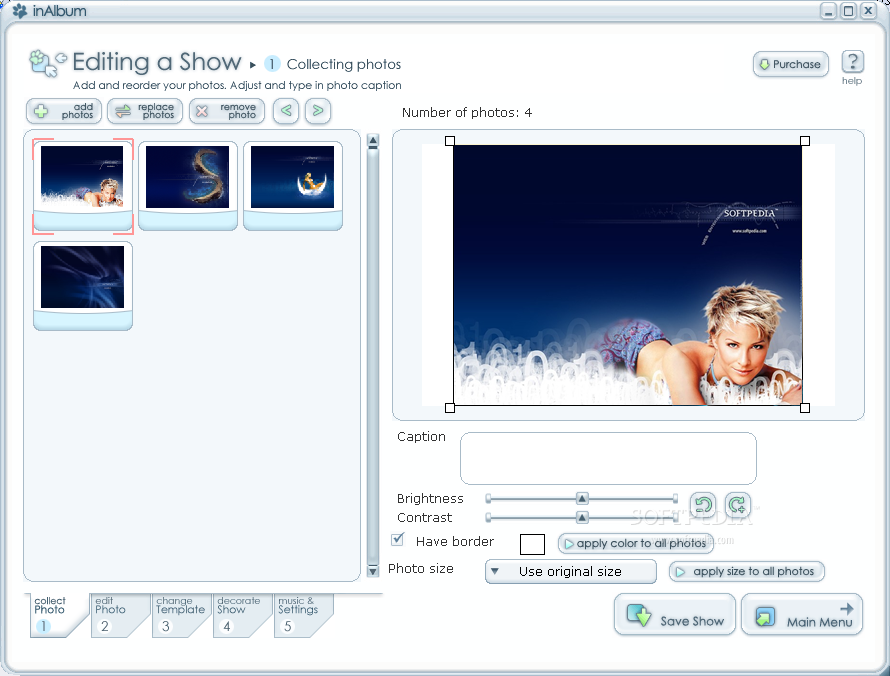
After configuring the general data about the slideshow and the template to use, you need to select the photos that you want to include in the presentation. You will be asked to do this in the first tab of the Show Editing window: Collect photos. For each photo, you can write a caption, modify its brightness, its contrast levels and the border color. You can also set a specific size for all the photos in the slideshow.
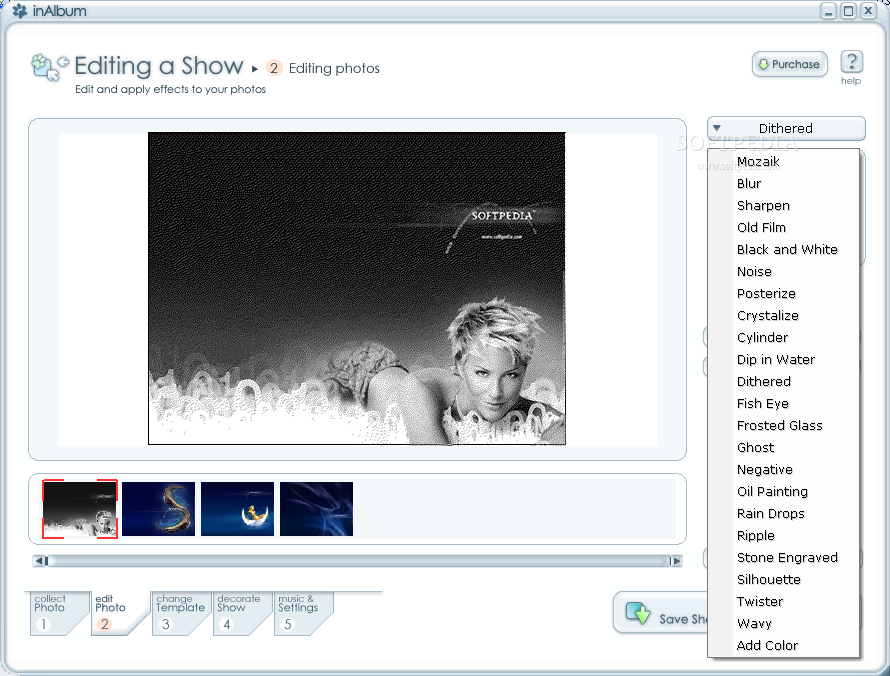
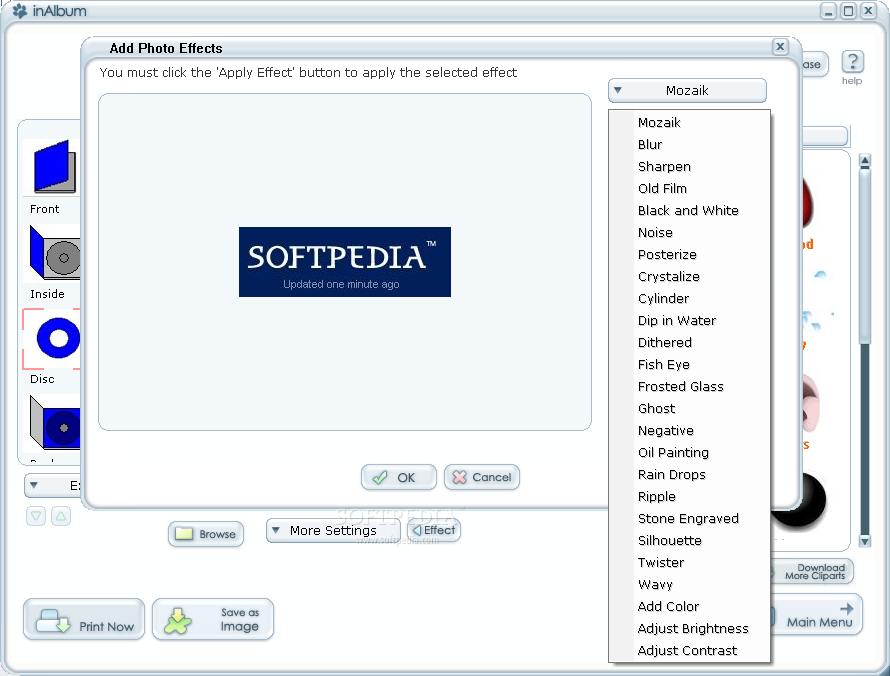
In the next step of the slideshow creation process, you can edit each photo. InAlbum Deluxe provides you with various effects that you can apply in order to give your photos an artistic touch or just to make them more interesting. The effects that you can choose from include Mozaik - dividing the picture in small squares, Rain Drops - that adds a number of water drops on the image, Frosted Glass, Oil Painting, Ghost, Negative and Stone Engraved.
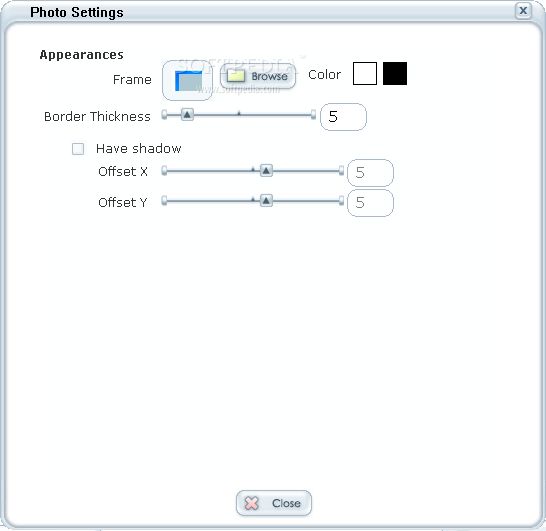
In the next step, you can customize the presentation template. Here, you can modify the presentation layout and background, the photo frame, the button set and the caption color. The transition tab allows you to choose one of the 25 transition modes available. You can apply a different transition for each photo or choose a single one for the entire presentation. The next two tabs from the Template Customization screen, Intro Page and Credit Page, enable you to customize the appearance of the slideshow generics.
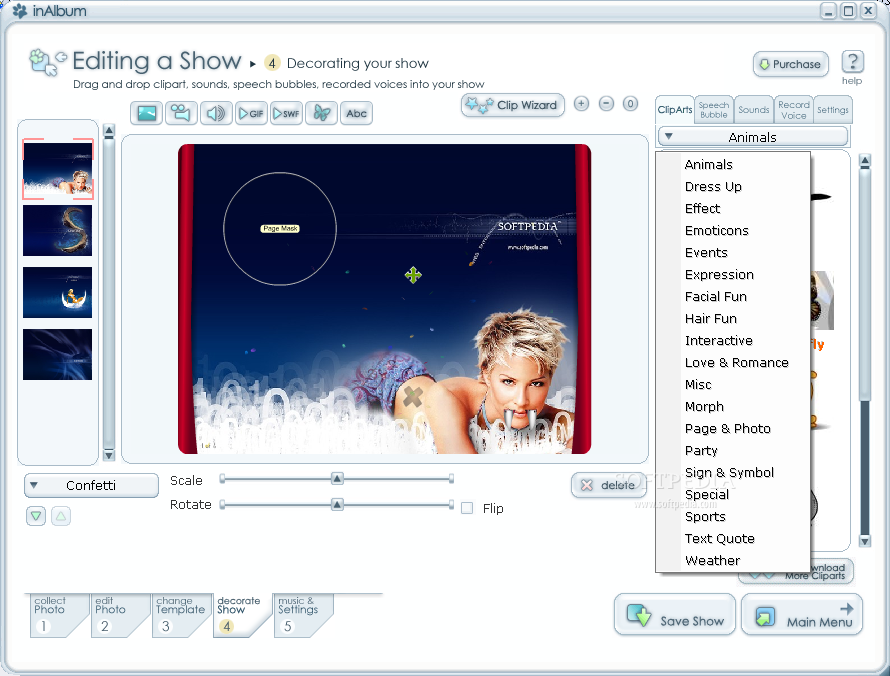
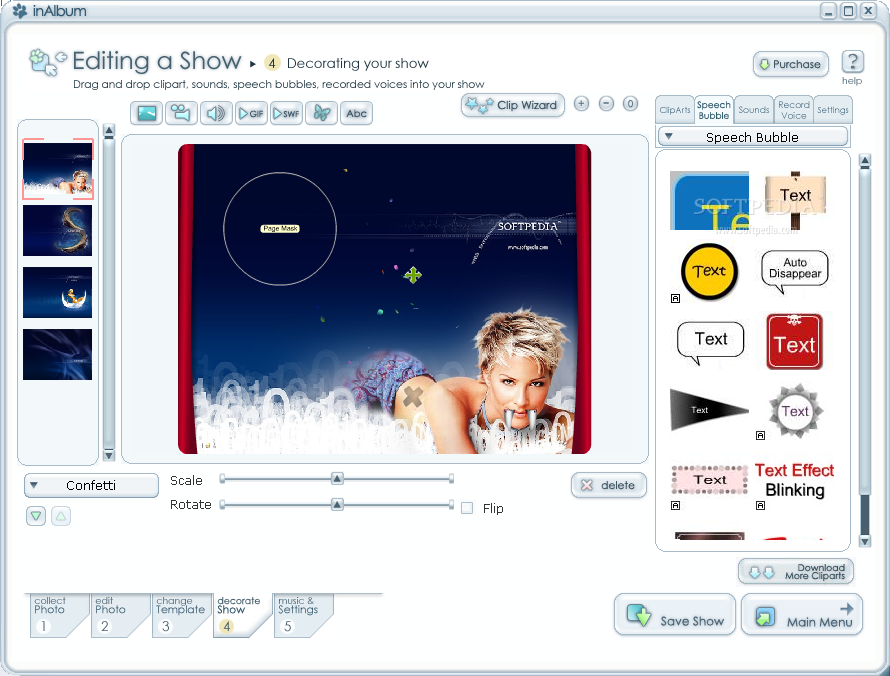
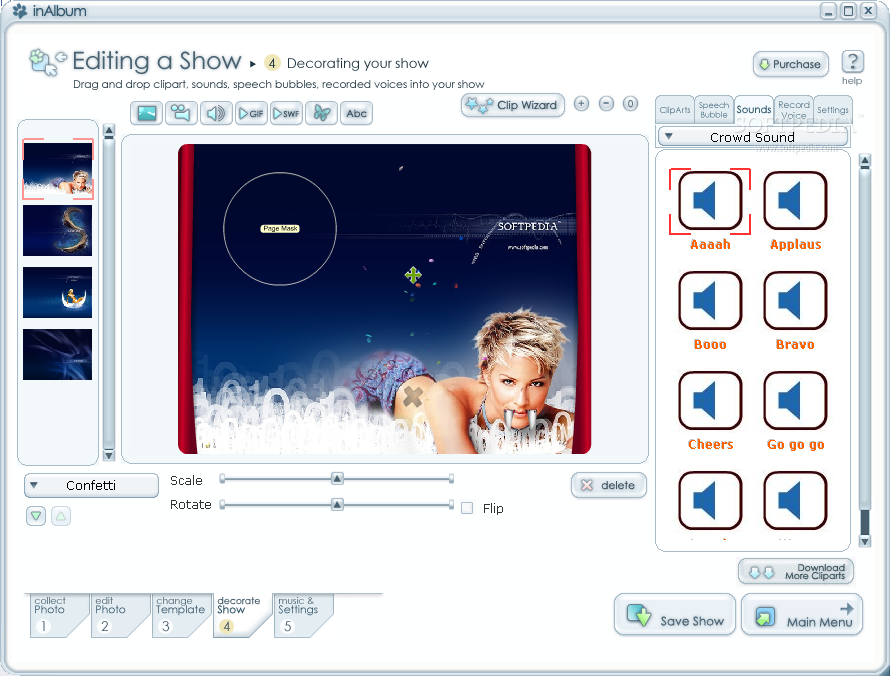
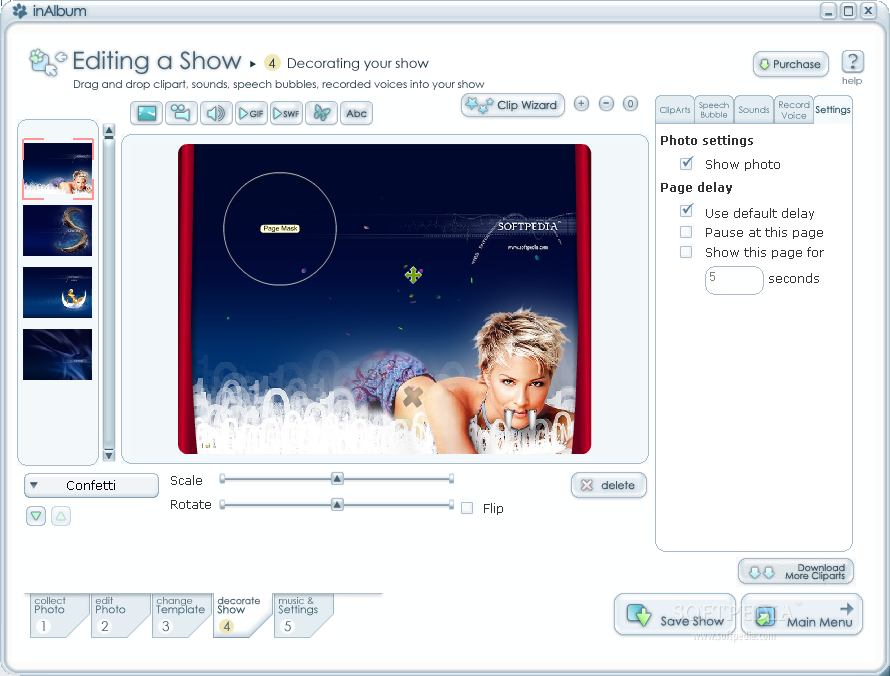
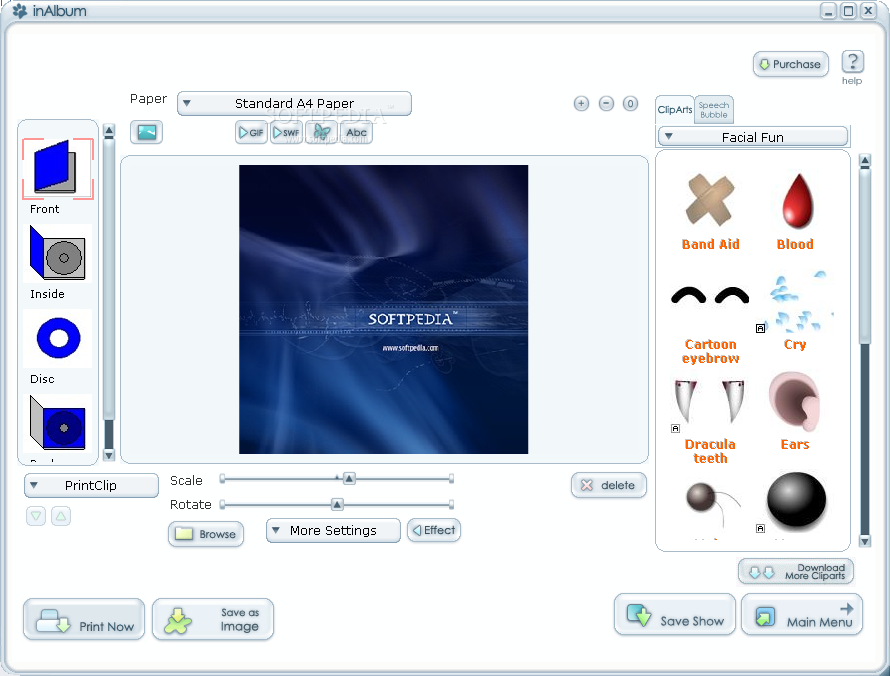
InAlbum Deluxe provides a unique function that allows you to decorate your presentation with various objects, like speech bubbles, sounds, or clipart. The clipart section offers many categories of funny objects that you can place on your image: Facial fun, Animals, Floating bubbles, Hair fun, Confetti, Flowers and many others.
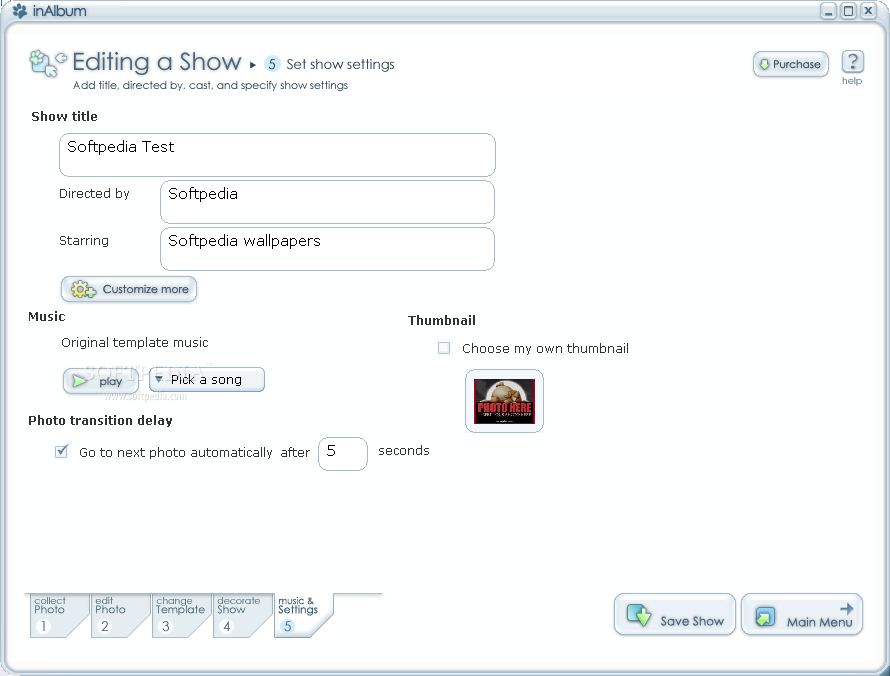
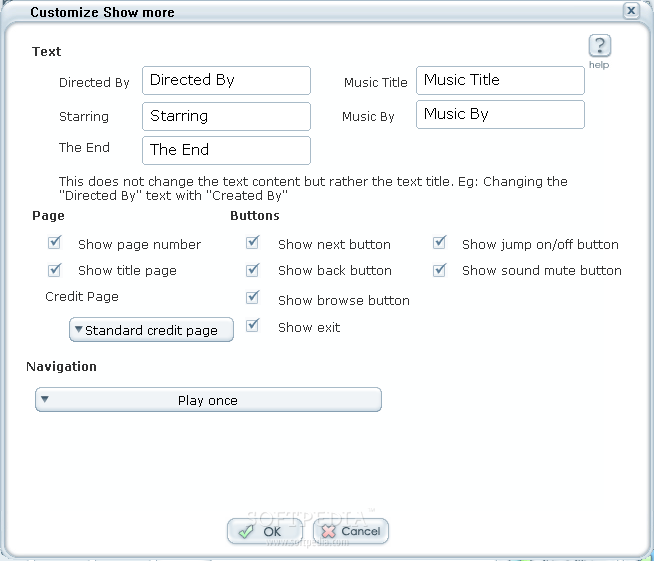
The last step of the process allows you to specify the slideshow title, its director and the other information that appears on the credit page: starring, music title, music by. Here, you can also configure the page information and buttons showing in the presentation and the music file to play. The application includes some ready-made music files that you can download and use. The songs are grouped by genre in order to make it easier for you to select the appropriate one for your presentation theme; you can choose from Cinematic, Classic, Country, Events, Funny, Heavy Metal, Jazz, Nature and others.
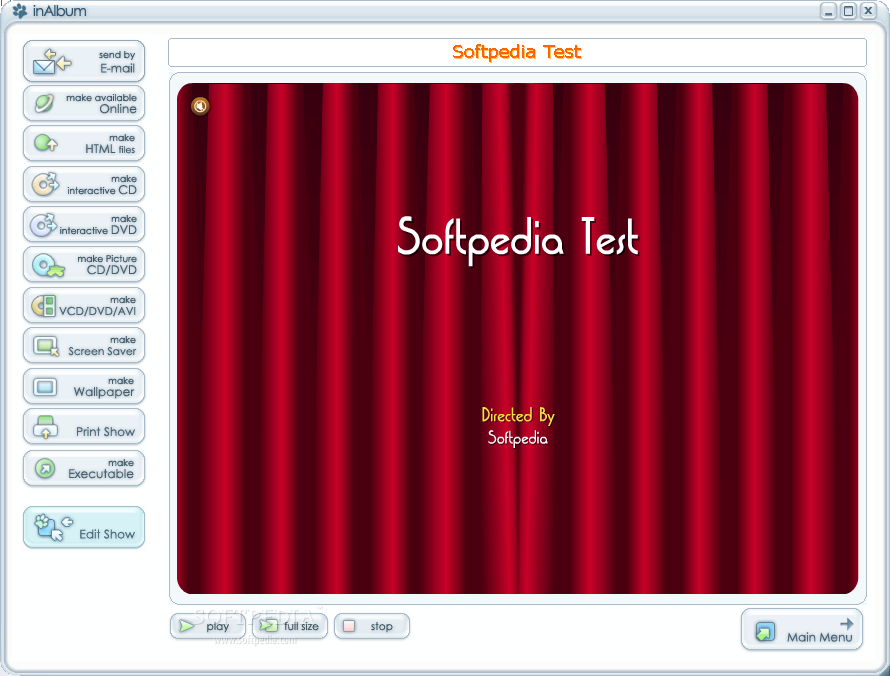
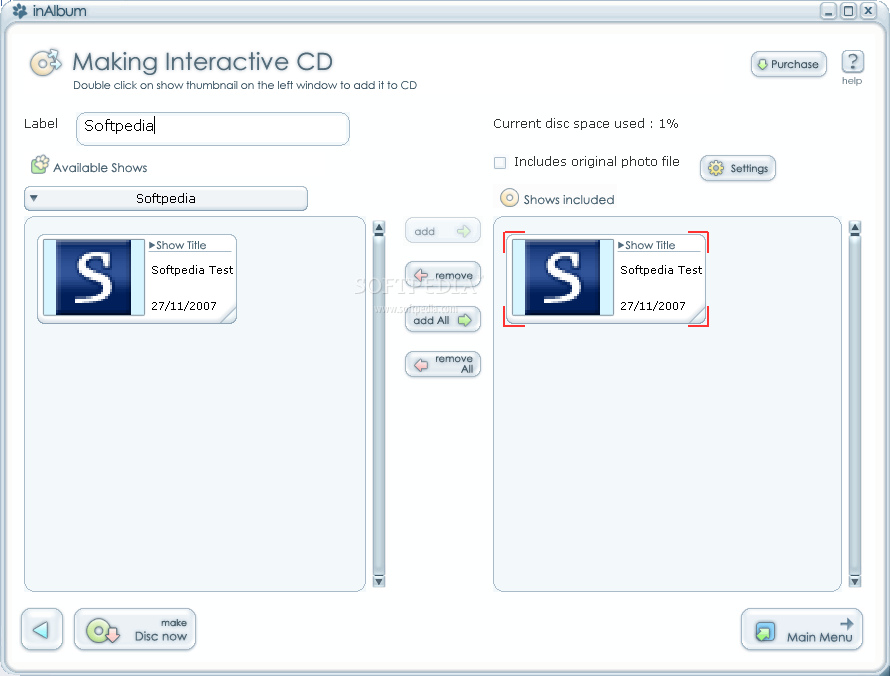
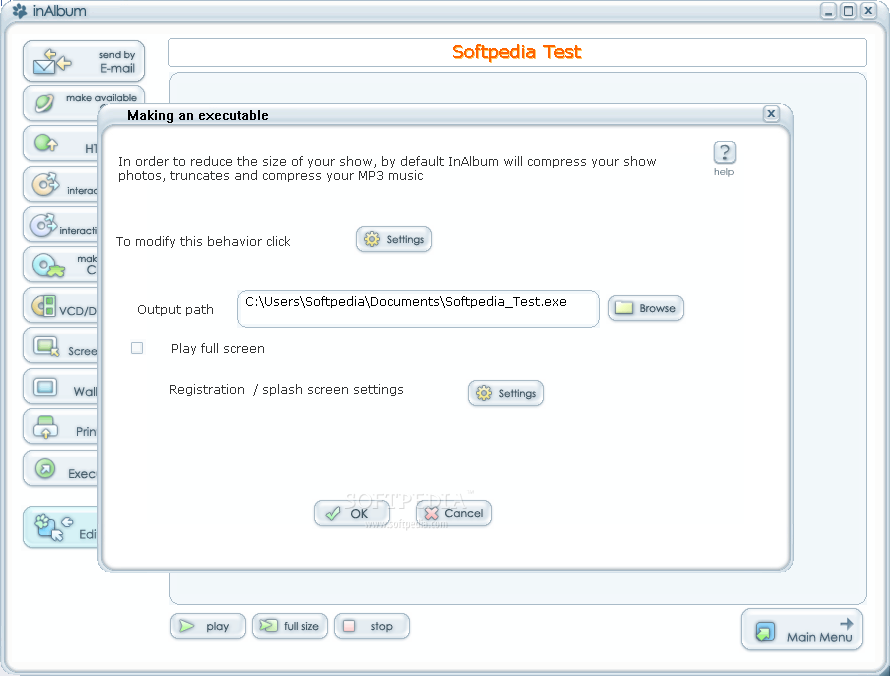
Now, all you have to do is save your slideshow and press the 'Finish Editing' button on the screen. Congratulations, you now have your dream presentation! But, that's not all? while previewing your created slideshow, you can see that there are a lot of actions that you can take, like send the presentation by email, make it available online, make an interactive CD/DVD or make a screensaver out of it.
There is still a functionality of the application that I haven't yet presented and we will get to it now.
Create a Photo Print
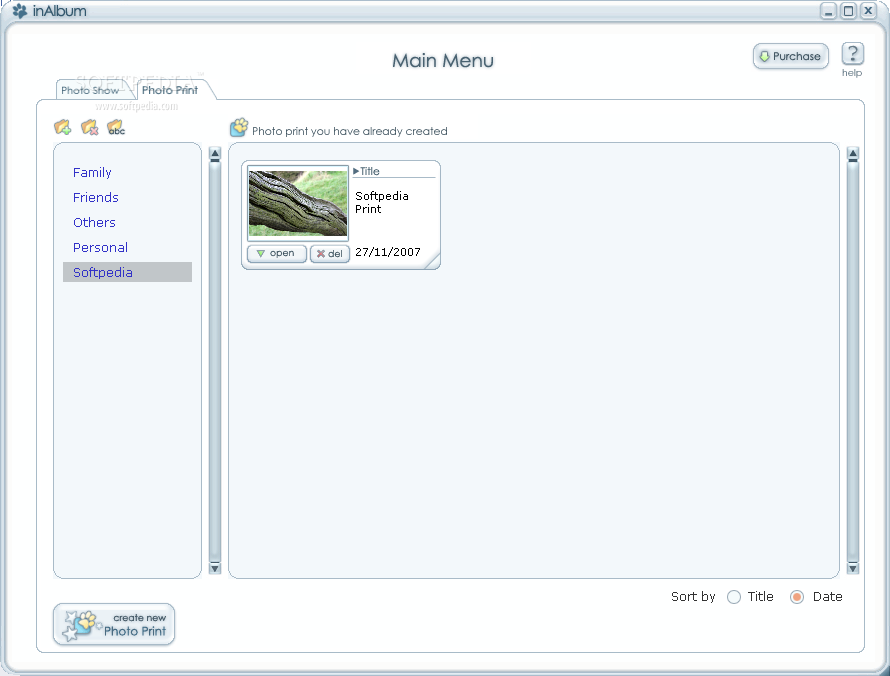
The main menu of the Photo Print category allows you to organize your custom folders and view the prints available in the selected one.
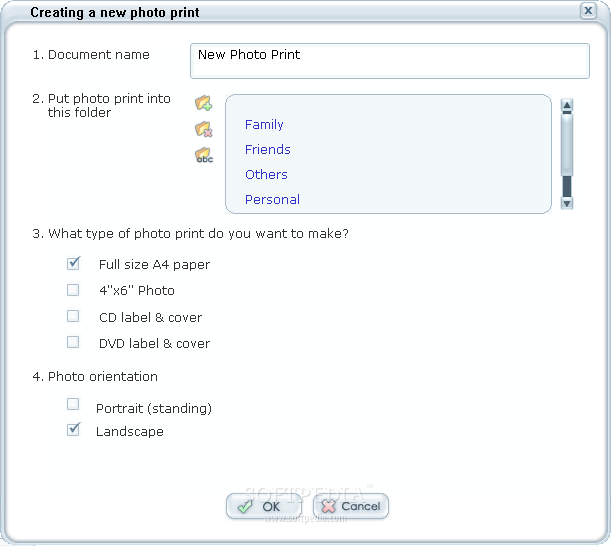
If you choose to create a new photo print, you will have to specify the document name, the folder to store it in and also the type of the photo print and the photo orientation. The photo print types that you can choose from are: Full size A4 paper, 4"x6" Photo, CD label & cover, or DVD label & cover.
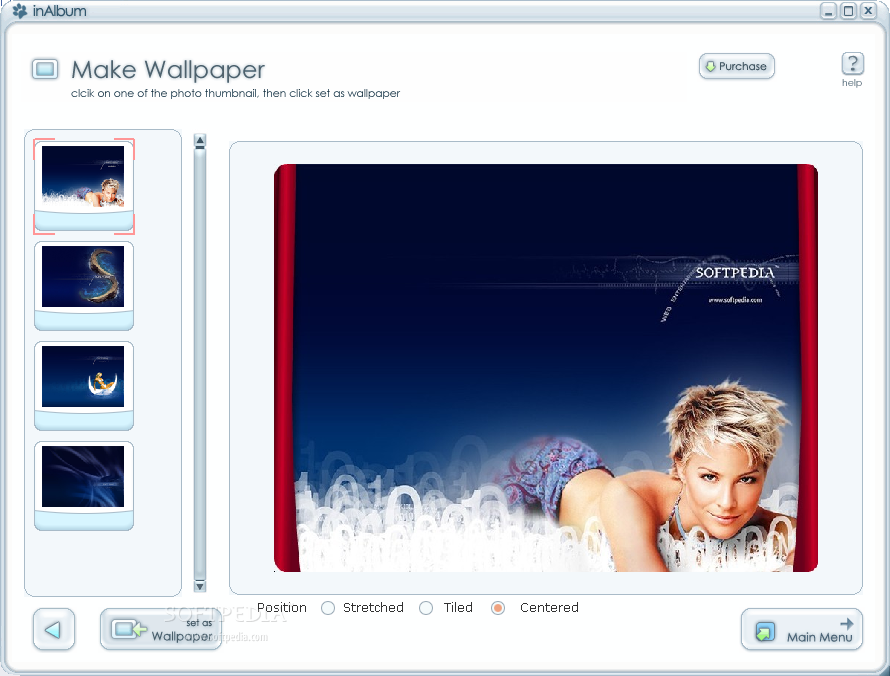
In the next screen, you can add and edit the photo. The effects that you can apply to the selected picture are the ones presented in the Slideshow creation process. The imported picture can be scaled and rotated and, by adding multiple images, you can create a very interesting photo collage. Like in the Slideshow creation, you can add clipart and speech bubbles to the picture in order to make it funny. Also, InAlbum Deluxe provides you with some buttons that allow you to add GIF animations, SWF files, WMF or PNG files or even text animations. When you have the final version of the photo print, you can either print it, save it as image or set it as wallpaper. You can also save the show and return to the application's main menu, where you will see the photo print in its corresponding folder.
The Good
Due to the ease of use of the application, InAlbum Deluxe is the perfect slideshow creator for everyone. With InAlbum Deluxe, it's very easy to create and configure a presentation and with the help of the wide range of ready-made templates that can be used for different categories of slideshows, users won't have to worry about the technical details of their presentation.
InAlbum Deluxe provides you with a 15-day trial of all the application features, so that you can fully try the program's functionality before you decide to buy it for $54.95.
The Bad
InAlbum Deluxe is not suited for people who design professional presentations, because of the lack of truly advanced features and effects that a professional user would need.
The Truth
InAlbum Deluxe is really worthy to be tried, because it's so easy to use and it allows you to customize all the aspects of the presentation you're working on.
Here are some snapshots of the application in action: