14 DAY TRIAL //
 When you spend your vacation in an exotic place, it is only natural to want to show off your pictures and share your experiences. But if your holiday destination didn't turn out to be as glamorous as you had expected (or as you bragged to your friends) or the weather suddenly became your worst enemy, you can still make your photos look breathtaking - and of course YOU will need to appear in them in order to make everything seem as believable and natural as possible.
Since you can't start cutting ads from magazines or from tourist brochures, you will need to come up with another solution. And one of them is called KJClipper - an application that will not only help you embellish your vacation photos (or any other type of images, for that matter), but will also offer you the possibility to cut certain photo areas and seamlessly integrate them within another picture. To put it more plainly, take what you want from an image and overlay it over a new one to create your dream scenery.
The first thing you'll notice when launching KJClipper is the splash screen that will keep reminding you that the software is running in trial mode, i.e. that you have 21 days to evaluate all its features. The program's interface will seem somewhat crowded, due to the fact that there are a lot of buttons within the main window. It's true that they will seem a bit confusing at first, but their icons are highly intuitive so you will be able to easily figure out the function of each of them.
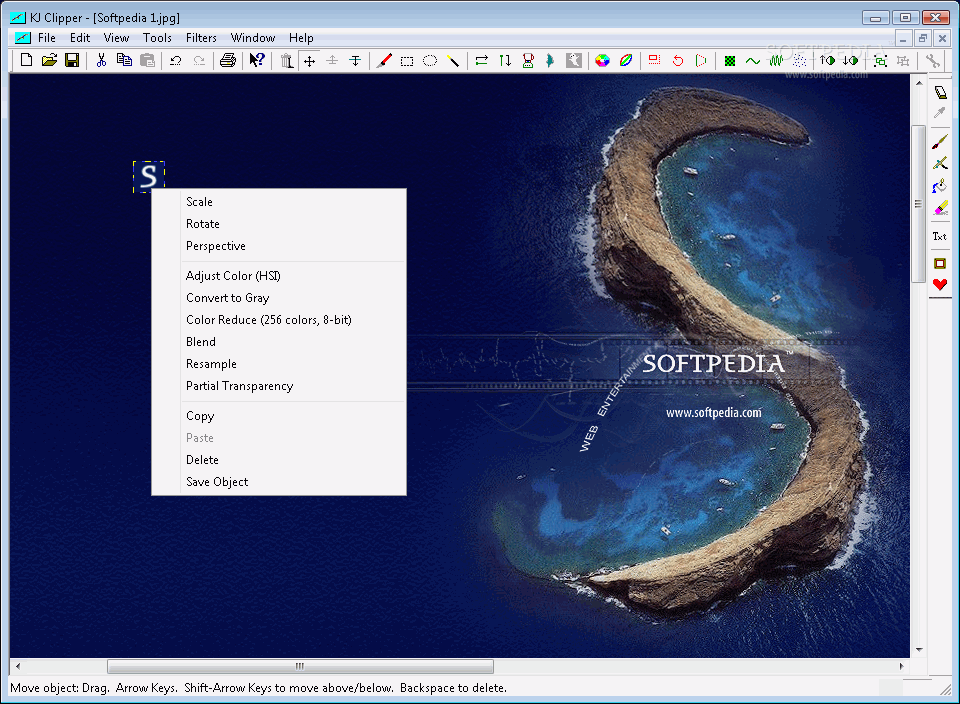
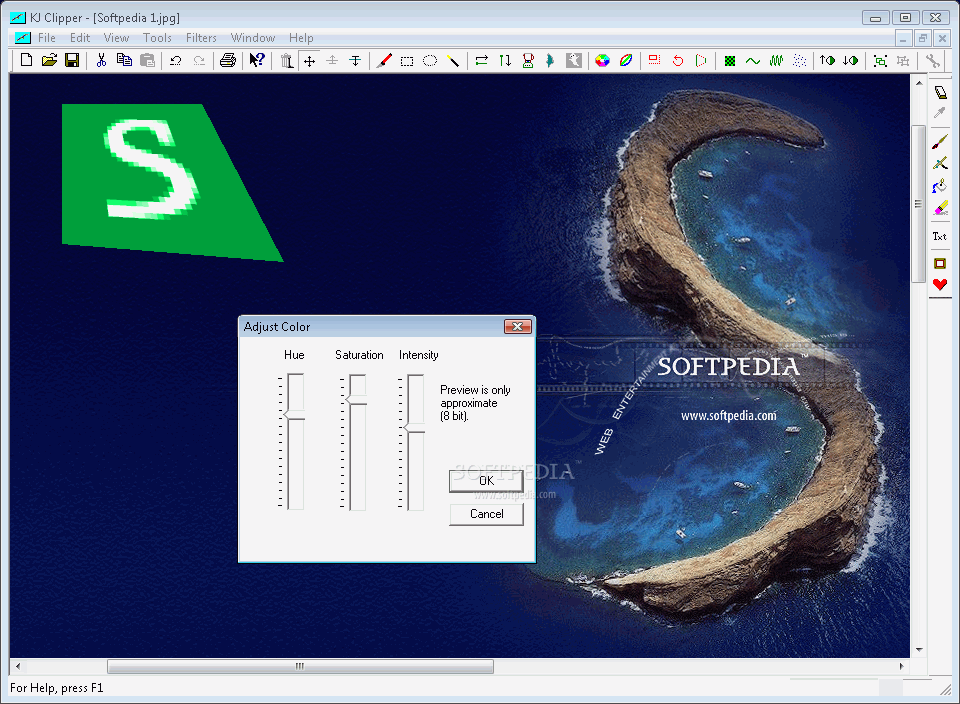
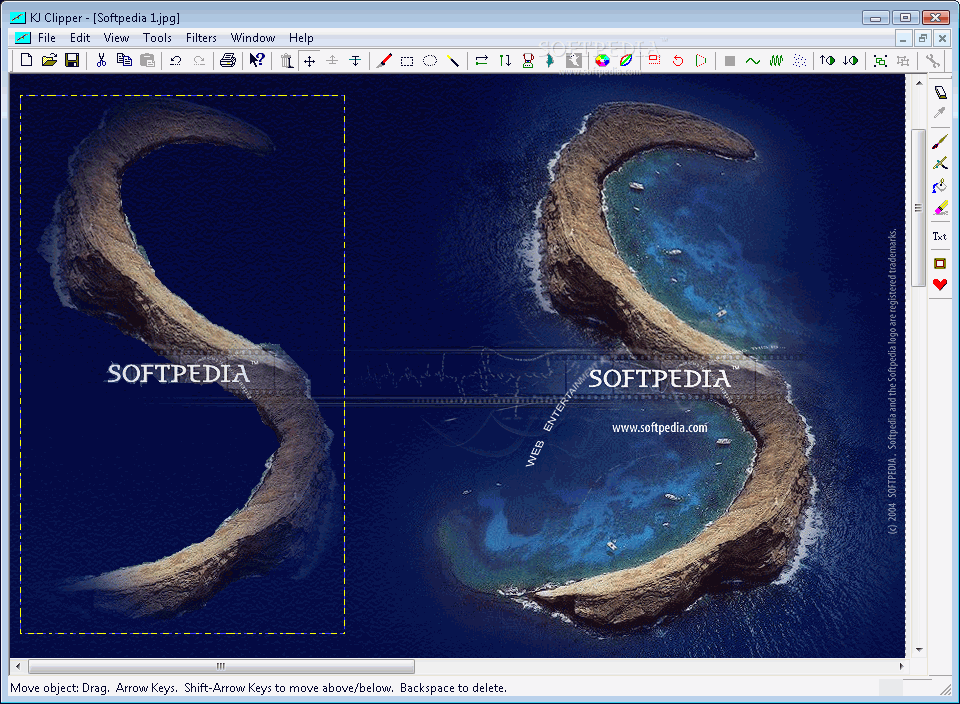
Since the main purpose of KJClipper is to deal with overlaid images, you will need to select the background and the top pictures in order to fully notice all the aspects. You will then have the possibility to rescale, rotate or change the perspective of the added image, thus bringing it to the position and appearance you need. Furthermore, you can adjust the colors or reduce them to gray to make sure that the overall impression is of smooth integration.
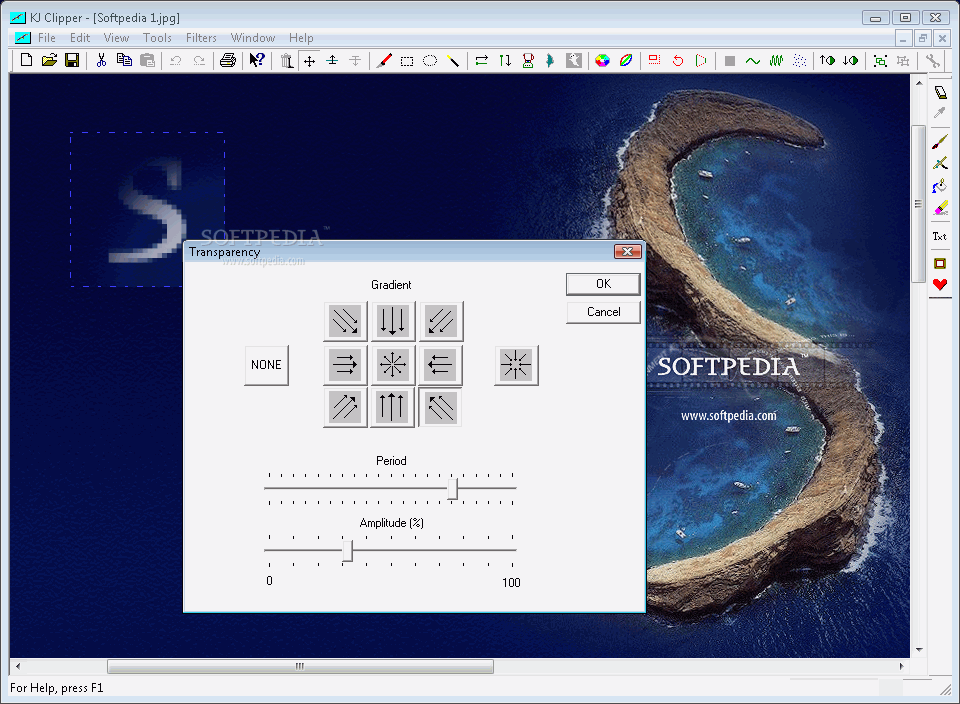
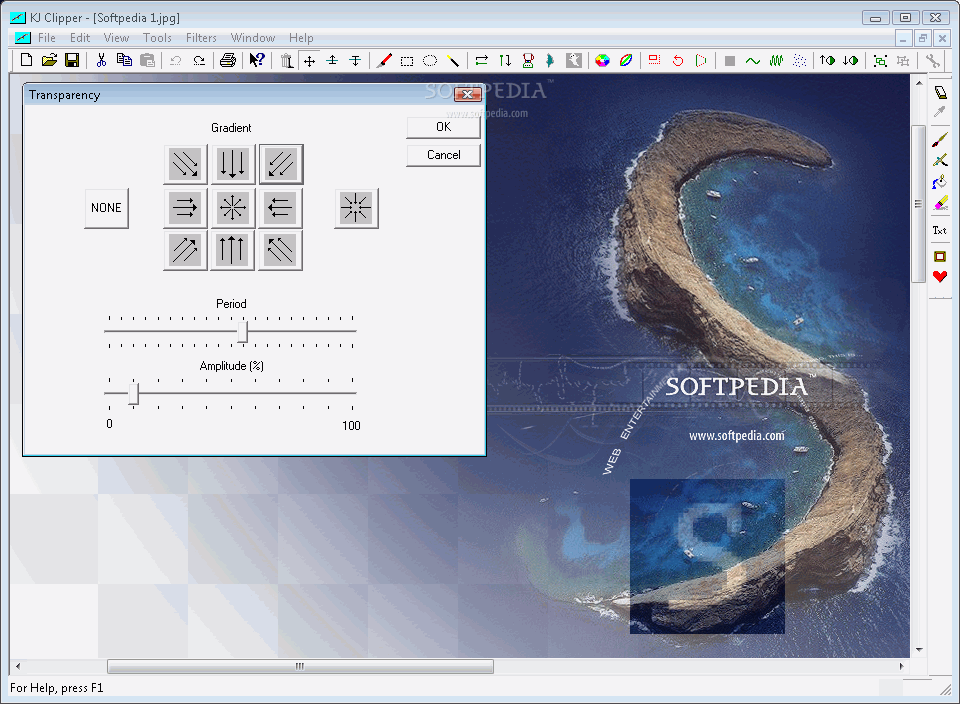
One of the important roles of KJClipper is to enable you to add or modify the transparency level for your images, both the background one and the added one. You can select the angle that best suits your preferences, as well as the amplitude and the period - even though these might sound complicated, you can easily come up with the best percentage because KJClipper provides real-time preview for every change you perform.
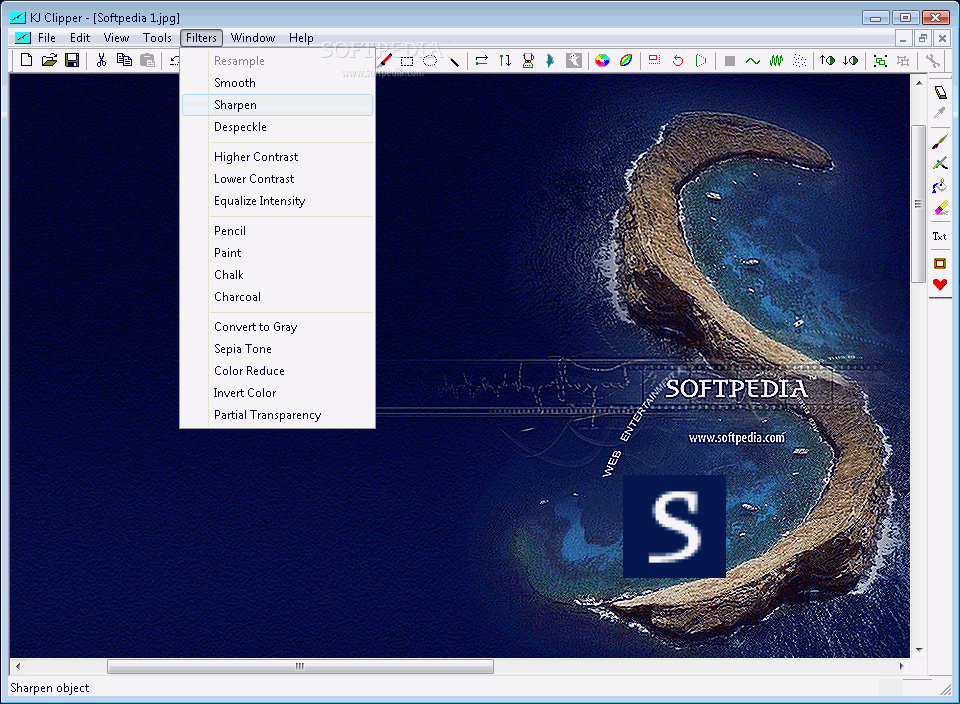
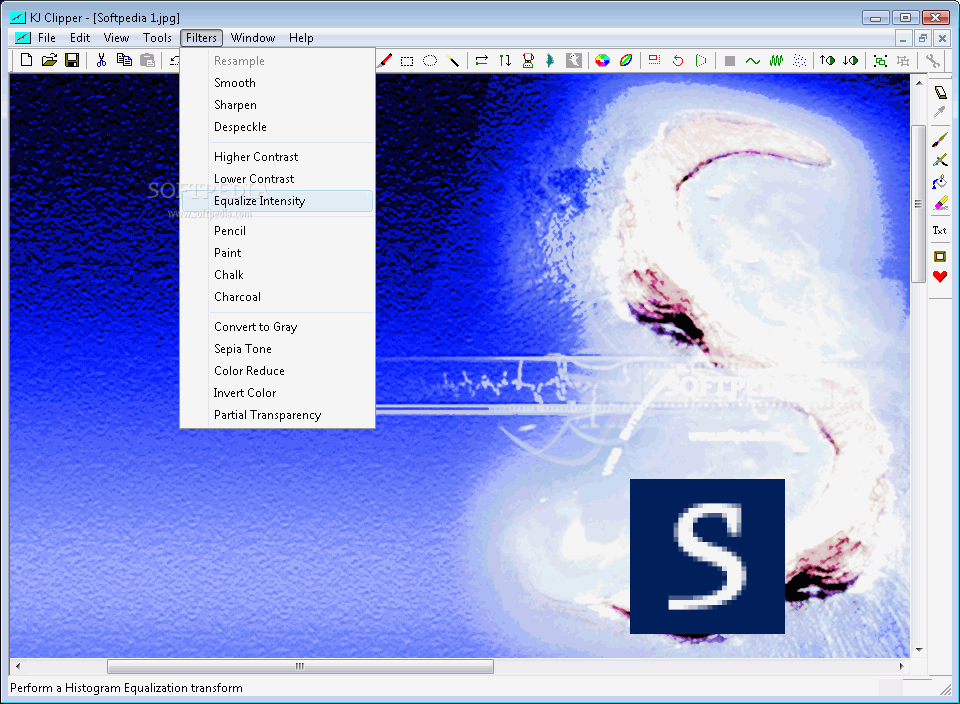
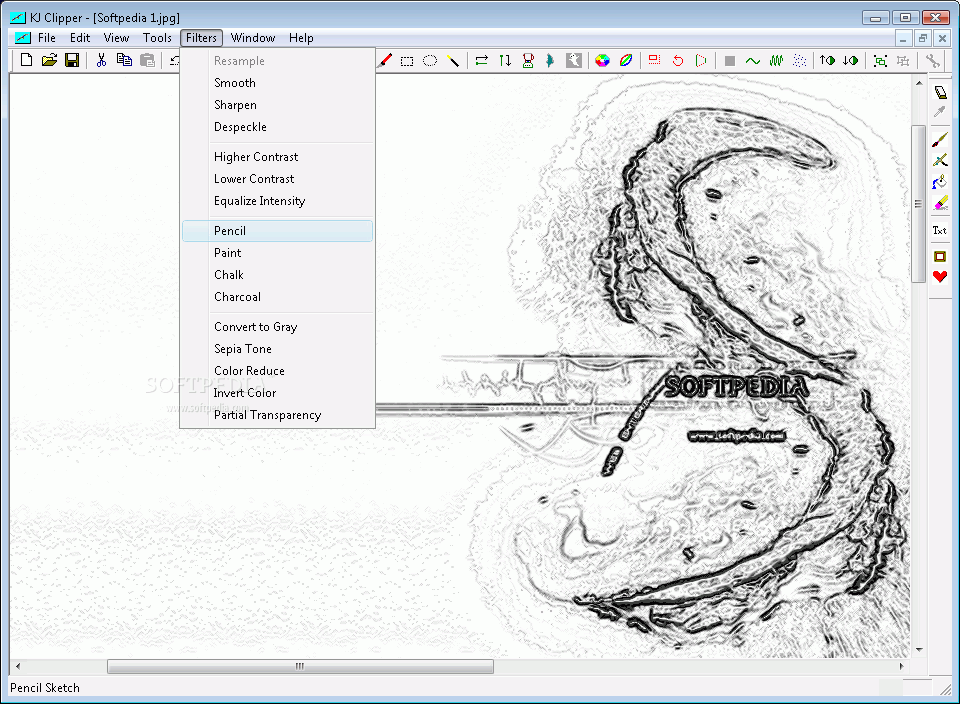
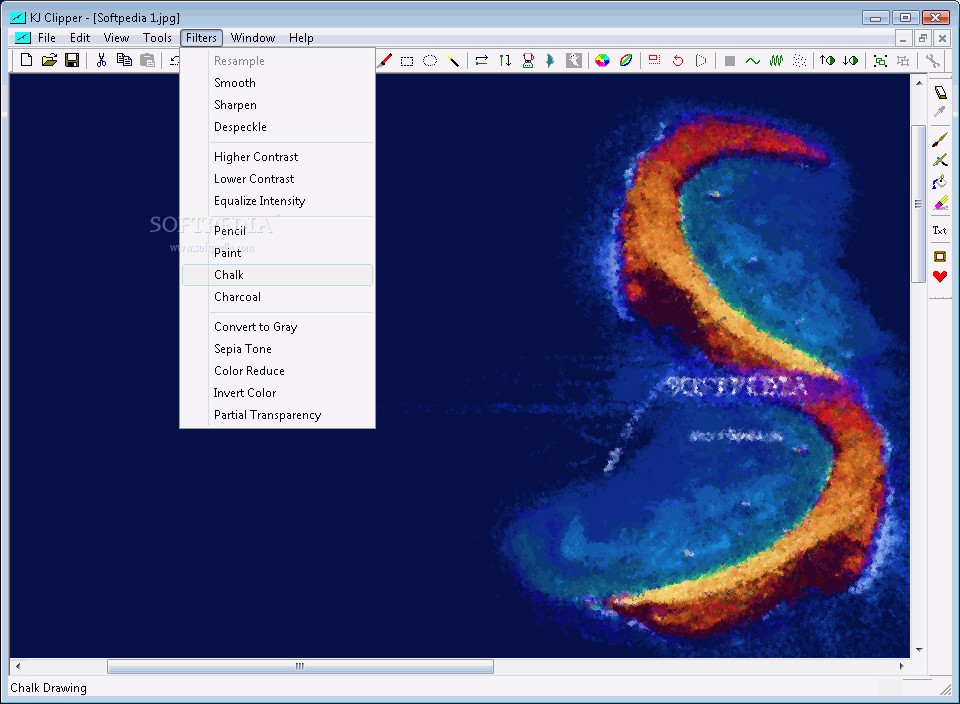
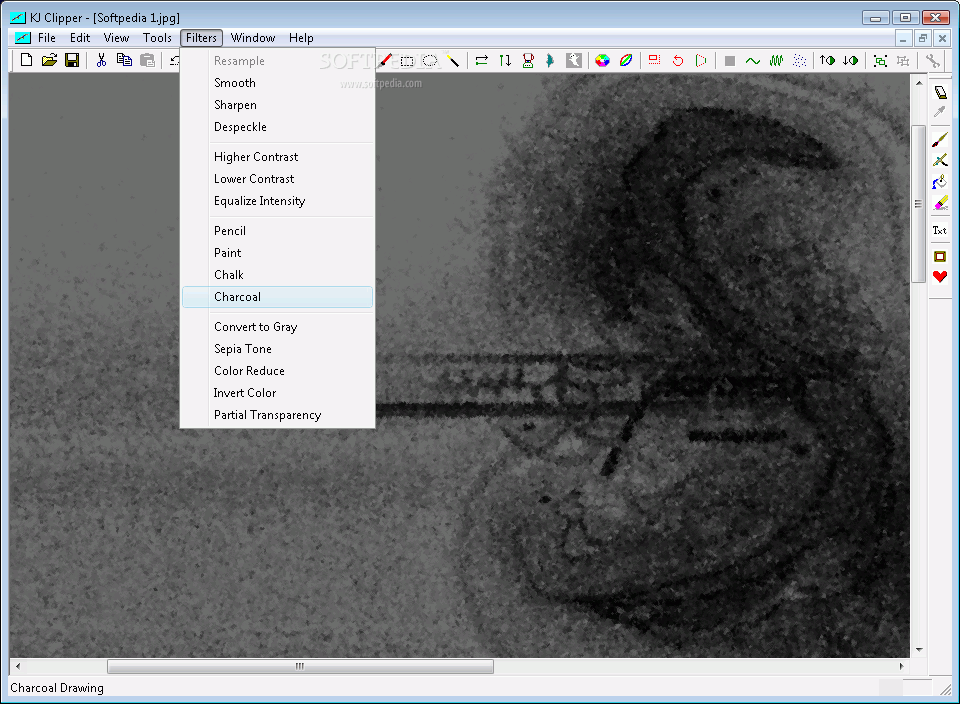
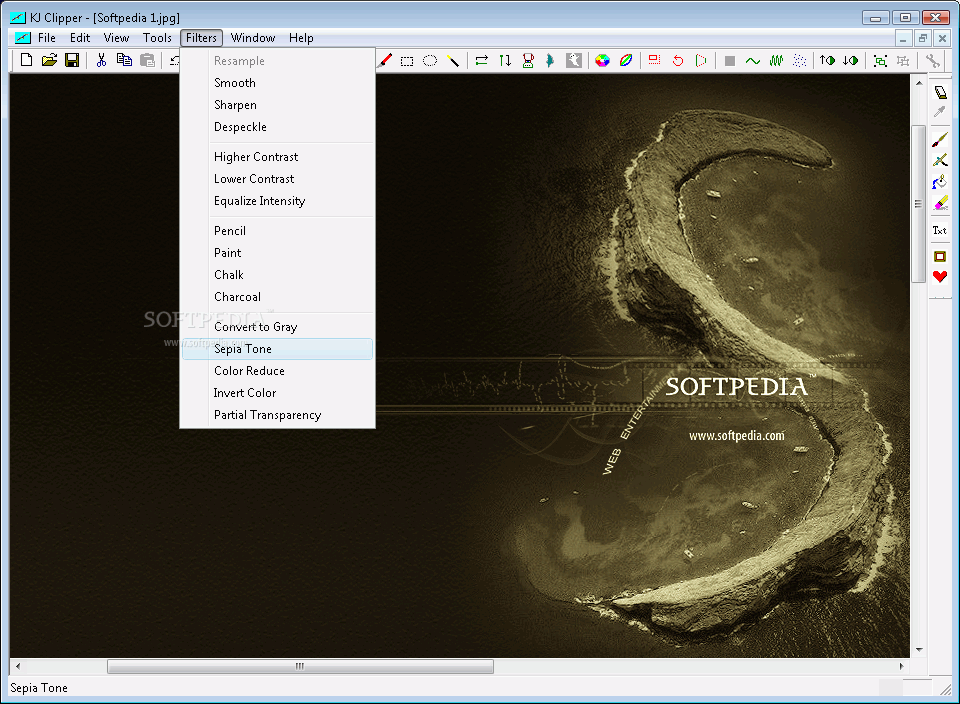
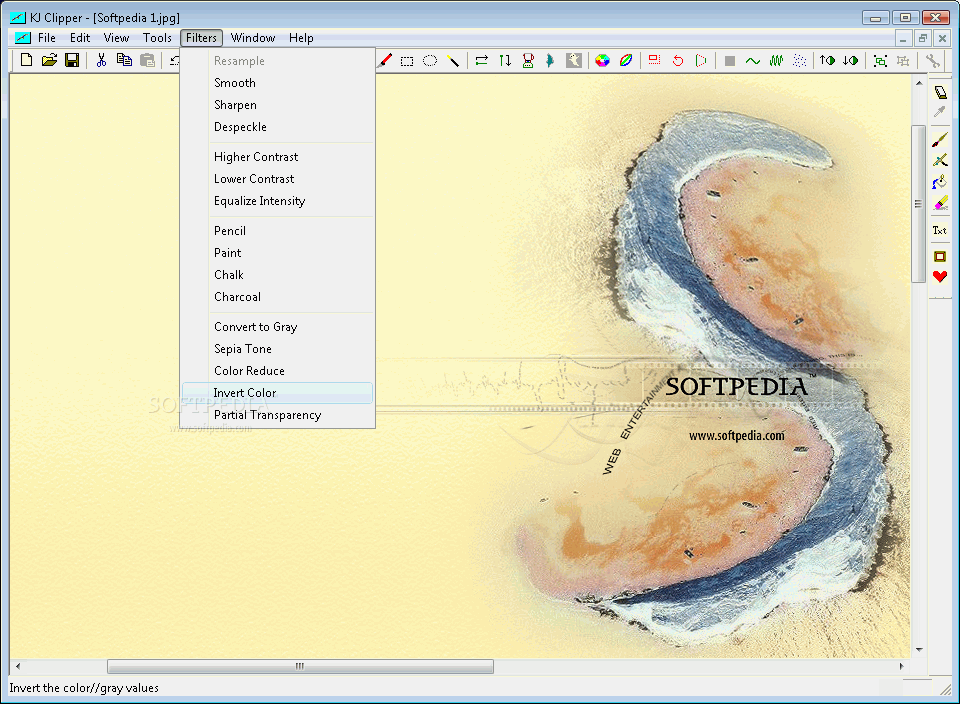
Another useful aspect of the software is included in the Filters menu, where you can see all the effects you can use to enhance your images and render them a professional touch. Thus, you can sharpen or smooth the image contrasts, or you can play with the more artistic filters: pencil, chalk, paint or charcoal. It's true that you won't be able to adjust the intensity of these changes, but the results might satisfy you either way.
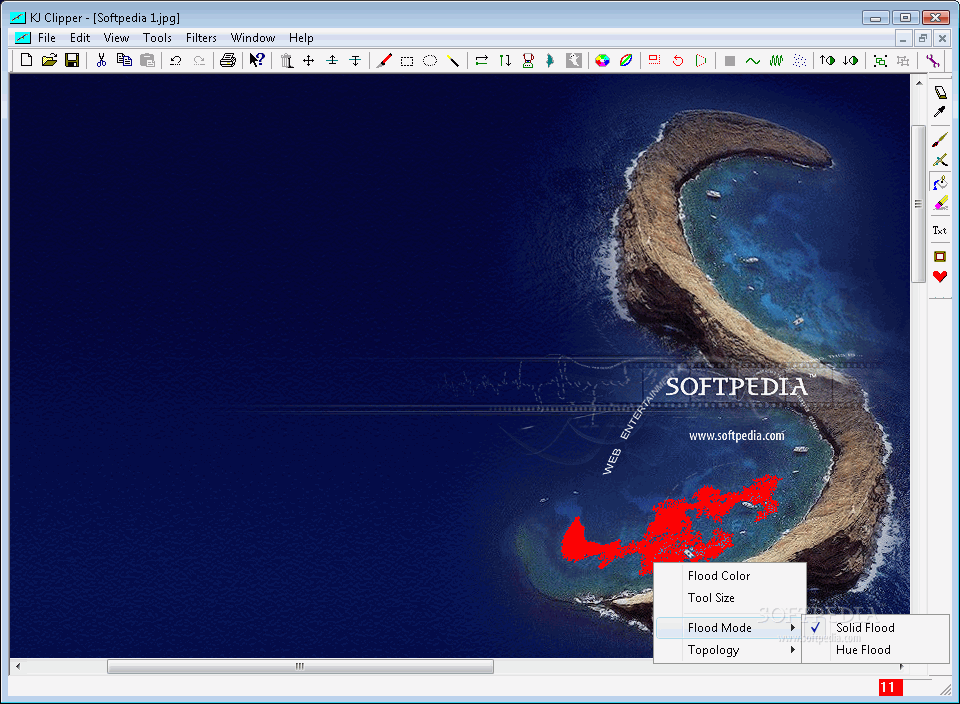
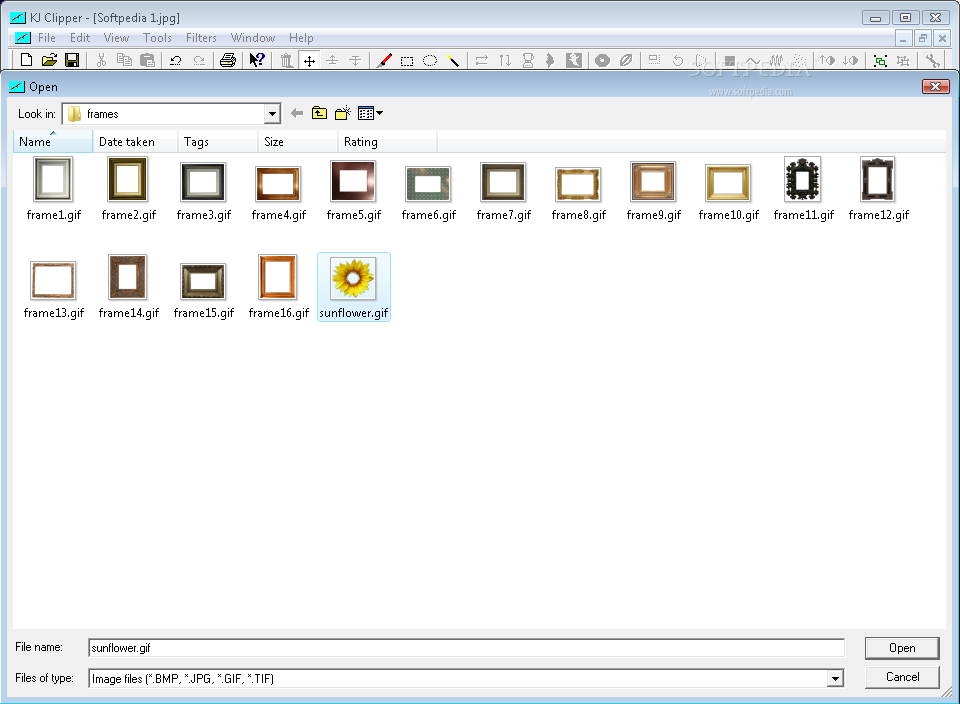
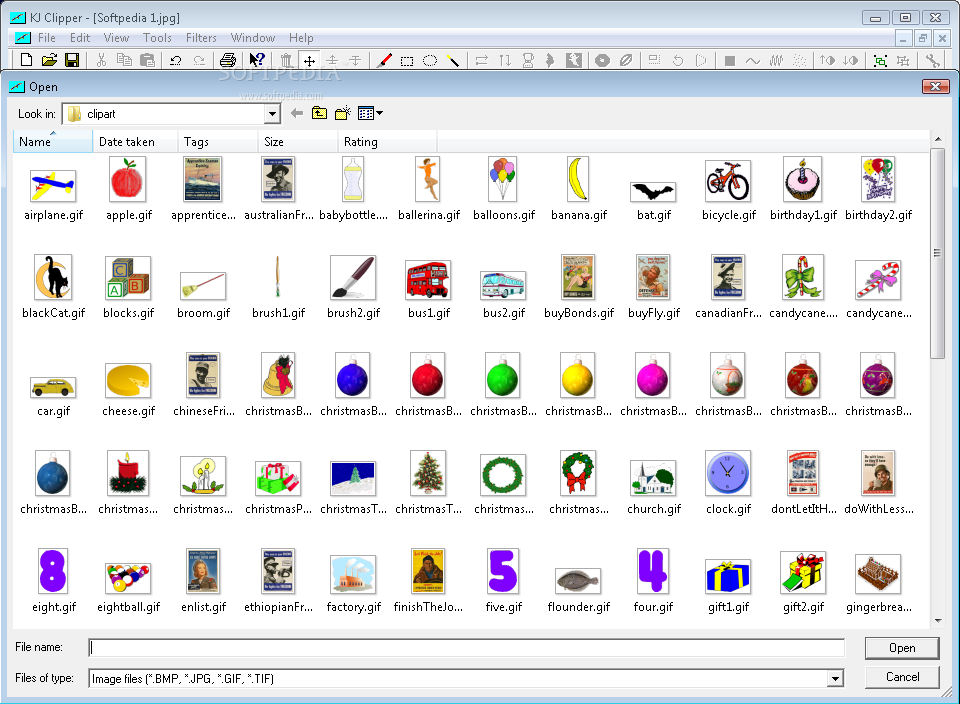
If what you're looking for is not a professional feel, but rather a childish and joyful one, you can use the cliparts and the frames to emphasize the importance of a certain item in your images, or to bring some fun to your vacation photos, especially if you are planning to display them in your child's room. Simply make your choice, then rescale them according to the rest of the picture. In addition, KJClipper will offer you the possibility to change a specific color with another one, so in the end the outcome can be unexpected and amazing.
Now we will expand on the cutting feature mentioned at the beginning. Using the Edge Cut feature from the Tools menu, you can select an object or a person from your photo and insert it in another one. The special thing about this tool is that it does not restrict you to geometrical shapes, as other image editors do, so you can follow the contour of any item, regardless of its complexity; once you have finished making the selection, you just need to double click and your object is singled out. Edit it if you want (scale, rotate, add transparency) then blend it within another picture. And you are done.
The Good
The greatest thing about KJClipper refers mainly to the flexibility it provides when it comes to cutting an object and modifying it so that it fits into another image. You can resize it or change the color pattern so that nobody can detect it was not there in the first place.
In addition, you can use the collection of cliparts and frames supplied by KJClipper whenever you want to customize a photo and make it fun. You can also add transparency to emphasize a part of the image, or change its color to a brighter one to make sure everyone will notice it.
The Bad
For the inexperienced users, all the buttons within the main window might seem too many to deal with, thus causing confusion. Maybe organizing them in sections or tabs would make KJClipper easier to handle and the interface seem more organized.
Moving on, one of the major downfalls of KJClipper is that it doesn't allow the user to adjust the values for all the filters that can be used. Basically, it's a matter of "take it or leave it"; if you don't like the result, don't use the effect altogether, or use one from another photo editor. It would be very helpful if we could at least choose the level of details or the color intensity, if not the amplitude of the entire effect.
The Truth
When you draw the line, you will come to the conclusion that KJClipper performs quite well, but will not bring any breakthrough to its field of action. The editing features are pretty much the same as you can find in any photo processor, with the difference that you cannot change the settings. On the other hand, the transparency function and the "edge cut" one can easily help you make your photos special or even unique. So in the end, it's a matter of prioritizing: if your photographs really mean a lot to you, then you can choose to spare the $29.95 you need to purchase KJClipper.
Here are some snapshots of the application in action: