14 DAY TRIAL //
 There used to be a time when choosing a video player would not be a simple matter of taste or style, but more a job for experienced users looking for as many features as possible. Windows Media Player did the job for me for a while, but I soon moved to better alternatives available on the market that simply provided more options and a handful of flexibility.
I am sure some of you are still putting your preferences for the matter to good use when it comes to playing video files, regardless of their nature. And if your needs involve DVD playing, then you must have an instrument able to deal with both DVD files as well as regular video like AVI or MPEG formats. Media Player Classic makes for an extraordinary companion whether you need to open a DVD or a different video format.
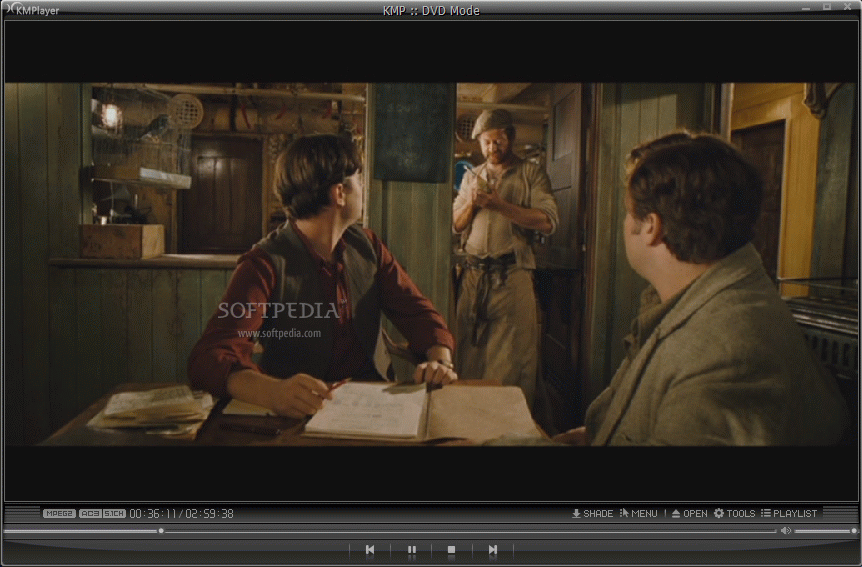
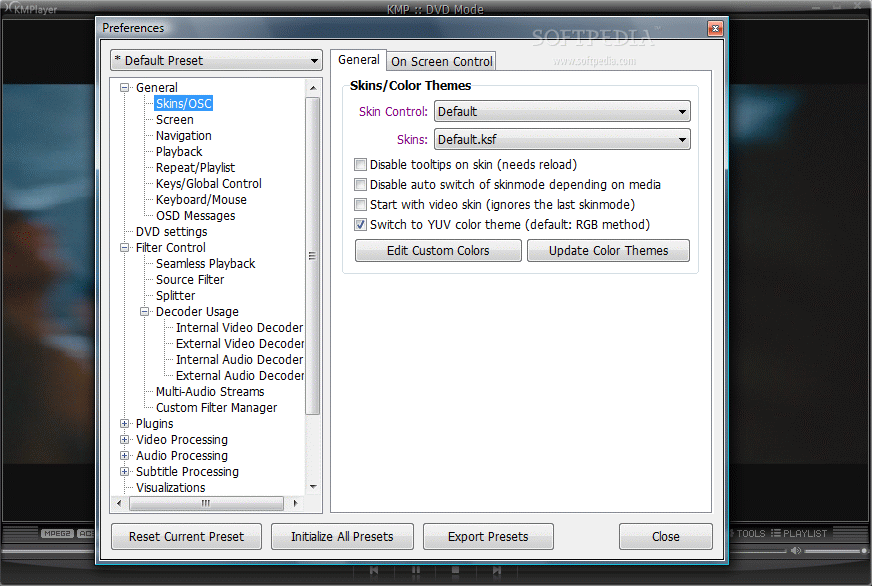
K-MultimediaPlayer comes as a full featured video player capable of running almost all types of video formats. There is no price tag as the application is absolutely free of charge. Although there isn't much about the interface (99% of it is the actual video window) there is the possibility of changing skins and color themes to suit your own aesthetic needs.
Although it can be used as a universal video player, KMPlayer brings a myriad of options and can be configured to meet any audio or video exigencies you may have. Video window is nothing much, but under the hood there is plenty of equipment for configuring the application the way you want. The 16MB of the installation file contain a bunch of filters (both video and audio) that make the application almost self-sufficient when it comes to video codecs.
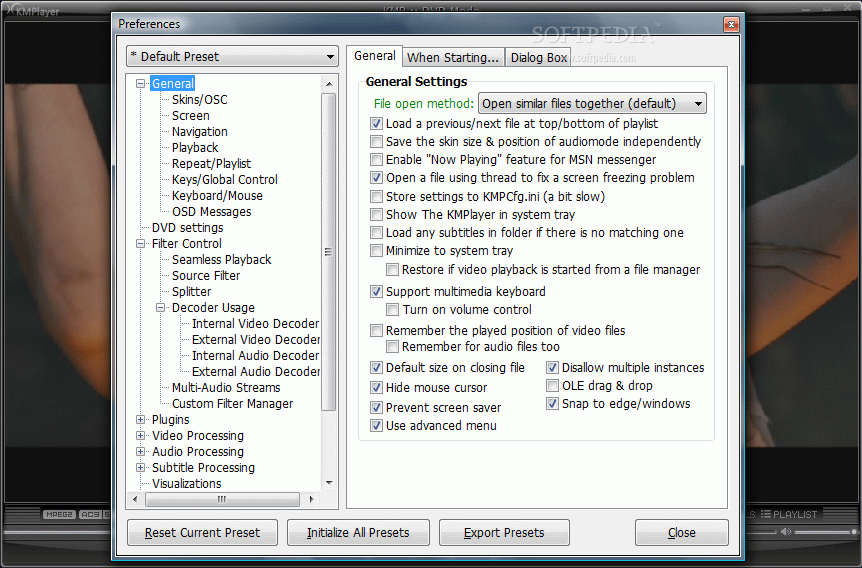
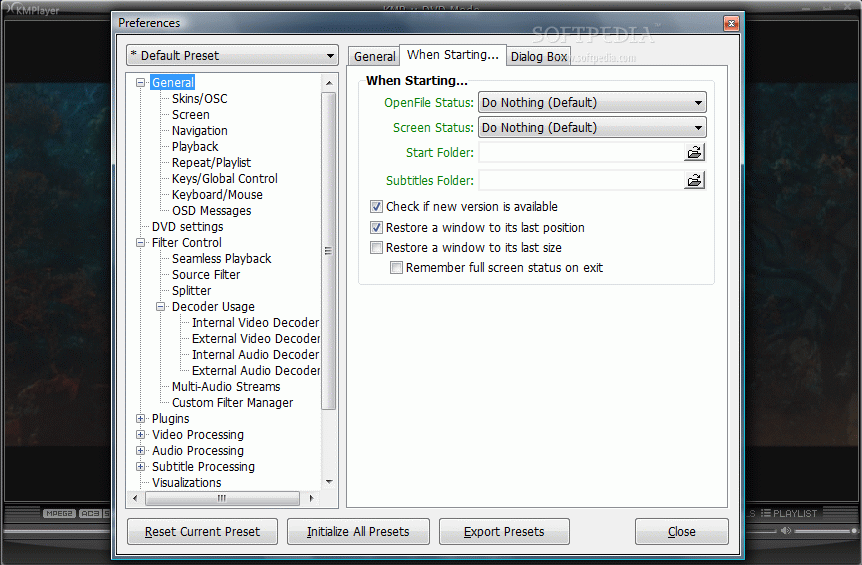
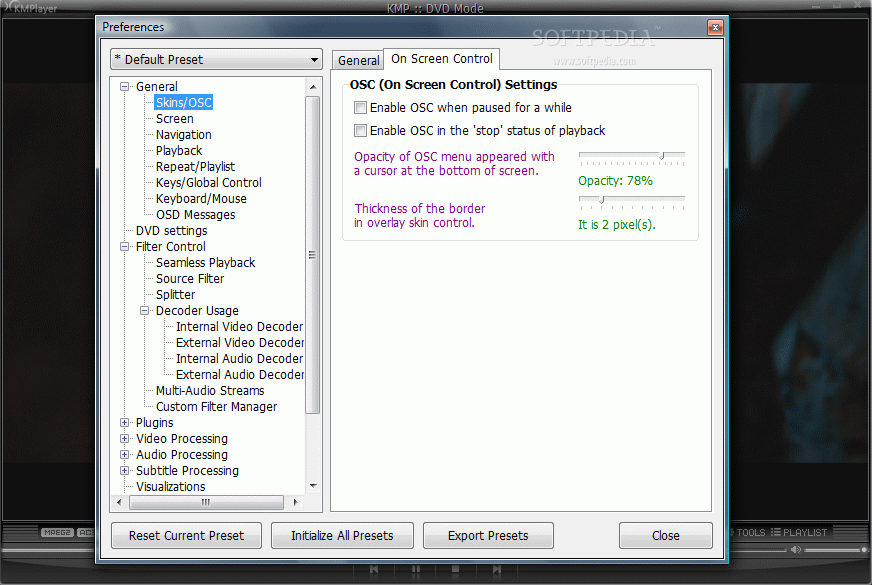
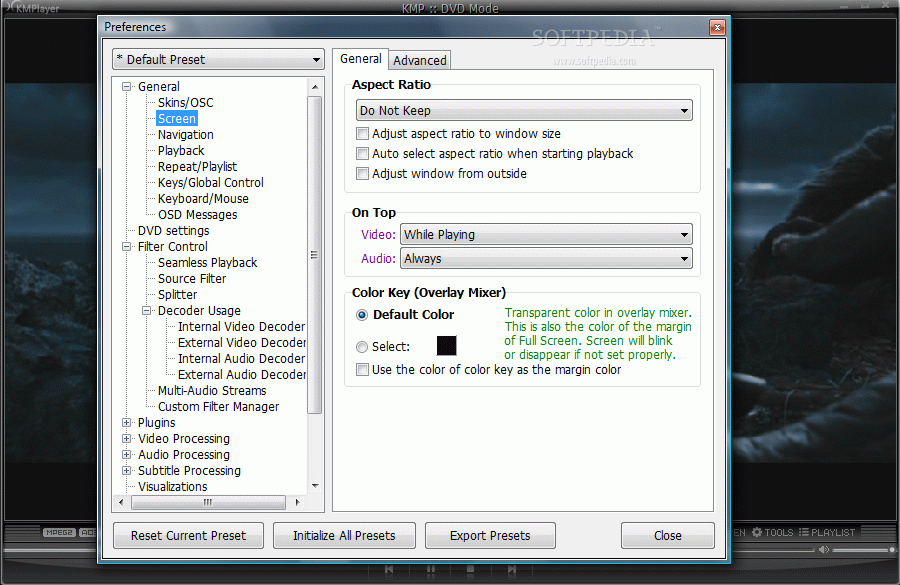
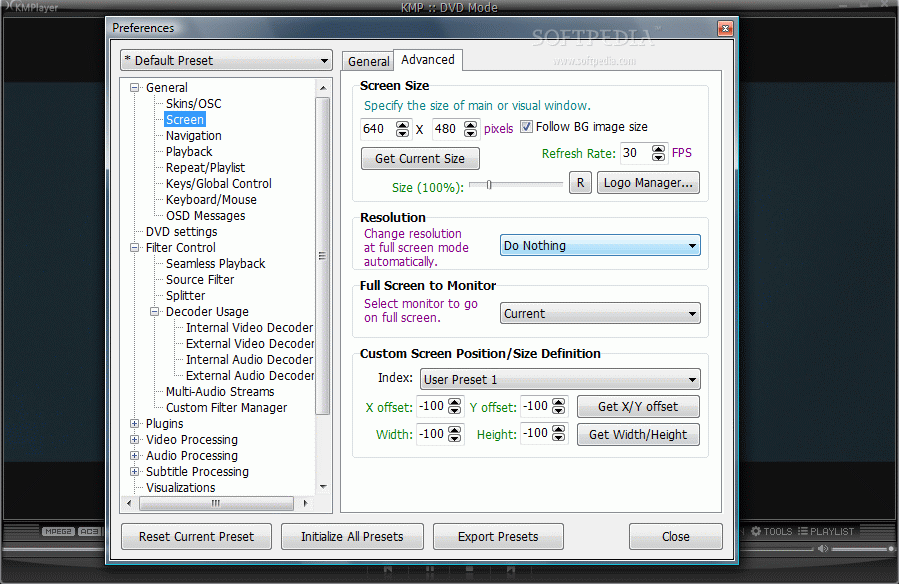
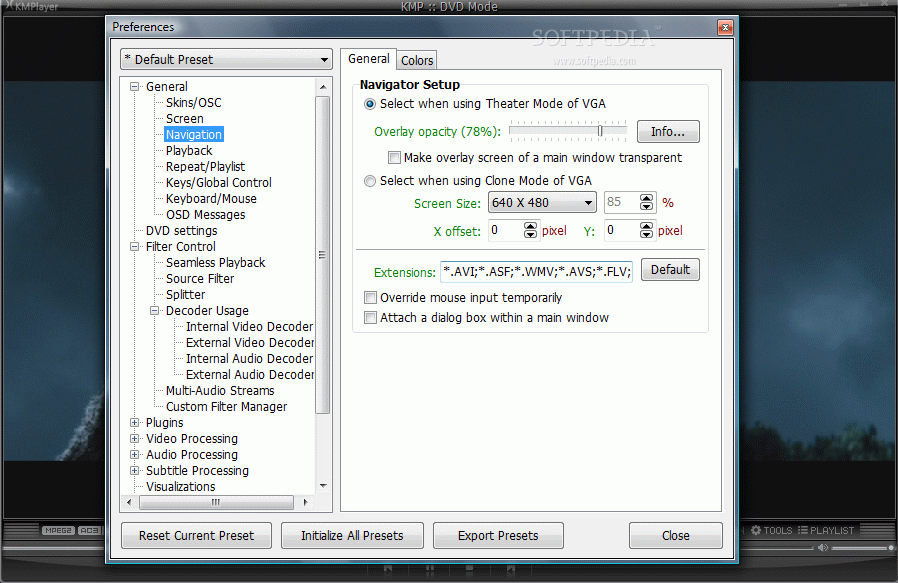
Configuring every possible setting of KMPlayer may take a while as there is an extraordinary number of tweaks to deal with, starting from how the application starts up to audio/video or subtitle processing, color controls or plugins. Besides the multitude of settings to be made for the general configuration of the player you can also set up the way all included filters behave during the rendering of the video.
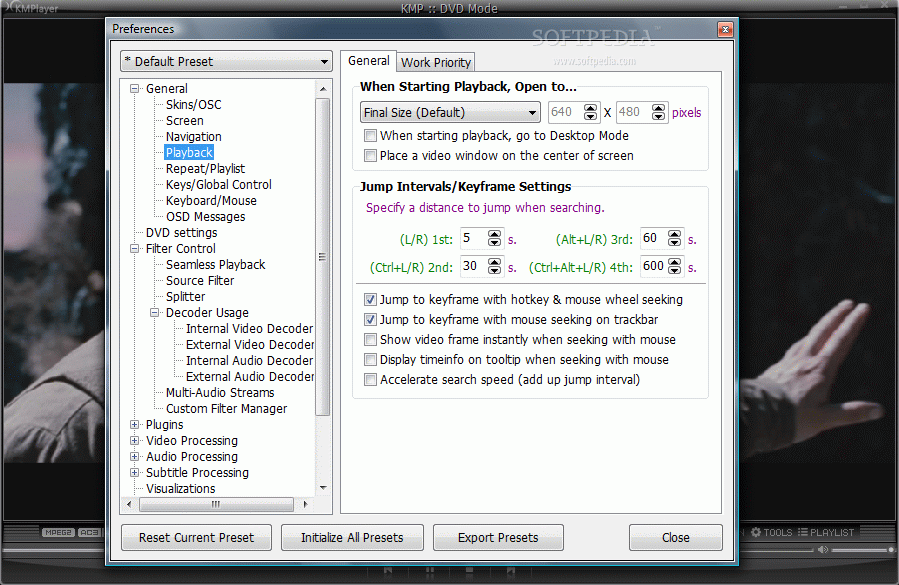
Besides the regular settings, KMPlayer's flexibility extends to customizing the amount of CPU to be used by the application, through setting up the priority of the process or defining the jump intervals (in seconds). More than this, for most of the settings available in Options panel KMPlayer allows choosing hotkeys to define different actions supported by the player (open files, recent subtitles, load subtitles, go to main menu, go to root menu, audio tracks, pan and scan, open DVD, etc.). There are so many of them that it's going to be really difficult to memorize them all.
A number of preset keys and mouse actions can define specific actions like toggling full screen, play/pause, cycle through the different aspect ratios, go backward or forward, etc. Regarding the use of shortcuts, KMPlayer may not have a keyboard combination for all actions available but it does not run short of this option, either.
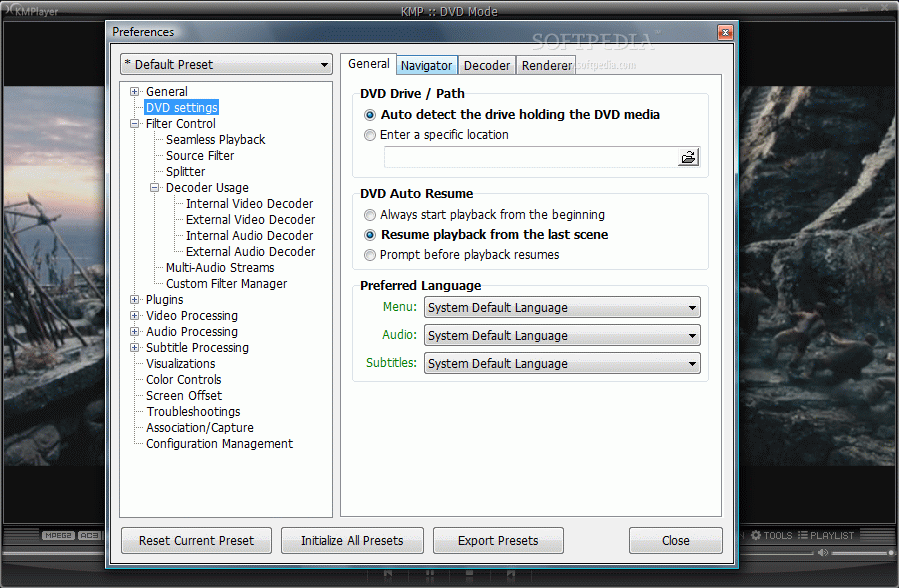
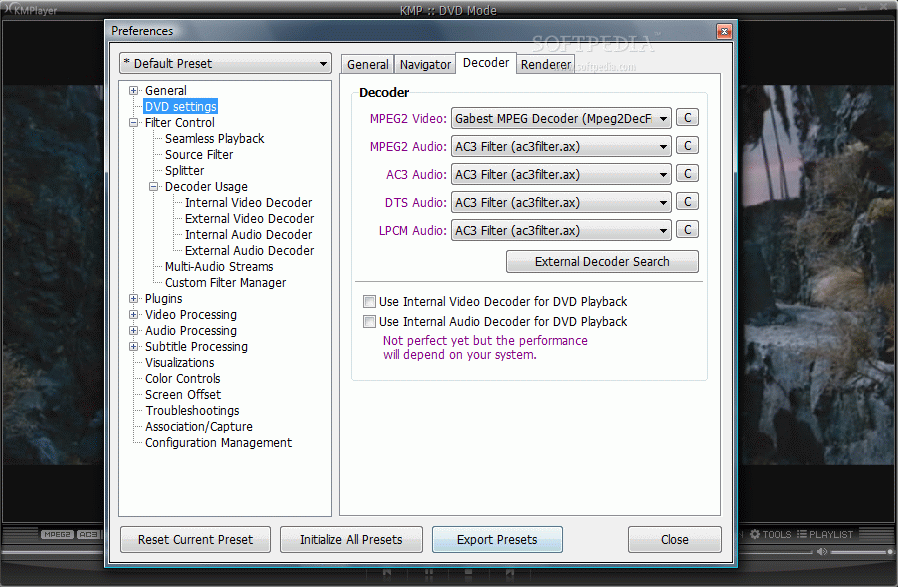
The incorporated DVD player is also subject to user's settings, offering a pretty wide range of choices regarding the decoders used for both audio and video as well as for specifying a particular location for the DVDs to be played from (or you can set the application to autodetect mode).
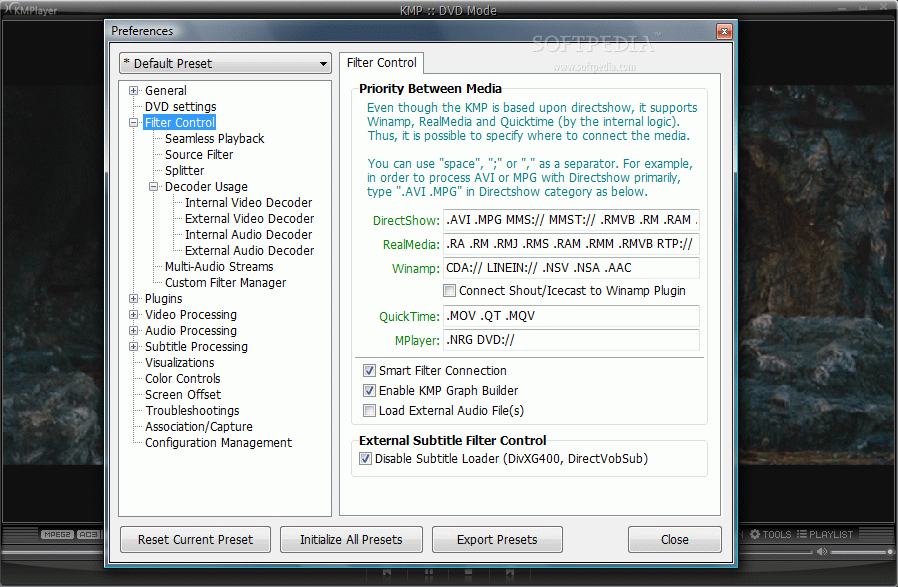
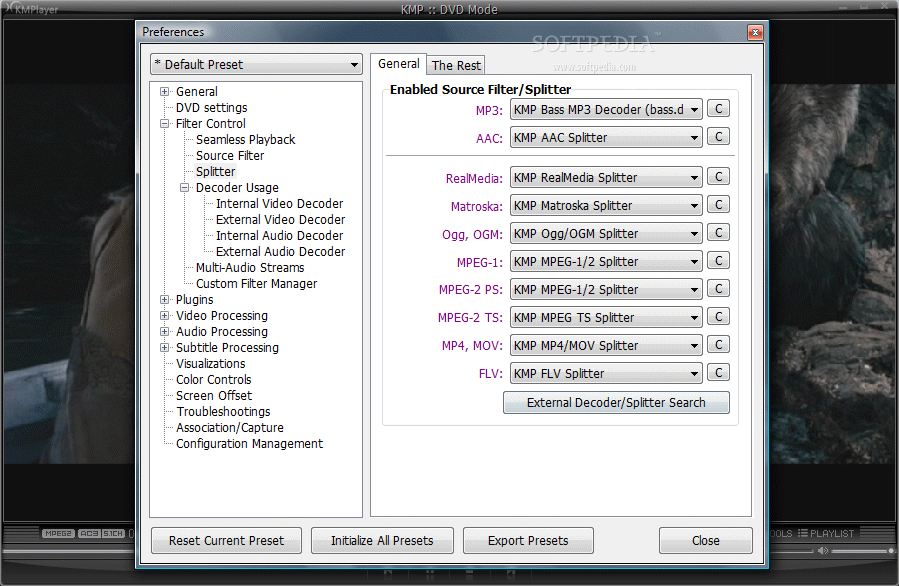
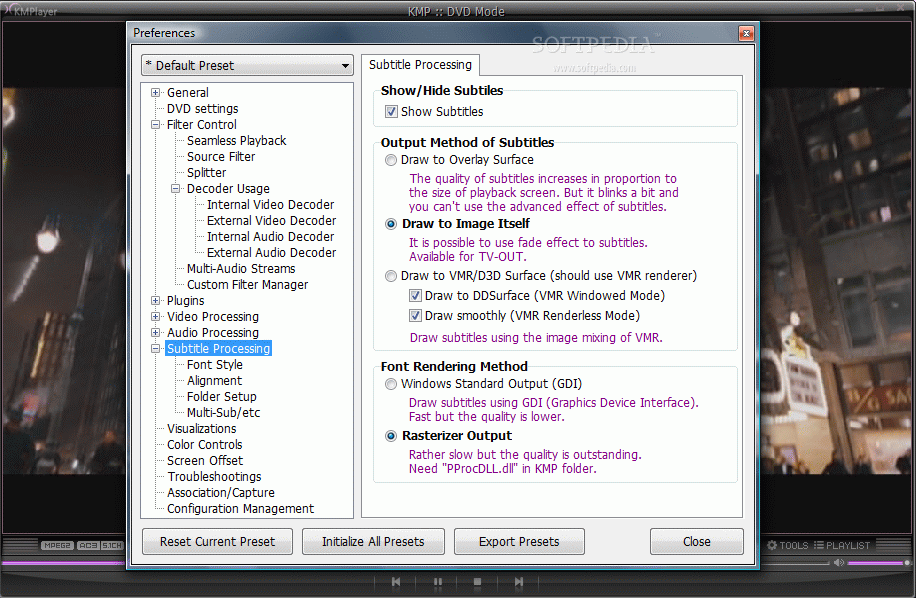
The avalanche of options made available by KMPlayer may appear daunting to a newbie as there are so many filters and decoders (both internal and external) to choose from that you may even lose track of features. But for a power user all this will be complicatedly beautiful and challenging at the same time. Filter Control options are specially designed for those users in need of absolute control over the way KMPlayer deals with the different extensions. The same goes for Decoder Usage settings which provide the means of configuring internal and external video/audio decoders to your own liking. One thing you have to remember, though: internal has priority over external and if internal decoders are selected external ones are obsolete.
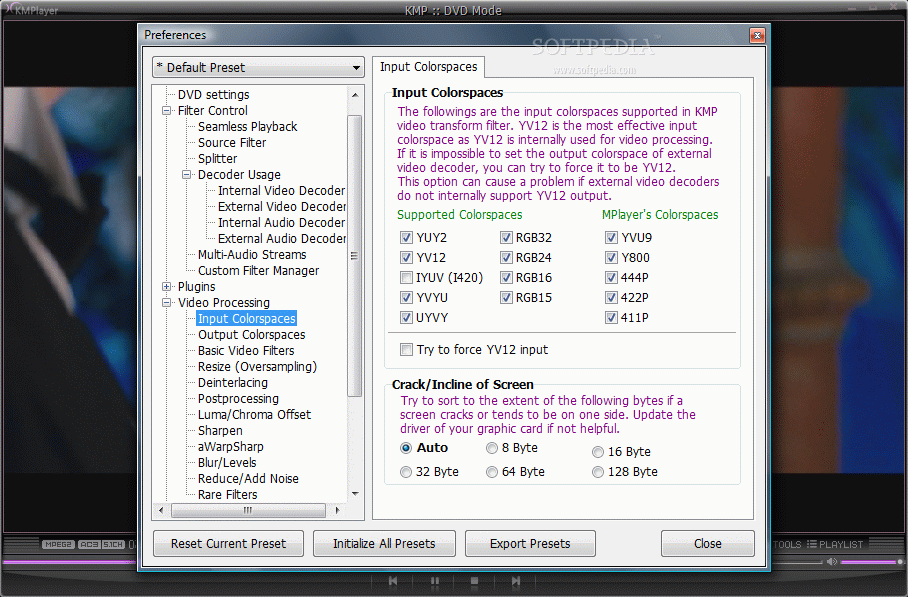
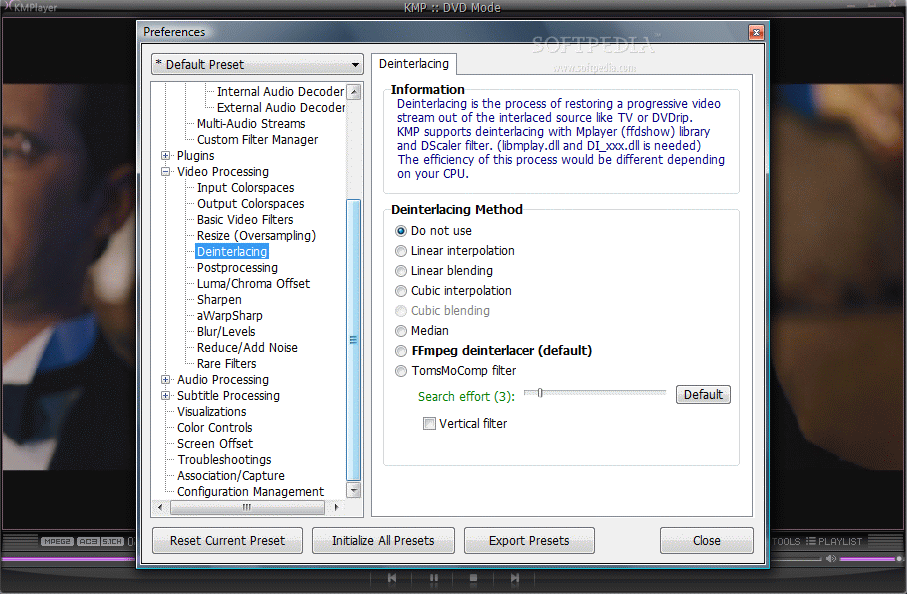
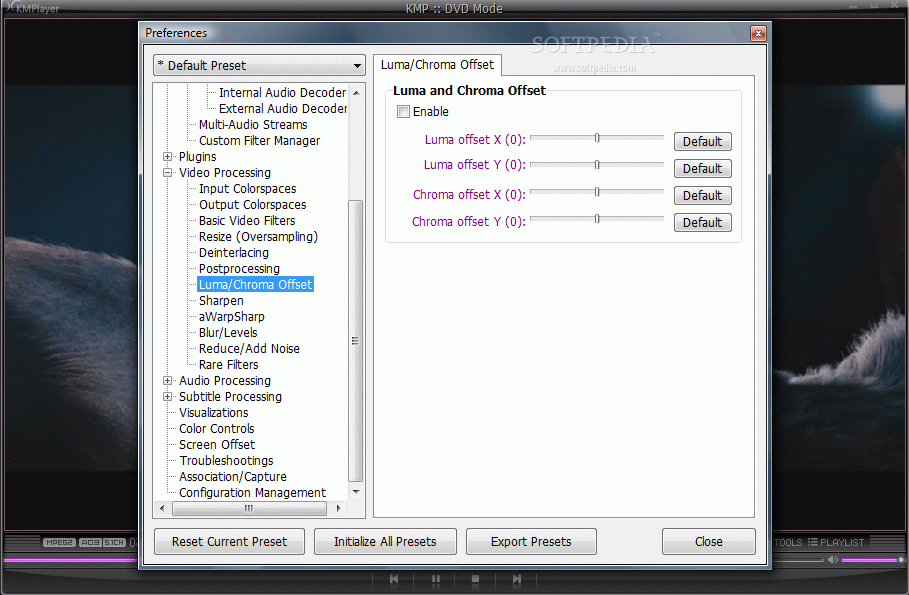
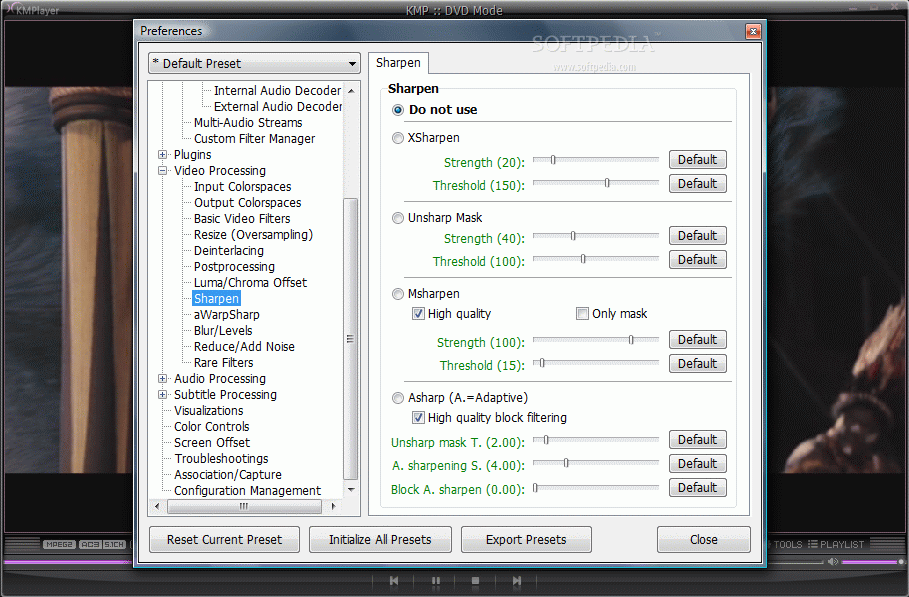
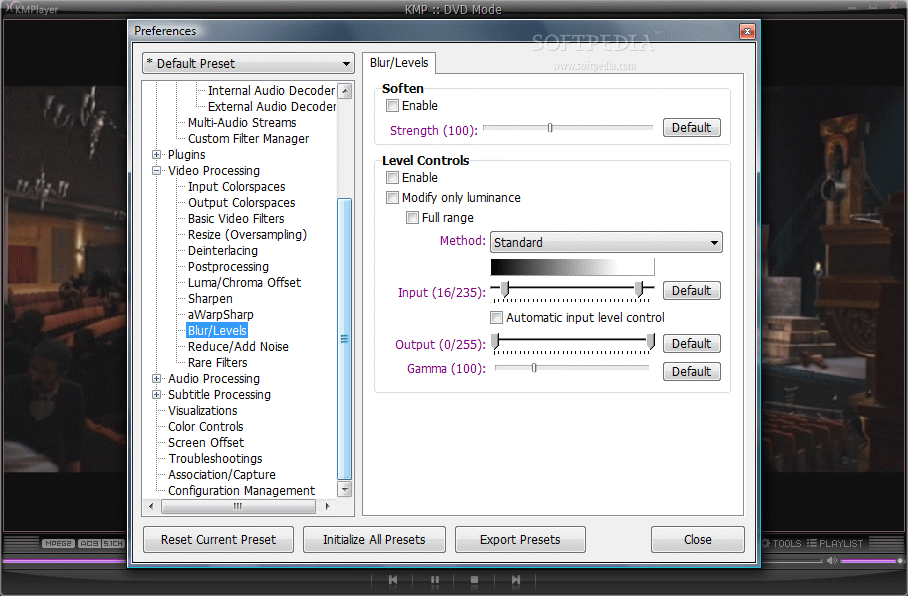
Video processing is totally transparent and allows the user configuration when it comes to colorspaces input/output or enabling of various video filters (motion blur, soften, sharpen, gray scale, auto level control, etc.), oversampling, deinterlacing (linear interpolation, linear blending, cubic interpolation, Ffmpeg deinterlacer or median), post processing, luma and chroma offset, an entire set of sharpening options, modifying blur settings or denoising the picture. KMPlayer makes available settings for all these options and making the appropriate adjustments is piece of cake if you know what you're doing. For beginner users, however, all this could turn into a nightmare as there would be plenty of unknown factors influencing more or less the final rendering of the video.
A small set of Rare Filters is at your disposal in case you have special purposes for the image. The palette includes color embossment, edge enhancement, color inversion, edge detection and showing a histogram in the lower left hand side of the video window to display the color map of the current image.
As for volume control, KMPlayer is more than equipped, offering the possibility of setting up both main volume (pumping the original up to 400%) as well as enabling individual volume control for left side, right side, center or low frequency effect or pre-amplify the AC3/DTS volume. For the most accurate audio experience however, there are basic audio filters enabling you the removal of right or left channels, swapping them, downmixing to mono, emphasizing voice or removing it (these didn't work too great during our testing) or enabling 3D sound.
Also, Cristality/Noise Reduction options aid in getting a sound as clear as possible by setting by yourself the levels for bandwidth extender, HPF, harmonic booster, echo volume and feedback or extra stereo. With the use of the bandpass filter you can configure sound frequencies so as to hear all of them accurately.
The range of options available in audio area is vast, covering far more settings than in a regular video player. You have normalizing options, compression settings, throttle control with True Bass adjustment or Trebble Enhancer, Freeverb options to add a sense of space to the sound (room size, damping, wet level, dry level, width, mode), a 10 band equalizer or resampler. If you come to think of it there are audio players that don't bring such amount of goodies.
KMPlayer configuration is definitely out of the ordinary and extremely pervasive both with regards to audio as well as to video settings, allowing the user maximum flexibility. One of the greatest features of the application is that no matter the settings you make, you can always revert them to their defaults with a simple click of a button.
Capture options are not limited to saving the current frame, but let you record a video clip from the running video or only the audio part. Taking snapshots of the current frame of the video is also supported, but KMPlayer takes it even further by letting the user extract the frames in a specific period of time. An entire menu is dedicated solely for capturing purposes so you can be sure that you can take a snapshot at any part of the video you want with the utmost ease.
Having in mind all the settings available under the hood, controlling the application from the interface seems a bit limited. Video controls refer to color adjusting (hardware and software control of brightness, saturation and contrast), several effects (sharpen, gradual denoise, deinterlacing, level control, post processing, grayscale, blurring, flip/rotation, pixel shaders) and screen settings (aspect ratio, pan&scan, screen size).
Audio settings available from the interface permit cranking up or down the pre-amplification, setting the audio balance and access to the 10 band EQ. This is all you need to set up the audio according to the environment and your standards.
Playback controls are also reduced to a minimum in main application window covering speed control, subtitle synchronization, skipping forward or backward or capturing clip, frame or audio from the main file.
Compared to all other video players, KMPlayer manages to incorporate a myriad of options able to make any power user's day. The only downside is that it does not come with multiple user modes and providing the options according to the selected level. Also, there is no manual on how to use all available options to your interest and all you can use in this sense is KMPlayer's forum.
The Good
The application is definitely one of the most complete video players on the market offering a huge suite of options to tweak it to your own liking.
All options are easy to configure as long as you know what you are doing and, even if you don't, the player allows individual restoration of the settings to its defaults.
It can capture both video and audio snippets from the main file as well as single frames for a user defined period of time.
There is a wide range of both video and audio processing tools at your disposal, all concerting for the best video playing experience.
The Bad
For beginner users the application may result dauntingly complicated and highly confusing, especially in the lack of a proper help file to lift the maze created by so many unfamiliar terms.
Releasing all available options through different user modes would be a good idea, especially for beginner users who do not really need all those options and would rather go with a simple default setting of the player (which actually works great, also).
Having a single button to revert all settings to default would work great in the application, considering the huge amount of options available.
It gulps up the CPU like no other player on the market (during our testing the application constantly kept the CPU above 40%).
During DVD video rendering the player showed artifacts as if from poor decoding of the video. Testing the same video with different DVD players did not have the same result.
The Truth
KMPlayer does a wonderful job as a video player, supporting the most popular formats and dealing formidably with DVD video. However, the avalanche of settings could discourage even an average user.
It comes with a myriad of options and tweaks which can always be reverted to their defaults but it eats a lot of CPU and sometimes during DVD rendering artifacts are visible. However, the player allows plenty more configuration for both video and audio than any other video player on the market.
Its functionality is not limited to playing video and audio but is rather extended covering the needs of a TV tuner as well. Unfortunately this feature could not be tested.
The application is definitely worth a shot, even if it is just to see the amazing number of details it covers and the flexibility of all the settings.
From a power user's point of view the application has all it needs and more. However, despite all the goodies available, I must admit that having a simple player already set up would be much more appealing, although KMPlayer does a great job with all settings to default as well.
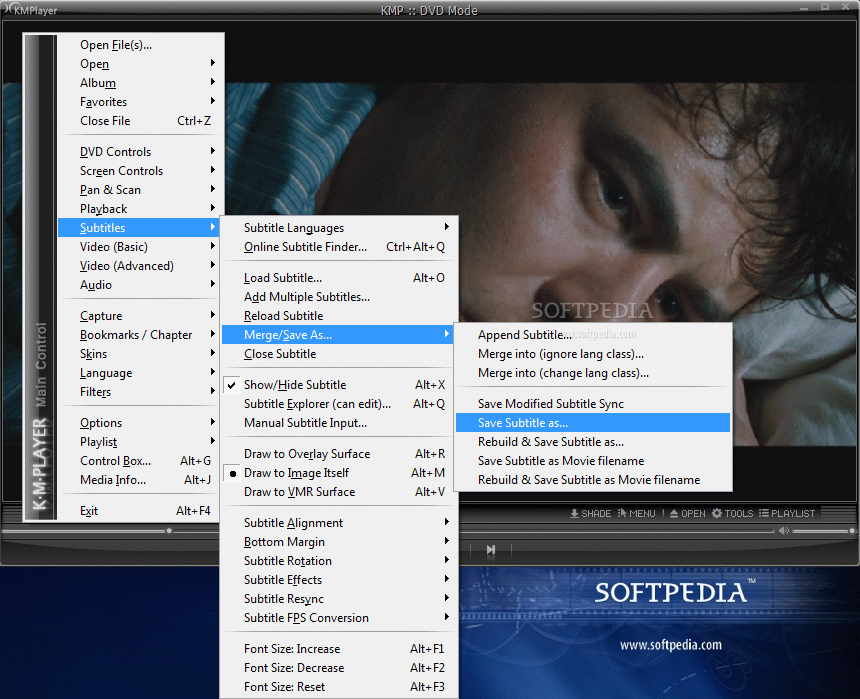
Here are some snapshots of the application in action: