14 DAY TRIAL //
 Keyloggers can be powerful spying tools in the wrong hands. They are located on the thin line between privacy and spying. Generally, you should check your computer for keyloggers and - if you find such application that is not installed by you - then you should give a serious thought to changing your passwords. Keyloggers are recording all the key strokes you perform and they can even capture screens at a user defined time interval.
I guess you have realized the havoc such a software can create. But, on the other side, such applications are useful if you want to monitor your employees, spy on your wife's steps on the Internet and even when you lost your password and want to recover it.
Local Keylogger Pro is a software designed to monitor your employees' activity on office computers. If you think there is an information leak and you do not know who is sending away important details of your commercial activity, then this is one software you should install on every computer in your office.
The developer of the application is Keylogger Online. They have worked to bring the software to the current version of 3.1. The price they expect for their work is $69.95, but they are also giving the user the chance to evaluate the software for a period of seven days. During the trial period, the software has absolutely no restrictions, but instead, you will be nagged by the reminder to buy the application.
The installation file is 2.6MB large and installing the software is done in a snap. I had no problems with setting it up on my computer.
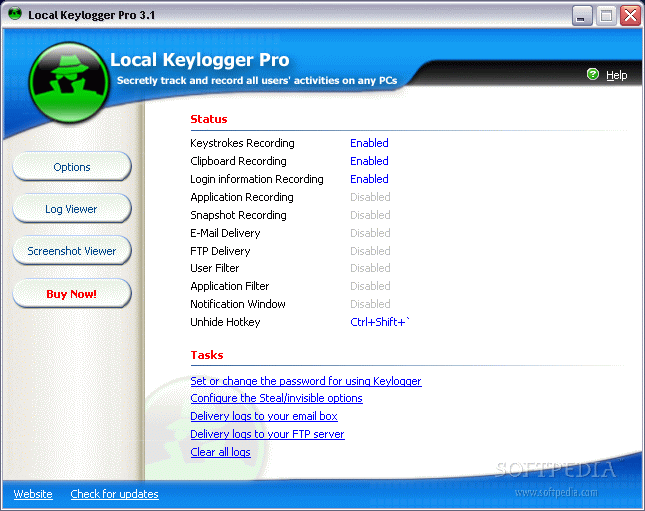
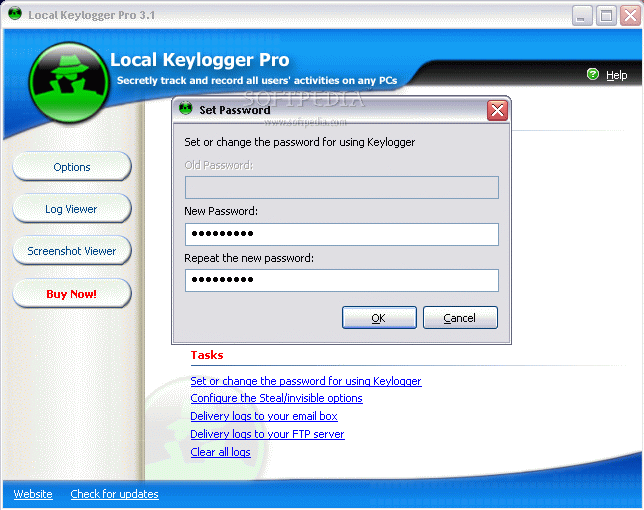
The interface is not much, but the strong points of the program do not reside in its looks, but in its ease of use and functionality. The main application window displays three menus on the left, the Status of the software in the right and below this there is a menu called Tasks. The Status occupies the largest part of the main screen of the application. The menus on the left are Options (core of the program), Log Viewer and Screenshot Viewer.
The Status will display the features that are activated and disabled by the user. But let's get inside the heart of the program to see what we can do with all the options in the Status window.
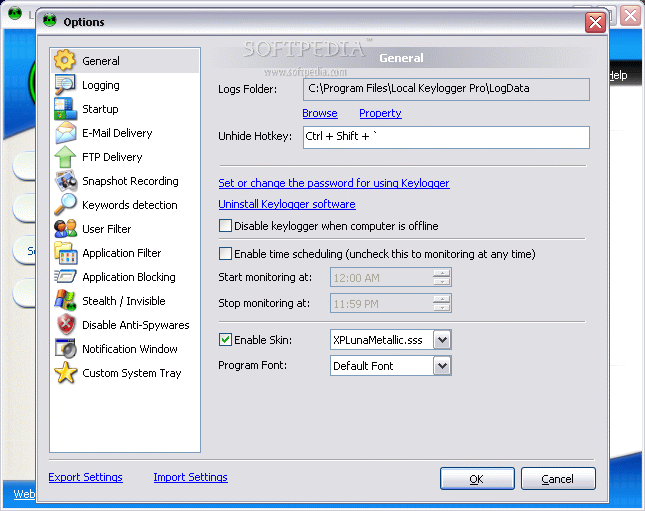
The first option in here is General and it allows the user to define the folder you want the logs to be saved in, the unhide hotkey, the password for opening the application (so that only you have access to the application's options). The user can configure the software not to work while the computer is offline and even to define a time interval to monitor the respective computer.
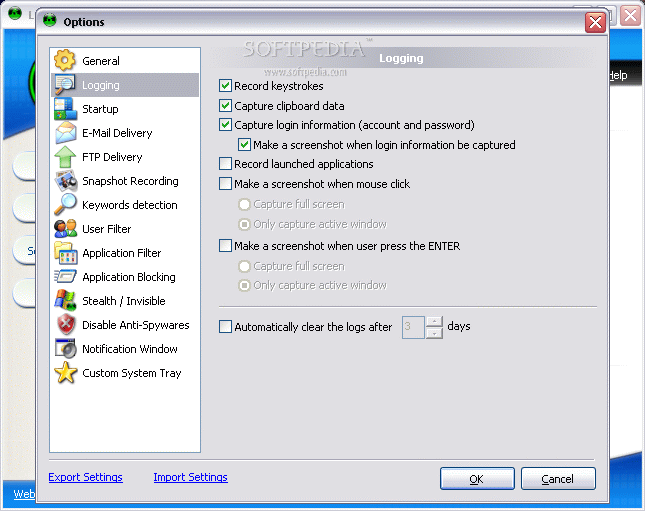
Logging submenu allows you to set the recording information, like keystrokes, capture data clipboard, login information (account and password), record launched applications, set the software to make screenshots on mouse clicks or when the user presses ENTER key.
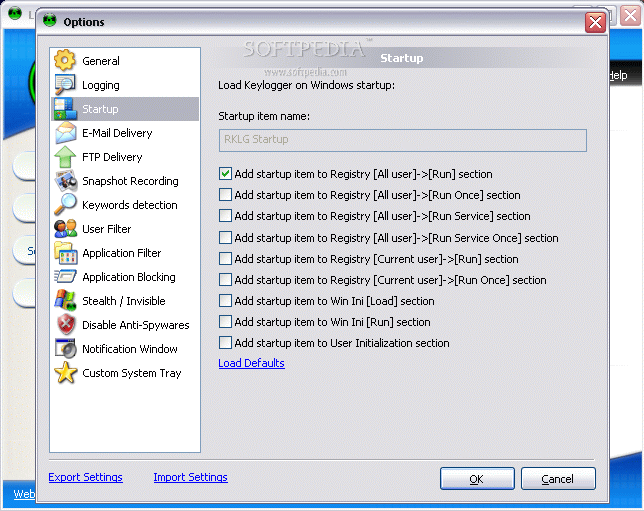
The Startup options lets you add the startup item to Registry ([Run], [Run Once],[Run Service] sections) or to the Win Ini [Load] or [Run] section. The startup name of the software is RKLG Startup. But you will discover later that you can make the application totally invisible so that the process will not be displayed anywhere in the processes of the computer.
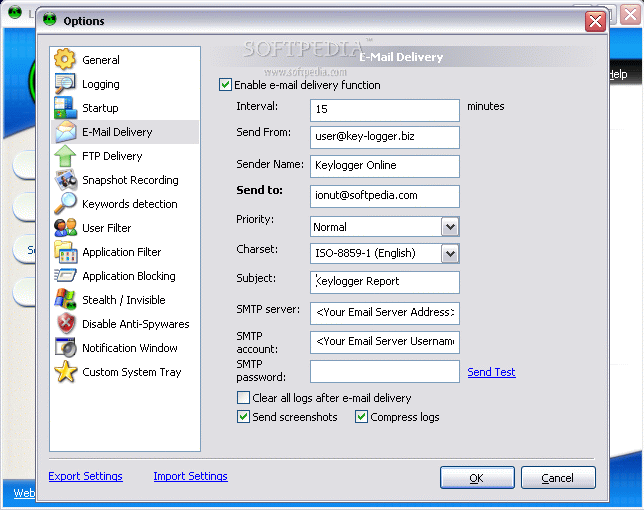
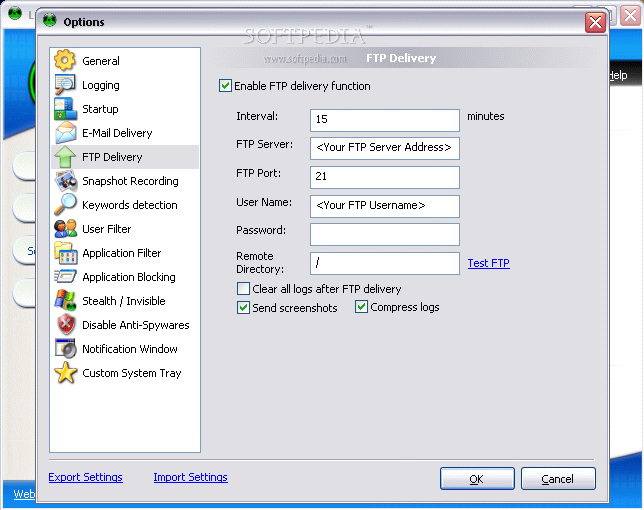
The program is equipped with sending the logs over the Internet to user specified email addresses or to FTP servers at certain time intervals. All you have to do is type in the necessary data. In order to be sure that the program works fine, you can use the Send Test function (available in both E-mail and FTP Delivery).
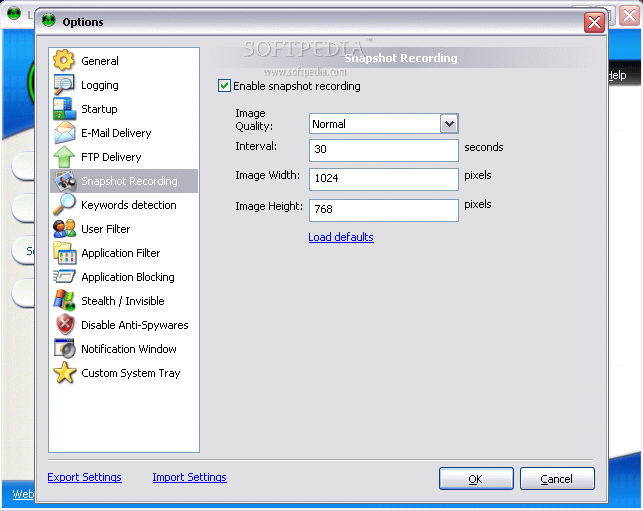
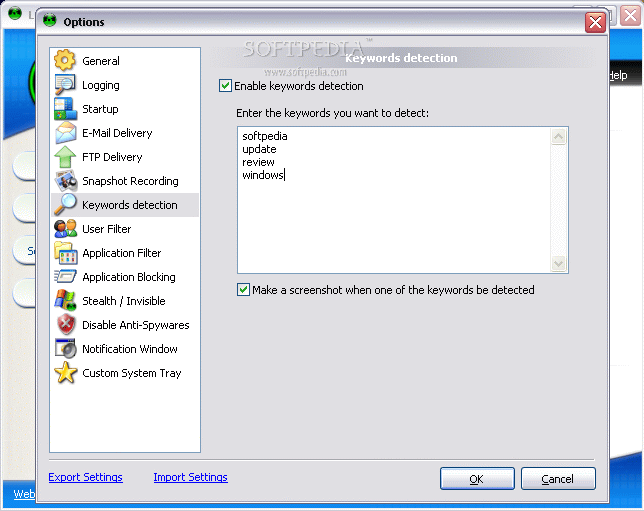
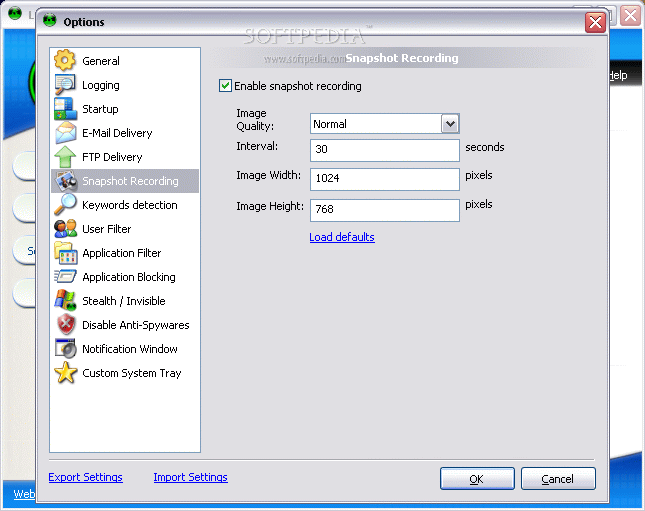
If you enable Snapshot Recording, then you will have to set the image quality, time interval (in seconds) for taking the screenshots, and the resolution of the image. Keywords detection feature is one of my favorites as it allows you to set the software to make a screenshot whenever one of the keywords set by you is encountered.
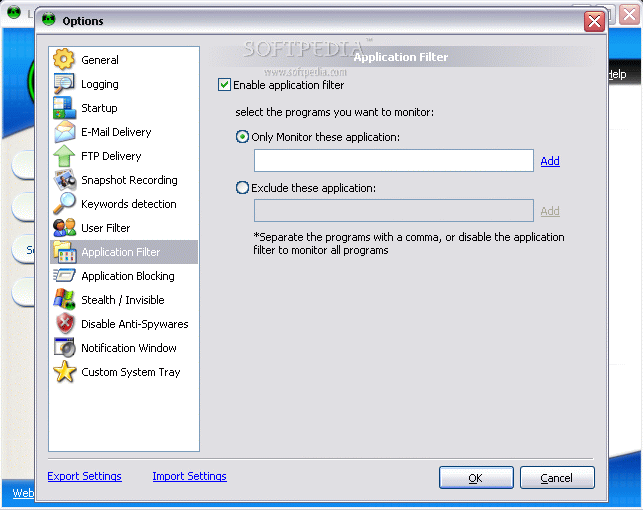
User Filter option is for choosing the users to be monitored. The names of the users are separated by a comma. You can also choose to type in a list of users to be excluded (if their number is smaller). Another filter available is the Application Filter that once enabled and configured will make the program monitor only the applications defined by you.
Application Blocking is designed to block the Windows applications on the users' computers. To make it more obvious, you can add a message to be displayed whenever there is an attempt to launch that application.
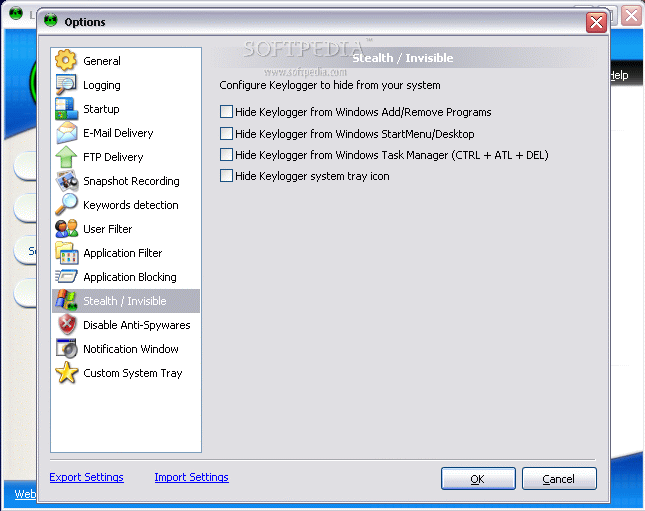
The Stealth/Invisible settings allow you to make Local Keylogger Pro totally invisible to the users. The options in here allow you to hide the application from Add/Remove Programs, from Windows Start Menu/Desktop, from Task Manager and from the system tray. This way, they will never know that they are being watched.
A notification window can be enabled so that - when the computer is started - the users will see the pop up saying whatever you want in there. The default message is "ALL ACTIVITIES ON THIS SYSTEM ARE MONITORED. Anyone using this system expressly consents to such monitoring."
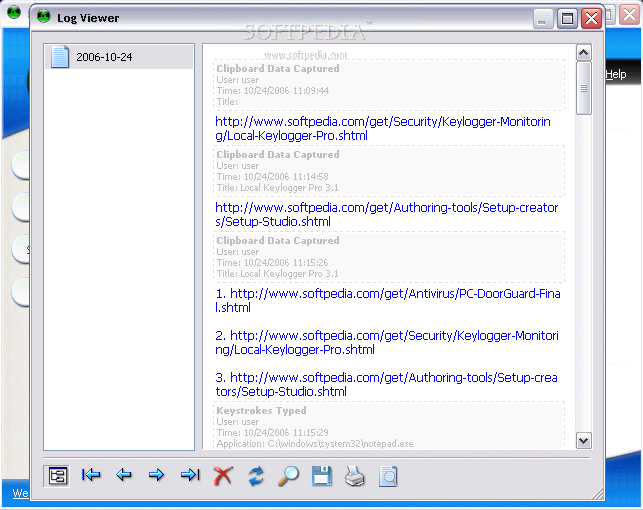
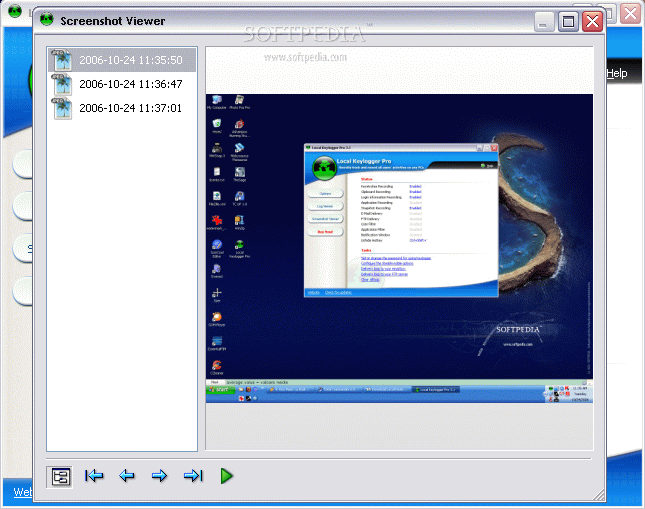
The Screenshot Viewer and the Logs Viewer permits you to see inside the software the logs and screen captures.
The Good
The software is amazing and does a great job. It is extremely easy to configure. It works great in a network and the options are not too difficult to understand. All the log sending over the Internet works with no problems.
The Bad
The only thing I could not make work was the Application Blocking. I tried to block the launching of the Windows applications. I experimented with Foobar and Regedit and I tried to launch them and they opened just fine.
The skins is another aspect I really did not like. You'd better stick with the default XPLunaMetallic.sss or find one on the web.
The Truth
Really good software and to be frank it is the easiest keylogger I have tried up to now. The price may seem a little high, but it is actually normal. Similar applications cost a little more (not by much).
Here are some snapshots of the application in action: