14 DAY TRIAL //
 Instant Messengers have evolved so much lately that they are no longer only means to send text messages in an instant. They have reached the stage of the ultimate communication methods around the globe, combining multiple means to send out messages, such as voice and video chat. Even more, they give you the possibility to share images and even choose a picture to represent you, as avatar. For now there is no built-in option to change the avatar image every couple of seconds, but here's where third-party apps come in.
MSN Slide Max is designed to perform this trick and offer the chance to change the avatar icon automatically at a user-defined frequency. As its name hints, it works for the MSN Messenger, but Windows Live is also supported.
The features of MSN Slide Max are well defined and the application is suitable for creating slideshows from the display pictures, automatically changing the personal message according to the shown image, or animating a static image and displaying it as your avatar. As good as all this sounds, these options do not come for free, as the price tag reads $29.95. However, you can try it for free for as long as you want, with a few limitations, though: watermark on output result, program's logo picture cannot be removed, and personal search keywords are not available.
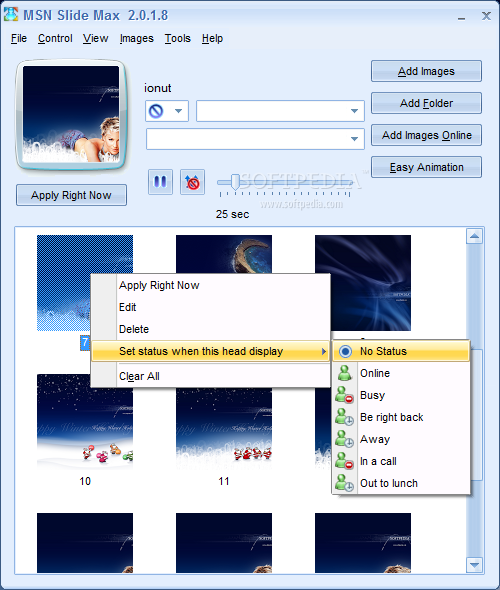
MSN Slide Max brings forward a pleasantly looking interface, in tone with the instant messenger from Microsoft, which makes available almost all the options at a glance. You get to add individual images or entire folders with the same ease. And for each image you can set a different message, icon and weblink. The application provides a preview of the selected image so that you know exactly how it looks like once applied as your avatar display.
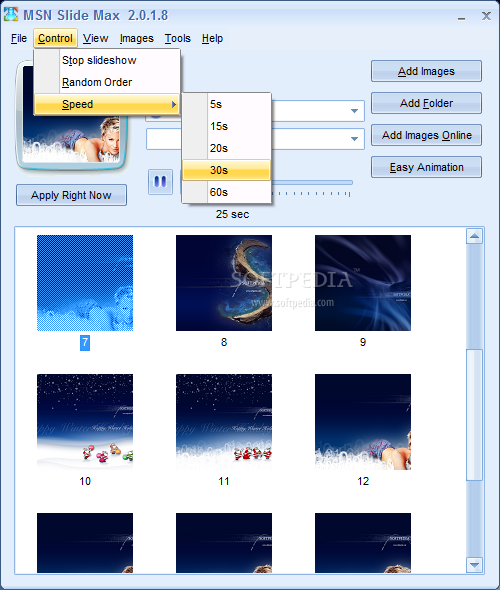
The list of images can be as large as you want as there is no limitation in this regard and the more pictures, the longer the slideshow will be. There is no transition effect between the photos, although considering the price of the app I totally expected this. However, you can change the picture change interval by simply dragging by the slider in the main application window. The time interval goes from five seconds to three minutes. If somehow the slideshow is disturbing for the “interlocutor” at the other end you can stop it altogether with a single click of a button.
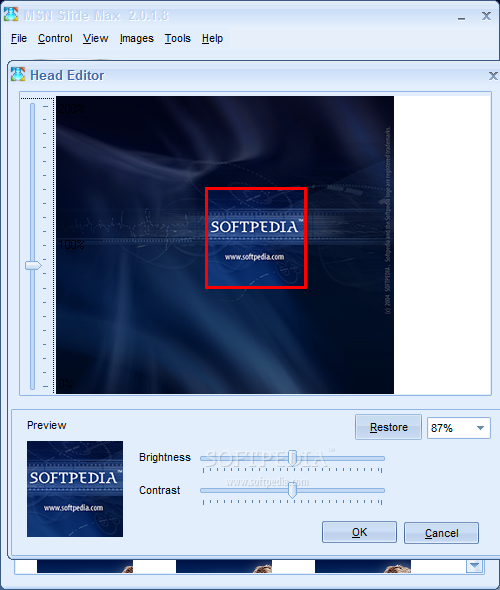
With all the images set and the periodicity of the image change established, you can safely proceed to applying all from under the preview window of MSN Slide Max. In case you have some rinky-dink corrections to make to the picture MSN Slide Max offers you the possibility of adjusting the brightness and contrast to suit your needs. Again, a few more features, maybe some effects or color adjusting options would come in great and bring the application's value closer to its price.
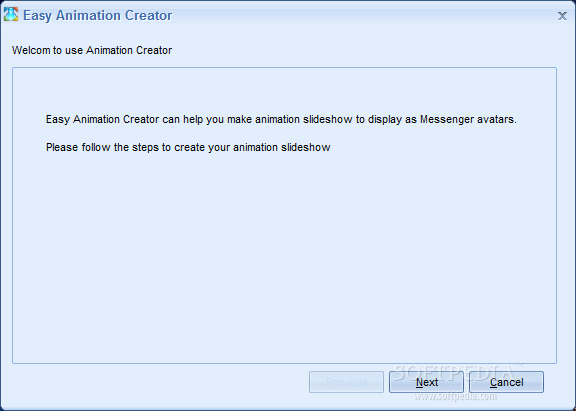
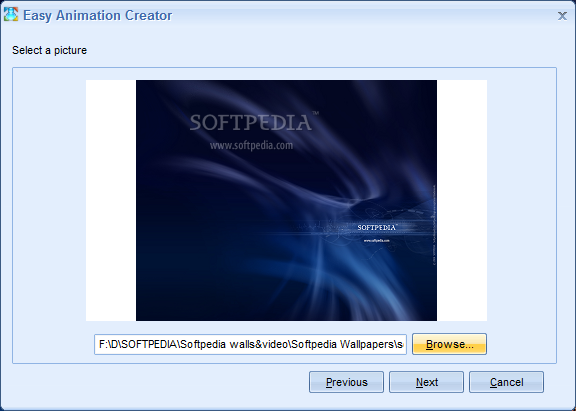
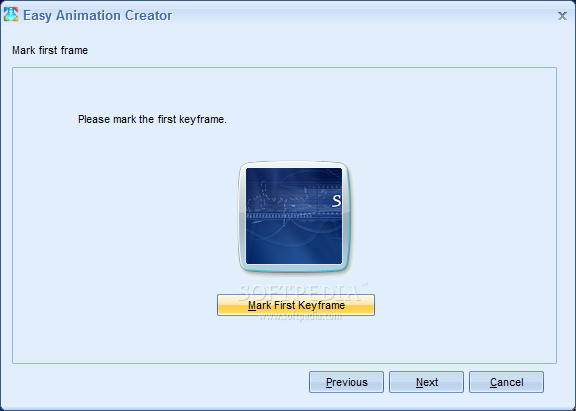
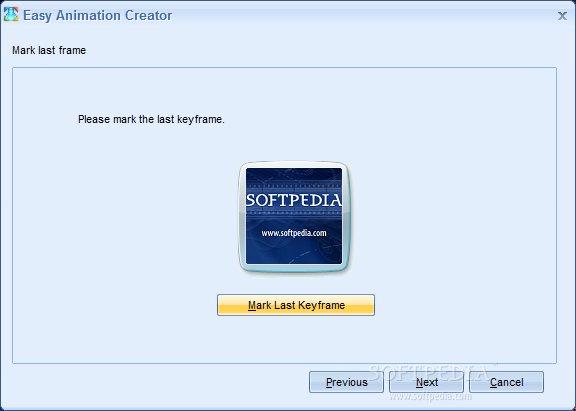
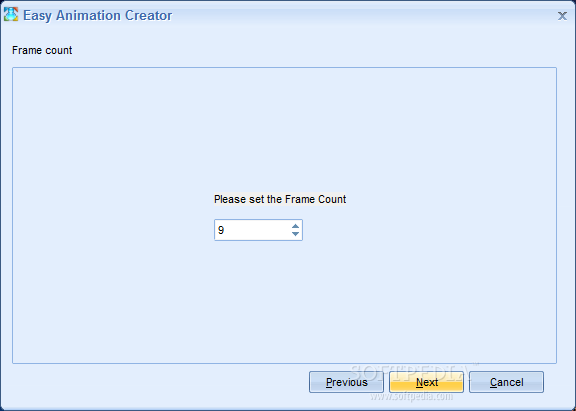
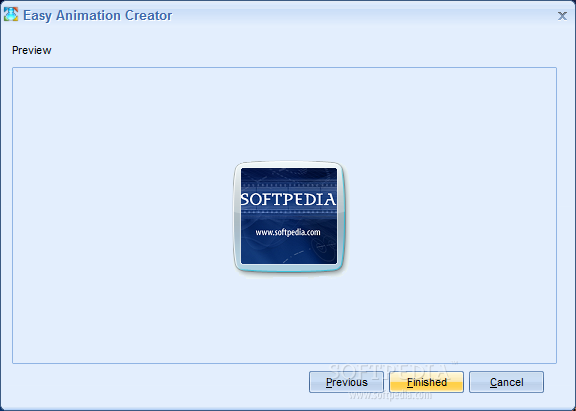
In the right hand list of the main application window MSN Slide Max supplies an option designed to help you animate static images. It is a simple process during which you'll be guided by a step-by-step wizard. You'll be taken through the screen that lets you browse for the desired image, set the first and last frame with the use of the built-in image editor as well as set the number of frames in between. At the end of the operation you are given a first peek at the resulting animation.
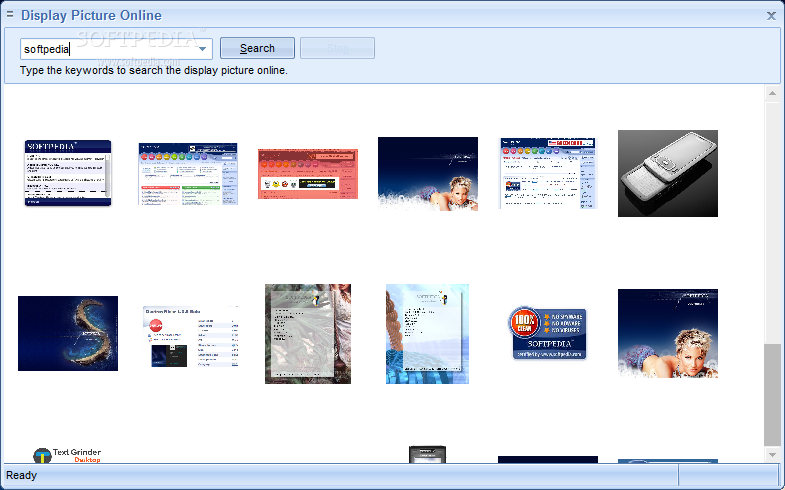
Should you want to benefit from a wider range of images than what you have on the computer, the app makes available a search service that will look on the Internet for your keywords and return corresponding images. The search is effected on Google and the results are in strict coordination with the search settings applied in your default web browser.
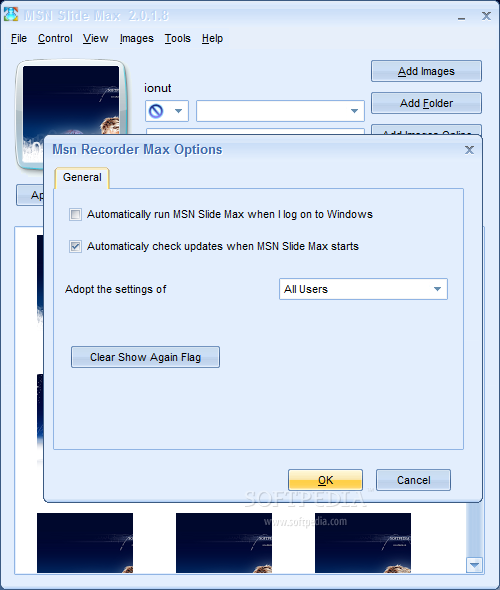
As for the configuration of MSN Slide Max, there should be nothing to it because the application provides enabling/disabling automatic load with Windows and automatic check of updates. Another option is to choose which settings to adopt: of all users or of the current user. However, judging by the name in the title bar, these settings refer to another application of the same developer, MSN Recorder Max.
MSN Slide Max, although quite void of options and settings, does a great job with changing the avatar image according to user-set frequency and order (you can move the images with a simple drag and drop). It is also successful in showing your own message (provided that “Show what I'm listening to” option in Windows Messenger is activated). The price and the brief list of options are the only enemies of the application.
The Good
You can stop the sliding at any time as well as change the order of the slides and the frequency they are changed at. MSN Slide Max provides the means to search the Internet for some more images should those on your computer not satisfy you.
The application will automatically adjust the size of the picture, regardless of its original dimensions.
The Bad
The editor provided allows you only to change the contrast and brightness level, enlarge the image and move it around so that the avatar displays the exact elements you want.
The Truth
During our testing we have not found any bugs and MSN Slide Max behaved exemplary. But a lower price or a huge set of options would greatly improve the value of the software.
Here are some snapshots of the application in action: