14 DAY TRIAL //
 The road down memory lane sure has changed a lot since the massive spread of computers. From looking to physical pictures, we moved to viewing them on desktops in special programs that come with more or less diverse options for editing. We moved up another notch with slideshow viewing permitting users to define all kinds of effects and transitions from one image to another.
Memories On TV is specially designed to help you easily create professional looking slideshows from images on your PC that can be viewed with an ordinary DVD player. The lowest value on the price tag reads $49.99 for the Home Edition version, but there is a more heavy-featured edition which comes at $89.99 and which sports additional options, such as readying the slideshow for the web or making a DVD out of it. None of these two versions are time limited for evaluation purposes, but will instead apply a watermark on the output result. Also, they are both included in the same installer and upon installation you get to choose which one to load up for your test.
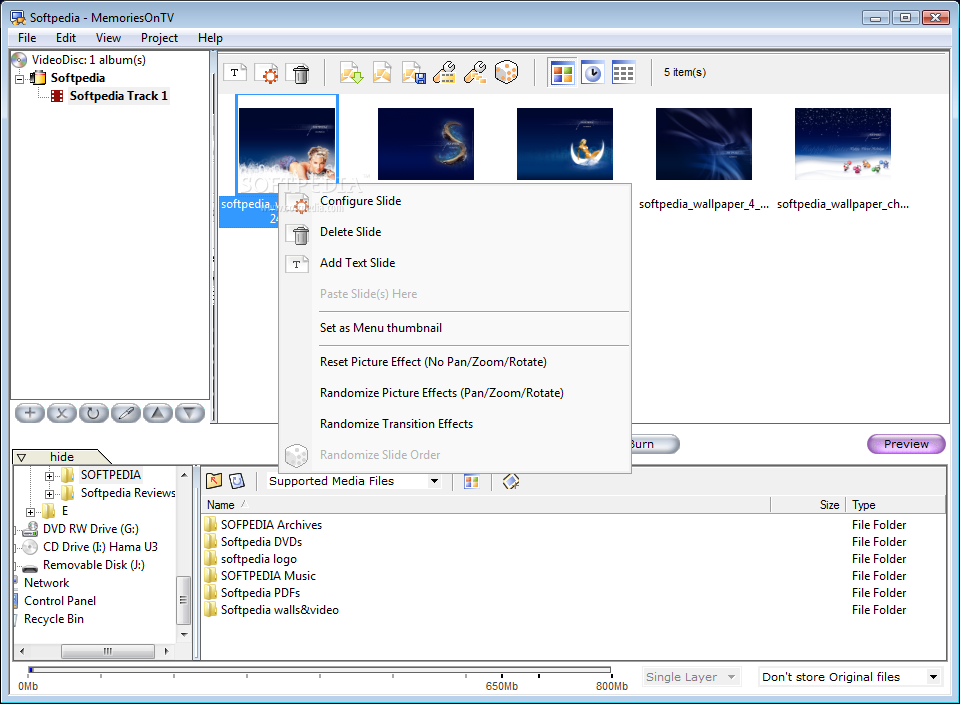
The GUI is straightforward and built in a wizard-like manner so that any user, regardless of his/her PC skills, can handle it with the utmost ease. One of the most helpful features of the software is the support for drag and drop that allows loading multiple folders into the app, all at once, each folder being stacked up into separate albums that can in the end be burned to disc.
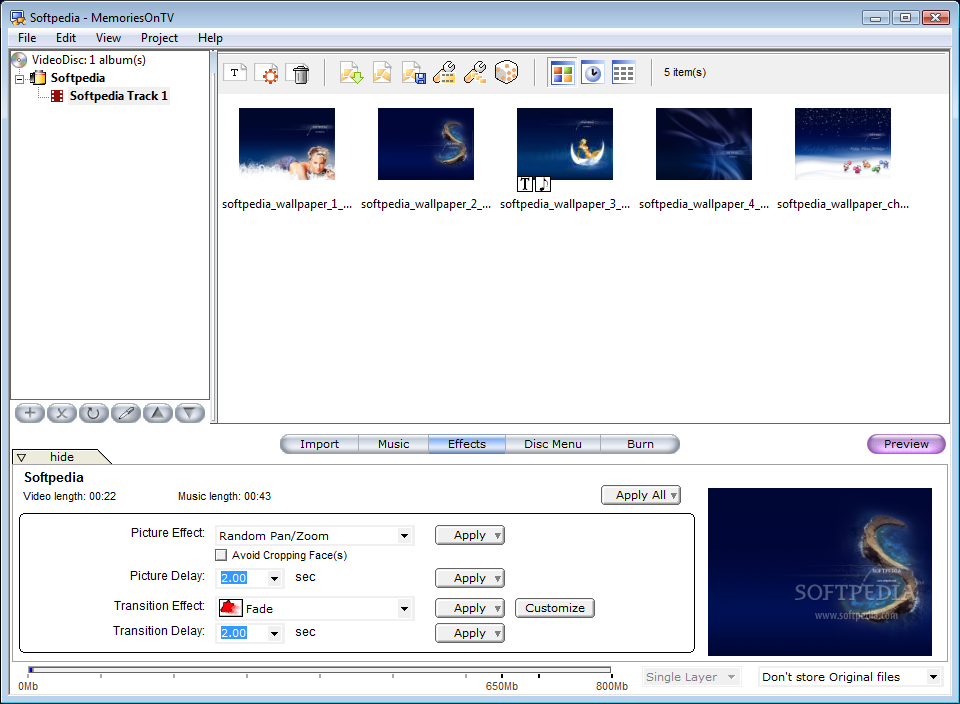
Application window is separated into three distinct areas, all concerting to provide the user with the yearned professional result. On the left hand side, there are the albums containing the images displayed on the right. In the lower part, there are application menus that let you import image folders on your computer and customize the upcoming slideshow.
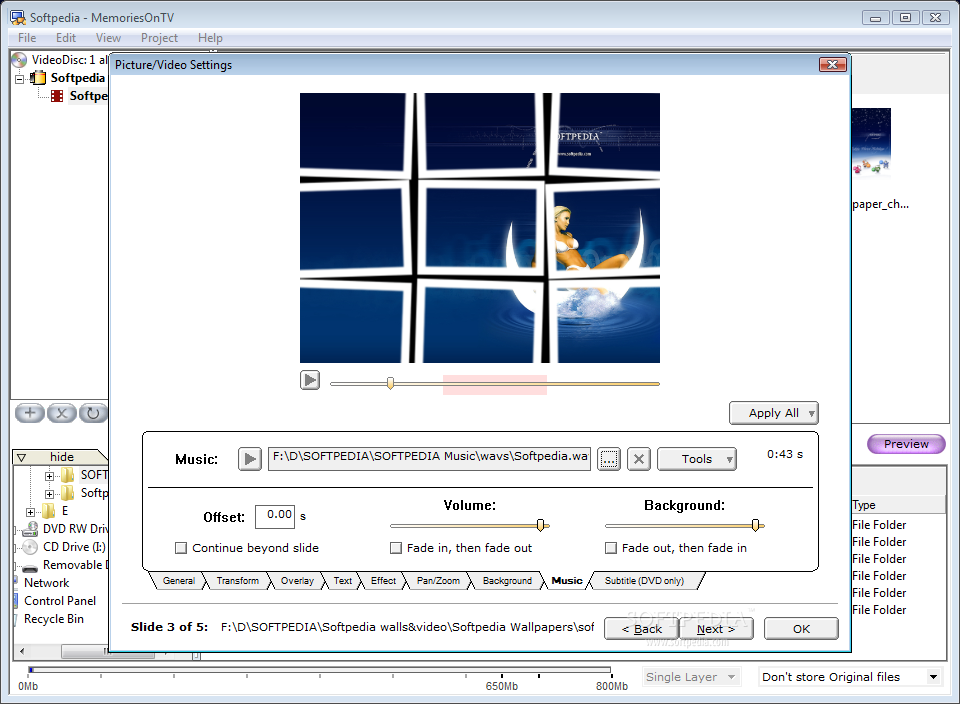
In order to make this a memorable experience, you can add audio files to accompany the display of the images. The beautiful part is that you can synchronize all music with the slides or manually trim the sounds into fragments that fit perfectly the images on the screen. This procedure can be executed automatically by the application but, if you put your back into it, you can achieve magnificent results.
For uniformity of the sound, Memories On TV provides the option for normalizing it and, if you're looking for that professional edge, you can enable fade in when starting and out at the finish. To make sure you've made the best choice, the application allows you to play the music internally. The list of supported file formats is not too extensive, but comprises the most popular ones, such as MP3, WAV or WMA and even MPA, MP2 and MA2.
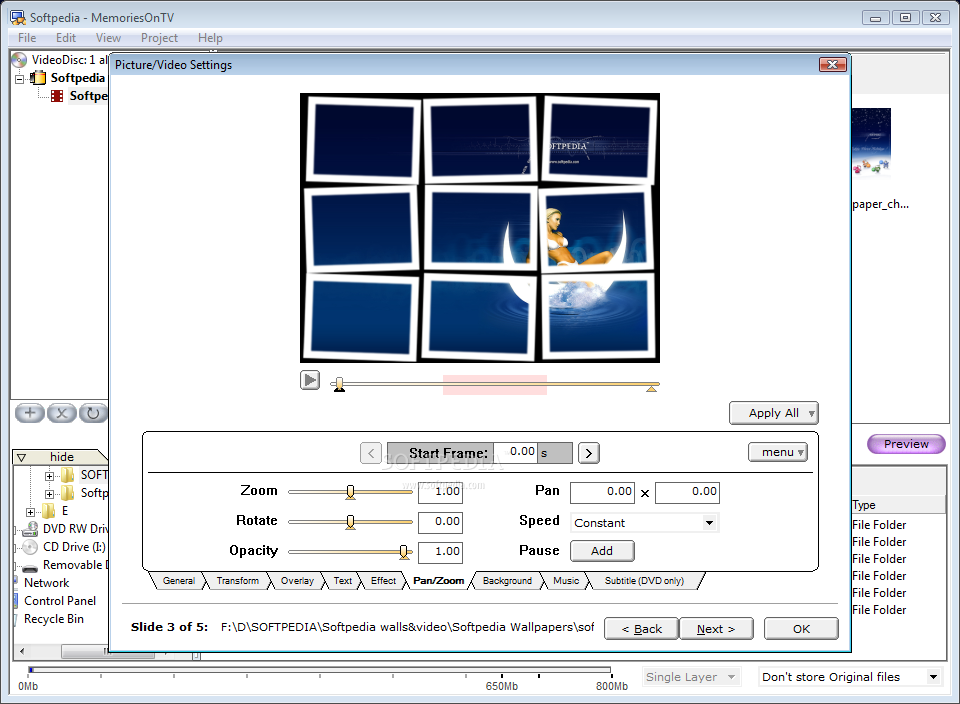
The effects for the images can be customized for each single slide or for an entire group, depending on your preferences. Users benefit from five picture effects (random pan, zoom-in/out, random pan/zoom and random pan/zoom/rotate). Picture delay values are set in seconds and any value from 0.1 to one minute can be entered manually or you can go for a preset one. The live preview window in the lower right hand corner of the screen will display the result of the new settings on the spot so you can make any change in time.
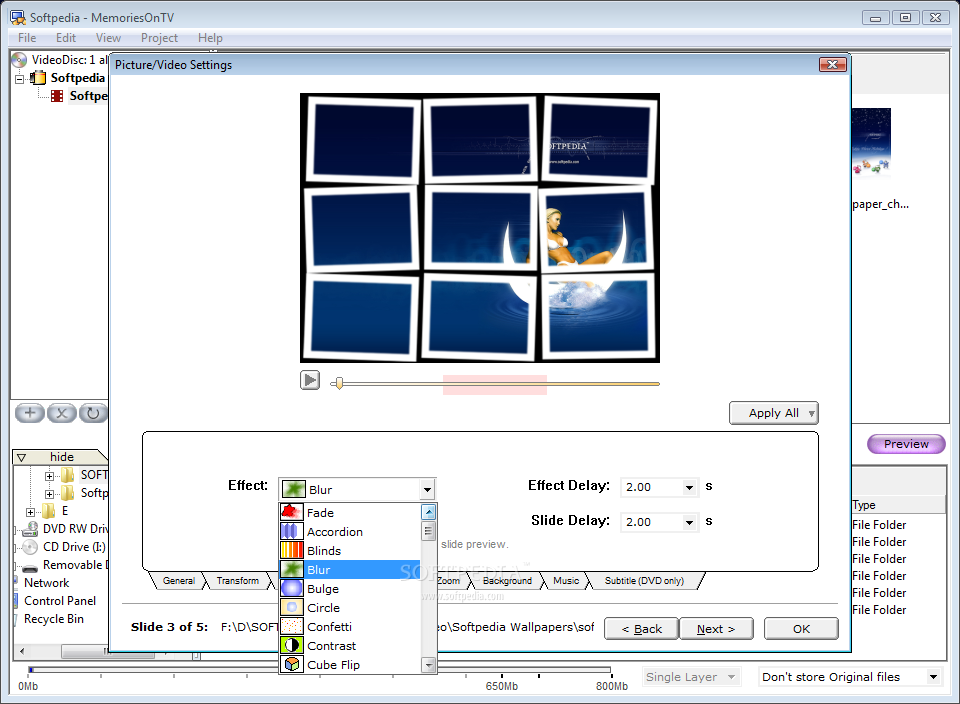
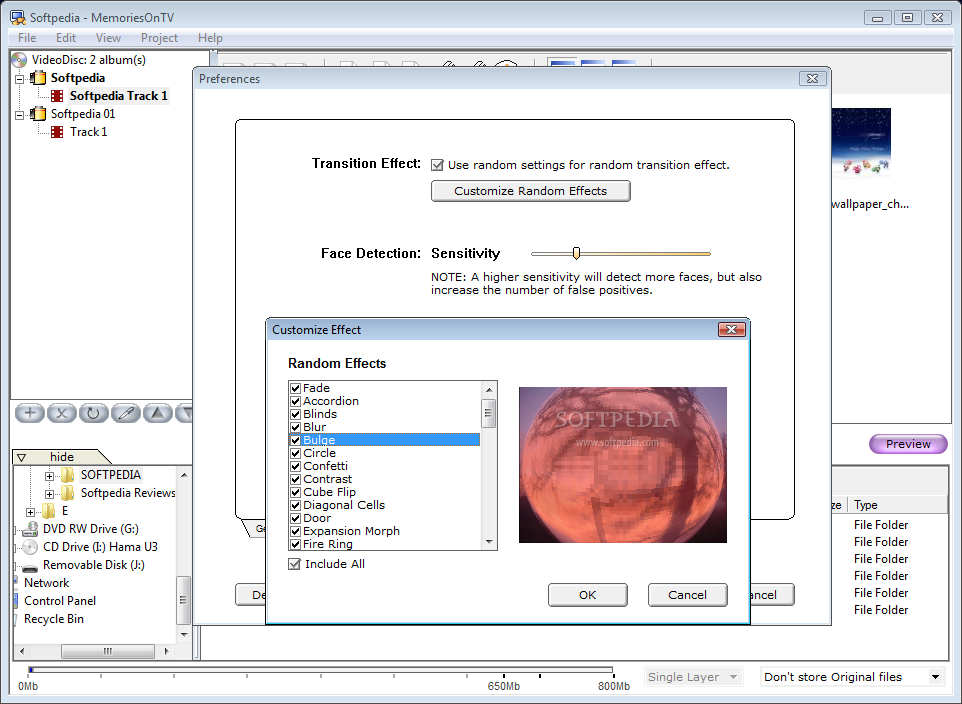
As for transition effects, Memories On TV features more than 50 of them, choices ranging from fading, accordion, blinds, cube flipping, bulge, confetti, contrast, blur or fire ring to old film, image peel, fly in, swirl, spray, warp or trampoline. These are but a few of the alternatives available in the application and you can watch them in action in the preview window, as well as set their duration while some of them even support customization in terms of intensity, direction, softness, etc.
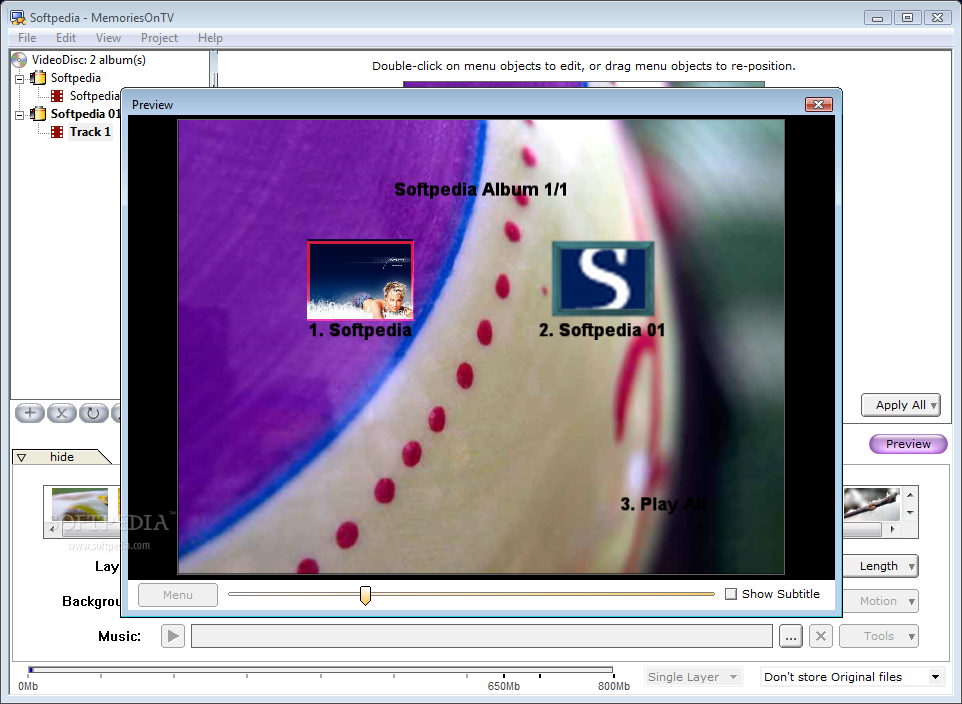
Creating a disc menu for the slideshow is optional, but for a pro look, I suggest you take a peek at the choices made available. It's not hard work and it would give you the chance to set personalized images in the background, as well as move the albums to the desired position (sure, there are also presets at hand), individualize the name or add a segment of music as a prequel to what's to come.
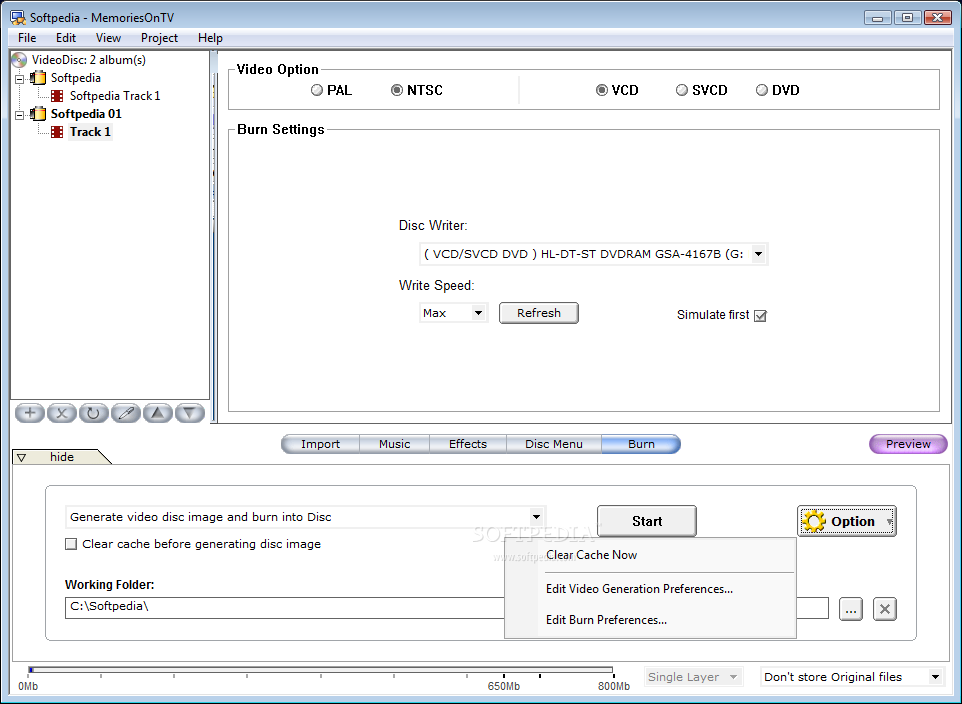
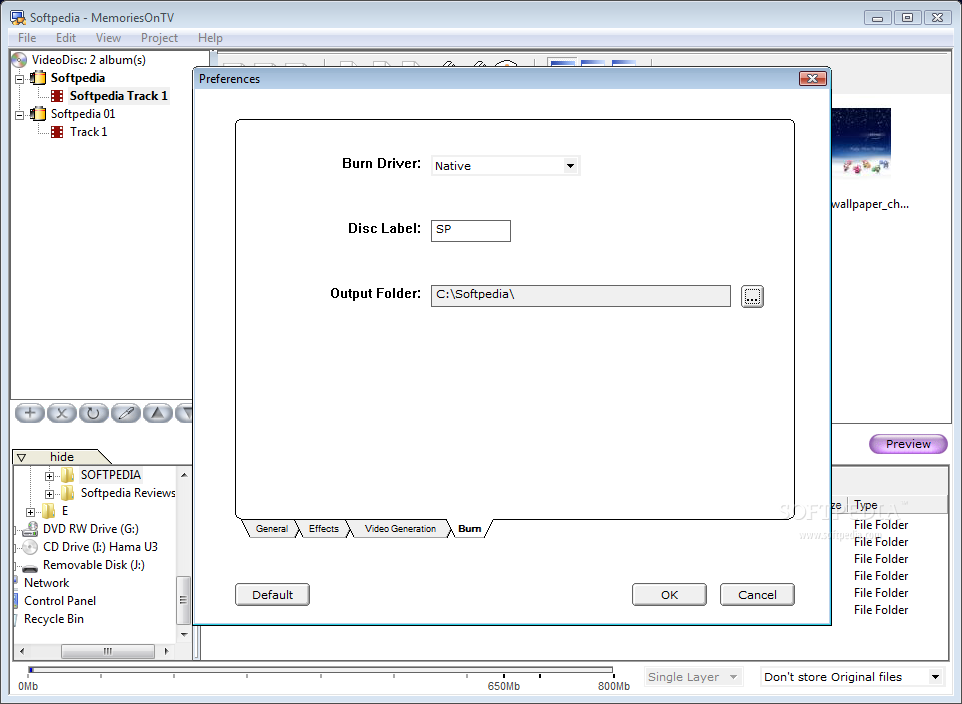
A last preview at the final result before burning everything to disc gives you the final chance for last minute modifications. With everything in order, you can safely proceed to burning the newly created masterpiece. Video options include PAL or NTFS, depending on your region, and wrapping everything into a VCD, SVCD or DVD (additional options are reserved for Pro version). Burn operation can be simulated first and, in the case of rewritable media, the application can erase the disc before writing your work.
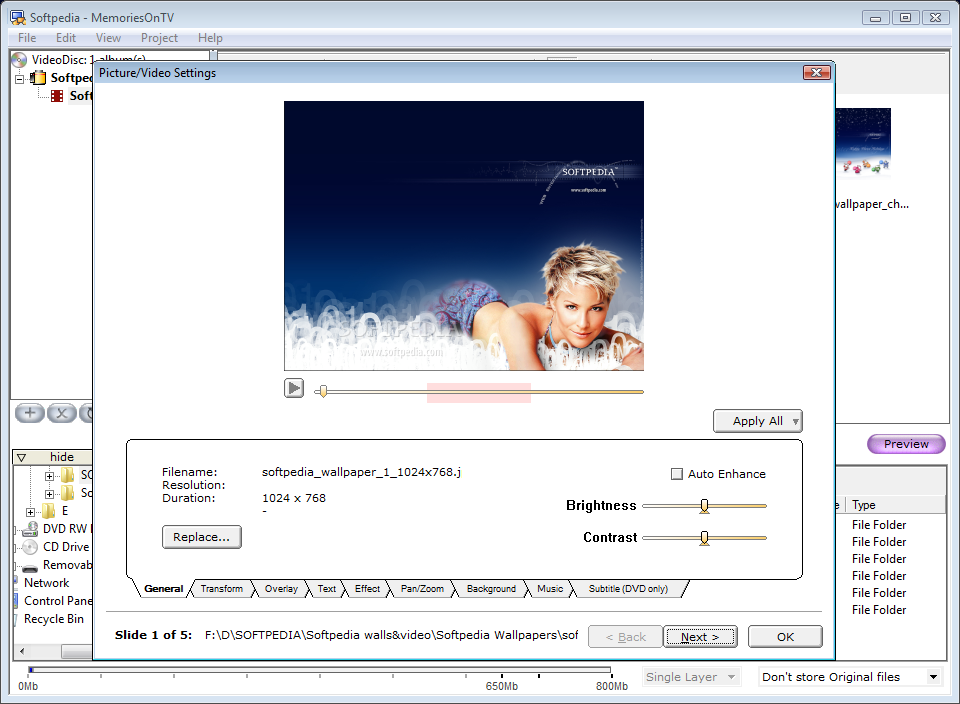
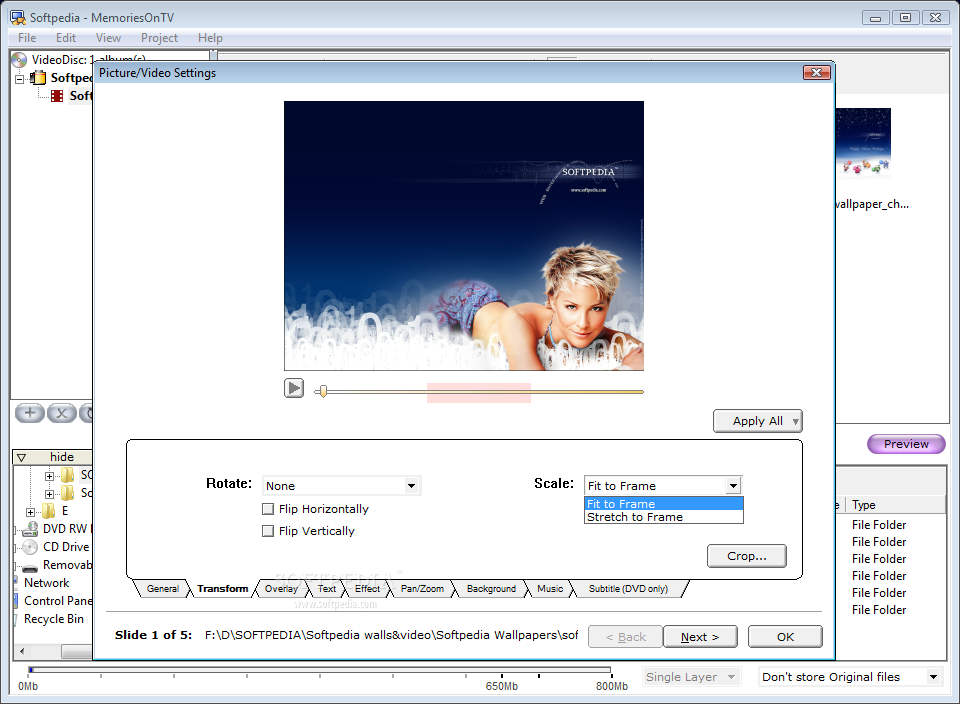
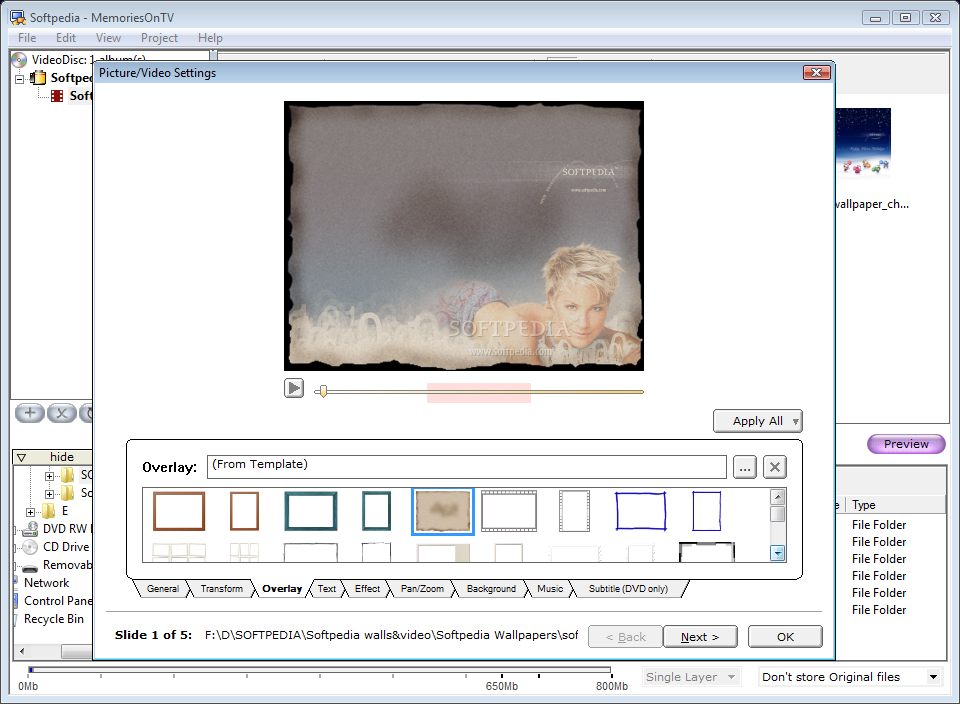
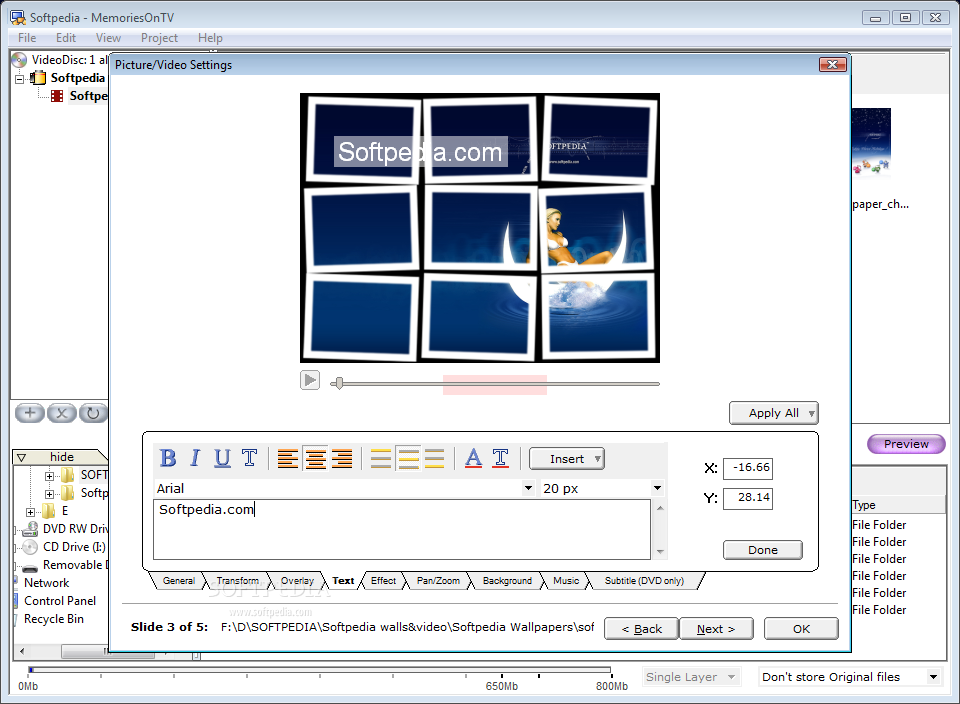
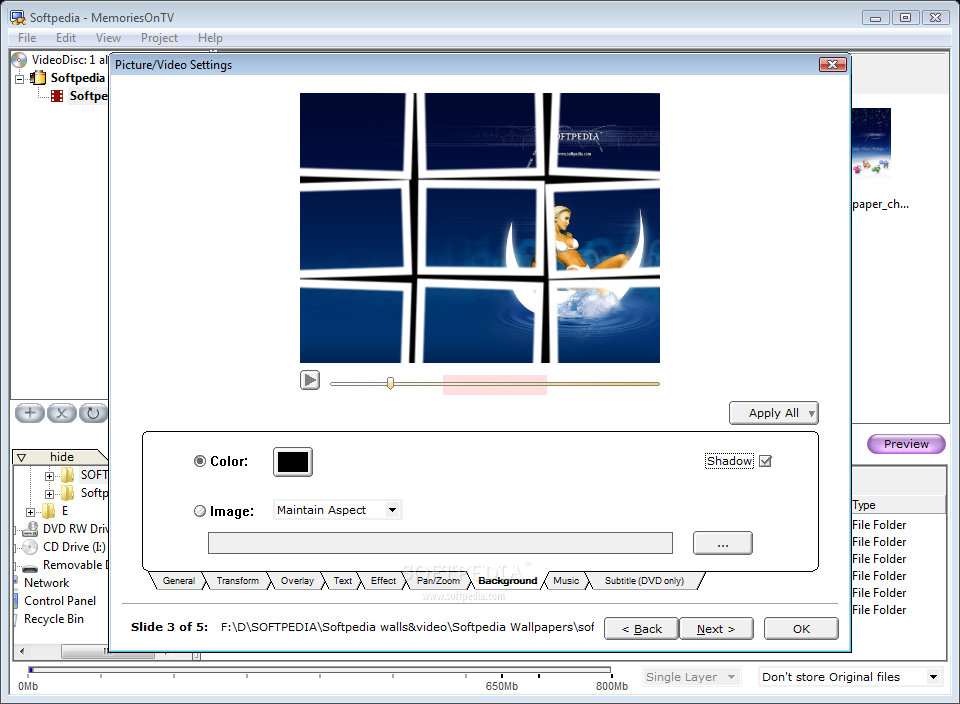
Besides all the aforementioned features, Memories On TV proves its extensive flexibility by offering the user the possibility of customizing each of the slides six ways 'till Sunday. Thus, users can replace one of the pictures with another on the hard disk, adjust its brightness and contrast, scale it to fit the frame or stretch it, flip or rotate, overlay frames from a list of presets, add text and tweak it with effects, append transitions to each of the elements, play with pan/zoom options, change its background or append a sound file individually. This way, you can award some of the slides with more importance or mark the transition to a different set of pictures.
The major downside of the application is that, in Home Edition, it displays options available only in Pro version, which is a bit confusing.
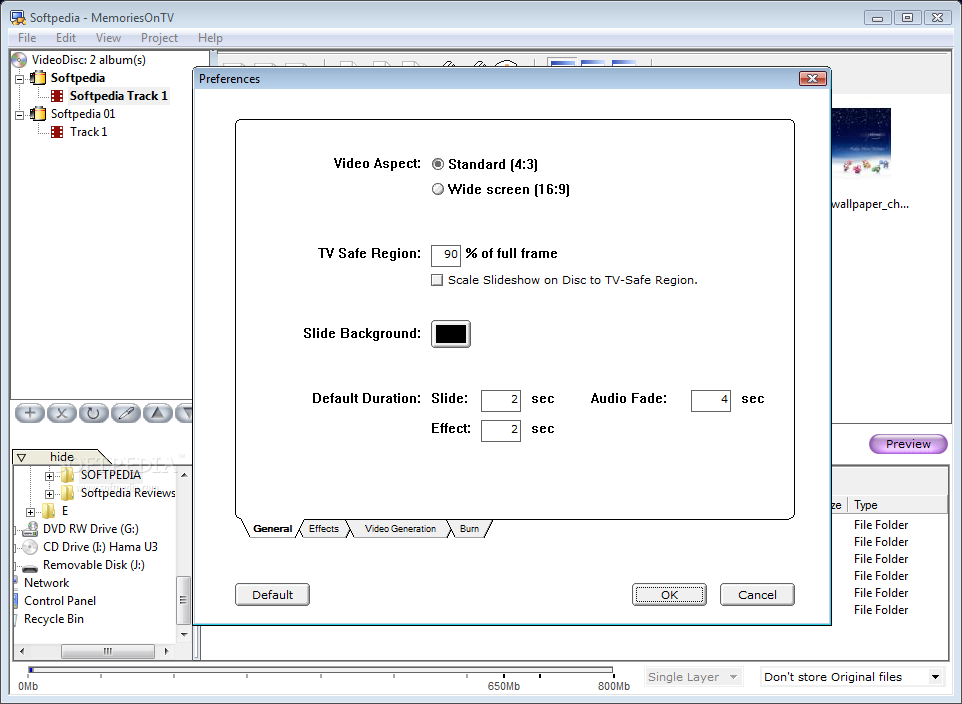
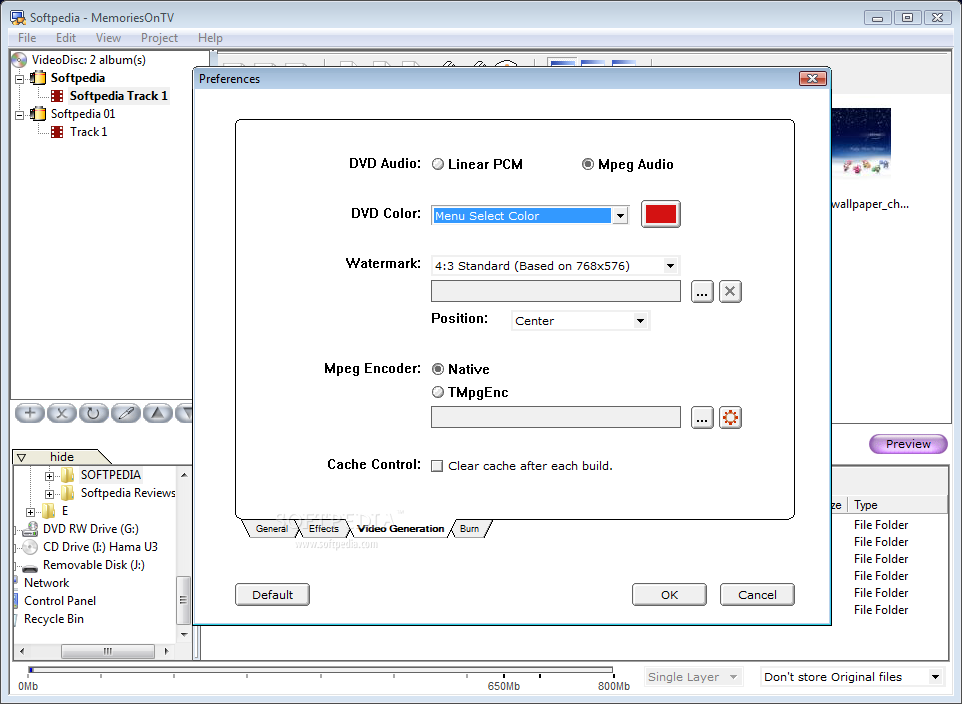
Configuring Memories On TV is as easy as creating the slideshows and the same pattern in displaying the menus is followed. Depending on the device the slideshow will be displayed on, users can adjust video aspect, set a default duration for the slides, effects and audio fade. In Video Generation section, there are some limitations to the Home Edition - thus, you will have to go with the native MPEG encoder and no watermark file can be loaded.
All in all, Memories On TV makes for an extraordinary slideshow builder providing plenty of flexibility with constructing the output result, as well as customizing each and every element. However, leaving Pro options un-grayed out in the Home Edition may seem restrictive and confusing at the same time to the users. As for the price, $49.99 is definitely an obstacle in the way of acquiring the software.
The Good
Memories On TV comes with myriads of options to apply both to entire albums and individually to each and every picture in the slideshow. There are plenty of transition effects and the templates for the disc menu can be customized by the user in no time.
Preview function is a great asset, giving the user an updated look at the result. Burning everything to disc is piece of cake and everything is done from the software, without the need to install third party applications.
The Bad
Including Pro options in Home Edition surely isn't something Memories On TV should boast of, as they bring confusion and high hopes to the user only to discover they are available for extra bucks.
The price is another downside, as 50 bucks for a slideshow creator, be it this professional, seems a bit too much.
The Truth
Bottom line is that Memories On TV is just great in terms of options and features, and the price and the limited functionality of the Home version are the only downsides. Other than this, it's all good: it is easy to use, offers plenty of customization options for both albums and individual files, all work resulting in a professional looking slideshow.
Here are some snapshots of the application in action: