14 DAY TRIAL //
 Outdated Already?
You build a top-notch computer from scratch, throw in the latest and greatest everything, get it ready for state of the art gaming and by the time you connect to the Internet? BAM it's already out of date and you need to update your drivers. It's not that atypical for something like that to happen. We all know how fast hardware gets outdated, think of Moore's Law. My Drivers offers you the chance to worry no longer at the hassles of upgrading and backing up your computer's drivers. Let's see if it lives up to the claim.
After the easy install, I was immediately smirking to My Driver's icon that looks surprisingly like Hobbes from the comic book 'Calvin and Hobbes'. Ah, memories... I managed to regain my composure and put this program through the rigorous tests of normal reviewing.
The Inner Workings
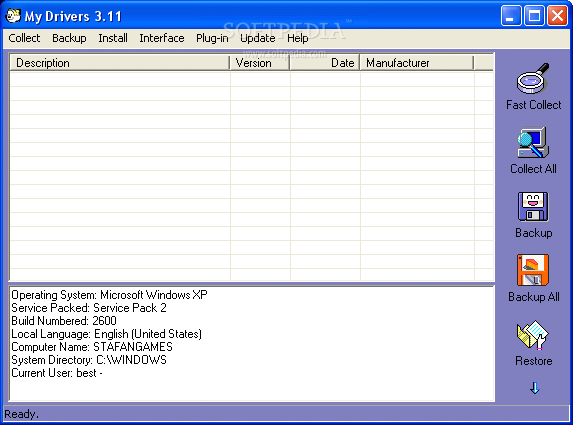
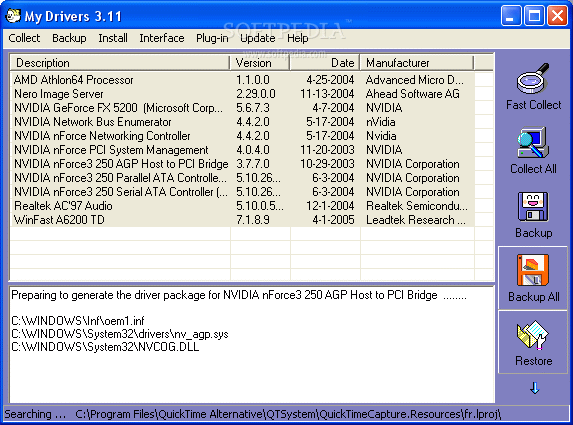
The interface isn't something that's too difficult to figure out since it's very straightforward. With ten main buttons, it's a little hard to get lost. I did feel like it had a little lack to its luster. With a faded and dull violet as a back color, I thought that the overall look could be a little better.
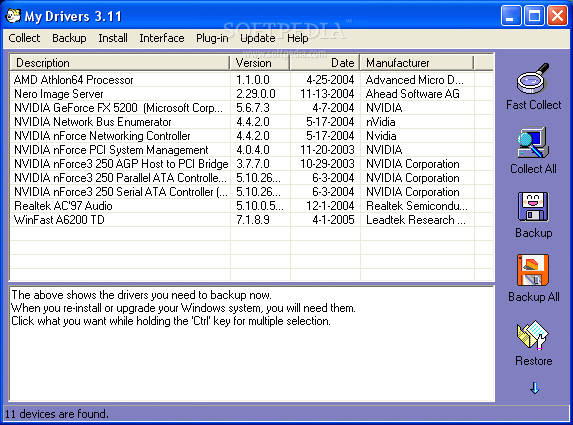
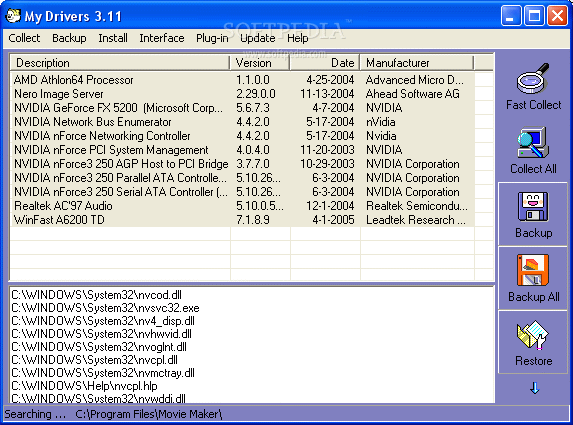
Since I wanted to ensure I had my main drivers backed up, I went ahead with the "fast collect' option. In no time, it showed which drivers I needed to backup. But don't hold your breath when the backups finally start, since they might take a while.
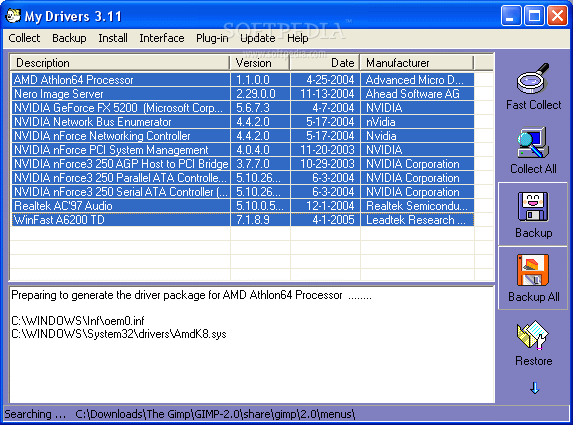
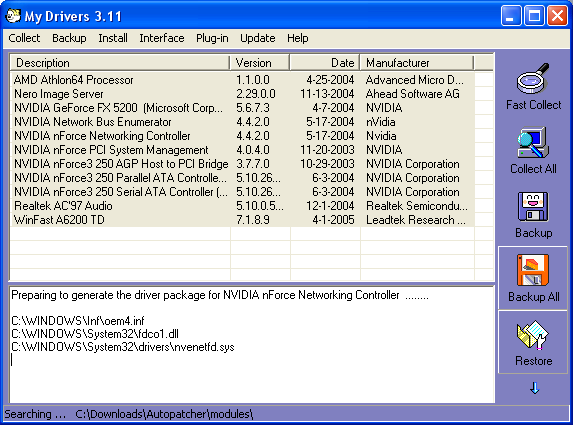
It took me close to fifteen minutes to back up the files it 'fast collected'. The complete backup will take much longer. I then went ahead to try and see which drivers I needed to upgrade.
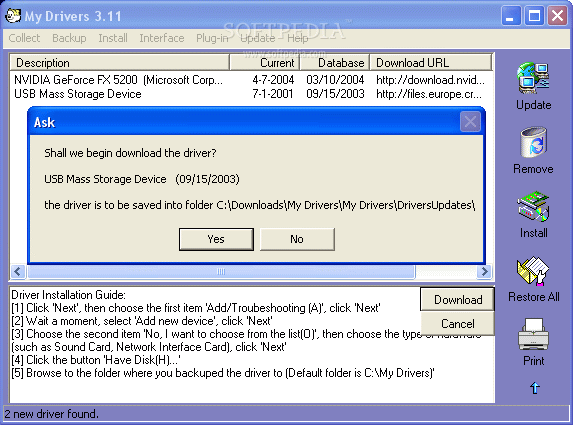
I clicked on the upgrade button and was on my way to having a fully optimized and upgraded system. The upgrade brought up two drivers that needed my immediate attention.
My Drivers also told me the last date I had updated those specific drivers and compared it to the more recent one that it was getting. The downloads don't always go as smoothly as possible, since you might find the same driver, but from a faster server.
This is where I ran into some trouble with the backup software since it sometimes lagged and crashed when I was downloading the necessary updated drivers. I ran it several times before I realized there was a glitch.
I really did try to get the function to work, but it kept crashing on me whenever it was trying to retrieve and download the appropriate files. I wasn't able to download my NVidia drivers at all, so instead I went online to try and search for the updated versions.
My Drivers identified all the hardware devices on my machine, in their help file, they themselves say that they typically get most (not all) of the devices. This sort of information includes the device model, device manufacturer, chip/chipset manufacturer, OEM name, OEM vender.
My Drivers is capable of identifying over 58,600 drivers. You can even find a driver that will work for a certain device by PnP ID fingerprint comparison, and a compatibility test will be performed before installing a driver.
The Good
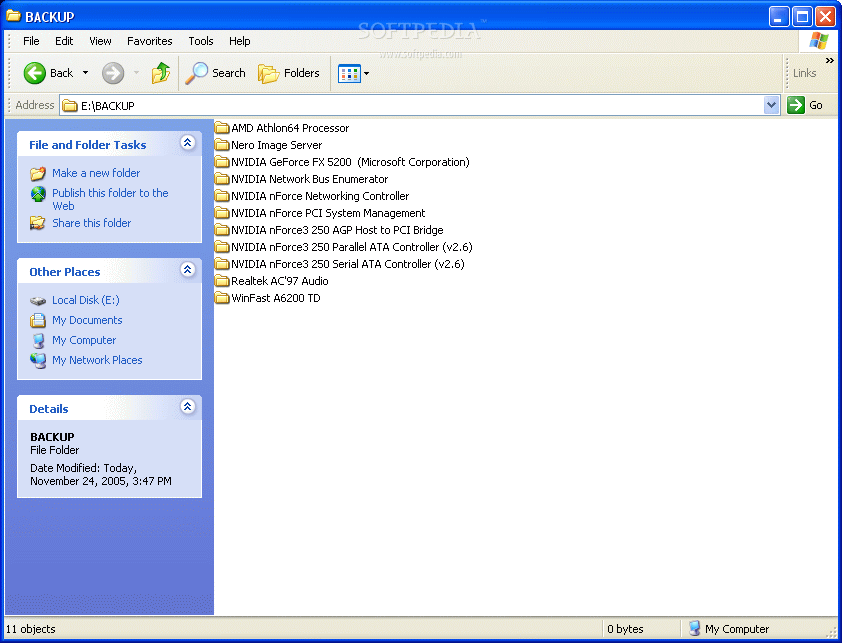
It backs up the drivers you need extraordinarily well. It backs everything into neat and tidy folders in a tip-top organized fashion. It works with Windows 95, Windows 98, Windows Me, Windows NT 4.0, Windows 2000, Windows XP and Windows 2003.
The Bad
When scanning for updates, it does a complete system scan, you can't choose to scan certain hardware. I found out that it has a slight glitch when it comes to downloading your latest drivers. You might be downloading from who knows where when you let it grab your drivers.
The Truth
My Drivers is very organized and backs up your existing hardware drivers quite well. I had some hiccups when it came to upgrading my current drivers, but that only happened for one specific driver. Overall, this product is a good find. It sorts all your backups in an organized fashion and runs on multiple Windows platforms.
Check out some pics below.