14 DAY TRIAL //
 Shortcut creators and quick launchers are two software categories that must attract your attention when you consider installing and customizing your computer, because of the important features they have to offer. Whether we are talking about the major computer users that have a big volume of tasks that they must complete in a limited period of time or just the newbie ones who read the newspaper online, shortcuts, quick launchers or hotkey managers will come to help you launch applications, documents or web pages or just provide you with quick access features.
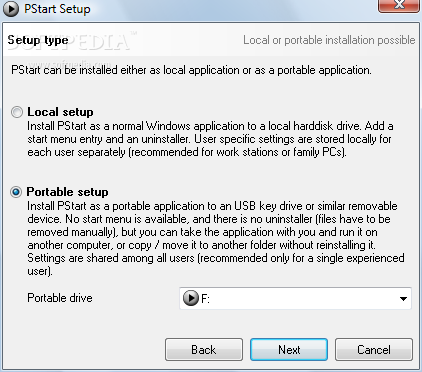
PStart application is included in this software category and it comes with great shortcut and quick access features. Along with the stack of options that can help you customize in every twisted way your access to your favorite programs, PStart comes in a portable form too. From the first installation screen you will be asked where you want to install it : to Local drive or to your Portable drive.
Portability feature can be extremely useful to users that work with their applications on different computers and keep their settings on a USB flash memory stick. The portable programs require no hard drive space because they are installed on the external USB key. They don't append any registry entries and all the savings take place on the root directory.
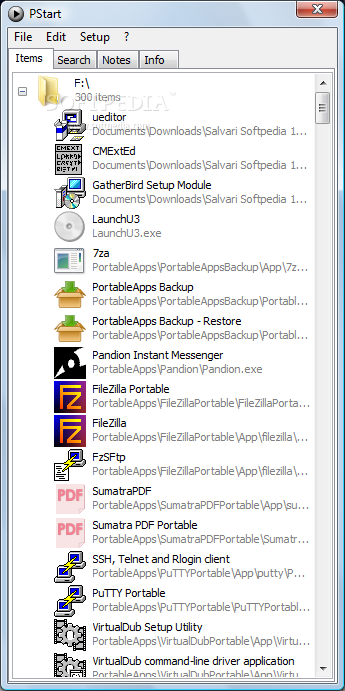
PStart was designed to handle not only the applications from your computer but also the the portable applications from your U3, flash USB, memory stick, or removable disks. It creates relative shortcuts so that when you plug your memory stick into another computer the applications can be started correctly.
PStart comes with a lot of options to choose from, which I think that it can satisfy even the most demanding ones. Not only can you create shortcuts from your portable device but you can also add to your list or groups new shortcuts from your computer that you want to run at the same time with portable ones.
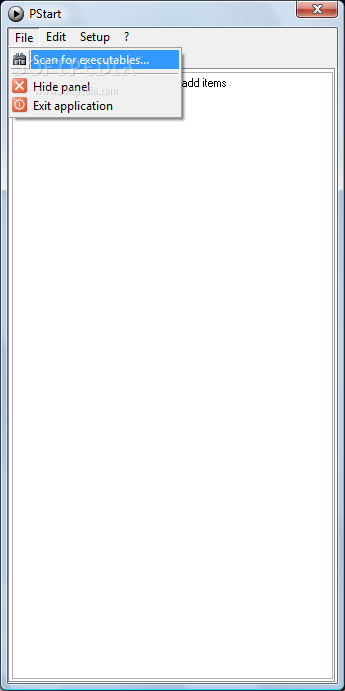
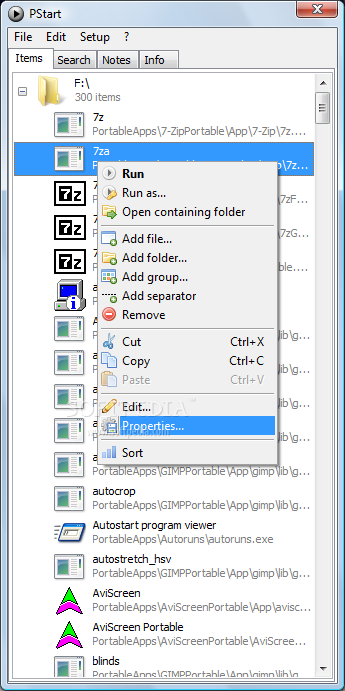
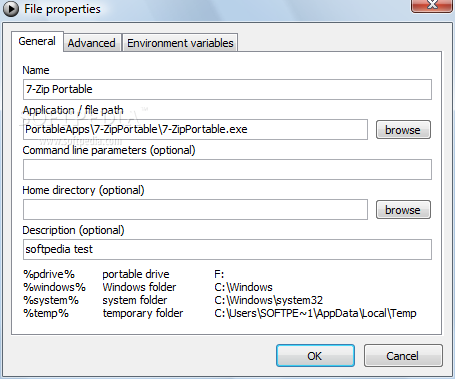
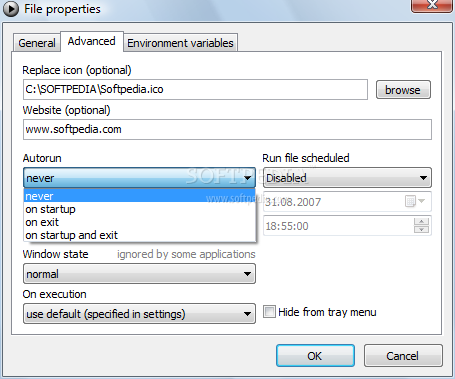
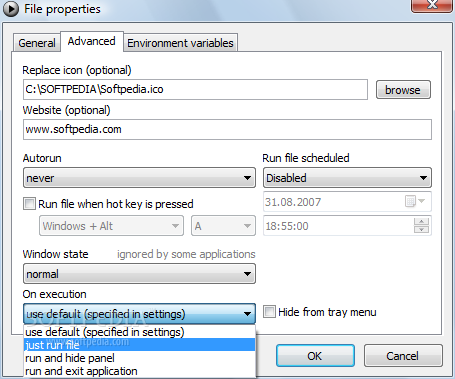
As a way of helping the user find the EXE files much easier the producer included a "Scan for executables..." option that can be used to scan a directory in order to find the software launching files. After the scan is complete PStart will show a list with all the executable files it detected, so that you can select the ones you need. You can create Groups where you will be able to add shortcuts from the same functionality area, for instance. Each shortcut can be customized by changing the icon, name, add a hot key, set the autorun options, make the application to run minimized or maximized. Along with this setting, for each shortcut you can create a schedule for the file to run, a very useful option useful I would say considering the fact that most users hate when their antivirus, malware removers or spyware scanners overlay the scanning process right when you most need your computers resources.
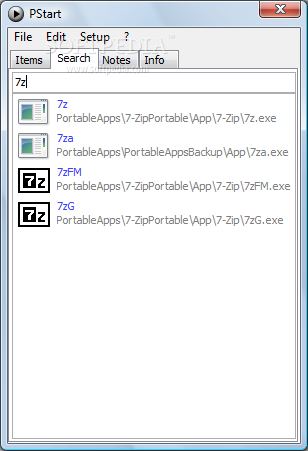
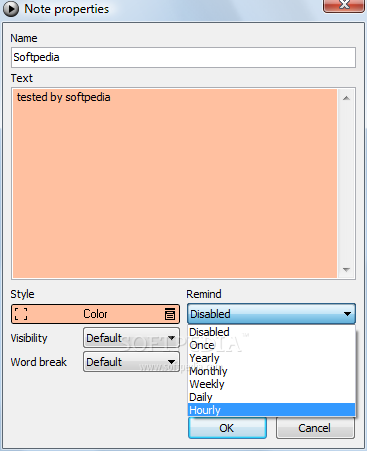
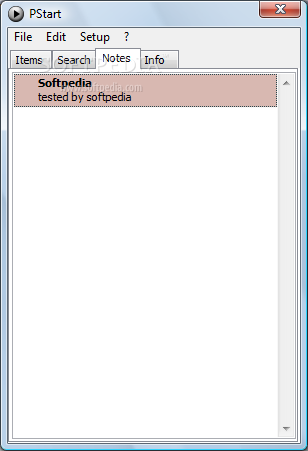
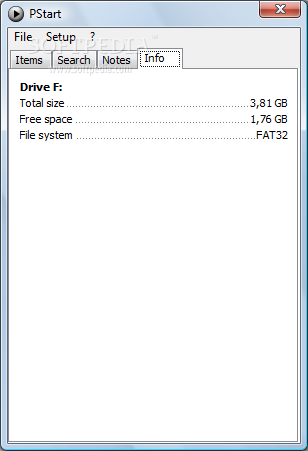
After you create a shortcut group and you add items to it, with just a mouse click you can run all the included files. A minor inconvenient is the fact that the app does not support adding a hotkey for the entire group. This is overcome by the fact that you will be able to set a global hotkey that you can use to call the main panel and from there you can select the shortcut group that you want. PStart enhances a search option that you can use to find a file. Just enter the name that you want and the results will appear as you type the letters. PStart is equipped with a notepad where you can add notes, but it also includes a simple reminder that you can use to turn your simple notes into important events. As a miscellaneous tool PStart has a system information feature that can help you view your system configuration.
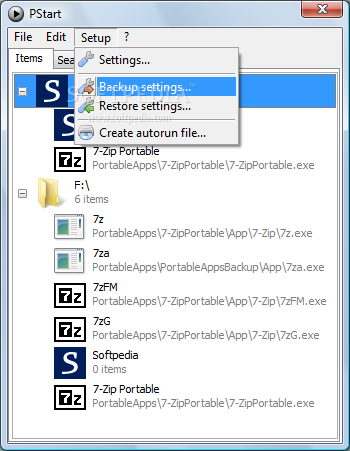
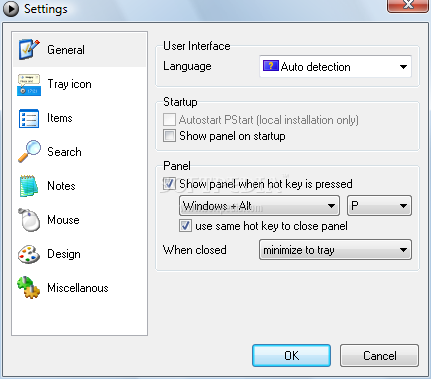
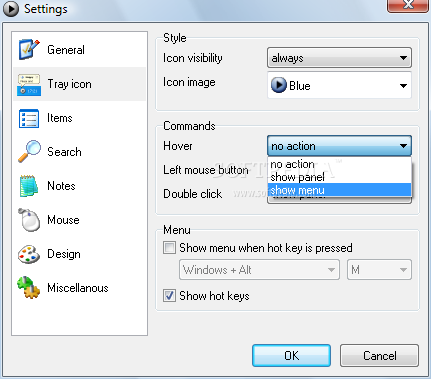
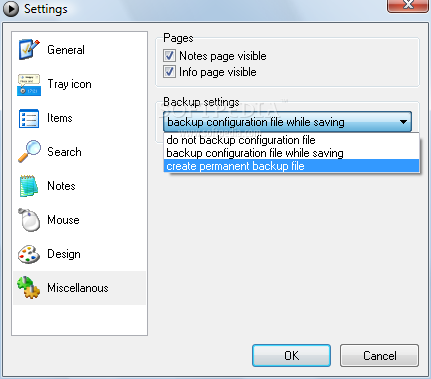
The Settings window provides options that will help you customize not only the looks of PStart but also the panel or system tray icon behavior. A good question on this point will be how to save all the settings that we have made so far in a safe way. PStart comes with the possibility to backup or restore your settings to or from an XML file that you can keep in a safe place so that if something goes wrong you can always return to the original state.
The default PStart language is English but it also provides German translation as well. Another useful feature is the possibility to create an autorun file so that when you run PStart from a portable device the application will automatically start on autoplay. A thing worth mentioning is the fact that each and every shortcut can be placed on application startup or the fact that sorting process can be customized by name or by place.
PStart is free of charge, portable and has a little over 750KB, which makes it a great tool that you can add it to your "must have portable software" list.
The Good
PStart has a lot of options to choose from, is free, is portable, can be customized in many ways, the interface is well polished and it can be personalized by adding notes to the title bar or by adding a background picture.
The Bad
One option that I think it can improve the functionality and the way users work with the software is the "Always On Top" option that can help a lot when you have a few created groups with application shortcuts.
The Truth
I was impressed by the number of features that the software provides and how can it be customized. We can compare with other applications and look for differences but if we look carefully PStart has unique features that makes it worth trying.
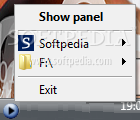
Here are some snapshots of the application in action: