14 DAY TRIAL //
 Once upon a time there would have been very difficult to create a new partition on your computer without booting and without knowing a thing or two about hard disks and the partition types. As time went by and we grew wiser, there appeared lots of applications that are able to create new partitions, merge the existent ones or resize them. And this once annoying and hard task has become a mere matter of choosing one of the applications available on the market and putting it to work.
The number one such application in my opinion is Partition Magic, but as PowerQuest sold it to Symantec and Symantec is not showing any signs of releasing a new version, we can assume that the software is at least in a coma if not dead. However, there may be a surprise from the Norton producer and they might issue a new, improved, Vista compatible release. Who knows?
Anyway, the very Partition Magic resembling application I found for you is called Paragon Partition Manager and it is developed by Paragon. The tool is extremely useful when it comes to creating new partitions, merging the existing ones, resizing them or simply formatting. The price for this software is not too much considering that it is able to resize NTFS partitions without requiring a reboot of the system and it comes to a clean $40.
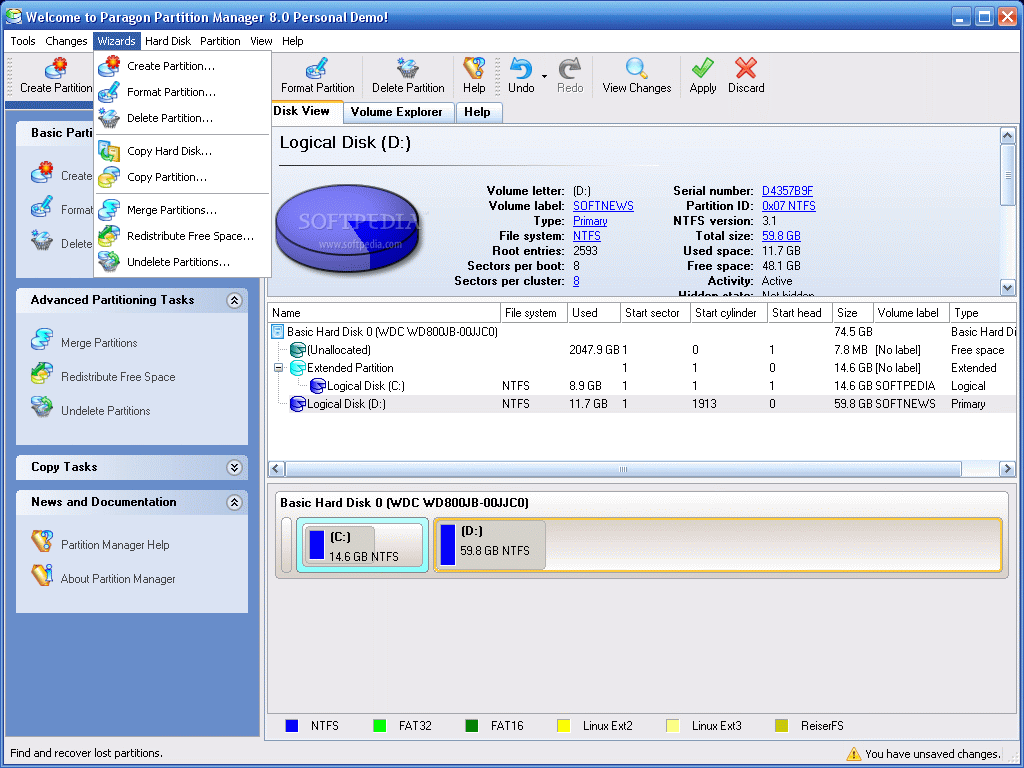
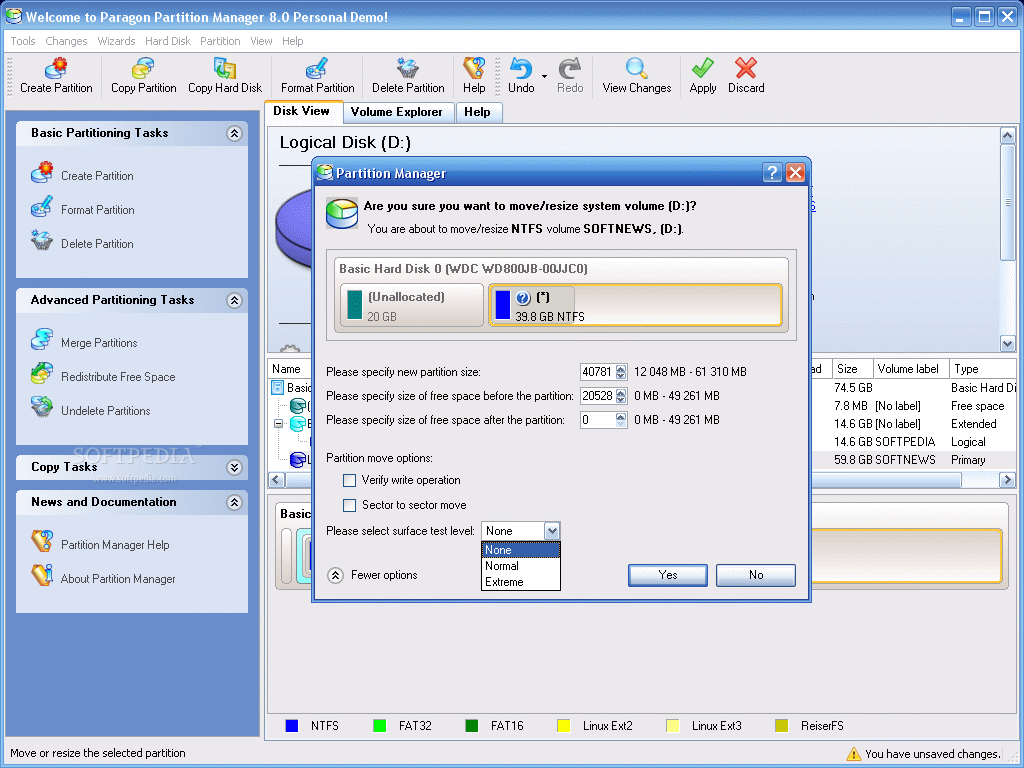
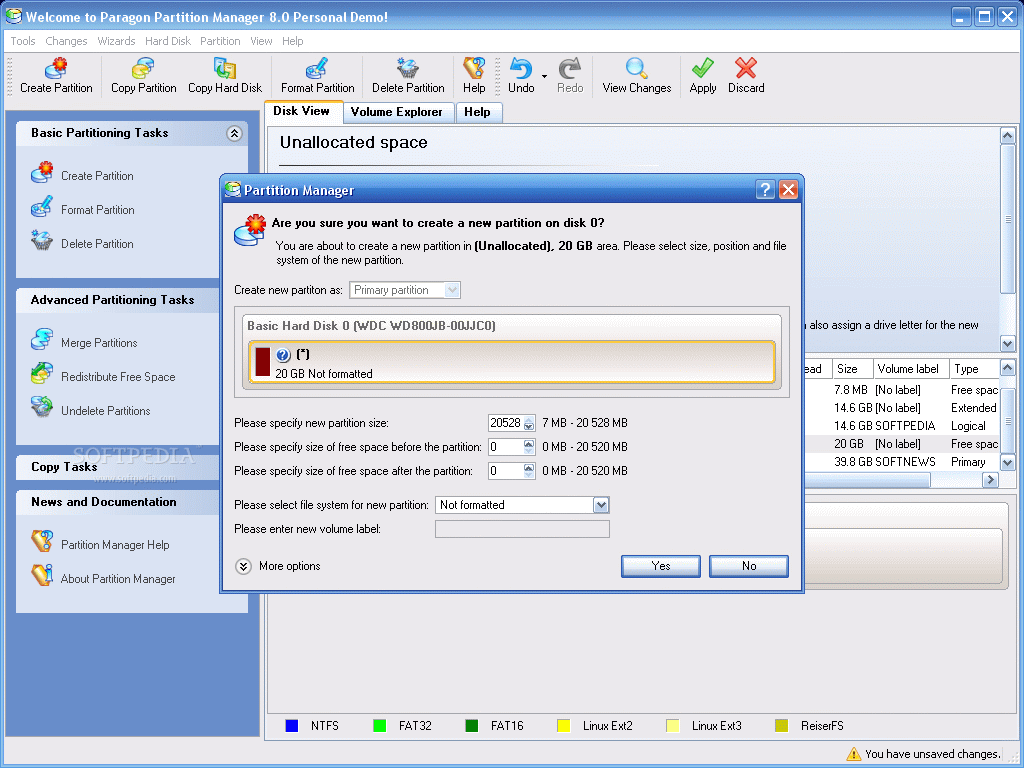
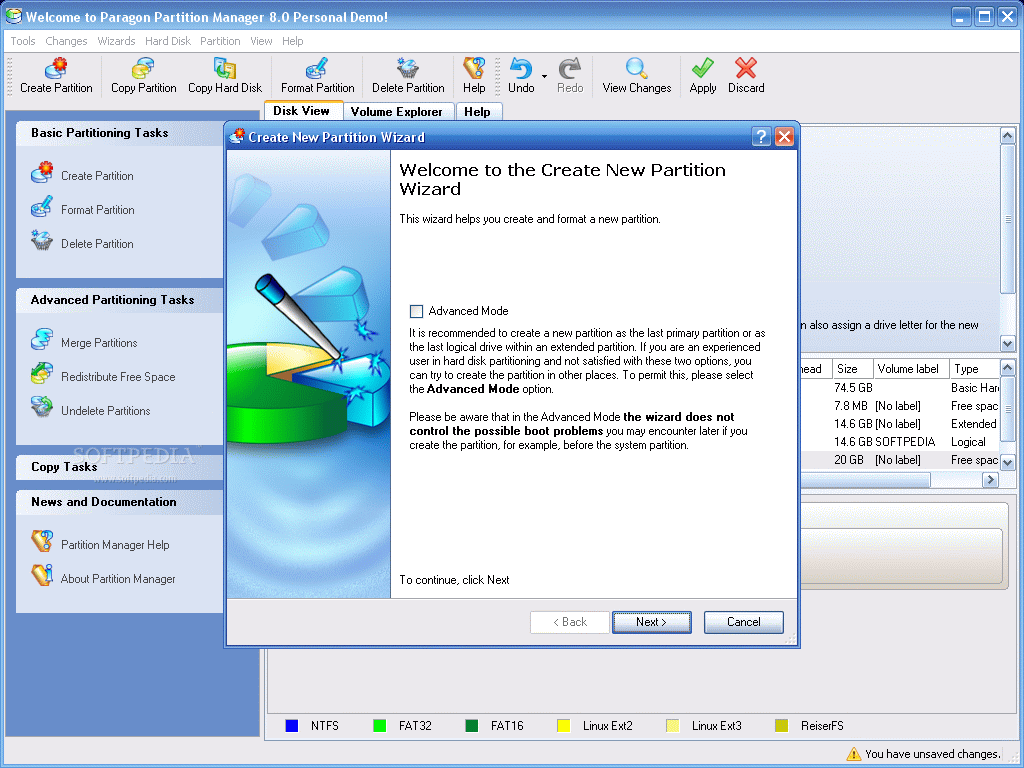
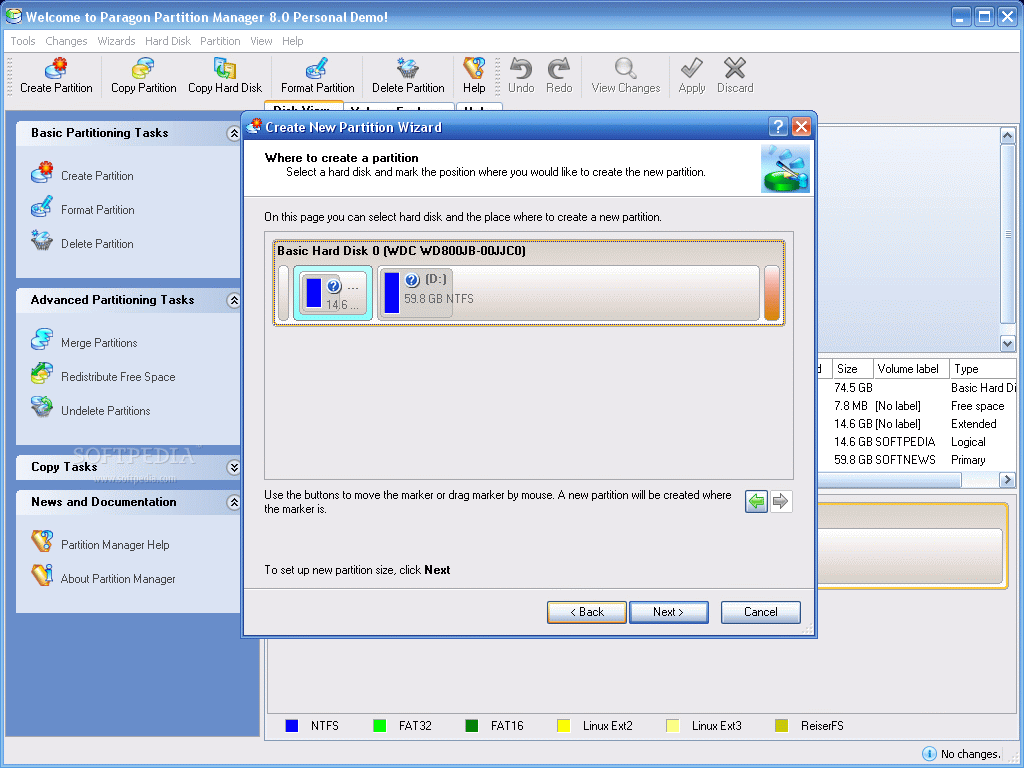
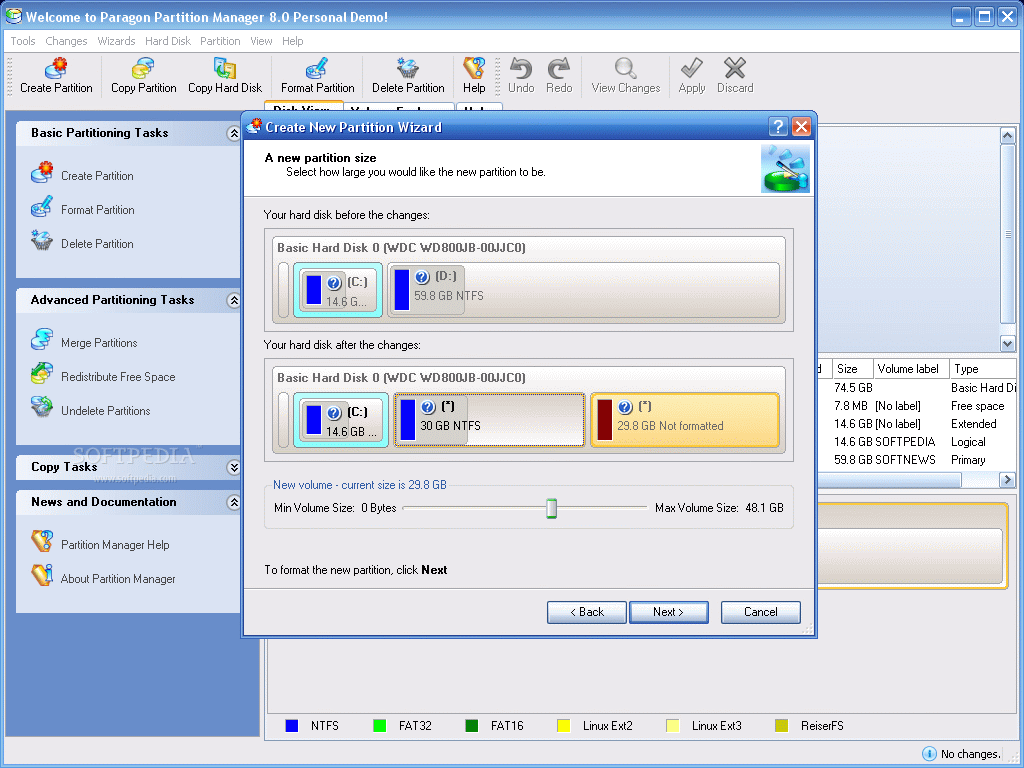
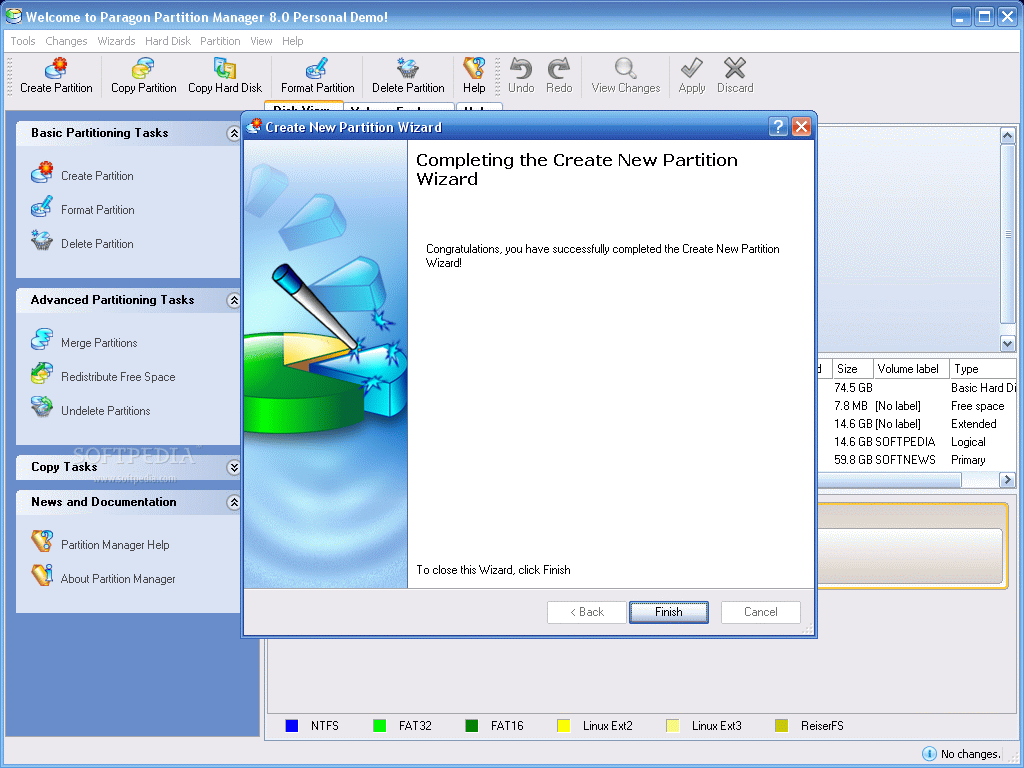
Paragon Partition Manager addresses both beginners (and those that have never tried partitioning are included) and advanced users. For both categories, wizards are available to guide you through every step of the process. And instead of typing the partition size by yourself as some more rudimentary software imposed, you can simply drag by a slider and set the size.
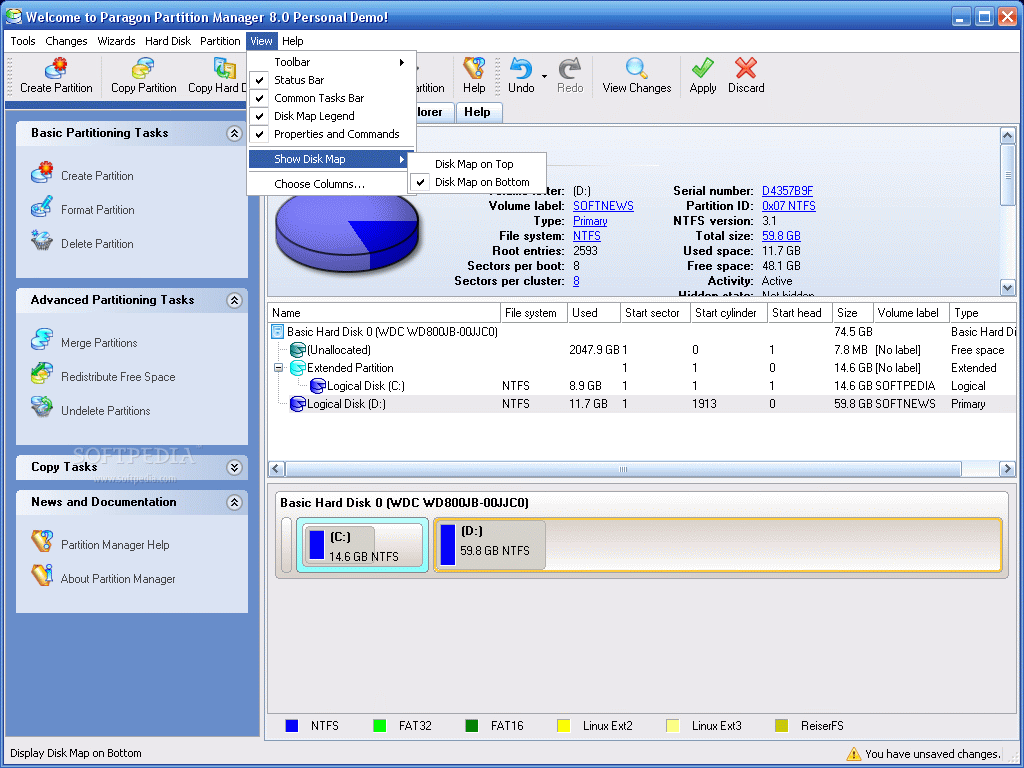
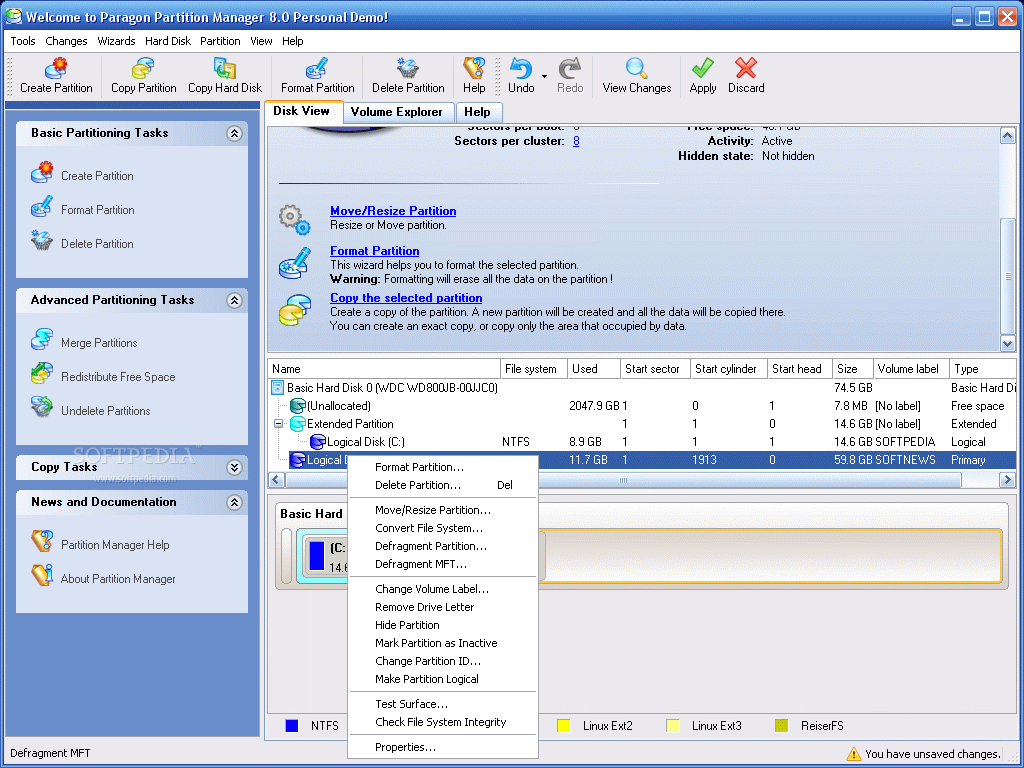
The operations supported are not too many, but at least they are all you need from such a software. Thus, you can create partitions, format or delete them, as part of the Basic Partitioning Tasks. Advanced Partitioning Tasks include merging, redistributing free space and undeleting partitions (restoring the partitions that have been deleted). Copy Tasks are one task poorer and shelter only Copy Hard Disk and Copy Partition.
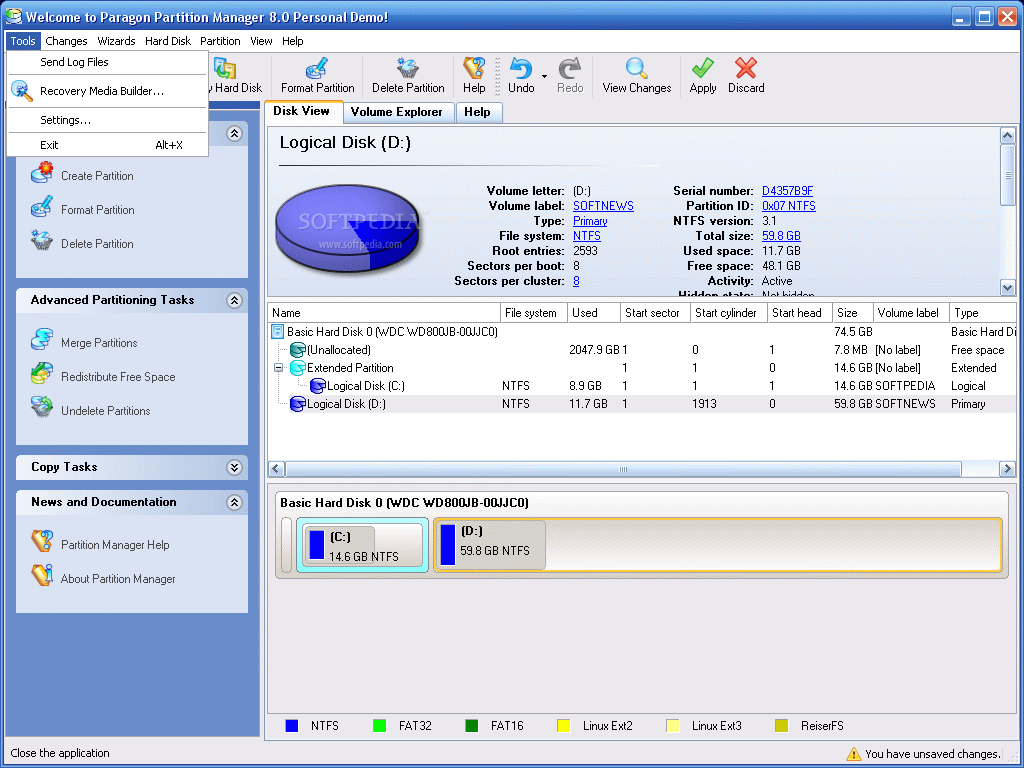
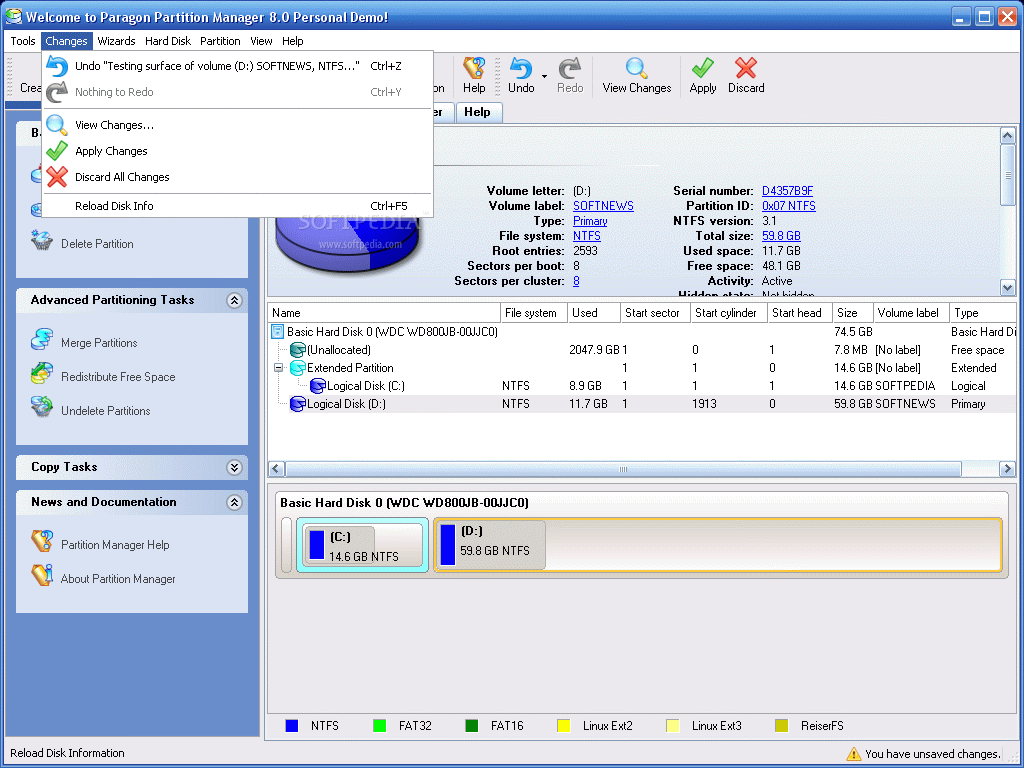
Every task you take on will be seconded by a wizard that will not let you do something wrong unless you consent to it. The tabs in the main application window allow two different views: Disk View and Volume Explorer. Disk View is divided into three sections. The bottom window section displays the hard disk(s) and their partitions. Clicking on one partition will produce a change in the other two windows in the sense that they will show the details pertaining to that drive.
The middle section shows the details for the selected hard drive: the file system, the used space for each partition, the starting cylinder, the size of the drives and of the entire disk as well as the volume label and the type of the partition (extended, logical, primary or secondary).
The section at the top of the application window shows specific information about the selected drive and allows modifying it in any way you want. Thus, besides the volume letter and label, used file system and partition type the user can also see the serial number, partition ID, NTFS version and sectors per boot or per cluster. Every item that is in blue and underlined means that can be modified in one way or another.
Volume Explorer, the second tab of the window, also displays the drives and volumes available of the system and will also show the optical drives installed on your machine. The difference is that here you can export files from one partition to another on your computer or on a workstation in your network.
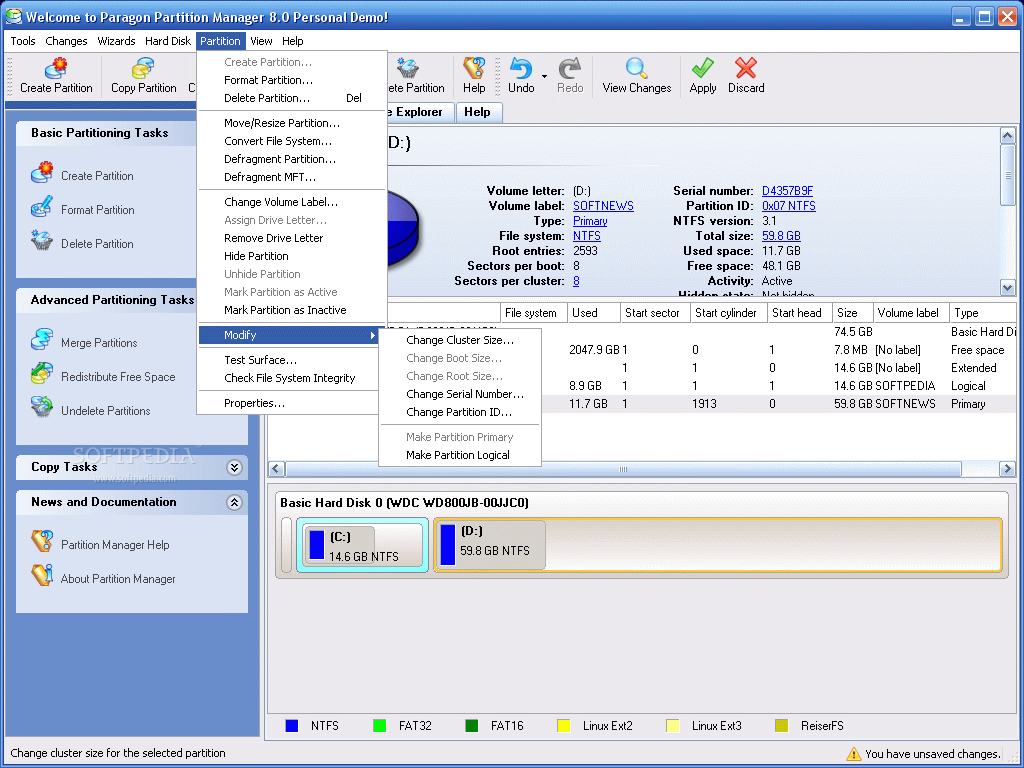
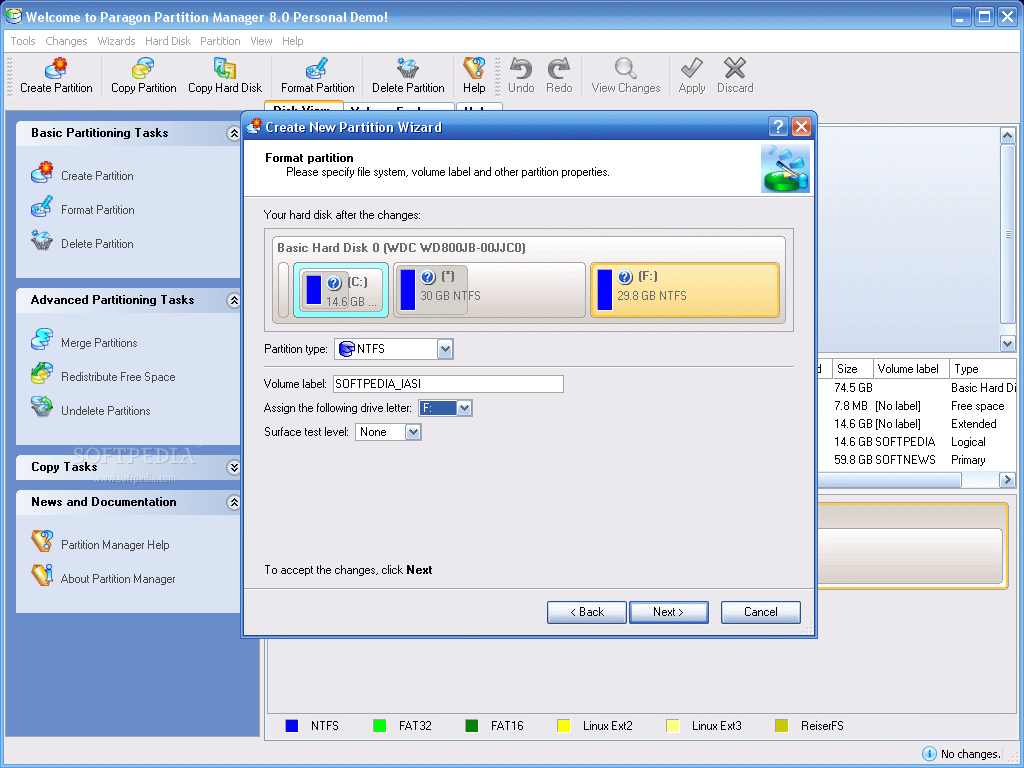
The best thing about the software is that it is not limited to Windows partitions (FAT 32 and NTFS) and it can also create Linux partitions: Linux Ext2, Linux Ext2, ReiserFS and Linux Swap2.
At the beginning of the review I said that Paragon resembles a lot to Partition Magic, which is true, but the little details make the difference and one of them is the GUI (Graphic User Interface) which is absolutely incredible. A IIIrd millennium interface that has curved shapes and warm colors. Also, the icons and images defining the tasks are incredible. Order is at home in here and any user, no matter the skills, will not feel that a task is too difficult to accomplish.
The Good
The interface for one thing, is intuitive enough for everybody to understand. Working with the software made me think that if it were available the first time I created a partition, I would not have stayed up all night counting the seconds (sometimes minutes) of the percentage to grow to a full 100%. And the wizard would have explained me the deal with the partition types and all that stuff.
The Help menu is crystal clear and explains everything so that you understand all the tasks and their results.
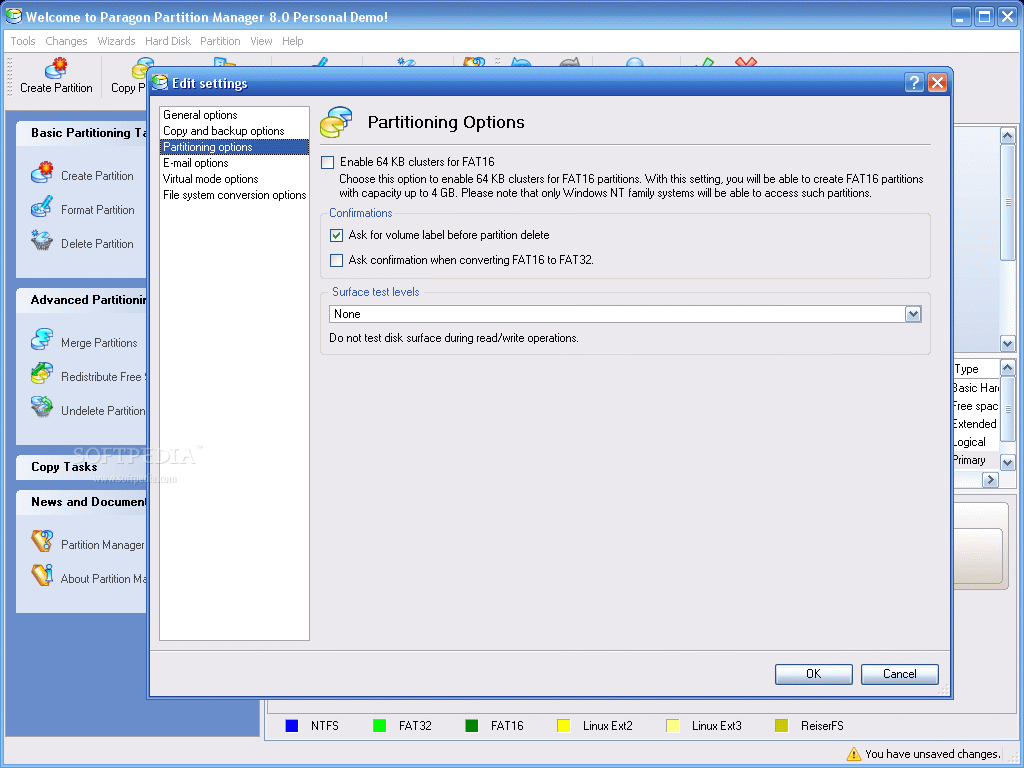
The application provides a surface testing tool that will bring out the bad blocks and other problems, if any.
The Bad
The Demo version tested does not allow you to go all the way with the tasks. And for the Vista fans out there, you should wait for a future release for Vista compatibility or choose Perfect Disk.
The Truth
Great application that you should definitely take into consideration when choosing the partitioning tool. Take a look inside and see for yourselves what Paragon has to offer when it comes to partitioning.
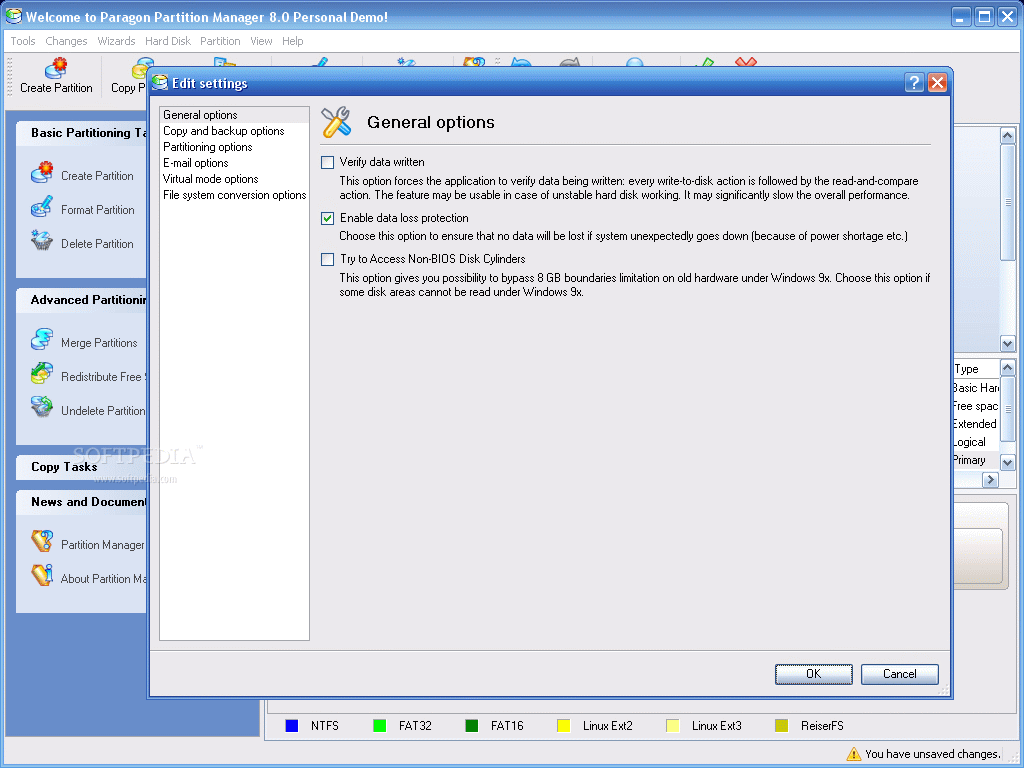
Here are some snapshots of the application in action: