14 DAY TRIAL //
 The more files you store on your disk(s) the greater the impact on the entire computer's performance. Generally, this statement is true. But only if there is no maintenance of the computer and in this case it'll definitely take more time to perform the requested operations.
The easiest way to avoid working with a sluggish computer is defragmenting its files every once in a while, depending on the abundance of file operations performed. NTFS system, as good as it is, has its flaws and even the MFT files need to be put together every now and then. The files are thrown all over the place on your hard disk and this affects the performance of the entire computer. The OS will need more time to find what you are looking for and you know that read/write operations are the most frequent when working with a computer.
Windows provides the necessary tools in order to keep the system in tiptop shape, but you all know how good they are. It is a fact that besides the operating system, most of the users look for third party applications to do their bidding and Microsoft components are generally avoided (sometimes for good reasons).
So here comes a Disk Defragmenter replacement. Like most good products, it is not free and the price is not to be ignored either. $29.95 for an application that defragments your files is not quite a bargain. But you will see that the software is as special as the price.
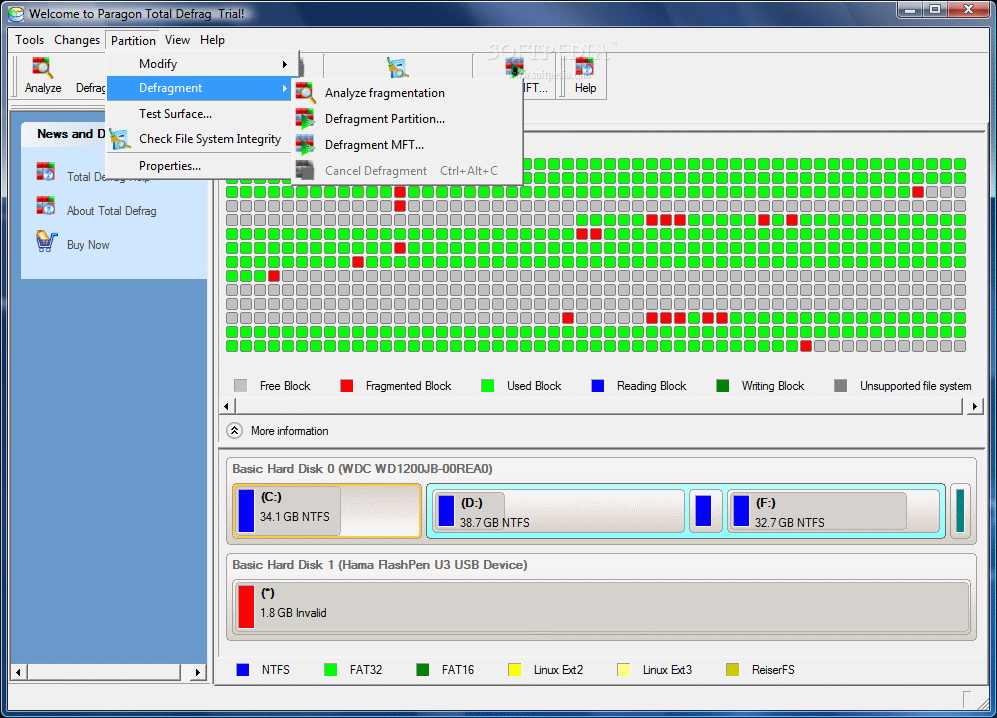
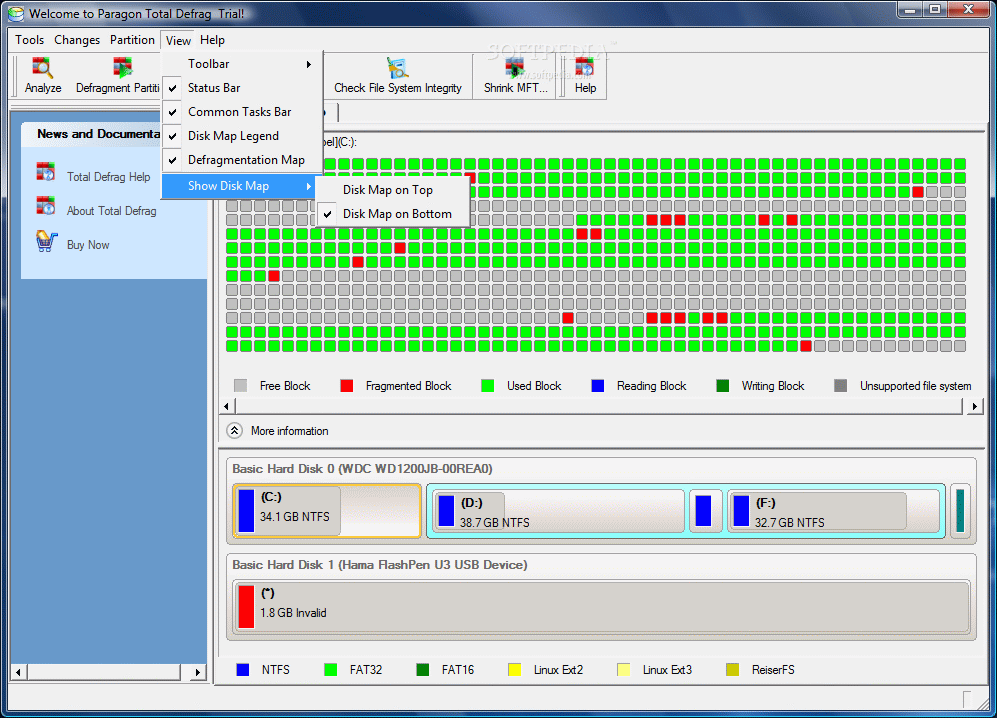
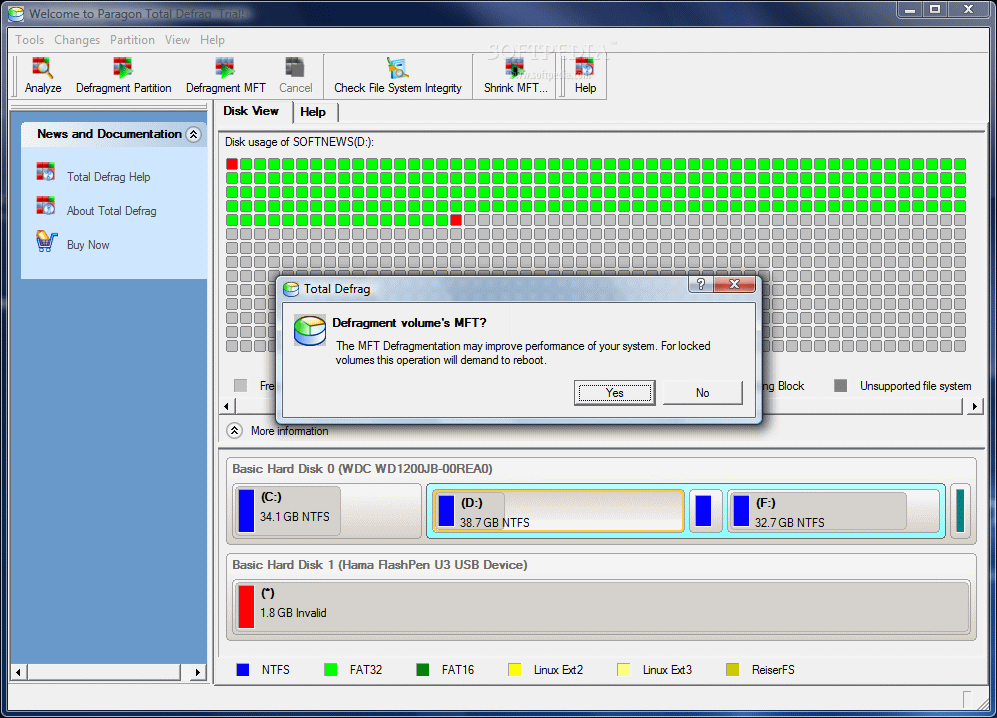
There is nothing stunning about the interface, but its functionality is priceless. Very easy to use, the application does not abound in functions and options and everything is kept to the minimum needed. The Disk View pane located in the right hand side of the application window gives you a pervasive look at the selected disk. A glance is all you need to see the amount of fragmentation on a partition as color coding works great in the case of Paragon Total Defrag 2007. The color legend right under the disk map will shed some light on the colored dots.
Information window under the map brings in details on the progress of the current operation. An additional option allows you to program a computer shutdown after the process completes. Lower in the screen there are located all the storing devices installed on your machine with the available partitions.
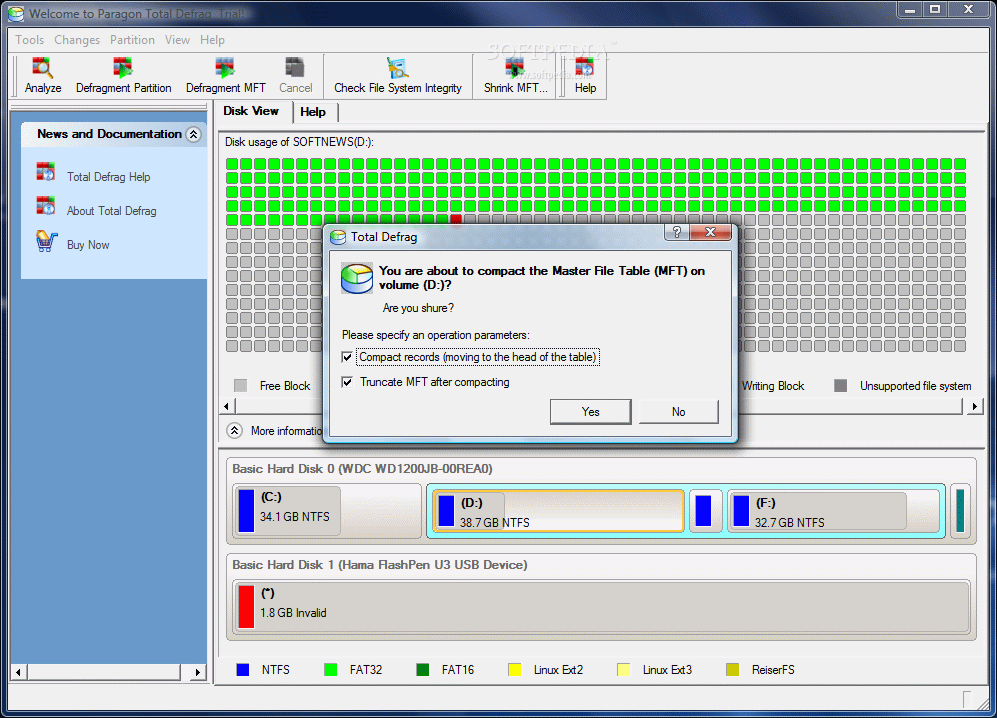
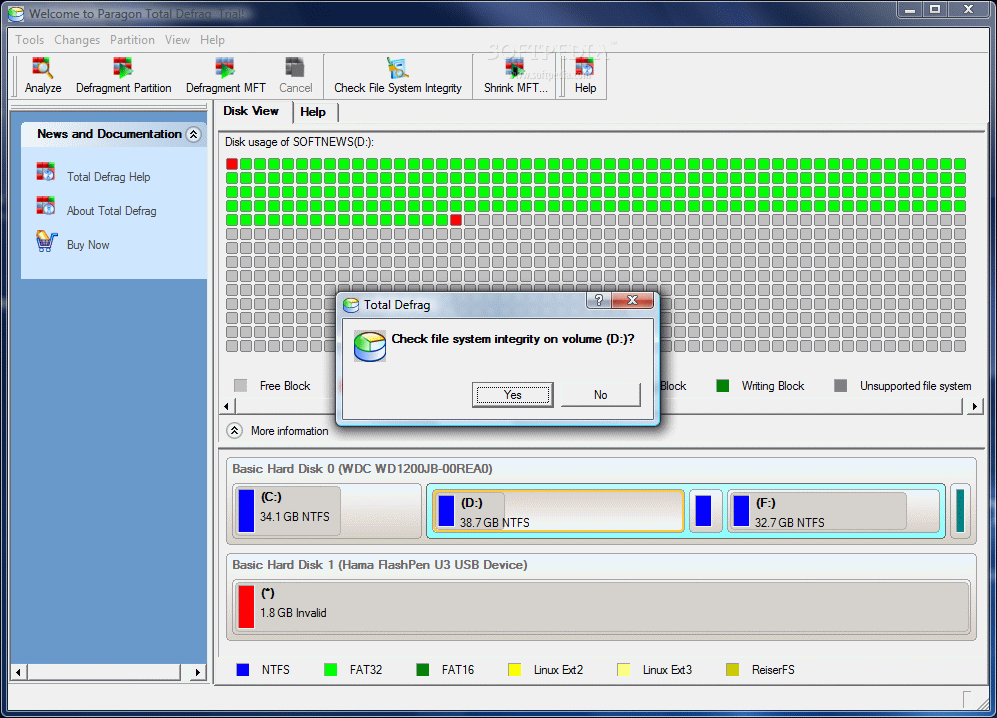
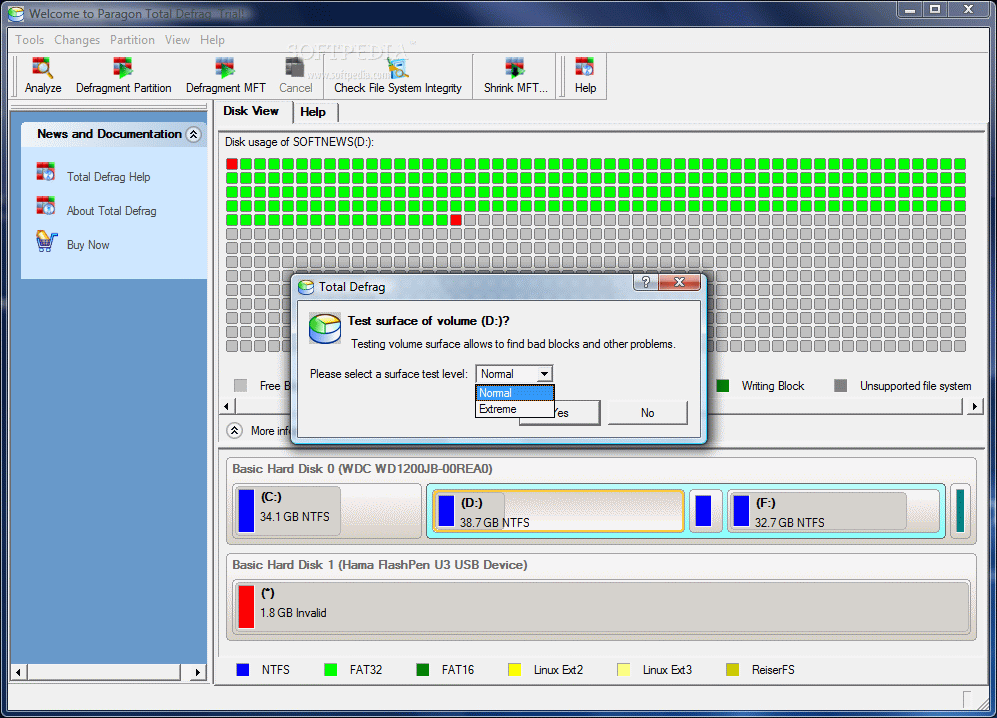
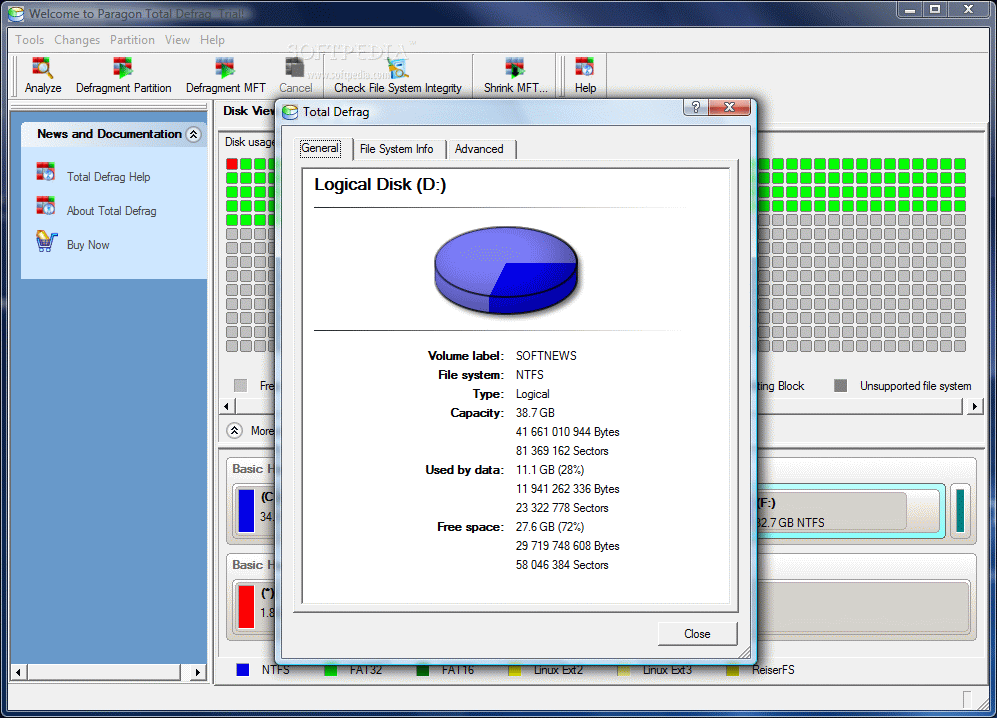
Additional options introduced by the application are the possibility of defragmenting MFT (Master File Table) file of each disk, disk surface testing checking file system integrity or viewing the properties of the selected disk. Few are the users that know what MFT really refers to.
MFT file is located at the core of the NTFS file system. The MFT entries are used by the file system in order to define the files to which they correspond. For easy understanding, it is enough to know that MFT contains all the information about a file: size, time and date, permission. The content of the file can also be stored in the MFT file or in the space external to MFT, but described by it.
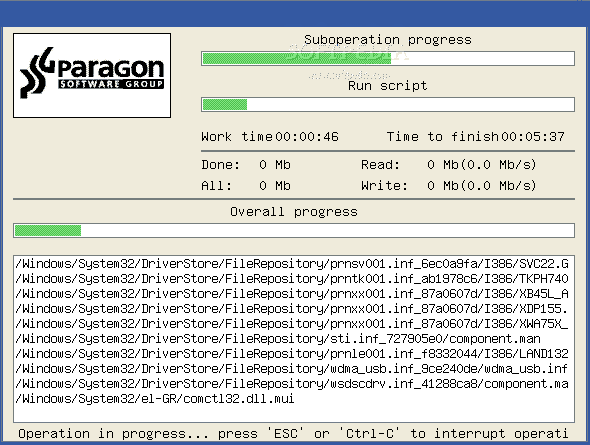
When it comes to defragmenting the system partition, Paragon Total Defrag is not as sloppy as other software in its category and the job is thorough enough. The process is completed in Windows boot mode (check pic no. 6) so no file on the system partition is actually in use.
This way all the files located on the system disk will be thoroughly analyzed and defragmented as no read/write operation is performed. Usually, when it comes to optimizing this drive, some of the files that are in use are no properly taken care of and the defragmentation software simply skips them.
Despite the bright side of the process, there is a cost. Defragmenting the system partition takes awfully long. In my case, a 35GB drive was completed in over 40 minutes. And that's only because some defragmentation sessions with different tools had already been operated on the partition. Also, the time estimation for completing the job is not accurate enough to give you an idea on the finish time.
The options available when defragmenting one of the drives let you select the position of the folders on the drive, depending on how frequent you access them. Placing them first on the disk will reduce the time required for accessing them (they will be moved to the sectors with the highest speed). The same reasoning can be applied when choosing to sort the files: by size or by date and time modification.
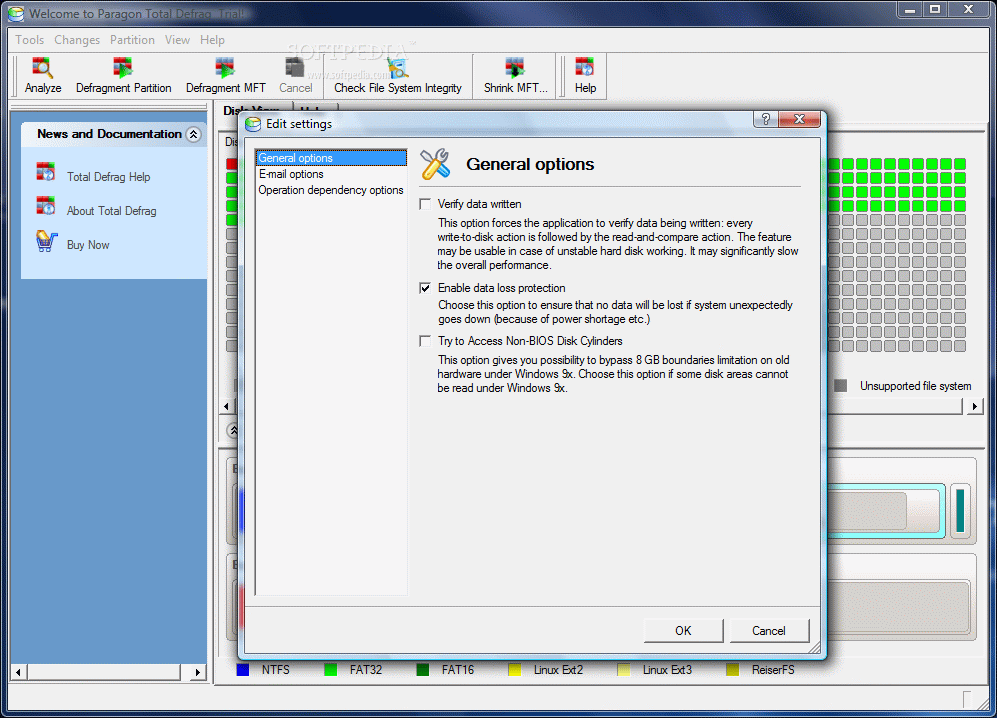
External events like power shortage during defragmentation can lead to massive data loss. In this sense, Paragon Total Defrag comes with a solution that enables data loss protection. This can be found in the Settings, under File menu.
In case of a bad disk, you can enable the read and compare action to ensure the verification of the written data. This way, every write to disk activity is followed by a comparison of the files with the original. However, this activity does not come without shortages and the overall performance will have to be traded.
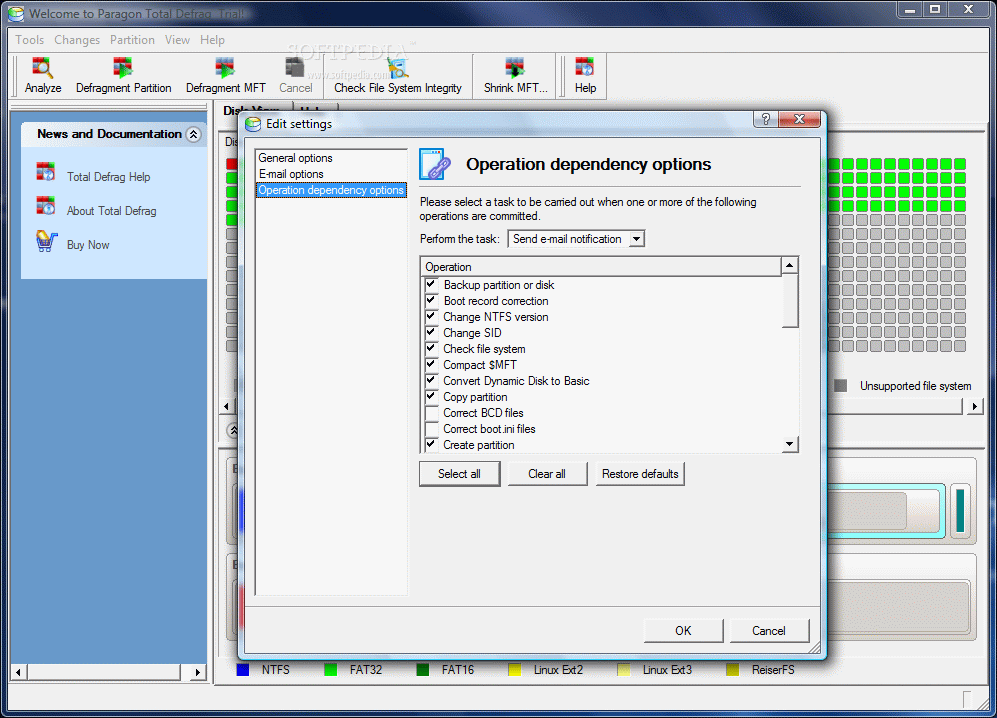
If you want to be informed at all time of the activity of the HDDs, you can enable the email capabilities of the application and whenever one of the actions available in "Operation dependencies options" occurs (backup partition or disk, change SID, file system check, partition creation, boot.ini files correction, partition modification, change of the partition type etc.) you will receive a notification.
The Good
There are lots of goodies available in the application, but the defragmentation of MFT files and shrinking them are among the star features. Keeping the files side by side on the disk is paramount in some cases and Paragon Total Defrag does the job responsibly.
Before defragmentation, you can choose the files that should be placed on the faster sectors of the disk track. This will reduce considerably their access time.
The Bad
For the application to function normally a restart of your computer is needed immediately after installation. There are no scheduling options for the logical drives. A 'set it and forget it' option will definitely bring more value to the software.
The estimation time for completing the job is inaccurate and the process takes quite a long time to finish (although the results are great).
The Truth
MFT defragmentation and shrinking, proper defrag for the system partition, system file integrity check, surface testing of the selected volume (either "normal" or "extreme"), process logs. These are the benefits of Paragon Total Defrag. Put them in the balance with a restart after the installation of the program, offline system file defrag, slow completion of the process and the $29.95 price.
Here are some snapshots of the application in action: