14 DAY TRIAL //
 I first started being interested in Flash when I saw some Web pages that made me go: wow! I wanted to be able to create something that's nice, original and surprising at the same time. The thing that cut my wings was that behind all that beauty laid the "beast": scripts.
Why did it have to be so complicated? I wanted to be fun, not work, and also something that I could learn quickly. For someone who wants to use a program just to make a greeting card, learning scripts in Flash is too much.
You know those magic shows in which magicians take their wand, tap on their hat and then he pull out a rabbit? Well the same way you can make a flash animation with this software call SWiSHmax. Your wand will be the mouse and the hat - Swishmax's toolbar.
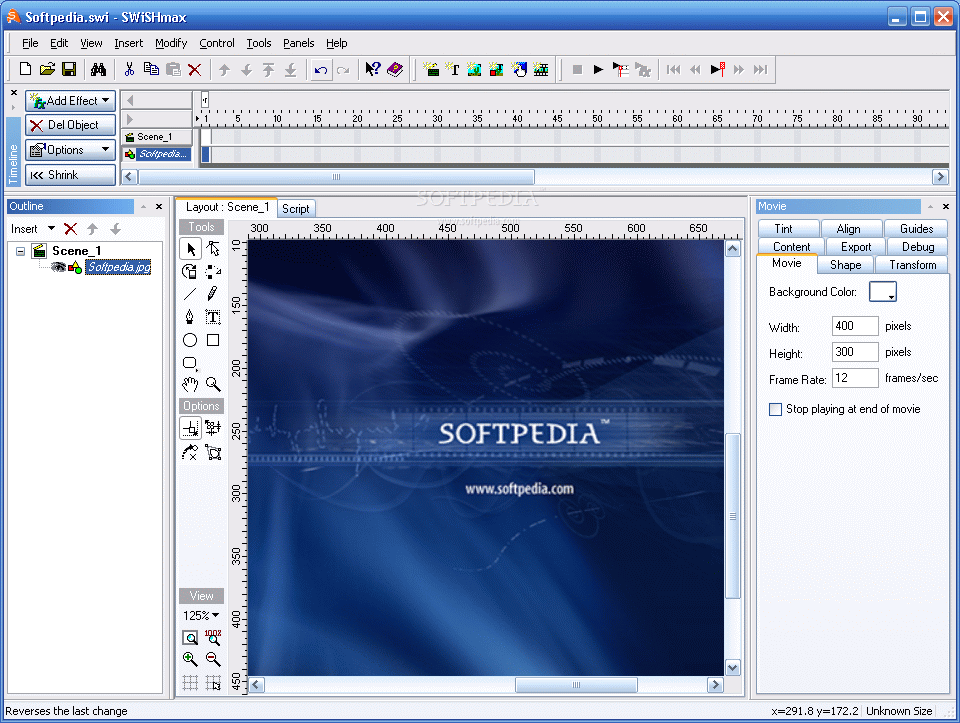
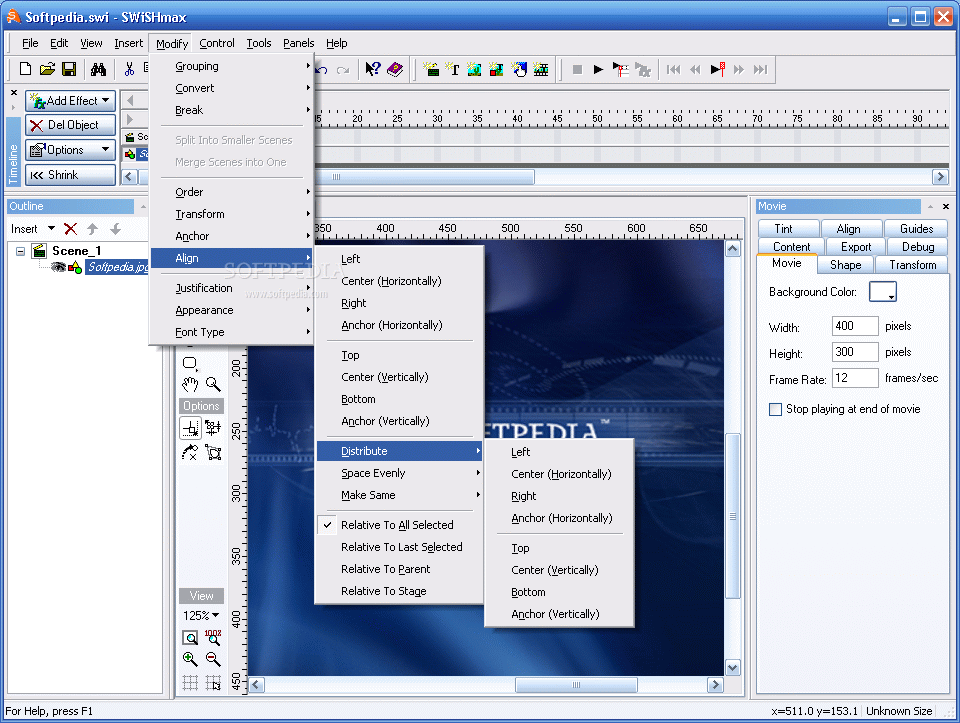
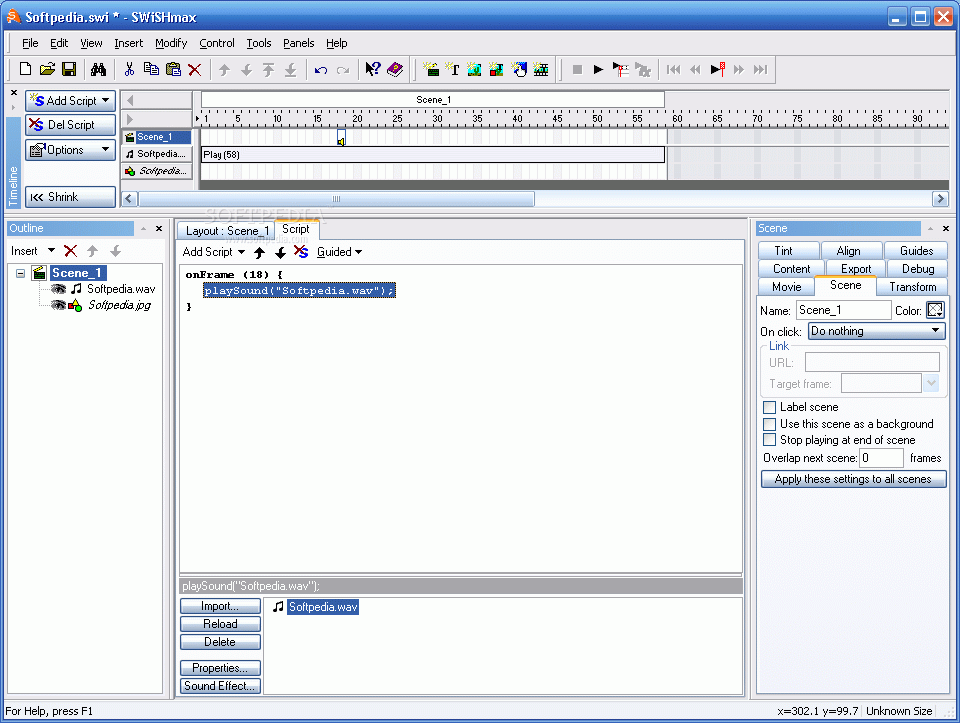
The program has a simple yet powerful interface. When you open the application, everything you need is right there. You have a 'Timeline' Panel that contains time-based properties for the current Scene.
The Scene is composed of a series of Frames, in the same way that a motion picture is made up of Frames. Each object row lets you see the Effects that are applied to that object and every second is accounted for.
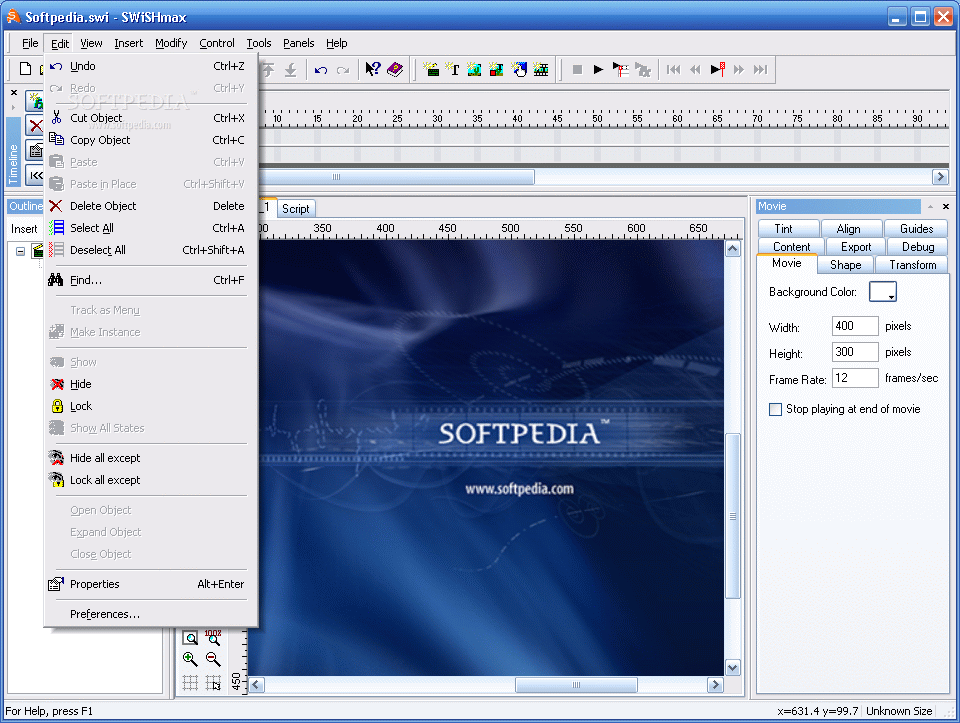
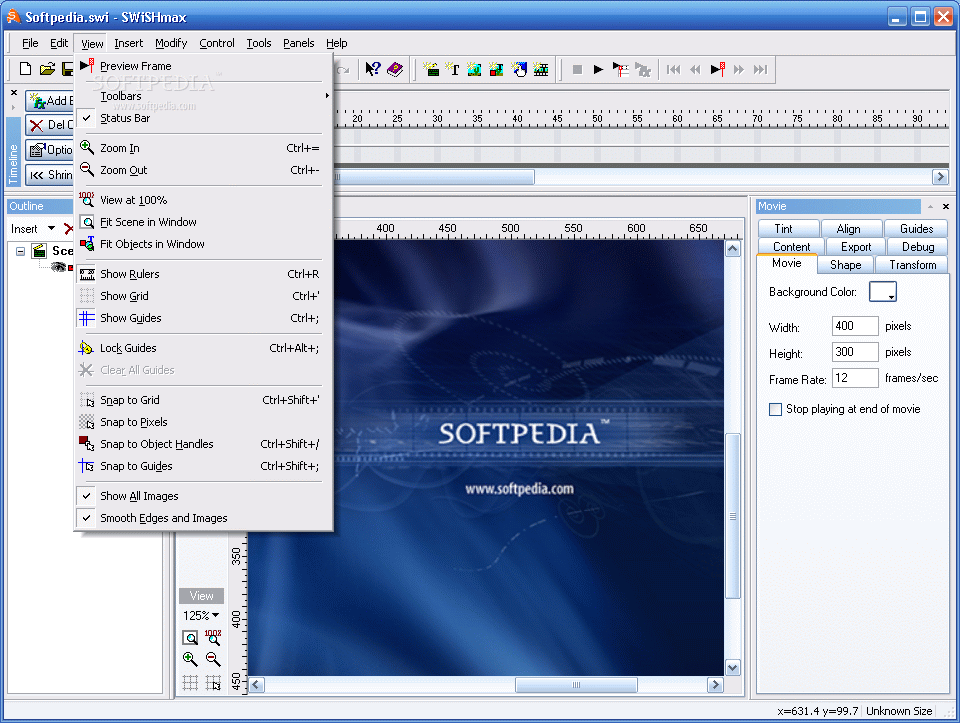
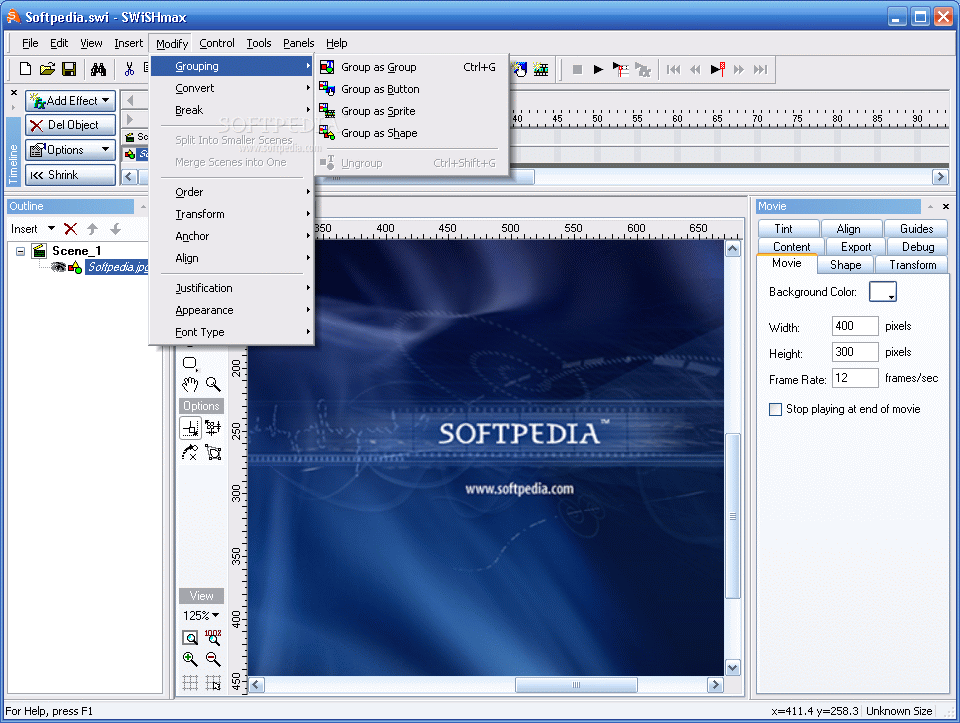
In the middle of the program's window is your canvas. Here is where the action takes place. Using the menu you can explore all of the application's features and functions. Also you can switch between the Layout and the Script view.
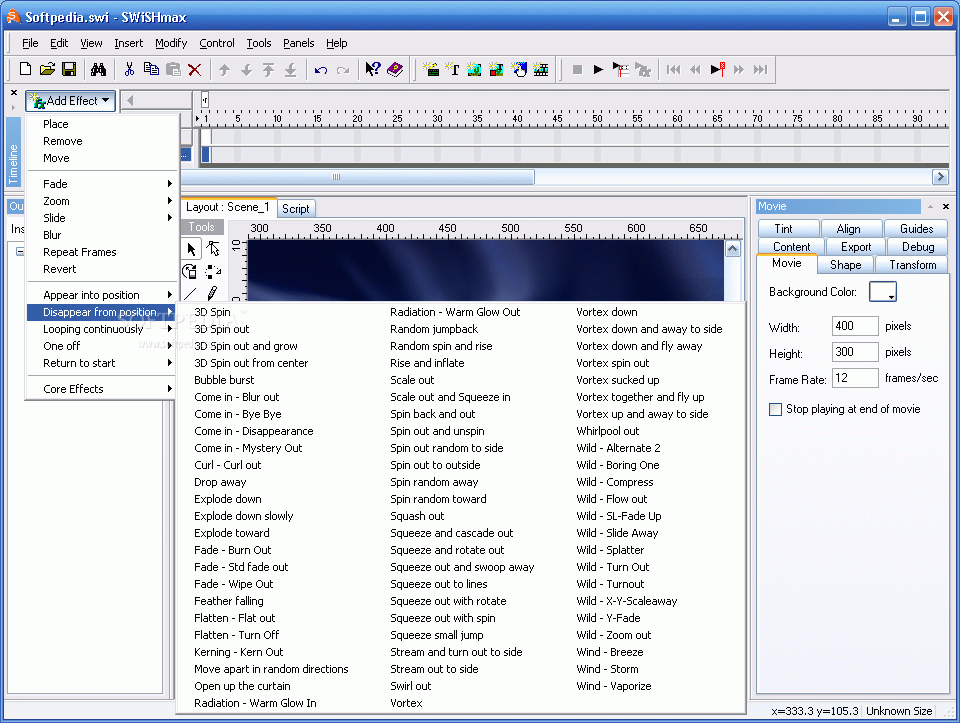
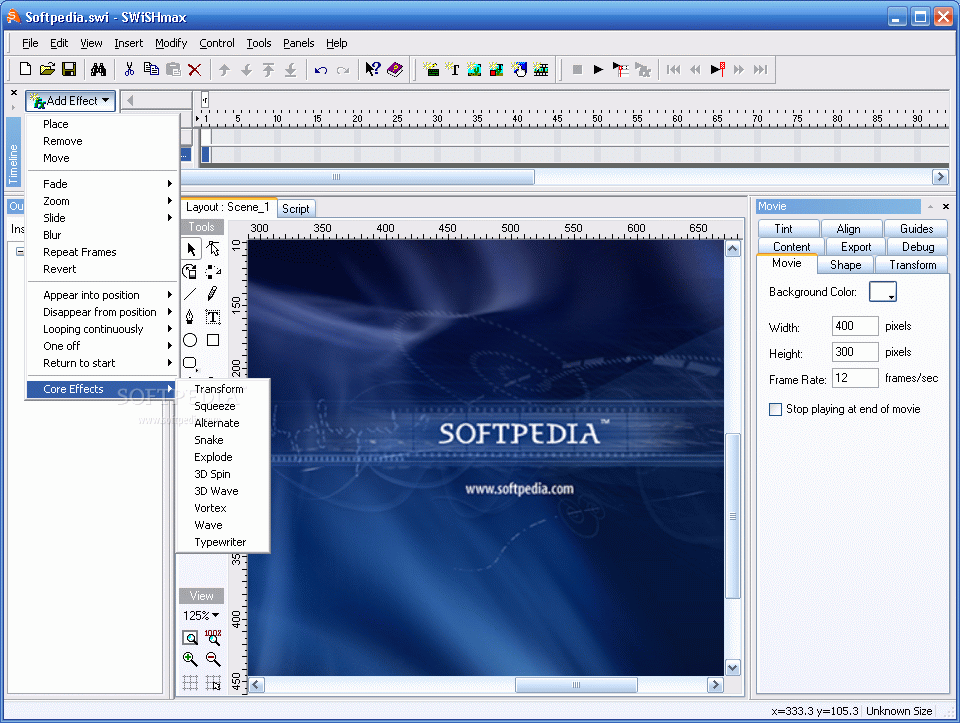
SWiSHmax makes animation effects very easy to apply, edit and test. All you have to do is to select an object and choose an Effect from the 230 available and it will be added to the Timeline.
Depending on how you want your movie to turn out, you might even add actions and effects to entire scenes or the movie itself. The program has prerecorded settings for each effect but you can customize them any way you want.
In addition to the fact that an animation effect can be shortened, lengthened or moved just by using your mouse, you can use drag and drop to simplify things even more.
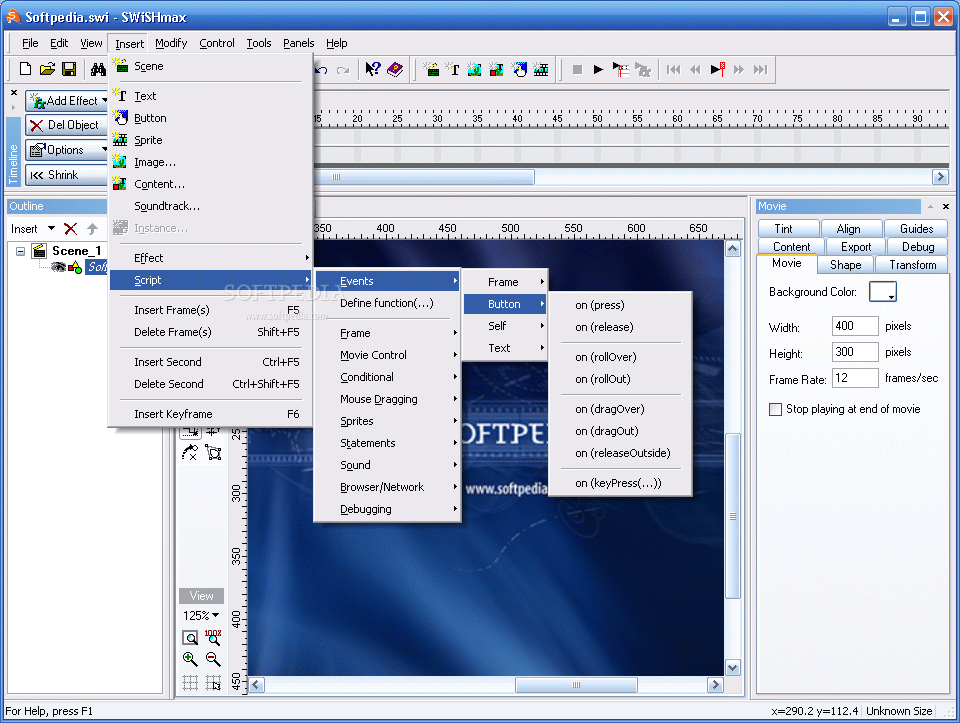
You take an object (text, image); place it in your scene and by using just one toolbar you can begin to create entire movies, complete with cool text effects, actions and more. Insert Text and the Insert Image are the buttons you will use the most. Also, you can create shapes, text, buttons, sprites, and motion paths.
Adding to text different effects like zoom, spin, and slide is very easy but you can do so much more, you have a long list to choose from and the results are amazing.
The software has its own scripting language, SWiSHscript, which helps you create Web menus, design Web forms, and allows you to program sophisticated operations into your animations. A useful feature is that you can preview your animations inside SWiSHmax without having to launch a browser or external player, and live editing allows you to make changes while the animation is playing.
SWiSHmax will create all the files you need to upload to your Web server, you can export a movie to HTML and SWiSH will generate both .swf and .htm files.
The Good
SWiSHmax is a powerful but easy to use tool, with a user friendly interface. It's perfect for beginners and also developers that need to design menus or banners for Web pages.
The Bad
SWiSHmax has a 15 day trial period that I think is not enough to let you experience all the interesting features the software has to offer.
The Truth
Well, the truth is that I enjoyed working with SWiSHmax. Once I figured out where to find everything, it took minutes to put together a movie. The features are wonderful and the best thing is that you don't need to know any programming to play with the effects and actions, SwiSHmax does it for you.
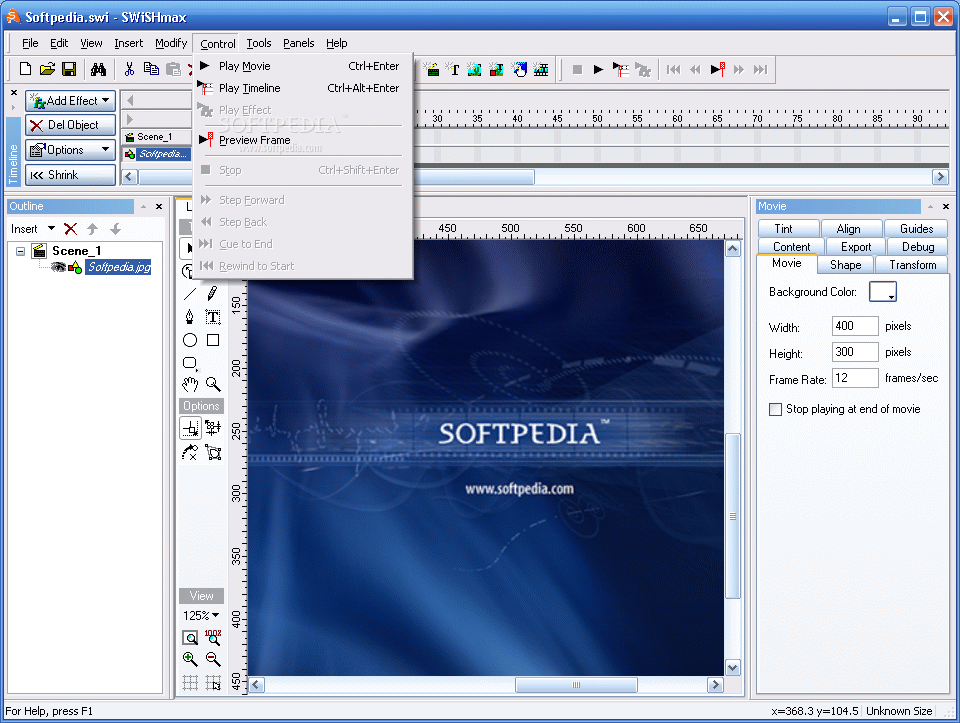
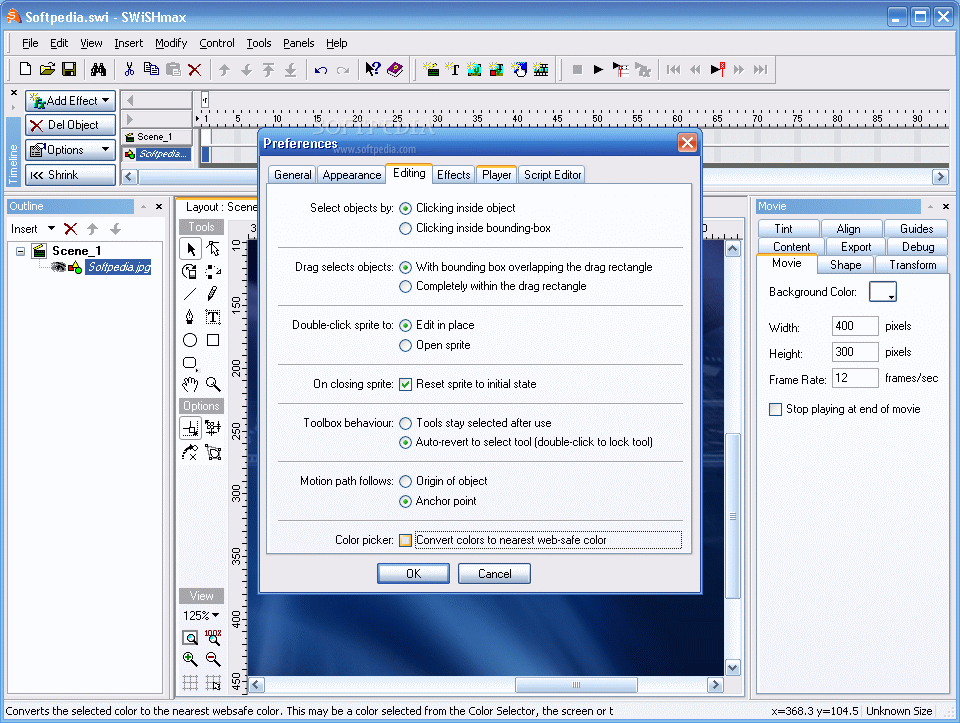
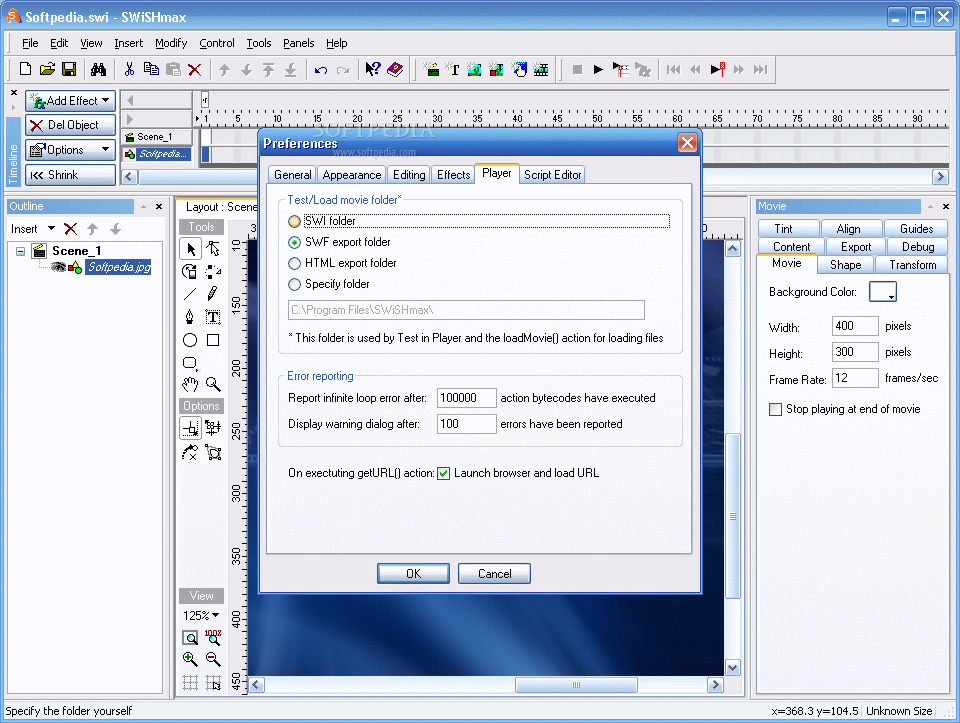
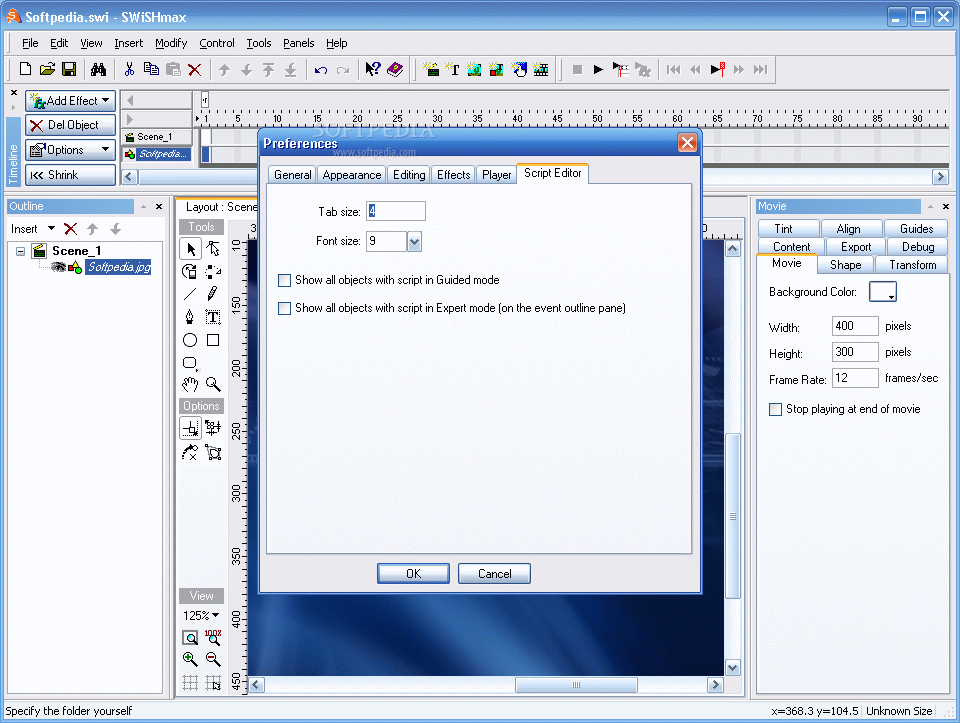
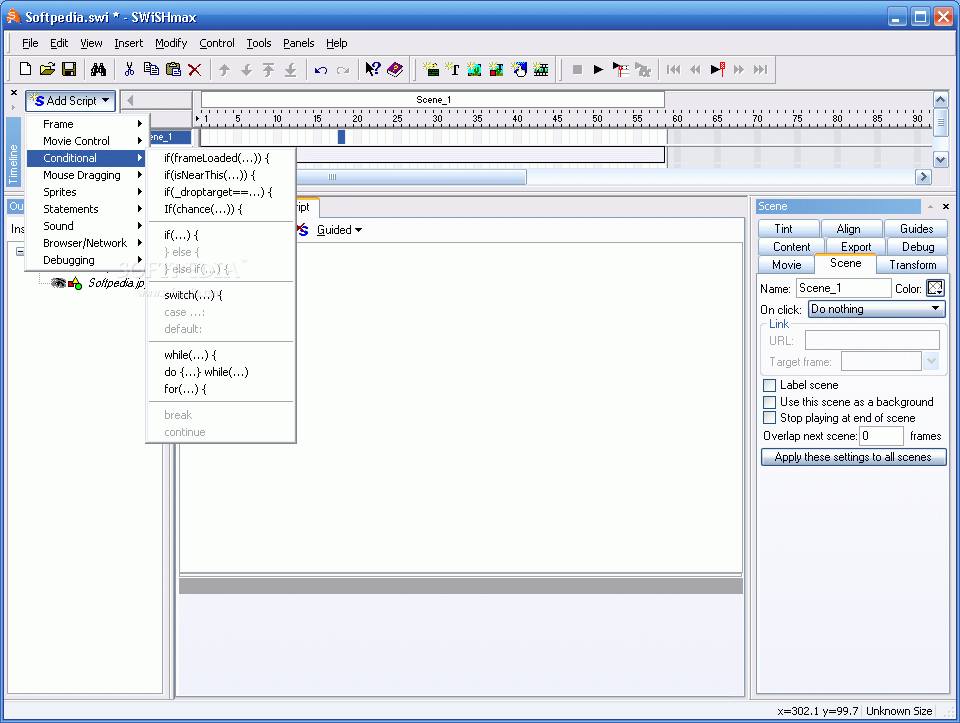
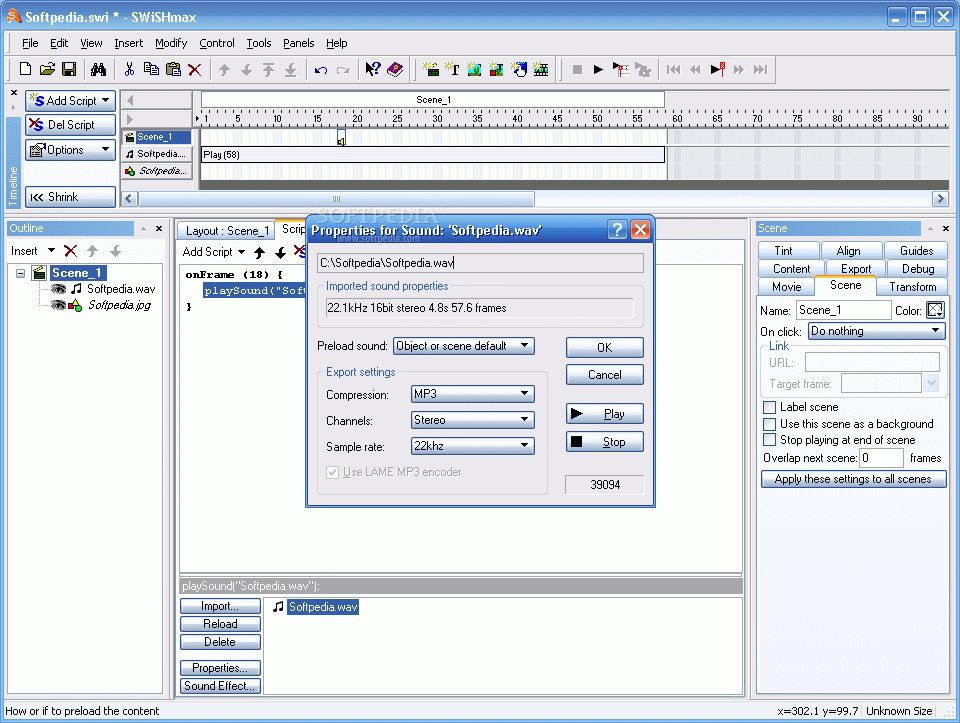
Here are some snapshots of the application in action: