14 DAY TRIAL //
 A calendar is not a thing that many people value. Although we use it everyday and it is the most spread contraption created by man to keep track of the passing time. And yet, we tend to forget about it. With the evolution of technology, the world of daily planners and calendars has been continuously added with new softwares.
The developers tried to create the new planner, which adapts to your needs and can be customized in different ways and manners. The dare-devils that bit off a big chunk of the task soon realized that this thing is not too easy to achieve.
SmartSoft has developed Smart Desktop Calendar in the hope that people will not forget about their daily tasks and become more responsible. Well, the profit is also a benefit that comes along.
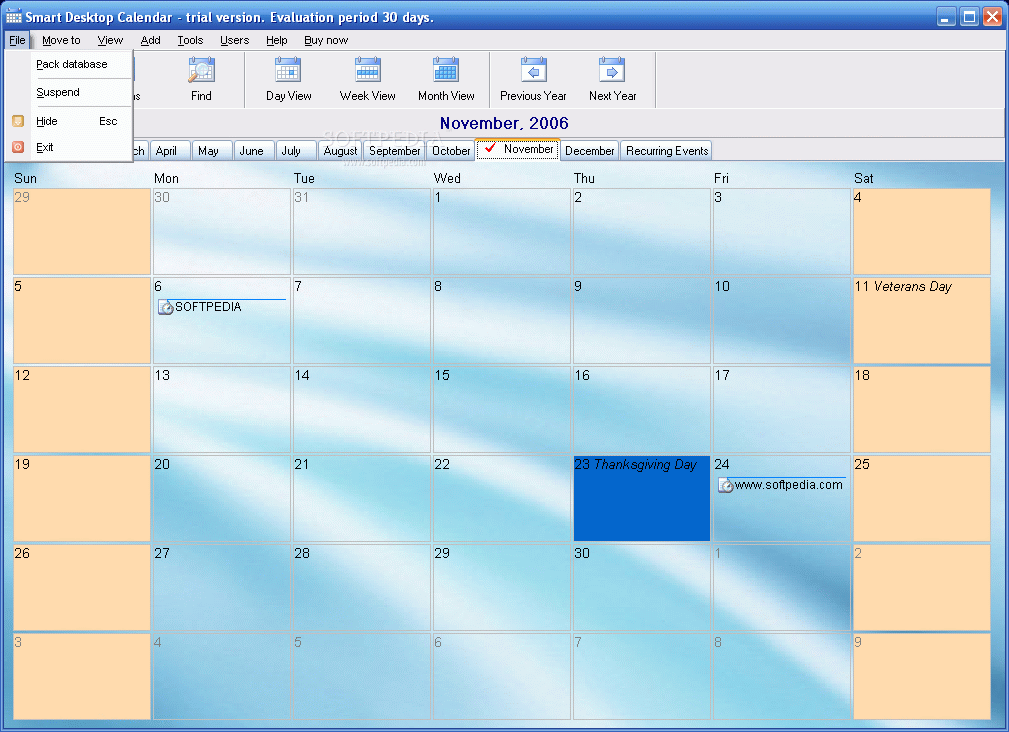
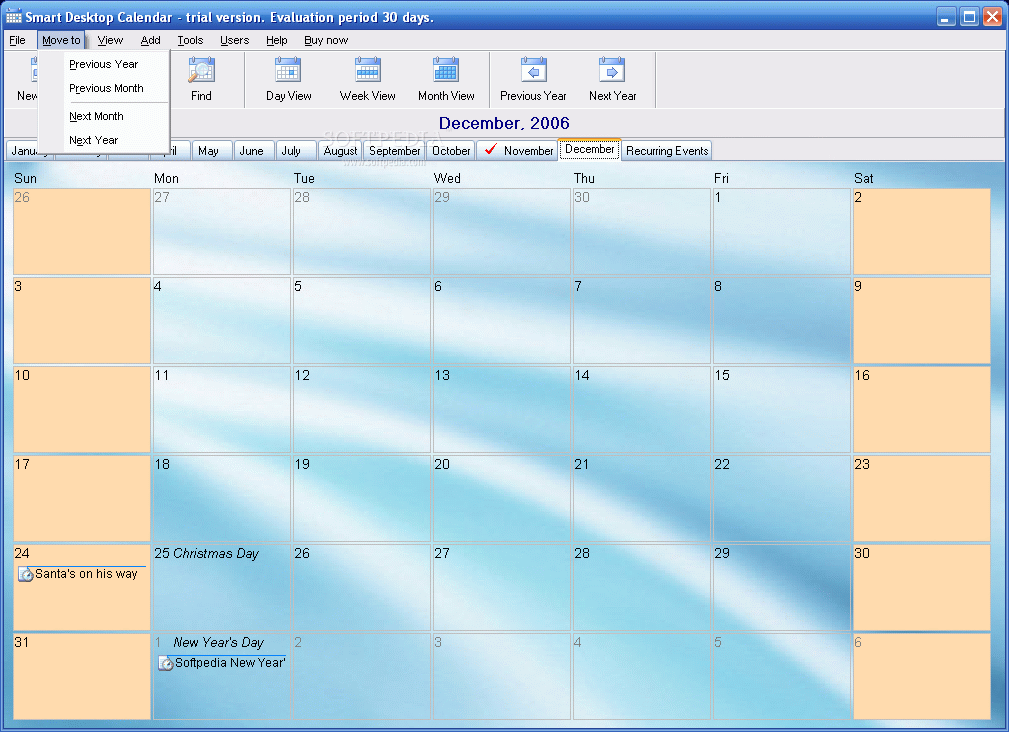
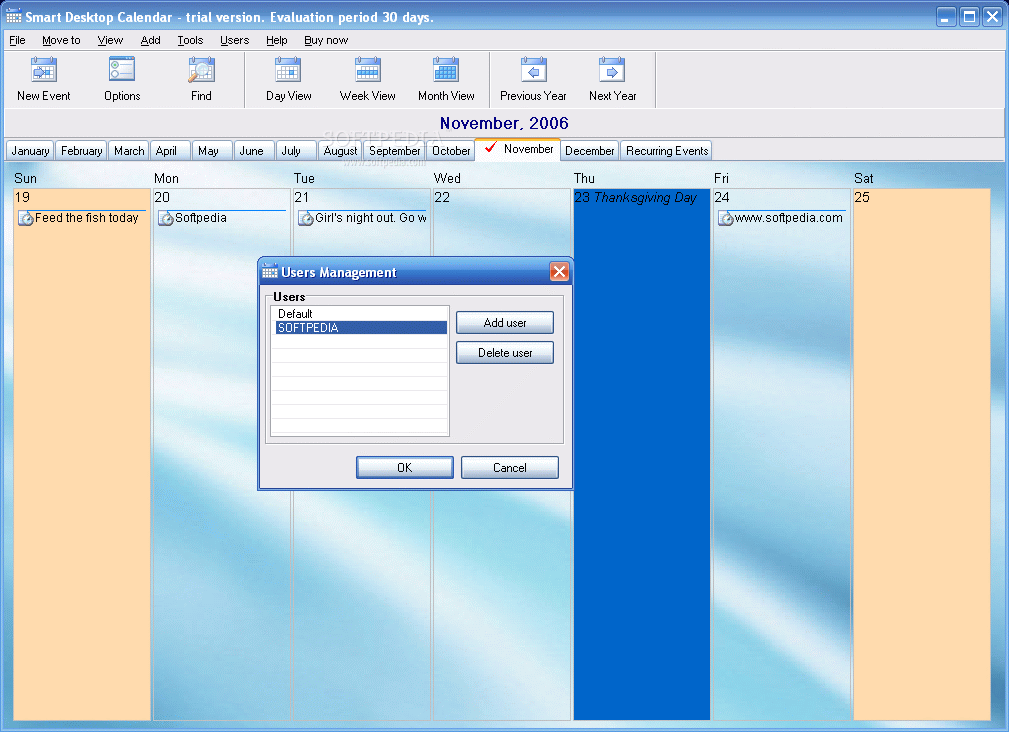
The interface of the application is very nicely drawn and the default palette is not eye hurting like some other softwares I have tried to review. Smart Desktop Calendar is a flexible software that allows the user more than one view. The months are displayed in a special bar and you can navigate to the one that you are interested in.
The current month is checked by a red tick, so that you do not lose yourself in the calendar. The default settings include the display of the holidays. I think this feature appeals more to Americans than to other nationalities as all the holidays I have seen in there are American (Mother's Day, Independence Day, Martin Luther King Day, Thanksgiving, Halloween, etc.).
This feature is not too thrilling for me, but it is nice to enable it once in a while to see what is going on on the other side of the planet. The good thing is that it can be disabled at any time from Options, under Tools menu.
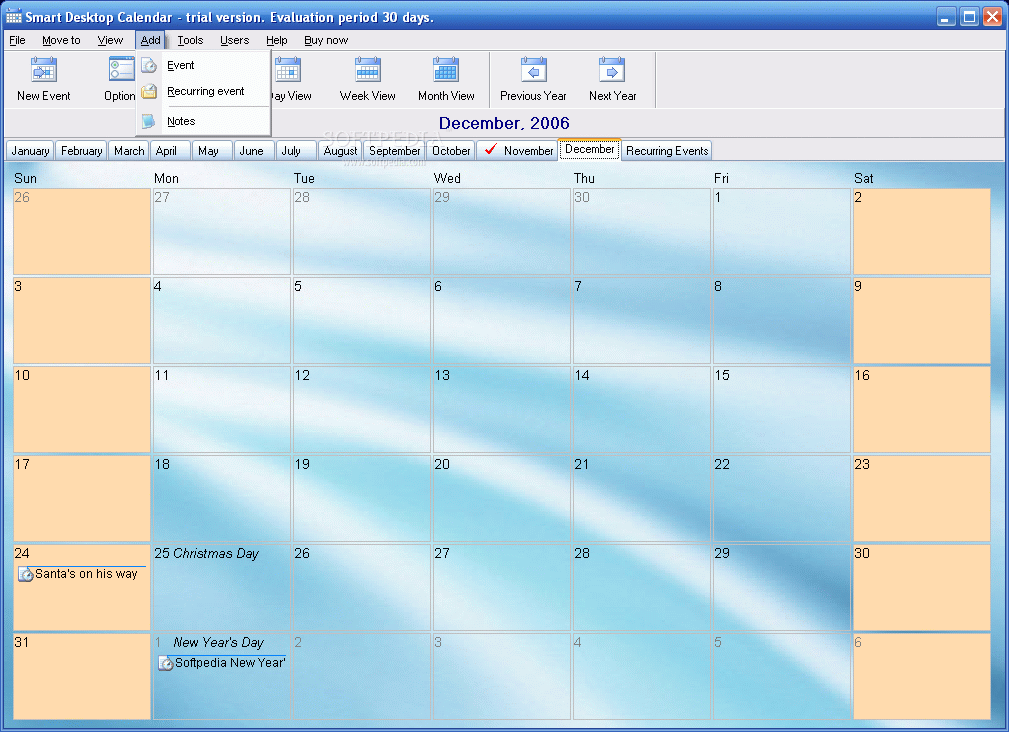
Adding reminders in the software is no sweat as the flexibility permits the user to add as many "alarms" as s/he wants. The only condition so that the software records them is to add a brief description of the activity. The General tab lets you set a start and an end date as well as the start time. If you think that you're going to need some time to prepare yourself then you should check the Notify in advance option and set the amount of time.
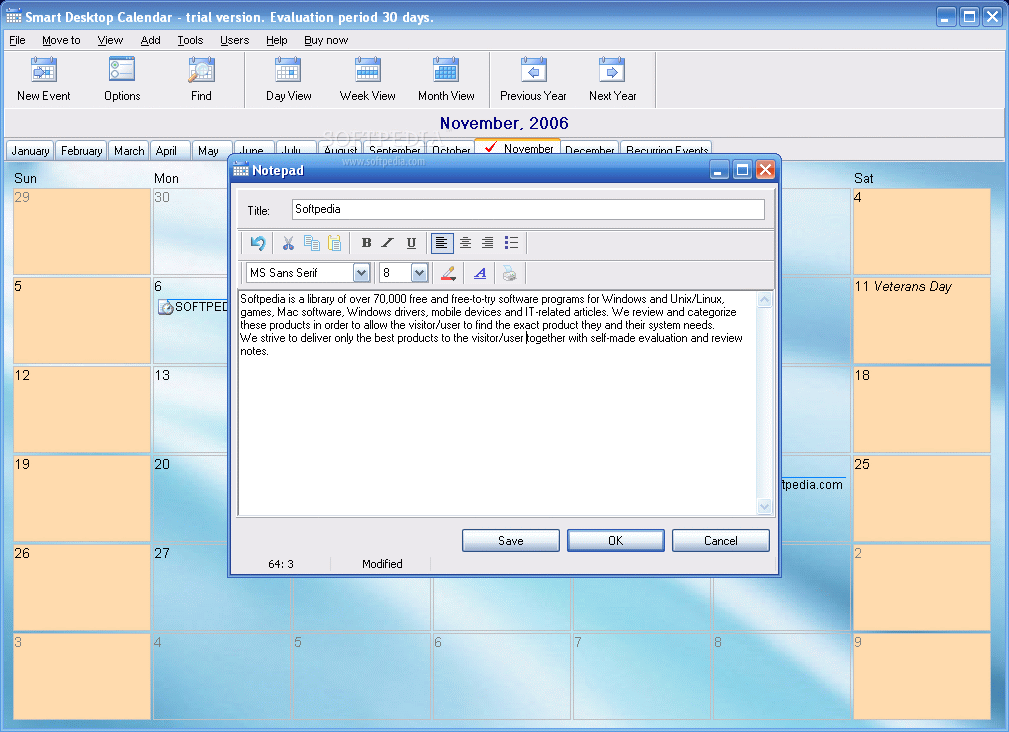
Action tab is for programming an application to launch at the user specified time and you can set the sound of the alarm from an audio WAV file on your disk. To tell you the truth, the default sound is not too "alerting". Notes tab can be used for typing something more extensive than a brief description.
A simple activity can be added if you double click on the day. If you want to add a recurrent event, then right-clicking is the way. The exact same options are found in here as in a simple activity reminder, but here you get to set the recurring "longevity" and the amount of time you should be alerted at (if you want to take a pill every six hours then set it to remind you about that). The option is very useful for birthdays reminders (I always forget about them, so the option is to my taste).
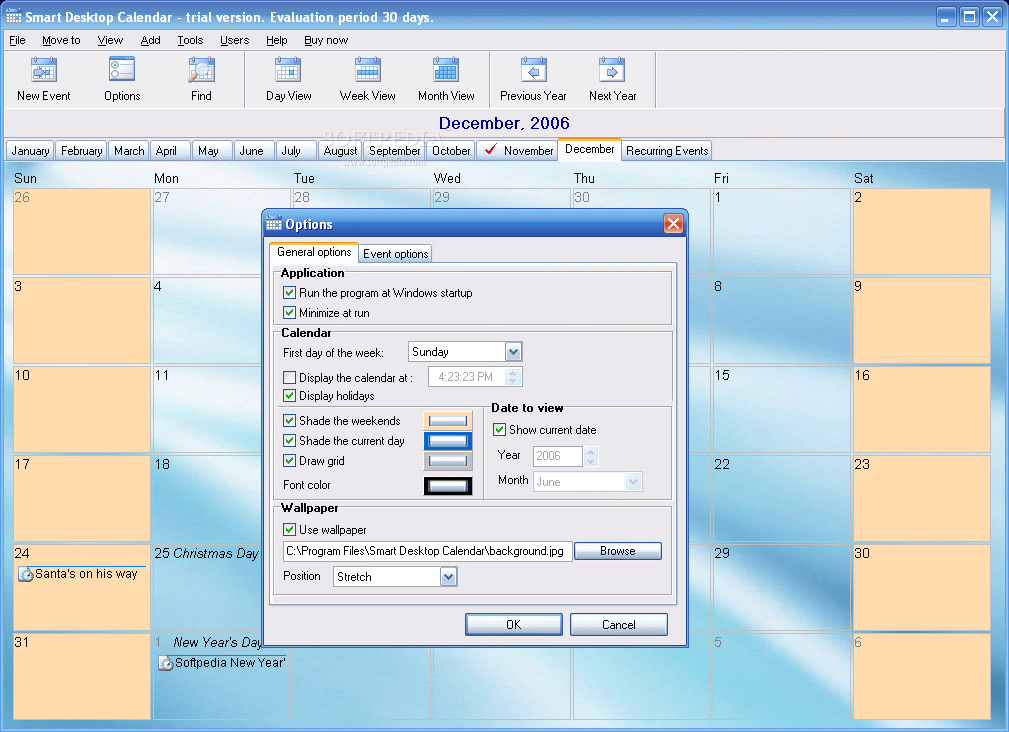
The Options menu has two tabs. As you have probably guessed, the first one is for general settings and includes configuring the software to start with Windows and minimize it, set the first day of the week, display the holidays, customize the view for the weekends, current day (for these two you can add a shade of a user defined color). If you are not content with the background, the software makes available the option of replacing it with a picture you have stored on your hard disk.
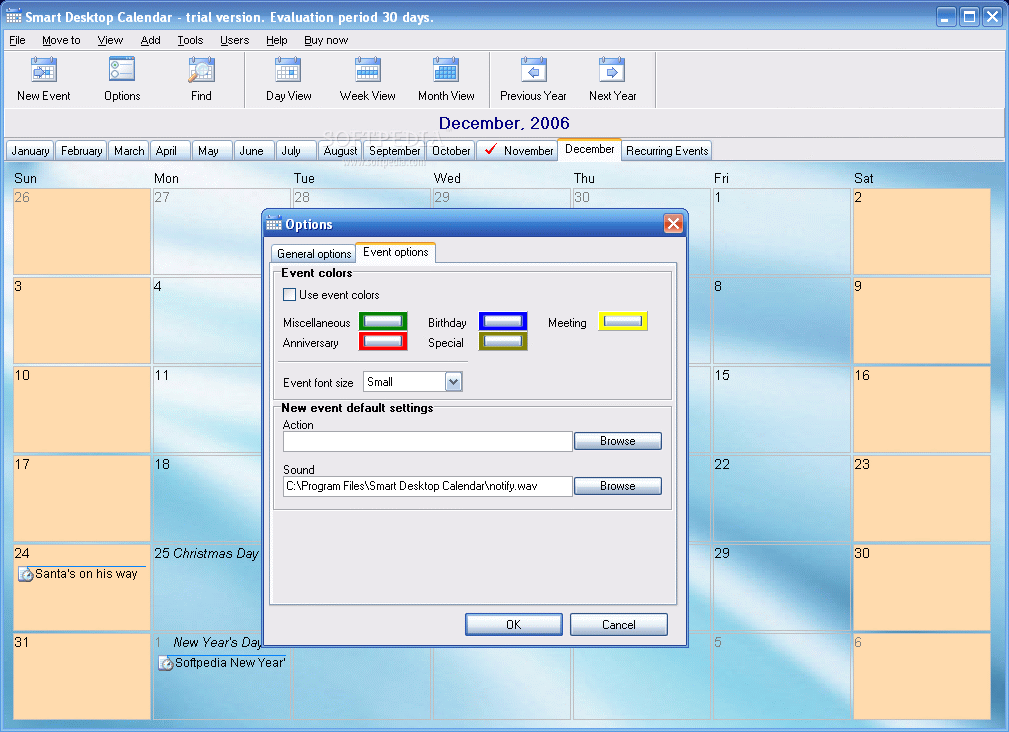
The Event Options, the second tab, deals with customizing the days that are added with an event. You can set different colors depending on the event, so that a single view on a month will let you know how many birthdays or meetings are there.
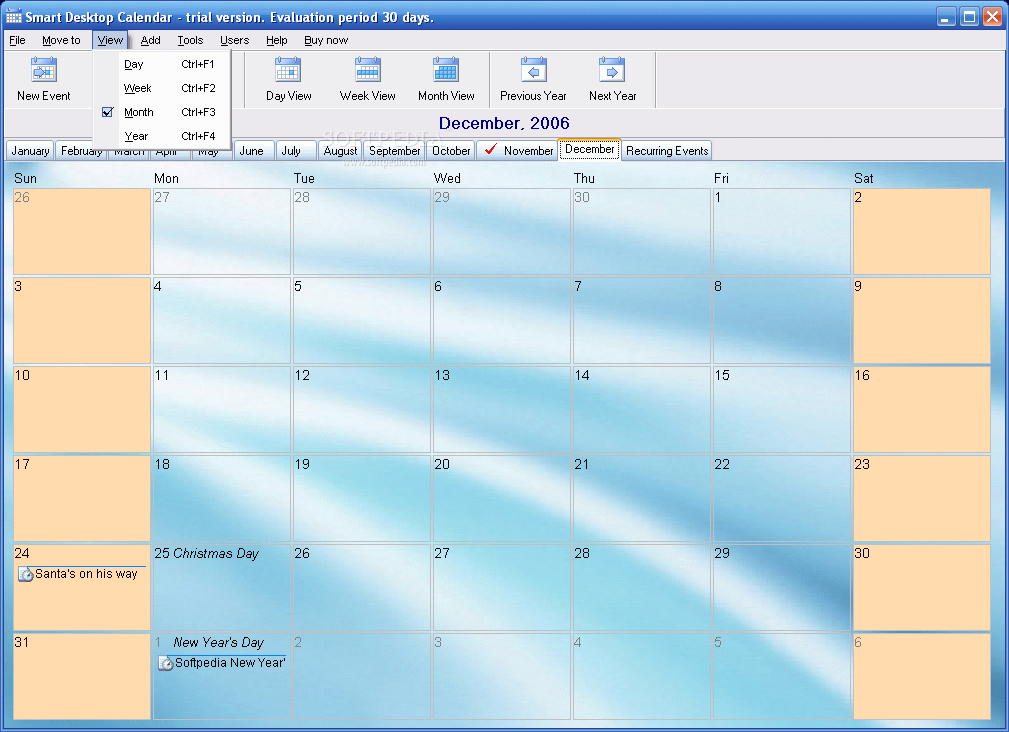
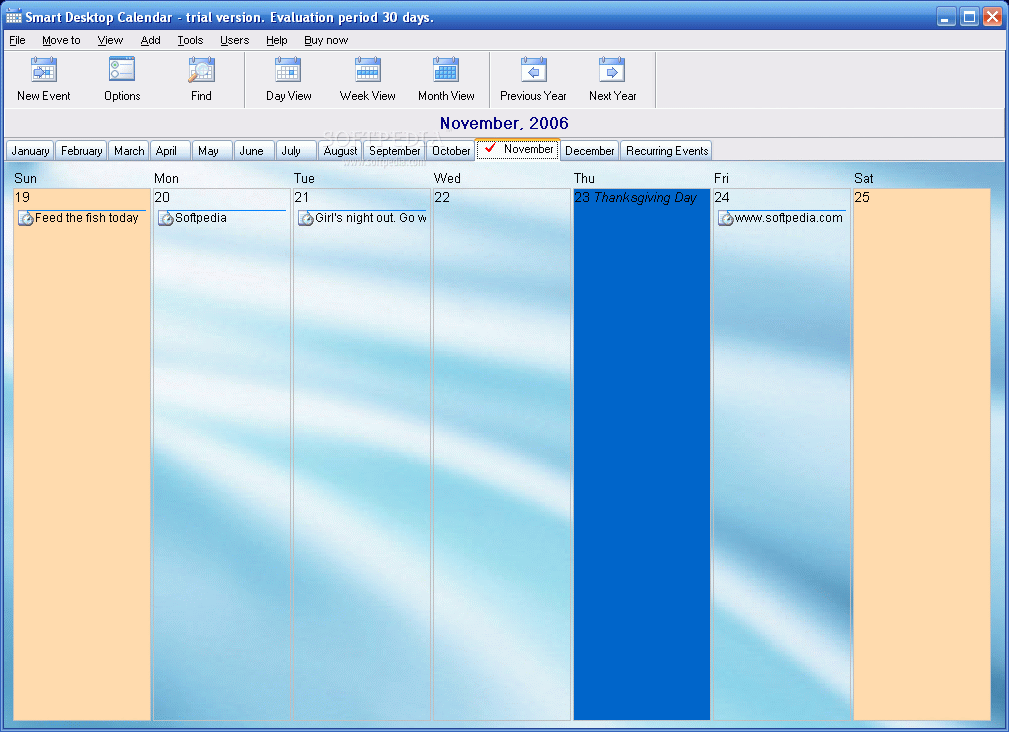
As I have said before, the software allows several views. In this regard, the user can choose between Day View, Week View or Month View. In the month bar, near December, there is the Recurring Events tab that will show you all the repetitive events, with the recurrence period, the category, name of the event, start time and if they have notification activated or not.
The Good
Really good software and runs well too. To be frank with you, I was not expecting to have such high functionality and flexibility. I really liked that the day boxes and the font are enlarging when the application window is maximized.
The Bad
I could not quite understand why was category present when adding a simple event, because if I categorized it as Birthday nothing but the color of the event told me about that. Anyway, this is a minor drawback.
The Truth
Thirty days for trying the software for free can make it really addictive and - in the end - you will have to pay $19.90 for the full version of the software. But it is worth the money, as after changing the notification sound, everything will run absolutely fine.
Here are some snapshots of the application in action: