14 DAY TRIAL //
 Spyware in particular, and malware in general, is gradually and continuously raising the standards in security software. The downside is that spyware will always be one step ahead of the latest security "trends" and it'll always find a way to home user's computers. Spyware itself does not damage the files stored on the infected computer, but it gathers all sort of information and can lead to further infection with other nasties much more dangerous.
It hides in different applications ("special" video codecs without which you cannot view an appealingly named movie are the most prone to sheltering this king of malware) and, as its name suggests, spies on the activity of the user sending the details to a remote location.
One thing is certain: better not have it if you care about your privacy. Despite the avalanche of applications claiming to rid your computer of spyware, there are little very few of them that really accomplish this successfully.
Spyware Doctor is a long time awarded spyware fighter and more and more users appeal to its healing powers each day goes by. It used to slow down the computer but it seems that this has been fixed for some time now.
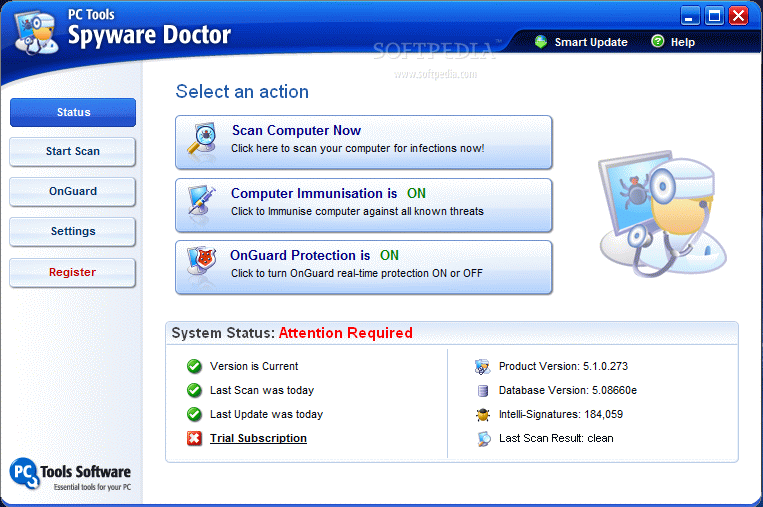
The latest final version comes with the same easy to use interface with all the options aligned in full view. Spyware Doctor brings a three-way protection to your computer by scanning the machine for infections, computer immunization and real-time protection against threats. Determining the action of computer immunization may be a little unclear for some of the users. Unlike on-guard protection (which shields the computer against all sort of nasties) this feature deals with deflecting malicious ActiveX objects.
System status window at the bottom of Status screen of the application shows the user the date of the last scan, if the running version of Spyware Doctor is the latest, the number of signatures available as well as the version of the database. This way you'll always be updated if any change takes place and you can remedy it.
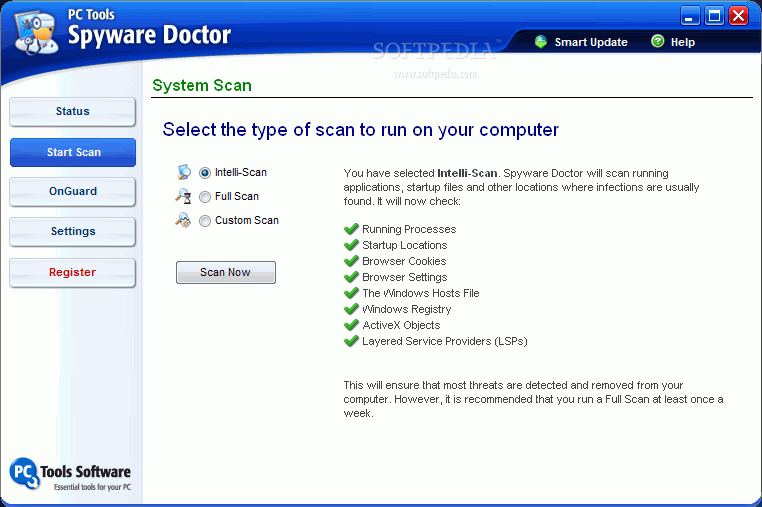
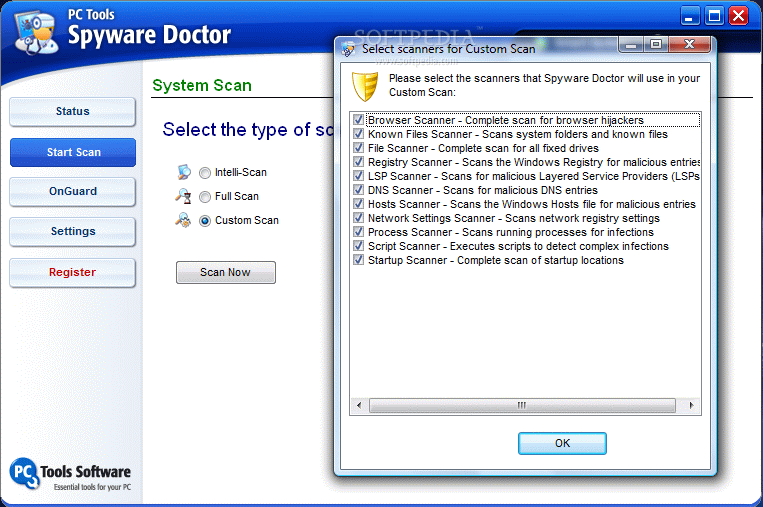
The three scan options provided by Spyware Doctor include intelli-scan which searches only the locations the infections are most prone to be found (running processes, startup, cookies, hosts file, registry, etc.), full scan which checks all the files on the drives as well as intelli-scan locations and custom scan which allows the user to set the drives to be verified and the scanners that should be used in the process.
Scanning will not take too long, but it all depends on the type of scan you are running. Intelli-scan will take the least time to complete and at the opposite end can be either full or custom scanning. The latter also enable the user to scan folders only for spyware in case of something suspicious.
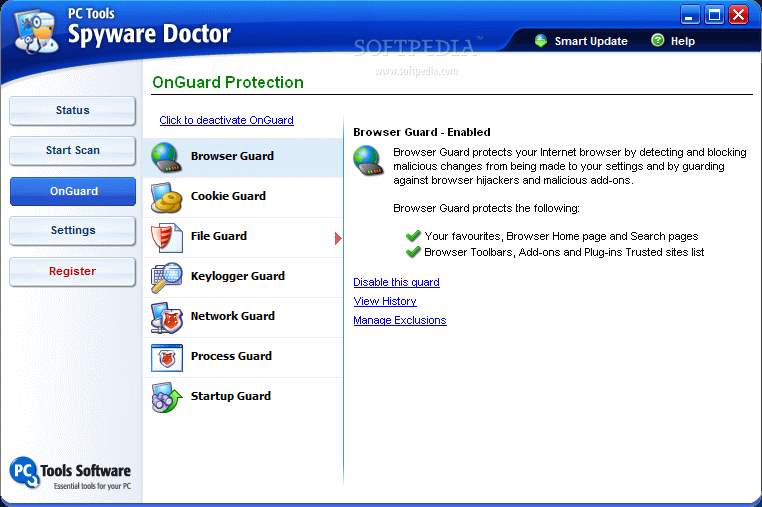
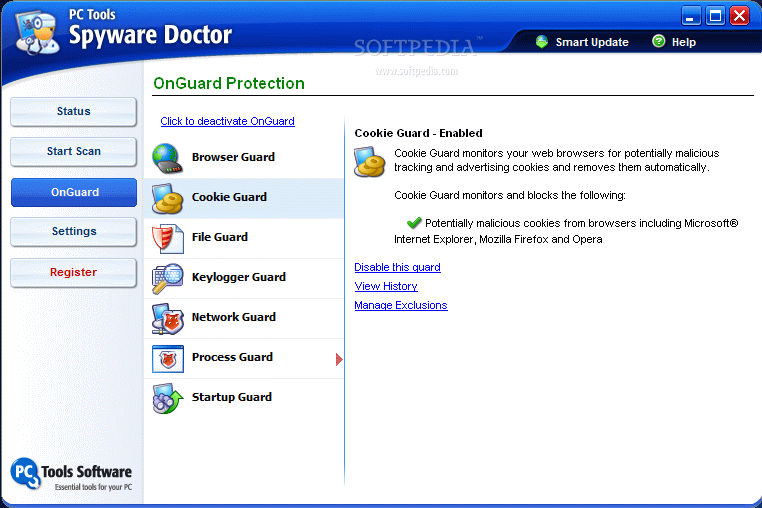
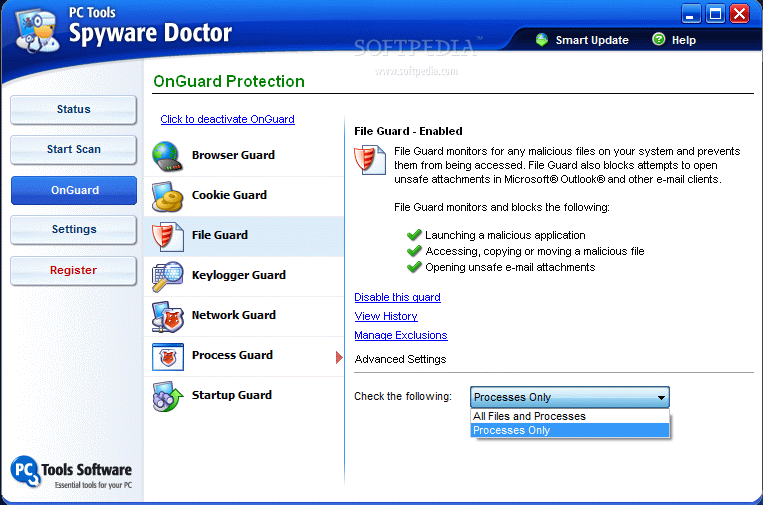
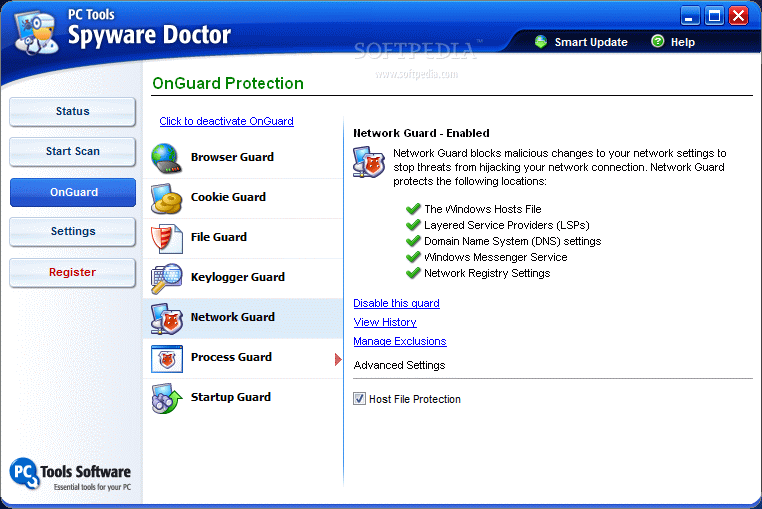
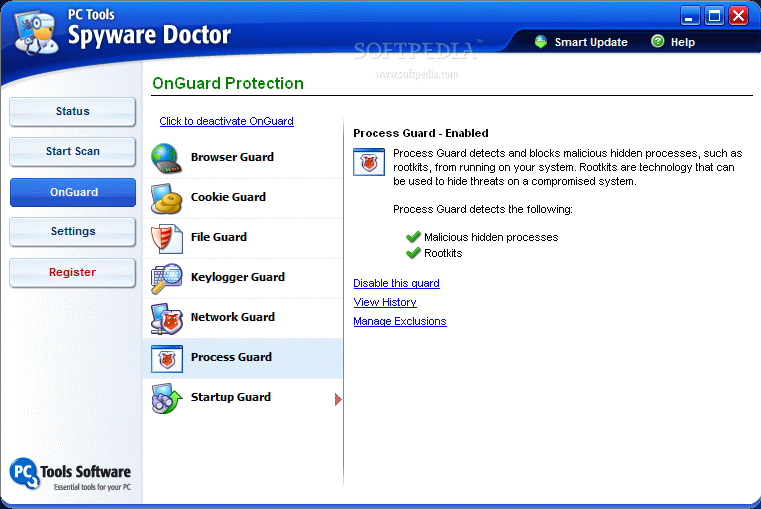
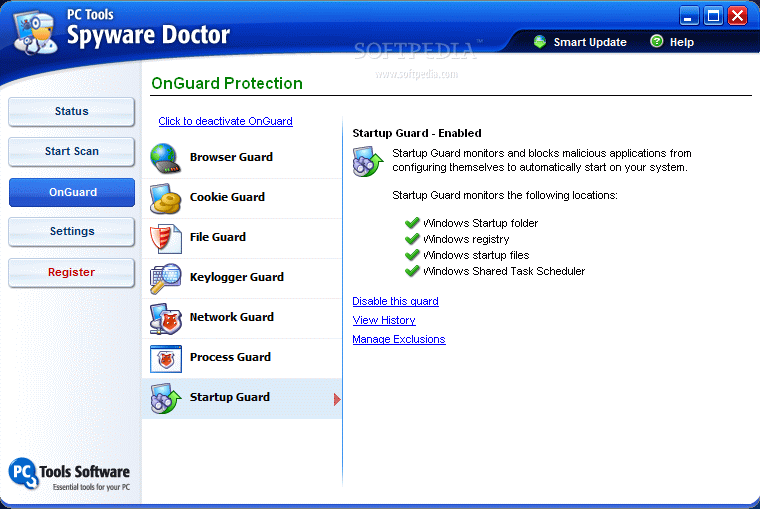
On-Guard protection comprises all the tools building Spyware Doctor's real-time shield against malware trying to compromise your computer. The options for each of the tools vary insignificantly, all of them invariably providing the means for disabling a certain type of protection, viewing history and managing exclusions list. There are, however, some tools however that support a bit more manipulation than this.
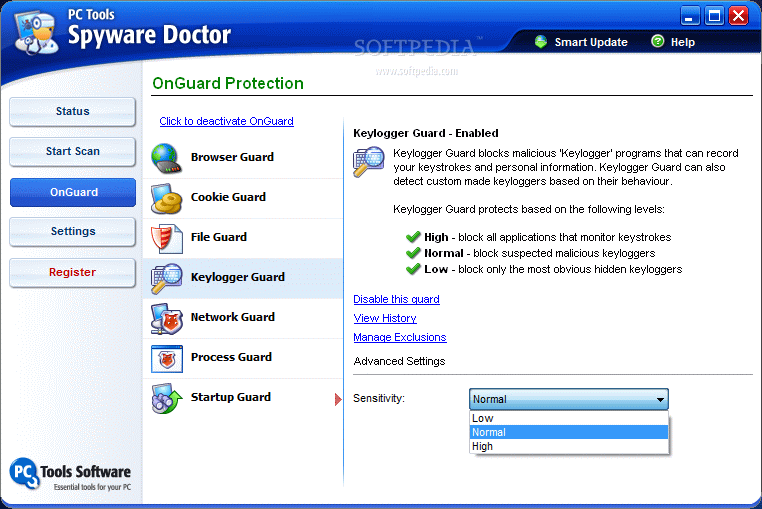
For network protection for instance you get to enable the security for host files, LSP, DNS and network registry setting. And in the case of Keylogger Guard you can set the sensitivity level between "low", "normal" and "high".
During our testing the application was able to alert me of keylogging activity only with the sensitivity level set to "high". The keylogger we used for the testing was not state of the art and was not built for surreptitiously transmitting all the keystrokes to a remote location. The bright side is that once I set Spyware Doctor to reject its launch as a global activity, the program could not be started in any way as it blocks Explorer from accessing the executable.
Users can disable the entire On-Guard protection with a single click of a button or give up the security of certain tools real-time security is built with. Spyware Doctor ensures the protection of your browser against unauthorized changes of settings, secures your computer against tracking cookies, malicious files stored on the drive, keyloggers, network hijacking, prevents malign processes from running and startup items.
During our testing Spyware Doctor proved to be good protection for your computer, though not the greatest as a couple of tracking cookies other anti-spyware software detected with no problem were not picked up by PC Tools security application. Also, it failed to turn in a couple of keylogger samples we had prepared for it. On the other hand it successfully prevented the de-compression of a high risk keylogging nasty.
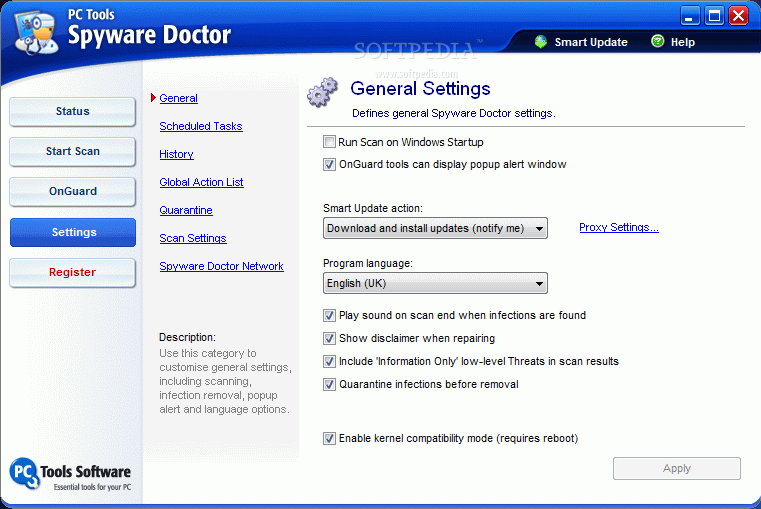
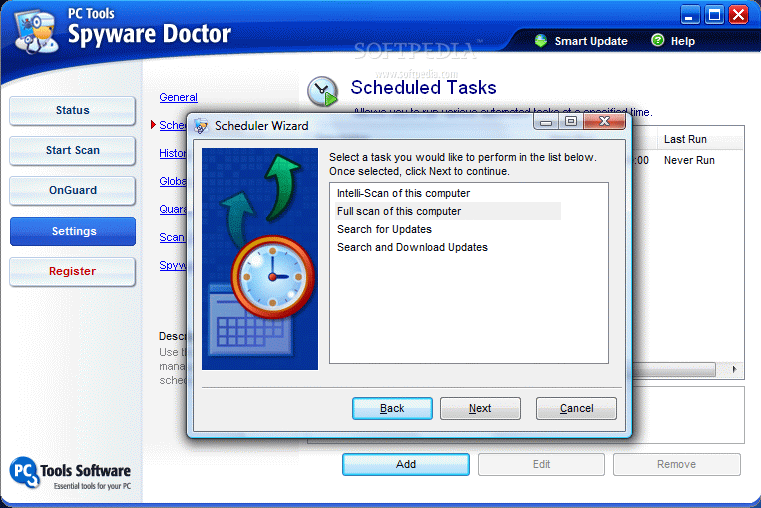
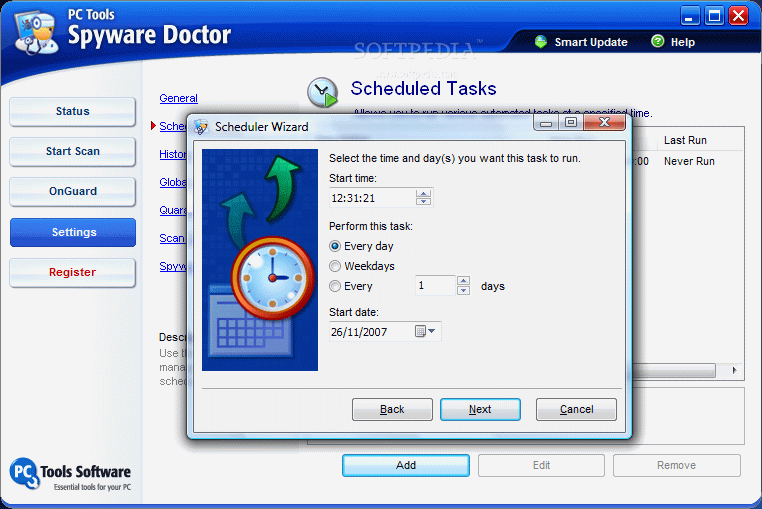
Settings area of the application follows the same user friendly line of the entire software providing the user with all the information about the settings and their role. The program can be configured to handle scans automatically according to a schedule defined by the user. You can set it to do one either an intelli-scan or a full system scan or search and download the latest updates completely unattended. You get to set the frequency of this process and the date and time.
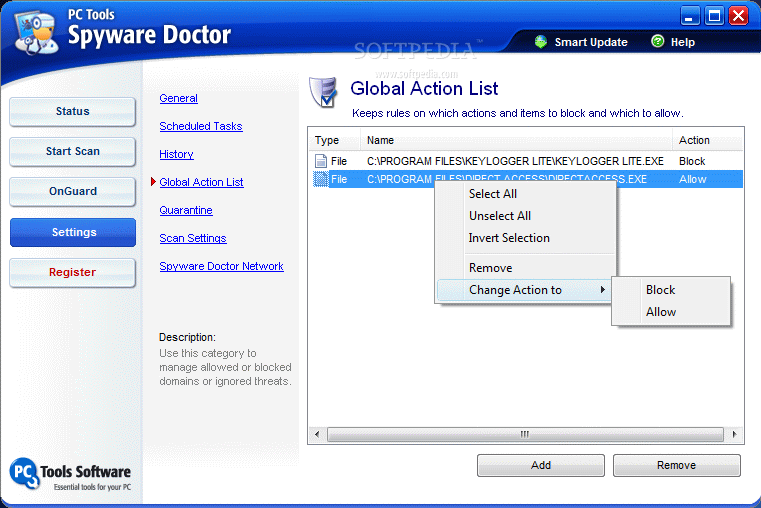
Global action list displays all the applications that have been detected by the software as harmful and you have instructed Spyware Doctor to treat them in a certain way all the time. A pop up message will be displayed in the lower right hand corner of the desktop asking for permission of the program or denial. From here you can choose to always permit or deny that application.
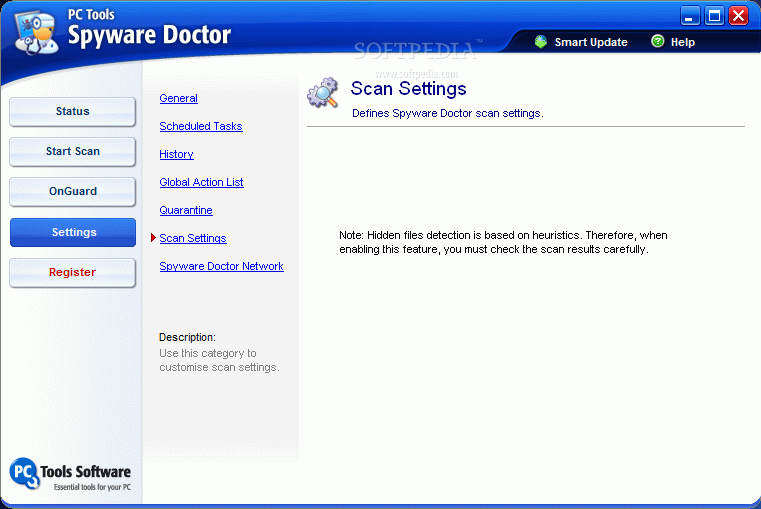
A set of three scan settings let you tune the process by enabling alternative data streams scan (will slow down the operation), look for rootkit hidden files (as it is based on heuristics it is advised to check the results carefully) and lower the priority of the scan engine in order to permit other applications' smooth running.
The downside of the trial version of the software is that it will not allow you the removal of the detected malware. But at least it will quarantine malicious items.
The Good
Its user friendly interface permits any customer easy handling and configuration of the application with the least effort.
On-Guard protection lets you choose which applications that are not supposed to run and which have your permission.
The three types of scanning offer flexibility and permit the user scanning both the most prone to malware infestation areas of the computer as well as checking up folders and drives.
The Bad
Detection efficiency needs improvement. A keylogger was detected only with the high sensitivity level. Normal and Low levels affected in no way keylogger's activity.
The Truth
it can be scheduled for both scanning your computer as well as looking for new updates, it is easy to handle, moves quite fast (and in our tests it did not take much at all from computer resources) and comes with real-time protection. Not all of these are top notch and not all spyware will be filtered but Spyware Doctor will do a good job.
It is flexible in settings and it comes with a price: $29.95. Note that trial version will not allow getting rid of the detected malware (I guess this is enough limitation).
Read a previous review of Spyware Doctor
Here are some snapshots of the application in action: