 14 DAY TRIAL //
 The Bat! needs no introduction to users that have to deal with massive bulks of email quickly and efficiently. This email client manages to keep up with the times and offer its users a hefty set of features, extremely useful especially in corporate environment.
All the options available in the application come with matching price, though, $45 for the Professional version and $35 for the Home edition. The differences between the two are mostly security-related, since the pricier version comes with support for hardware authentication with mail servers, message base encryption or biometric authentication. Our focus is on the feature-rich, more expensive The Bat! Pro.
You won’t have any trouble installing the kit on the system, but you can’t go through it quite careless because there are a few screens requiring your attention. At one point you have to pick between a complete setup, which gets all the features aboard and a custom one, which lets you pick the parts you want on the system.
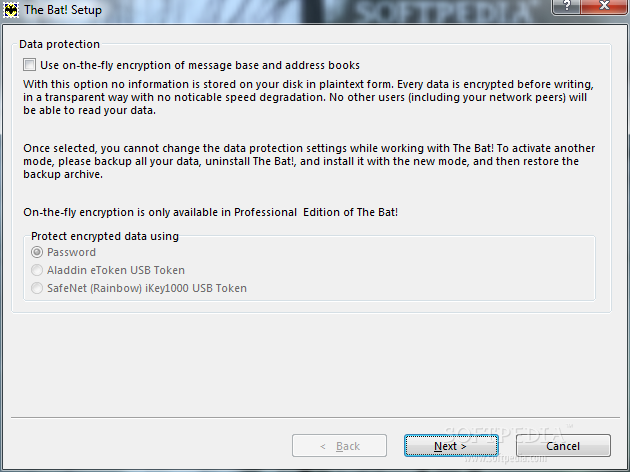
Choosing message encryption is optional (restricted to Pro edition), but once a decision is made it is irreversible without having to re-install the application, so ponder ahead. If you go with it you can choose to guard your data with a password or a specially designed USB token.
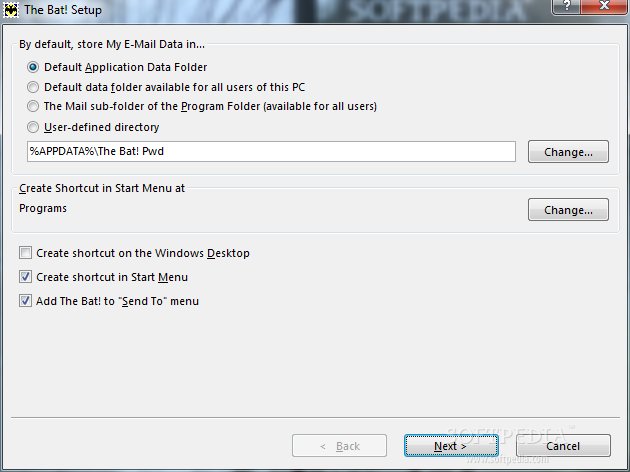
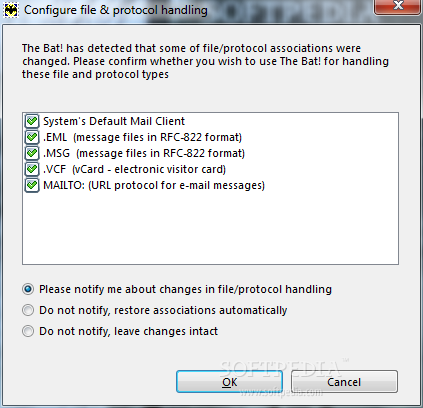
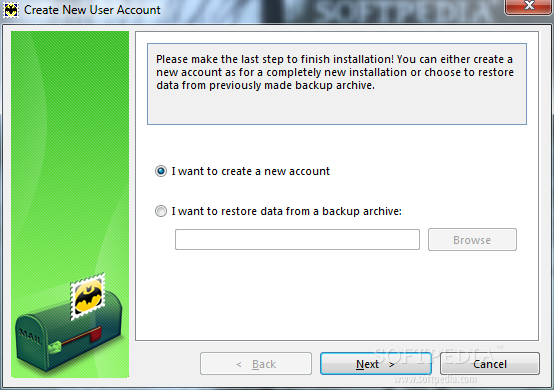
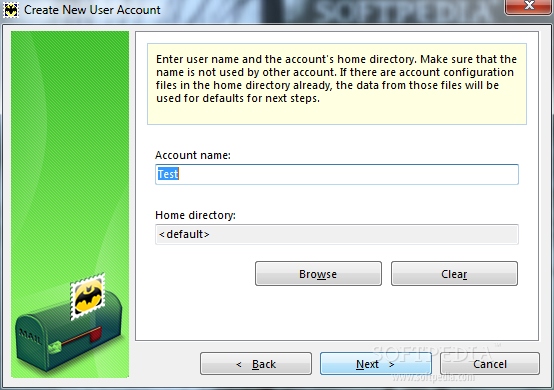
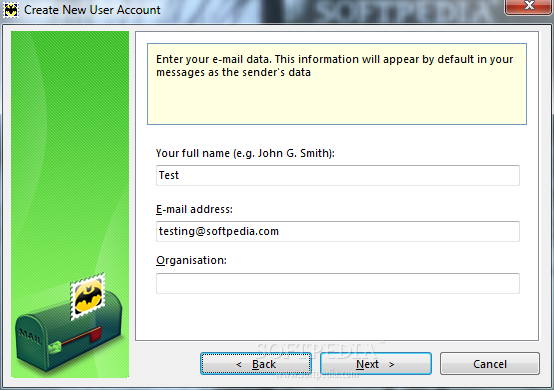
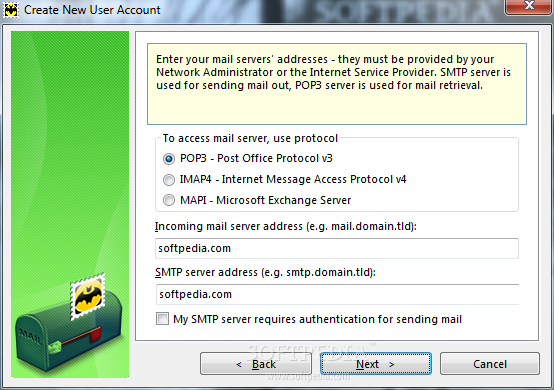
The setup procedure ensuing requires you to select where you want the email data to be stored and configuring the file and protocol handling. Next in line are the steps to create your first account. There is nothing complicated in this endeavor, since the most difficult part is to pick the protocol for accessing the email server: POP3, IMAP4 or MAPI.
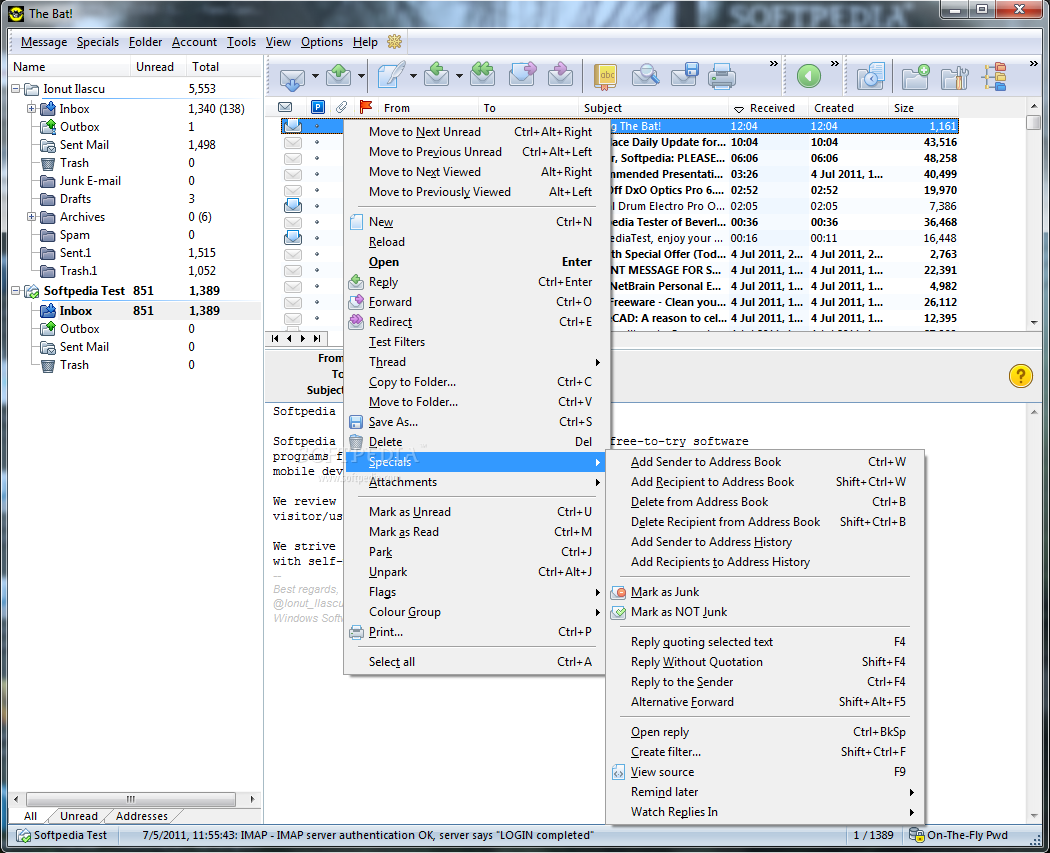
For those already acquainted with The Bat! the interface has not changed much since our previous encounter with the application. As for the newcomers, the layout is perfect for reading a selected message in the preview, viewing all accounts and their folders as well as checking the message list. Also, it is flexible enough to make modifications so that the design fits your needs.
The most important aspects in The Bat! are behind its appearance. It may look like a simple email client, but the options under the hood and the tweaking level it can withstand are absolutely amazing. However, you must take into consideration that it is built for professionals and, as such, there are plenty of possibilities unavailable in the regular clients.
Among the particularities of email management there is message parking, an option designed to prevent accidental deletion of email; trying to delete a parked message automatically prompts a safety screen asking for your approval of the action.
The Bat! puts at your disposal a wide array of message filtering possibilities, so that all emails are organized and easy to reach. “Sorting Office” is the tool to achieve this; it makes available an impressive gamut of actions (export/print/delete/forward/redirect message, play a specific sound, apply a certain flag, set memo, run external action, etc.) based on an equally numerous set of conditions such as matching a sender/recipient/subject/comment/header/source or an attribute like size, age, priority, time, etc. And you can apply these filters to incoming or outgoing mail, read or replied messages.
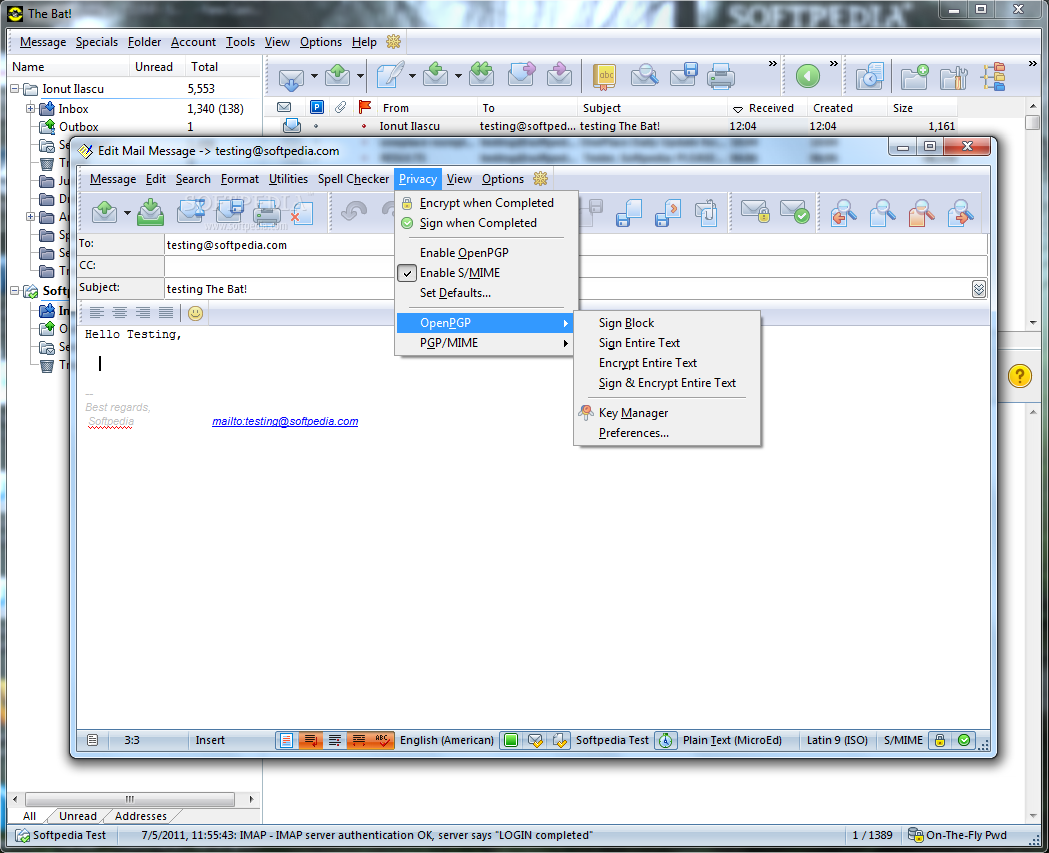
Protecting your correspondence safe from prying eyes is not too easy to achieve with other email clients, but The Bat! appeals to OpenPGP standard to encrypt your communication. The messages can be encrypted automatically as you send them out or you can do it manually, only for the text you deem necessary.
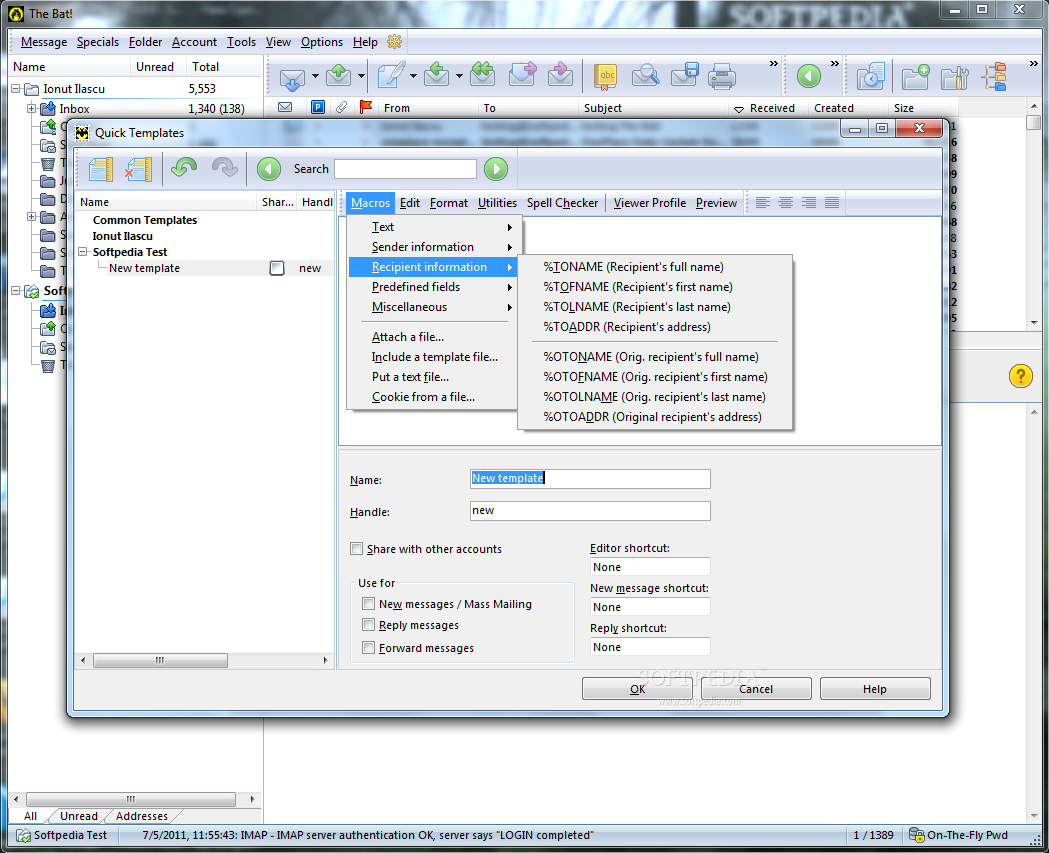
As a great deal of corporate users rely on templates, The Bat! lets you build up your own, custom stack of predefined messages. A pretty hefty collection of macros awaits as well as editing and formatting functions. You can basically create personalized templates which can be sent as part of a routine correspondence. And these can be used for replying an email, forwarding or mass mailing.
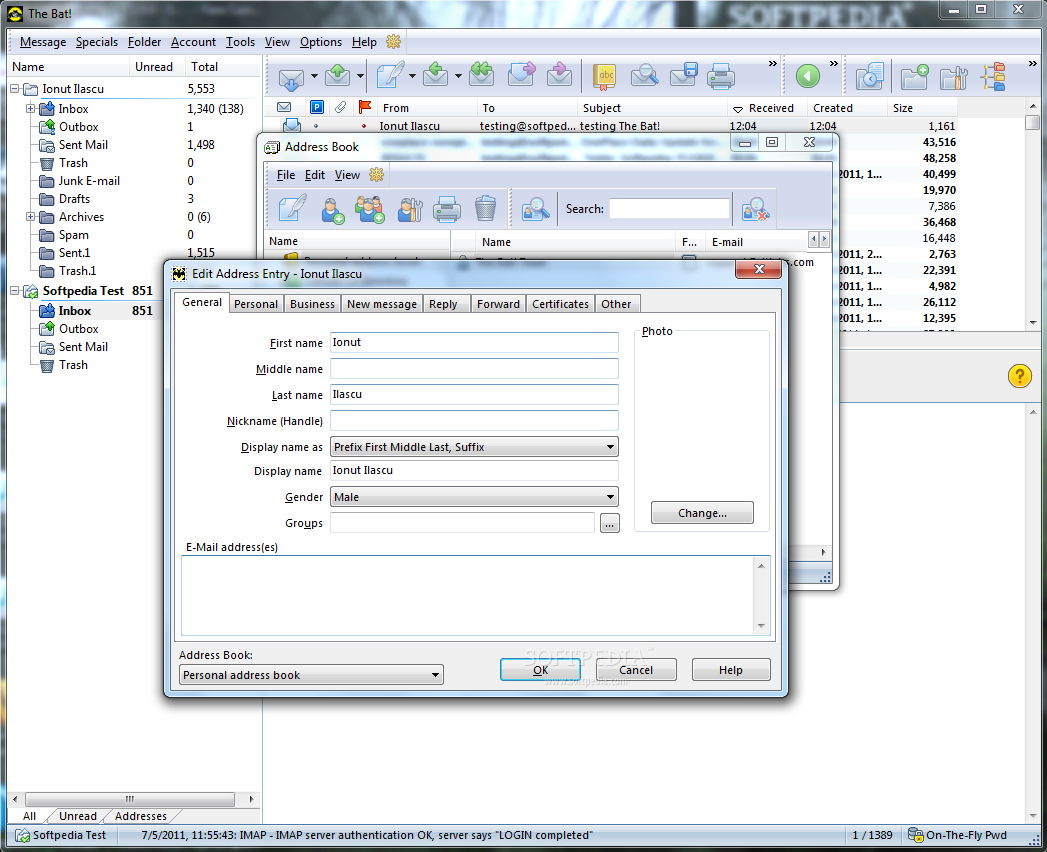
The number of extra tools present in the application makes from the suite a precious addition to your office activity. Besides the professional address book available at pressing F8 key, The Bat!’s additional package also includes a text editor to hold your notes and which dubs as a calendar and scheduler.
A complex message finder, equipped with a plethora of filters and search parameters, ensures that the returned results are the most relevant of the bunch. All search conditions can be applied to multiple folders and accounts.
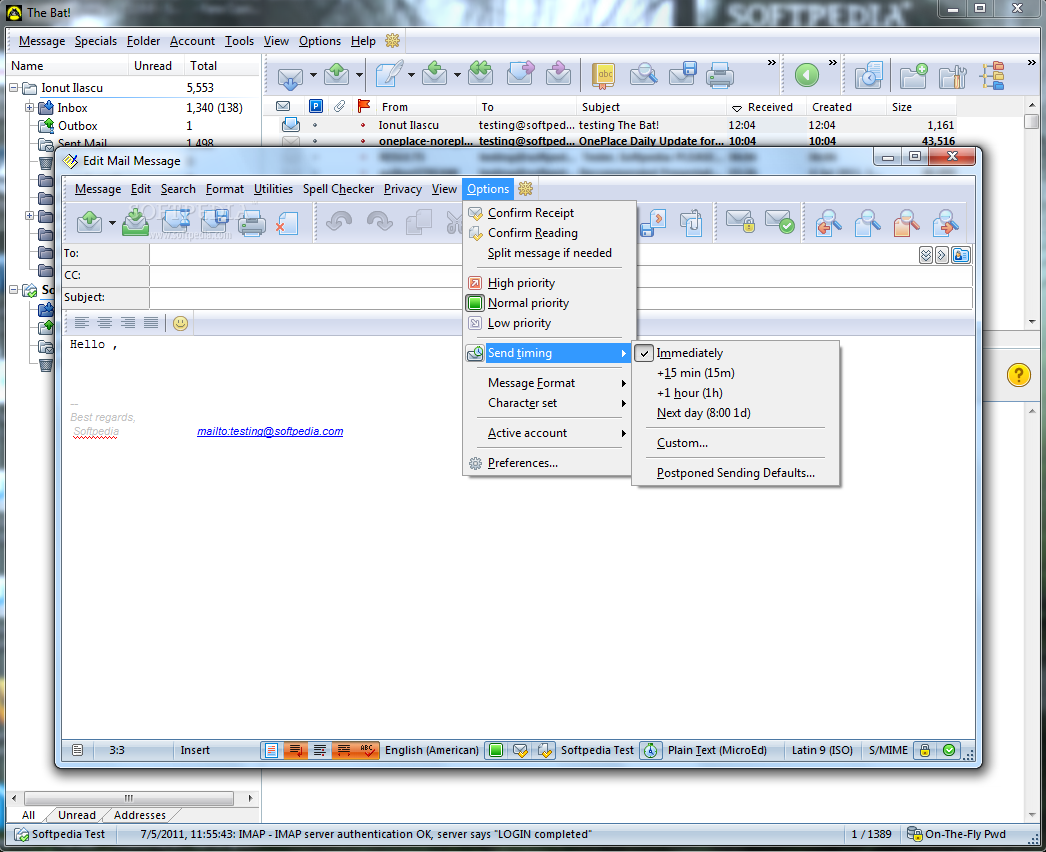
Regarding message sending, The Bat! comes with a very important option, which allows you to transmit the information with a specific delay. Shortly put, you can schedule an email to be sent on a specific date and time or after a user-defined period. The option is not present when redirecting a message.
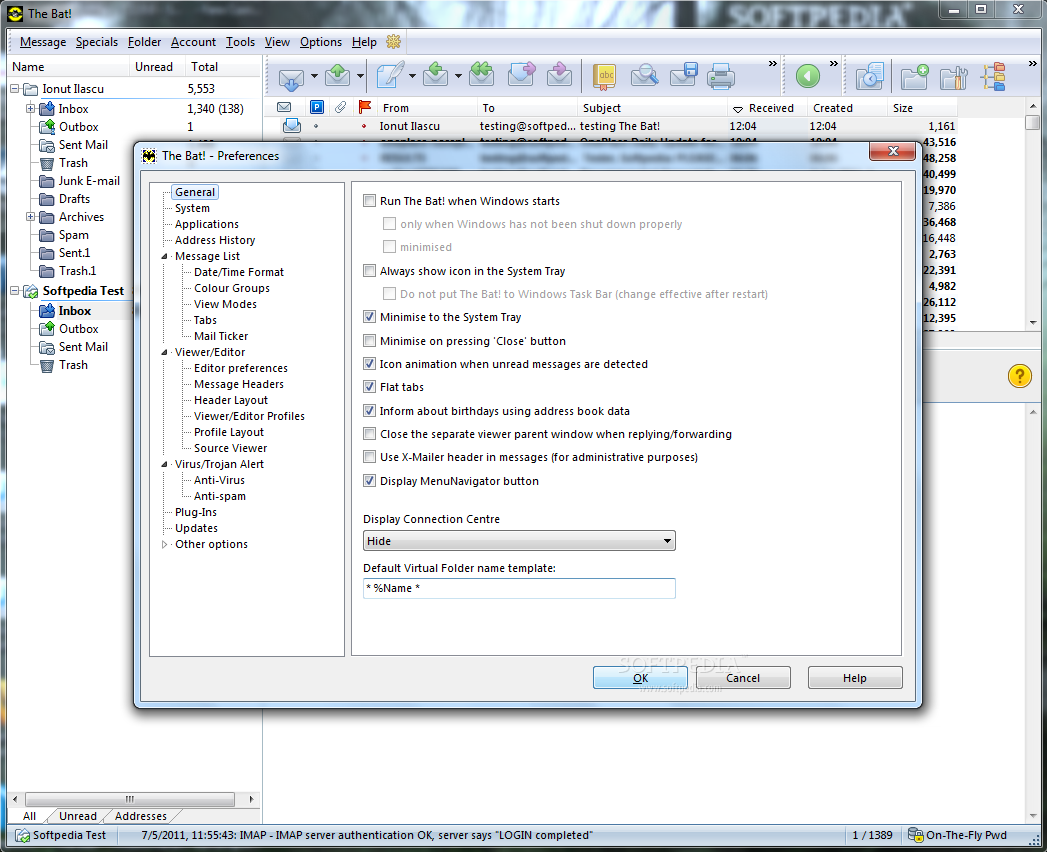
Given the level of granular control offered by the application, customizing it is not an easy job if you want a particular layout or view of the messages. On the bright side, you do not have to personalize it too often since it comes with import/export possibility for account properties, messages, address book and global options.
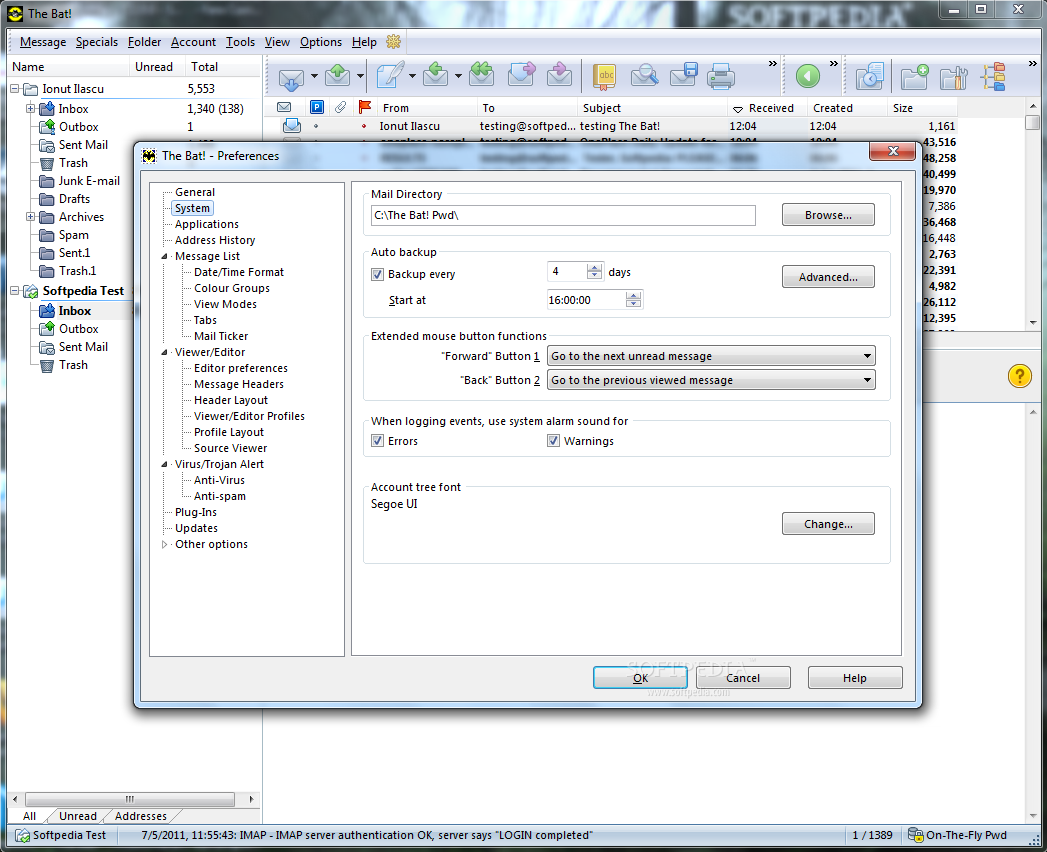
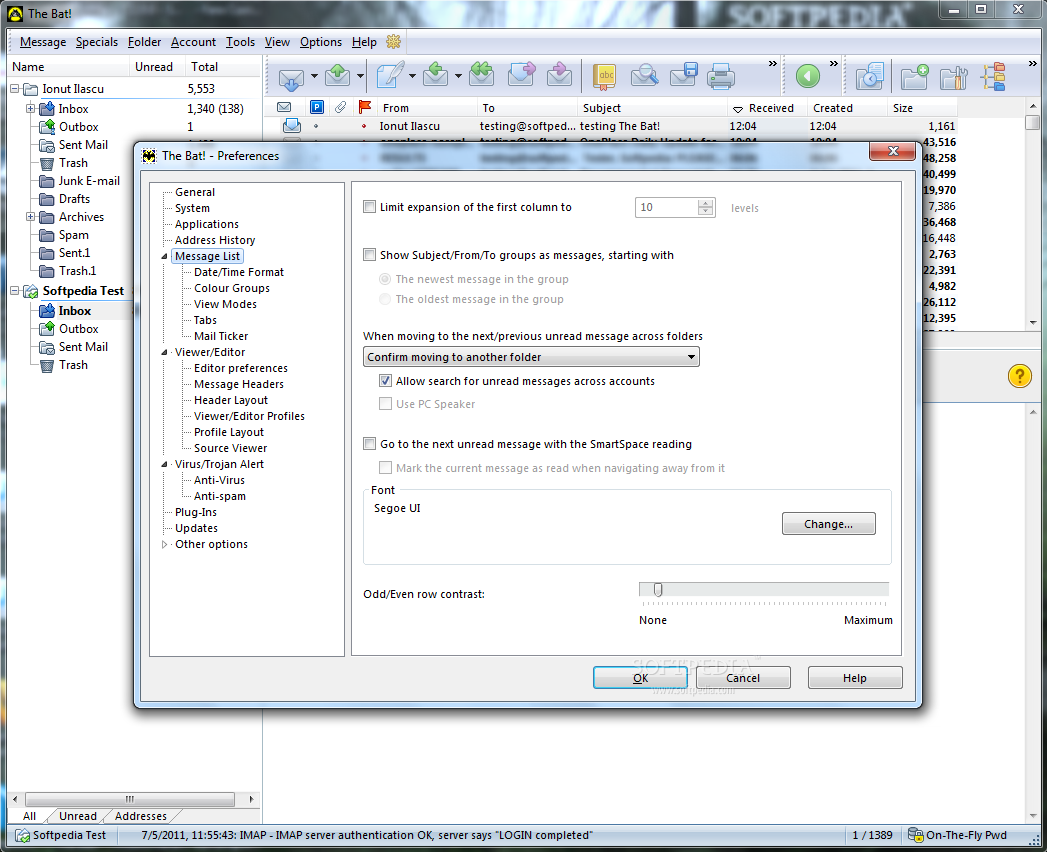
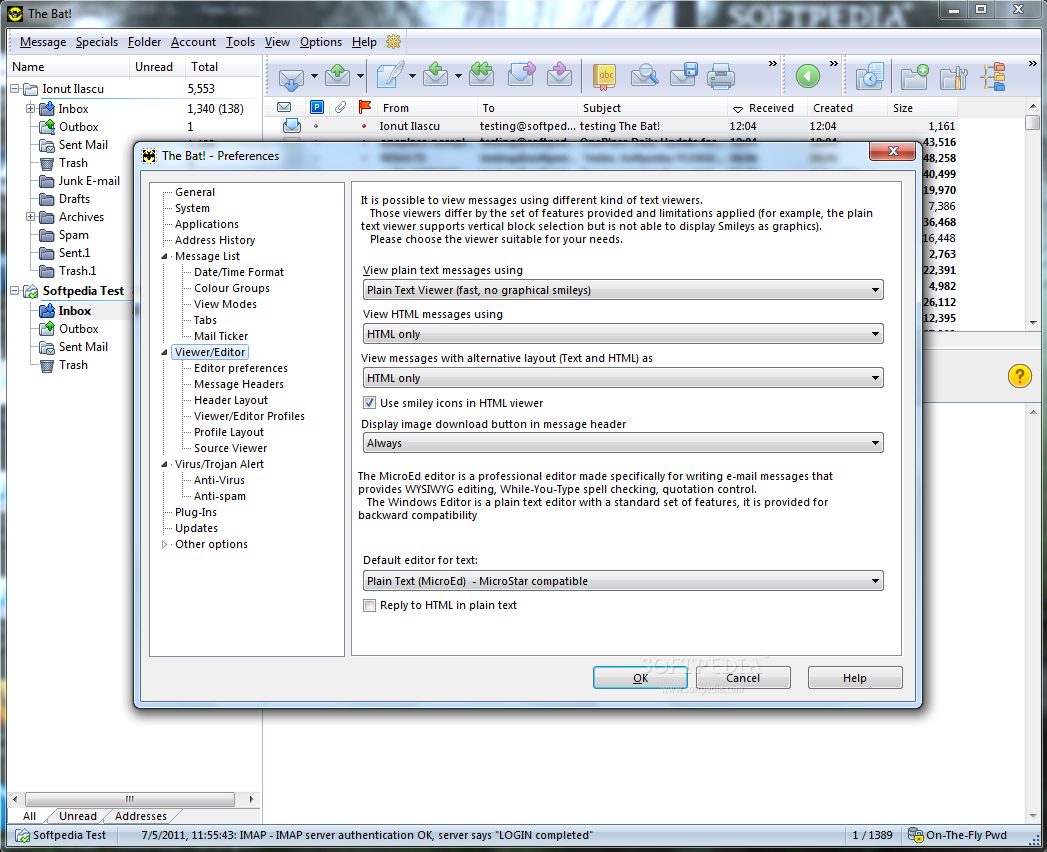
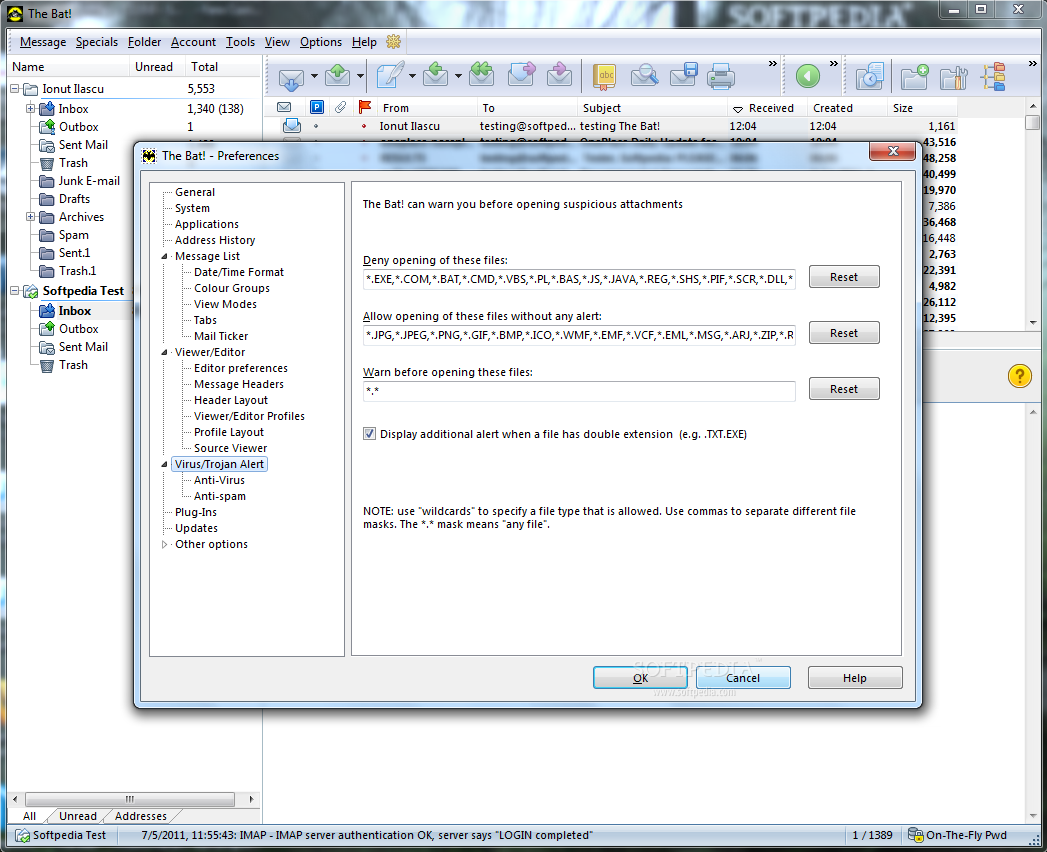
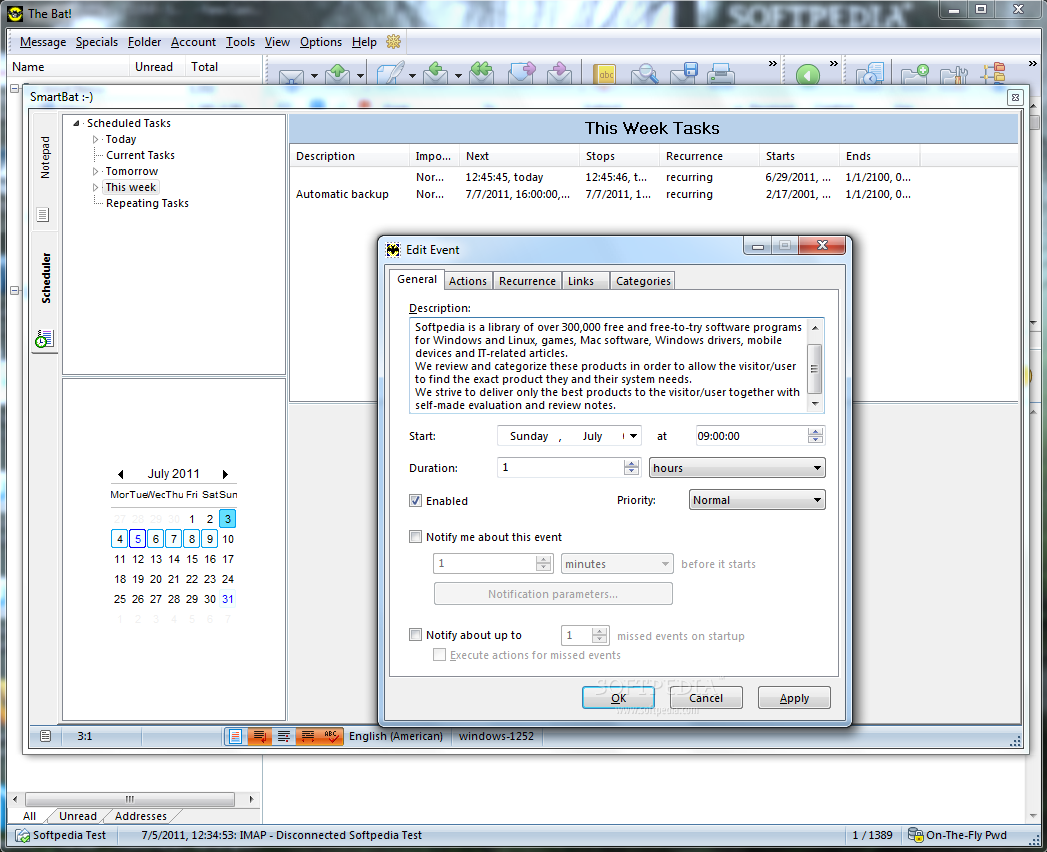
The interface can be customized so that it offers you the most comfortable layout possible. The additional instruments it comes equipped with (SmartBat, scheduler, professional address book) only add to its value. Mail Ticker did not function in our case, as it kept showing zero messages while inbox folder reported several new, unread emails. The application is designed for the more advanced users and learning the ropes of the new version is not at all eased by the help file since it is outdated and stuck at displaying indications for version 3 of The Bat!. However, starting with email management and ending with additional perks included in the application, The Bat! is a complete suite that does not fall short of an option a user may need, no matter how particular it may be.
The Good
The Bad
The Truth
