14 DAY TRIAL //
 Did you ever think about earning some money from your own code? The first step - besides actually writing the code - is to create an installer. Not everybody is acquainted with the process of creating a MSI, and sometimes it can be a difficult process not only for the beginners.
If you don't know what a WiX (Windows Installer XML) is, the first thing you should find out is that Wix is a toolset for advanced Windows developers that build Windows installation packages from XML source code. According to the authors, the main features of this useful concept are: the WiX XML schema, the compiler (candle) that compiles WiX source files into object files, the linker (light) that links object files into MSI packages and MSM files, and the decompiler (dark) that creates WiX source files from existing MSI and MSM files.
If you want to find out more about the WiX project, you can go to the official webpage or you can read a very interesting article wrote by Rob Mensching, the initiator of this concept.
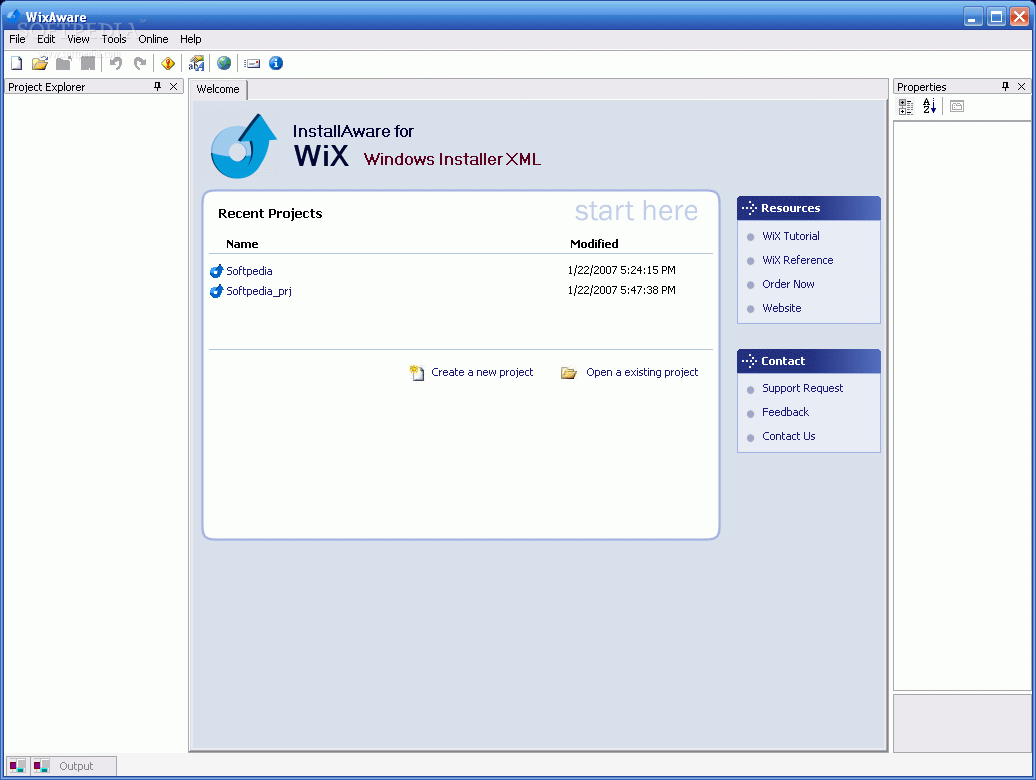
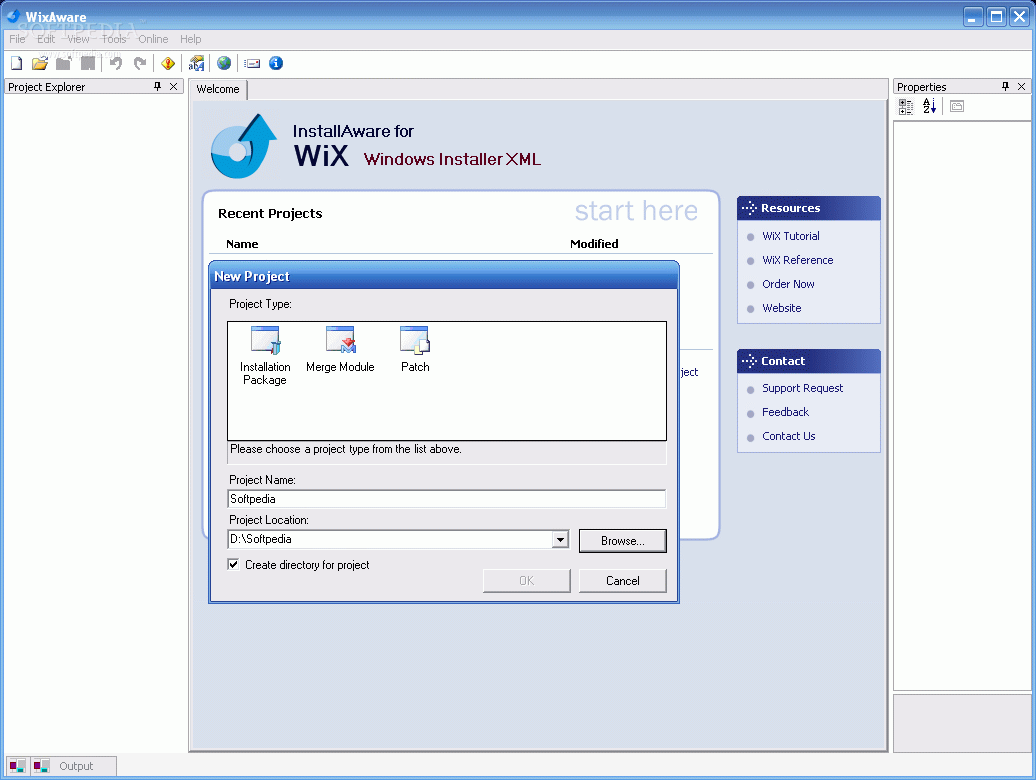
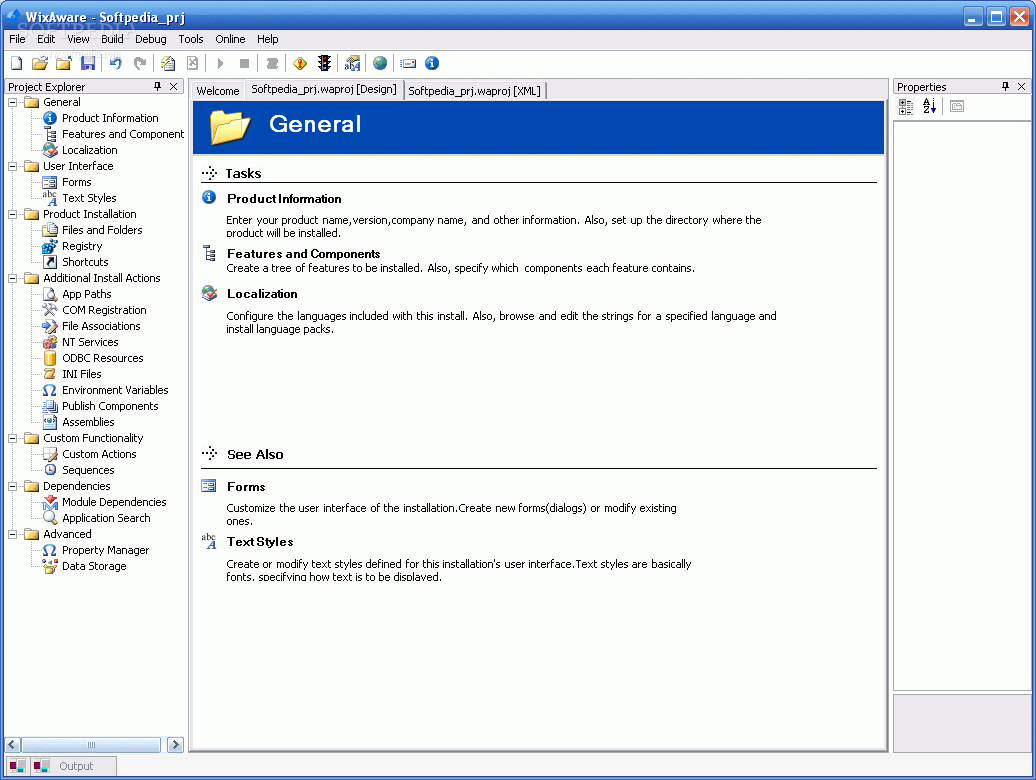
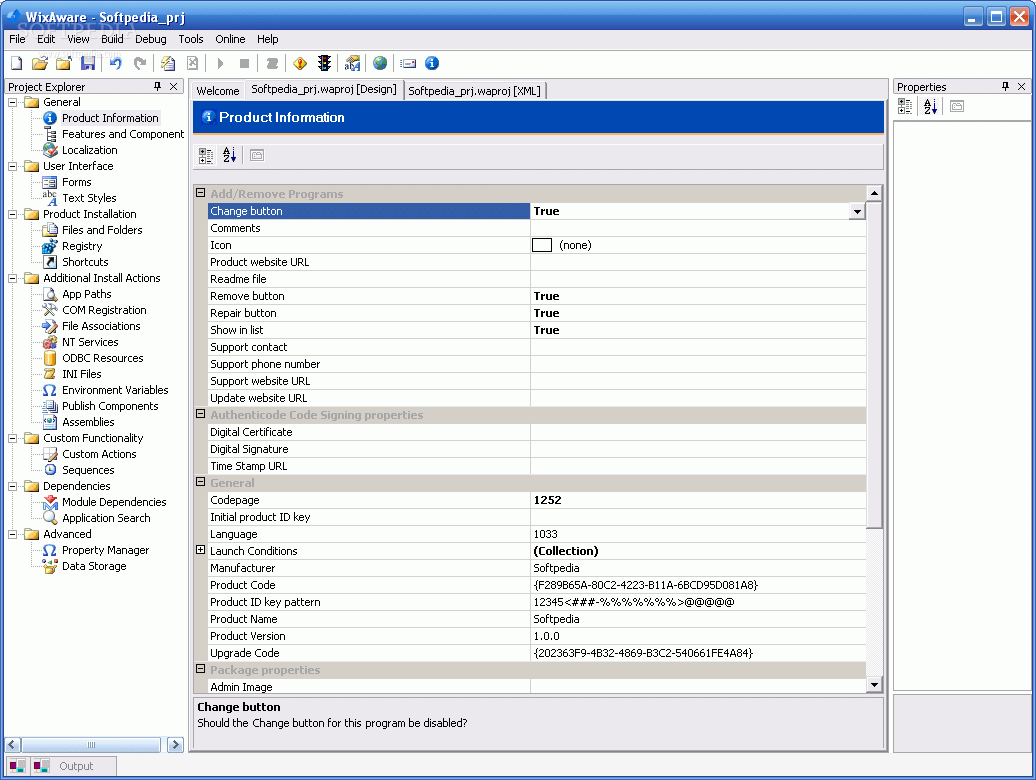
The first thing that strikes you when you open WixAware is the "Visual Studio look" that gives you the possibility to create a project - an installation package, a merge module or a patch - or to open one of the previous projects. At the left you see the Project Explorer, at the right the Proprieties window, both very useful during the creation process.
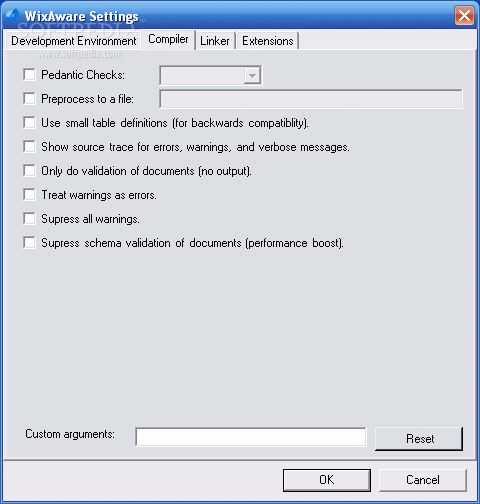
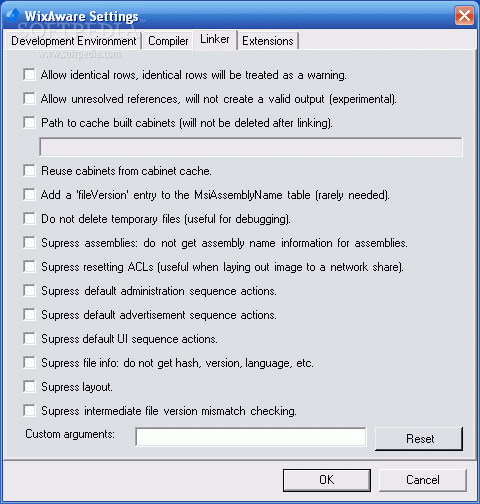
WixAware has a very complex set of options, a lot of important features that cover the needs of the setup developers. Unfortunately, if you're a newbie, the environment won't help you very much - no help and no tooltips present. There are lots of checkboxes and no details and information about them. And considering the fact that the concepts are pretty abstract, it would have been nice to offer beginners a hand.
The localization deserves a big plus, but apparently it only works for English and French - if you try to add another language, the 499$ tool dies unexpectedly.
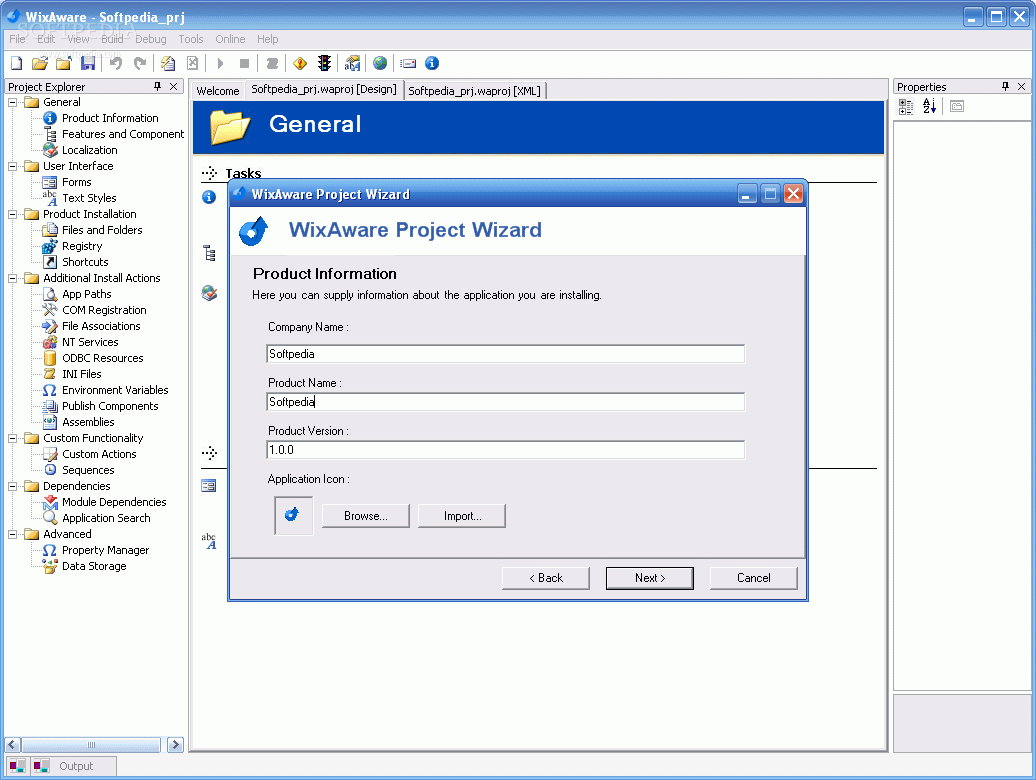
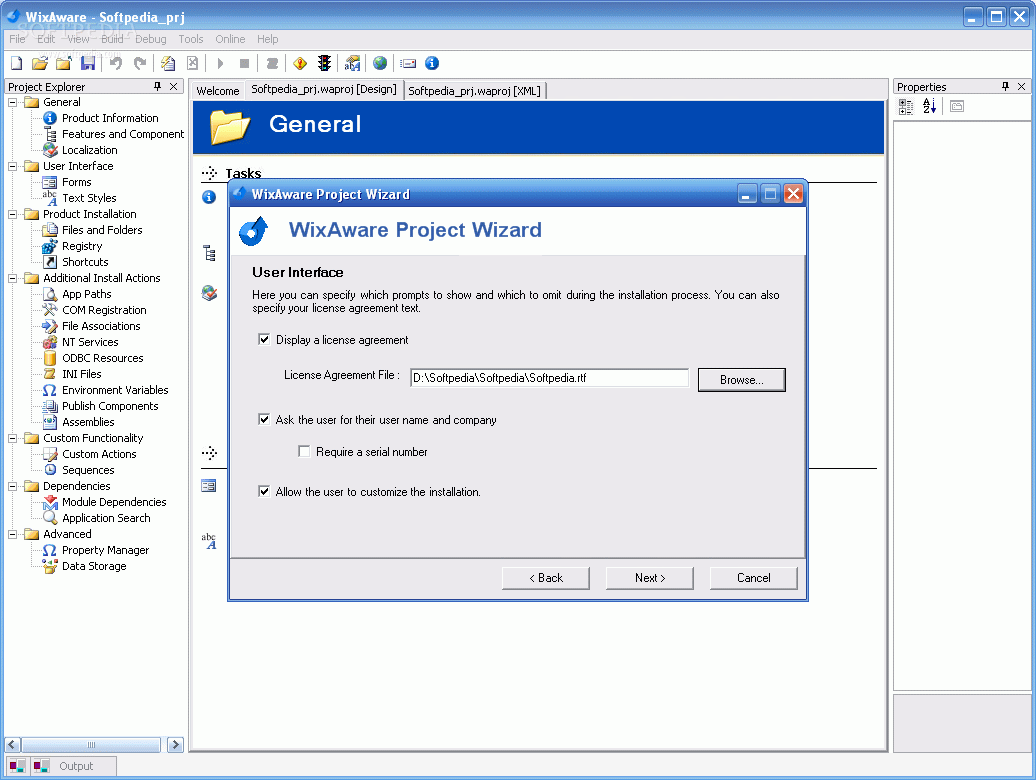
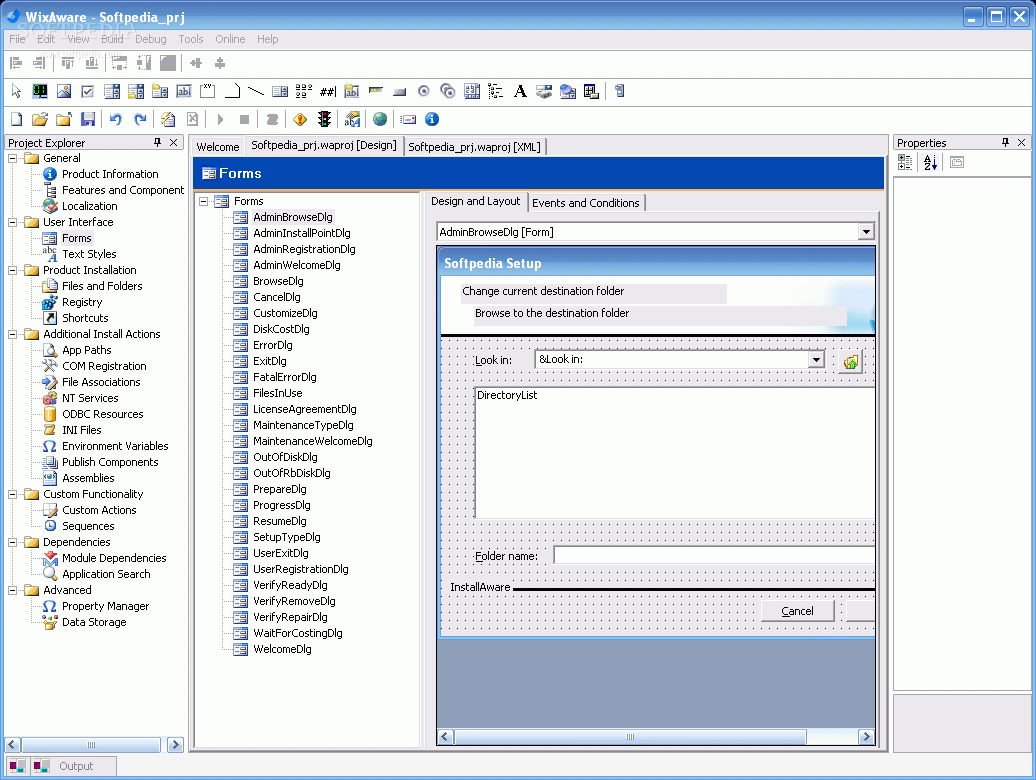
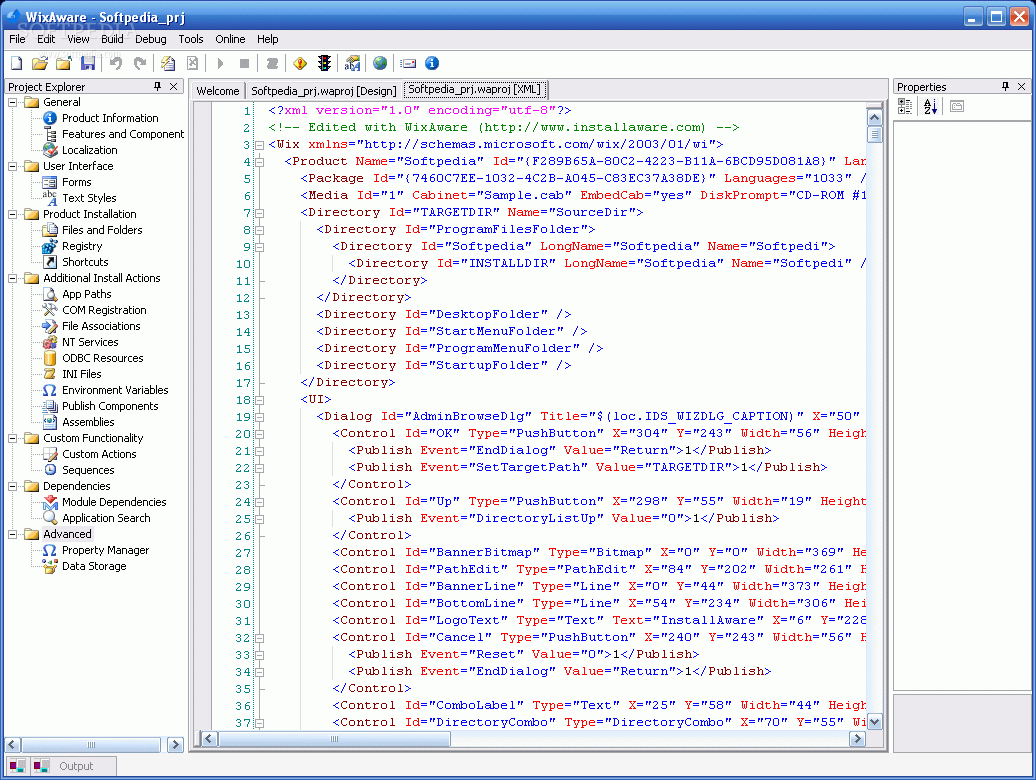
The Wizard takes you through the most important steps and you can edit afterwards all the information provided. Another VS-like feature is the possibility given to the designer to modify proprieties through the visual editor - Design preview, or the XML source code. You can use and change as you desire the predefined dialogs, fonts used during installation, the Registry entries modified.
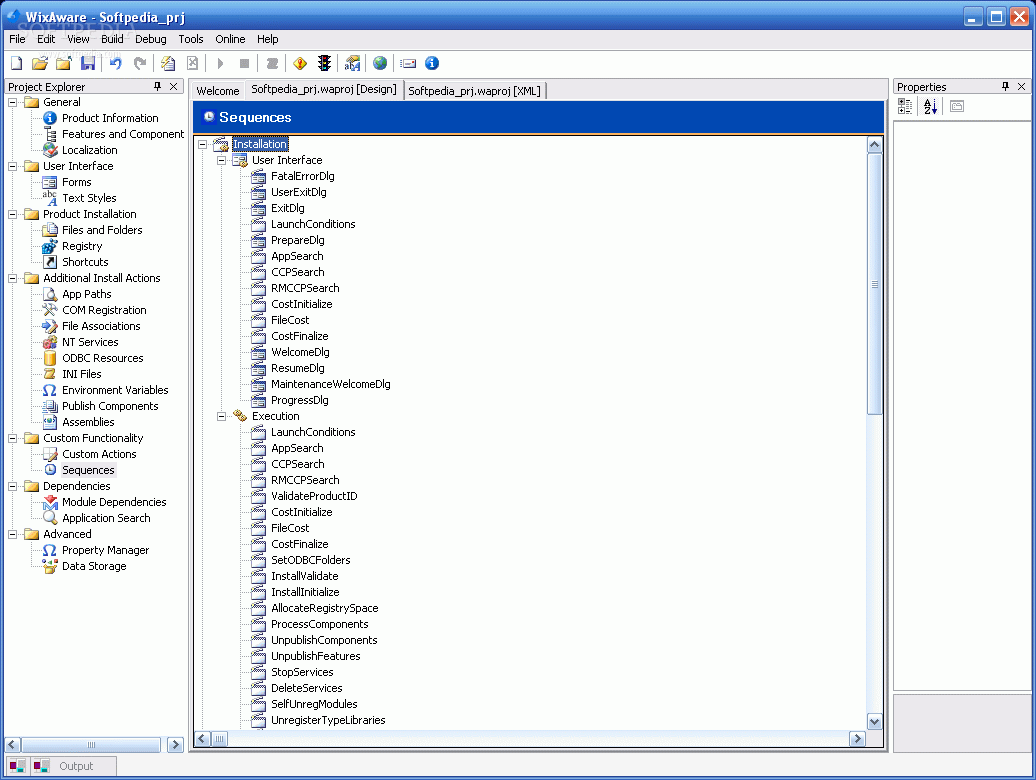
There are a lot of Install Actions if you need to work with COM components, NT services or ODBC resources, INI files or Environment variables and you can also add some custom defined. You can as well modify the installation sequences - which is a great feature. This way, you can reorder or insert your own actions into the process.
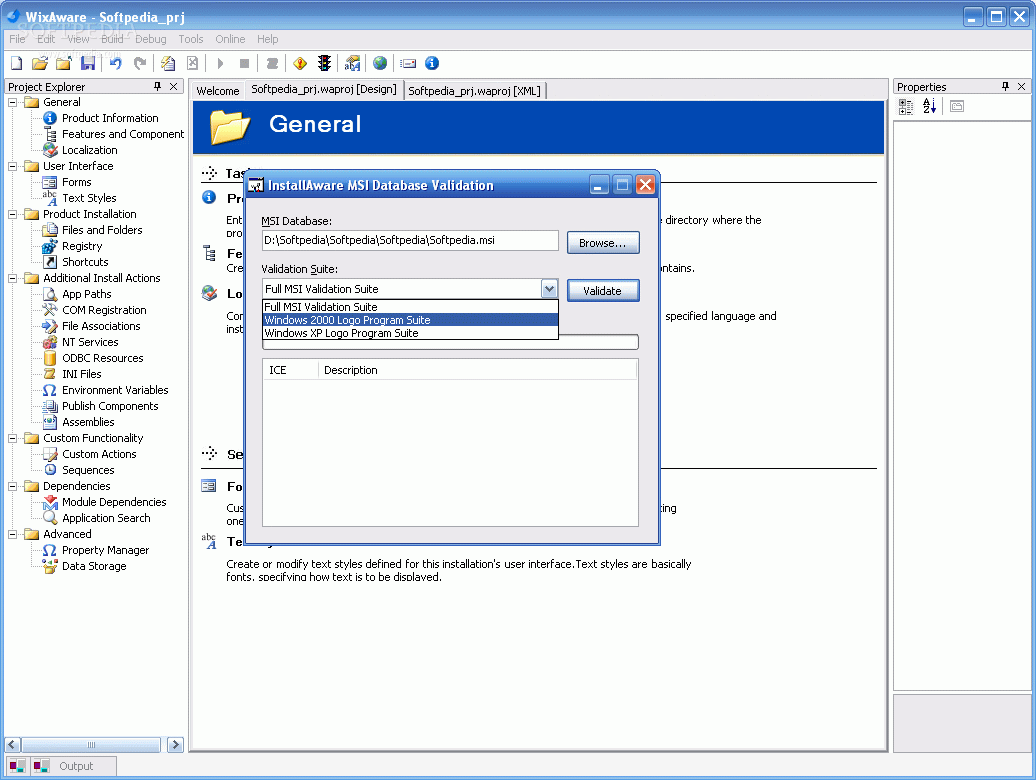
At some point, you may want to check if the user has some older versions already installed on his/her computer. Well, WixAware team already thought it's a valuable piece of information and gives you the possibility of finding it out. You can search for a component, a file, a registry entry or INI file and there are some predefined searches - for .Net Framework, Internet Explorer and MDAC. I advise you to check before installing some codec or some driver again and again on the user's machine. It won't look good and you want to sell your product, so the potential client's opinion is very important. For those of you who want the "Designed for Windows XP" or another logo on their product, you can check and validate the code on one of the three Validation Suites: Full MSI, Win 200 Logo or Win XP Logo. The output will guide you to modify the incorrect code and to get rid of those anal retentive types.
Another feature I liked a lot is DarkWix - a MSI decompiler. It has a lot of features, again, with no tooltips, but if you need it badly, I guess there is always google?
The Good
WixAware is definitely a very useful tool, designed for experienced .NET developers. The environment will help you complete the creation process of a MSI installer or to decompile one already created. I liked it because of its Visual Studio look, because it gives you the possibility of swaping between Design and XML visualization mode, you can define custom actions and you can easily insert dependences and many others.
The Bad
The absence of a Help file can be a pretty important thing, especially when we're talking about a complex abstract tool, like WixAware. No help and no tooltips will leave a newbie with lots and lots of unsorted and unverified information available online.
The Truth
WixAware has a lot of features and tries to cover the needs of every developer. Every project is different, but this tool is pretty complete and you should try and see if it fits you.
Here are some snapshots of WixAware in use: