14 DAY TRIAL //
 TV is dead. No matter the modern LCD and plasma technologies that should revive it, for me, TV is dead, but when it comes to online television, then it's another business. Most fields of media such as advertising and news are already conquered by the online approach, and the once almighty newspapers, radio and TV are slowly drowning in the sands of time.
I always find something better to do than watching online television channels, and I find the online radios to be much more practical. Regardless that, some time has passed since I started looking for a nice program that could handle online TV channels. If that program is also free and can handle online radios, that's even better. Now, let's see what I was able to find...
onlineTV is one of the best shots that I had so far when it comes to the online TV/radio topic, although it's not quite what I was expecting. It seems free, but it's not. This program has an area that displays advertisements, and some of its advanced features will cease to work after fifteen uses. The program's installation kit has 5.2MB in size and the setup process shouldn't give you any headache. Let's see what can be done with this program and why you should download it...
Mainly, there are three topics covered by this program - radio, television and newspapers. Well, it?s not really in material form, but rather in the virtual one - online radio stations, television channels and newspapers.
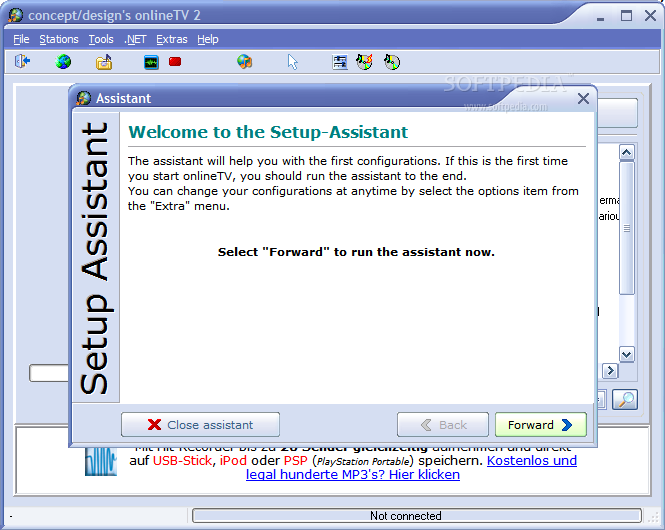
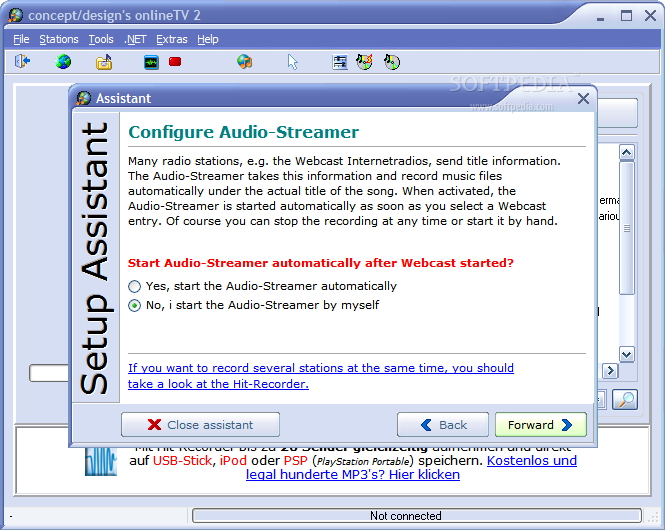
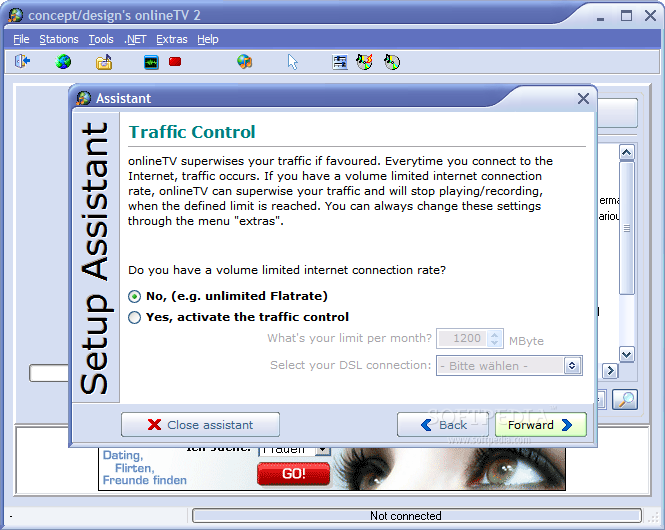
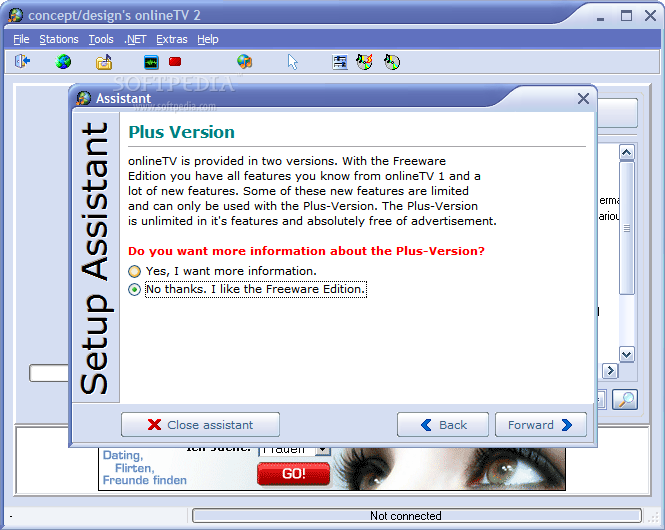
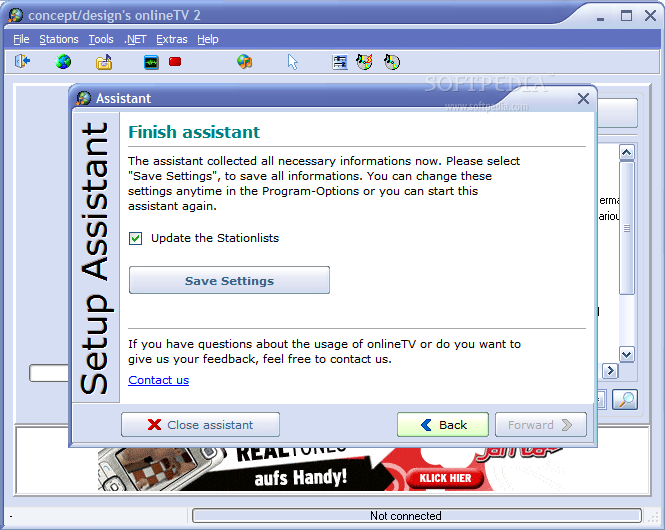
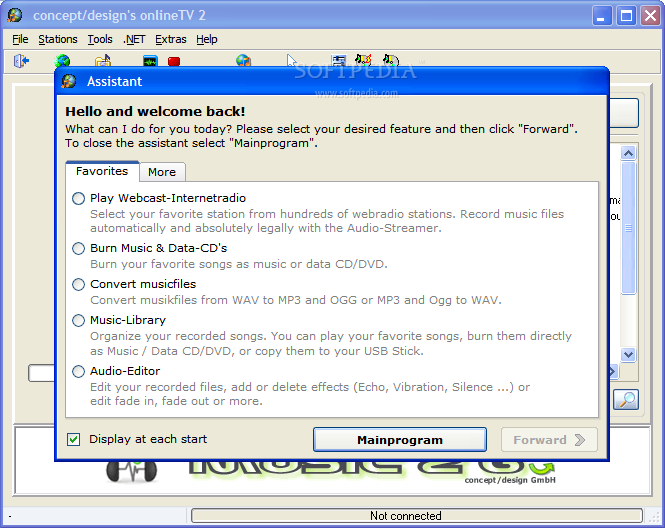
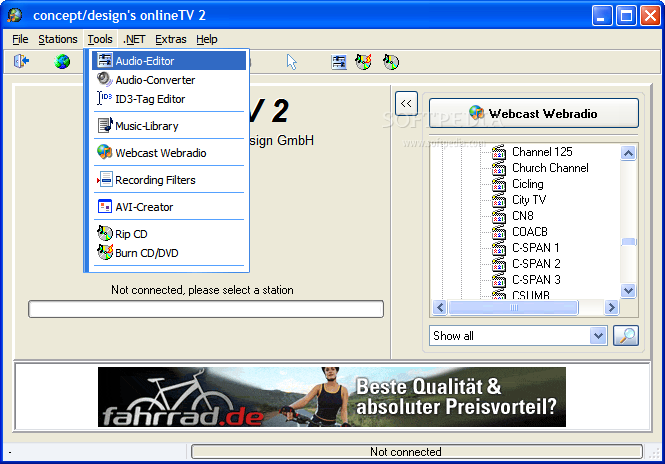
If you don't have RealPlayer player installed yet, then you should get it in order to take full advantage of the program's features. When starting onlineTV you will see the program's assistant, a wizard like window that can help you pick the task you want to run or go straight to the main interface. This should be the right place for me to talk about these tasks available in onlineTV, so let's check'em out!
Once you select Play Webcast-Internetradio, the first available task, and press the Forward button, you are taken to the Webcast Webradio window. Here, you have a large list of stations, the genres they play and the bitrate of their audio stream.
An additional tab allows you to choose from your favorite stations that you can send here with a two mouse clicks inside the Overview area (the one that we?ve just talked about) - right click, left click, I don't have to say more. Since you're here, you may want to add your own stations or remove some of the existing ones. Before I move on, I must give you a hint for the previous issue - press Ctrl+A and you'll find it easy after that.
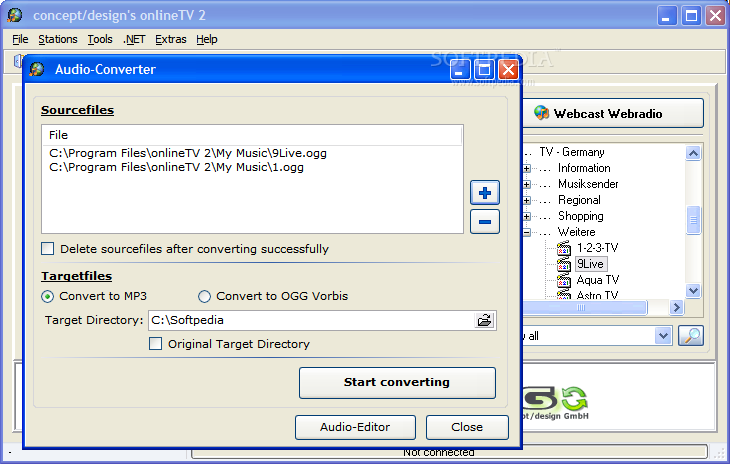
The next two tasks that can be performed by this program start to turn it from what seemed to be just another online TV tool into a full featured media center. Burning audio & data CDs and converting audio files are not the tasks you?ll find in every program like this, and it's good to know they're here. Using them should be extremely easy for everyone, so I'll move on to other features, because there are still some interesting ones to be found here...
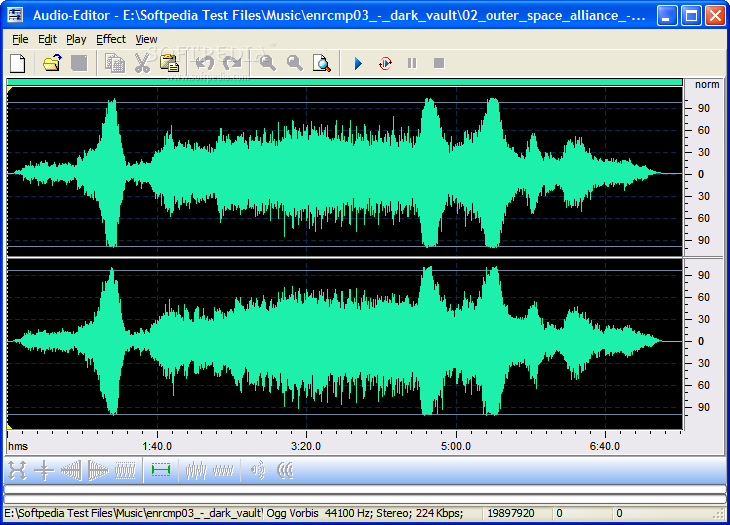
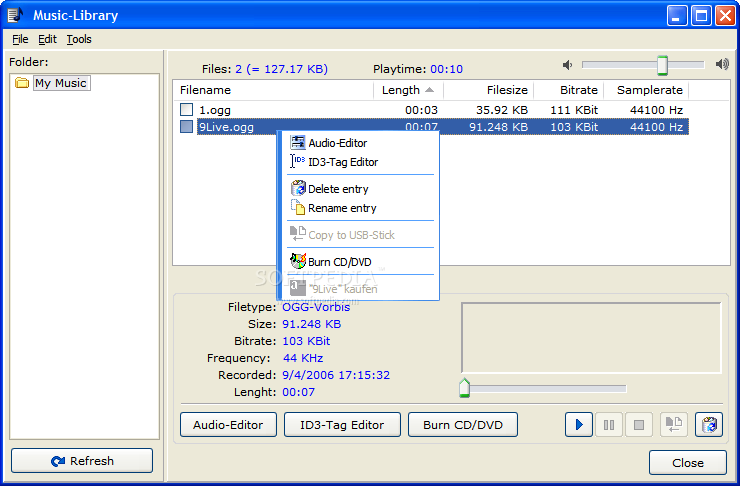
Management and editing are the next two areas covered by onlineTV with its built in Music Library and Audio Editor. Unfortunately, the editor will cease to work after fifteen uses, but you can buy the commercial version of the program to always have it. Since that is not my topic here, I will get back to the management part for a while, before pointing out the last features and drawing the conclusions.
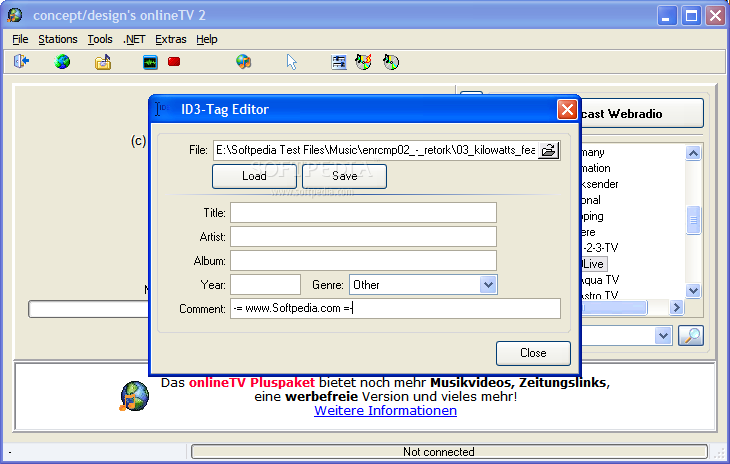
The Music Library is easy to use and helps you change audio files' tags, edit them using the Audio Editor, convert them, rip audio CDs or burn your music files. With this I have finished the main features of the program, but there are still two big topics to be mentioned - radio and newspapers.
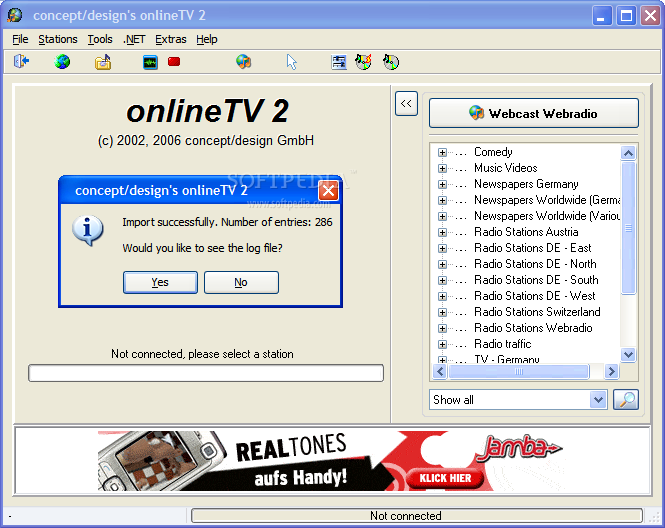
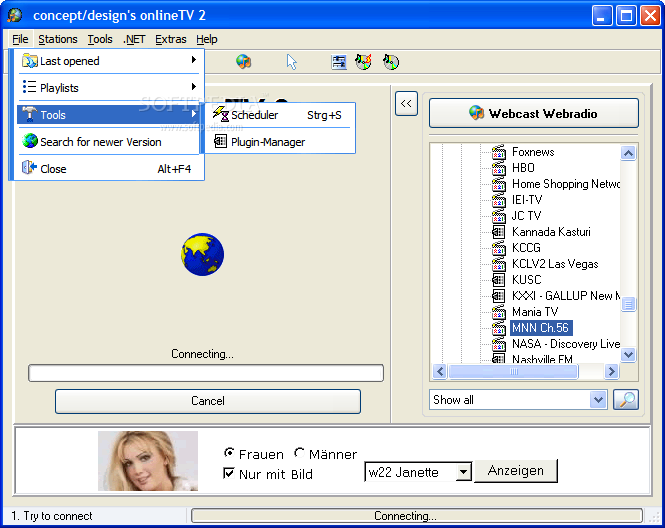
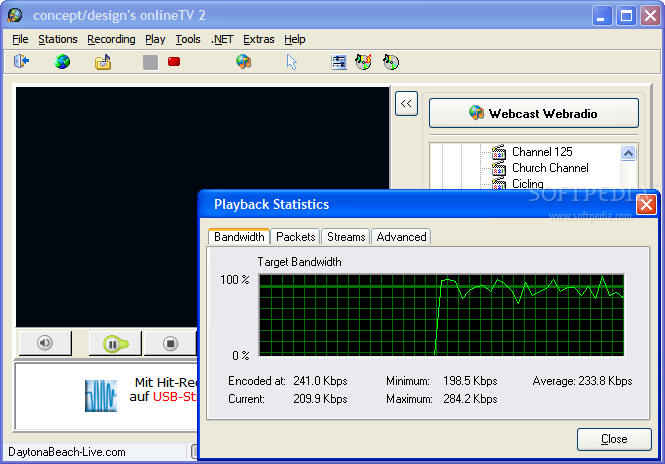
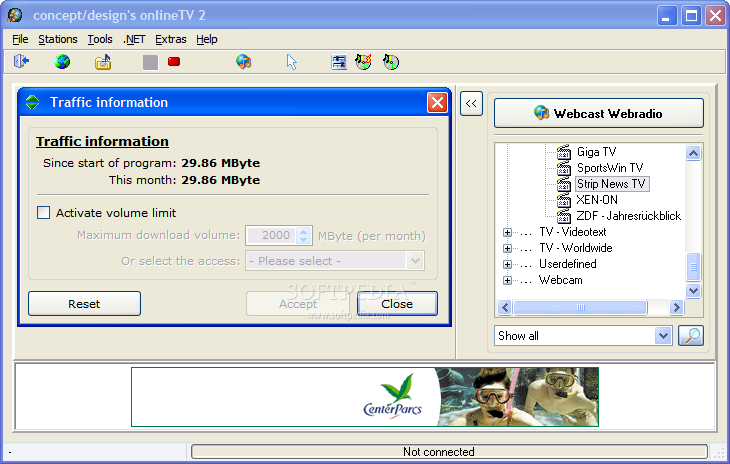
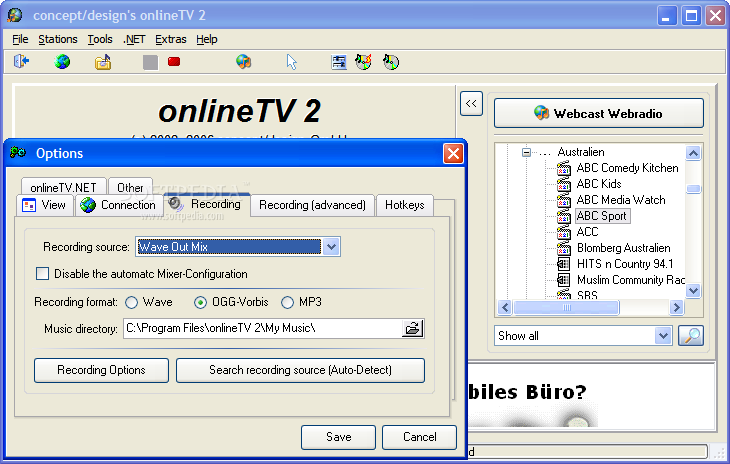
The main window of the program has a panel with a treeview containing categories and items. All you have to do here is choose one of the newspaper categories available and then left click on the one you want to read. The website of that online newspaper will open into the viewer window and you can start reading it! The online radios can be started in the same way, and you can even record the audio streams to files on your computer, just as the newspaper's pages can be saved as HTML or bitmap files.
Sounds good enough to make you curious, doesn't it? Let's see some conclusions now, good and bad, as usual...
The Good
onlineTV is extremely easy to use, it has a lot of features and once the Audio Editor is disabled, you still have enough of it to use for free.
The Bad
I found this program to be less reliable than expected (I guess everyone expects its programs to work and not to crash, and I don't see anything out of ordinary in asking for this), and the online Help content is not one of my favorite ways to get informed about the programs I work with. Adware, features that stop working after a while...doesn't sound that good to me.
The Truth
onlineTV proved to be more than expected at the beginning, and then fell a little into disgrace, but overall I can say that this is a program worth trying. Just think about this - 739 radio stations, 642 TV stations, 278 Webcams and 170 other online media. Enjoy them!
Here are some snapshots of the application in action: