
The world's leading utility for compression, encryption and backup which provides all the needed tool sand functions for handling ZIP archives and a lot more. #Create Archive #Decompress Archive #Open Archive #Extract #Unarchiver #Unzip
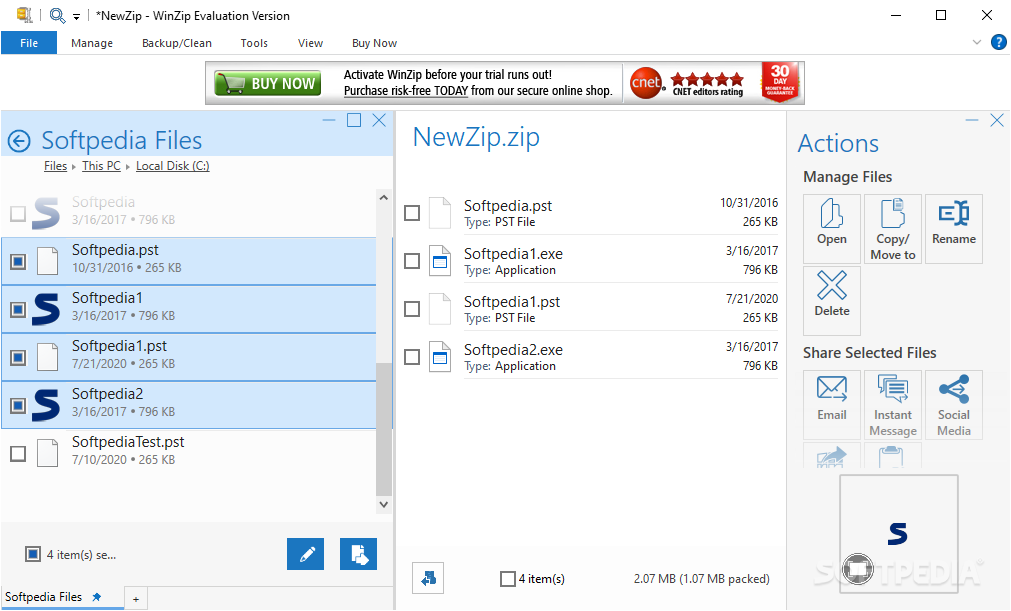
There are various compression tools out there that give you the possibility to not only reduce the amount of space taken by files on your hard disk drive, but also prevent them from being infected by malicious software. One such utility that has made a name throughout the years is WinZip, offering a lot more helpful tools than ever.
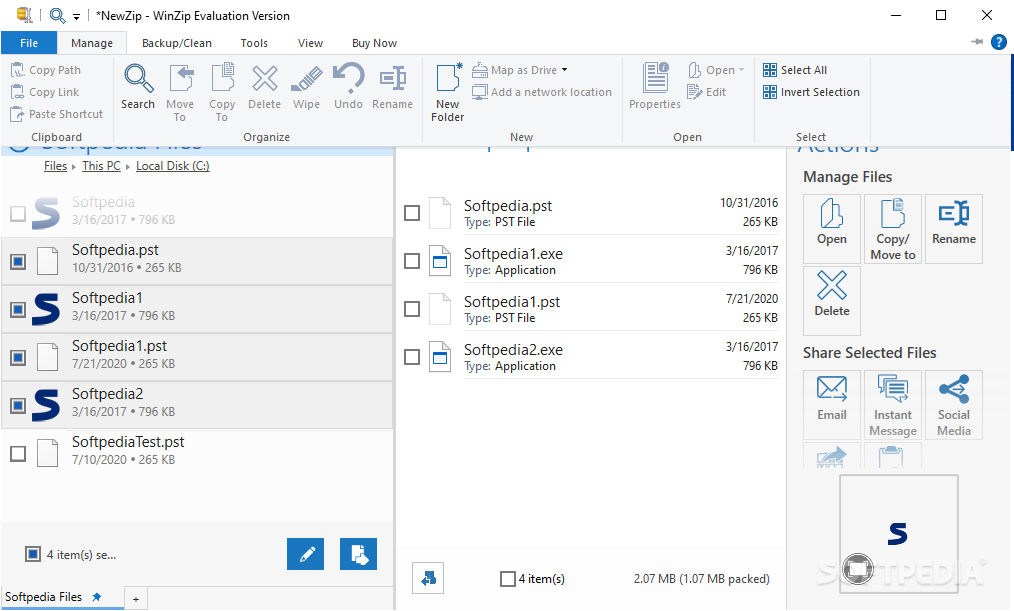
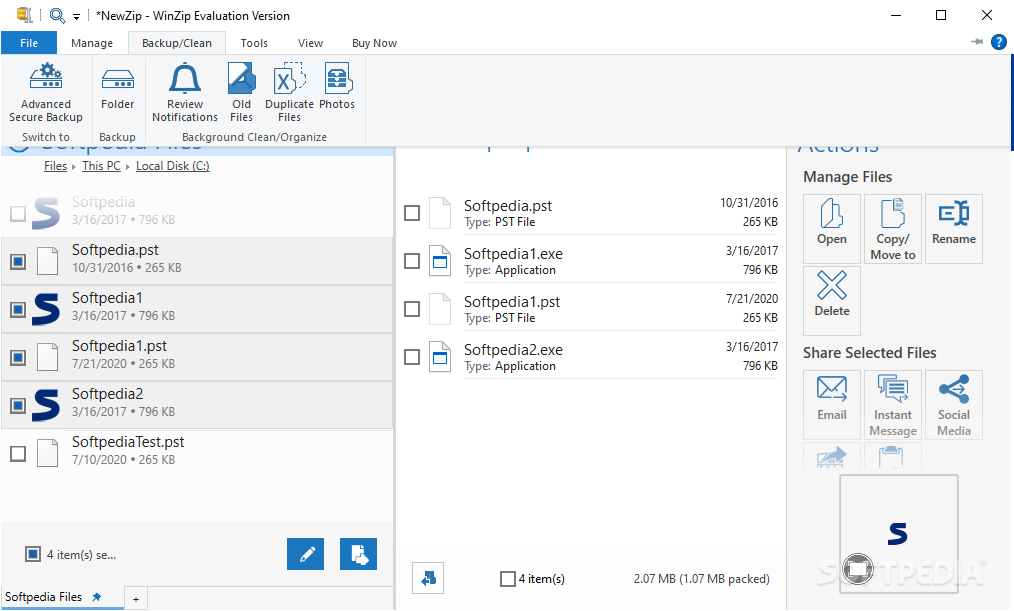
Running the application brings up a modernly designed interface with features cleverly stored in an upper toolbar with intuitive icons, each found in dedicated categories. The workspace is merely a list that displays files that are about to undergo archiving or extraction, along with related info such as name, type, size, path and more.
Available compression methods include maximum, enhanced deflate, super fast, or no compression in order to better suit your needs. However, seeing how most storage devices are capable of containing large amounts of data, this should not be a great concern. It does a good job, reducing file size by a decent amount, featuring support for most archive formats used today.
The overall process is done fast, be it archiving or extraction, but at the cost of a considerable amount of system resources. When this is done, a post-process screen is displayed with helpful info regarding before and after changes that were made, including size.
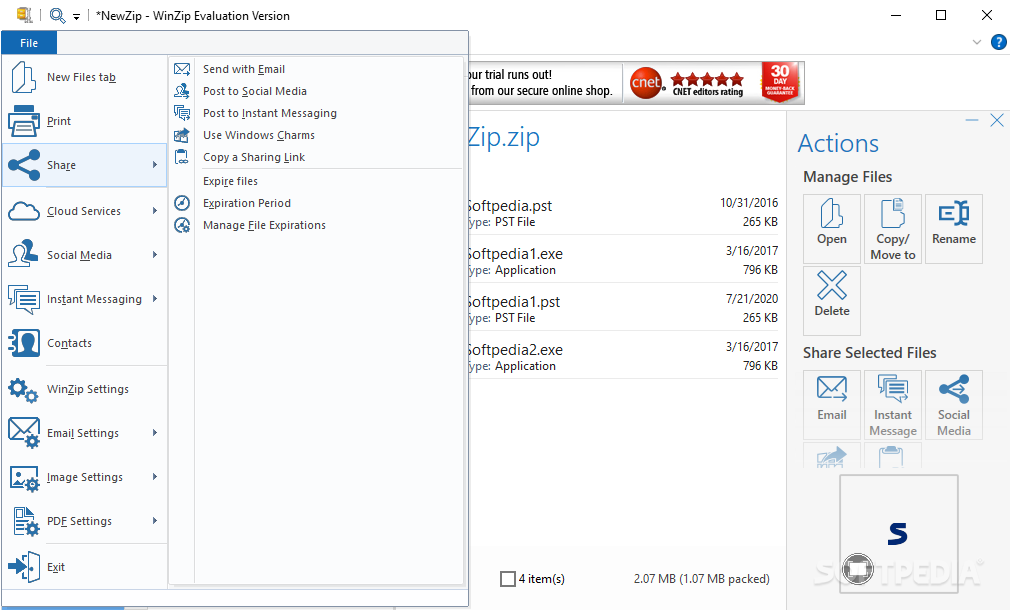
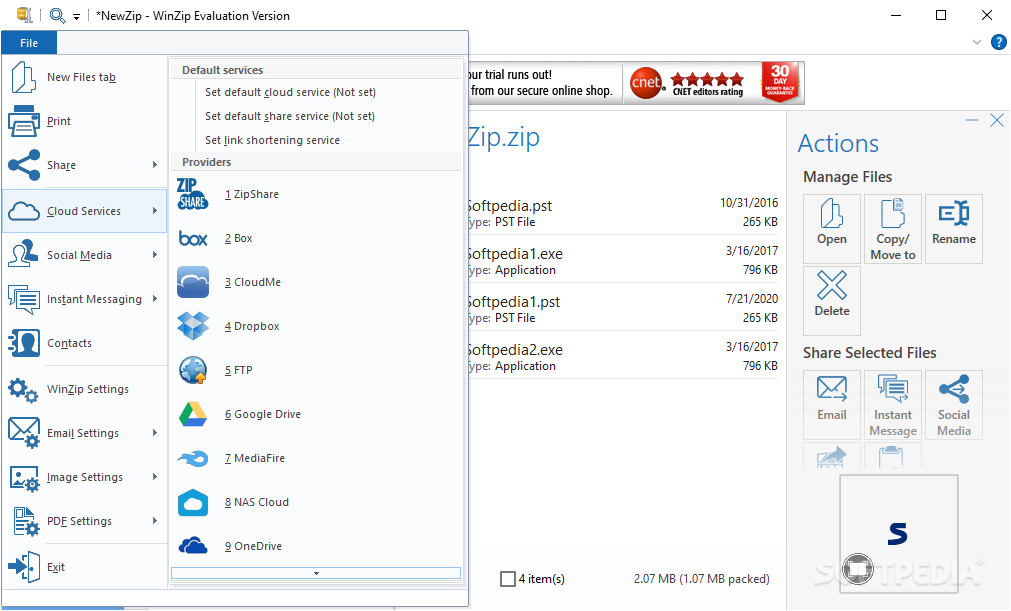
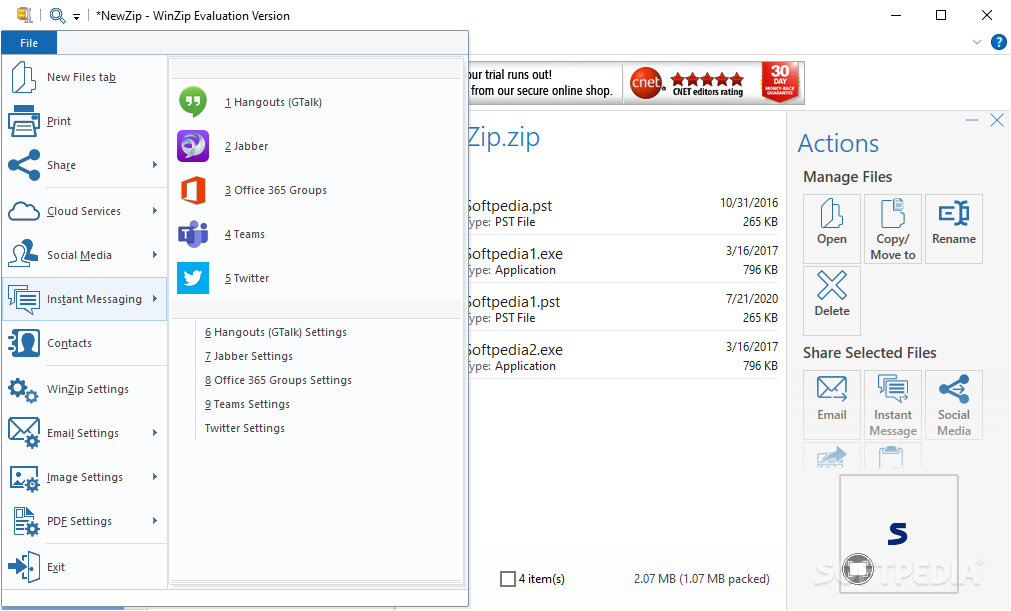
Since data transfer can be done through an abundance of methods, such as disk drive, removable devices and even various cloud services, WinZip manages to stay one step ahead of its competitors by offering full support for sharing, hence the name of the first file menu: unzip/share.
The application is suitable for both at home and work environments due to the variety of tools it offers. Adding files to get them ready for compression can be done via drag and drop, as well as from the integrated context menu entry.
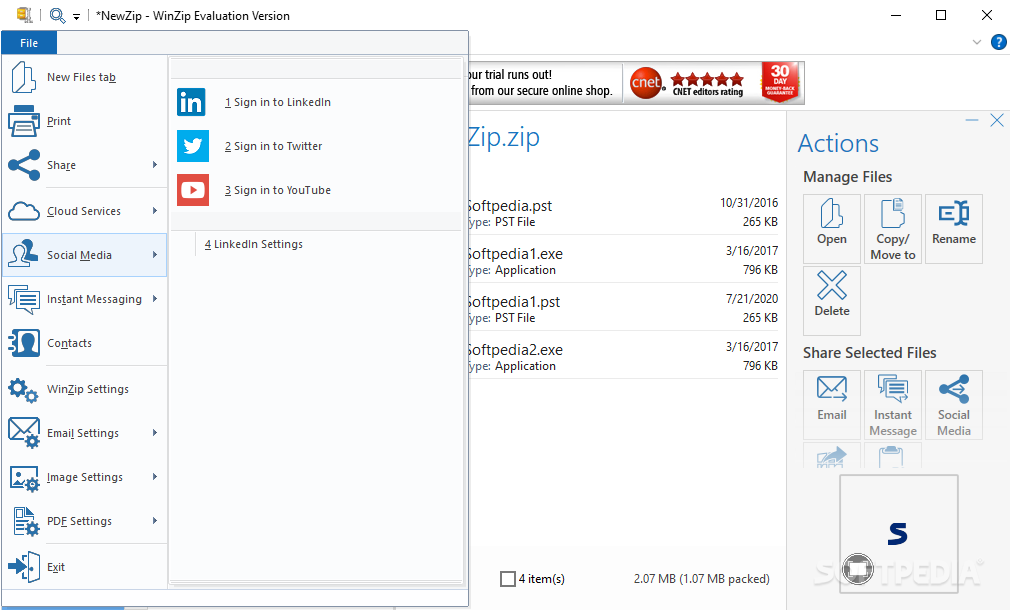
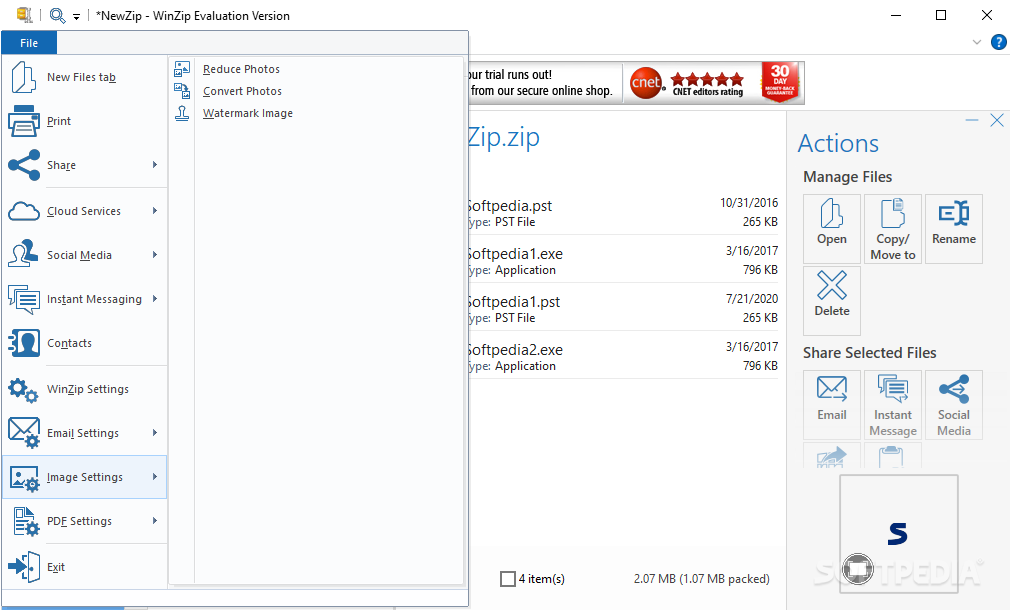
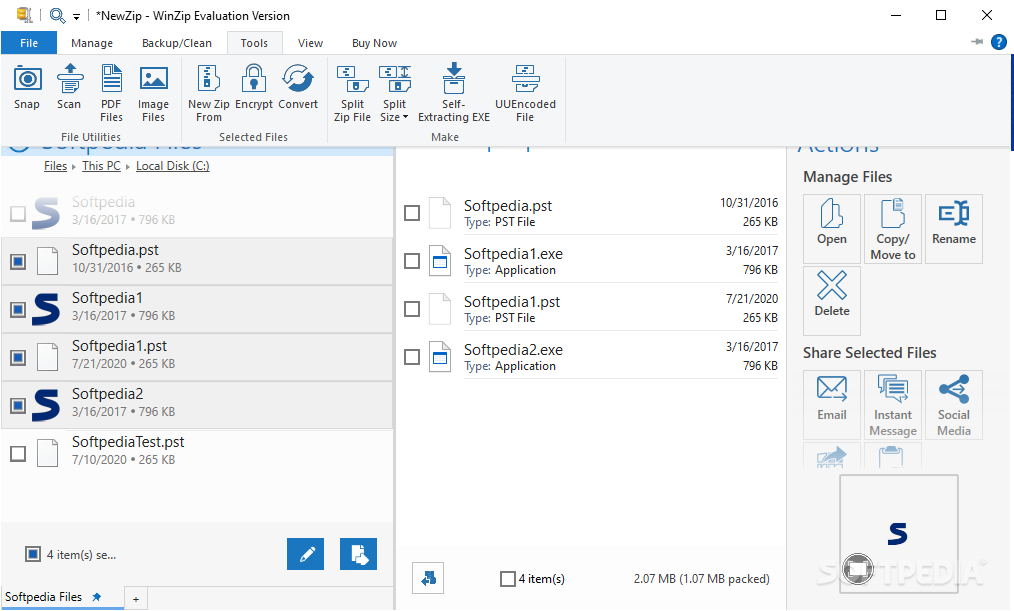
Items you add can quickly be shared with your friends or business associates via your preferred email account, various social networks, as well as your personal cloud service. Additional tools let you have image files automatically resized to several preset resolutions and even fitted with a watermark, as soon as they are added to the process.
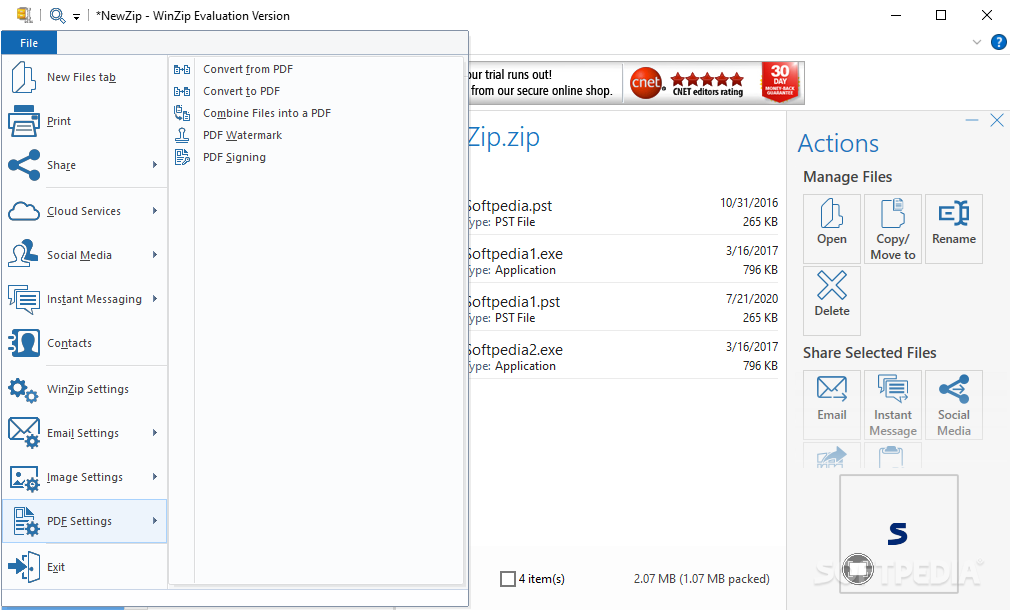
Security is always a concern, that's why an integrated function gives you the possibility to have files encrypted so only you have access to them. Moreover, there is even a converter you can use to turn common Office suite documents to the PDF format.
To sum it up, WinZip not only manages to live up to expectations, but also to impress with the amount of tools it comes equipped with. This makes it a lot more than a simple compression utility, quickly going down the path of being a powerful office assistant. A lot more can be said, but the true magic is discovering the potential of WinZip once more by yourself.
Download Hubs
WinZip is part of these download collections: Open ZIP, SFX Creators, Make SFX, Open 7z
What's new in WinZip 28.0 Build 15620:
- Modern Home Screen:
- With the introduction of the new home screen, customers can now explore a more extensive range of apps beyond compression, gain easy access to a new ideas portal, and tour the self-serve knowledge base. Additionally, new product information and updates are always readily available for customers to stay informed and up to date.
- Submit and vote on ideas:
- WinZip customer satisfaction is a priority. Now, ideas and suggestions can be submitted directly in the app and others’ ideas can also be voted on. The WinZip team will review and consider ideas for future implementation. Customer feedback matters, and we are committed to making WinZip even better based on the valuable insights we receive.
WinZip 28.0 Build 15620
 Softpedia Editor's Pick
add to watchlist
add to download basket
send us an update
REPORT
Softpedia Editor's Pick
add to watchlist
add to download basket
send us an update
REPORT
- runs on:
-
Windows 11
Windows 10 64 bit - file size:
- 2.8 MB

- main category:
- Compression tools
- developer:
- visit homepage
Windows Sandbox Launcher

7-Zip

Bitdefender Antivirus Free

4k Video Downloader

ShareX

Microsoft Teams

Context Menu Manager

IrfanView

calibre

Zoom Client

- IrfanView
- calibre
- Zoom Client
- Windows Sandbox Launcher
- 7-Zip
- Bitdefender Antivirus Free
- 4k Video Downloader
- ShareX
- Microsoft Teams
- Context Menu Manager