Search Perform an advanced search query SOFTPEDIA
 
SOFTPEDIA
Updated one minute ago
HomeSubmit a program for being reviewedAdvertise on our websiteGet help on surfing our websitesSend us your feedbackGet information about our XML/RSS backend and how to use itBrowse the news archiveVisit our discussion forumVizitati forumul in limba romana


Program Finder NormalFreeware onlyShareware only

TurboFTP 5.60 Build 642 Report spyware 

Click to download TurboFTPTurboFTP - Softpedia Pick Award (If you developed this product, click here to download your award)
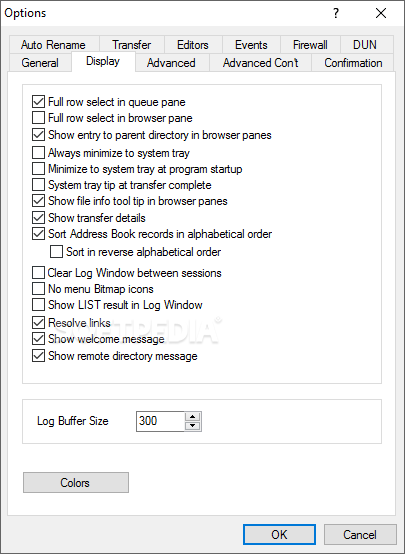
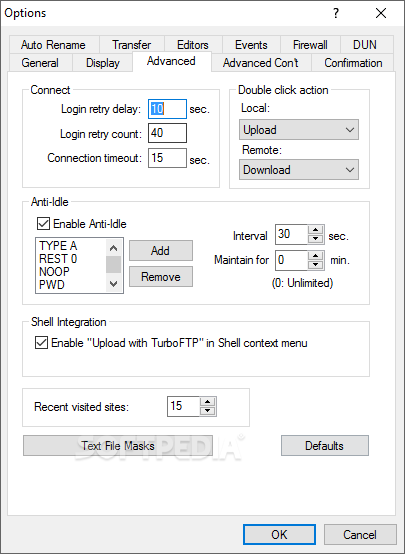
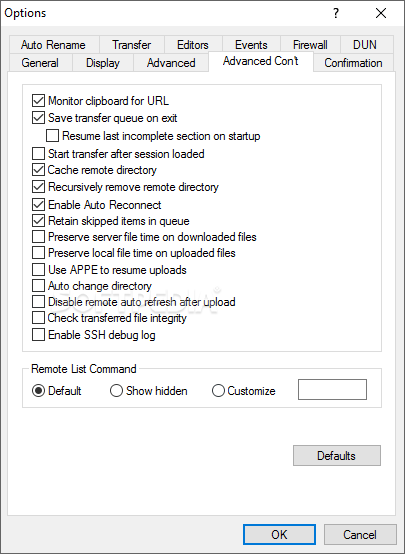
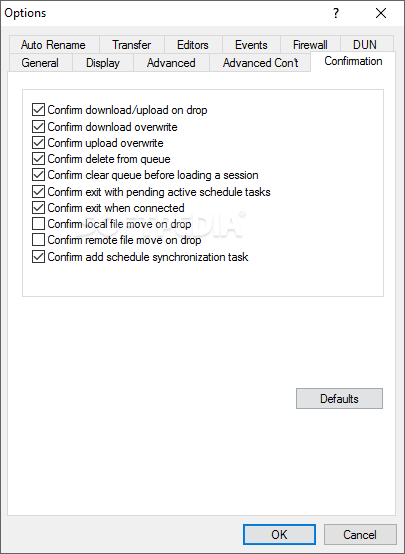
View more TurboFTP screenshots (6)
 Downloads: 5,257
Rating: Good (3.4/5) | Rated by: 41 user(s)
Add to download basket     Send us update information
 Developer: TurbpSoft Inc. | More programs by this producer
 License: Trial , 39.95 $ to buy 
 Size / OS: 5.74 MB, Windows All
 Last Updated: March 23rd, 2008, 23:08 GMT
 Category: C: \ Internet \ FTP Clients
 Read user reviews (0) Add a review Refer to friend Subscribe
    Download TurboFTP

TurboFTP description
A FTP client including firewall compatibility, scheduler and transfer queue

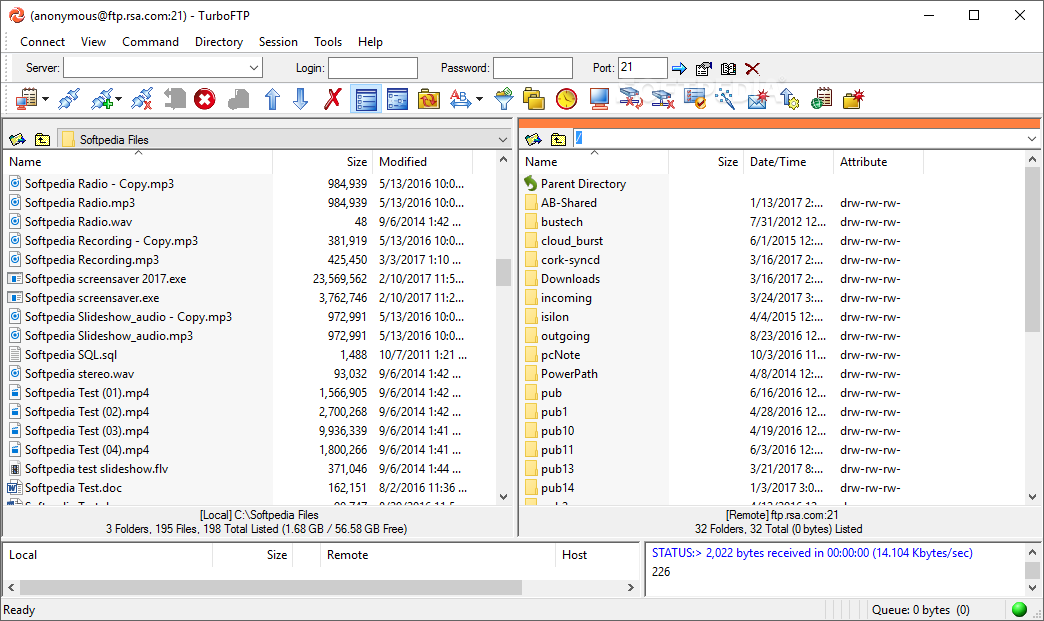
TurboFTP is a smart FTP client that offers an easy and reliable way to transfer files over the Internet. It comes with an positively intuitive and customizable interface and a wide range of features.

TurboFTP is a secure FTP client program (supports FTP over SSL/TLS and SFTP over SSH2) for Windows 9x/ME/NT4/2000/XP/2003. It allows you to transfer files (upload or download) at turbo speed between your computer and virtually any FTP server with exceptional ease and when necessary, with strong encryption of industrial strength.

With an intuitive user interface, a wealth of features and secure file transfer capability, TurboFTP is the right software tool for tasks like uploading Web site, scheduled file synchronization and backup, and mission critical corporate file transfers.

TurboFTP is a FTP client that can transfer files with firewall compatibility.

TurboFTP Sync Service Module provides a scalable and high-performance FTP file replication service based on TurboFTP's proven technology, helping you destribute data across network efficiently and securely.

Its Folder Synchronizer, which provides straightforward, visual and recursive comparison result, helps you synchronize, clone files and directories between local and remote folders with minimum mouse efforts.

Other features include resumable downloads and uploads, transfer queue, local/remote directory compare, preserve server file time on downloaded files, recursive remote directory delete, bookmarks, auto-rename, filtering, only download/upload newer files, preserve server file time on downloaded files and show server file time in local time zone, ability to transfer files larger than 4Gb, making it ideal for content publishing and other regular file moving processes. With its Connection Wizard even a naive can get started right away.

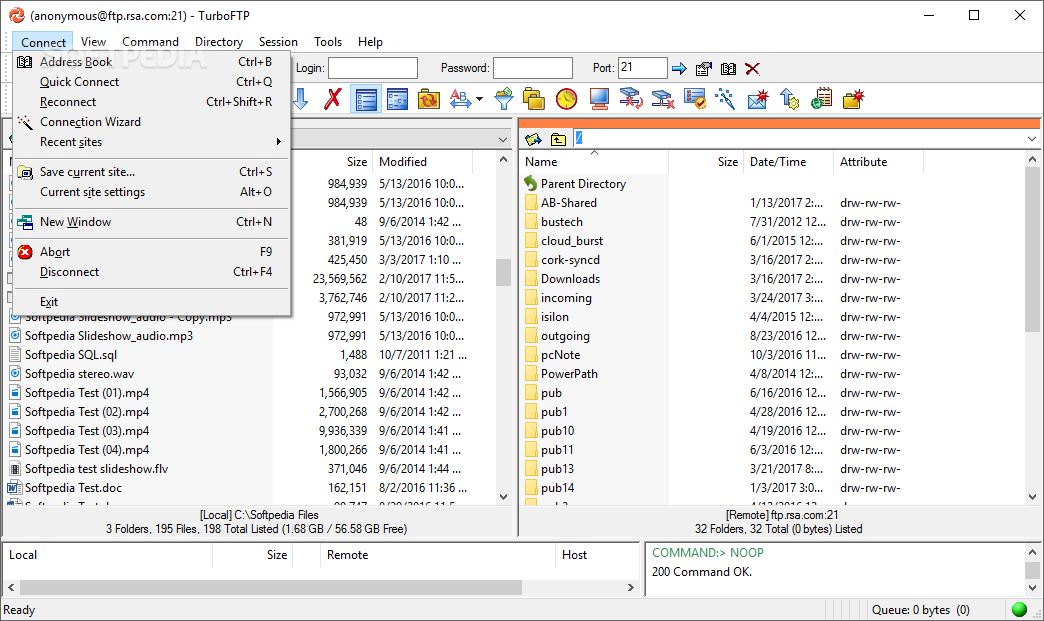
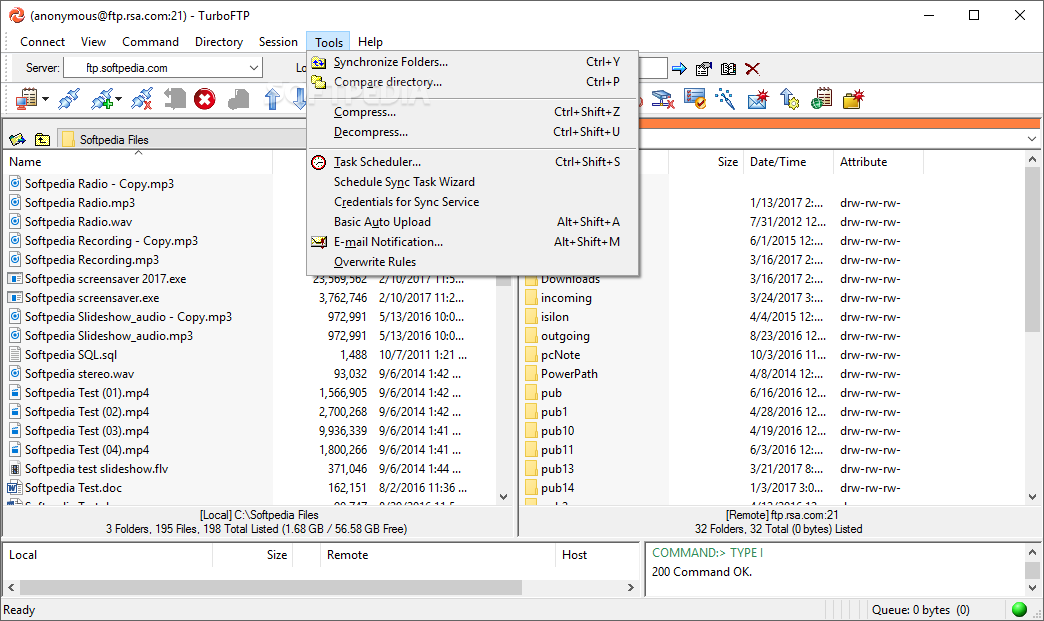
The handy FTP Site Address Book helps you organize your favorite FTP sites easily and can import site information from other FTP software. With the Task Scheduler you can schedule files to be transferred or a pair of local and remote folders to be synchronized daily, weekly or monthly. It can also be set up to monitor a local folder and automatically upload any new files arrived in it.

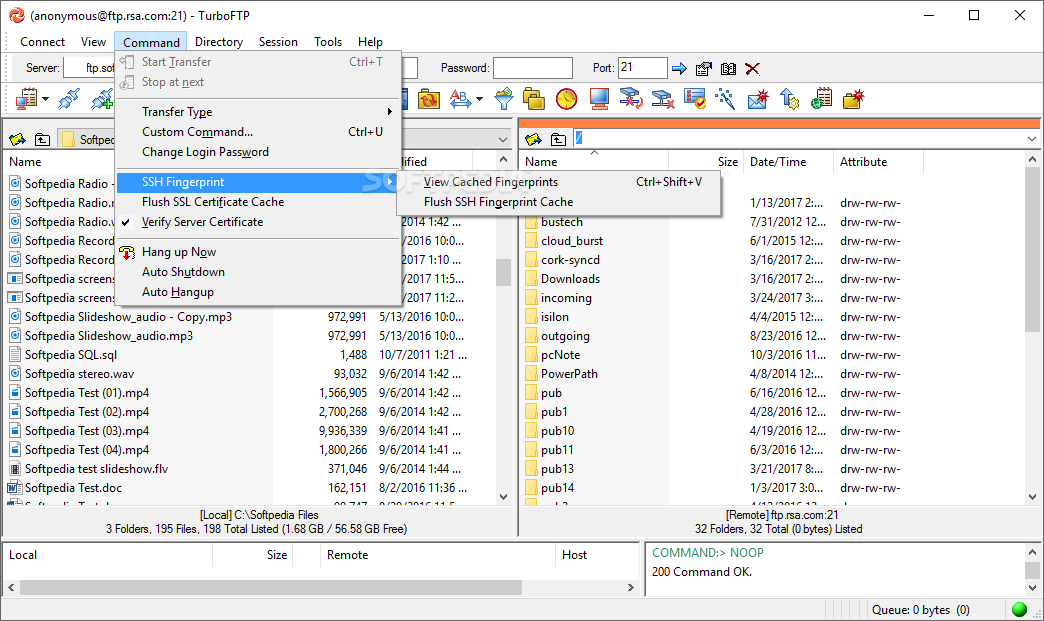
TurboFTP offers strong interruption and stall protection backed by various mechanisms. With SSL/TLS it can protect all data and communications with secure FTP server using strong encryption; it can also transmit your login password with S/Key password encryption.

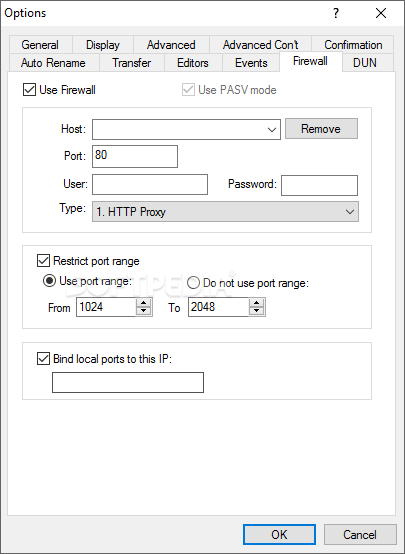
It supports SOCKS 4/5 proxy, speed limits, auto logoff/shutdown upon transfer complete, and much more!

Here are some key features of "TurboFTP":

Connection Capability
· Firewall support, including HTTP proxy, SOCKS 4, SOCKS 4a and SOCKS 5.
· Support secure FTP connection and file transfer with SSL/TLS, including implicit
and explicit SSL. Support client certificate.
· Support SFTP (Secure File Transfer Protocol) over SSH2.
· OTP S/Key (MD4, MD5) password encryption.
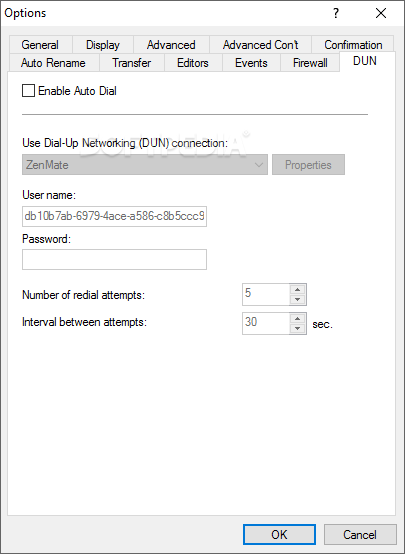
· Strong interruption and stall protection and Auto Dial.
· Auto reconnect and broken transfer resume.
· Passive mode support, configurable for individual site.
· Anti-idle mechanism prevents connection time-out.
· Clipboard monitoring for FTP URLs (ftp://user:password@ftphost.com:port/path). Support redirected URLs.
· Remember recently connected sites for quick access.

Built-in Sync Service Module for Scheduled FTP and SFTP File Replication and Synchronization
· Run FTP and SFTP schedule task as a NT service.
· Run programs before and after a schedule task.
· Support dependency of tasks.
· Multiple simultaneous schedule tasks.
· Use different dialup connection for individual site.
· Comes with a log file viewing tool - TurboLogViewer which offers many handy features like collapsing/expanding log sessions, syntax highlighting, bookmarking etc, all making viewing and analysing log file much easier.

Intuitive and Flexible Client Interface
· A powerful Upload Wizard allows you to upload files right from Windows Shell using Shell context menu.
· Context sensitive help.
· Quick connect bar.
· Windows XP compatible and XP theming.
· FTP Connection Wizard.
· Drag and drop to download/upload files; drop to sub-folders.
· Drag and drop from Windows Explorer.
· File info tooltip (useful for long filenames, and file size).
· Show directory information (number of selected files and all files, total size and free space) in real time.
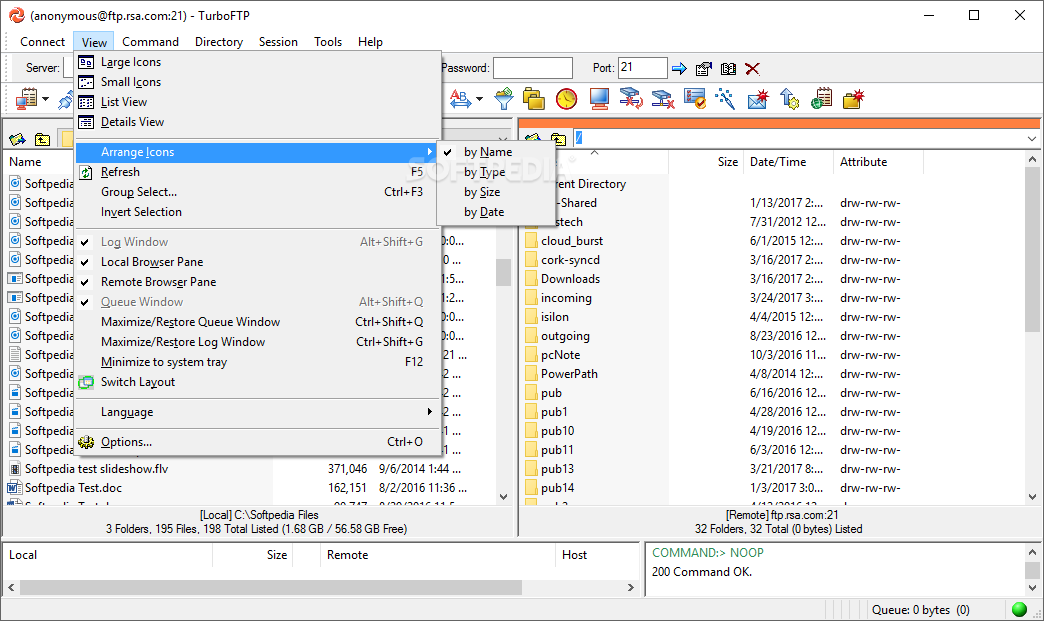
· Minimize to system tray.

Management of Site Profiles
· Site Address Book - sites organized in a tree structure. Easily organized with drag and drop, copy and paste.
· Can import site information from CuteFTP, WS_FTP, Bulletproof FTP, LeapFTP and FTP Explorer. Support all formats of CuteFTP site information data file and can import passwords - tree.dat, smdata.dat, SM.dat.
· Stored login passwords are encrypt.

Mastering Your Web / FTP Site
· Folder Synchronizer provides visual comparison of local and remote directory structures, where files to be transferred, updated or removed are clearly marked with action icons based on the selected Synchronization Scheme. After review and necessary modifications you can then update destination directory, including any subdirectories with one click.
· Advanced Auto Upload (AAU). Monitors a local folder and upload new files, updated files or both. Supports sub folders, filters and can run as NT service.
· Basic Auto Upload. Monitors a local folder and upload any new files that arrive in it.
· Support on-the-fly data compression using MODE Z.
· Simple local and remote directories compare.
· Bookmarks - one-click access to any local/remote folder.
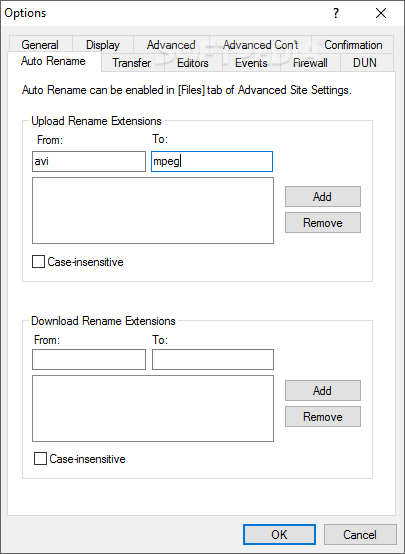
· Automatic upload/download filename case conversion and Auto Rename.
· Only download/upload newer files.
· Recursive delete of remote directory.
· Automatically and correctly resolve unix links.
· Support UNIX, UNIX-compatible, DOS-style, VMS, VAX, OS/2, AS-400, Novell Netware (v4 and onwards), VxWorks and Apple OS FTP directory listing.
· Manually execute your own commands on remote server.
· Automatically send user-defined FTP commands after logon.
· Directory listing filtering that allows you to ignore files by directory or wildcards.
· Show Owner and Group information of remote listing.
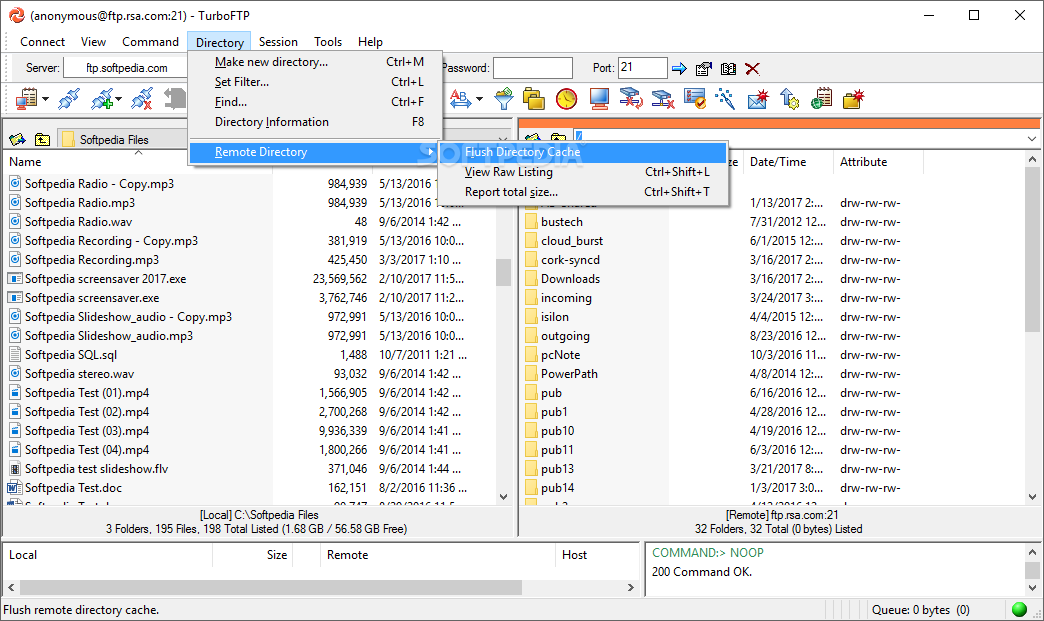
· Report total size and number of files in a directory and all its subdirectories.
· Show server file time in local time zone according to specified time offset.
· Group select of files using wildcard.
· Remote file attribute modification (CHMOD).
· Change server login password.
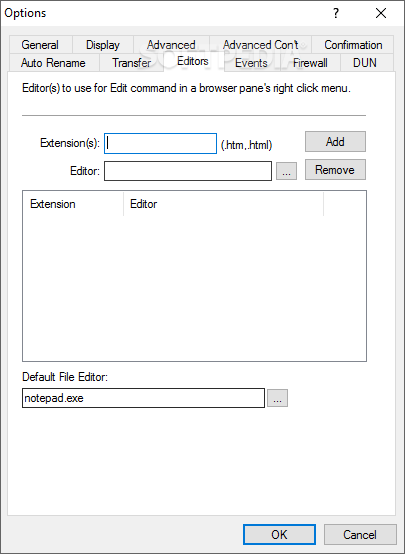
· Remote editing - edit and update web page online.
· Remote directory caching.

Upload / Download
· Recursive directory upload or download.
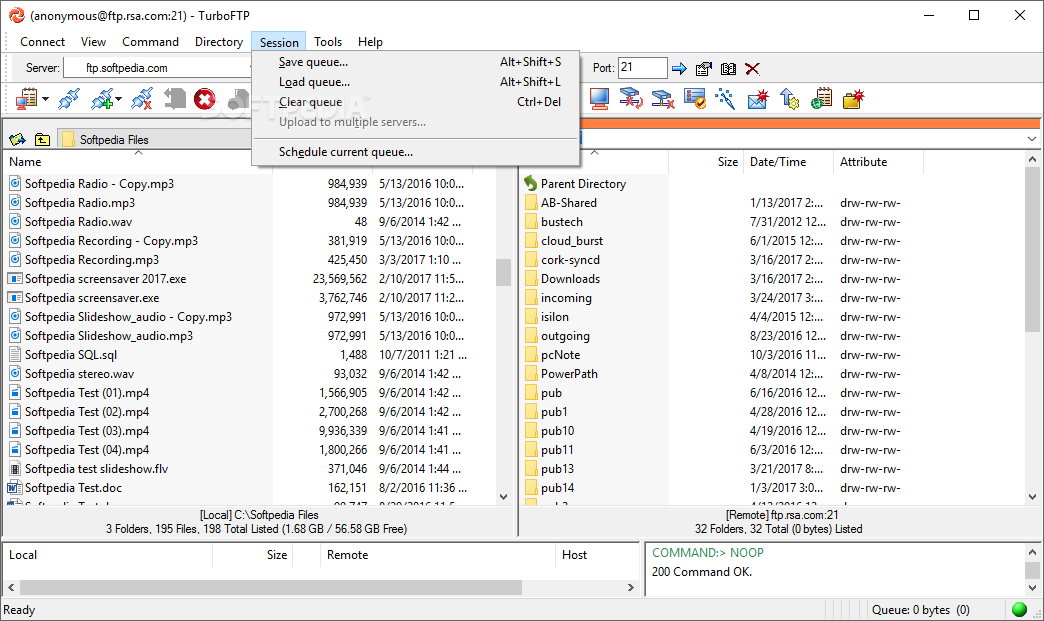
· Scheduled transfer support, featuring comprehensive scheduling options and scheduled automated File Synchronization. Only download/upload files that are new or updated, delete downloaded files from remote server, etc. Ideal for automated file backup and mirroring. Built-in Schedule Sync Task Wizard makes creating a complex sync task a bleeze.
· Send E-mail report upon schedule task complete (support multiple recipients).
· Command line support.
· A transfer queue that can handle files to/from any site and any directory.
· Ability to preserve server file time on downloaded files.
· Ability to transfer files larger than 4Gb (available on NTFS file system).
· Resume download/upload. Option to use APPE to resume uploads.
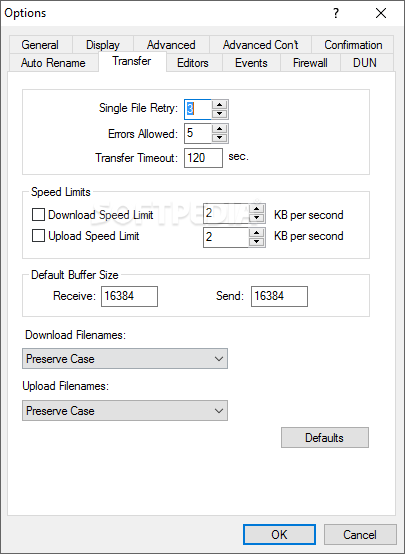
· Download/upload speed limits - reserve bandwidth (for e.g. web browsing) while transferring files.
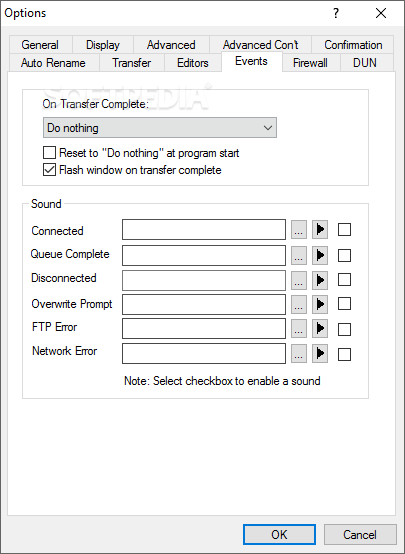
· Upon transfer complete automatically hang up modem or shut down/ log off computer.
· Select servers in Address Book to expand queued upload list to multiple servers.

Local File Management
· Compress and decompress files and folders right within the program.
· Direct access to virtual folders (e.g. Desktop, My Documents) and network folders.
· Integrated Windows Explorer context menu.
· Store individual user data separately.
· Option to delete to the Recycle Bin.
· File/folder properties.


Requirements:

· Operating System : Windows 95/98/ME or Windows NT/2000/XP/2003
· Memory: 8 MB RAM (16MB recommended)
· CPU : Pentium 75 or higher recommended
· Hard Drive Space : 7.2 Mbytes plus space for installation files.


Limitations:

· This is a demo version and you have 30 days to evaluate TurboFTP.


What's New in This Release:

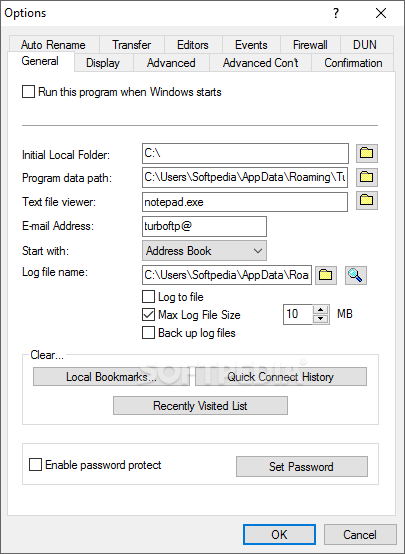
· Changes have been made for compatibility with Windows Vista user account control. [Options | General | Program Data Path] is used to store all program data files and is by default set to user's %AppDataTurboFTP% folder.
· Password protect: password can now only be set by administrator.
· Installer Vista compatiblity issue.
· GUI program crashes after schedule queue finish if email notification enabled.
· Problem of post download file move in SFTP.
· Problem of batch chmod, file move in SFTP.... [ read full changelog ]


Softpedia guarantees that TurboFTP 5.60 Build 642 is 100% CLEAN, which means it does not contain any form of malware, including but not limited to: spyware, viruses, trojans and backdoors.

This software product was tested thoroughly and was found absolutely clean, therefore it can be installed with no concern by any computer user.

However, it should be noted that this product will be retested periodically and the award may be withdrawn, so you should check back on this page from time to time. (click here for more information)


Related downloads IT News Popular downloads New additions   Latest reviews  
BestSync 2008 3.6.14
Synchronize/mirror/backup between folders, removable media, and PCs
Tarylynn 2.8.862
Tarylynn synchronises two folders and all subfolders within
Backup2007 Synchronizer 6.7.317
A software application that will synchronize disks, folders, files using copy mode or compression method (zip, gzip)
SynchroFolder 2.12.171a
Synchronizer for OS folders with embedded NTFS security support
ZSKSoft Synchronizer 2.2.1
ZSKSoft Synchronizer is an intellectual folder synchronizer between laptop, remote computer, FTP, etc.
myEasySync 2.2
myEasySync is a small application to synchronize two folders
Directory Synchronizer 0.2 Build 175
Keep the multiple copies of your data synchronized with minimal effort
Portable PathSync 0.35
Analyze two folders and shows the user a list of the differences
1-abc.net Synchronizer 1.01
1-abc.net Synchronizer is able to compare folders, detecting changes and saving them to both folders

go to top Use the following code to link to this page:


Welcome!
Hello, Guest

Login if you have a Softpedia.com account.

Otherwise, register for one.

Main categories:
  • Antivirus
  • Compression tools
  • CD/DVD Tools
  • Office tools
  • Programming
  • Authoring tools
  • File managers
  • Desktop Enhancements
  • Internet
  • Network Tools
  • IPOD TOOLS
  • Mobile Phone Tools
  • Multimedia
  • Tweak
  • System
  • Security
  • Others
  • Science / CAD
  • UNIX
  • Windows Widgets
  • PORTABLE SOFTWARE

  • Week's best:
  • Adobe Media Player 1...
  • Registry Mechanic 8....
  • BitSpirit 3.3.2.263
  • AnyDVD 6.4.5.6
  • Firefox 3.0.1 / 2.0....
  • AutoCAD 2009
  • Norton AntiVirus 200...
  • Norton Internet Secu...
  • The Bat! Professiona...
  • WinRAR 3.80 Beta 3 /...
  • GMail Drive shell ex...
  • DAEMON Tools Lite 4....
  • UBCD4WIN 3.2.0
  • Adobe Reader 9.0.0 /...
  • Total Commander Ulti...
  • System Mechanic 8.0....
  • Adobe Acrobat Profes...
  • iPhone PC Suite 1.0....
  • Portable Firefox 3.0...
  • MPlayer for Windows ...
  • Vista Codec Package ...
  • Windows Live Messeng...
  • WinBubble 1.73
  • Kaspersky Anti-Virus...
  • Malware Removal Tool...
  • Royale Noir Theme fo...
  • IBM Lotus Symphony 1...
  • Adobe Dreamweaver 10...
  • Adobe Fireworks 10.0...
  • BitDefender Total Se...
  • © 2001 - 2008 Softpedia. All rights reserved.
    Softpedia™ and Softpedia™ logo are registered trademarks of SoftNews NET SRL.
    Copyright Information | Privacy Policy | Terms of Use | Contact Softpedia | Update your software | Archive