Search Perform an advanced search query SOFTPEDIA
 
SOFTPEDIA
Updated one minute ago
HomeSubmit a program for being reviewedAdvertise on our websiteGet help on surfing our websitesSend us your feedbackGet information about our XML/RSS backend and how to use itBrowse the news archiveVisit our discussion forumVizitati forumul in limba romana


Program Finder NormalFreeware onlyShareware only

Paint.NET 3.31 Report spyware 

Click to download Paint NETPaint NET - Softpedia Pick Award (If you developed this product, click here to download your award)
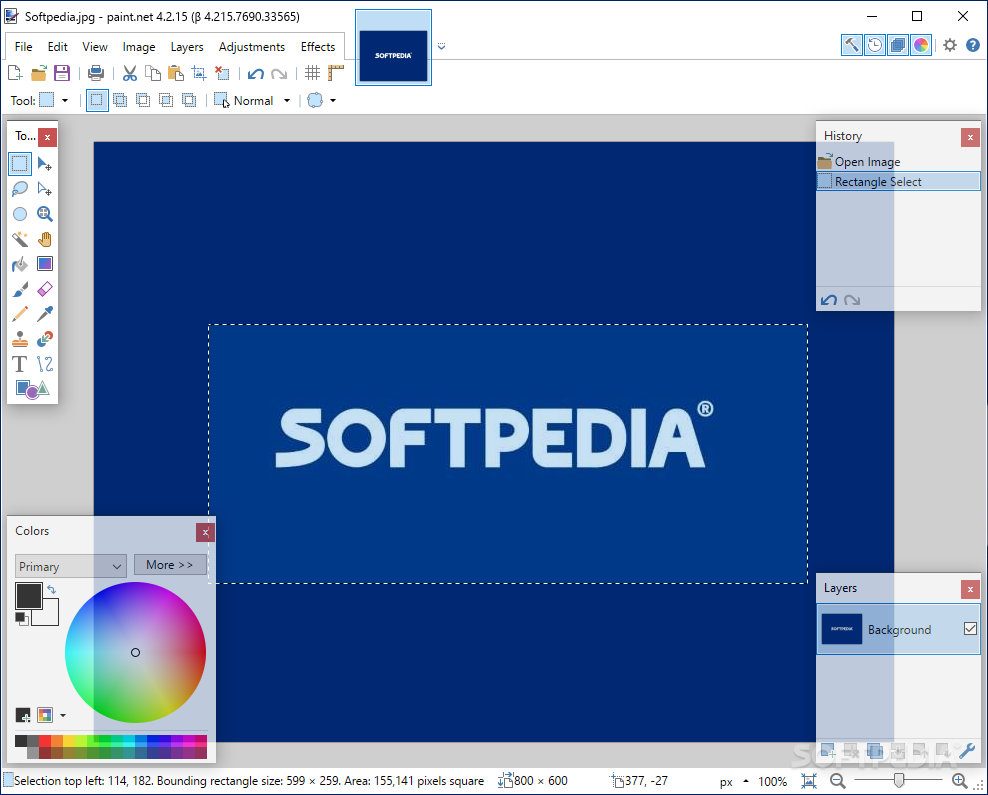
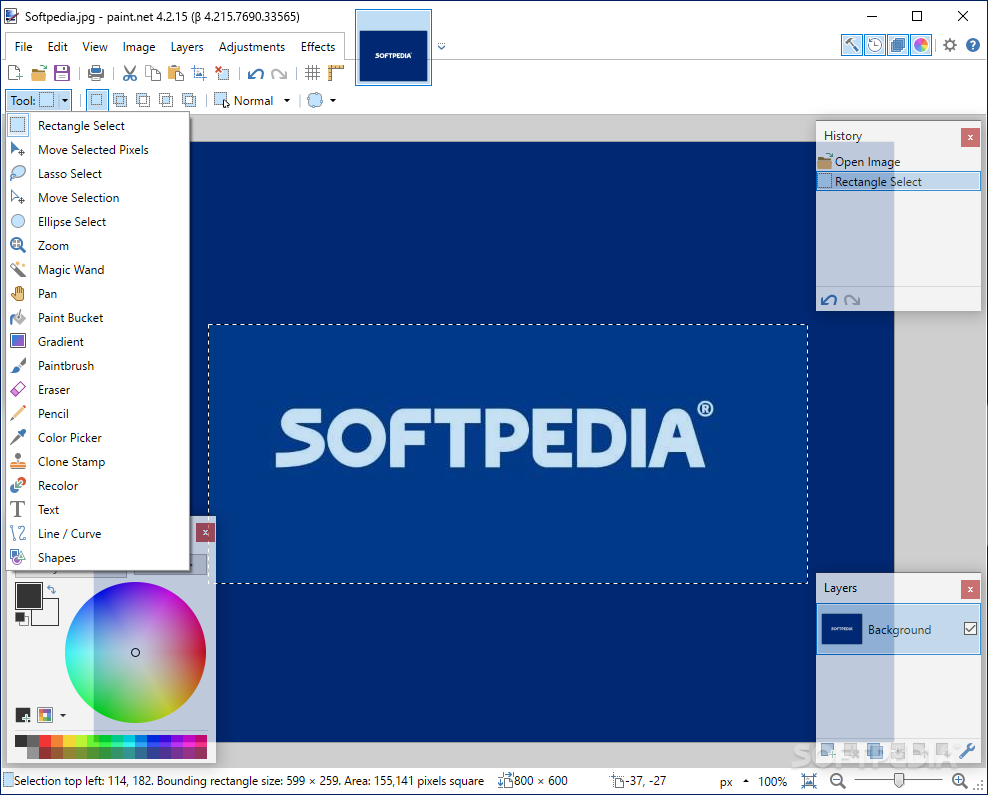
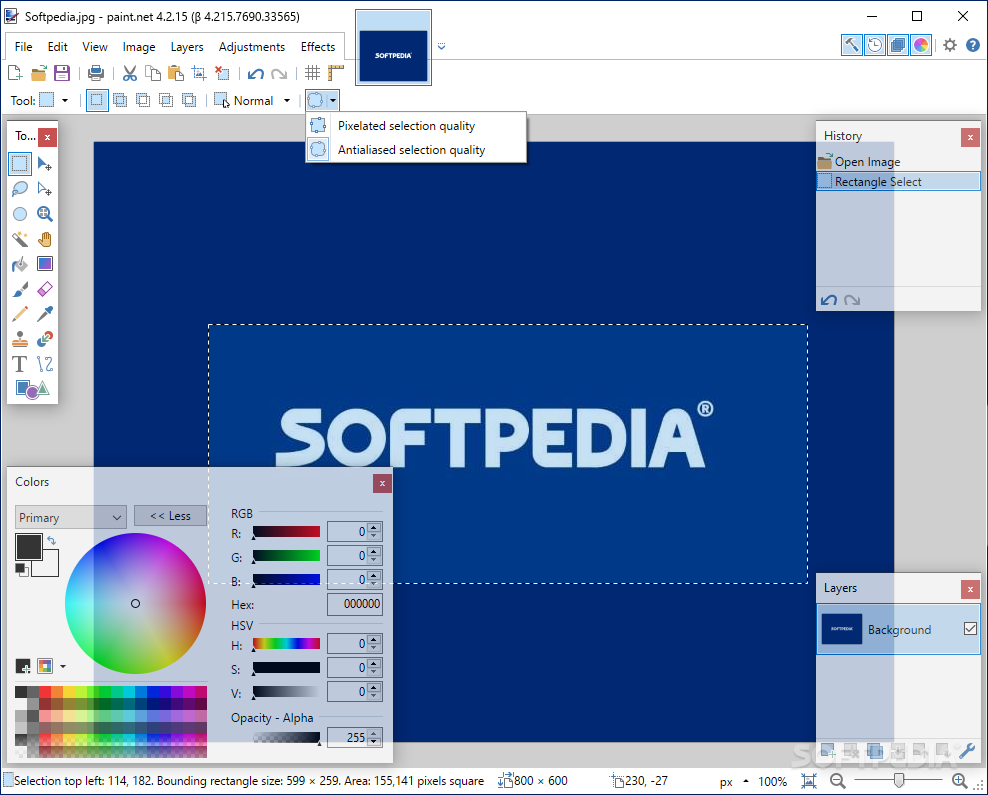
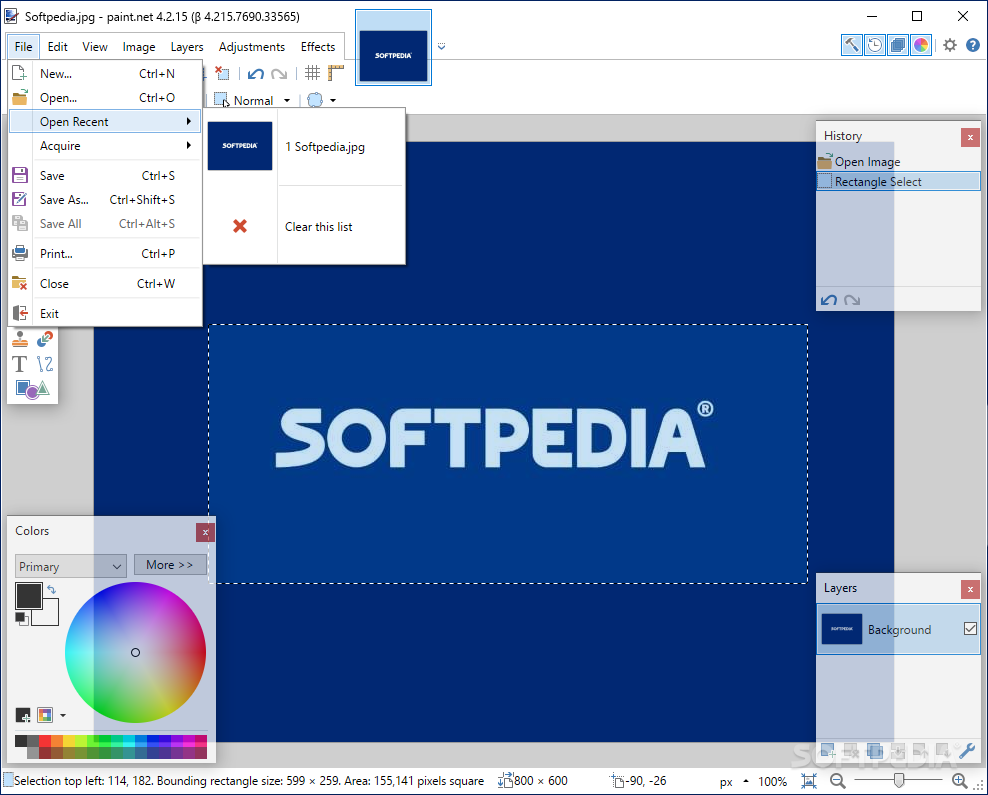
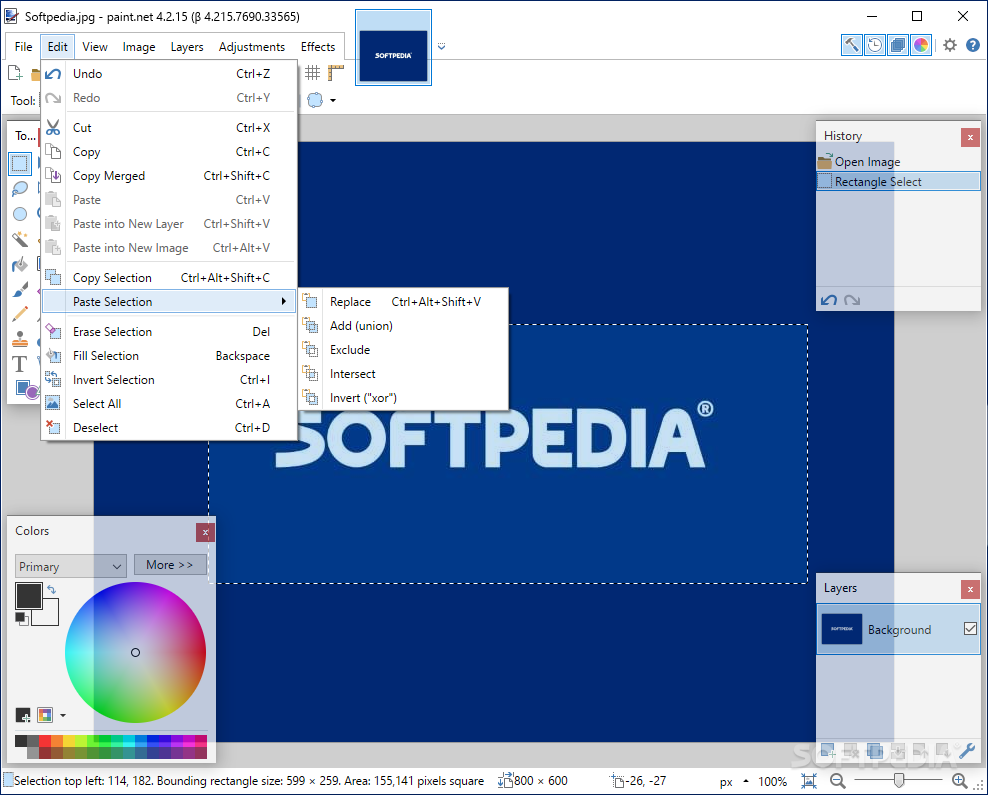
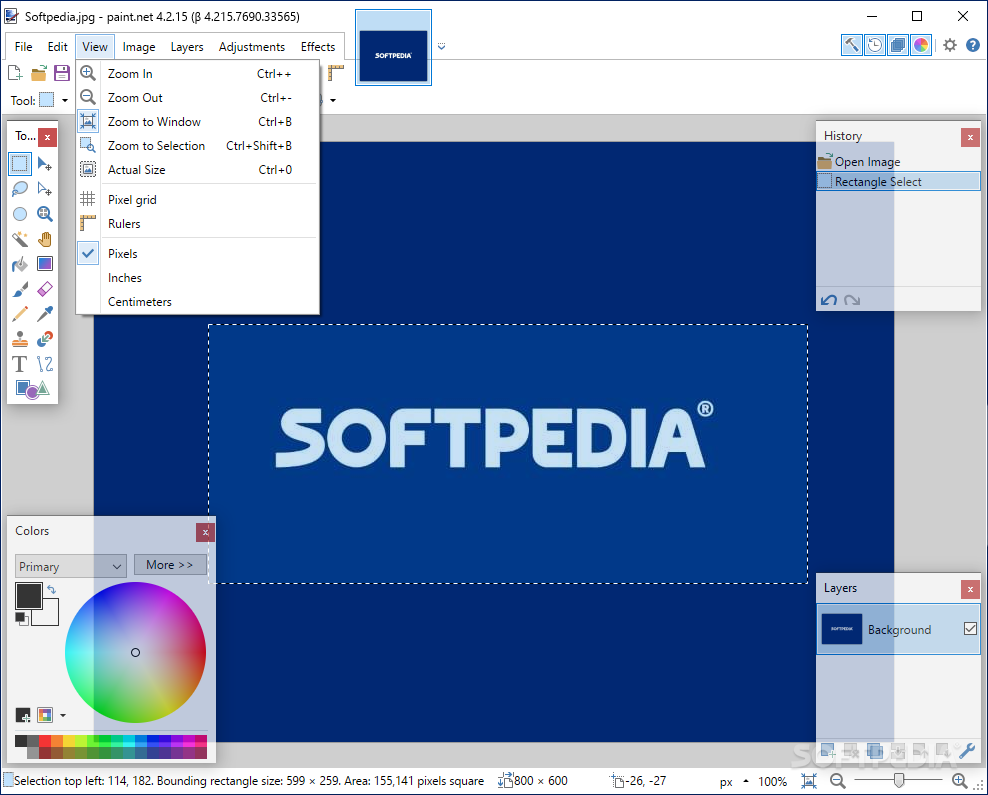
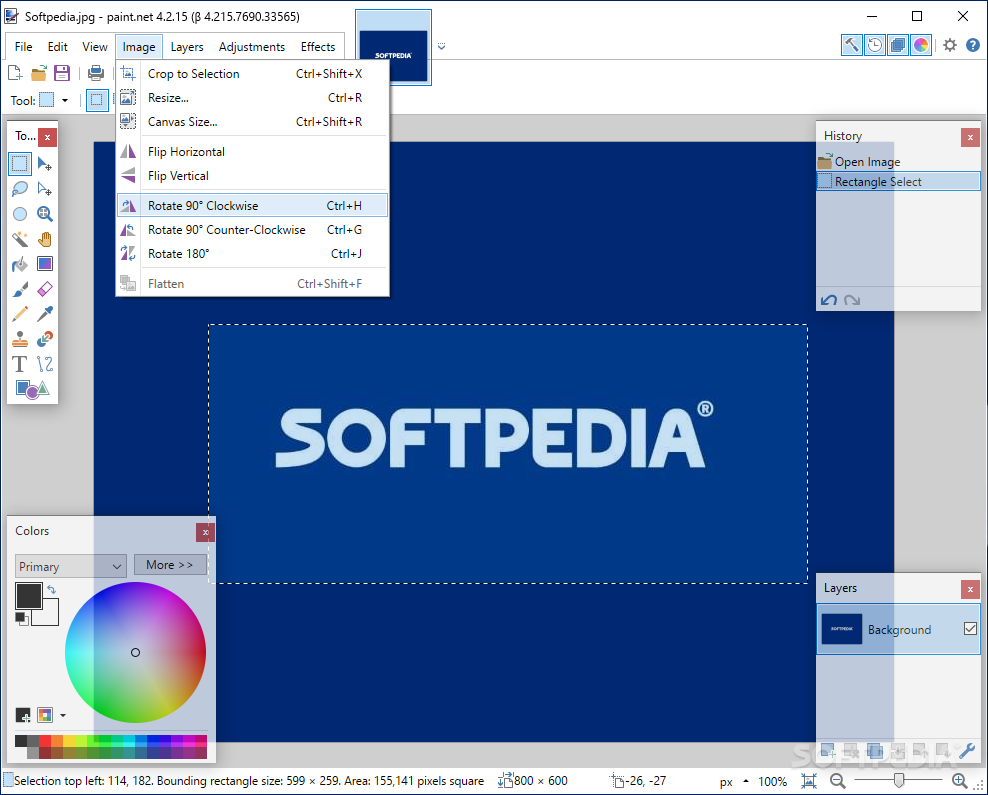
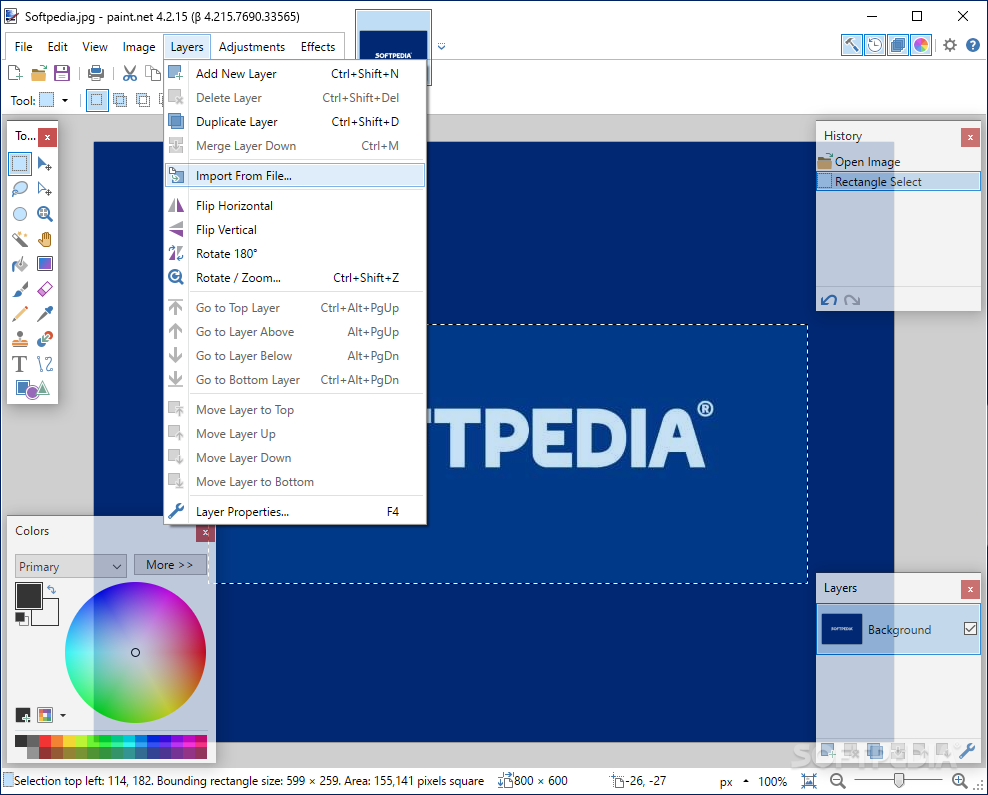
View more Paint.NET screenshots (3)
 Downloads: 215,753
Rating: Very Good (4.4/5) | Rated by: 515 user(s)
Add to download basket     Send us update information
 Developer: Rick Brewster | More programs by this producer
 License: Freeware  
 Size / OS: 1.5 MB, Windows 2K/XP/2003/Vista/XP X64
 Last Updated: May 5th, 2008, 07:28 GMT
 Category: C: \ Multimedia \ Graphic \ Graphic Editors
 Read user reviews (7) Add a review Refer to friend Subscribe
    Download Paint NET

Paint NET description
A slim, but very powerful image and photo manipulation software

Paint.NET is image and photo manipulation software designed to be used on computers that run Windows XP or 2000.

Paint.NET is jointly developed at Washington State University with additional help from Microsoft, and is meant to be a free replacement for the MS Paint software that comes with all Windows operating systems.Paint.NET is a photo editor and manipulation software.

The programming language used to create Paint.NET is C#, with GDI+ extensions.

Paint.NET has many of the powerful features that expensive commercial applications have, including the ability to use layers.

This is the second semester that Paint.NET has been a project at Washington State University, and we have the goal of adding as much functionality as expensive commercial applications provide, but of course, for free!

In the spirit of all this freedom, we welcome any suggestions, as well as provide the source code free of charge for anyone who wishes to tinker with it.

Here are some key features of "Paint NET":

· Simple, intuitive user interface
Every feature and user interface element was designed to be immediately intuitive and quickly learnable without assistance. It is also designed to be immediately
familiar to users of the original MS Paint software that comes with Windows.

· Layers
Usually only found on expensive or complicated professional software, layers form the basis for a rich image composition experience. You may think of them as a stack of transparency slides that, when viewed together at the same time, form one image.

· Powerful Tools
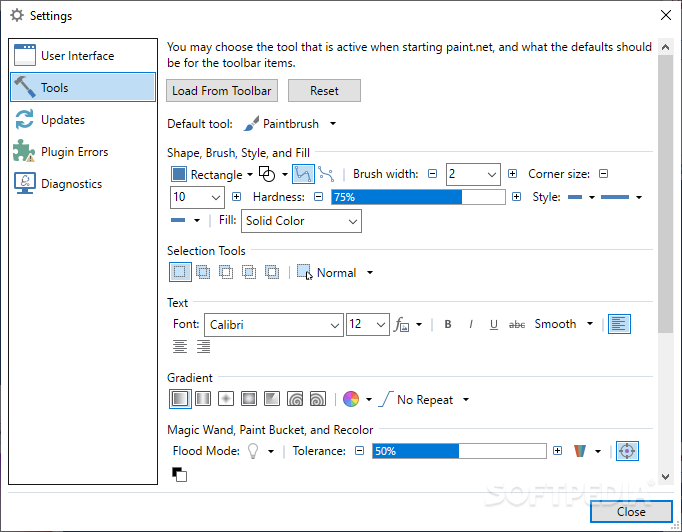
Paint.NET includes simple tools for drawing shapes, including an easy-to-use curve tool for drawing splines or Bezier curves. The Gradient tool, new for 3.0, has been cited as a huge improvement over similar tools provided by other software. The facilities for creating and working with selections is powerful, yet still simple enough to be picked up quickly. Other powerful tools include the Magic Wand for selecting regions of similar color, and the Clone Stamp for copying or erasing portions of an image. There is also a simple text editor, a tool for zooming, and a Recolor tool.

· Unlimited History
Everybody makes mistakes, and everybody changes their mind. To accommodate this, every action you perform on an image is recorded in the History window and may be undone. Once you've undone an action, you can also redo it. The length of the history is only limited by available disk space.

· Special Effects
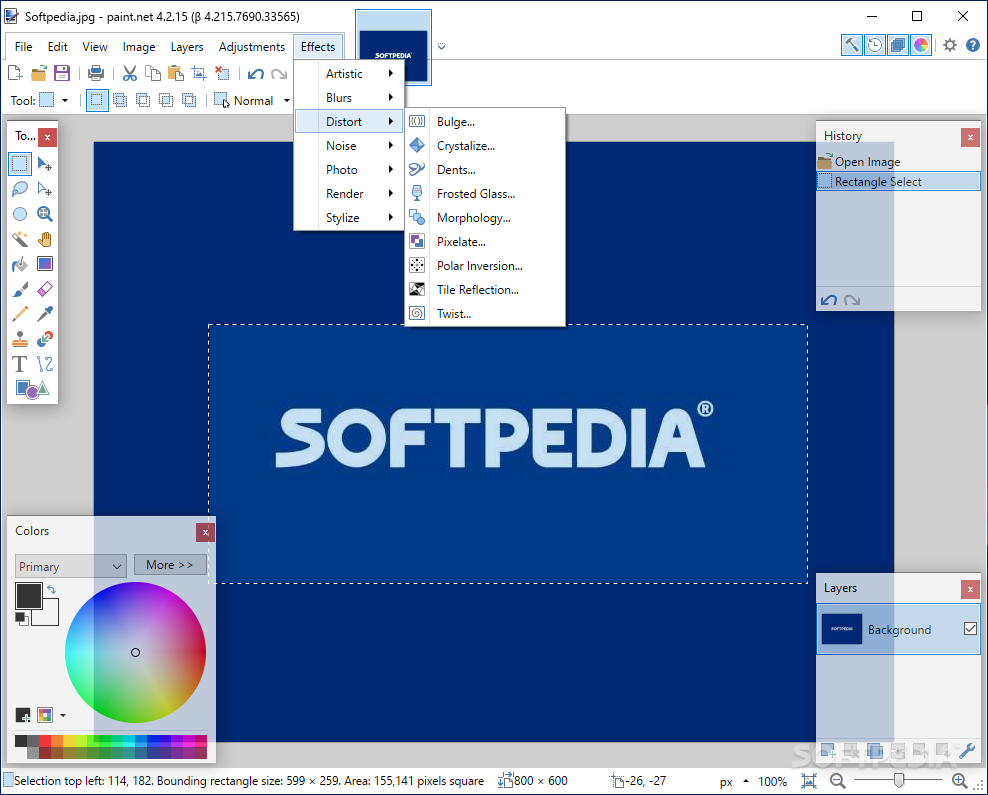
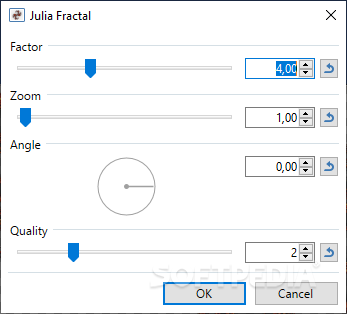
Many special effects are included for perfecting your images. Everything from blurring, sharpening, red-eye removal, distortion, noise, and embossing are included. Also included is our unique 3D Rotate/Zoom effect that makes it very easy to add perspective and tilting.

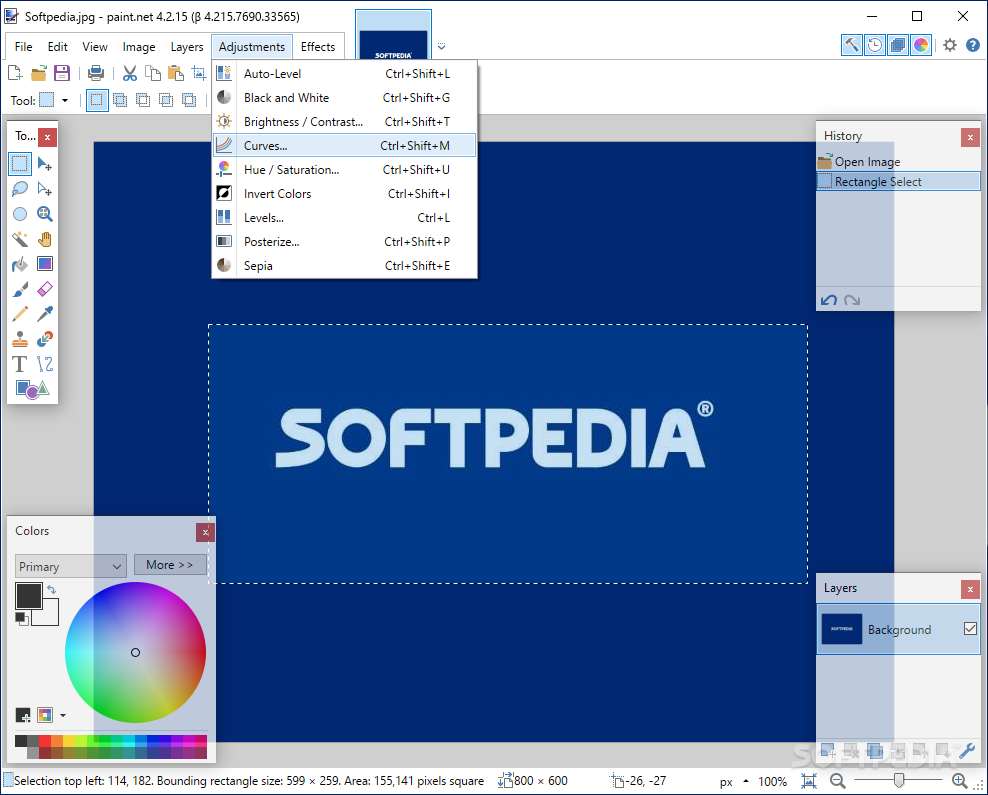
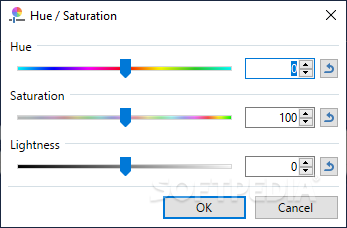
Adjustments are also included which help you tweak an image's brightness, contrast, hue, saturation, curves, and levels. You can also convert an image to black and white, or sepia-toned.

· Open Source and Free
Paint.NET is provided free-of-charge, and the source code (all 133,000 lines of it) is also available for free under generous licensing terms. The bulk of Paint.NET is written in C#, with only a small amount of code related to setup and shell-integration written in C++.


Requirements:

· .NET Framework 2.0
· 500 MHz processor (Recommended: 800 MHz or faster)
· 256 MB of RAM (Recommended: 512 MB or more)
· 1024 x 768 screen resolution
· 200+ MB hard drive space
· 64-bit support requires a 64-bit CPU that is running a 64-bit version of Windows XP, Windows Vista, or Windows Server 2003, and an additional 128 MB of RAM


What's New in This Release:

· New: Enabled integration with Window Clippings, which is a high quality screen capture utility by Kenny Kerr
· Fixed: Fixed a crash with the Open/Save dialogs if the Documents or Pictures directories were either inaccessible or if the user did not have certain file system permissions
· Changed / Fixed: The hotkey for Adjustments -> Levels is now Ctrl+Shift+L instead of Ctrl+Alt+L. This was preventing certain characters, such as the Polish '?', from being typed ... [ read full changelog ]


Softpedia guarantees that Paint.NET 3.31 is 100% FREE, which means it is a freeware product (both for personal and commercial use) that does not contain any form of malware, including but not limited to: spyware, viruses, trojans and backdoors.

This software product was tested thoroughly and was found absolutely clean, therefore it can be installed with no concern by any computer user.

However, it should be noted that this product will be retested periodically and the award may be withdrawn, so you should check back on this page from time to time. (click here for more information)


Related downloads IT News Popular downloads New additions   Latest reviews  
PhotoFiltre 9.2.0 / 6.3.1
A complete image retouching program
ISO Commander 1.6 build 043
A CD-ROM image file utility that can extract/edit/create ISO files
Photo Pos Pro 1.61
This advanced image editor offers a variety of enhancements for digital photos
PaintBuster 12.1
PaintBuster is a fast, compact and innovative paint and photo manipulation tool
Screen Shot Maker 2.5 Build 009
Besides actual capturing, this software guarantees professional results for your most demanding image processing requirements.
Batch It! Ultra 3.987
Image editor which features image slicing, resizing, thumbnail gallery creation, renaming, captioning
Imagination Image Map Editor 5.0.1
Imagination Image Map Editor - create Web site image maps with this easy to use tool from Multimedia Australia.
Batch It! 4.83
An automated batch imaging editor for Webmasters
Imaging Express 1.4.2
Imaging Express - Low cost image viewer and editor specially designed to handle document imaging
Batch It! Pro 3.79
Automated Batch Imaging Editor + Thumbnail Gallery Creator Program

go to top Use the following code to link to this page:


Welcome!
Hello, Guest

Login if you have a Softpedia.com account.

Otherwise, register for one.

Main categories:
  • Antivirus
  • Compression tools
  • CD/DVD Tools
  • Office tools
  • Programming
  • Authoring tools
  • File managers
  • Desktop Enhancements
  • Internet
  • Network Tools
  • IPOD TOOLS
  • Mobile Phone Tools
  • Multimedia
  • Tweak
  • System
  • Security
  • Others
  • Science / CAD
  • UNIX
  • Windows Widgets
  • PORTABLE SOFTWARE

  • Week's best:
  • SP3 UxTheme Patcher ...
  • PECompact 2.82
  • Sony Vegas Movie Stu...
  • 3DMark Vantage 1.0
  • Total Commander 7.03
  • VistaMizer 2.5.1.0
  • AVG Free Edition 8.0...
  • Windows XP Service P...
  • Ashampoo Burning Stu...
  • XviD Media Codec 1.1...
  • Blu-ray Disc Ripper ...
  • Blu-ray Region Code ...
  • Adobe Photoshop Ligh...
  • PowerDVD 8.0.1531
  • EF Commander 6.54
  • Microsoft Windows In...
  • Nero 8 Lite 8.3.2.1
  • WebSite-Watcher 4.41...
  • EVEREST Ultimate Edi...
  • Nokia PC Suite 6.86....
  • VMware Workstation 6...
  • AnyDVD HD 6.4.2.0
  • Messenger Plus! Live...
  • The Bat! Voyager 4.0...
  • Windows Vista Servic...
  • Nero 8 8.3.2.1
  • Vipre 3.1.1997 Beta
  • Internet Explorer 8 ...
  • Norton 360 2.0.0.242
  • SmartFTP 3.0.1015.5
  • © 2001 - 2008 Softpedia. All rights reserved.
    Softpedia™ and Softpedia™ logo are registered trademarks of SoftNews NET SRL.
    Copyright Information | Privacy Policy | Terms of Use | Contact Softpedia | Update your software | Archive