Search Perform an advanced search query SOFTPEDIA
 
SOFTPEDIA
Updated one minute ago
HomeSubmit a program for being reviewedAdvertise on our websiteGet help on surfing our websitesSend us your feedbackGet information about our XML/RSS backend and how to use itBrowse the news archiveVisit our discussion forumVizitati forumul in limba romana


Program Finder NormalFreeware onlyShareware only

SILKYPIX 3.0.19.0 Report spyware 

Click to download SILKYPIX
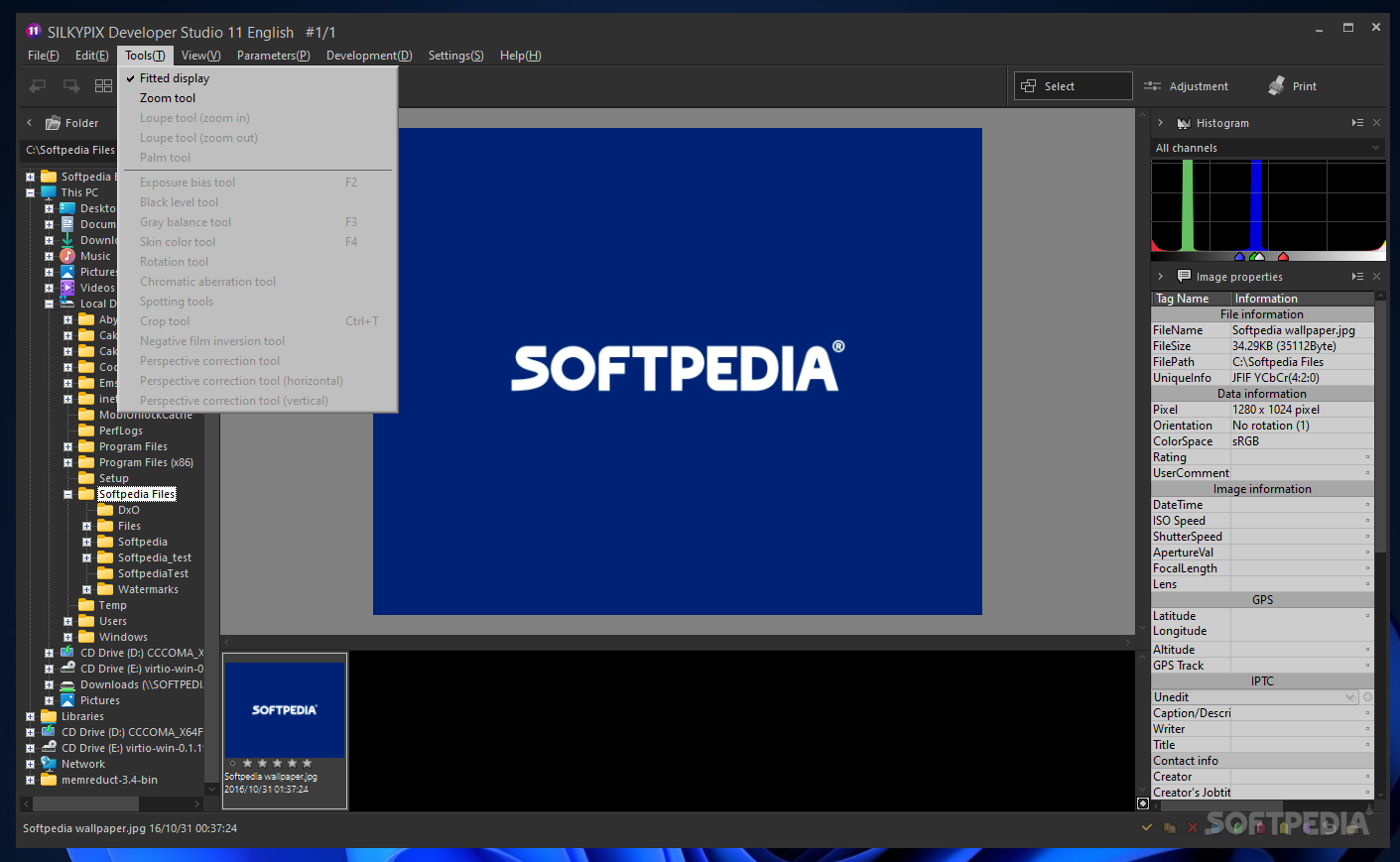
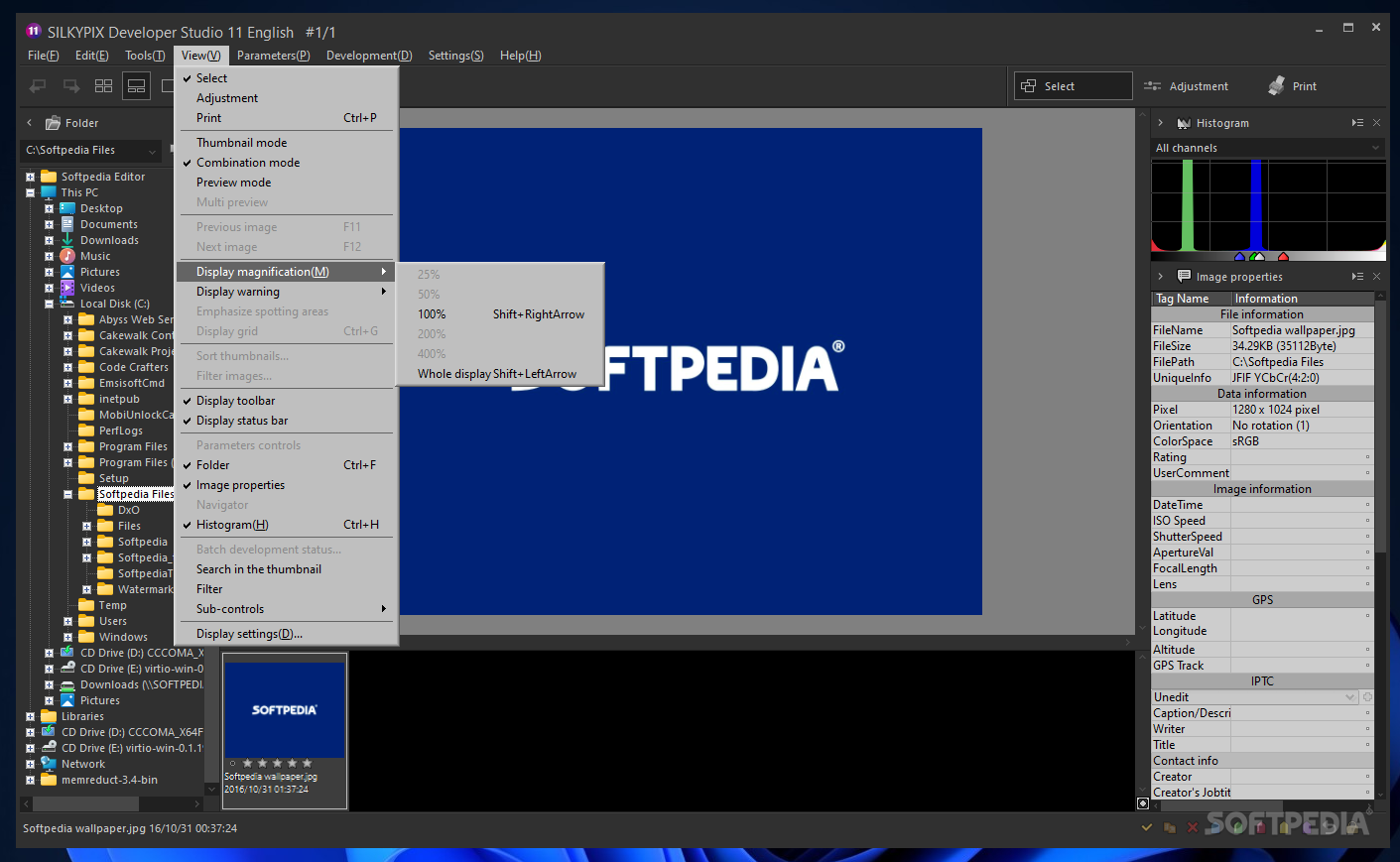
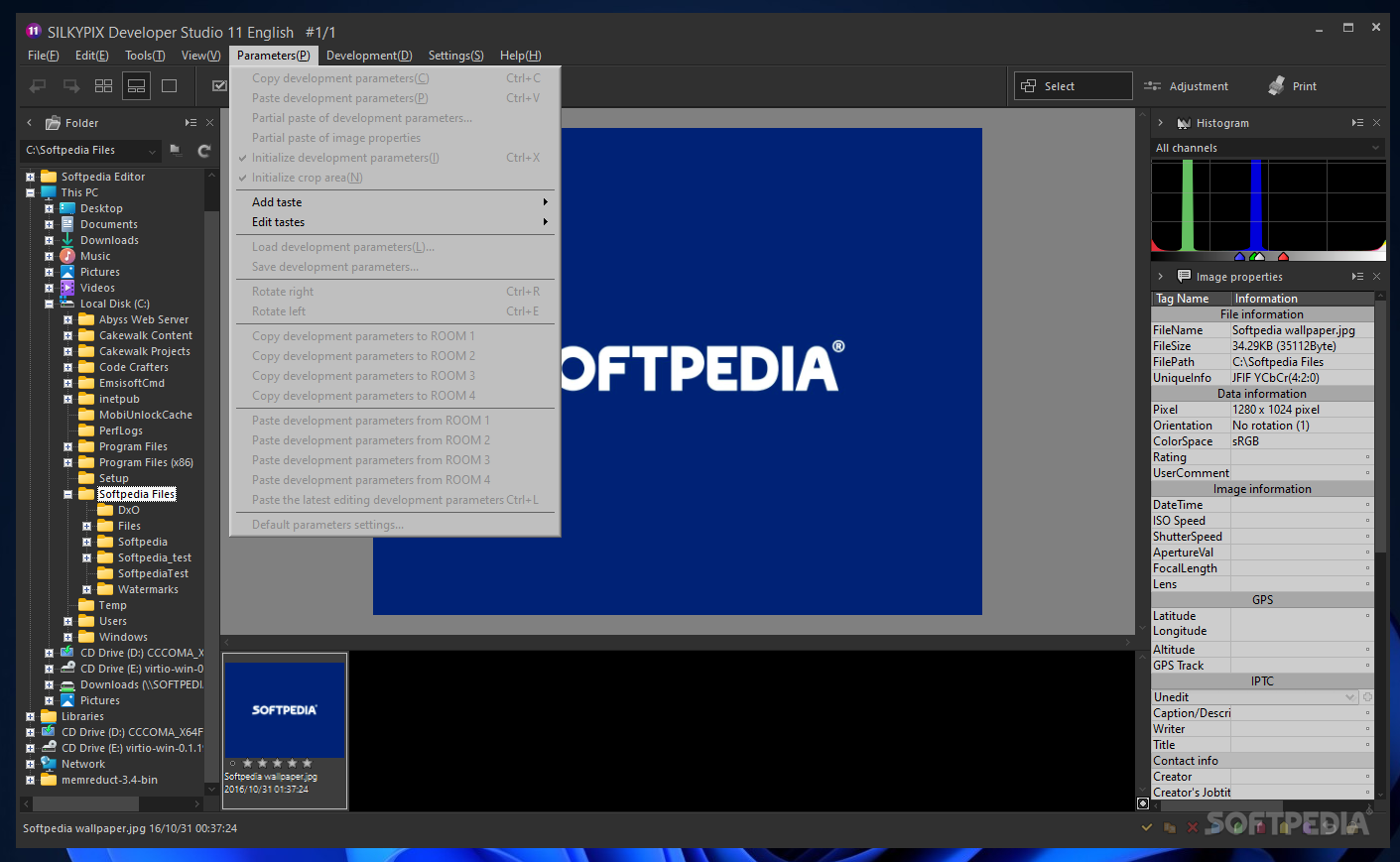
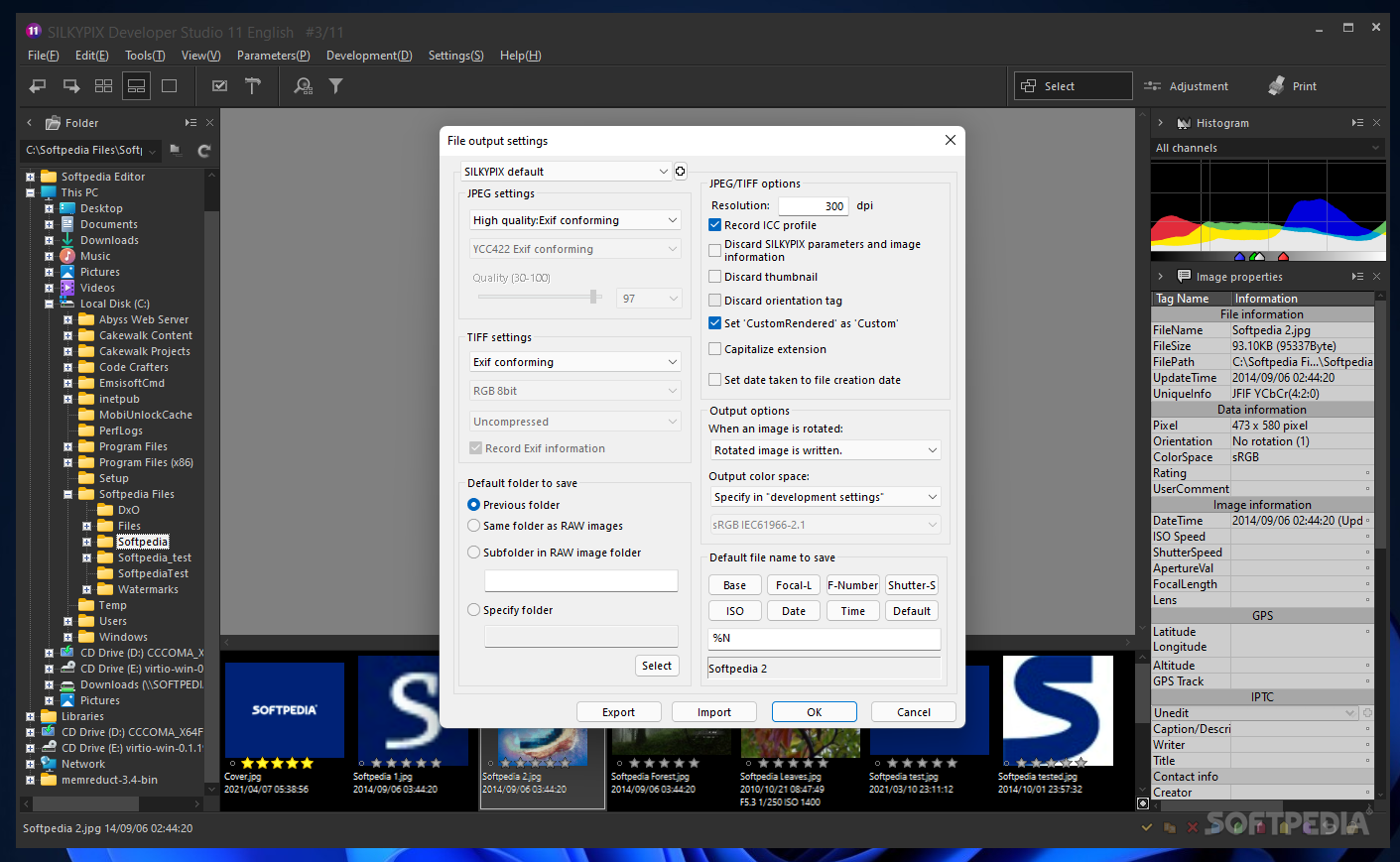
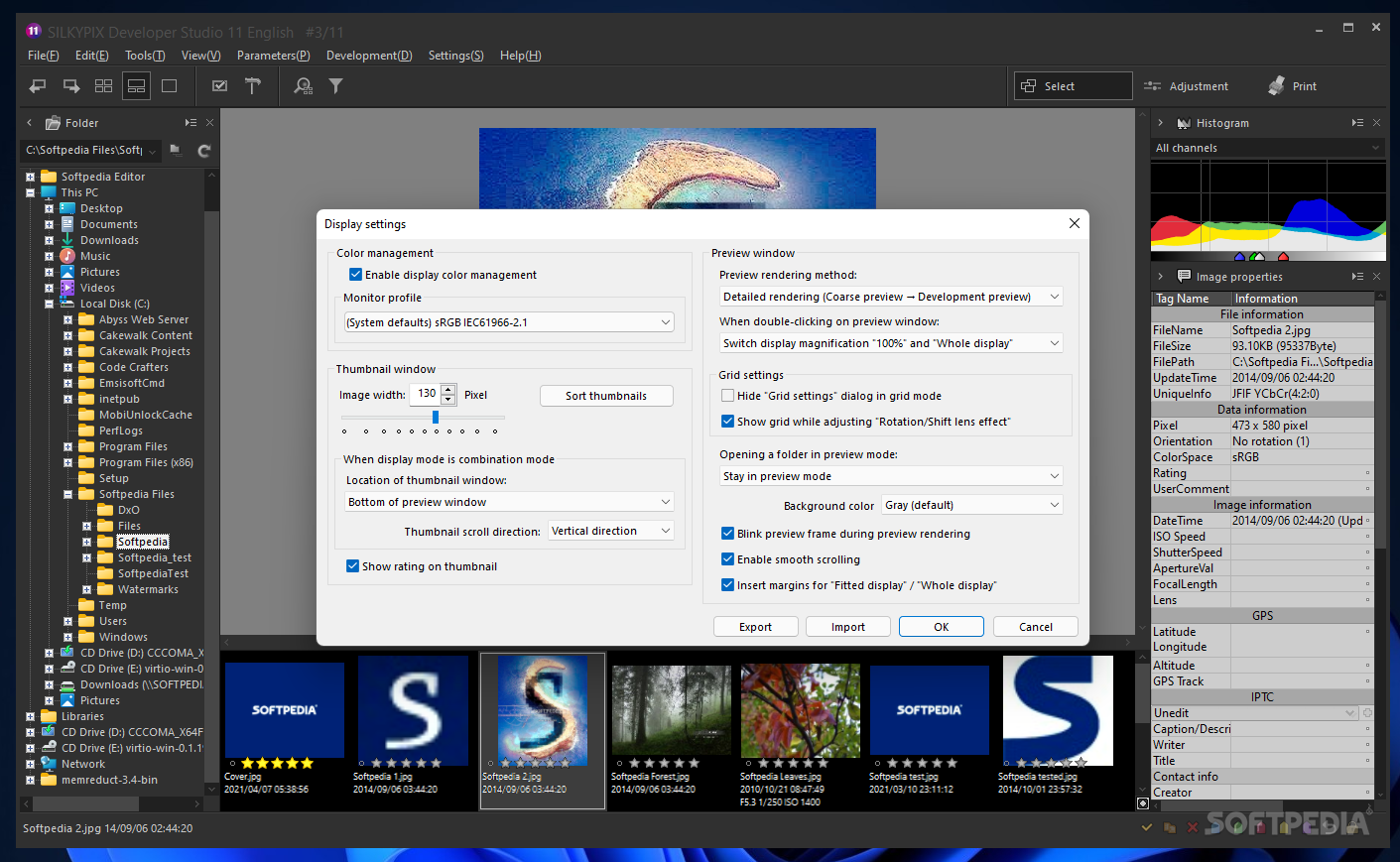
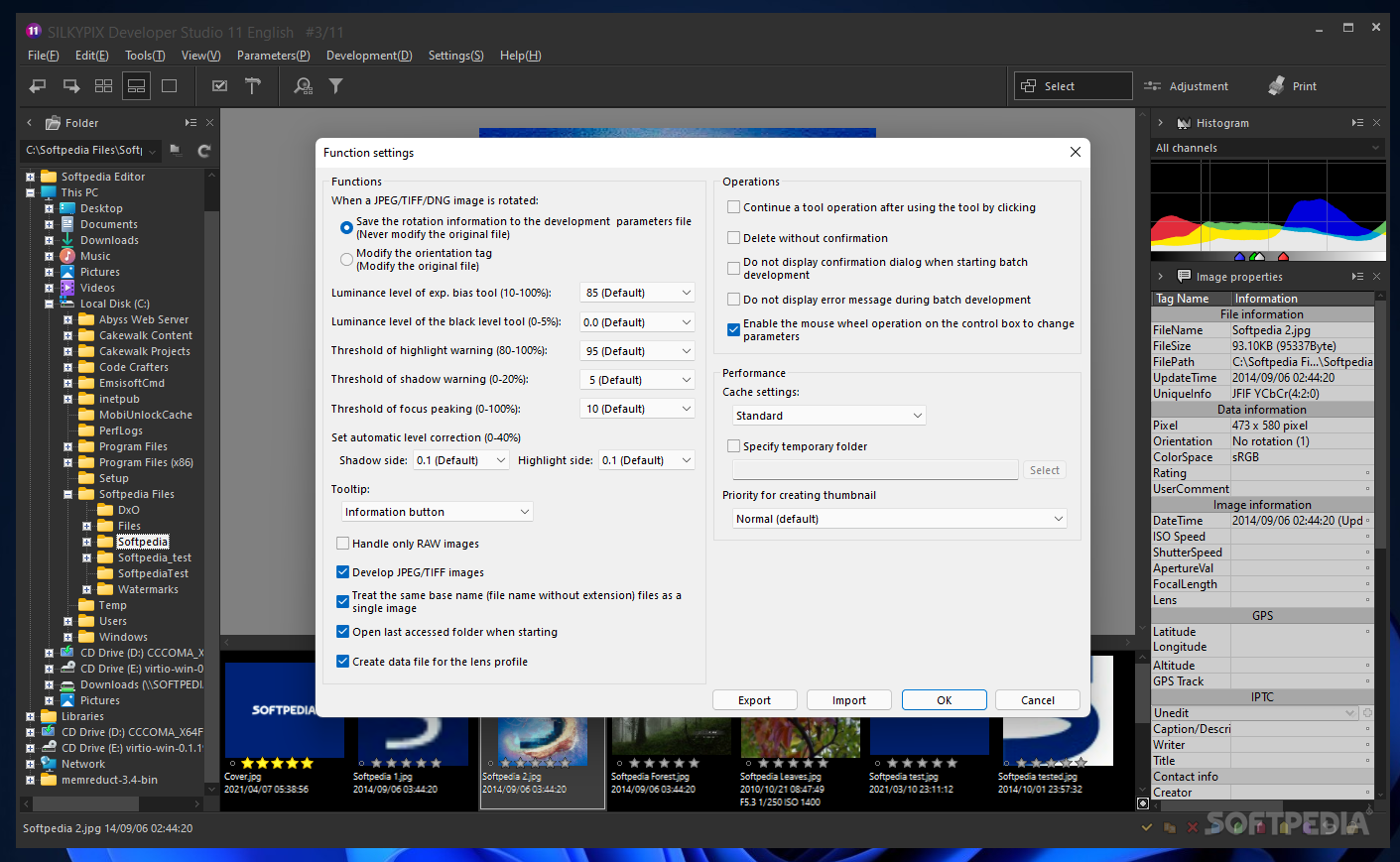
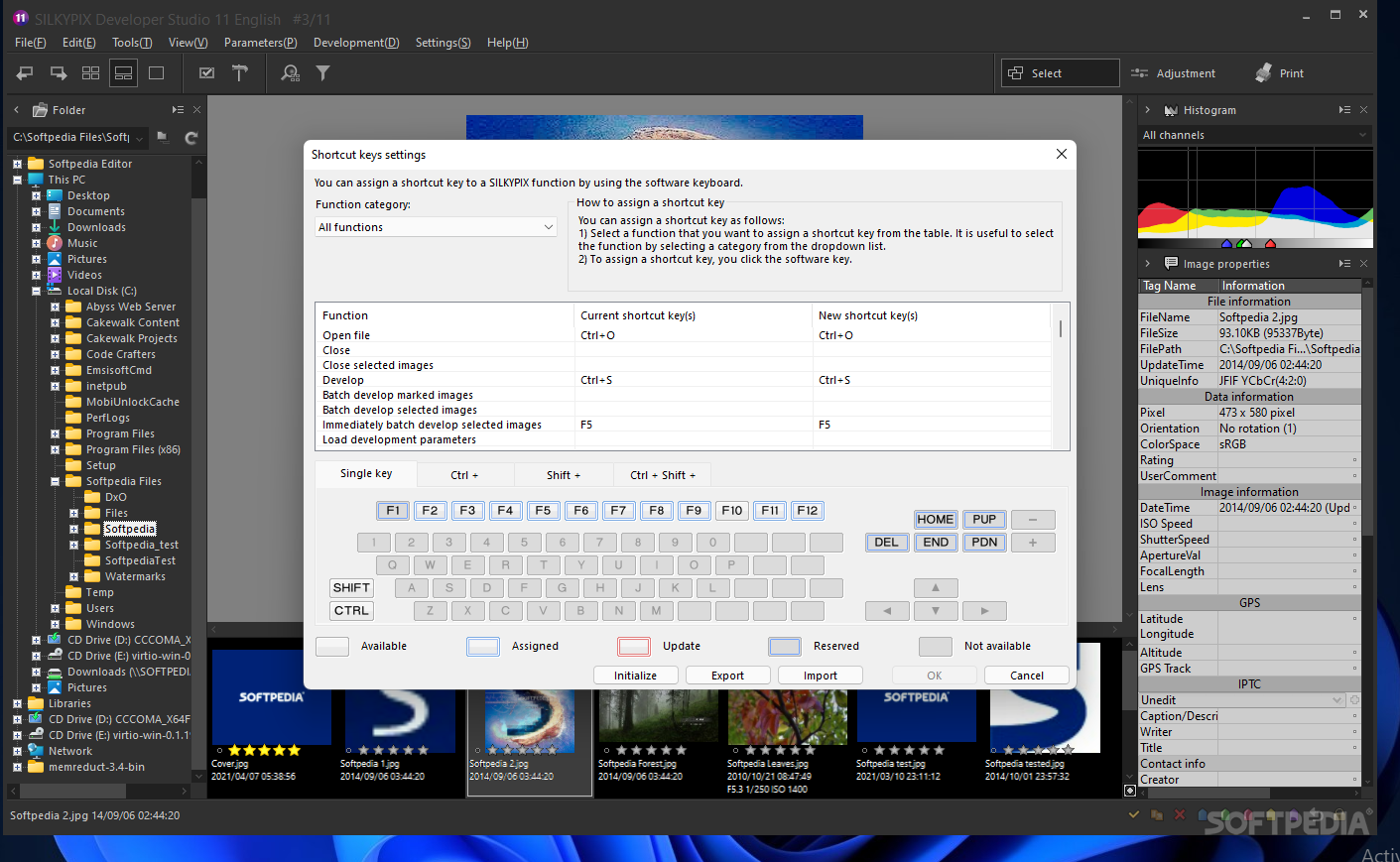
View more SILKYPIX screenshots (5)
 Downloads: 854
Rating: Good (3.4/5) | Rated by: user(s)
Add to download basket     Send us update information
 Developer: Shortcut Software International Inc. | More programs by this producer
 License: Trial , 149 $ to buy 
 Size / OS: 22.5 MB, Windows All
 Last Updated: May 7th, 2008, 14:22 GMT
 Category: C: \ Multimedia \ Graphic \ Graphic Editors
 Read user reviews (0) Add a review Refer to friend Subscribe
    Download SILKYPIX

SILKYPIX description
Improve your images with this easy-to-use software utility,

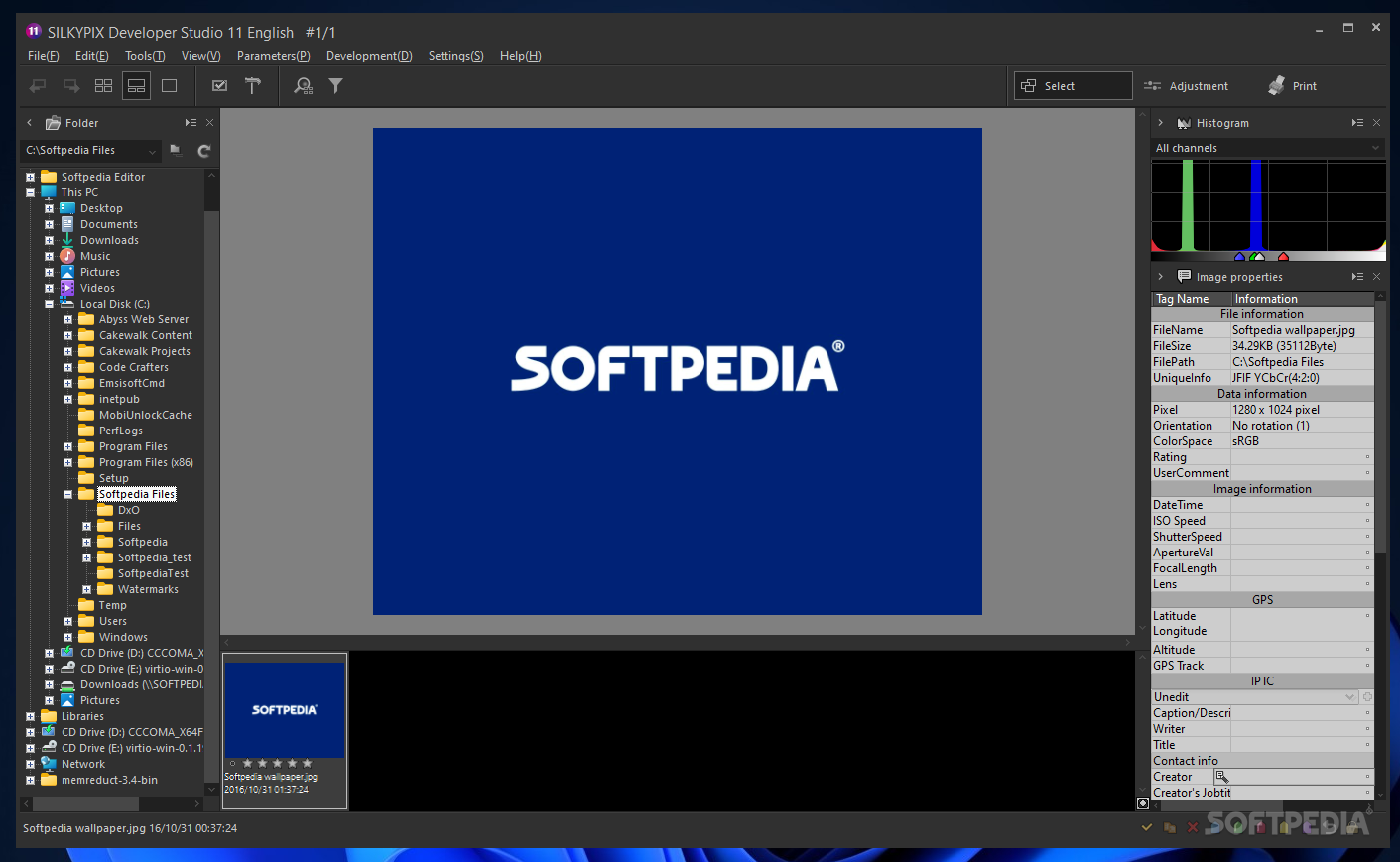
SILKYPIX is an all-round RAW converter with feature rich functionalities that produces the best results for your cherished images. With top notch adjustment parameters in an intuitive user interface you can enhance your own pictures with silky smooth results!

Recently digital SLR cameras have become more affordable. As a result converting images from the RAW format has become increasingly more popular and SILKYPIX is simply the best RAW Converter on the market. Compared to the competition SILKYPIX produces the best results in the least amount of time.

SILKYPIX is preferred among professional photographers and yet simple enough that even the amateur photographer can use it to produce the highest quality images. SILKYPIX can repair pixilation errors which previously could have only been corrected by purchasing the most expensive photography hardware.

SILKYPIX software offers a professional color management engine, including ICC profiles alongside comprehensive development functions such as white balancing, contrast, sharpness, saturation, lens correction, image perspective and trimming (cropping), outputting and printing. The extended Adobe RGB colorspace is also supported.

For the creative user SILKYPIX allows you to manipulate your pictures in order satisfy your creative mind to produce the most breathtaking and unique images with your own personal touch and settings.

SILKYPIX supports more than 120 cameras, including the latest ones.

SILKYPIX
can read the RAW format from almost all digital SLR cameras on the market, and also works with JPGs & TIFFs from any other source.

Here are some key features of "SILKYPIX":

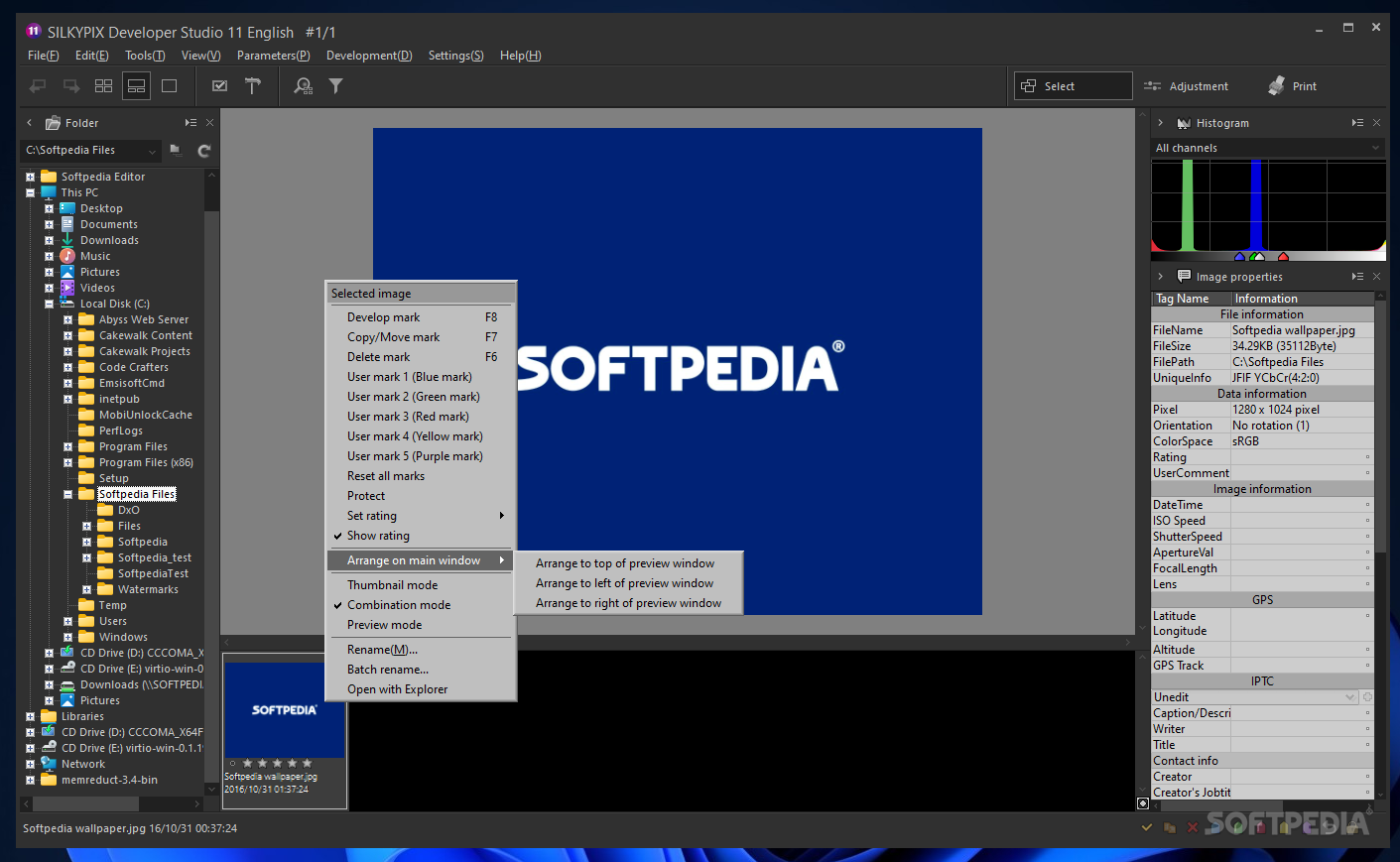
· SILKYPIX provides non-destructive editing of images, so your originals remain untouched and intact for years to come.
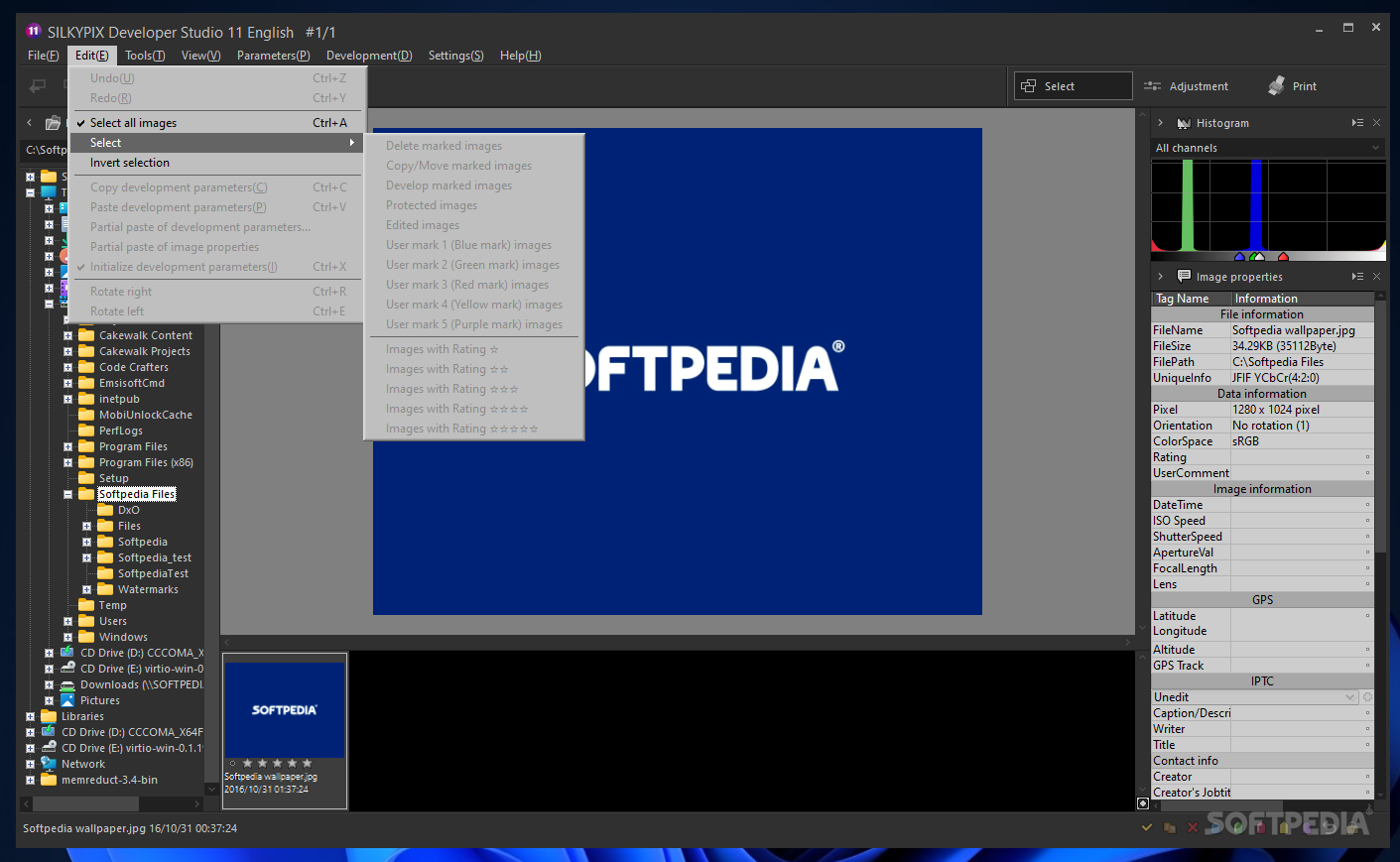
· Development parameters can be organised and stored as individual preferences (Tastes) for instant recall and subsequent application to other images.
· Exposure control: Take control of your image’s exposure and correct under or over exposed photos after the event, using the exposure adjustment control. This can help save photos that may previously have been deemed unrecoverable.
· White balance: Since white colours are recorded differently under different light sources, you can take control of your photo’s white balance and say goodbye to irritating colour casts.
· Contrast: Flat or overly harsh images can be uninspiring to the eye. Take control of your image’s contrast after the event by using the contrast adjustment control and its presets to breathe life back into your photos.
· Saturation: Under harsh light, dominant colours can sometimes overshadow passive colours making an image look garish, likewise flat light can make colours look muted. Take control of your image’s saturation levels and subdue colours or make them more vibrant. The choice is yours!
· Lens correction: Unlike some other RAW converters, SILKYPIX provides aberration, shading and distortion correction functions as standard. So there’s no need to buy expensive plug-ins or use a separate application to remove and repair these unwanted visible errors.
· Image rotation and perspective correction: SILKYPIX provides comprehensive image rotation, vertical and horizontal perspective correction functions as standard, no 3rd party add-ins required. Take control and banish those leaning buildings and crooked horizons forever!
· Trimming: SILKYPIX lets you to non-destructively crop and cut your original images anyway you see fit.
· Sharpening: Add precise detail sharpening to your images like you’ve never seen before using state of the art “Pure Detail” algorithms.
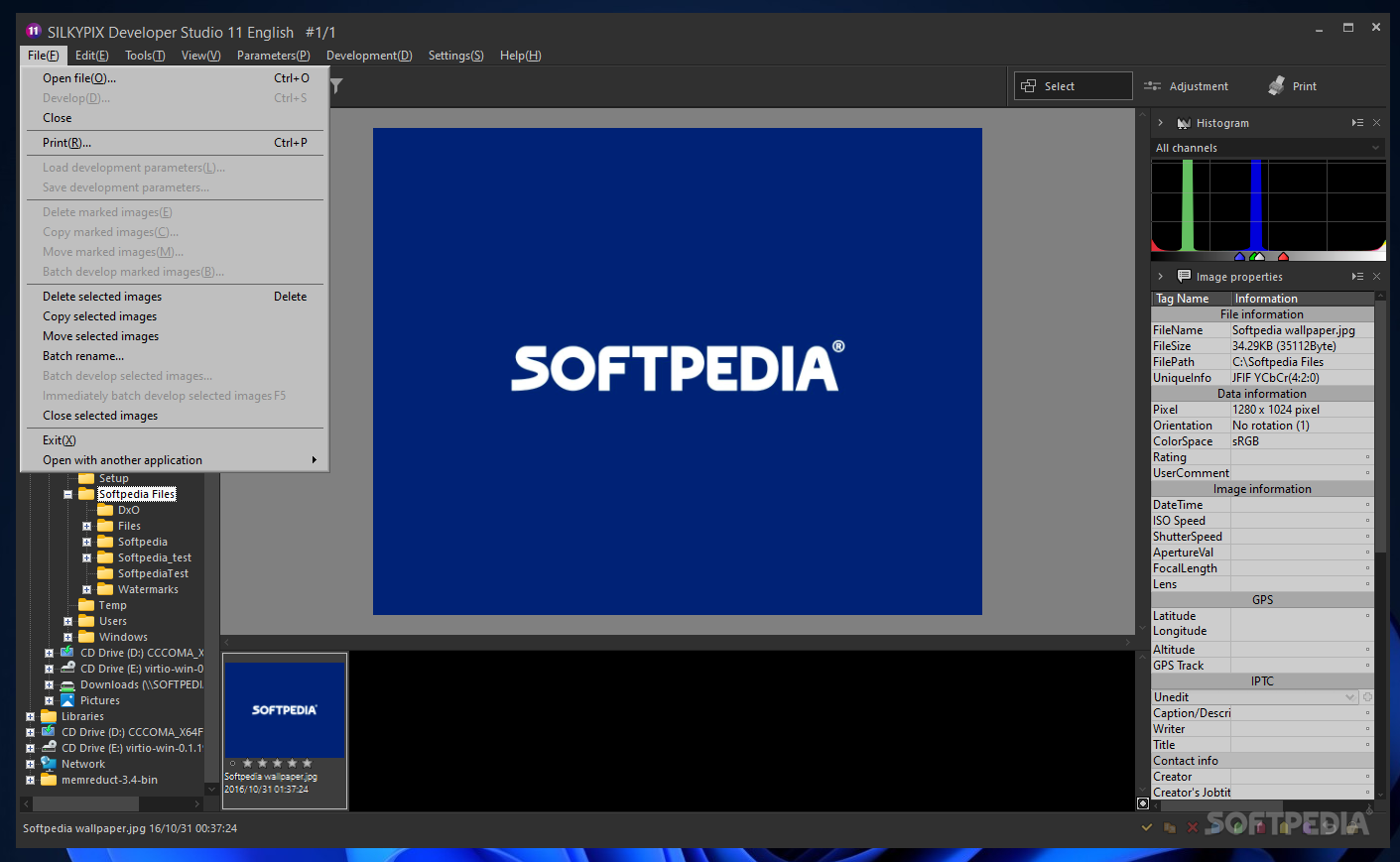
· Outputs: Create a JPG for a document or web page, or a TIFF for subsequent creative processing in your favourite image editing software. SILKYPIX gives you full control over images size, compression and bit depth, to tailor your output according to your subsequent media needs.
· Printing: SILKYPIX yields professional high quality printed output with additional facilities for image preview, output sharpening and contact sheets. So there’s no need to use 3rd party printing applications to get professional results.


Requirements:

· RAM: 512MB
· HDD: 100MB
· XGA (1024x768)


Limitations:

· 14 days trial
· Nag screen


Softpedia guarantees that SILKYPIX 3.0.19.0 is 100% CLEAN, which means it does not contain any form of malware, including but not limited to: spyware, viruses, trojans and backdoors.

This software product was tested thoroughly and was found absolutely clean, therefore it can be installed with no concern by any computer user.

However, it should be noted that this product will be retested periodically and the award may be withdrawn, so you should check back on this page from time to time. (click here for more information)


Related downloads IT News Popular downloads New additions   Latest reviews  
Picture To Icon 1.933
Picture To Icon converts images or any part on your screen into any size icons
ReaConverter Pro 5.5
A powerful utility for batch conversion of image files using scripts
Image2PDF Command Line Tool 2.3
Cnverts images into PDF from the command line or from a batch file
Total Vectorize 1.01
Total Vectorize - Convert image to WMF
Characterizer 1.0
Characterizer is freeware "One form" application for converting images to ascii text
IconMasterXP 4.7
This program is capable of converting any popular image format into icons
Image to PDF Desktop Application 2.01
Convert images into PDF through an easy to use Windows application.
convert image formats master 1.0
convert image formats master - Convert image formats master can help you to convert many kinds of images format
Image To PDF COM/SDK Unlimited License 3.1
This application can directly convert dozens of image formats into PDF

go to top Use the following code to link to this page:


Welcome!
Hello, Guest

Login if you have a Softpedia.com account.

Otherwise, register for one.

Main categories:
  • Antivirus
  • Compression tools
  • CD/DVD Tools
  • Office tools
  • Programming
  • Authoring tools
  • File managers
  • Desktop Enhancements
  • Internet
  • Network Tools
  • IPOD TOOLS
  • Mobile Phone Tools
  • Multimedia
  • Tweak
  • System
  • Security
  • Others
  • Science / CAD
  • UNIX
  • Windows Widgets
  • PORTABLE SOFTWARE

  • Week's best:
  • SP3 UxTheme Patcher ...
  • PECompact 2.82
  • Sony Vegas Movie Stu...
  • 3DMark Vantage 1.0
  • Total Commander 7.03
  • VistaMizer 2.5.1.0
  • AVG Free Edition 8.0...
  • Windows XP Service P...
  • Ashampoo Burning Stu...
  • XviD Media Codec 1.1...
  • Blu-ray Disc Ripper ...
  • Blu-ray Region Code ...
  • Adobe Photoshop Ligh...
  • PowerDVD 8.0.1531
  • EF Commander 6.54
  • Microsoft Windows In...
  • Nero 8 Lite 8.3.2.1
  • WebSite-Watcher 4.41...
  • EVEREST Ultimate Edi...
  • Nokia PC Suite 6.86....
  • VMware Workstation 6...
  • AnyDVD HD 6.4.2.0
  • Messenger Plus! Live...
  • The Bat! Voyager 4.0...
  • Windows Vista Servic...
  • Nero 8 8.3.2.1
  • Vipre 3.1.1997 Beta
  • Internet Explorer 8 ...
  • Norton 360 2.0.0.242
  • SmartFTP 3.0.1015.5
  • © 2001 - 2008 Softpedia. All rights reserved.
    Softpedia™ and Softpedia™ logo are registered trademarks of SoftNews NET SRL.
    Copyright Information | Privacy Policy | Terms of Use | Contact Softpedia | Update your software | Archive