WINDOWS CATEGORIES:


NEWS ARCHIVE >>
SOFTPEDIA REVIEWS >>

WEEKLY HIGHLIGHTS

DVD Cloner45
Spyware Doctor40
1Click DVD Copy40
Apollo DVD Copy40
ABC Amber BlackBer...45
Protected Music Co...40

7-DAY TOP DOWNLOAD

#
Program
Avira AntiVir
Personal - Free
Antivirus 9.0.0.415

156,527
Windows Live
Messenger 2009
14.0.8089.726

133,723
Avira Antivir Virus
Definition File
Update November 27,
2009

115,807
Nexus Radio 4.2.2
115,644
FreeZ Online TV 1.30
87,708
Y! Multi Messenger
8.x and 9.x

67,581
Microsoft Office
2010 14.0.4536.1000
Beta / 2007

65,198
DVD Shrink 3.2.0.15
47,260
Windows Live
Messenger
8.5.1302.1018

47,185
AVG Free Edition 9.0
Build 707a1765

42,129

WEEK'S BEST

  • VirtualBox 3.1.0 r...
  • SiSoftware Sandra ...
  • Kaspersky Virus Re...
  • Faststone Image Vi...
  • Vuze (formerly Azu...
  • Softpedia Wallpape...
  • Softpedia Wallpape...
  • Softpedia Wallpape...
  • RSSOwl 2.0.1
  • Internet Explorer ...
  • Online Armor ++ 4....
  • cFosSpeed 5.01 Bui...
  • SONY Vegas Pro 9.0...
  • Firefox 3.6 Beta 4...
  • Nokia Photos 1.6.434
  • Windows Server 200...
  • Skype Portable 4.1...
  • Google Chrome Port...
  • PCMark Vantage Bas...
  • Kaspersky Anti-Vir...
  • Microsoft Virtual ...
  • Messenger Plus! Li...
  • WinX DVD Author [F...
  • SoftPerfect Networ...
  • System Mechanic Pr...
  • Ad Muncher 4.81 Bu...
  • Windows 7 Upgrade ...
  • Pidgin 2.6.4
  • OpenOffice.org Dev...
  • VirtualDub 1.9.7 B...
  • Home > Windows > Multimedia > Video > Other VIDEO Tools
     Report spyware

    InqScribe 2.0.5

    Download button

    Downloads: 1,464  Add to download basket  Tell us about an update
    User Rating:
    Rated by:
    Good (3.2/5)
    27 user(s)
    Developer:

    License / Price:

    Size / OS:

    Last Updated:

    Category:
    Inquirium LLC | More programs
    Demo / USD 49.00 | BUY the full version
    3.8 MB / Windows All
    February 17th, 2008, 23:15 GMT [view history]
    C: \ Multimedia \ Video \ Other VIDEO Tools

     Read user reviews (0)  Add a review  Refer to a friend  Subscribe


    InqScribe description


    A flexible environment to annotate, transcribe, analyze, and subtitle digital media files

    InqScribe is a useful and flexible environment to annotate, transcribe, analyze, and subtitle digital media files.

    InqScribe sports a deceptively simple interface, pairing your digital video and audio with a transcript editor that lets you synchronize specific portions of your transcript with corresponding time segments within the media

    View Video and Transcript within a Single Interface
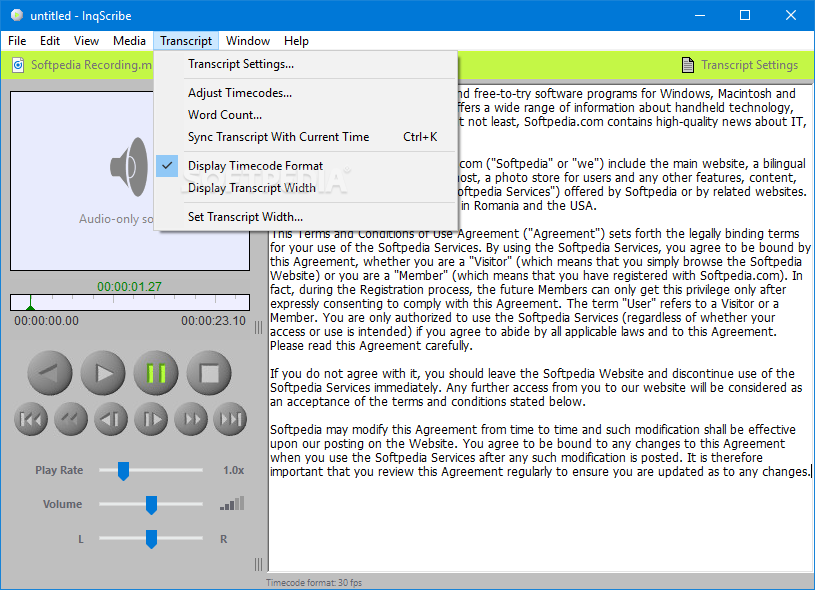
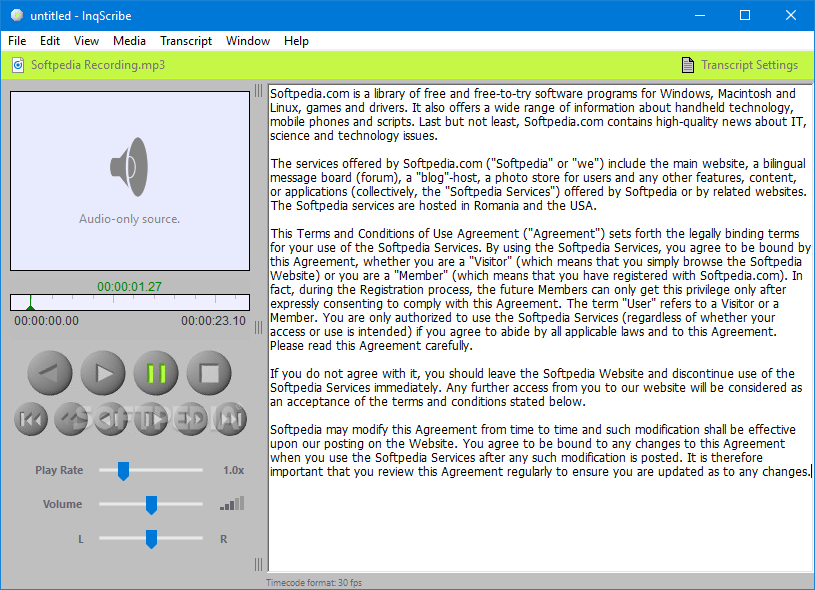
    InqScribe organizes your video and your transcript in one window (see an annotated screen shot) and provides flexible, intuitive controls for both. No more switching back and forth between two different windows.

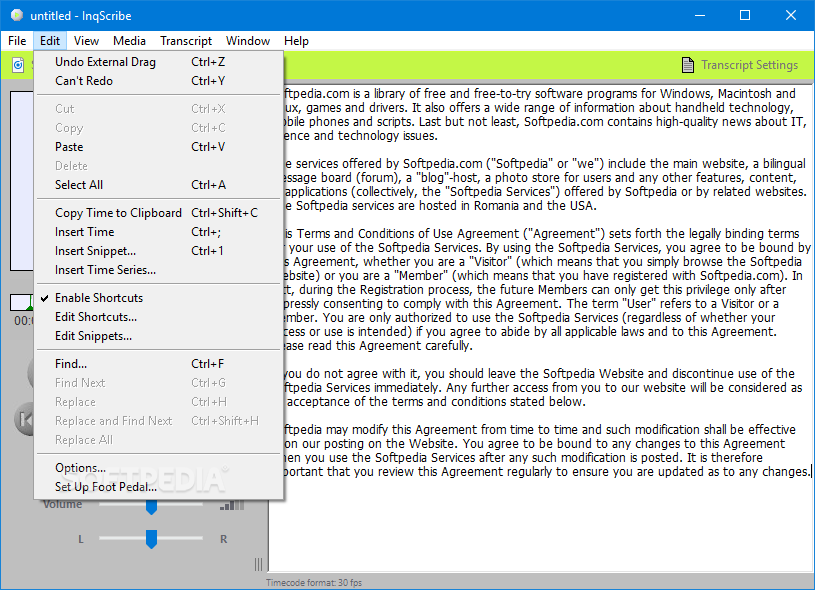
    New users can be up and running in minutes. And with InqScribe's user-definable keyboard commands, you can control both the media and transcript without your hands leaving the keyboard!

    Embed Dynamic Time Codes Within Transcripts
    InqScribe lets you embed time codes into a free form text document. These time codes function much like hyperlinks in a web page.

    By embedding time codes within your transcript, you can quickly and conveniently jump to exact locations within your movie. InqScribe makes the insertion of these time codes a one-step process, and using them to jump to a specific time is a simple click.

    Transcribe Your Way
    Some transcription tools force you to transcribe their way, making you define a full-blown database record, complete with start and end points, for every annotation you make. InqScribe's open-ended approach treats time codes as temporal bookmarks rather than scene markers. This approach lets you use time codes wherever you want, without having to worry about formally defining scenes.

    Of course, if you prefer to use a scene-based approach, you can. And InqScribe can export your data in structured format, so that you can use it with other data analysis tools.

    Create Subtitles
    Use InqScribe to quickly and easily convert your transcript into a series of subtitles, or captions, for your movie. You have complete control over the appearance of the subtitles. The end result is a standalone subtitled QuickTime file that does not require InqScribe and that may be embedded in web pages, presentation slides, and anywhere else QuickTime is used.

    Take Control of Media Playback
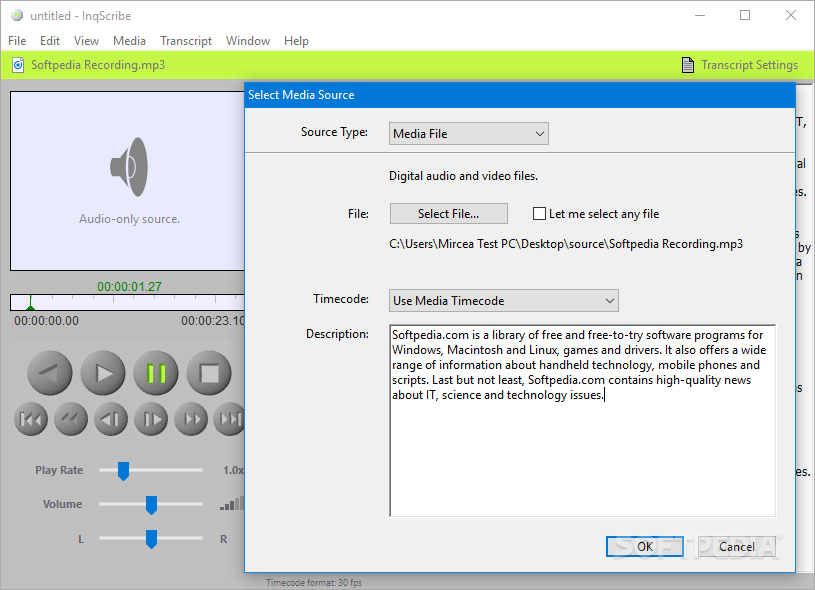
    InqScribe supports most common audio and video formats (.mov, .avi, .mpg, .mp3, .wav), as well as some not-so-common ones. You can even access media over the Internet.

    InqScribe offers a complete set of media controls, and adds a few that leverage the power of digital media, such as precise control of playback speed, allowing you to slow down playback for more accurate transcription, and the ability to turn on and off specific QuickTime tracks within the movie.

    Of course, these controls are far more useful when you can create your own customized keyboard shortcuts. InqScribe lets you map any media control to any keystroke, which enables efficient transcription.

    InqScribe's customization features also ensure compatibility with a variety of alternative input devices, including USB foot pedals and jog shuttles.

    Navigate Using an Interactive Timeline
    InqScribe provides you with an innovative interactive timeline that keeps you in control.

    By default, the timeline shows you the current running time of your movie. Mousing over the timeline gives you immediate feedback showing the time at the mouse location. Click once, and you can use the timeline as a virtual scroll bar to jump to a precise location in your movie.

    Share Data With Everyone
    Mac or Windows? Why should you have to choose? Many research groups use both platforms; we believe that data shouldn't be tied to a specific platform any more than it should be tied to a specific application. InqScribe and InqScribe data files are completely cross-platform.

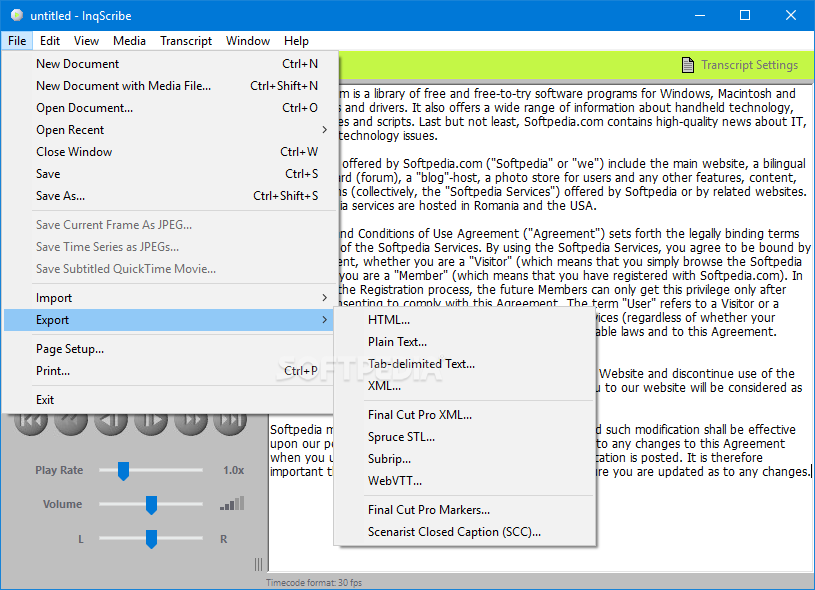
    InqScribe also offers extensive import and export support. InqScribe is fully compatible with standard data formats, including HTML, XML, and structured text, which means that you can easily move data back and forth between InqScribe and other applications. For example, you can import data such as field notes or transcripts from other programs, annotate the data within InqScribe, and export the annotated data back out again.

    InqScribe data files are also Unicode-savvy, providing support for a wide range of languages. Multiple languages can even be used within a single file!

    Limitations:

    · You may not save
    · You may not export data, including subtitled movies
    · Nag screen

    What's New in This Release: [ read full changelog ]

    · No Upgrade Fee
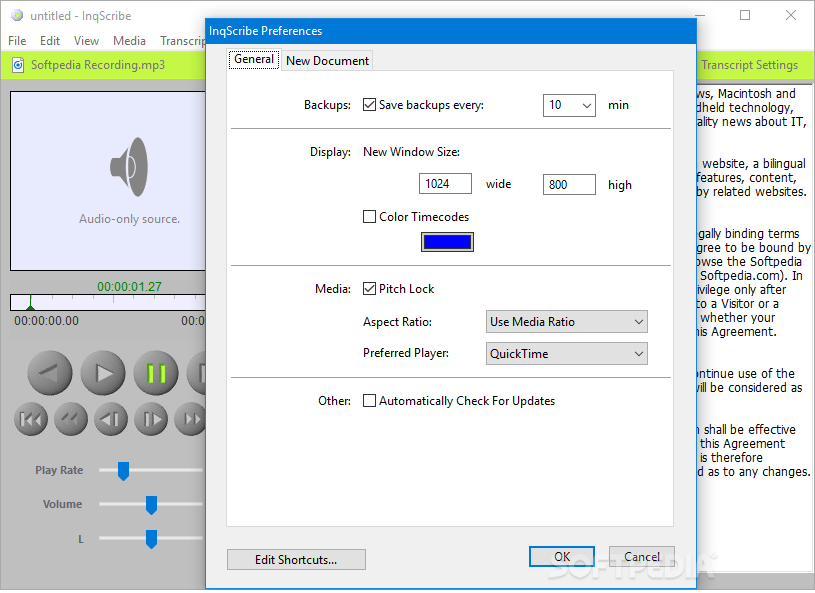
    · Auto Backup Files
    · Improved Foot Pedal Support
    · Improved Time Code Support
    · New Export Formats
    · Final Cut Pro Support
    · Anamorphic Video Display
    · Mac OS X Intel Support
    · New Keyboard Shortcuts
    · New Snippet Variables
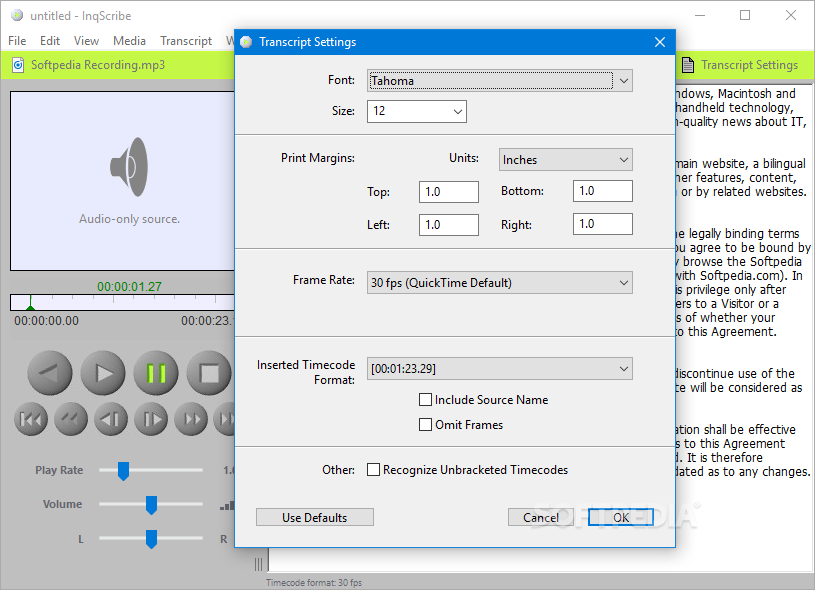
    · New Transcript Settings

     Softpedia guarantees that InqScribe 2.0.5 is 100% CLEAN, which means it does not contain any form of malware, including spyware, viruses, trojans and backdoors. [read more >]


    TAGS:

    subtitle movie | transcript editor | transcribe video | InqScribe | annotate | transcribe


    HTML code for linking to this page:


    Go to top

    Windows tabGames tabDrivers tabMac tabLinux tabScripts tabMobile tabHandheld tabGadgets tabNews tab

    SUBMIT PROGRAM   |   ADVERTISE   |   GET HELP   |   SEND US FEEDBACK   |   RSS FEEDS   |   ENTER NEWS SITE   |   ENGLISH BOARD   |   ROMANIAN FORUM