Softpedia
 

WINDOWS CATEGORIES:


GLOBAL PAGES >>
SOFTPEDIA REVIEWS >>
MEET THE EDITORS >>
WEEK'S BEST
  • Sticky Password FR...
  • Parallels Workstat...
  • ESET NOD32 Antivir...
  • BitDefender Total ...
  • WinPatrol 24.6.201...
  • PerfectDisk Free D...
  • Adobe Photoshop CS...
  • PerfectDisk Profes...
  • Windows 8 Consumer...
  • Atlantis Word Proc...
  • Home > Windows > Network Tools > Telnet/SSH Clients
     Report malware

    Xshell Free 4.0 Build 0106

    download button

    Downloads: 3,530  Tell us about an update
    User Rating:
    Rated by:
    Very Good (4.4/5)
    18 user(s)
    Developer:

    License / Price:

    Size / OS:

    Last Updated:

    Category:

    Freeware / $0
    24.5 MB / Windows All
    [view history]
    C: \ Network Tools \ Telnet/SSH Clients

     Read user reviews (0)  Send to friend   Follow (1 user)

    Xshell Free description

    A powerful SSH, TELNET and RLOGIN terminal emulator

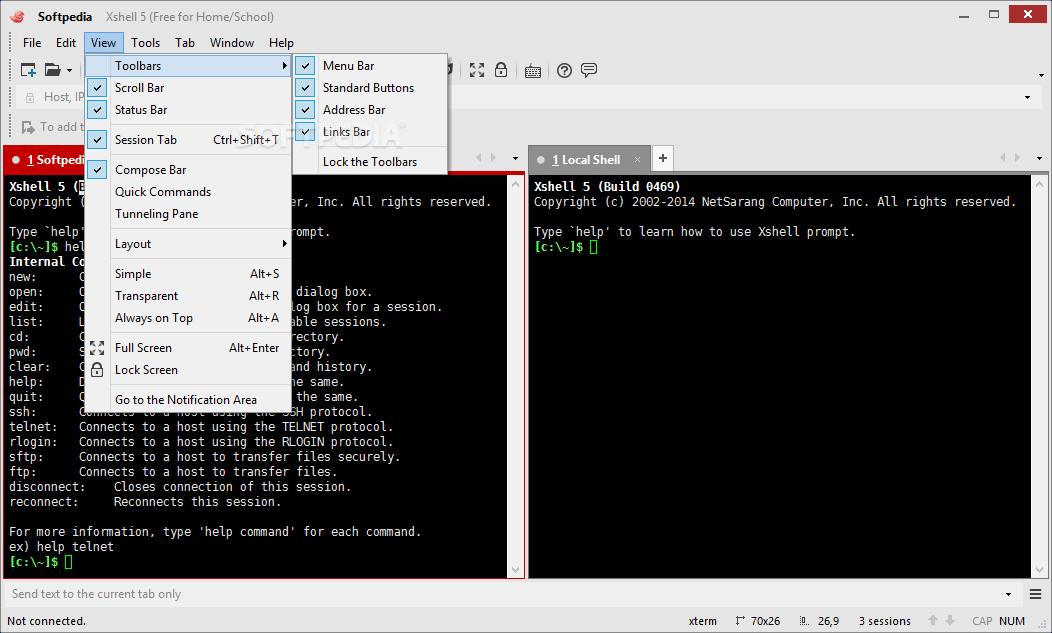
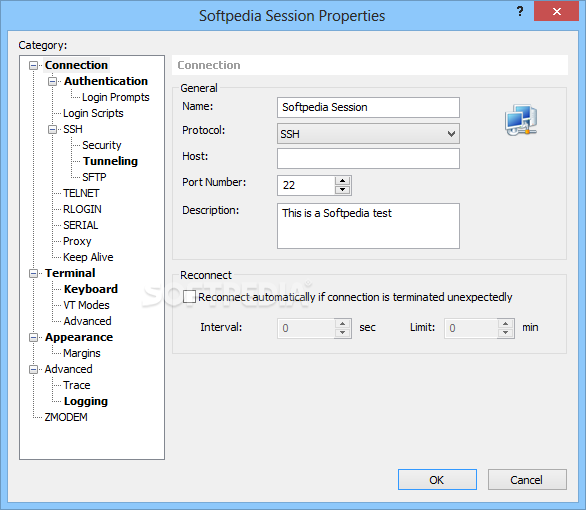
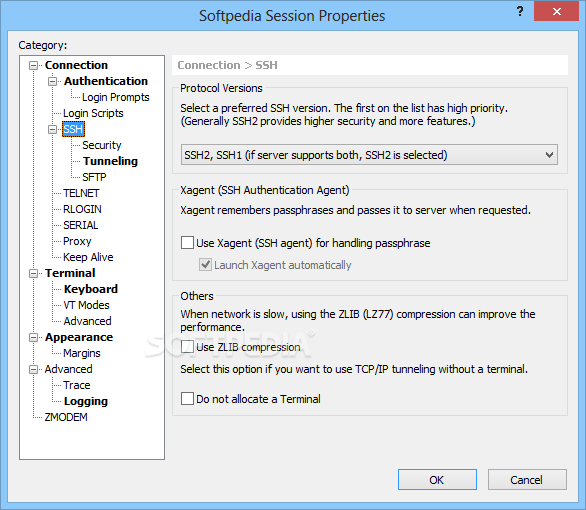
    Xshell Free is a powerful SSH1, SSH2, SFTP, TELNET, RLOGIN and SERIAL terminal emulator. Xshell Free will help you gain access to Unix / Linux hosts easily and securely on a Windows workstation.

    SSH (Secure Shell) protocol supports encryption and user authentication for secure connections over the Internet, and it replaces legacy protocols such as TELNET and RLOGIN.

    Xshell Free is designed to satisfy all kinds of users no matter if your a beginner or expert. Its user interface is intuitive and it provides advanced users with powerful features such as local commands, searching with regular expressions, dynamic port forwarding, international languages and so forth.

    Note: This version is free for Home / School use, if you want to use the program in a commercial environment, please try this version of Xshell.

    Here are some key features of "Xshell Free":

    General:
    Supports SSH1, SSH2, SFTP, TELNET, RLOGIN and SERIAL protocols:
    · Runs on Windows 2000 SP4 and above
    · Supports OpenSSH and ssh.com servers
    · Multi-user configuration
    · Keep alive option
    · SOCKS4/5, HTTP proxy connection
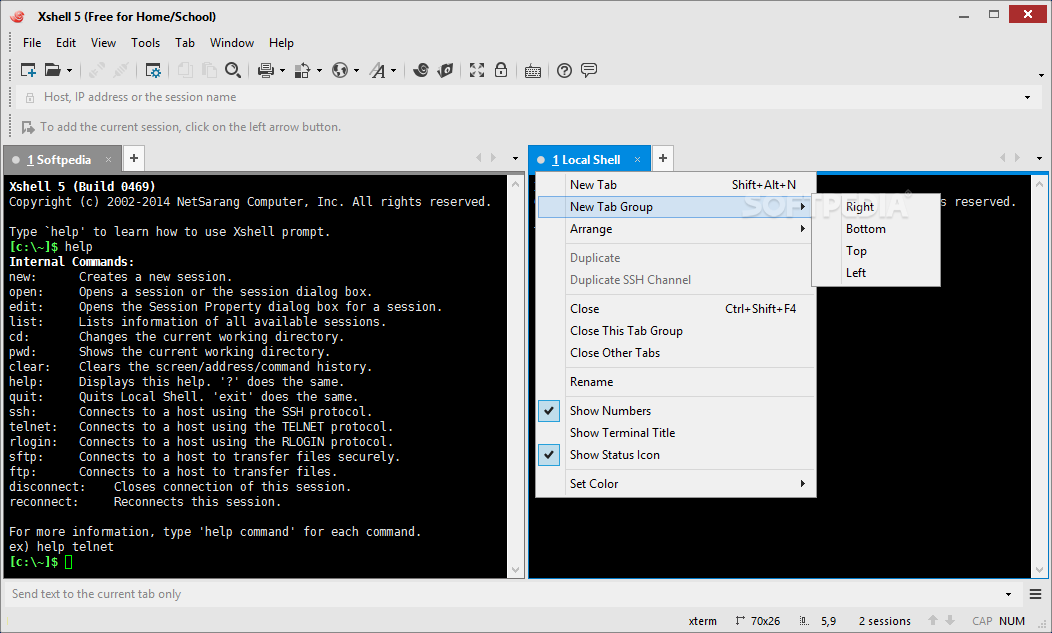
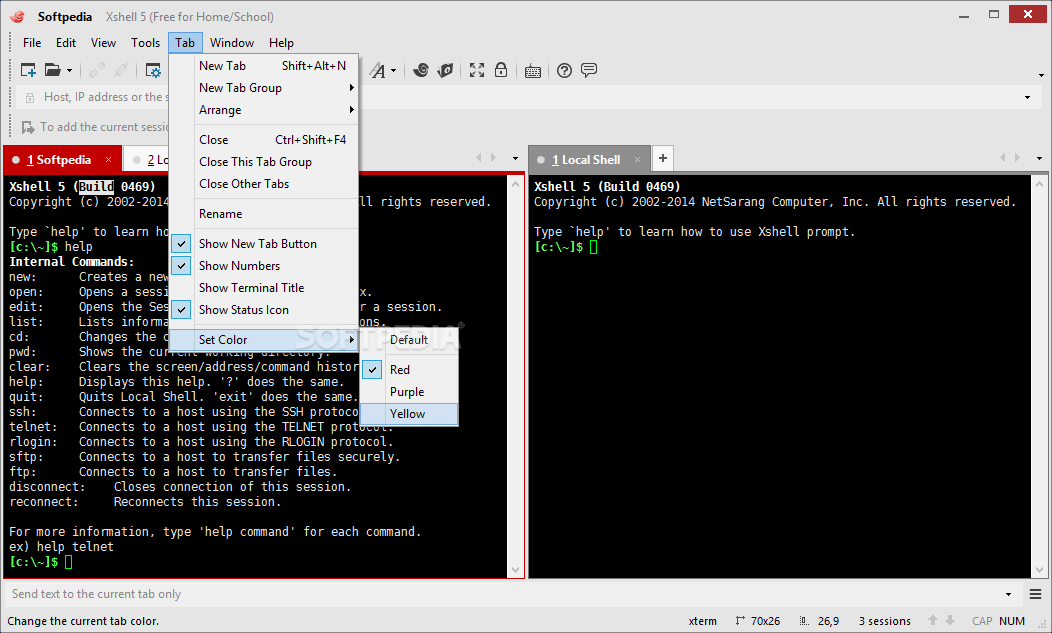
    · Supports Multi-session (Session tab, Session bar)
    · Key mapping support
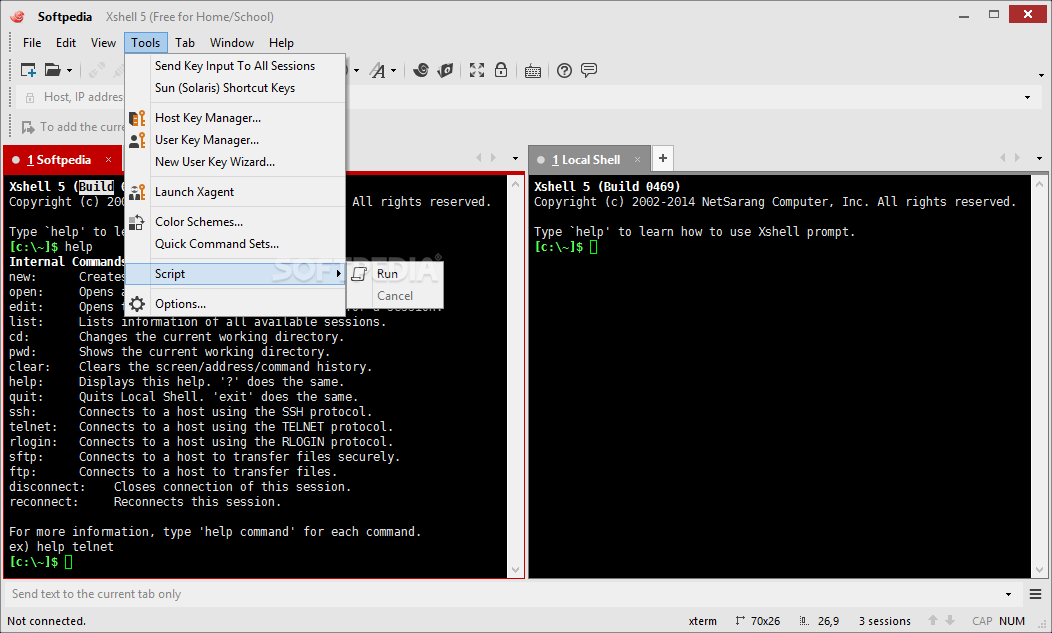
    · VB Scripting support
    · Improved Links bar
    · Auto reconnect lost connections

    Session management:
    · Creates and manages session files for different servers
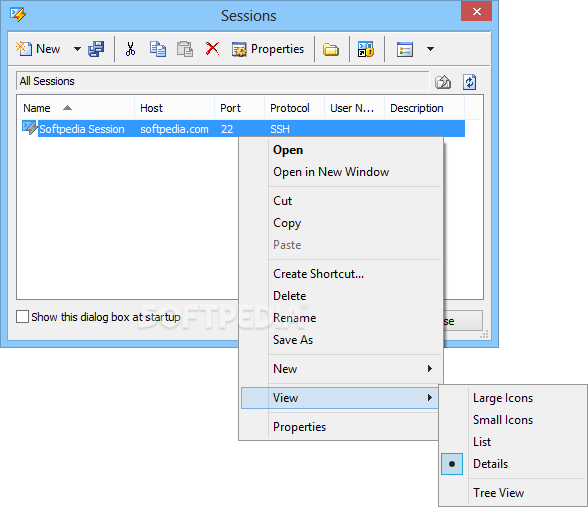
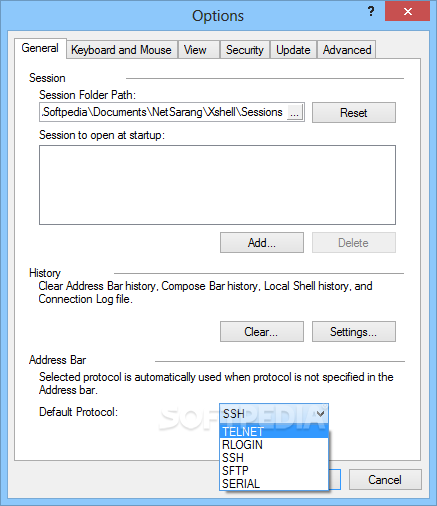
    · Provides Sessions dialog, address bar, local prompt, and shortcut to open sessions
    · Provides a default session for quick connections
    · Supports connecting to multiple sessions simultaneously
    · Address bar supports URL commands and allows you to connect to a remote host with or without a saved session
    · Opens sessions with Xactivator
    · Supports automatic logon and logon scripts
    · Folder and tree view support in the Sessions dialog box

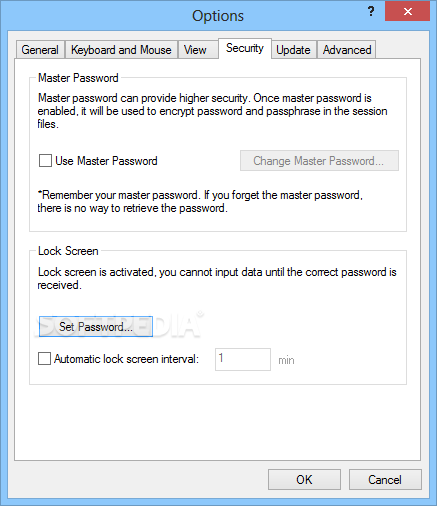
    Security:
    · RSA/DSA public key, Password, and Keyboard Interactive authentication methods
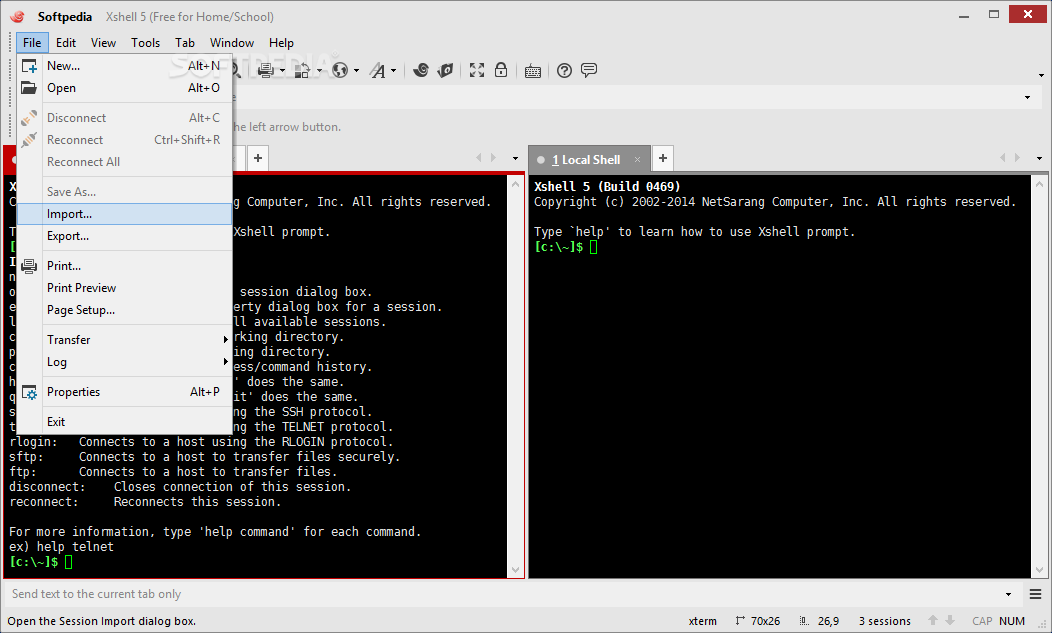
    · RSA/DSA key generation wizard and import/export features
    · SSH authentication agent forwarding using Xagent utility
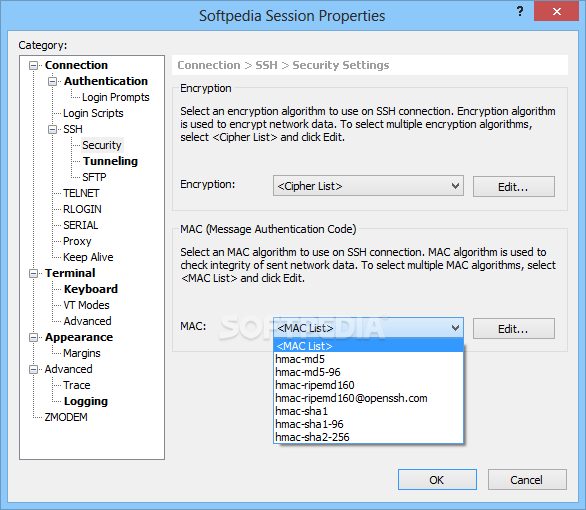
    · AES128/192/256, 3DES, BLOWFISH, CAST128, ARCFOUR, RIJNDAEL encryption methods
    · SHA1, SHA1-96, MD5, MD5-96, and RIPEMD160 MAC algorithms
    · zlib compression
    · Host key management dialog box
    · User key management dialog box

    Terminal:
    · Unicode based terminal buffer
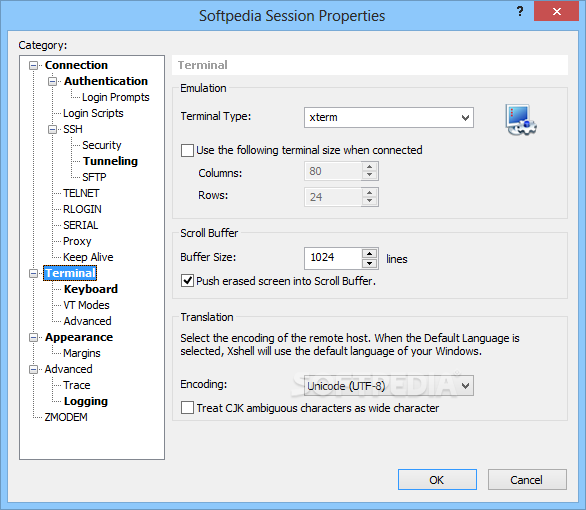
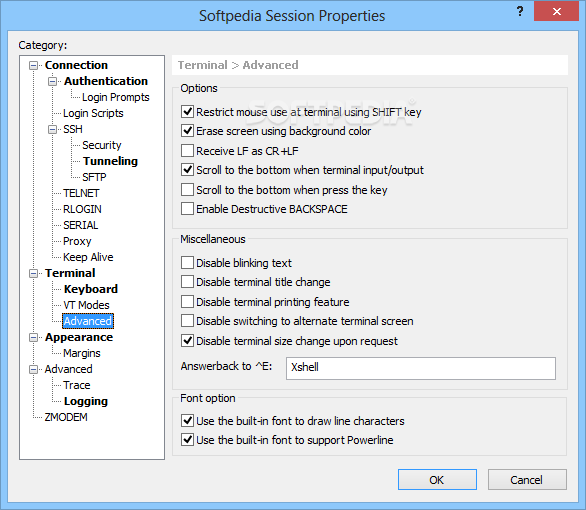
    · Supports VT100, VT220, VT320, XTERM, LINUX, SCOANSI, and ANSI terminals
    · International output encoding (UTF-8)
    · Compose bar lets you send a string of text to multiple servers simultaneously
    · Scroll buffer up to 32,767 lines
    · Text searching with regular expressions
    · Scrolled copy
    · Column mode text selection
    · Multi-byte support in copy & paste
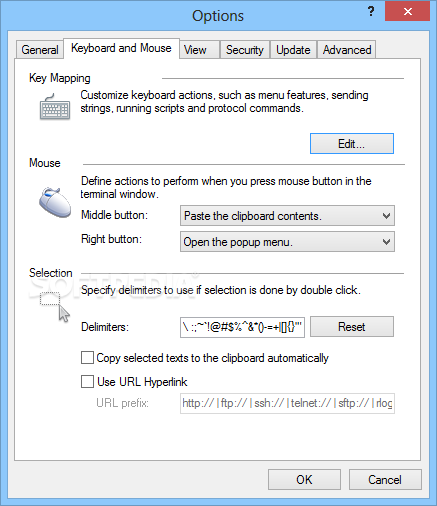
    · Delimiter is used when the terminal window is double clicked
    · Triple click selects the whole line
    · Bold font and ANSI color escape sequences
    · Mouse support in xterm terminal
    · 256 color mode in xterm 256
    · Linux Meta key emulation
    · Supports terminal (network) printing
    · Configurable line spacing and margin of the terminal window

    Tunneling:
    · TCP/IP and X11 forwarding
    · Dynamic port forwarding using SOCKS4/5
    · Instant Tunneling
    · Tunneling bar allows you to monitor active forwarding channels and add new rules for the current session

    Appearance:
    · Simple and powerful user interface
    · Adjustable toolbar
    · Customizable Standard Buttons on toolbar
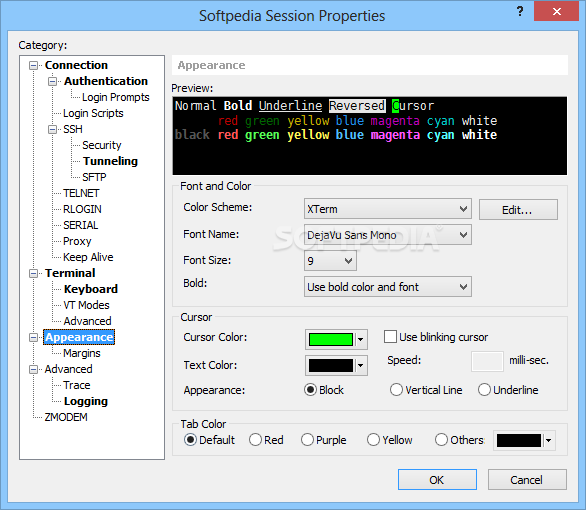
    · Color scheme edit/import/export feature
    · Configurable cursor color and blinking speed
    · Font bar allows you to select a preferred font on the fly
    · Assign frequently used strings to Quick Command buttons
    · Status bar displays security-lock, session selection, network traffic information (up/down)
    · Full Screen view
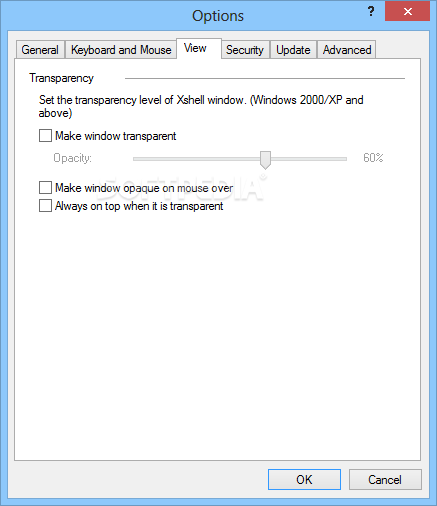
    · Customizable transparency level

    Local commands:
    · Local Xshell prompt for advanced users
    · Local commands such as open, ssh, sftp, telnet, and rlogin
    · Local Windows commands such as ping, ipconfig, netstat, and nslookup
    · Escaping to the local prompt while connecting to a remote host

    Interoperability:
    · Interoperable with Xmanager program for X11 forwarding
    · Interoperable with Xagent program for agent authentication and forwarding
    · Interoperable with Xftp program for file transfer
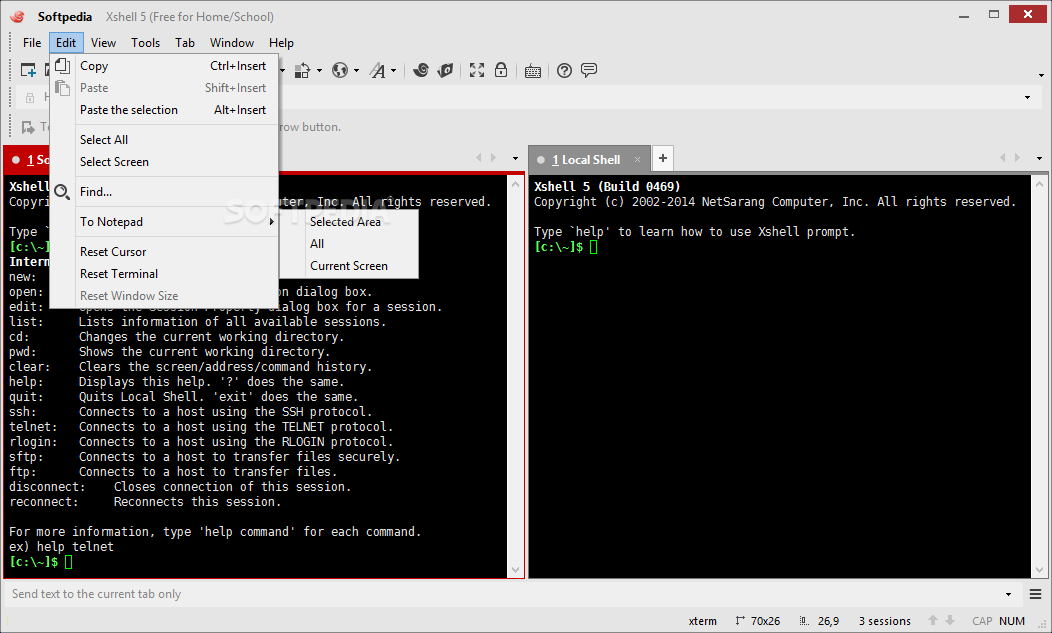
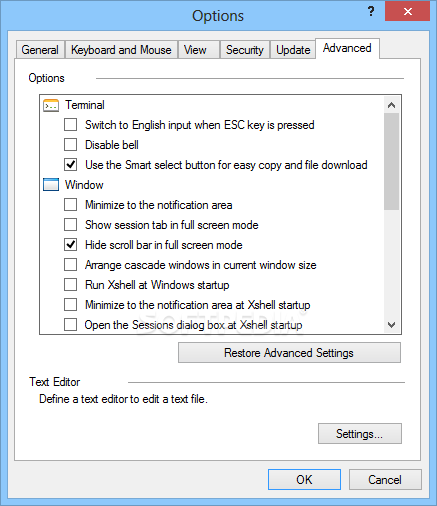
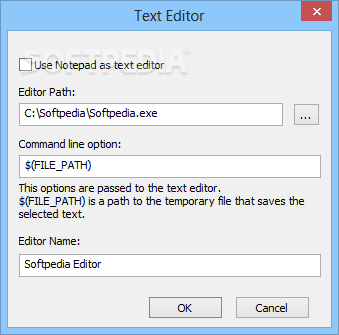
    · Editing scroll buffer text with Notepad
    · Menu commands to cycle through Xshell windows

    File management:
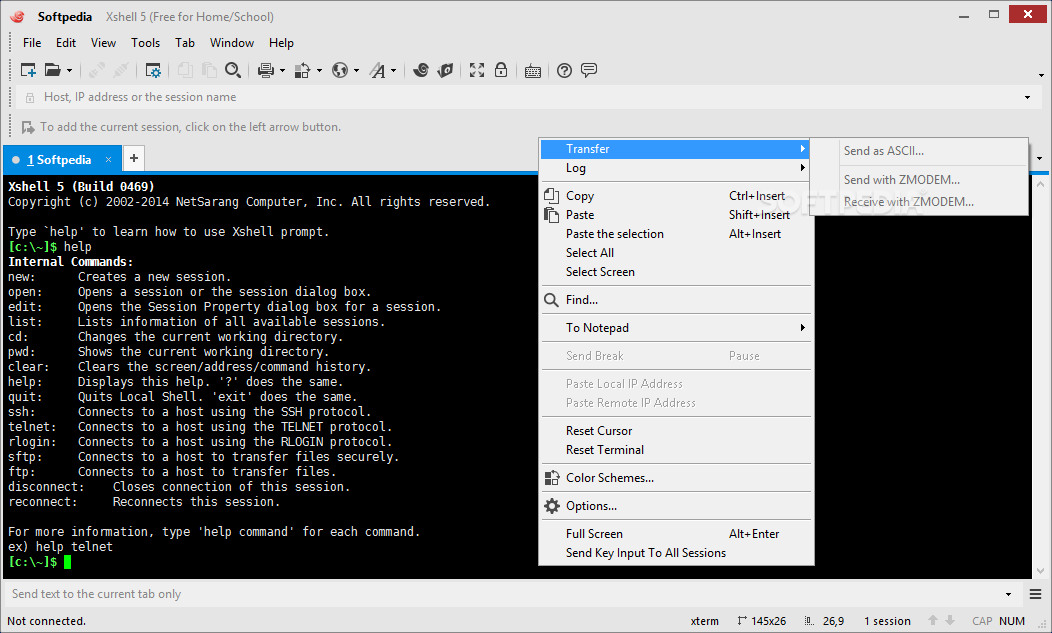
    · File send and receive via SFTP
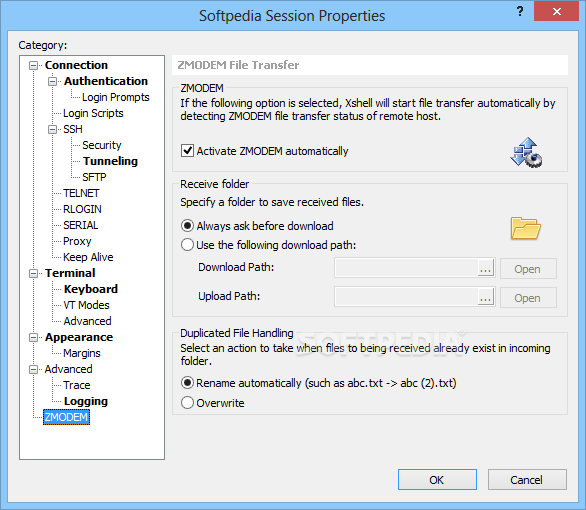
    · File send and receive via ZMODEM
    · ASCII file upload
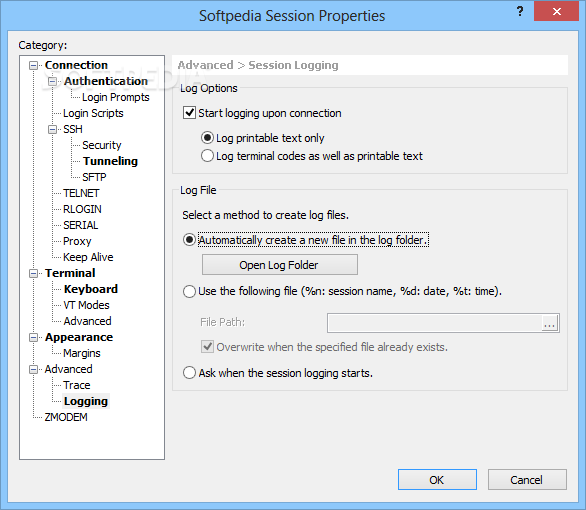
    · Automatic session logging (including terminal code)
    · Printing selected text, screen, or scroll buffer

    Requirements:

    · Internet connection

    What's New in This Release: [ read full changelog ]

    · ADD: Feature to assign tab name from command line (-newtab)
    · MOD: User customized menu and user customized keyboard integration
    · MOD: When resetting the Window Size, default window size is used instead of 80x24.
    · FIX: If Xshell is opened, cannot create new Xshell sessions from Xbrowser.
    · FIX: When executing Xftp in Xshell, it does not move to remote host project folder.
    · FIX: in User customized keyboard, Ctrl + Shift key can be added.
    · FIX: The initial execution of Xshell after fresh install, user customized key cannot be generated.
    · FIX: When creating new session, duplication of name is not being checked.
    · FIX: After product activation in evaluation license, title bar is not changed.
    · FIX: Resource cleanup, minor bug processing and enhancement.

     Softpedia guarantees that Xshell Free 4.0 Build 0106 is 100% CLEAN, which means it does not contain any form of malware, including spyware, viruses, trojans and backdoors. [read more >]


    TAGS:

    TELNET client | terminal emulator | SSH client | terminal | controller | emulator


    HTML code for linking to this page:


    Go to top

    WindowsGamesDriversMacLinuxScriptsMobileHandheldNews

    SUBMIT PROGRAM   |   ADVERTISE   |   GET HELP   |   SEND US FEEDBACK   |   RSS FEEDS   |   UPDATE YOUR SOFTWARE   |   ROMANIAN FORUM