
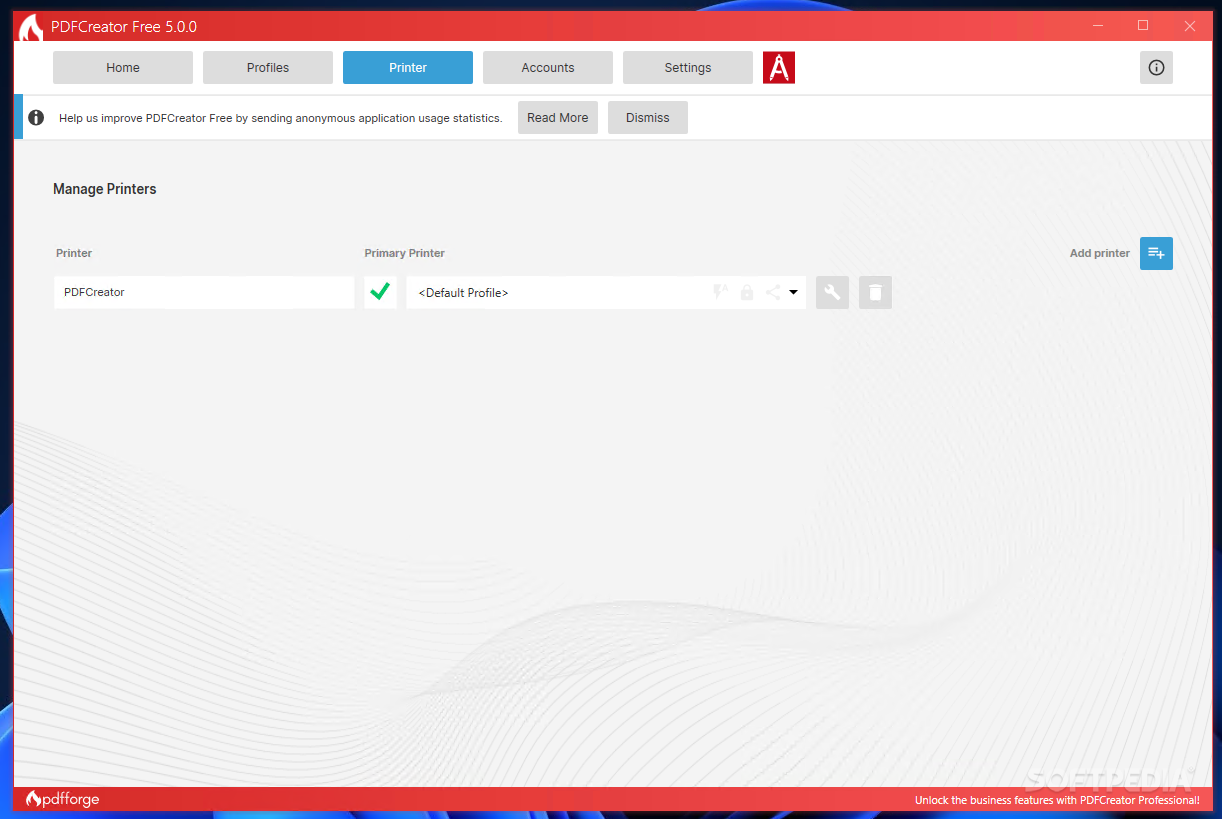
A super-efficient application that helps manage PDF documents without effort, even directly from the context menu, as well as get access to a virtual printer and manage PDFs faster, in other connected tools, like email clients, document processors, etc.. #Create PDF #Virtual printer #PDF printer #Printer #Converter #Print
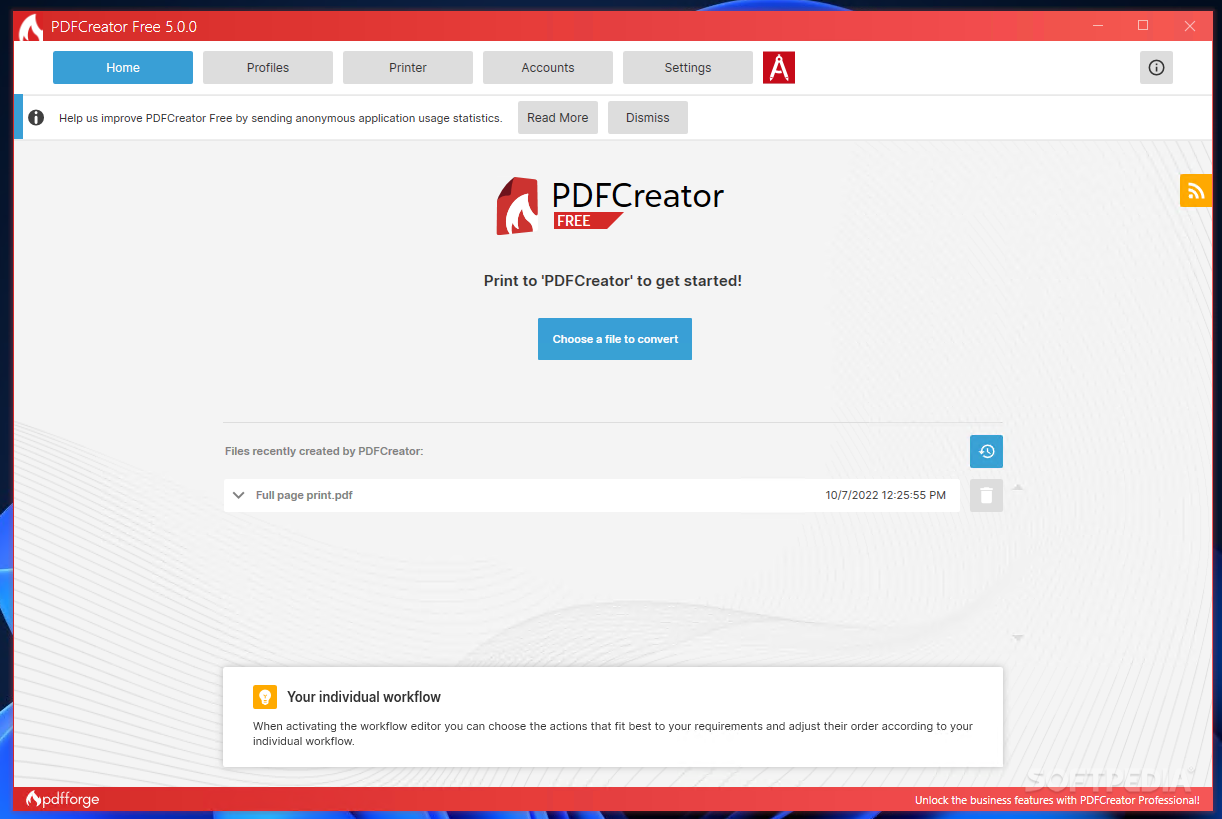
PDFCreator is a super-powerful PDF software solution that allows you to create and edit PDF documents and other files, as well as implement C# scripts for managing advanced printing implementations, and so much more.
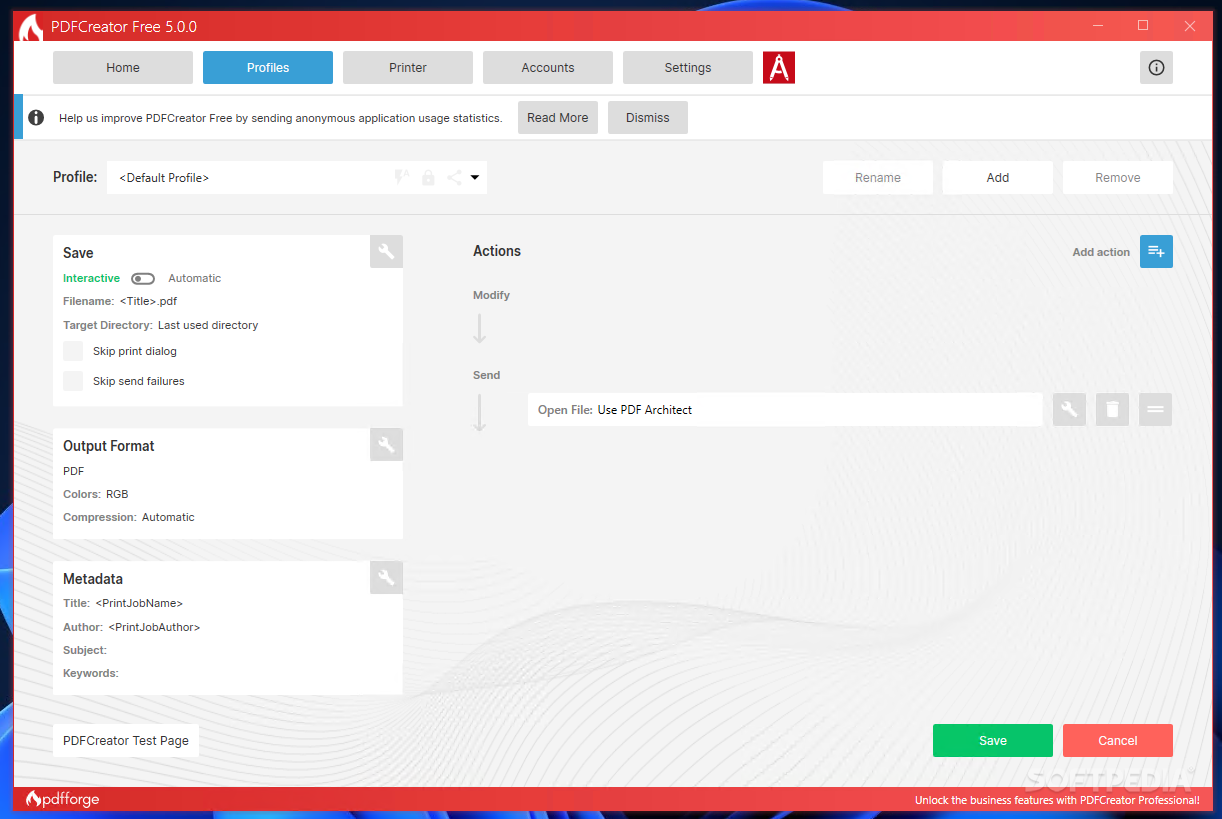
This application is versatile and extremely well-designed. As such, PDFCreator provides the creation and customization of user-profiles, where many people can implement and switch between various pre-defined PDF management configurations.
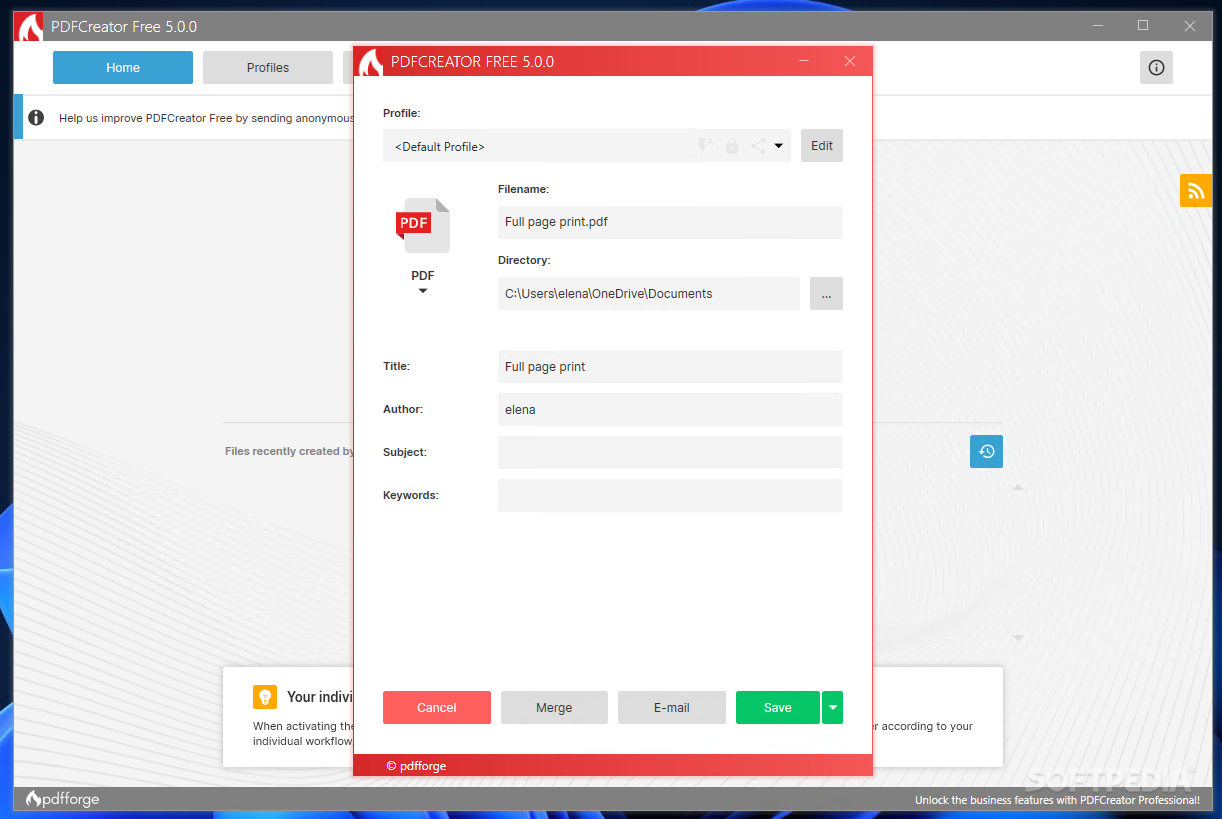
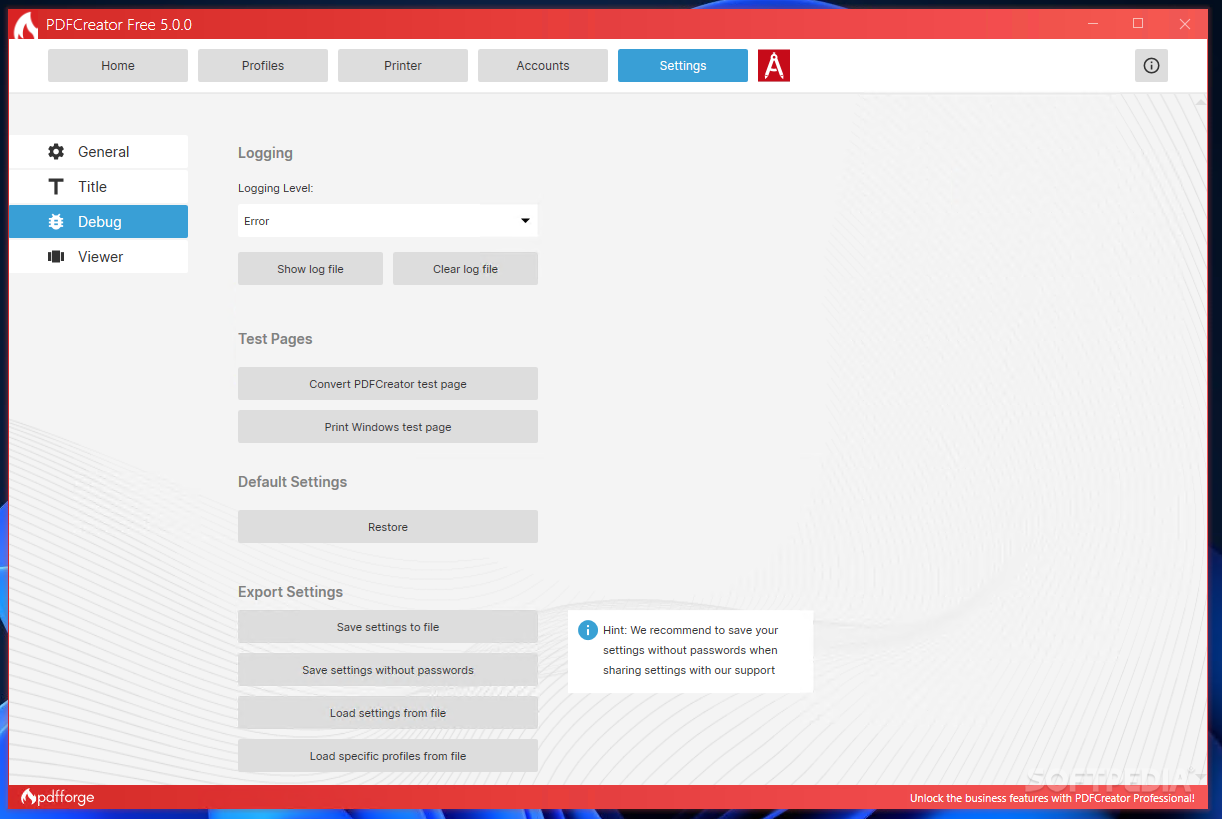
At first, when creating a user profile, you can configure the file saving and printing parameters (like filename format, printing dialog and log recording, image compression and factor rate, metadata format, color model, etc.).
Secondly, the most interesting part of this application is that it allows you to select and add user tokens for defining placeholders for specific parameters (with custom separators) and implement C# scripts for managing the document printing job.
You can configure PDF stamping, page number management, document signature, encryption, watermarks, attachments, backgrounds, etc.
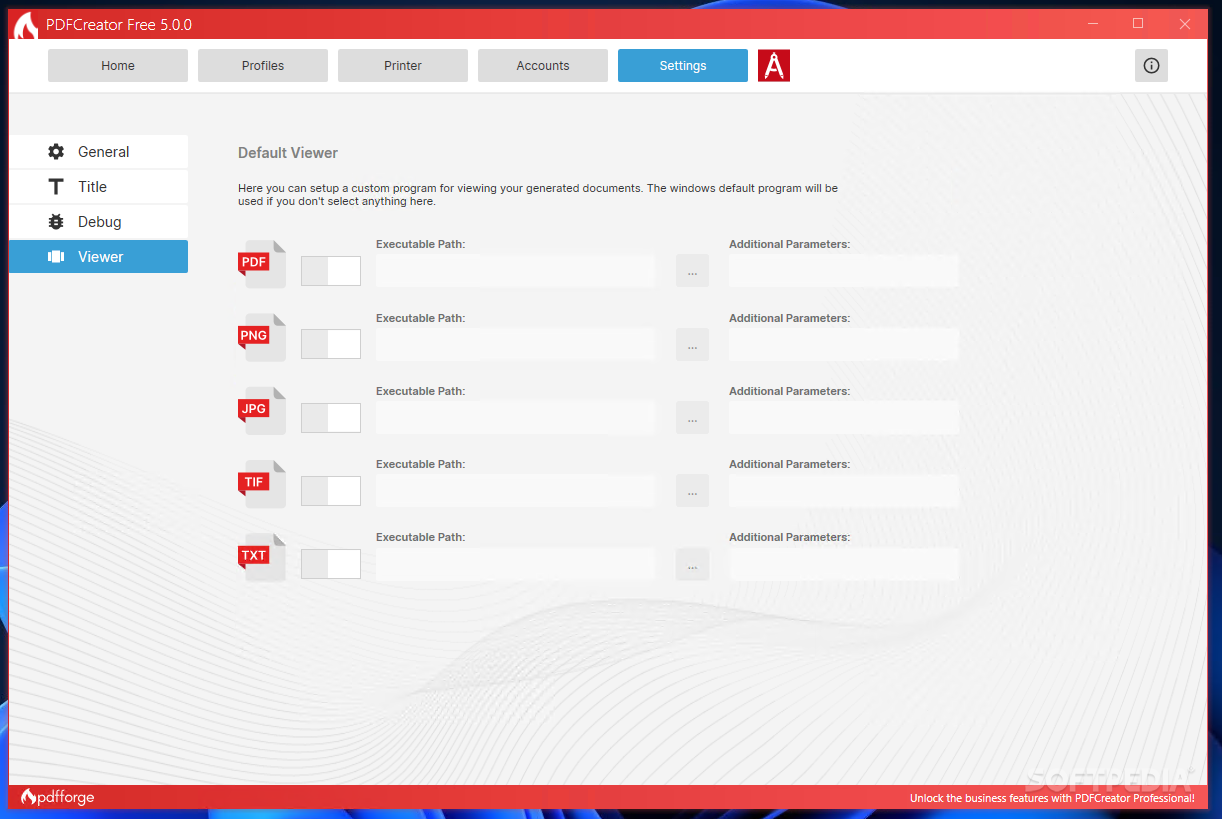
Last but not least, the tool lets you define, for each specific profile, how and if you want to send your processed PDF files (configure a certain email client for sending your files easier), link another program or script that will further handle your PDFs, send files in an email automatically (via SMTP, without user interaction), etc.
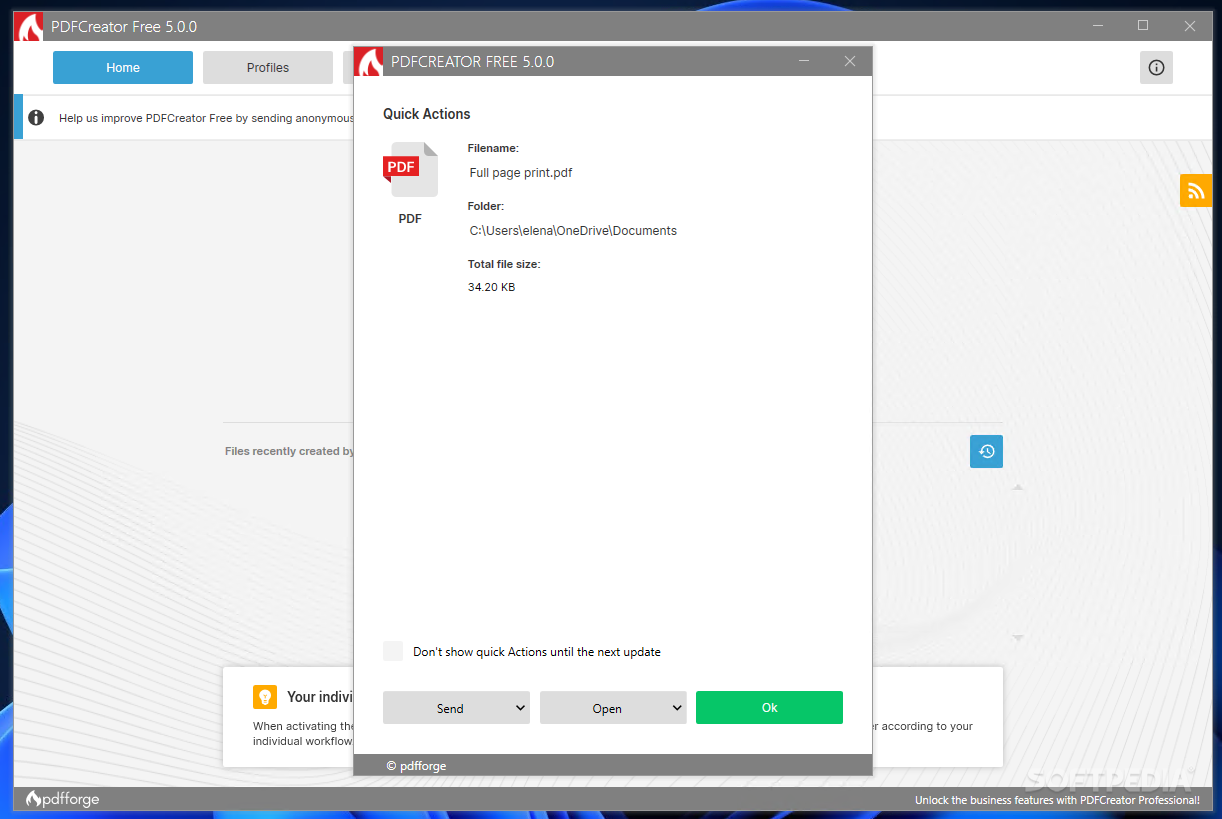
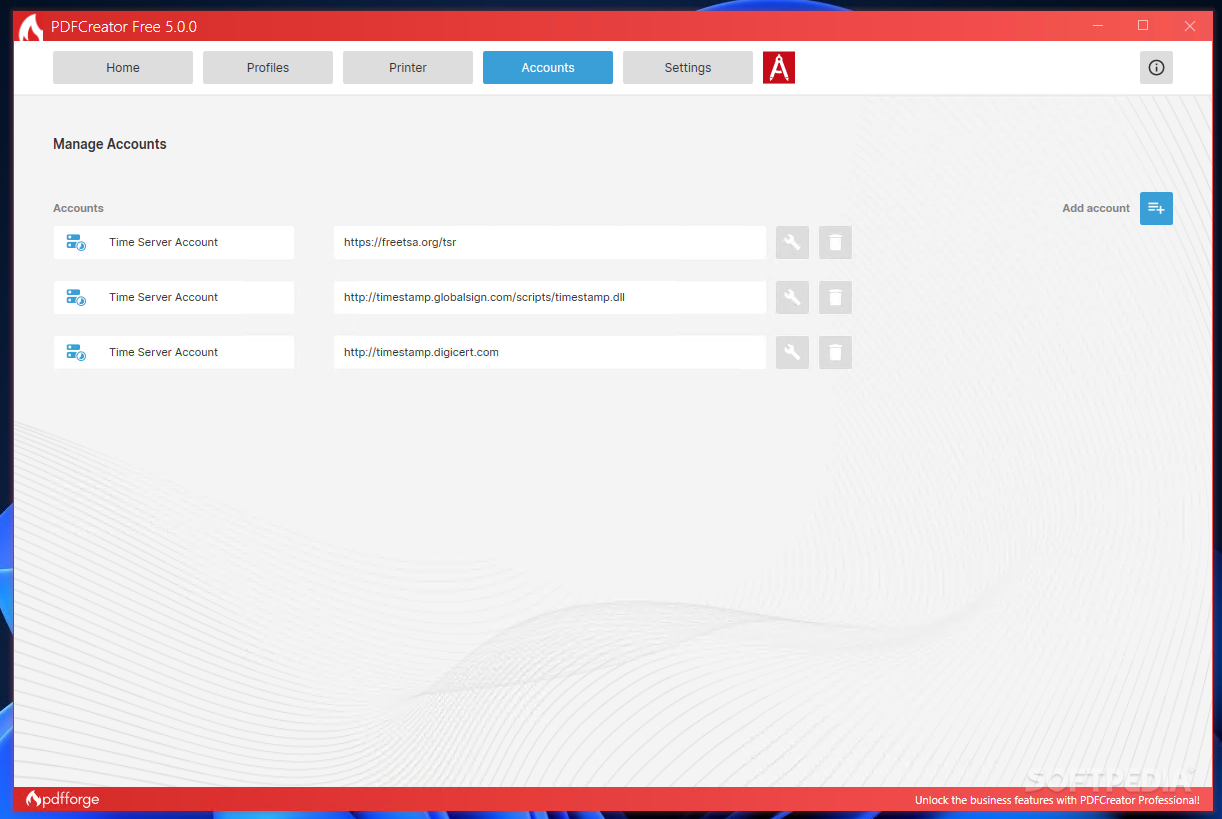
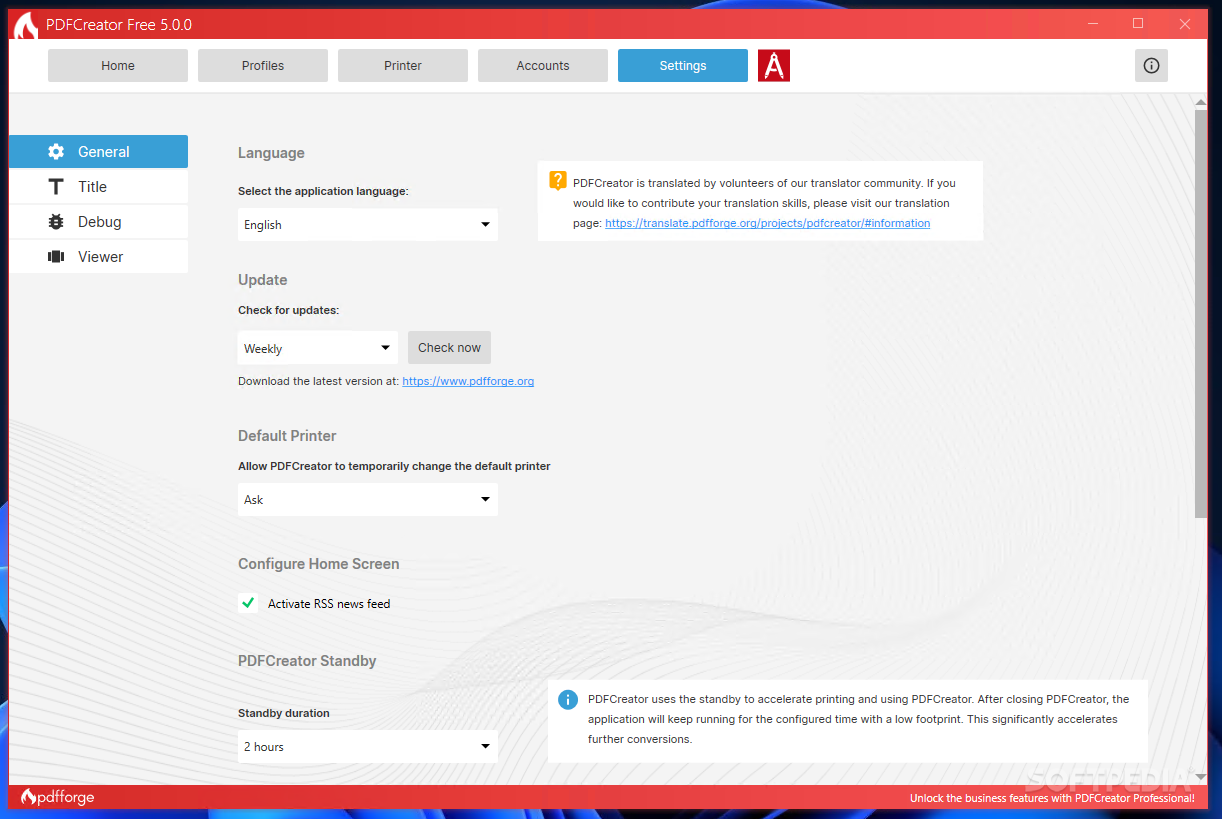
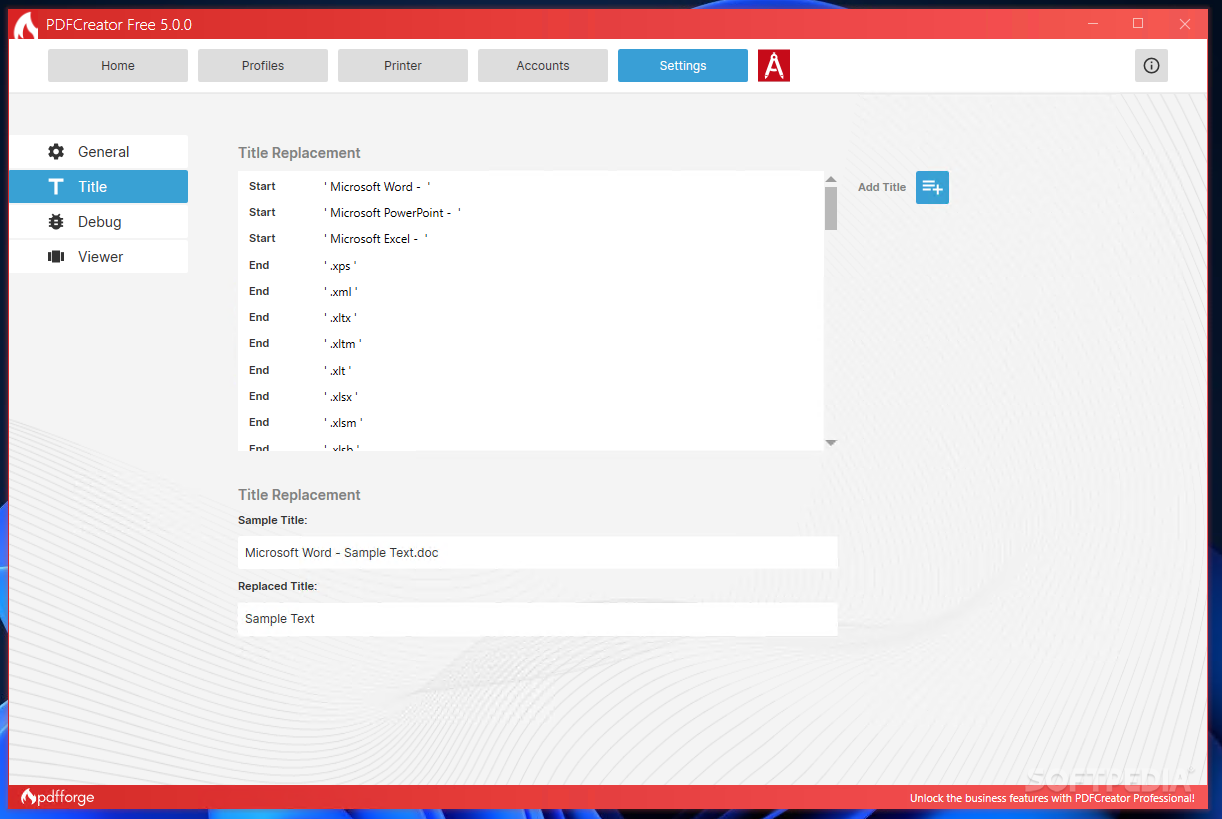
This tool's GUI is incredibly simple and convenient. Compatible with modern accessibility and minimalistic design requirements, the tool can satisfy the needs of both technical and non-technical individuals.
At the same time, the easiness to implement scripts, configure an SMTP automated process, manage document encryption, Dropbox automated uploads, and other super-specific and advanced tasks, is absolutely amazing.
As such, PDFCreator is an incredibly powerful document management application, suitable for various PDF needs and, especially, for users who want to thoroughly configure what happens with the documents they process — e.g., upload the PDFs, send the documents to another platform, email their files, or simply link PDFCreator with another program via custom scripts.
Download Hubs
PDFCreator is part of these download collections: PDF Makers
PDFCreator 5.2.1
add to watchlist add to download basket send us an update REPORT- runs on:
-
Windows 11
Windows 10 32/64 bit
Windows 8 32/64 bit
Windows 7 32/64 bit - file size:
- 42.2 MB
- filename:
- PDFCreator-5_2_1-Setup.exe
- main category:
- Office tools
- developer:
- visit homepage
7-Zip

calibre

ShareX

Microsoft Teams

IrfanView

Context Menu Manager

Windows Sandbox Launcher

Zoom Client

4k Video Downloader

Bitdefender Antivirus Free

- Zoom Client
- 4k Video Downloader
- Bitdefender Antivirus Free
- 7-Zip
- calibre
- ShareX
- Microsoft Teams
- IrfanView
- Context Menu Manager
- Windows Sandbox Launcher