
A small and fast text editor with powerful syntax highlighting abilities for various popular programming languages such as C++, Java, HTML, PHP or Python. #Text Editor #Code Editor #Highlight Text #Editor #Highlighter #Syntax

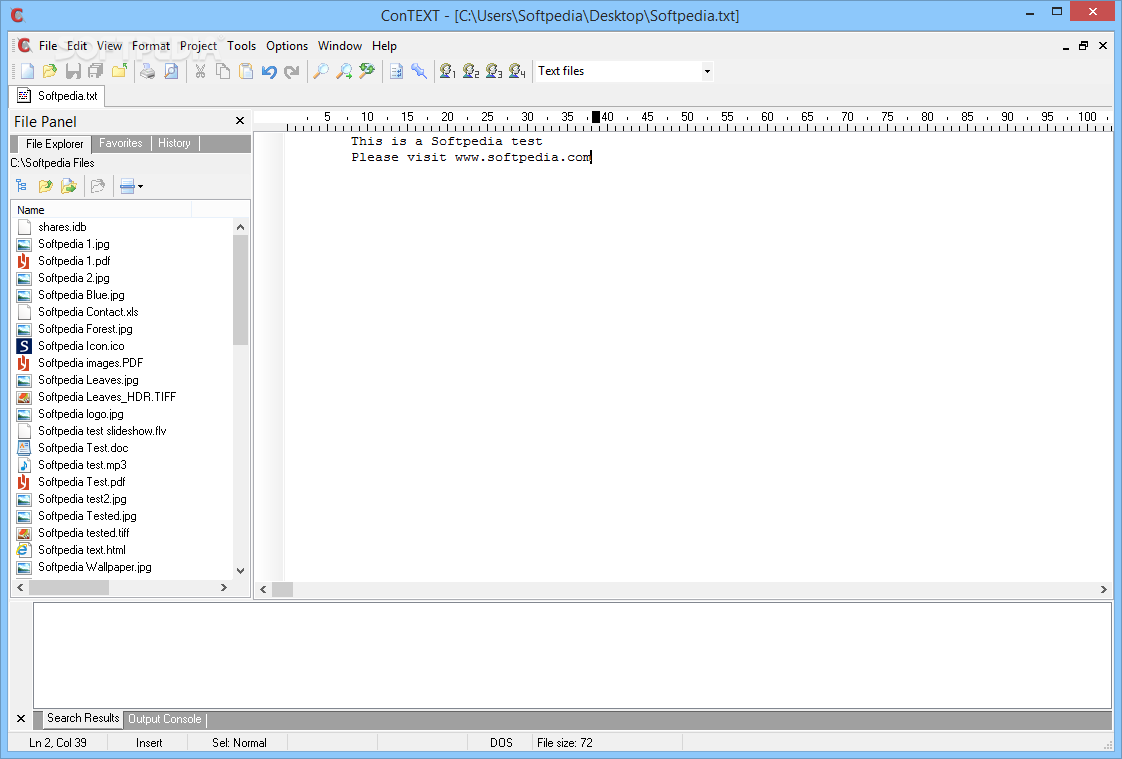
ConTEXT is a powerful text editor that can lend a hand to developers, as it provides syntax highlighting for Visual Basic, Java, PHP, Python and many others.
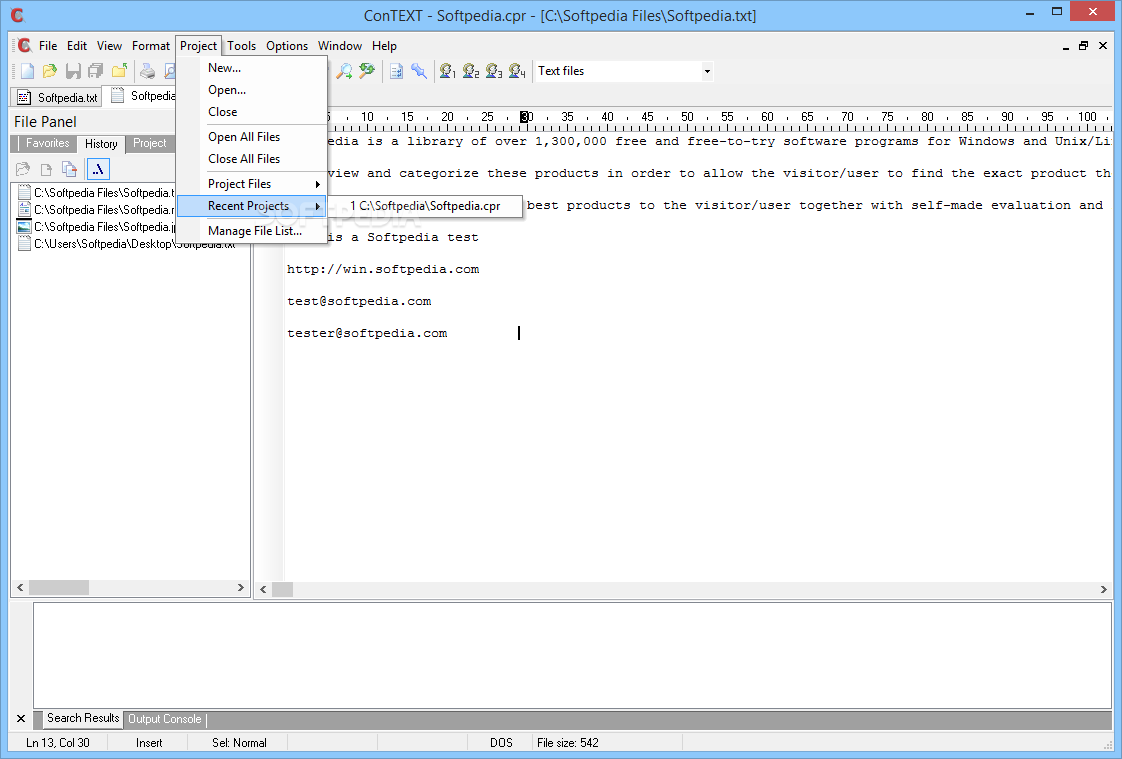
The interface of the application is clean and comes with tab support, which is a great feature for those who want to juggle with multiple documents at the same time.
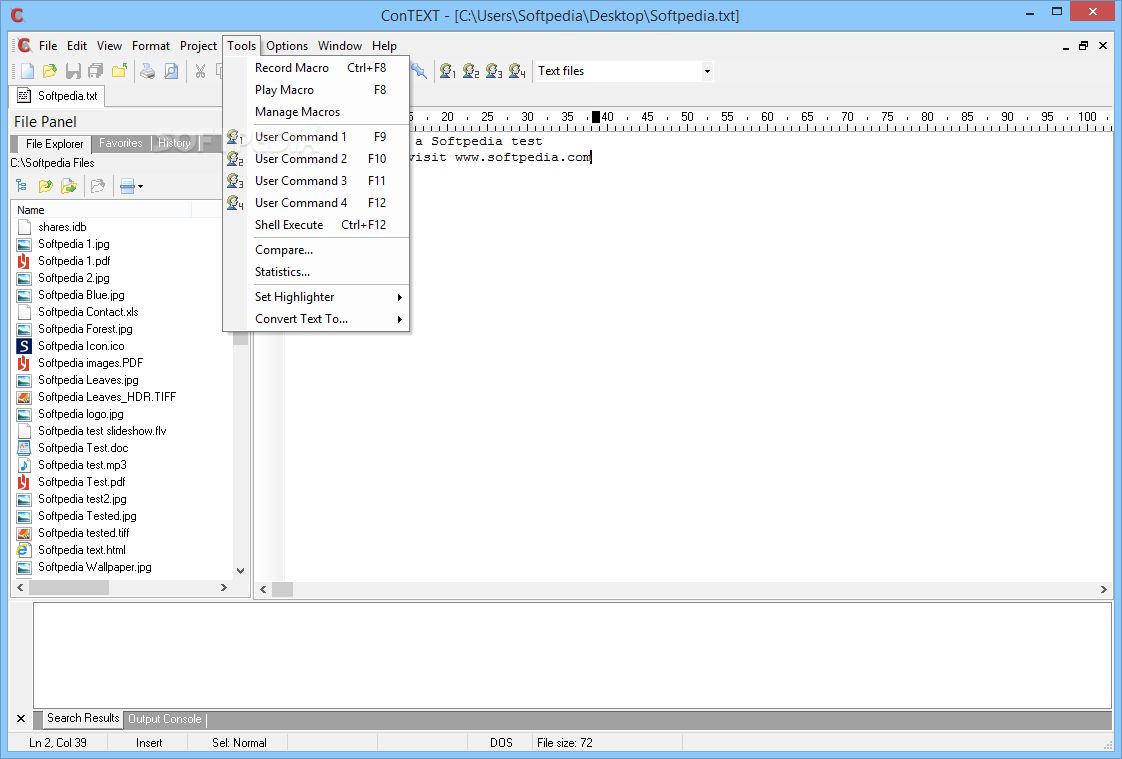
With a file explorer on the left and tabs placed at the top of the main window, it's easy to manage multiple documents at the same time, while the nifty buttons in the toolbar provide access to all the tools of the app.
Basically, ConTEXT is able to open as many files as you want because the operating system is not slowed down at all or, at least, that's what the developer claims. And during our test, we've learned that ConTEXT is indeed a resource friendly app, with a small footprint on the computer’s CPU and RAM.
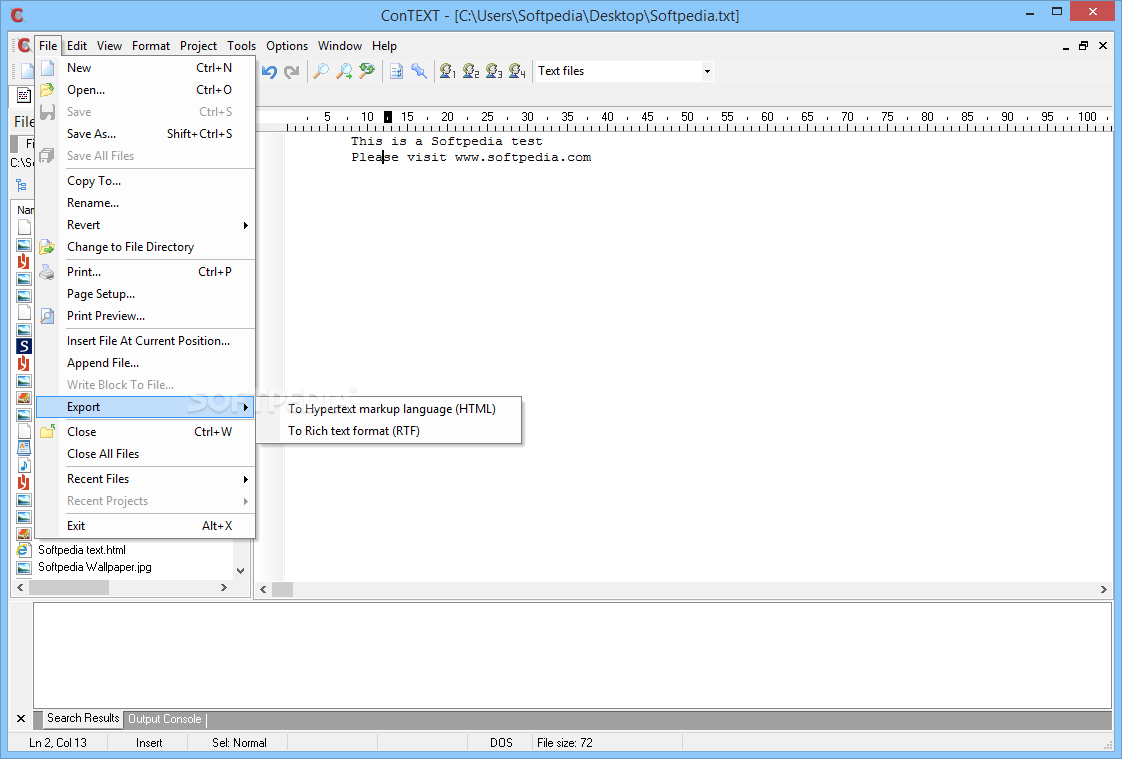
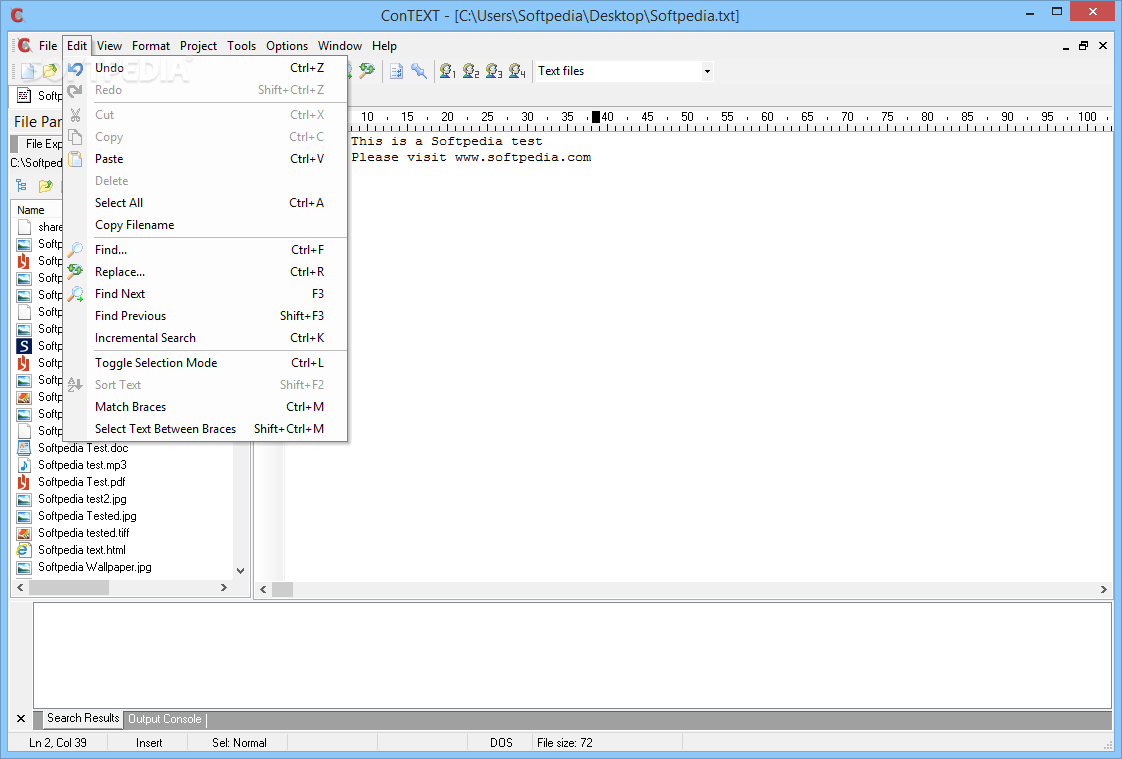
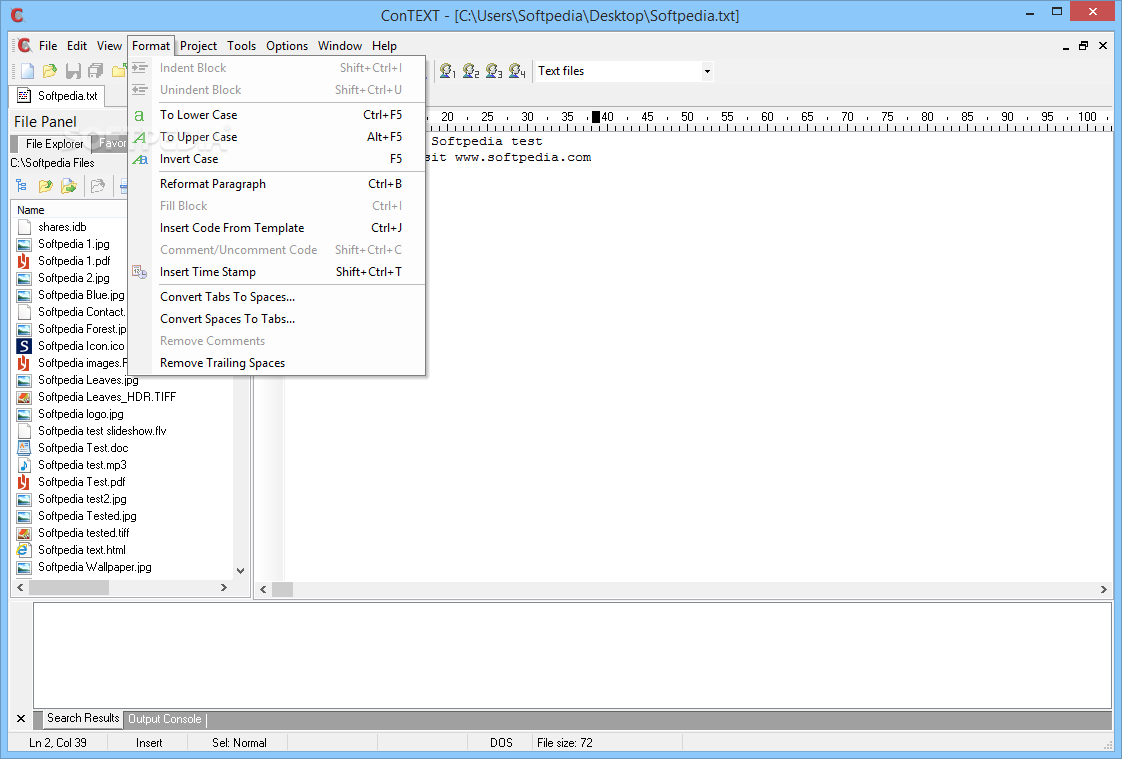
The number of tools included in this text editor is fantastic; it bundles code templates, a powerful macro record, bookmarks, a file exporter to HTML and RTF, unicode UTF8 support, conversion between DOS, UNIX and Macintosh file formats, comments and fully customizable text formatting options.
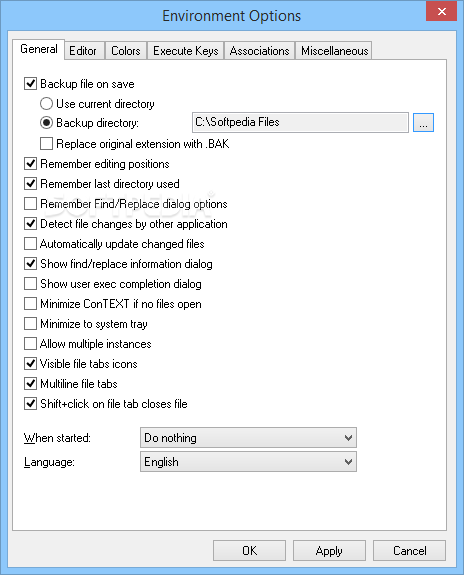
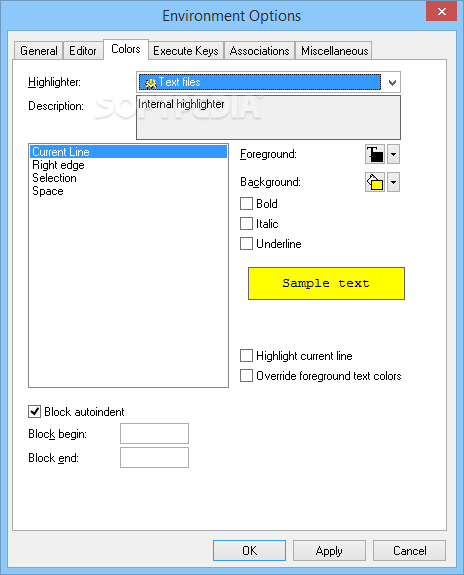
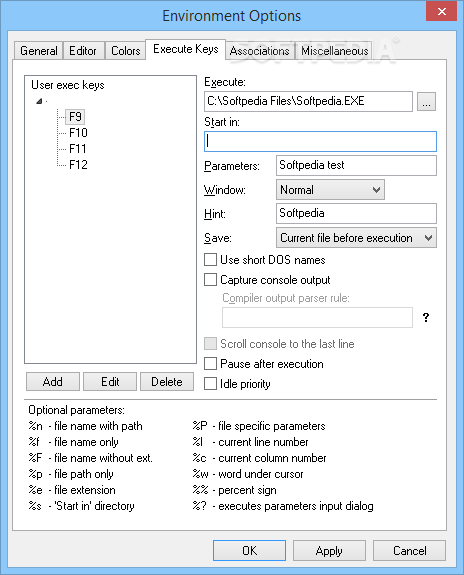
Just as expected, ConTEXT comes with a huge settings menu that allows you to change everything from the way the editor works to file associations and colors.
It's no surprise that ConTEXT includes a detailed help file, so in case you need assistance on one of the included apps, it's recommended to have a look in here first.
As a conclusion, it's no doubt ConTEXT is a powerful tool, sporting ease of use and accessibility. Developers, as well as home users can make use of it.
Download Hubs
ConTEXT is part of these download collections: Text Editors, Java Editor, Open TXT, View TXT
What's new in ConTEXT 0.98.6:
- Fixed crash with no C drive.
- Fixed File Compare crash.
- Windows Vista and Windows 7 Support for Notepad replace script.
- Misc Bug Fixes.
ConTEXT 0.98.6
 Softpedia Editor's Pick
add to watchlist
add to download basket
send us an update
REPORT
Softpedia Editor's Pick
add to watchlist
add to download basket
send us an update
REPORT
- portable version
- This is the portable version of the application. An installable version is also available: Portable ConTEXT
- runs on:
- Windows All
- file size:
- 1.6 MB
- filename:
- ConTEXTv0_986.exe



- main category:
- Office tools
- developer:
- visit homepage
IrfanView

Bitdefender Antivirus Free

4k Video Downloader

7-Zip

Context Menu Manager

calibre

ShareX

Microsoft Teams

Zoom Client

Windows Sandbox Launcher

- Microsoft Teams
- Zoom Client
- Windows Sandbox Launcher
- IrfanView
- Bitdefender Antivirus Free
- 4k Video Downloader
- 7-Zip
- Context Menu Manager
- calibre
- ShareX