
Manage your daily tasks and routines with this program that combines the spirit of an organizer with your mail client and password vault to form a super centralized system #Event organizer #Task scheduler #Password generator #Organizer #Organize #Schedule

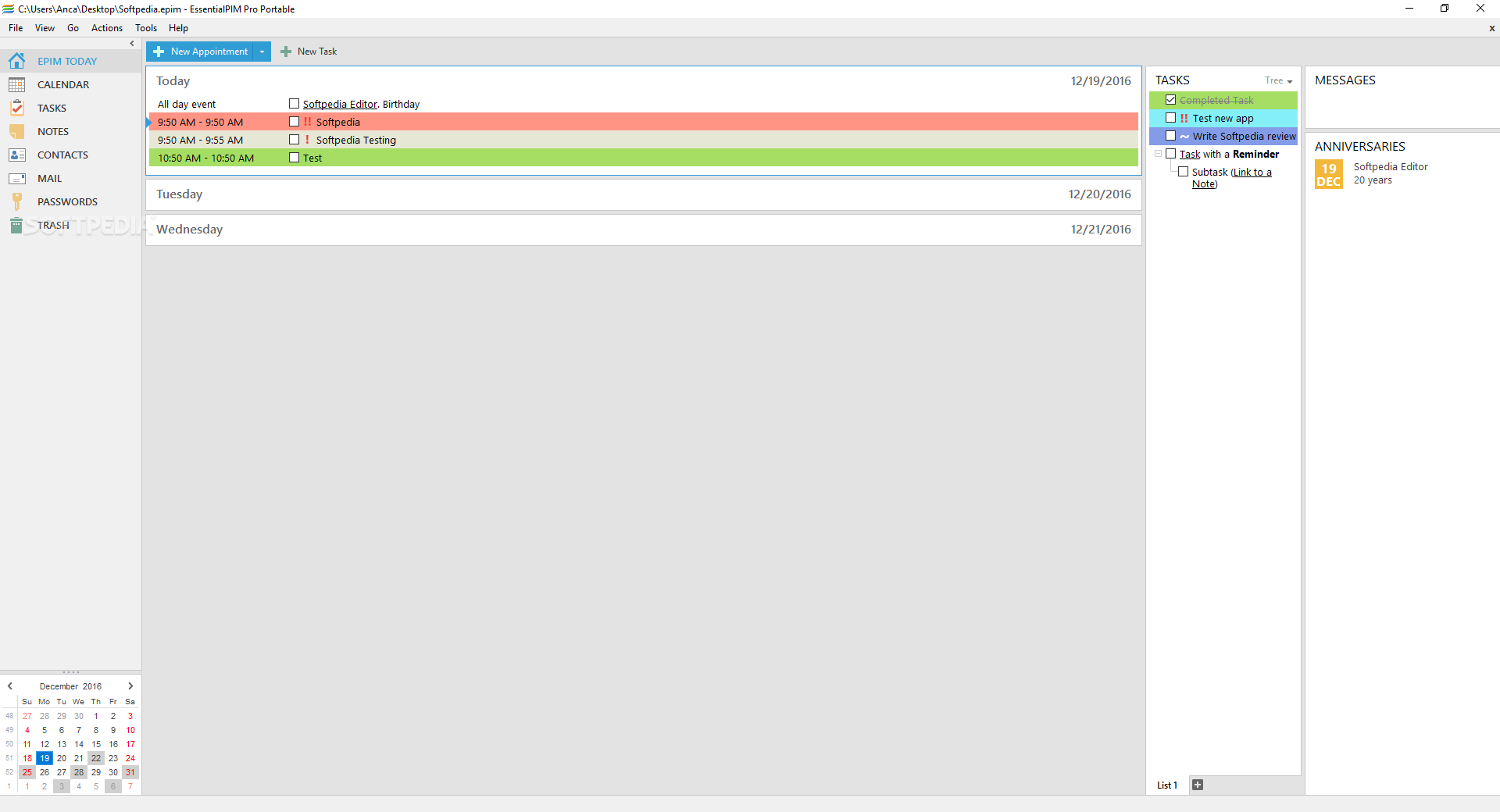
I would compare EssentialPIM Pro Portable with the capital of any major country out there, mainly its centralizing aspect, which means it is the heart of a certain patch of land.
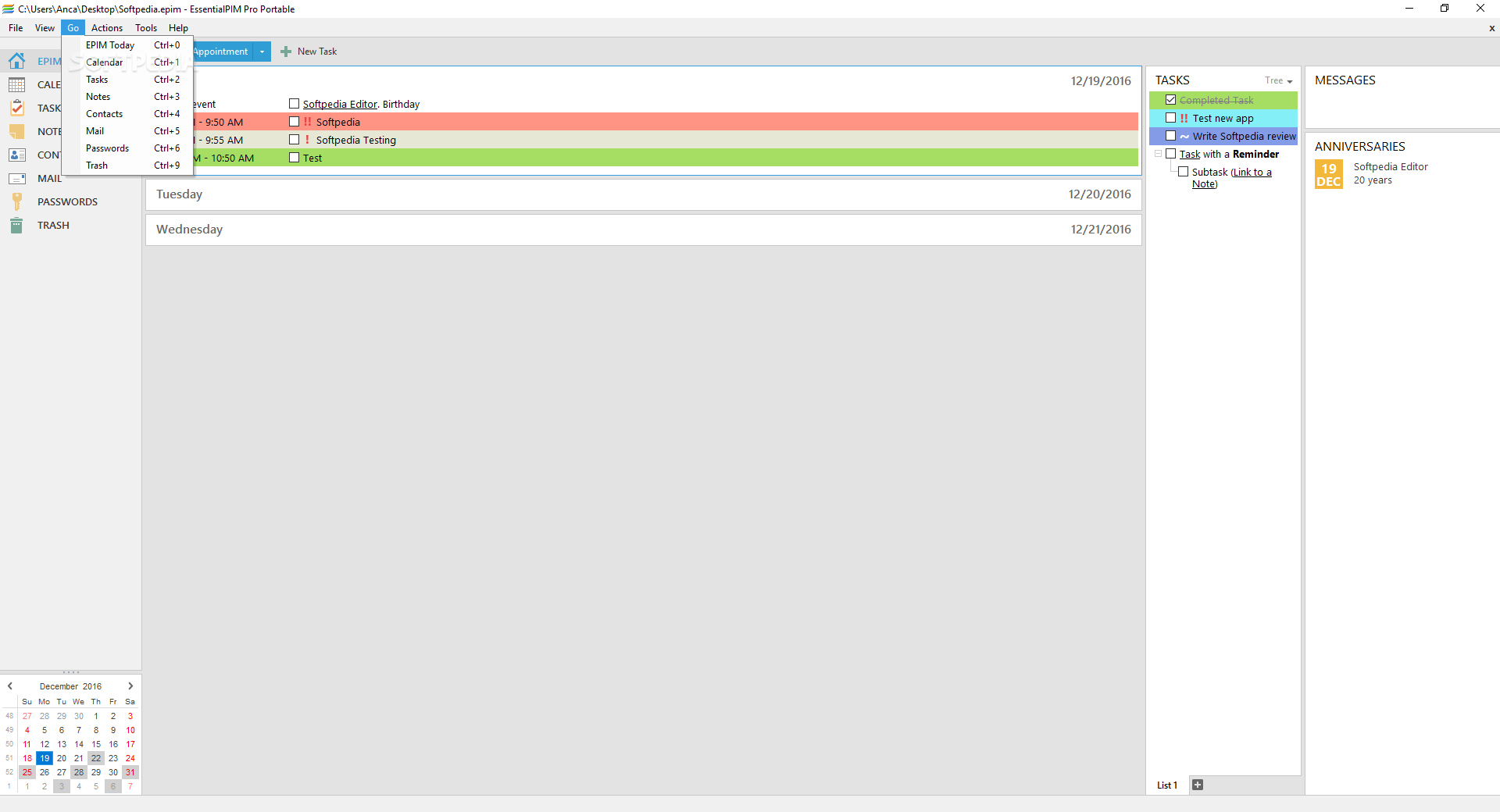
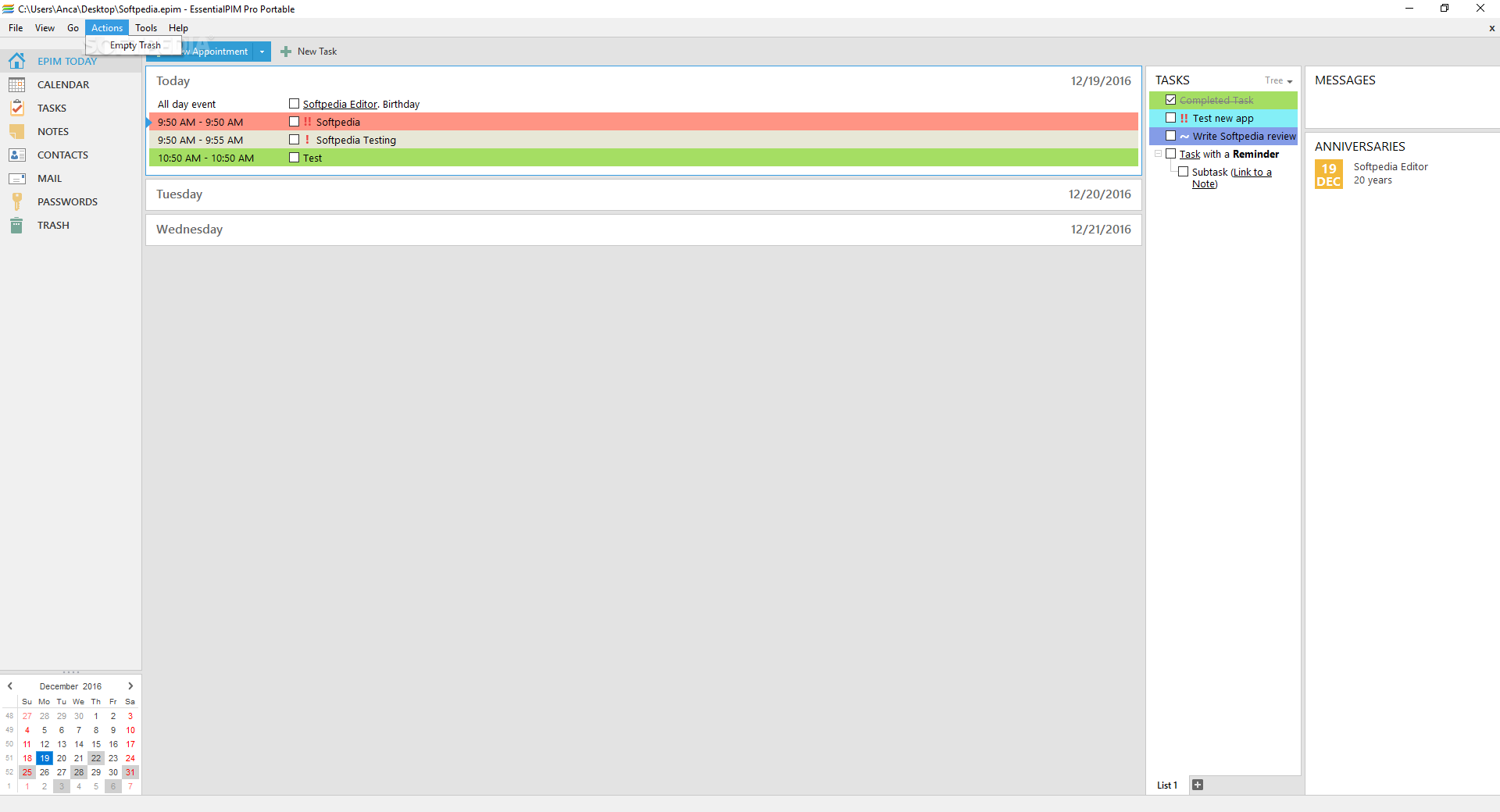
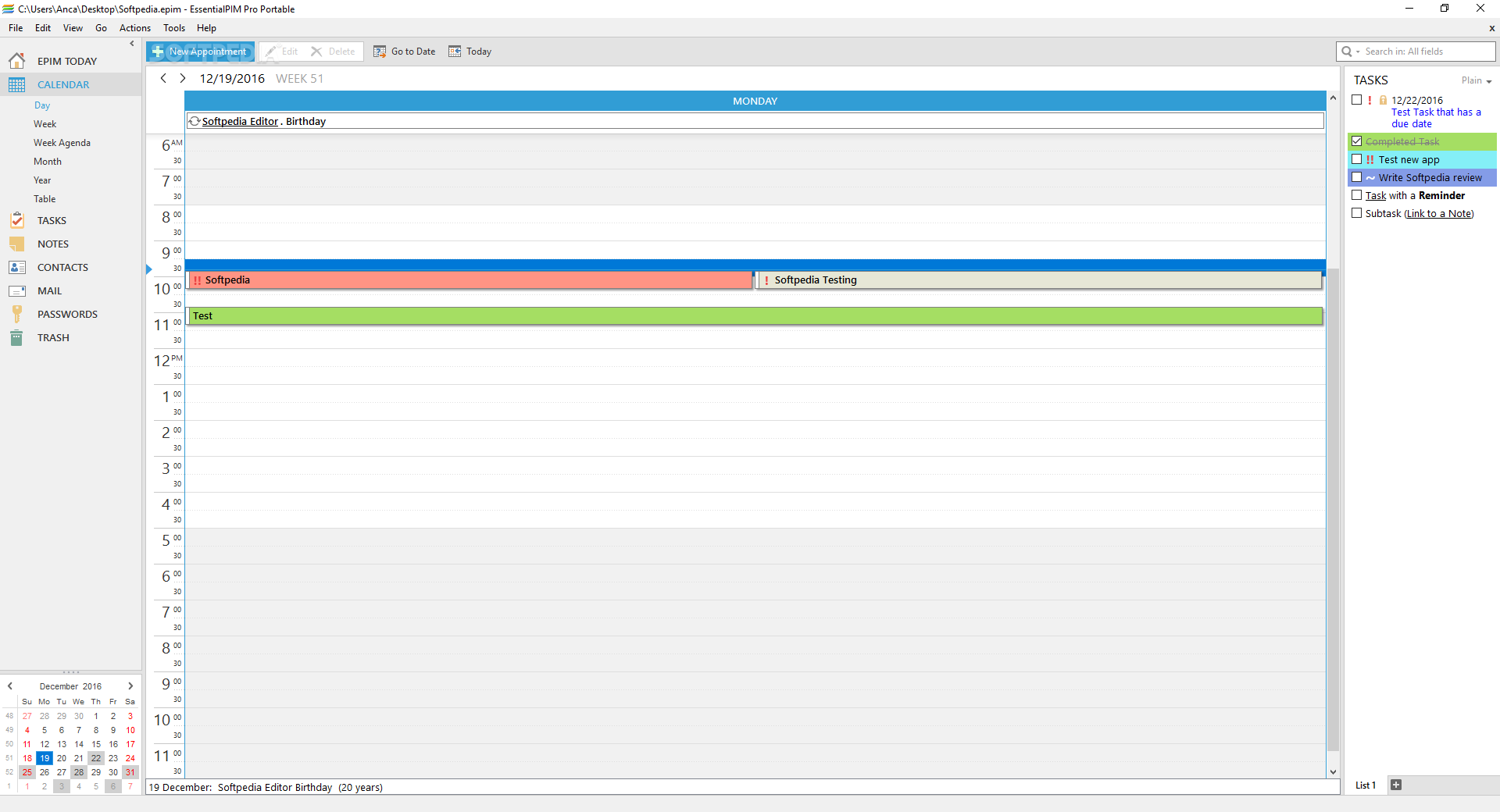
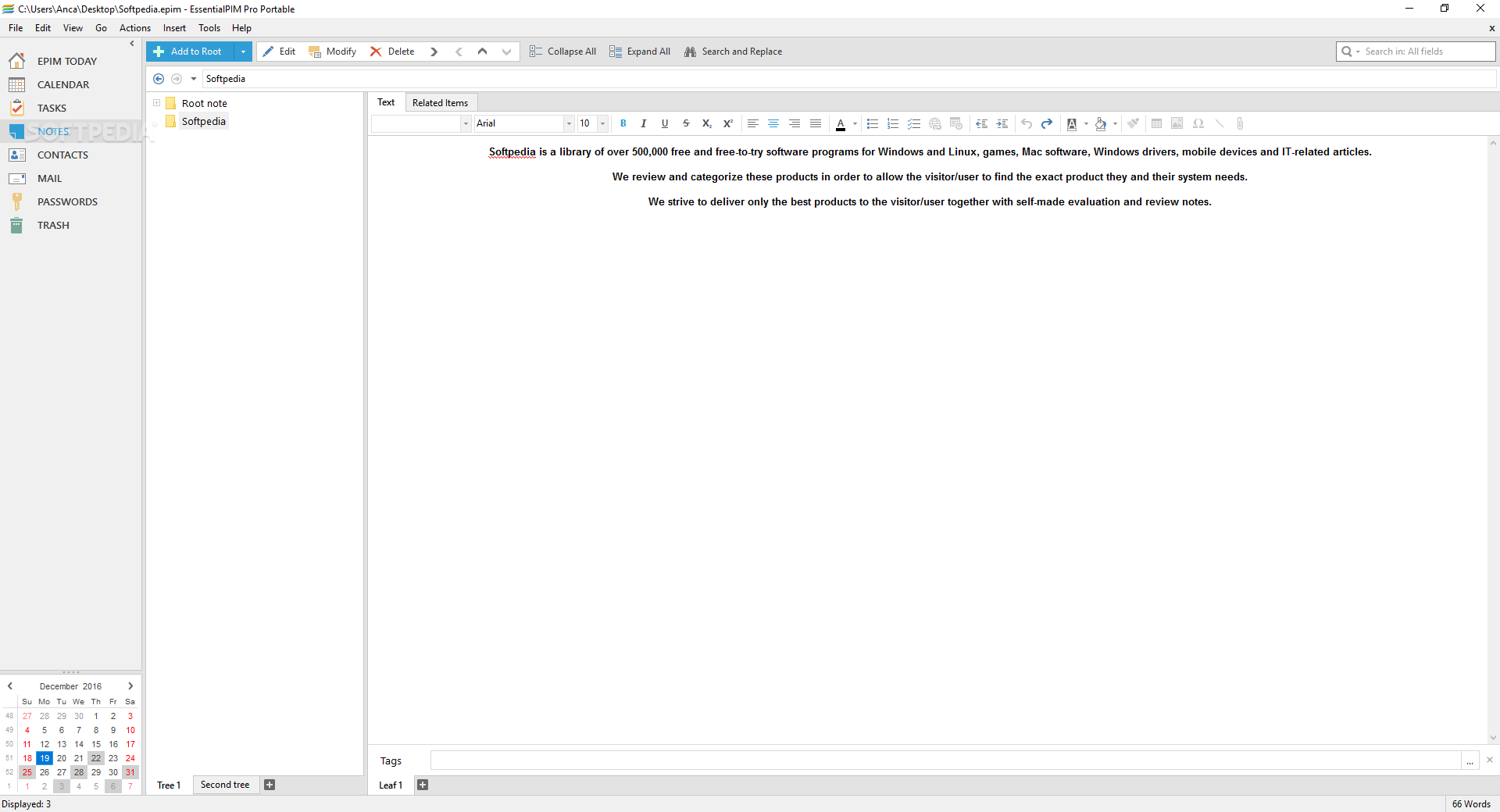
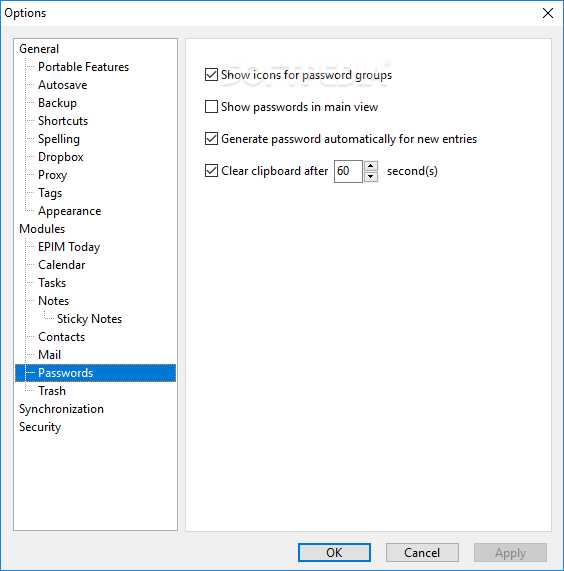
Much like that, the application could become the centralizing factor in your life, being able to store passwords, hold thoughts, arrange schedules, and also provide an overall glimpse of one's life in a short few lines.
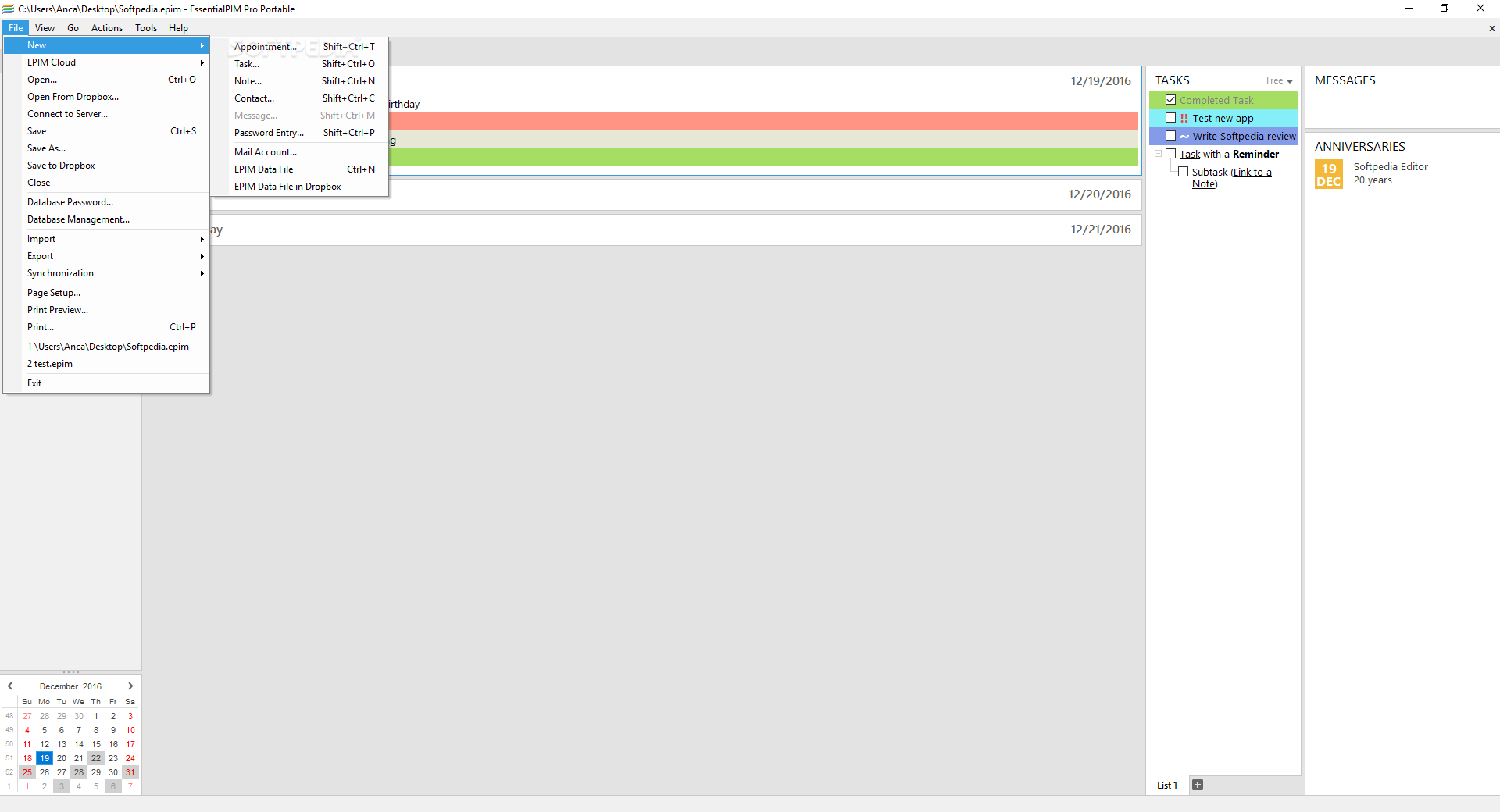
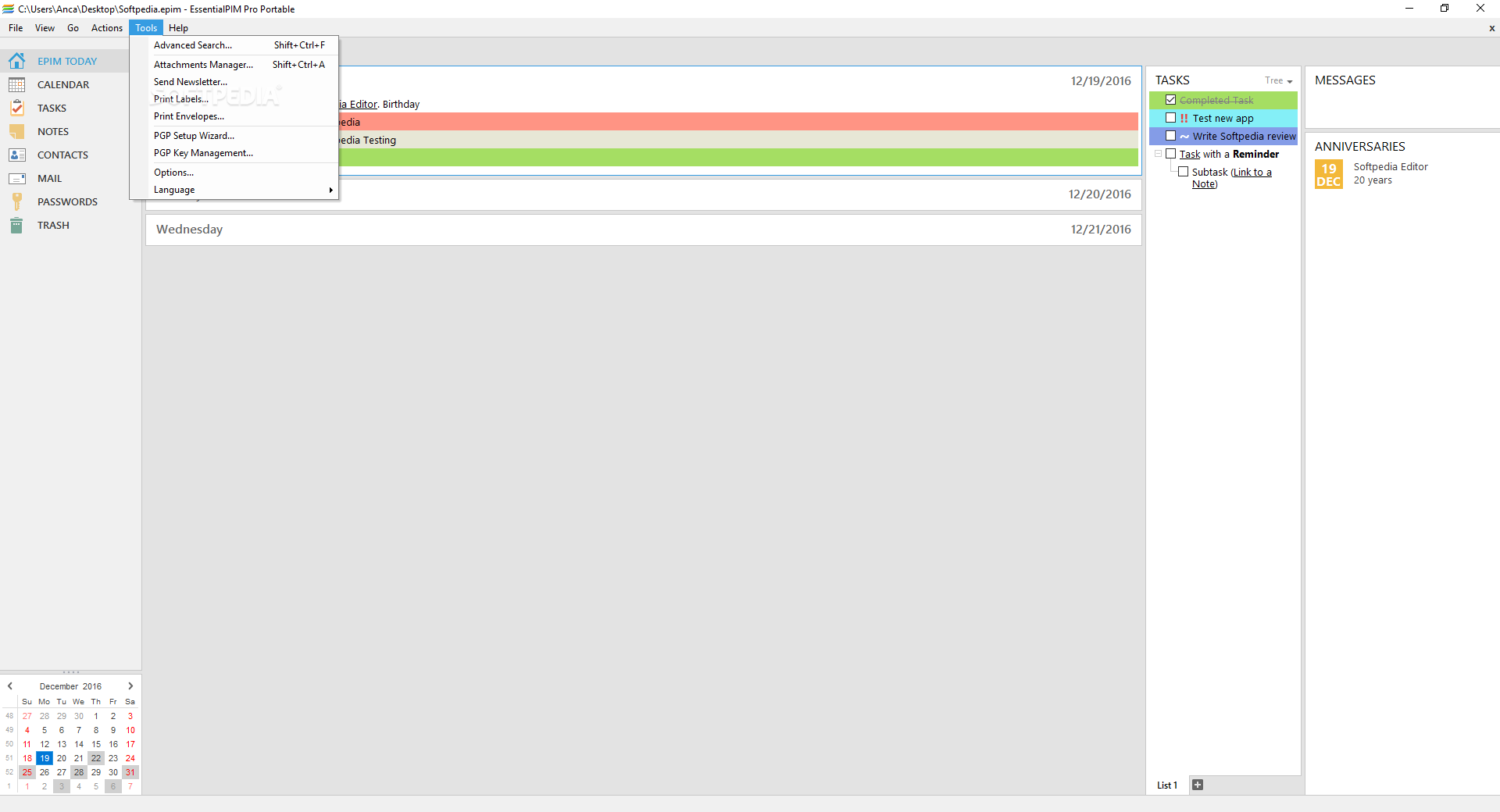
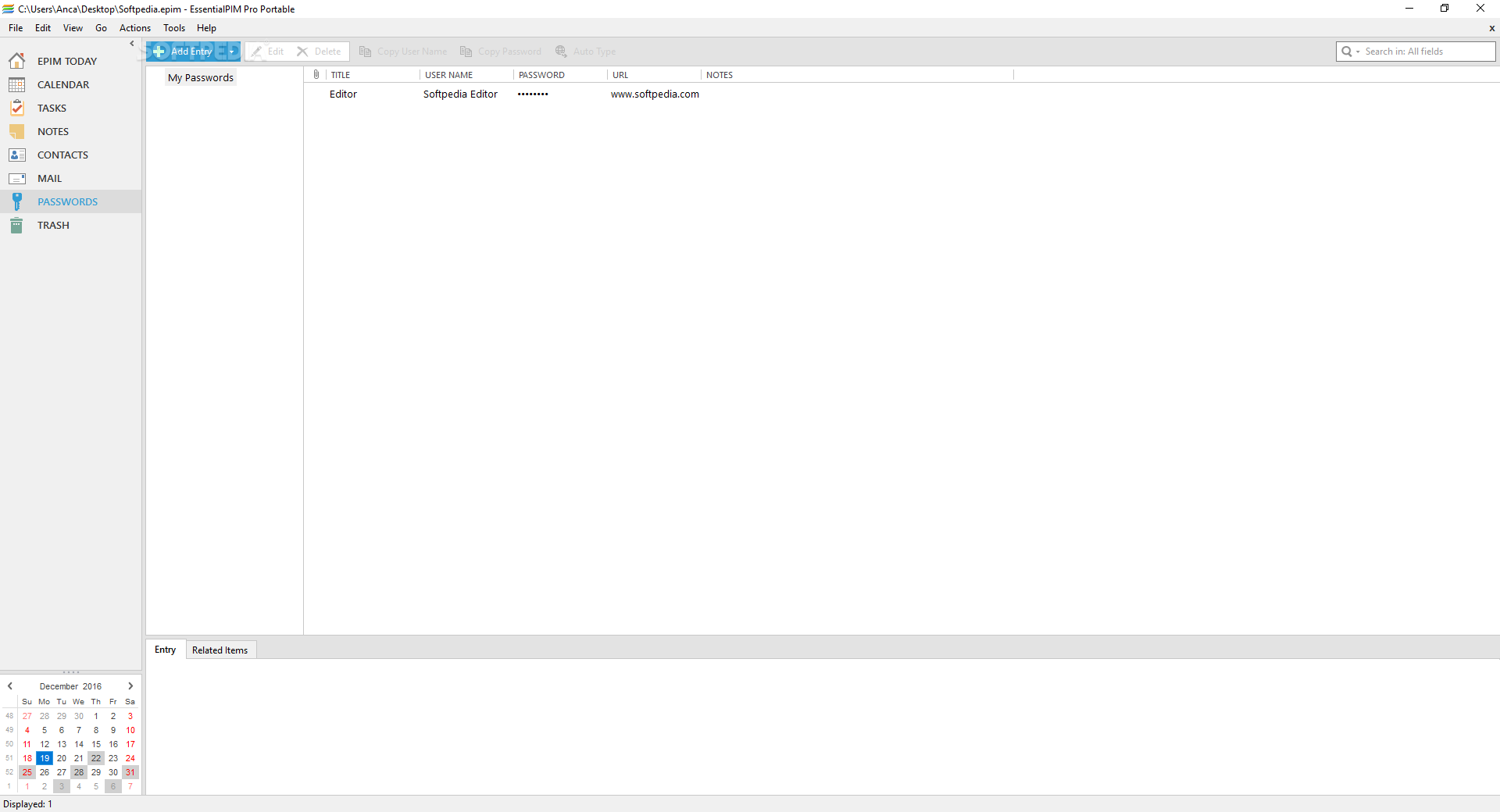
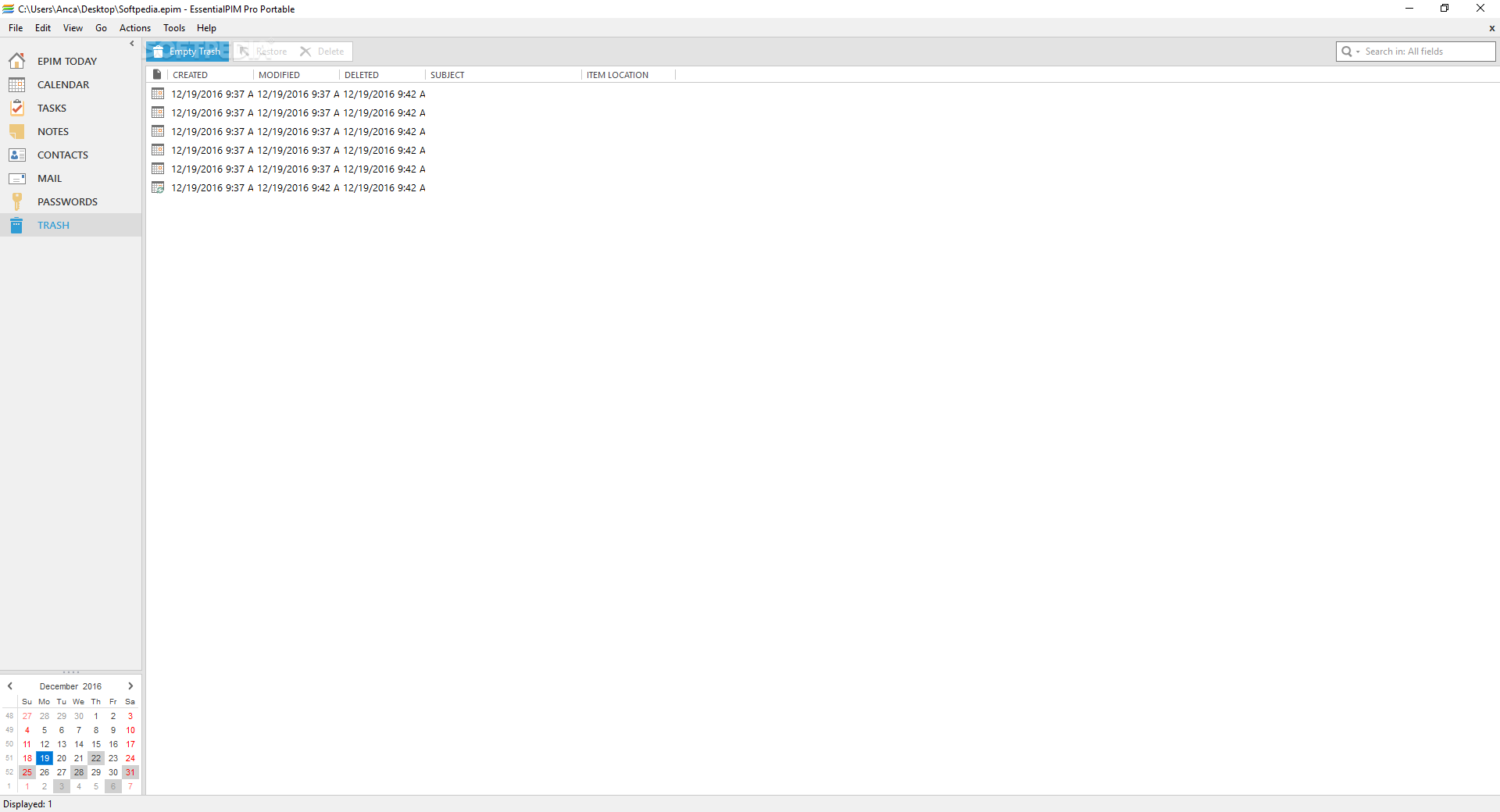
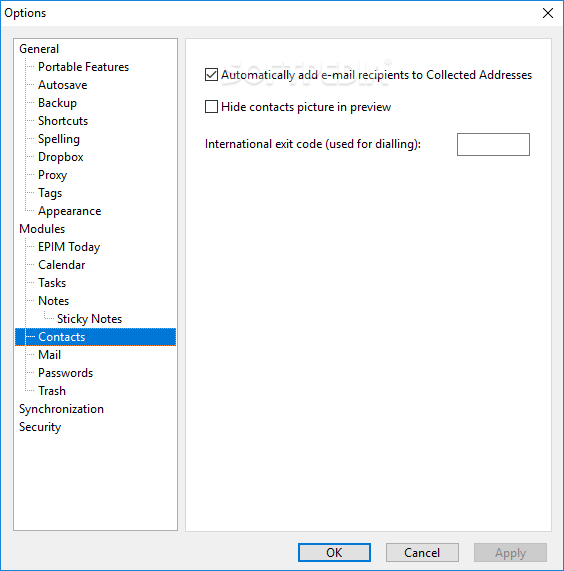
As previously stated, the application does seem at first sight like an organizer, but it is so much more, especially if we take into consideration the mail capabilities it holds or the password vault it can become if need be.
I'd say it can easily be seen as the base for a micromanaging system which will ultimately allow any user who takes full not of its capabilities to become more productive while also winning some time for other future projects.
You can create a list of tasks and then have them assigned on different difficulty or emergency levels. The overall system here is nothing new, but it is efficient and even more so when associated with all the other features previously listed.
I was skeptical at first about this program, meaning I thought it might help, but then not really more than other similar products. I am happy to say I might have undermined its powers, and what powers these are in the long run.
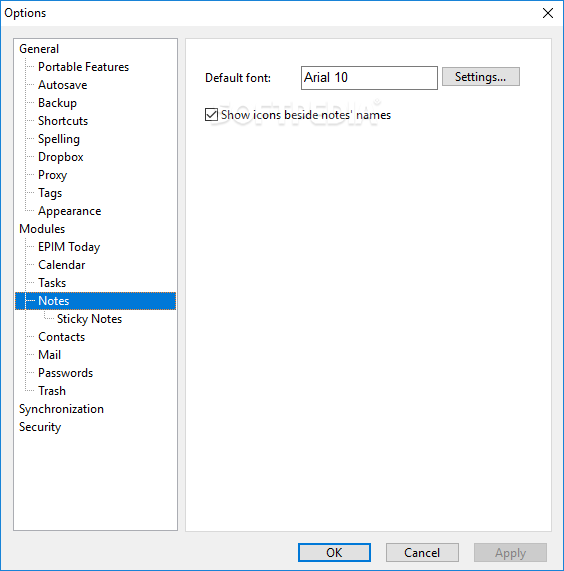
The program is simple to use, maybe a tad on the unfashionable side, but a system that will help you organize yourself better without losing anything in the procedure.
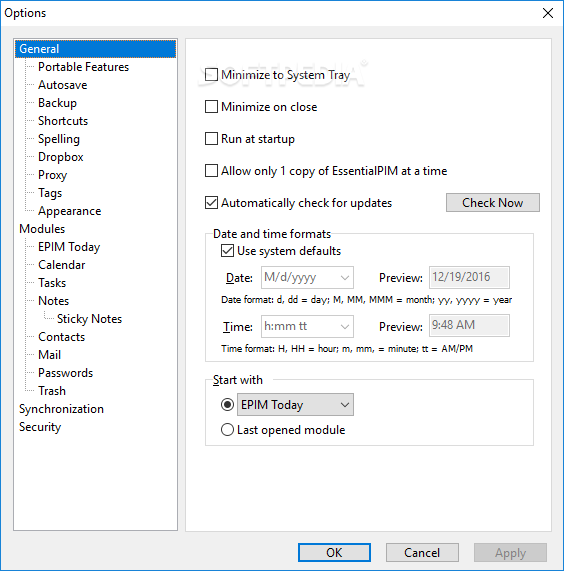
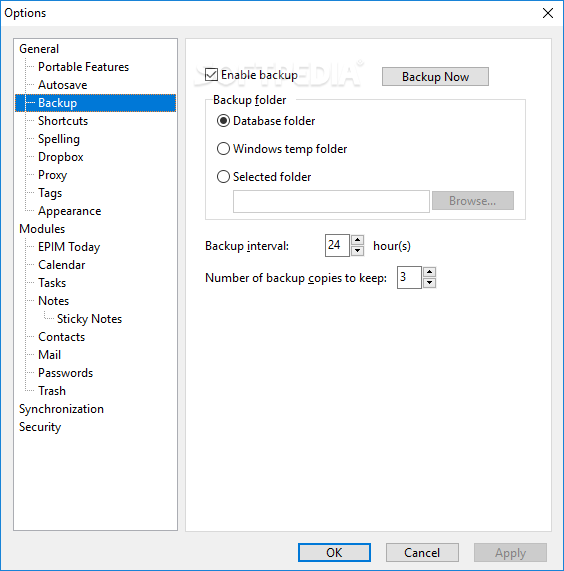
EssentialPIM Pro Portable is an application to keep. If we add the portability perk to our discussion, then things change even further for the better, of course. Do keep in mind that its efficiency also depends a bit on your way of dealing with it, regardless of its promising nature.
What's new in EssentialPIM Pro Portable 11.8.4:
- Optimized rendering of the calendar’s Weekly view when many events are present.
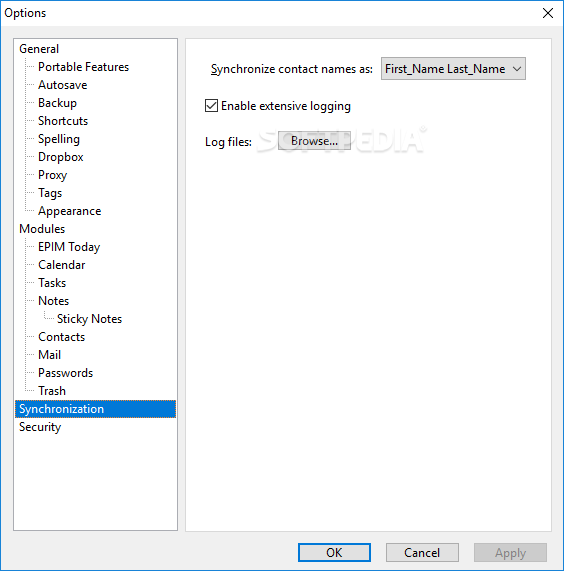
- Improved synchronization with Android EPIM when only the attached files to items were updated.
- The duration for completed tasks will now be correctly calculated.
- Fixed an issue with the conflict resolution window appearing during various types of synchronizations, even when it’s not supposed to.
EssentialPIM Pro Portable 11.8.4
 Softpedia Editor's Pick
add to watchlist
add to download basket
send us an update
REPORT
Softpedia Editor's Pick
add to watchlist
add to download basket
send us an update
REPORT
- buy now $35.95Pro
- buy now $75.95Lifetime
- buy now $55.95Pro Business
- buy now $95.95Pro Business lifetime
- portable version
- This is the portable version of the application. An installable version is also available: EssentialPIM Pro
- runs on:
-
Windows 11
Windows 10 32/64 bit
Windows 8 32/64 bit
Windows 7 32/64 bit - file size:
- 68.1 MB
- filename:
- EssentialPIM.exe



- main category:
- Portable Software
- developer:
- visit homepage
Windows Sandbox Launcher

ShareX

IrfanView

calibre

Zoom Client

4k Video Downloader

7-Zip

Microsoft Teams

Context Menu Manager

Bitdefender Antivirus Free

- Microsoft Teams
- Context Menu Manager
- Bitdefender Antivirus Free
- Windows Sandbox Launcher
- ShareX
- IrfanView
- calibre
- Zoom Client
- 4k Video Downloader
- 7-Zip