
A portable Git client that provides an easy to use and intuitive interface to help you manage all the repositories without a lot of hassle. #Git Client #Git Front-End #Version Manager #Git #Mercurial #Version

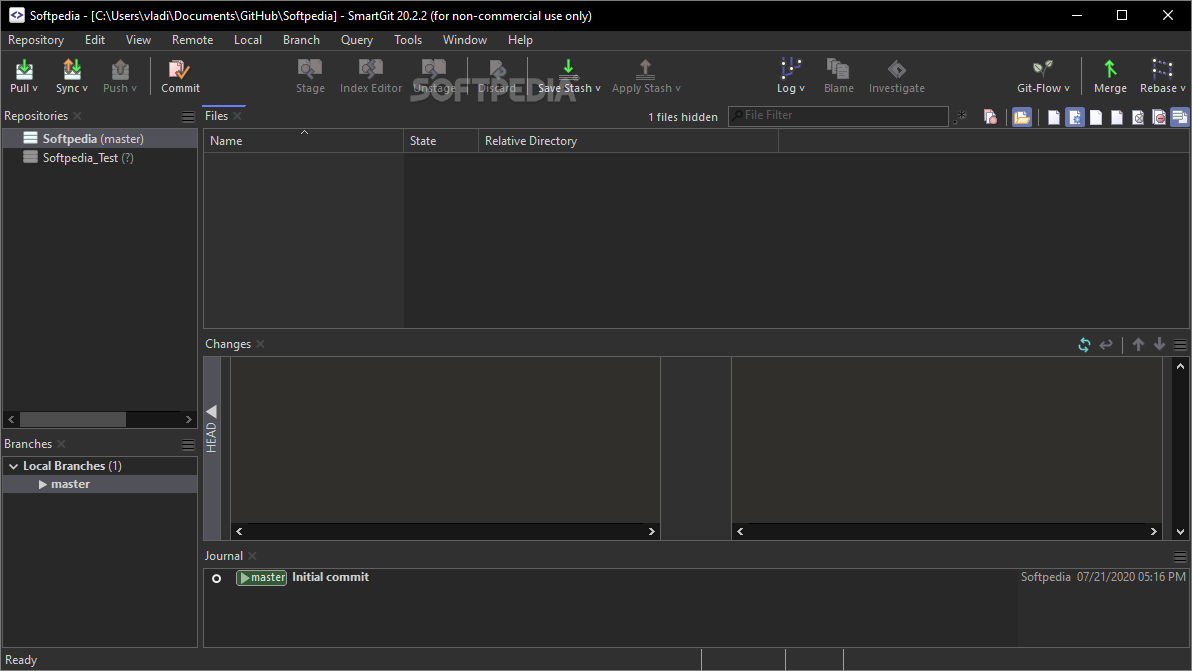
Git is the most popular version control system and the reasons are many: it's a proven system that allows you to accurately track all changes made to files, revert them to a specific version from the past, and it even makes collaboration a breeze.
Using Git used to mean having a lot of know-how and being somewhat comfortable with command-line tools. Nowadays, you want to use Git, you'll most likely resort to a Git client - the better the client, the better your workflow is.
Even though SmartGit is no longer the only choice for Git users, it's still one of the best and most popular tools of this sort out there.
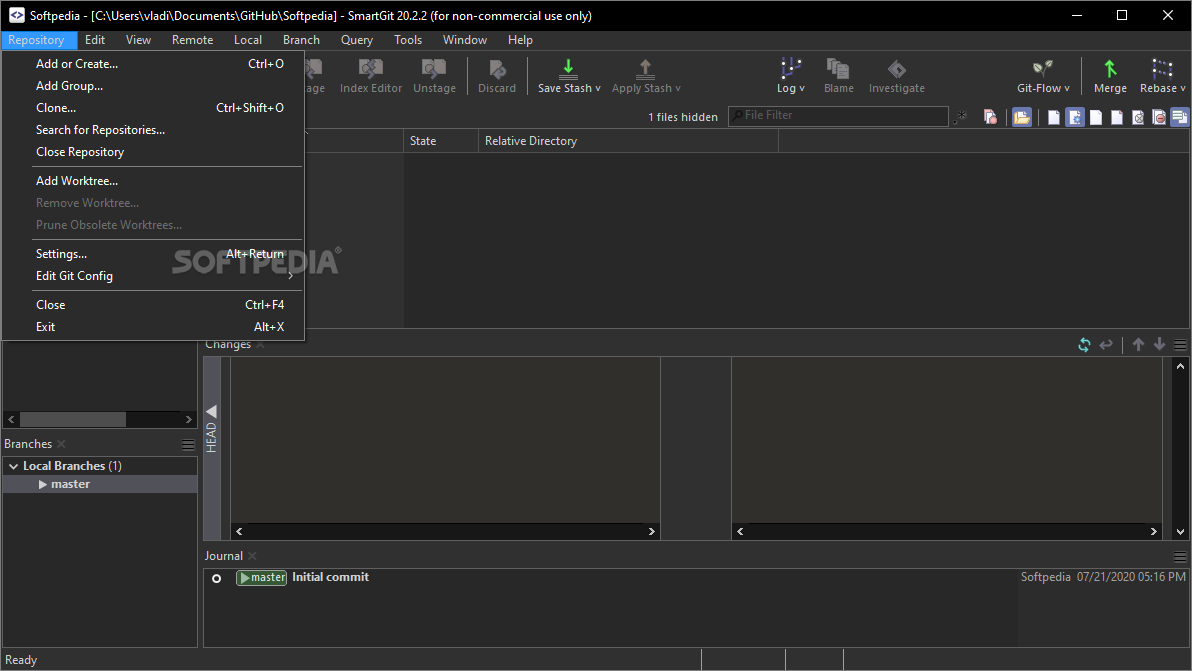
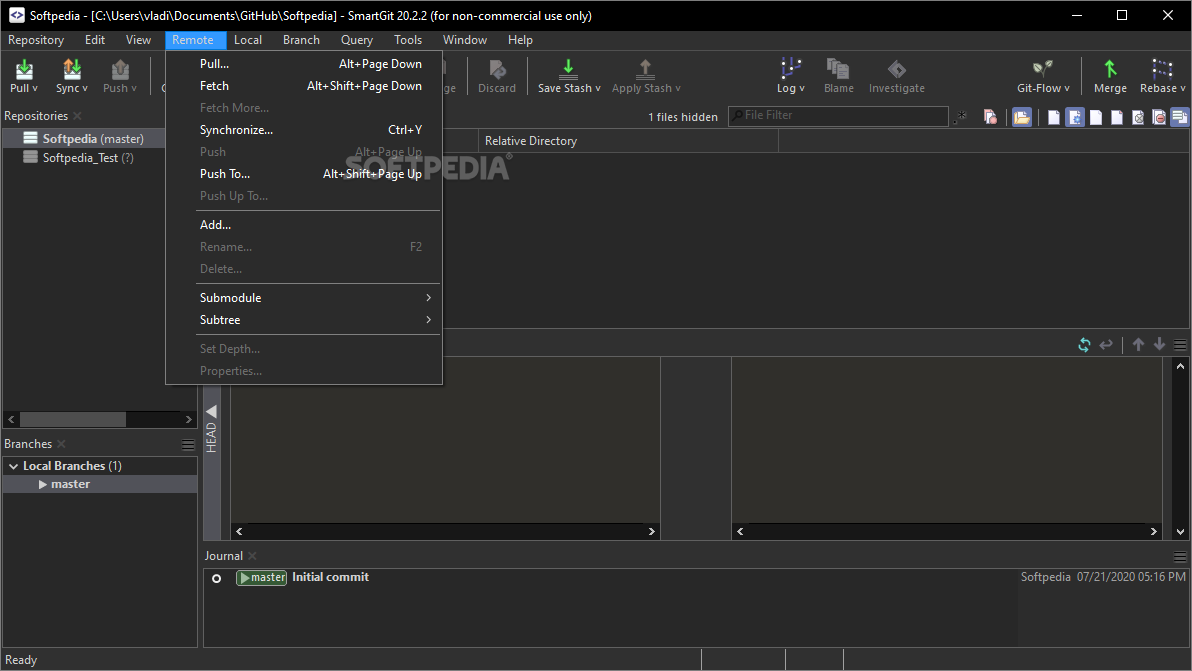
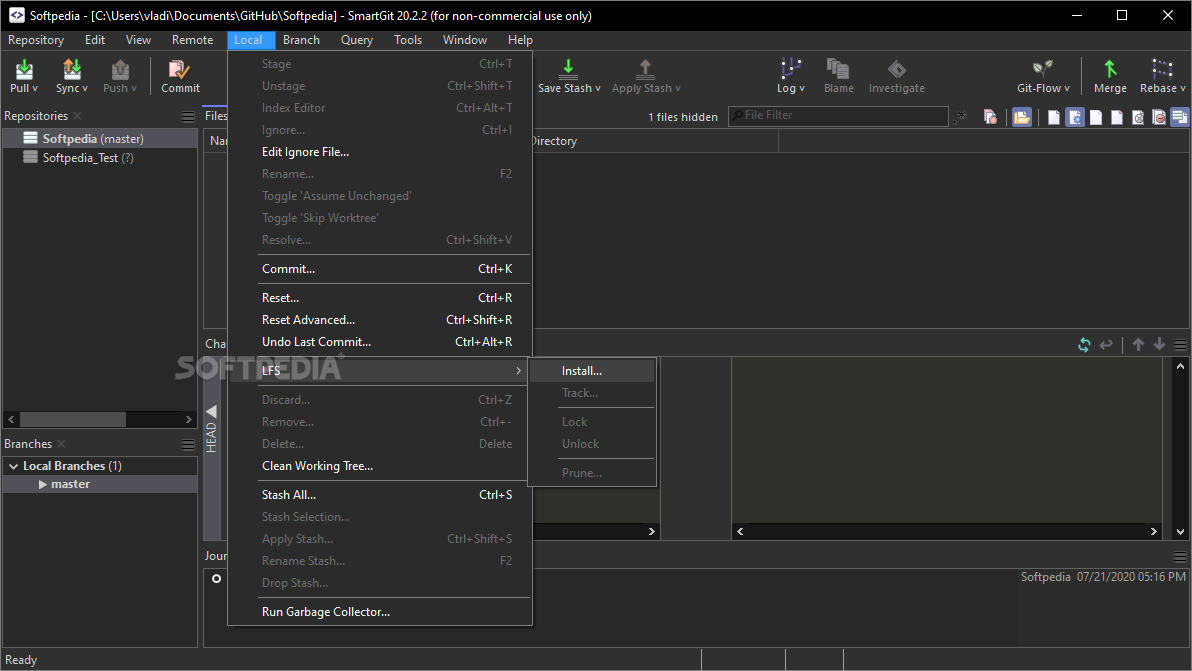
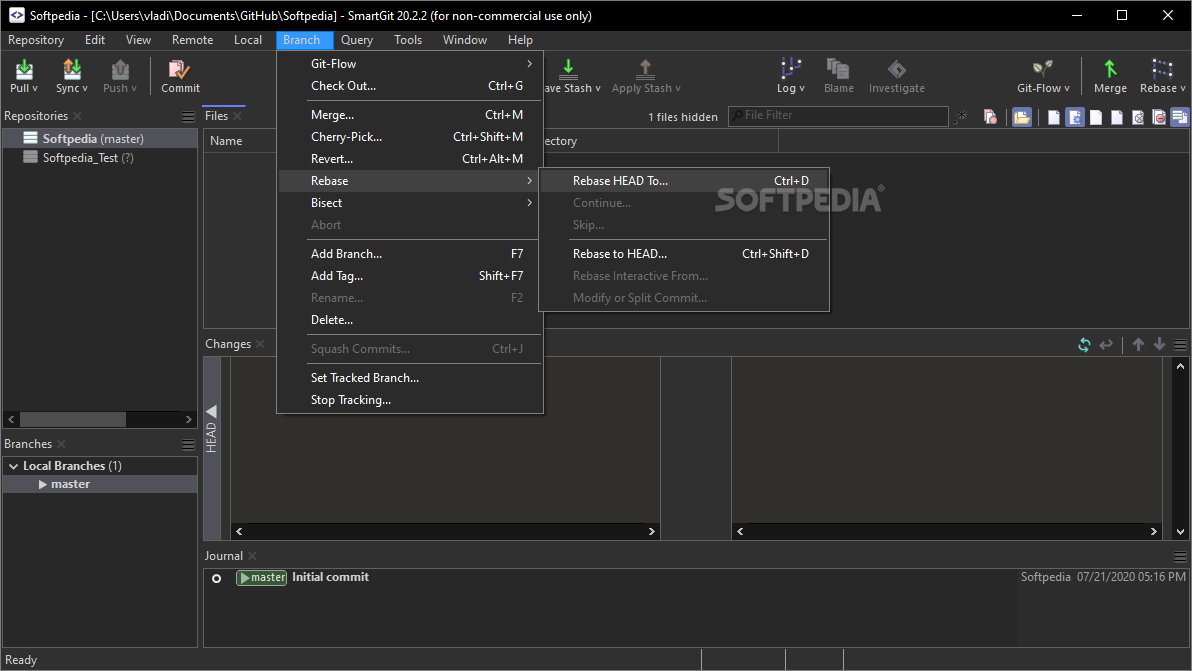
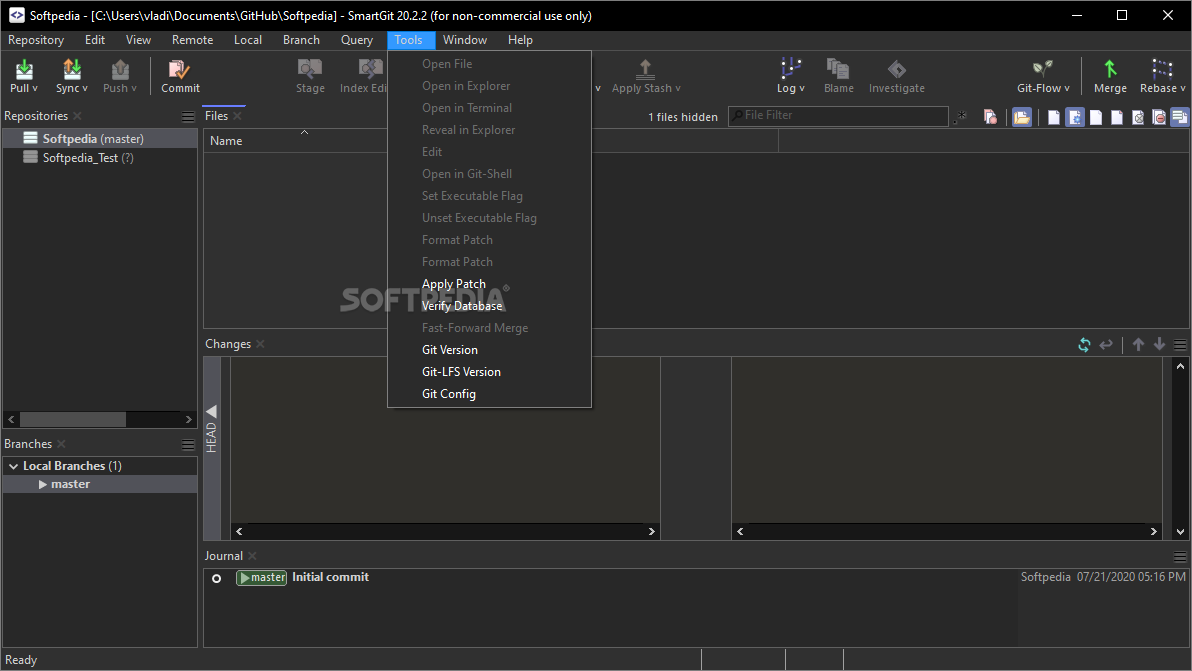
What makes SmartGit (and Portable SmartGit) so great? It's powerful in terms of features, it has a very well-thought-out interface (which is the same for Windows, macOS, and Linux since the app is written in Java), and it has a command-line Git client included.
Graphical Merge and Commit History, as well as a built-in SSH client, File Compare, File Merge and Git-Flow are other useful features that recommend SmartGit as a very competent tool.
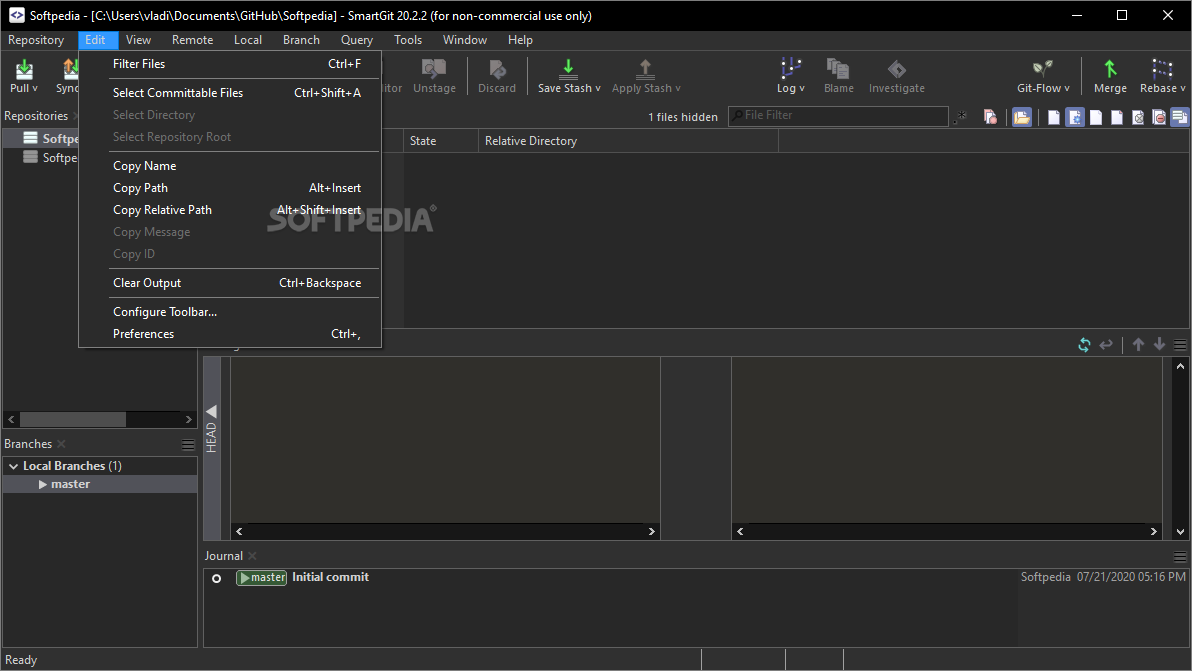
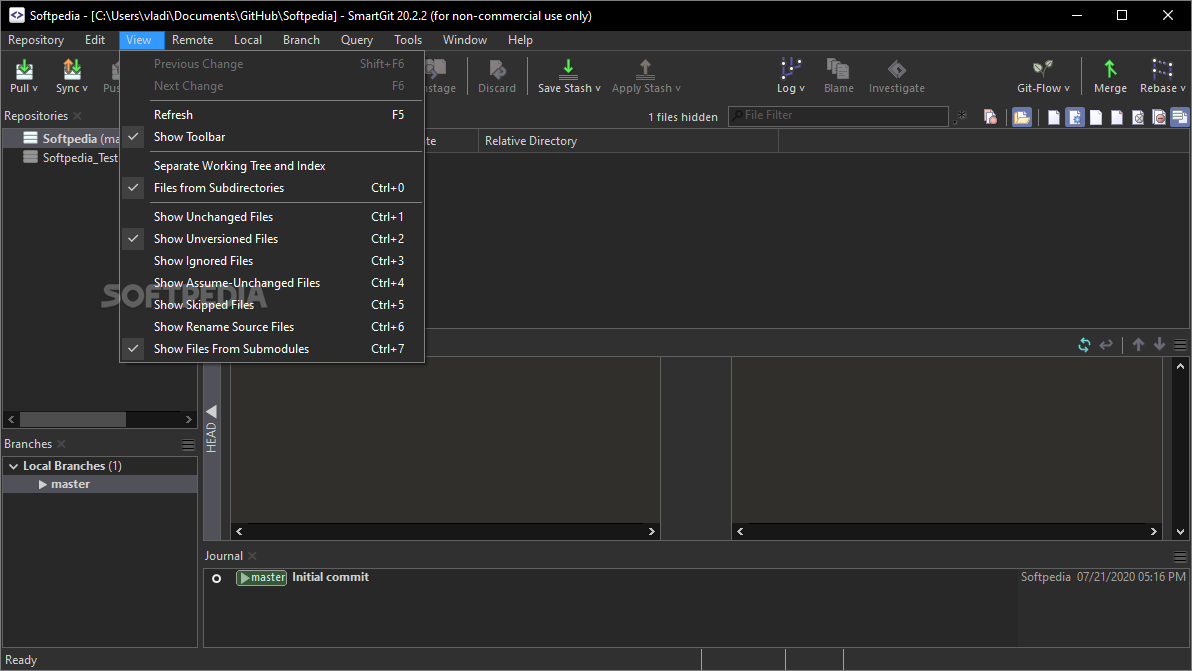
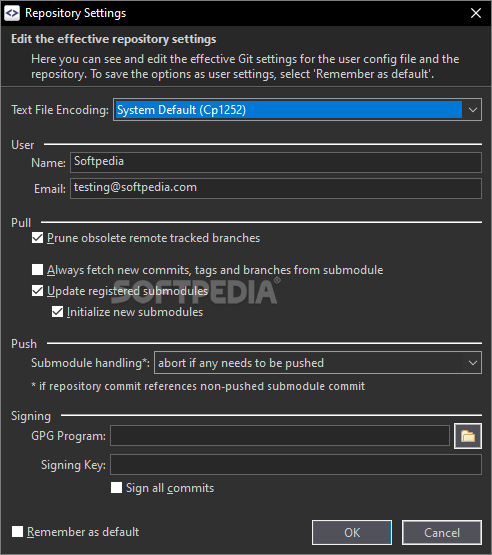
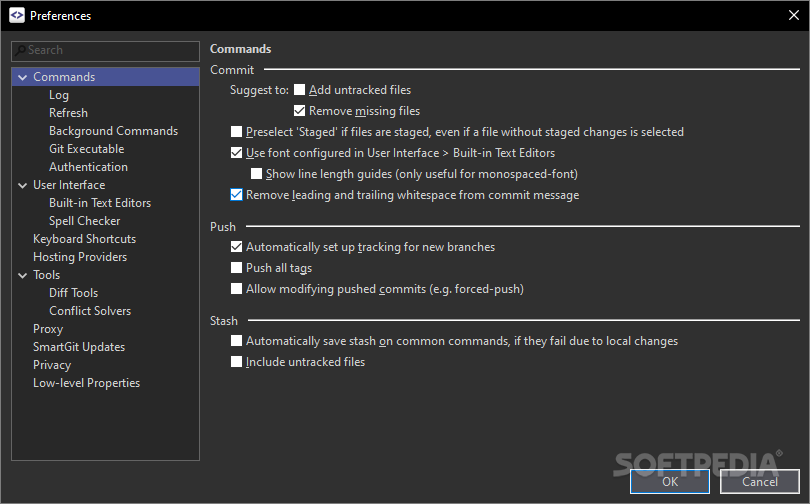
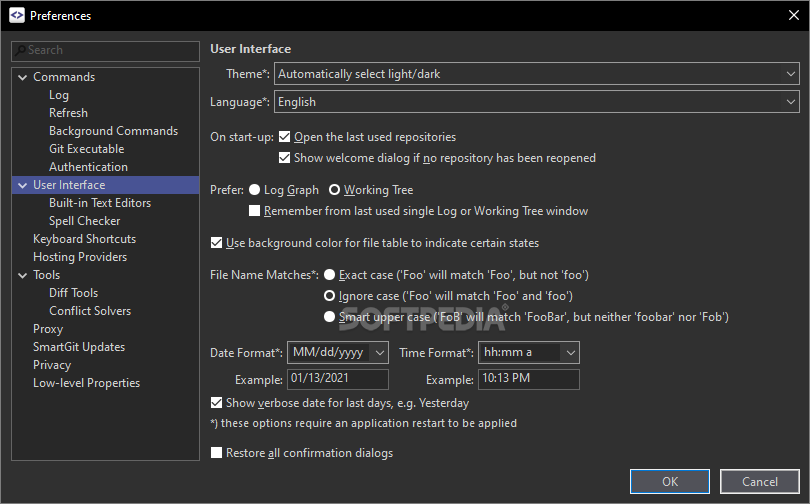
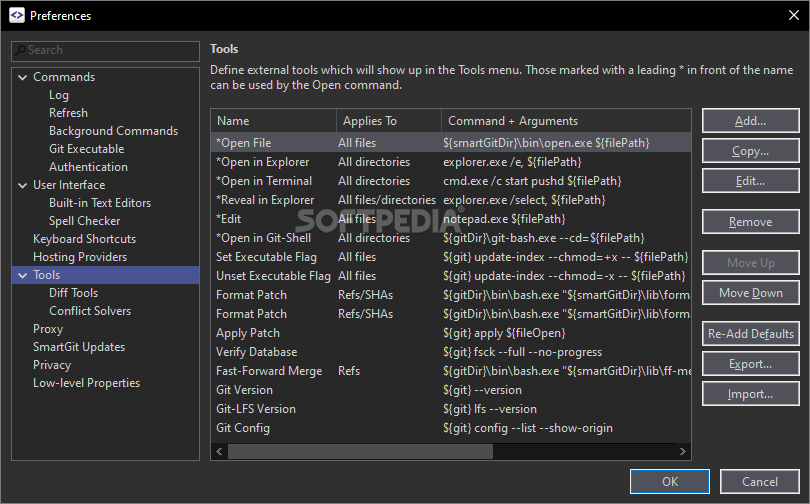
Another great advantage of SmartGit is just how flexible it is in terms of customization. SmartGit allows you to tweak various aspects for Merging and Rebasing, has multiple layouts, various external tools, support for keyboard shortcuts, syntax coloring, light and dark themes, and built-in compare and conflict solver tools.
Another reason why SmartGit is still a very relevant Git tool after all these years is the fact that it comes with special integartions for GitHub, BitBucket, and BitBucket Server (ex Atlassian Stash), as well as Gitlab. It also works with GitFlow.
In addition to everything mentioned above, SmartGit also comes with a portable version (Windows only), which means that it can be easily moved around on any portable storage device to external computers with all its settings intact.
Of course, since it is not the only Git client out there, it's only natural that SmartGit has some potential drawbacks.
Even though the tool's GUI is no doubt nicely designed, it's not exactly welcoming with absolut Git beginners. Since it's a Java-written app, you can make an argument that SmartGit is somewhat resource-hungry, an aspect definitely noticeable on slower computers.
Some may also argue that SmartGit's pricing philosophy is not the best out there. On the upside, SmartGit licenses can be used on as many machines and OSes as you like. Even more so, the tool can be used for free by the non-commercial user (with some restrictions, of course).
Portable SmartGit has a lot going for it, starting with the base things that make a Git client good: great overview of the project and repo log, easy-to-use (for everyone who's not an absolute Git beginner), uncluttered GUI, lots of customization options, great platform support, great integration capabilities (probably the best multi-repo support), it's very extendable with external tools, it has great filtering options, and so forth.
Besides all of these and more, SmartGit is one of the few Git clients that have a portable version. It may not be the most stylish Git client out there, but as a package, SmartGit is very difficult to beat, as it perfectly caters to most Git users' needs, and when it can't do that, it leaves enough room for improvement via plugins and other external tools.
What's new in Portable SmartGit 23.1.3:
- Fixed Bugs:
- Refresh:
- config: possible internal error if config file ends after subsection name
Portable SmartGit 23.1.3 / 24.1 Preview 4
add to watchlist add to download basket send us an update REPORT- portable version
- This is the portable version of the application. An installable version is also available: SmartGit
- runs on:
-
Windows 11
Windows 10 64 bit
Windows 8 64 bit
Windows 7 64 bit - file size:
- 102 MB
- filename:
- smartgit-portable-23_1_3.7z
- main category:
- Portable Software
- developer:
- visit homepage
Context Menu Manager

4k Video Downloader

Bitdefender Antivirus Free

Windows Sandbox Launcher

IrfanView

ShareX

7-Zip

Zoom Client

Microsoft Teams

calibre

- Zoom Client
- Microsoft Teams
- calibre
- Context Menu Manager
- 4k Video Downloader
- Bitdefender Antivirus Free
- Windows Sandbox Launcher
- IrfanView
- ShareX
- 7-Zip