
A handy utility that was especially designed to provide users with a complete environment dedicated to the handling of LaTeX documents. #LaTeX editor #Edit LaTeX #Syntax highlight #Edit #Editor #LaTex

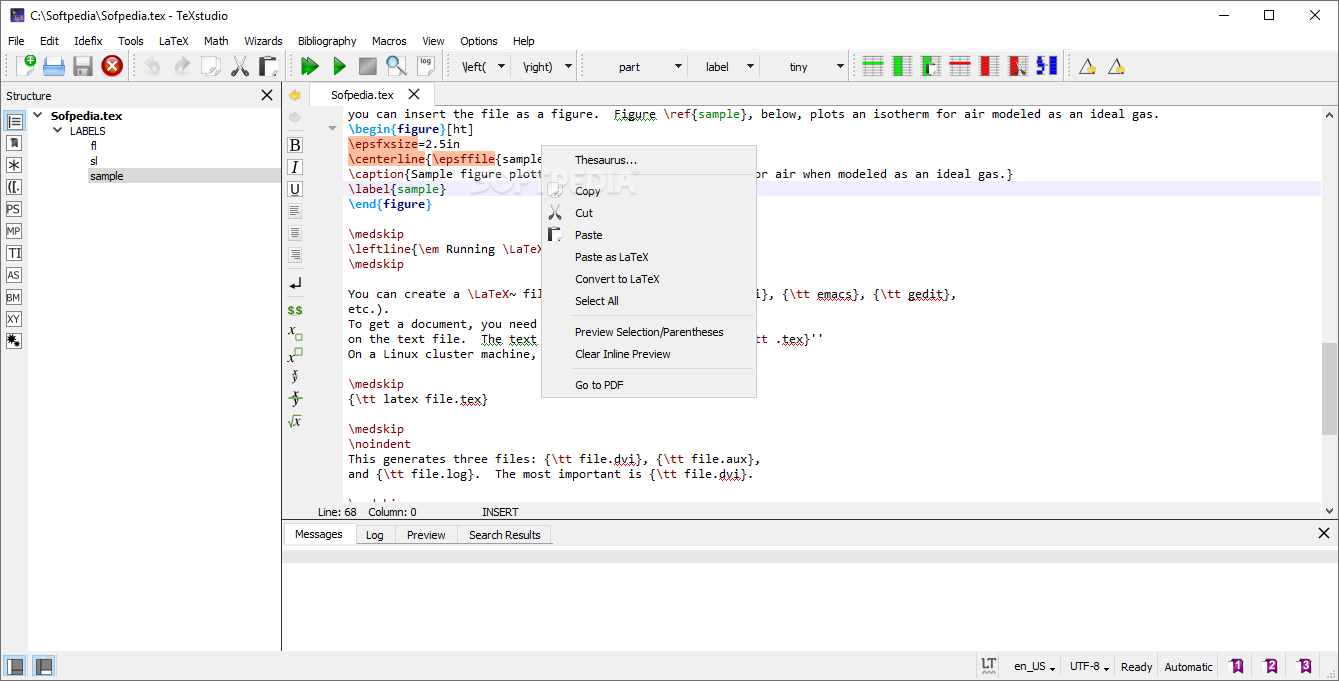
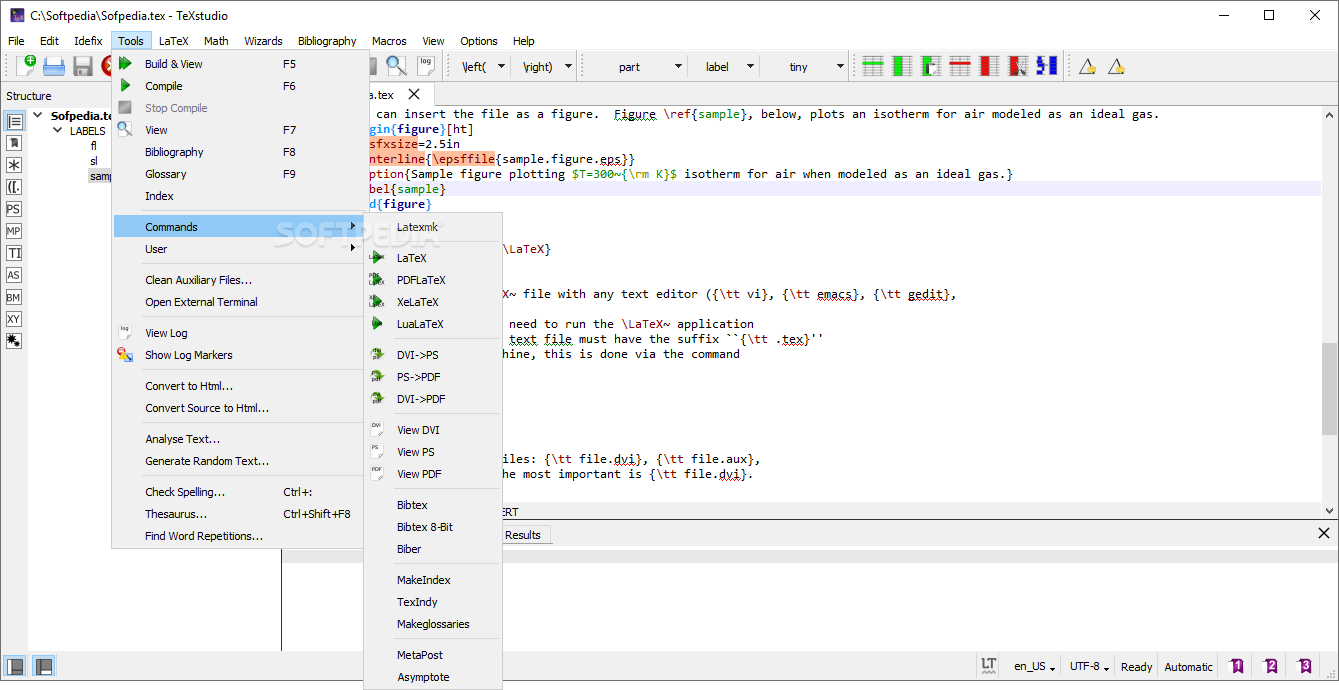
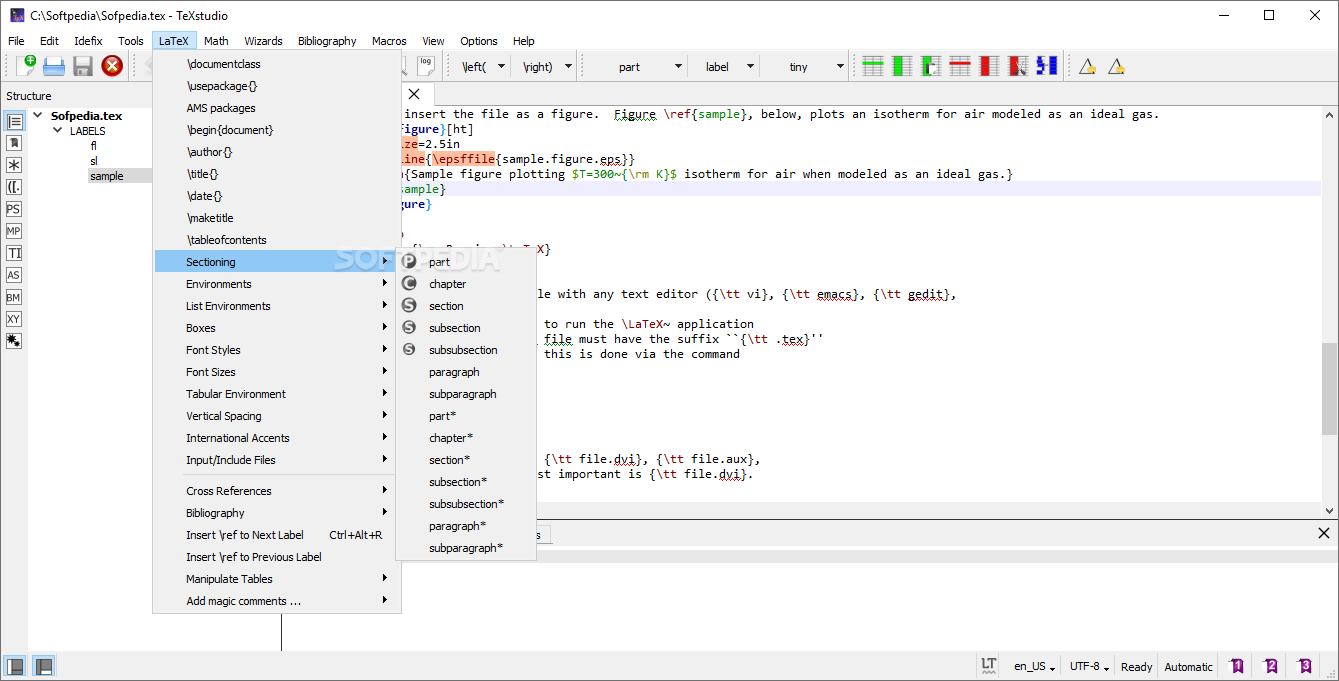
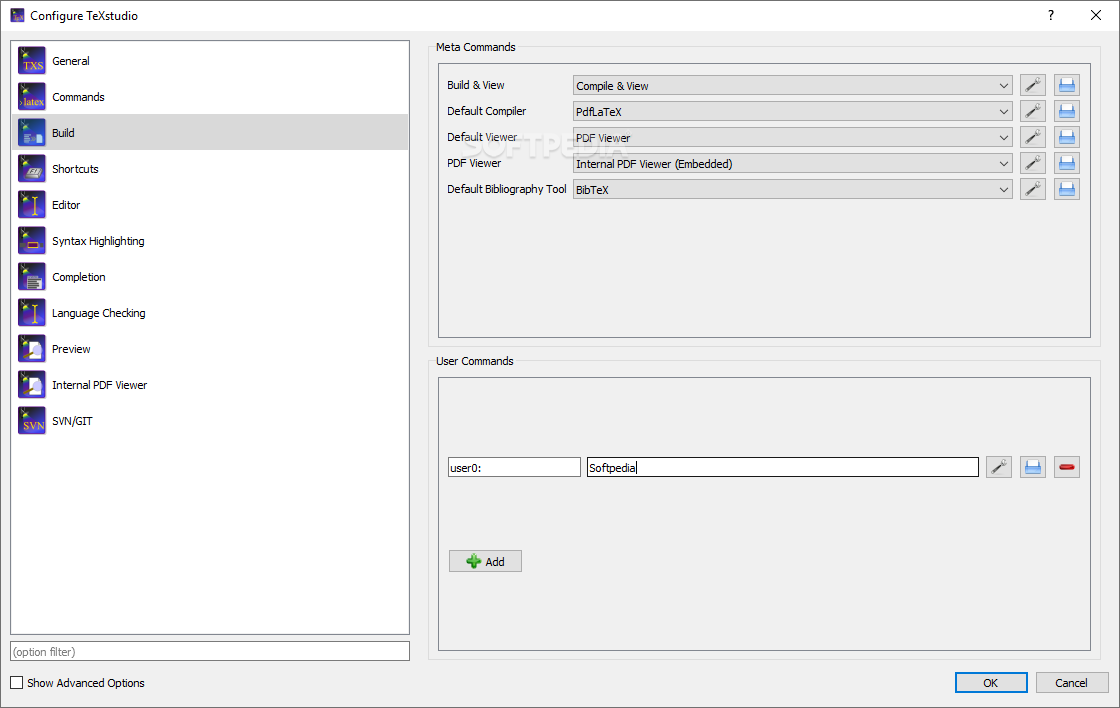
Portable TeXstudio is a specialized solution designed especially for people who often create and work with LaTeX documents, and are looking for a user-friendly experience.
Since this is the portable version of TeXstudio, it does not require any installation, so you can store it on a removable thumb drive and run it out of the box whenever needed.
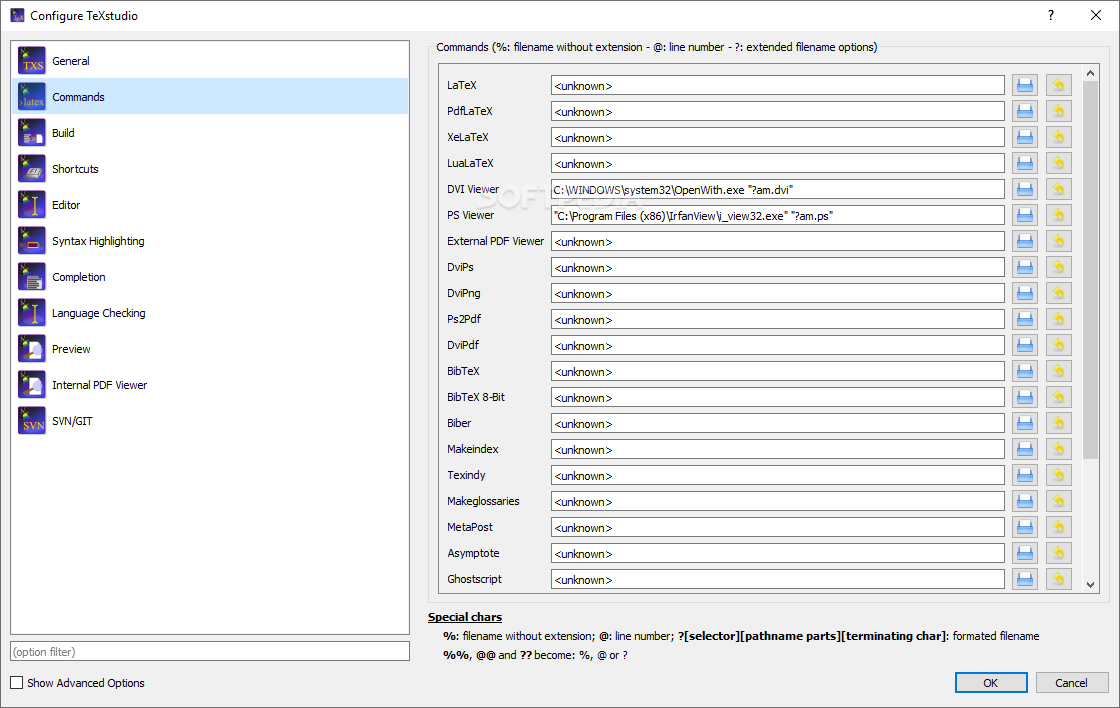
To make the most of this application, you first need to make sure you have previously installed a LaTeX distribution compatible with your OS. If none is detected, the corresponding LaTeX commands are not configured and you will not be able to compile your documents to the target output format.
Moreover, due to the integrated assistants, you can generate blocks of code even if your LaTeX knowledge is not very extensive. For example, you can include images by simply dragging and dropping them onto the document, and the specialized assistant is launched to provide you with the correct code for embedding the image.
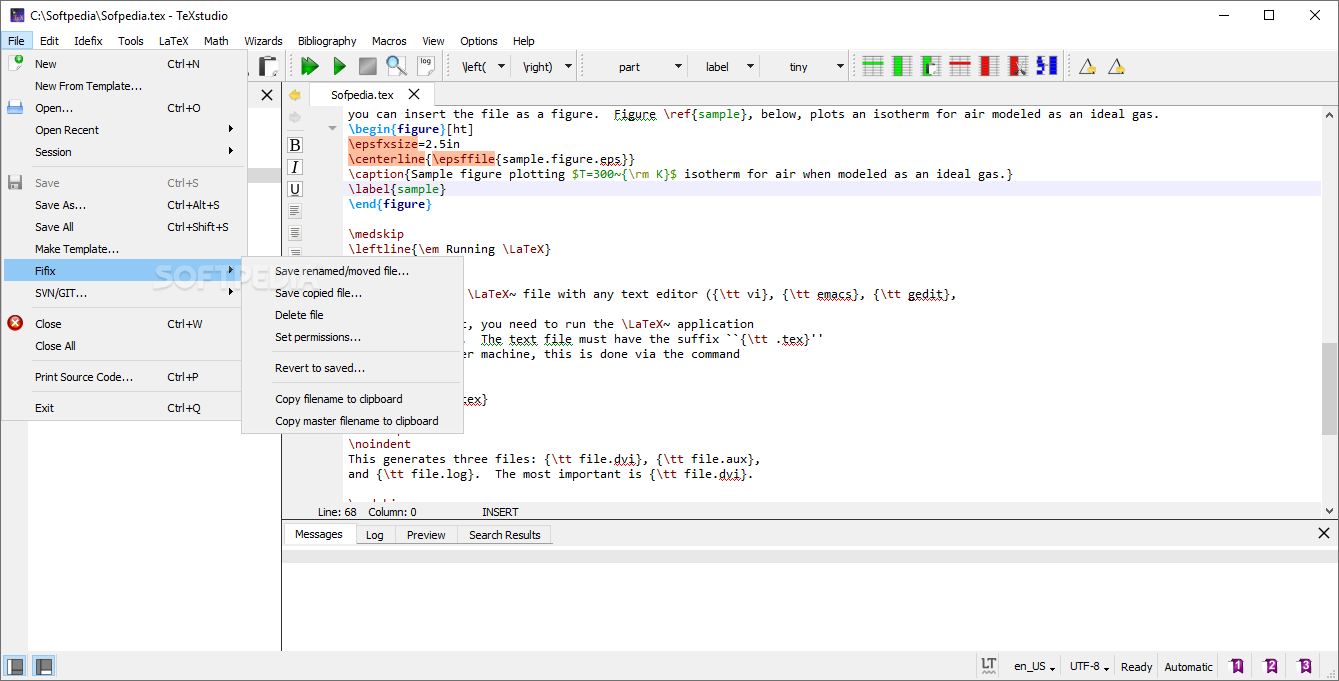
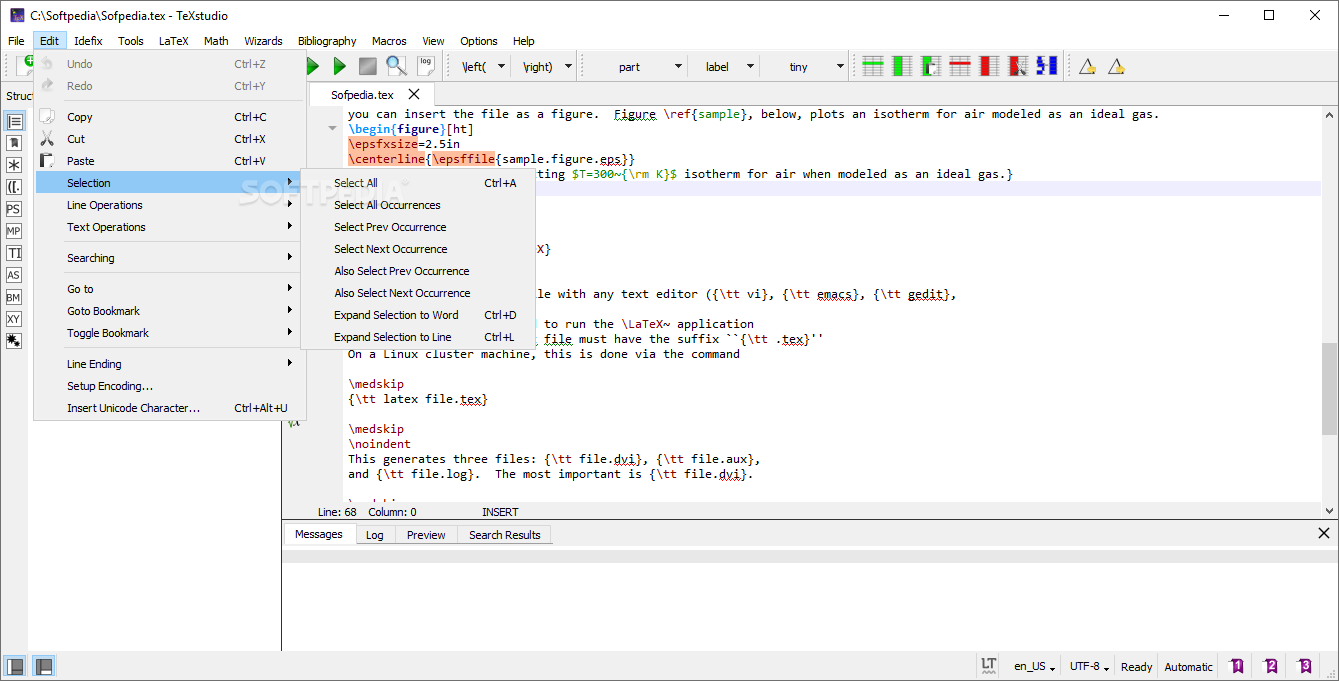
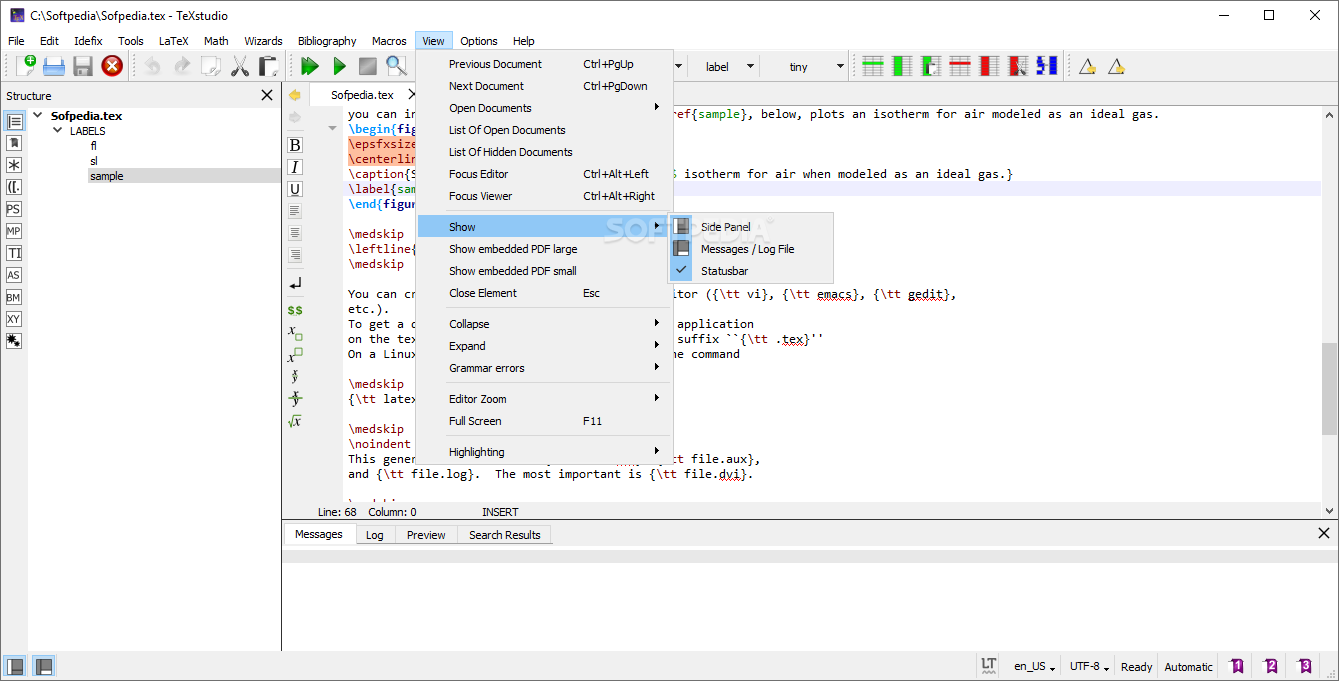
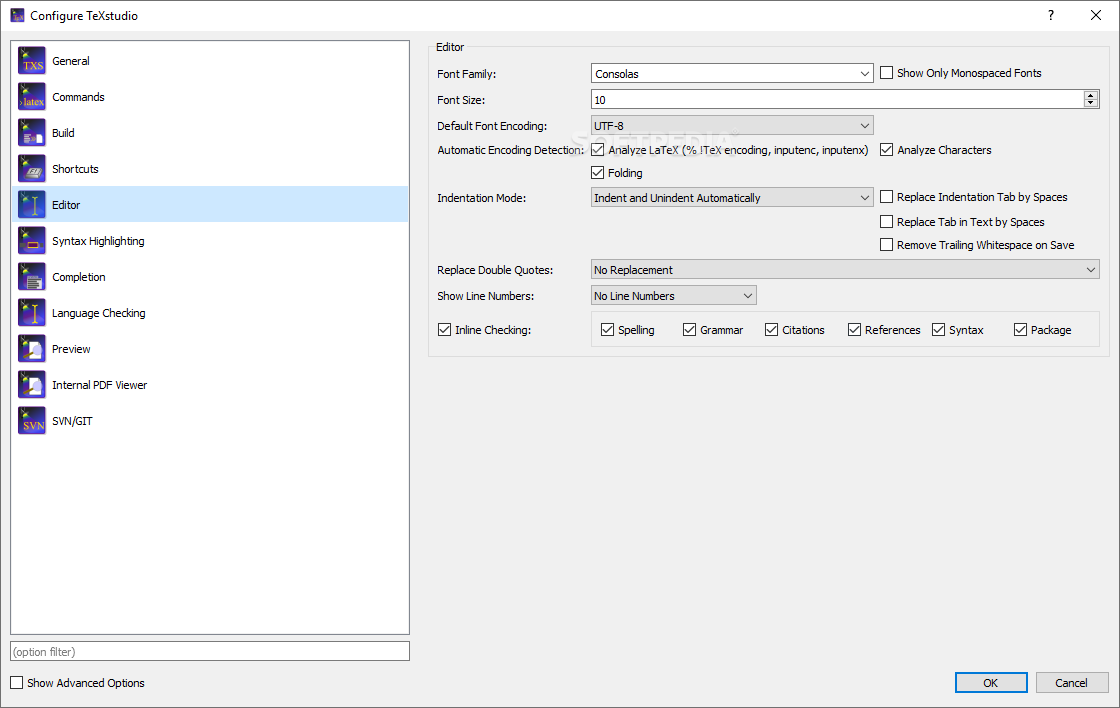
Since it is made to make the whole writing experience as smooth and comfortable, it makes sense for Portable TeXstudio to pack dedicated features, such as advanced syntax highlighting, interactive spellchecker and grammar checker, reference verifier or built-in viewer.
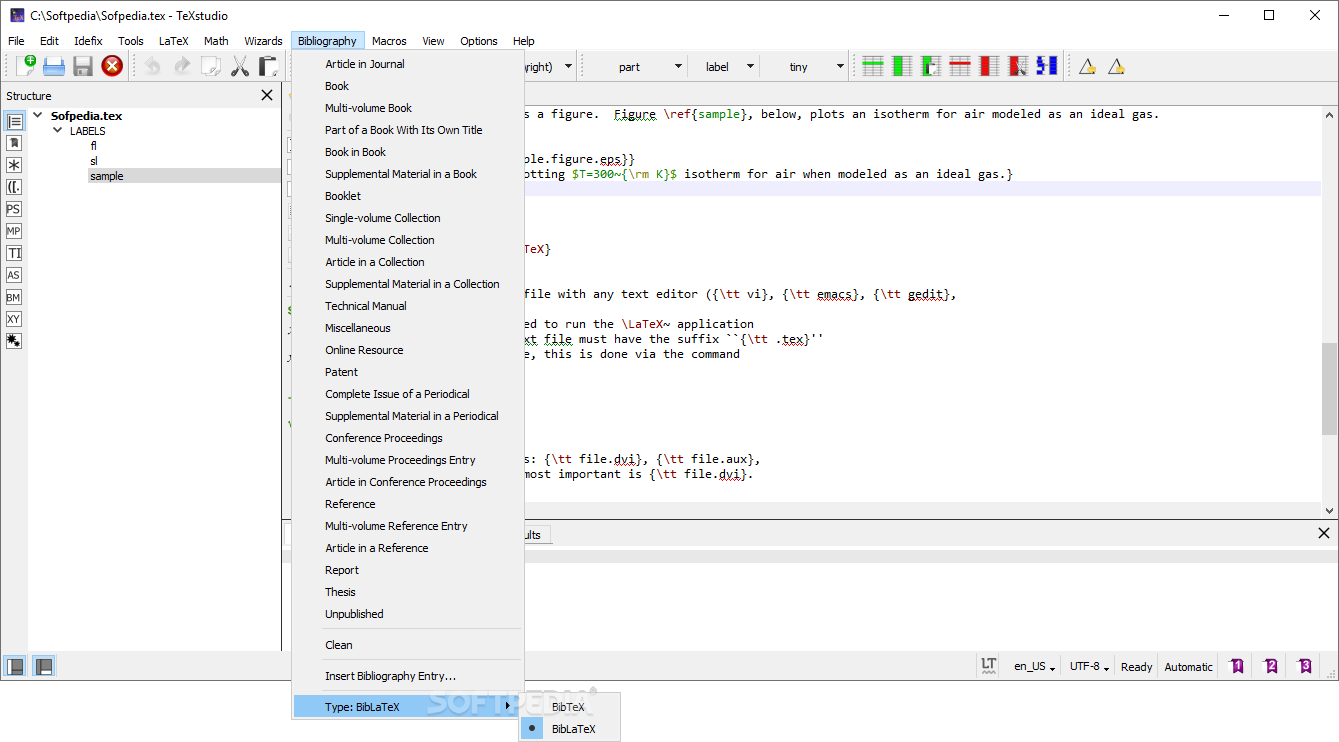
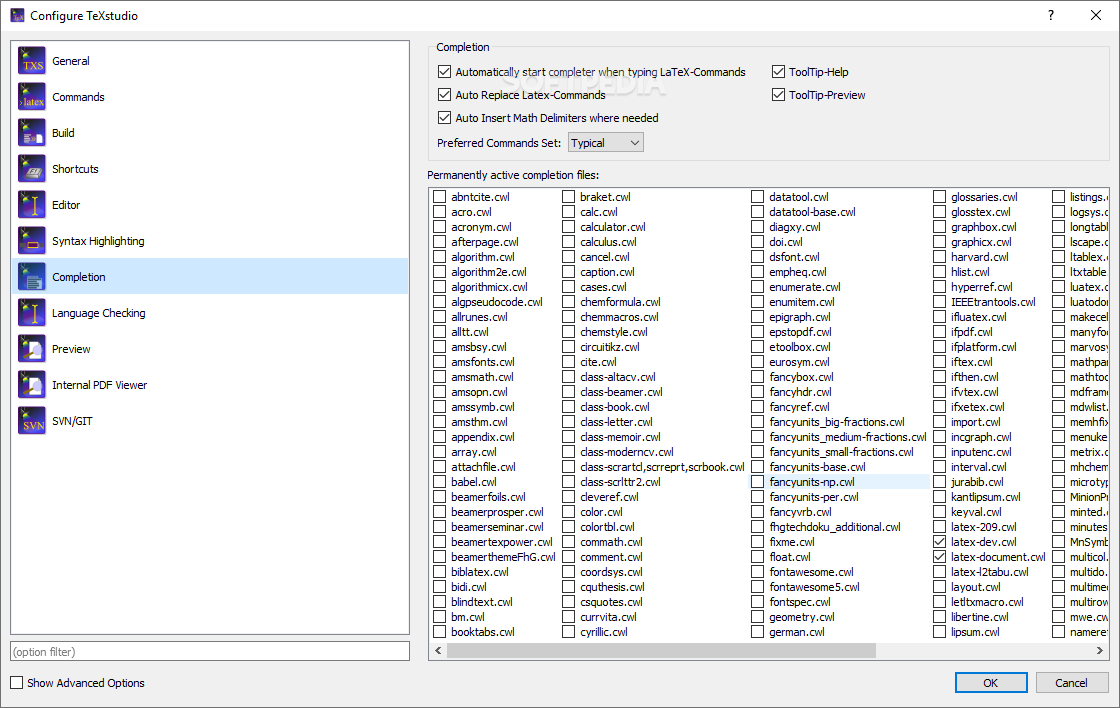
You can also enjoy the auto-completion function that can help you save a lot of time by suggesting LaTeX commands, references or bibliography entries.
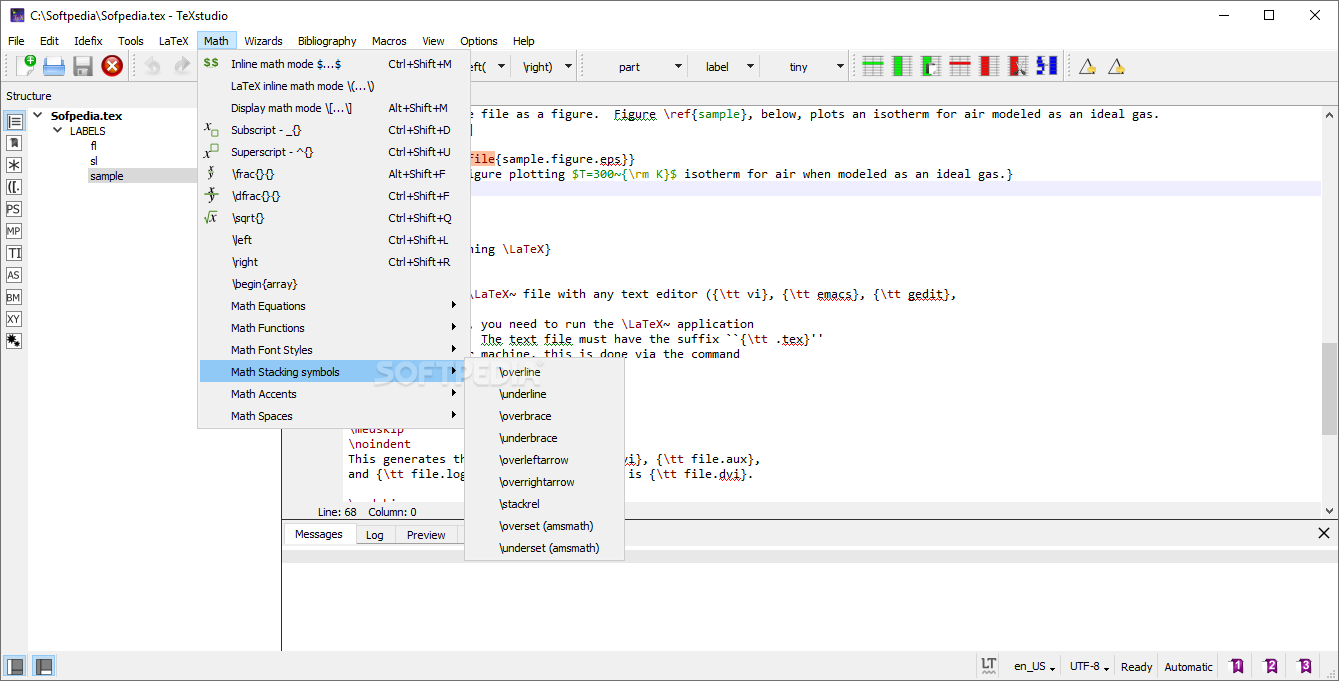
Portable TeXstudio also makes it possible to integrate a plethora of mathematical symbols within your projects without worrying they might not be supported.
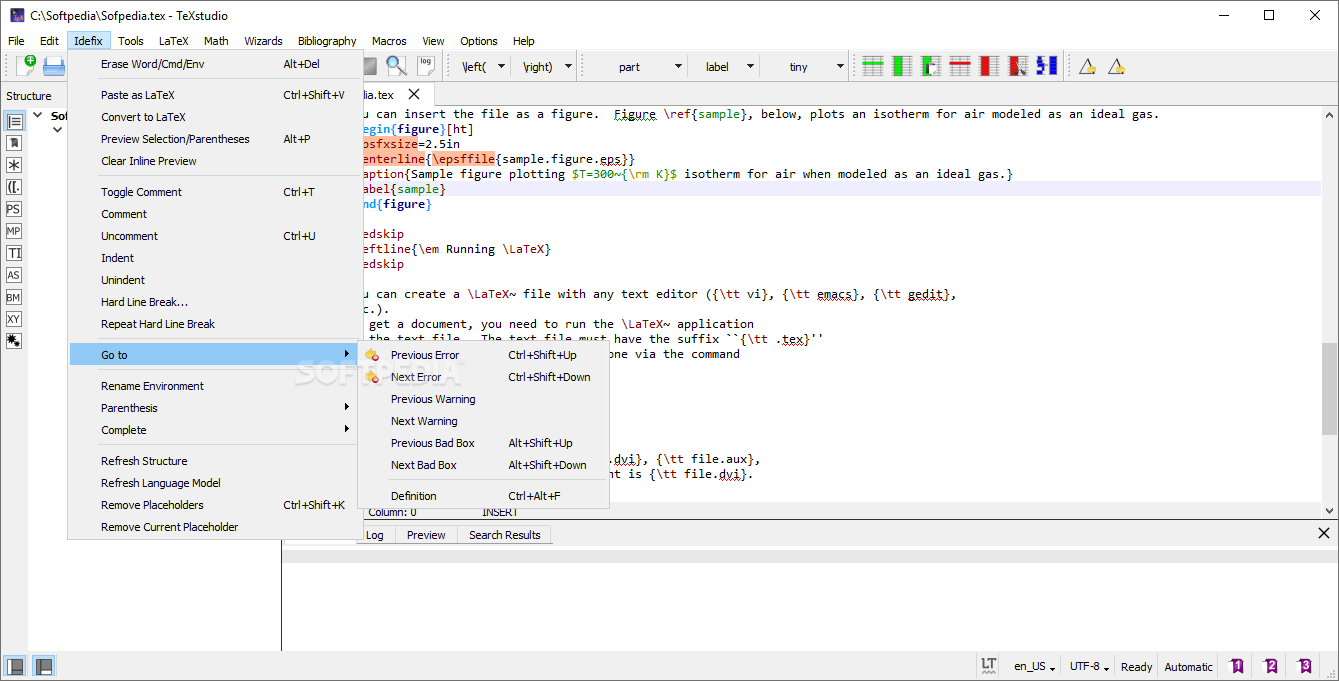
This complex application is bound to save you time and effort when it comes to building complex writing projects. All found LaTeX errors are clearly highlighted so you can fix all warnings as they arise, while the plenty customization options can help you come up with a document that matches your precise requirements.
What's new in Portable TeXstudio 4.8.0 Beta 1:
- For wider trials.
Portable TeXstudio 4.7.3 / 4.8.0 Beta 1
add to watchlist add to download basket send us an update REPORT- PRICE: Free
- portable version
- This is the portable version of the application. An installable version is also available: TeXstudio
- runs on:
-
Windows 11
Windows 10 32/64 bit
Windows 8 32/64 bit
Windows 7 32/64 bit
Windows Vista 32/64 bit - file size:
- 137 MB
- filename:
- texstudio-4.7.3-win-portable-qt6.zip


- main category:
- Portable Software
- developer:
- visit homepage
IrfanView

Bitdefender Antivirus Free

Windows Sandbox Launcher

7-Zip

Microsoft Teams

Zoom Client

calibre

4k Video Downloader

ShareX

Context Menu Manager

- 4k Video Downloader
- ShareX
- Context Menu Manager
- IrfanView
- Bitdefender Antivirus Free
- Windows Sandbox Launcher
- 7-Zip
- Microsoft Teams
- Zoom Client
- calibre