
Deal with various files through the multitude of functions and settings offered by this application, splitting, transforming, using OCR, and generally working to reach your end goal successfully. #File Management #OCR Scanner #PDF Editor #Organize #OCR #Template

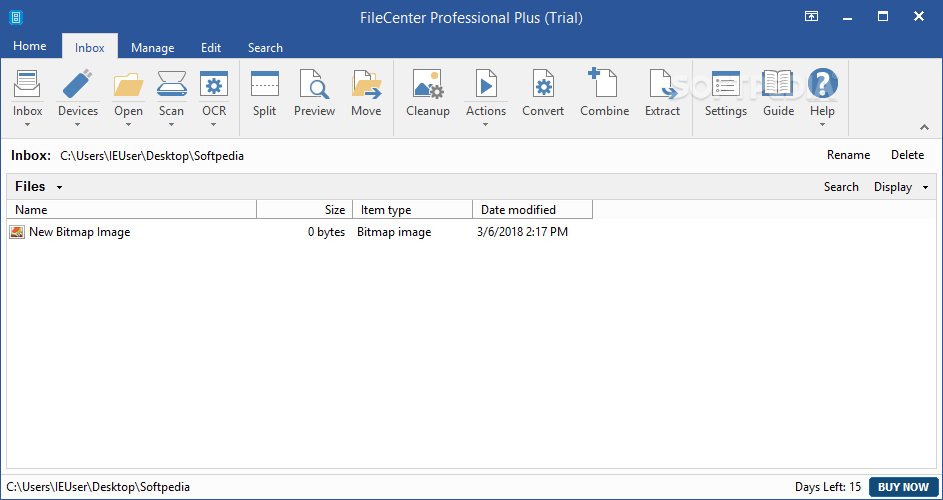
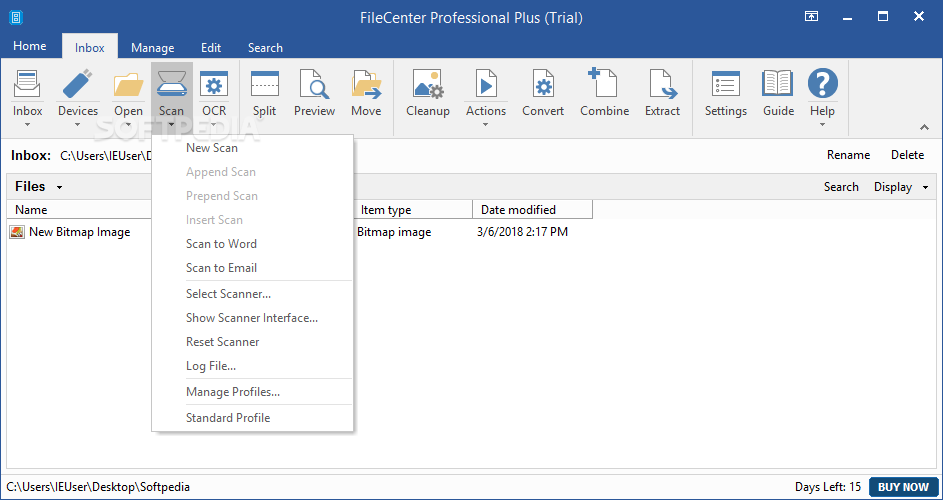
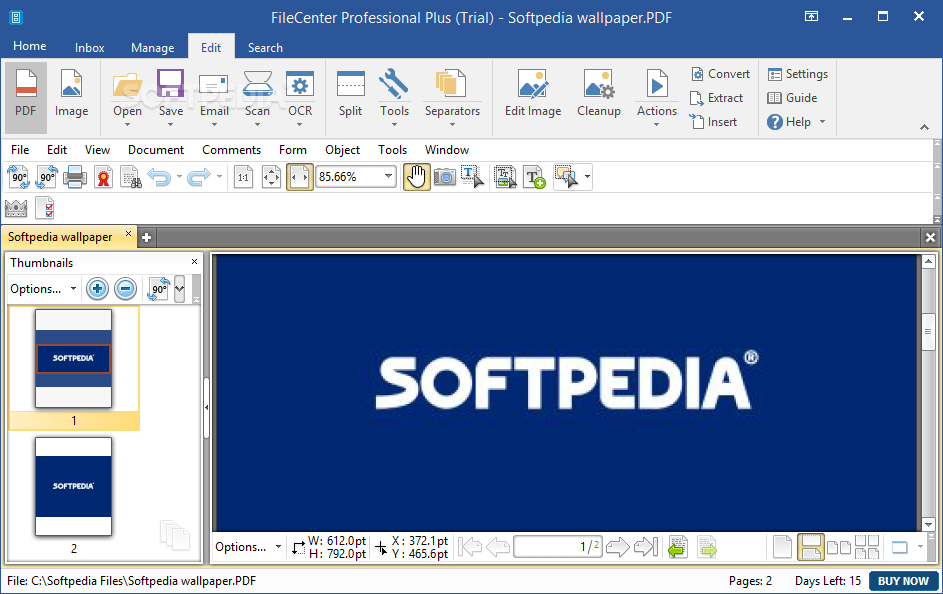
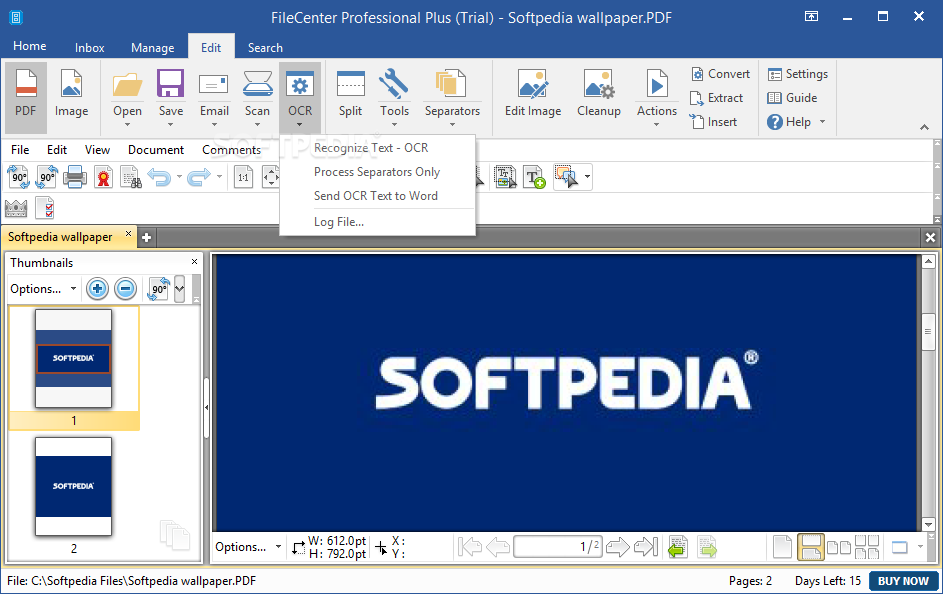
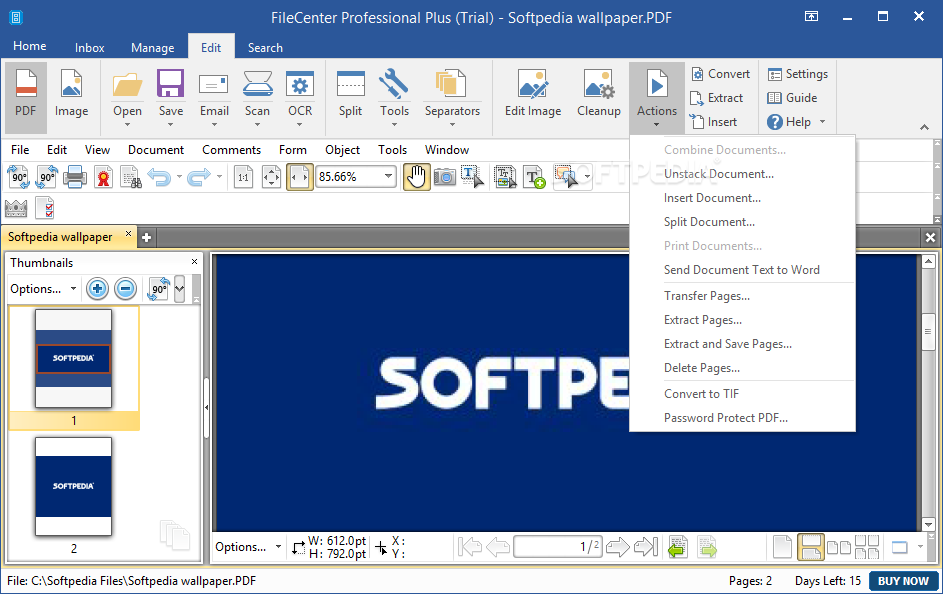
FileCenter Professional Plus, as the name states, is a center for dealing with various files. It can help transform images with writing in them into virtual text through optical character recognition or OCR. The program can also help users find and adjust TIFF or PDF documents. The interface might not be imaginative since it blatantly copies the Microsoft Office format, but it is a recipe that works in terms of the level of intuitiveness.
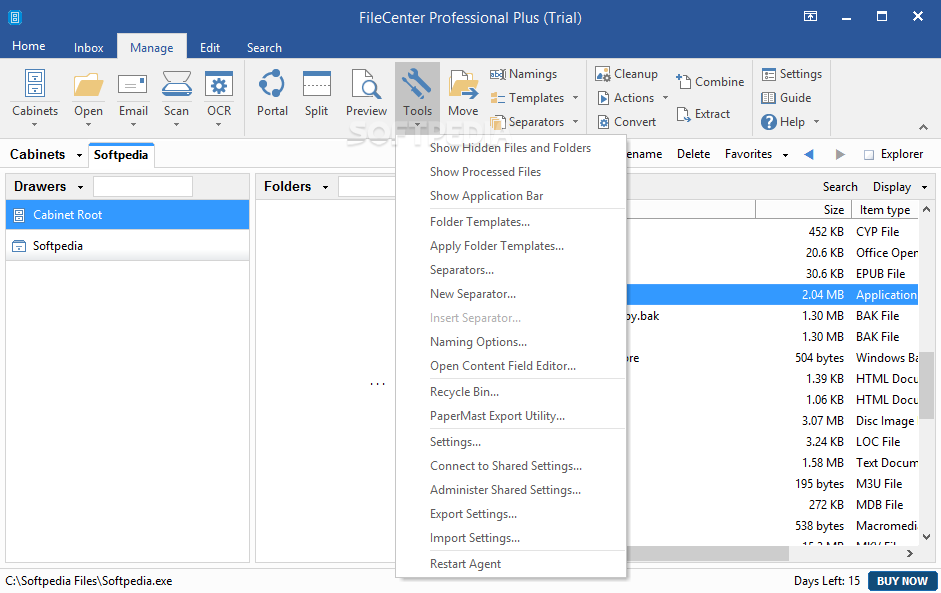
Once again the interface is well organized and for the most part that is great, but it is the direct result of inspiration from the more recent Microsoft Office applications. The tabs and all submenus look and feel like an MS app. You will find each and every aspect well labeled and graphically represented in accordance with one's expectations. In other words, this program makes the best out of the recipe it has borrowed.
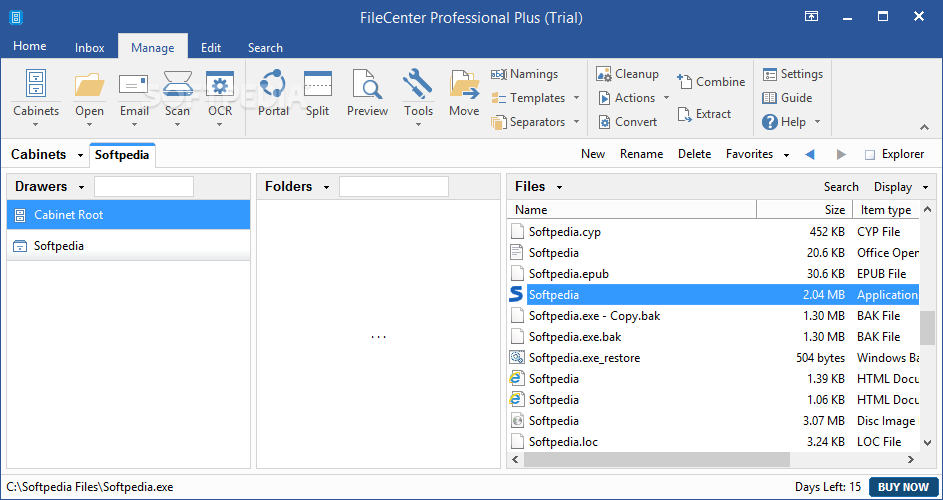
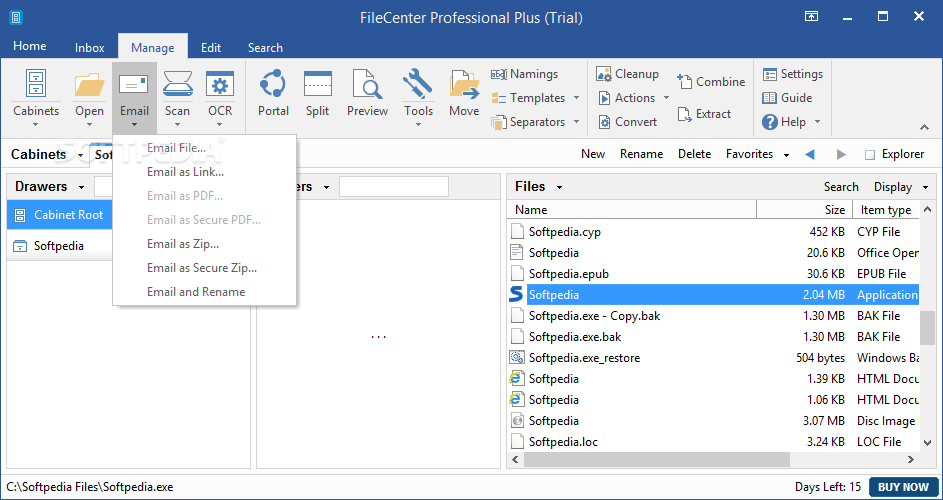
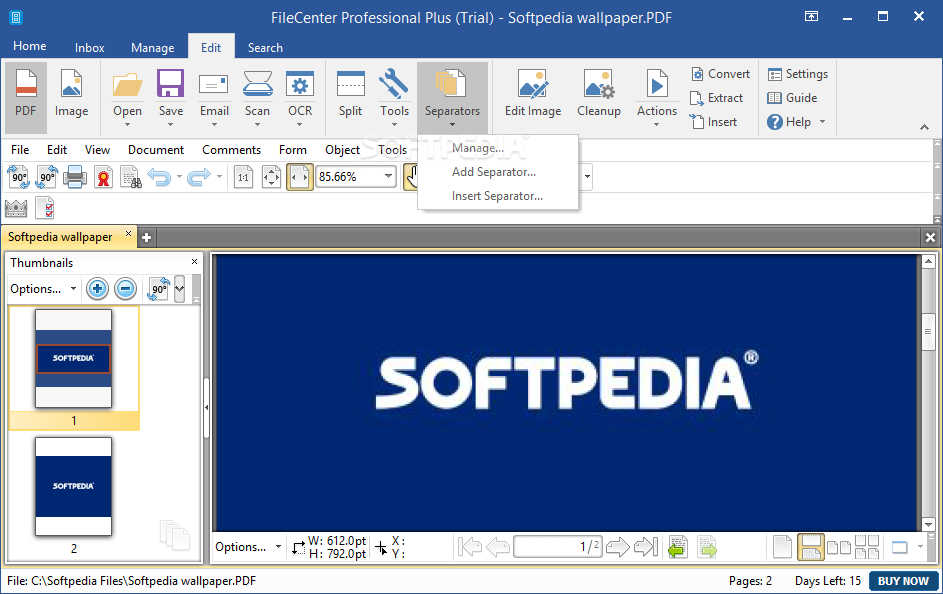
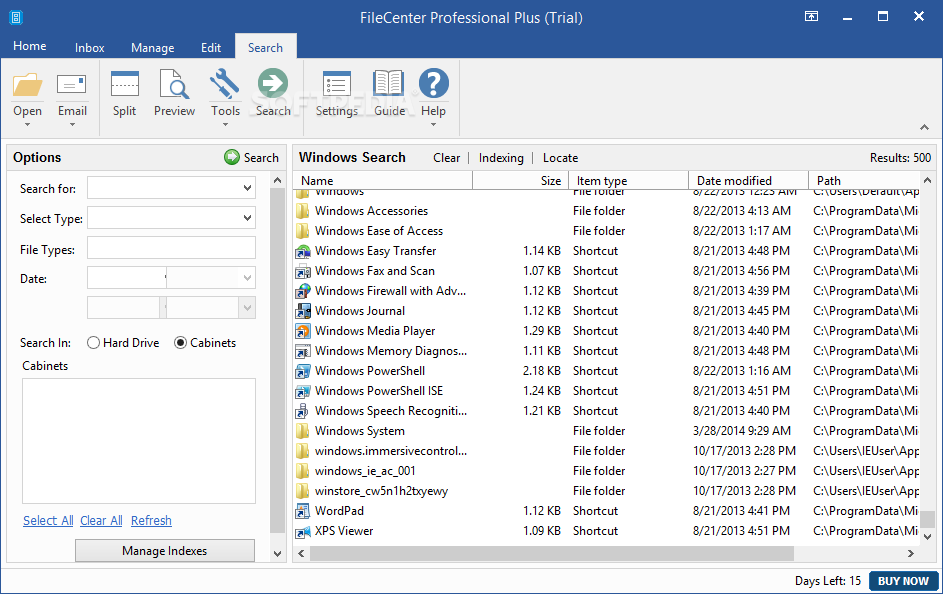
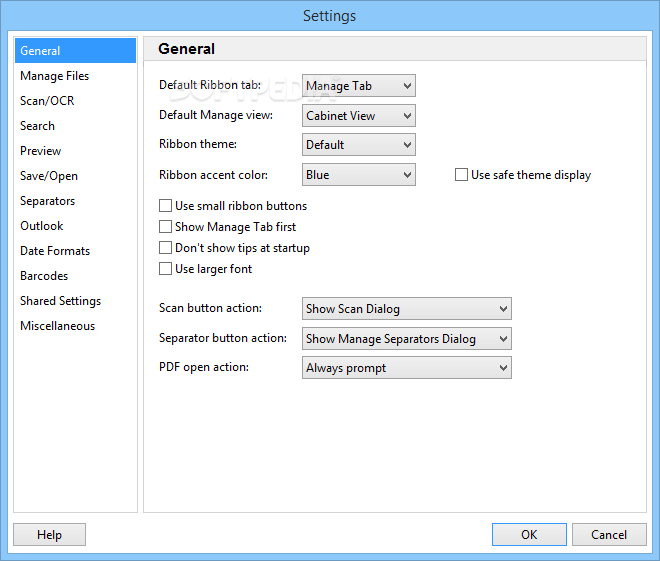
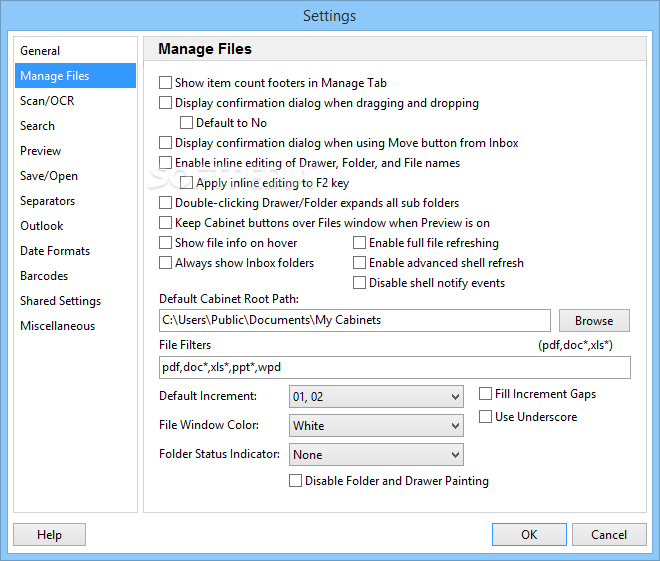
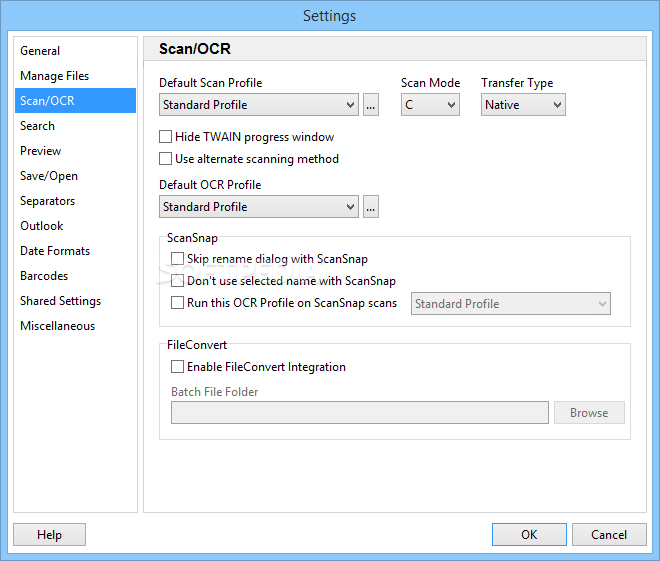
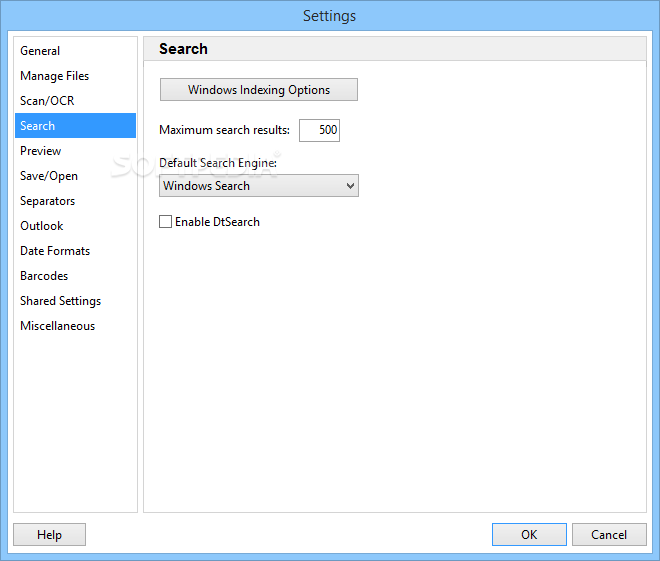
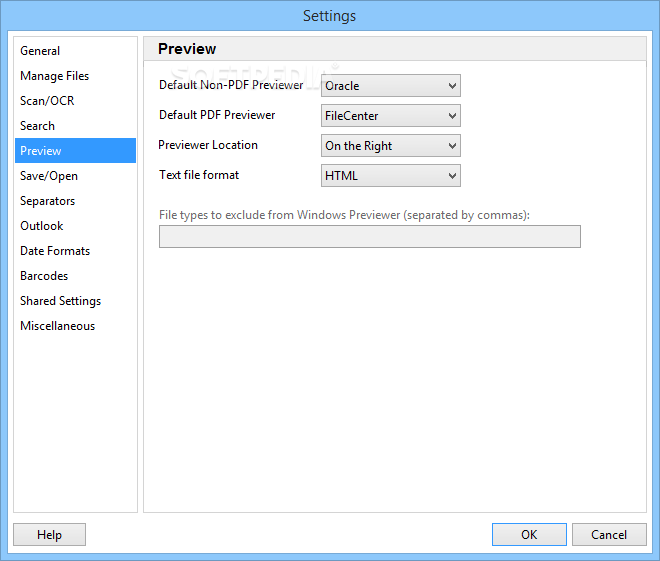
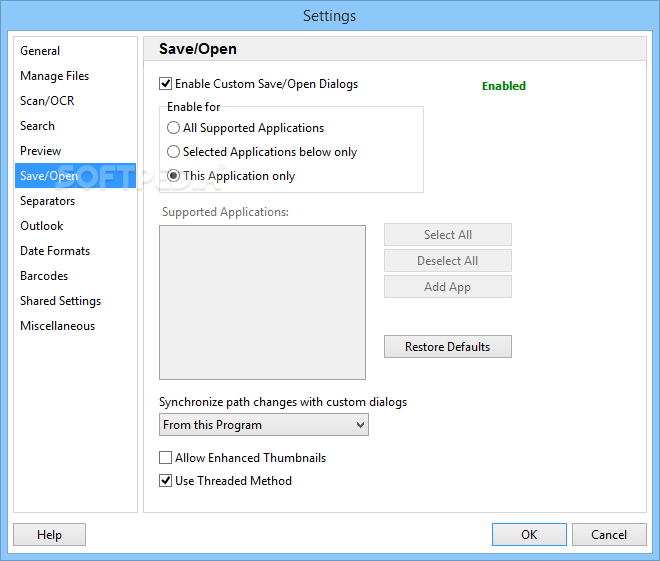
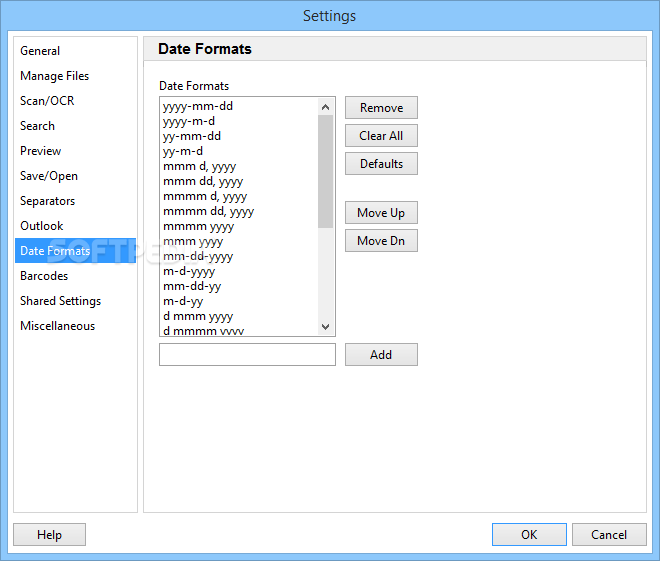
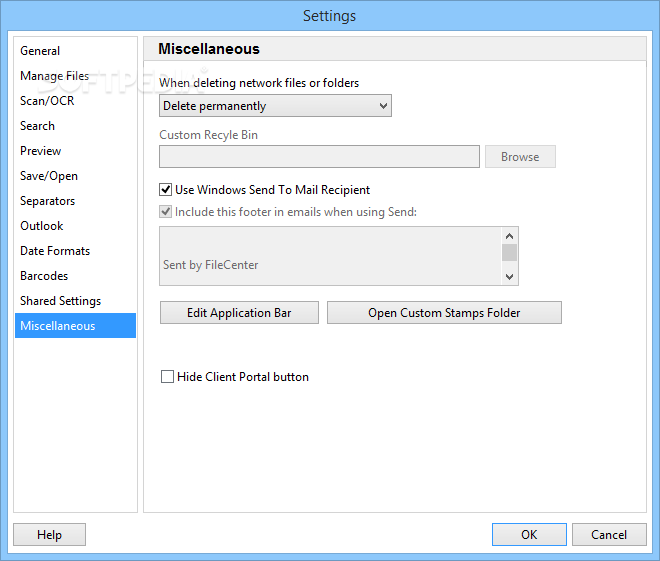
Do keep in mind that this program features a lot of settings and options for the user to deal with. As a result, depending on your needs, you will find various types of settings that can or can't help you. You can directly scan files with the help of this program, execute OCR tasks on image files, organize elements in cabinets or move them in order to be more organized, and preview and even split documents you're working with. The bottom half of the app adapts in terms of aspects to improve your workflow depending on the task you are currently concentrating on.
FileCenter Professional Plus is a program that will help users deal with various document formats in an easier fashion. There really isn't much to surprise you and that's a good thing for most of the journey since a sense of familiarity is always welcome when trying out new stuff.
What's new in FileCenter Professional Plus 12.0.15.0:
- All Apps (except Automate):
- Added FileCenterCapture as a detected folder location for third party Scanner Software destination. This will allow for a similar experience to our ScanSnap Scanner Integration with Selected Location Scanning from Scanner Manufacturer Profiles. This will function when these profiles are selectable from Scanner Software, Windows taskbar, or from the device itself - Scanner Software must allow for a default scan destination in the native software as well to point to our FileCenterCapture folder location.
FileCenter Professional Plus 12.0.15.0
add to watchlist add to download basket send us an update REPORT- runs on:
-
Windows 11
Windows Server 2019
Windows Server 2016
Windows 10 32/64 bit - file size:
- 300 MB
- filename:
- FileCenterSetup12.exe
- main category:
- System
- developer:
- visit homepage
7-Zip

Context Menu Manager

Windows Sandbox Launcher

IrfanView

4k Video Downloader

Microsoft Teams

Zoom Client

ShareX

calibre

Bitdefender Antivirus Free

- ShareX
- calibre
- Bitdefender Antivirus Free
- 7-Zip
- Context Menu Manager
- Windows Sandbox Launcher
- IrfanView
- 4k Video Downloader
- Microsoft Teams
- Zoom Client