
A software and hardware inventory application that scans networked PCs, tracking and auditing all the programs installed on target computers #Software inventory #Hardware inventory #Network auditor #Inventory #Audit #Hardware
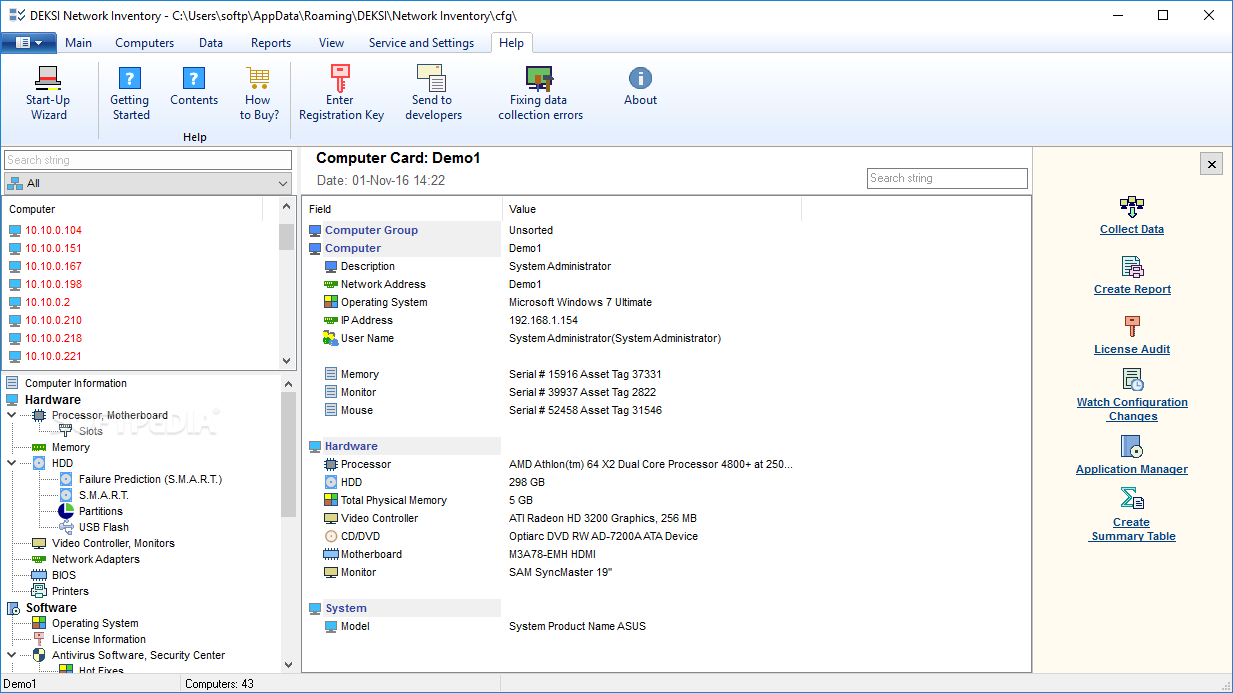
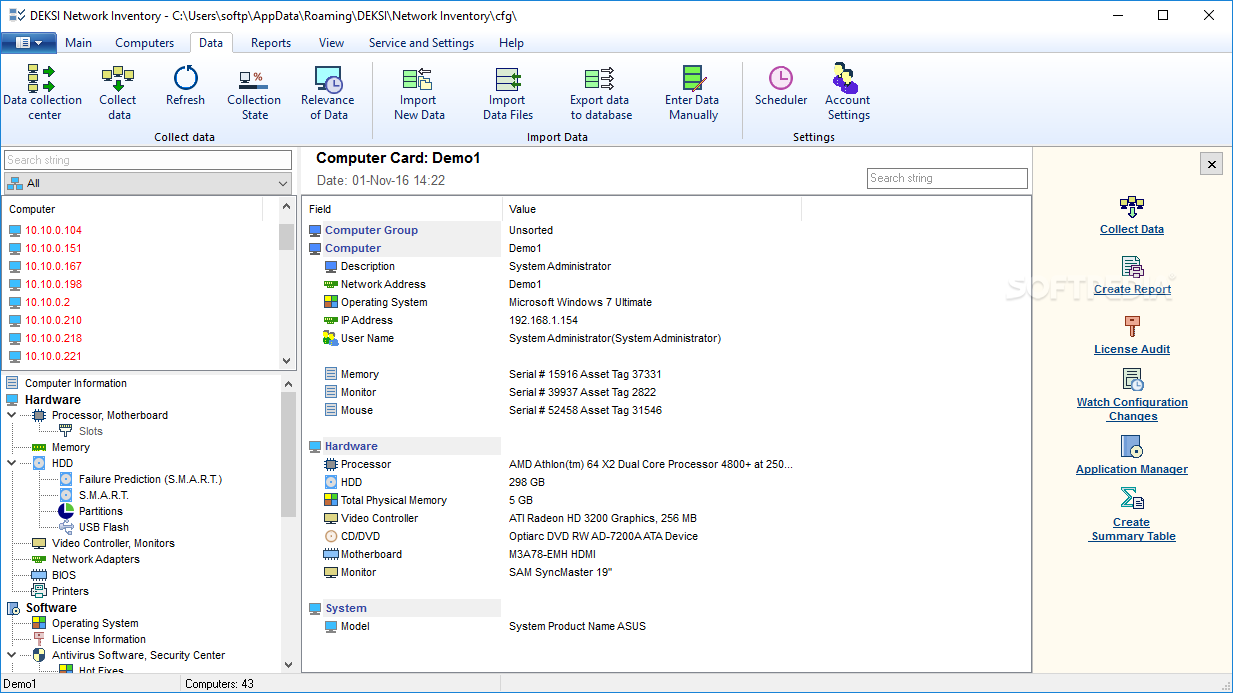
DEKSI Network Inventory is a comprehensive and effective network inventory software solution geared towards administrators who need to get full-detailed information about each computer available in the network. It displays data such as IP address, processor and motherboard type and system model.
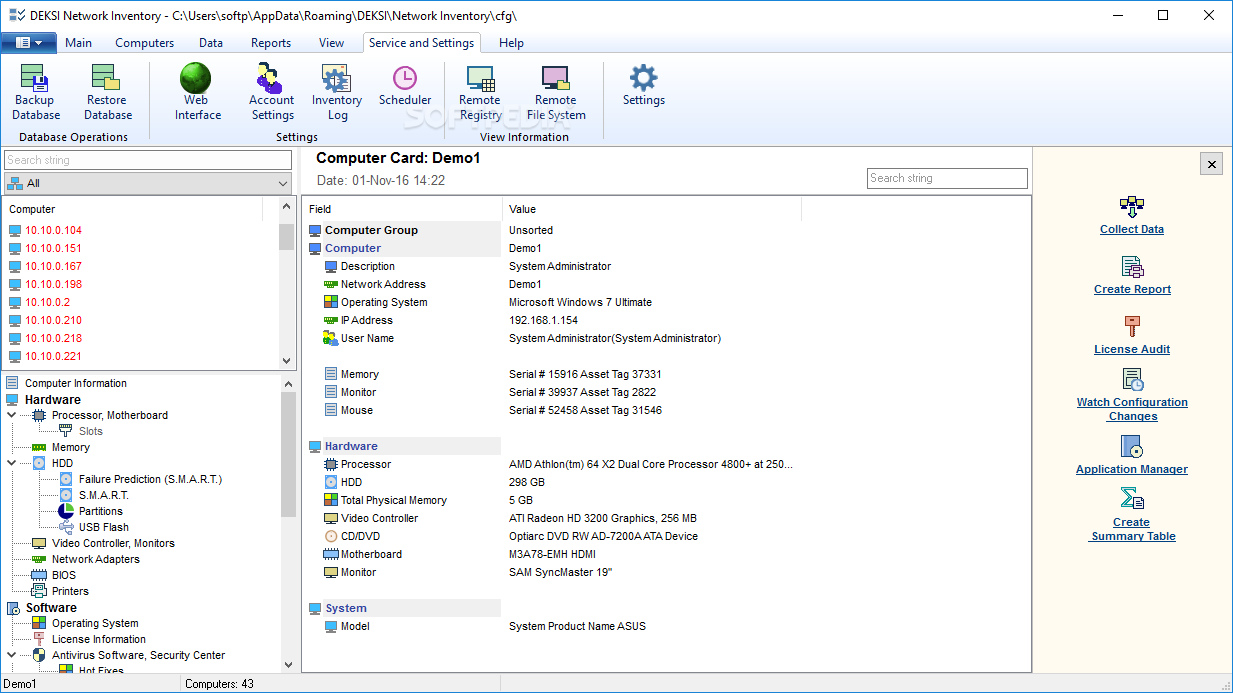
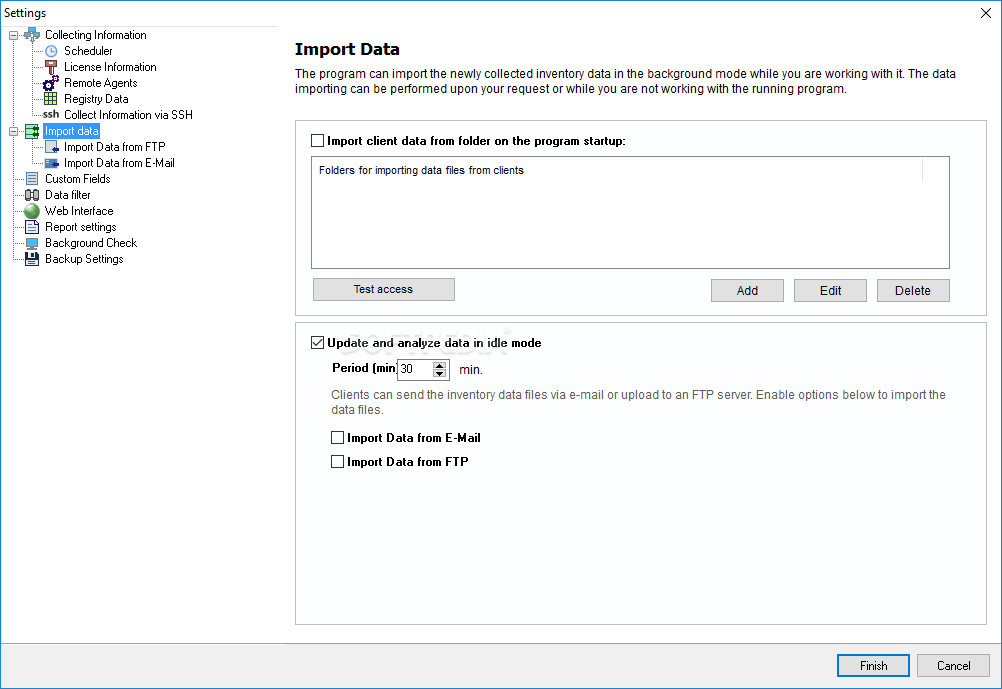
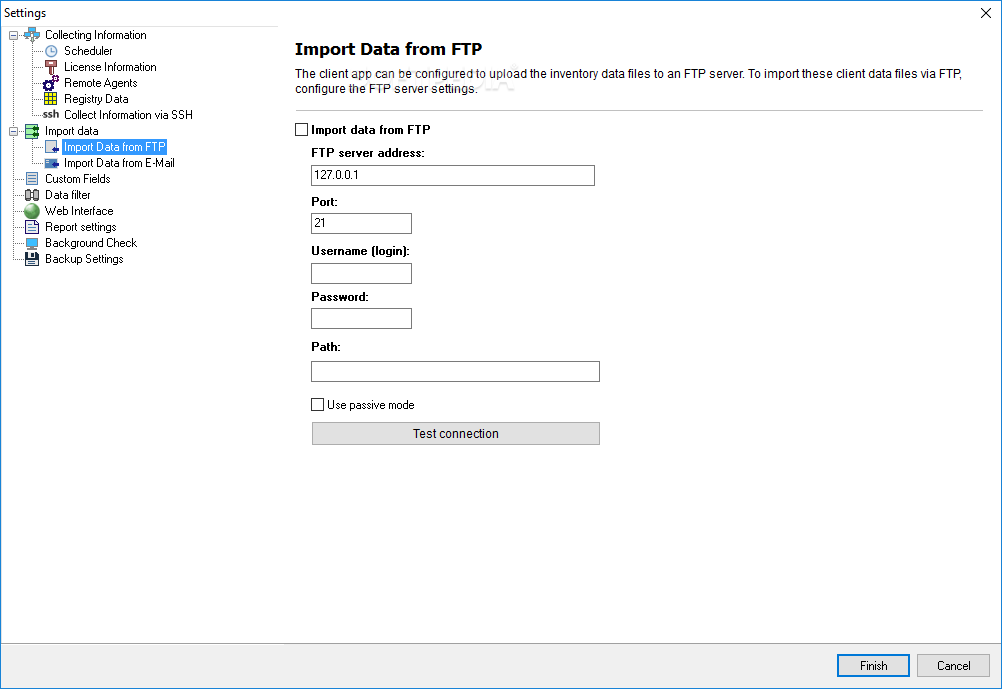
Using this application you are able to view remote computers' hardware configuration, track hardware and software changes and send data via FTP.
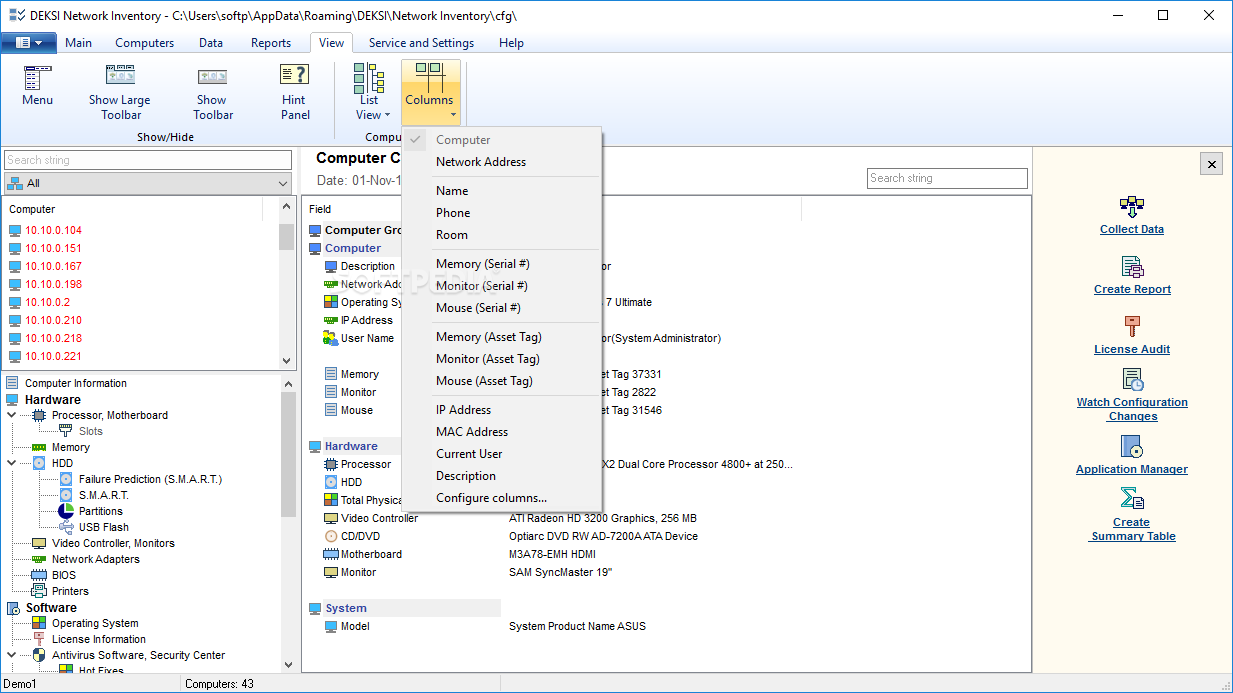
The left panel of the program displays all the detected computers available in your network, along with their details. What’s more, DEKSI Network Inventory generates a list with PCs that have not been polled for a specified period of time.
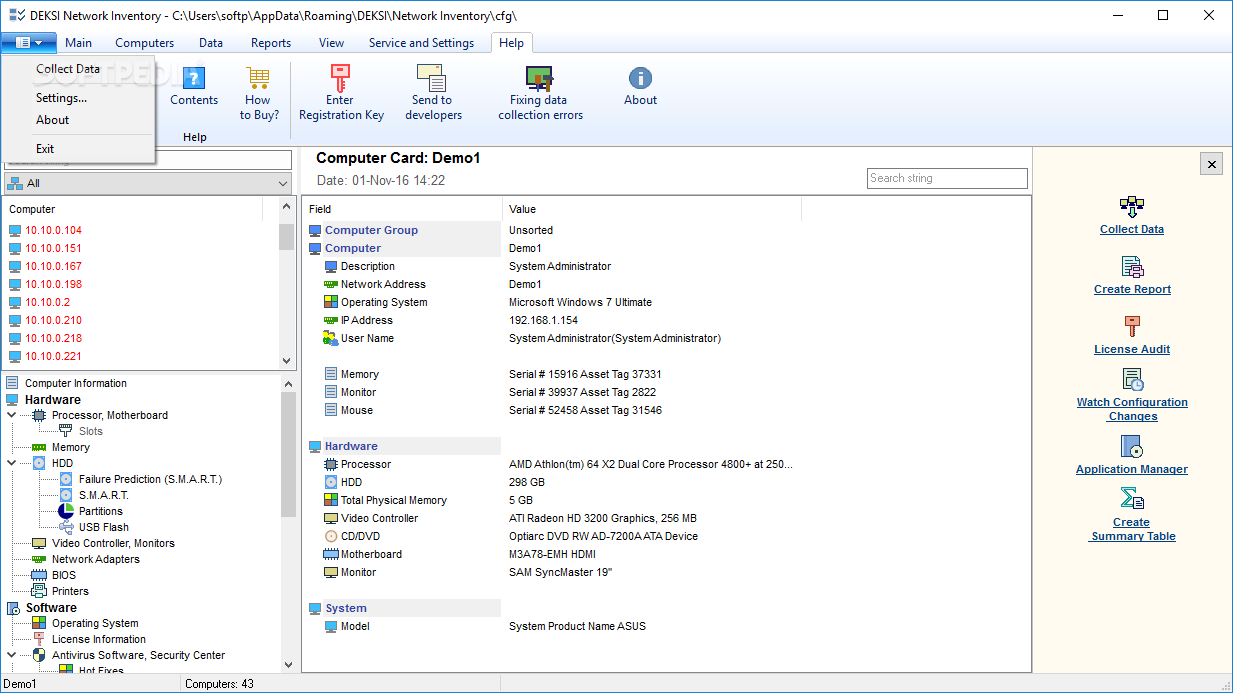
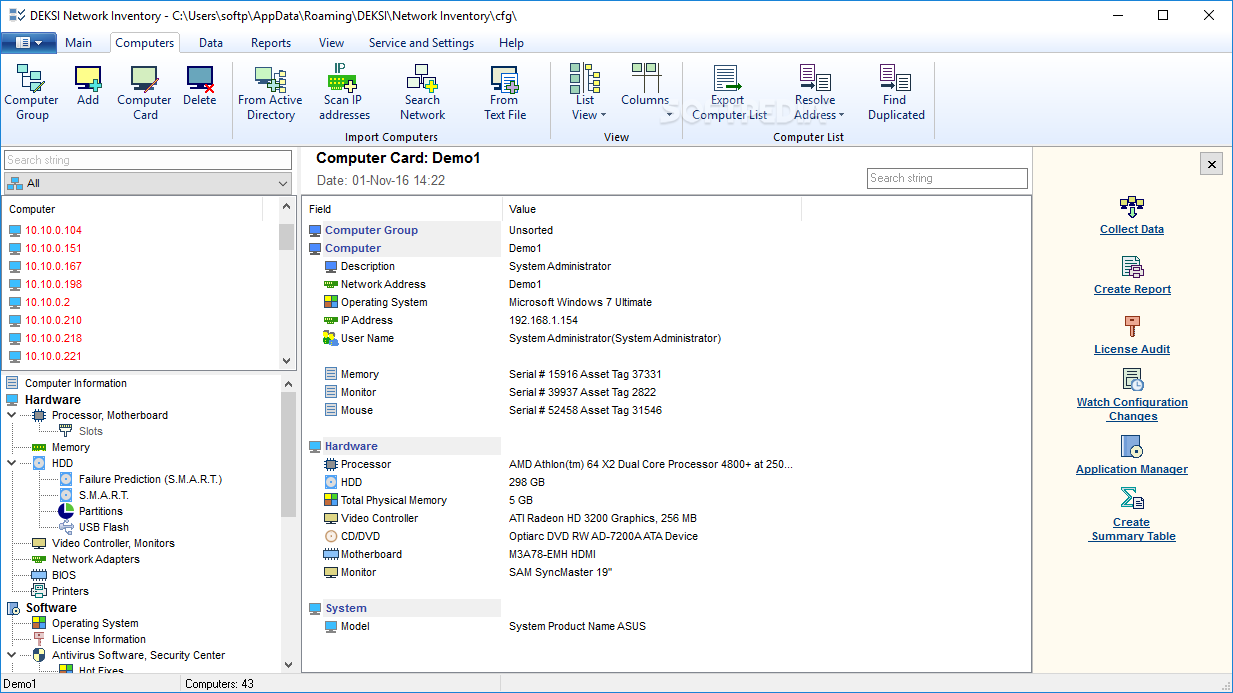
In case the program does not display all the computers you are interested in, you can navigate to the File menu and import computers from your Active Directory domain, specify the IP range you are interested in or simply access the ‘Add a Computer’ option.
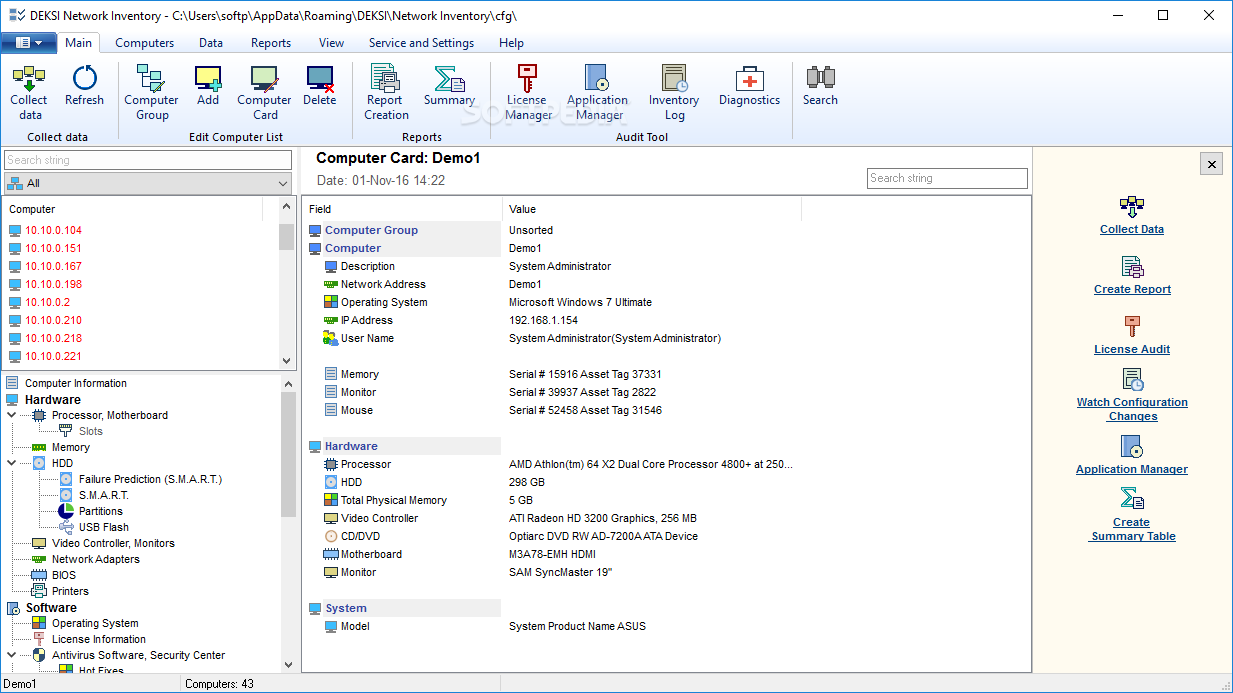
The Audit menu comes in handy when you need to view the programs that should not be installed on the computers, inspect antivirus applications which are displayed in the Windows Security Center only, analyze the available licensed products and detect if any problems exist in your network.
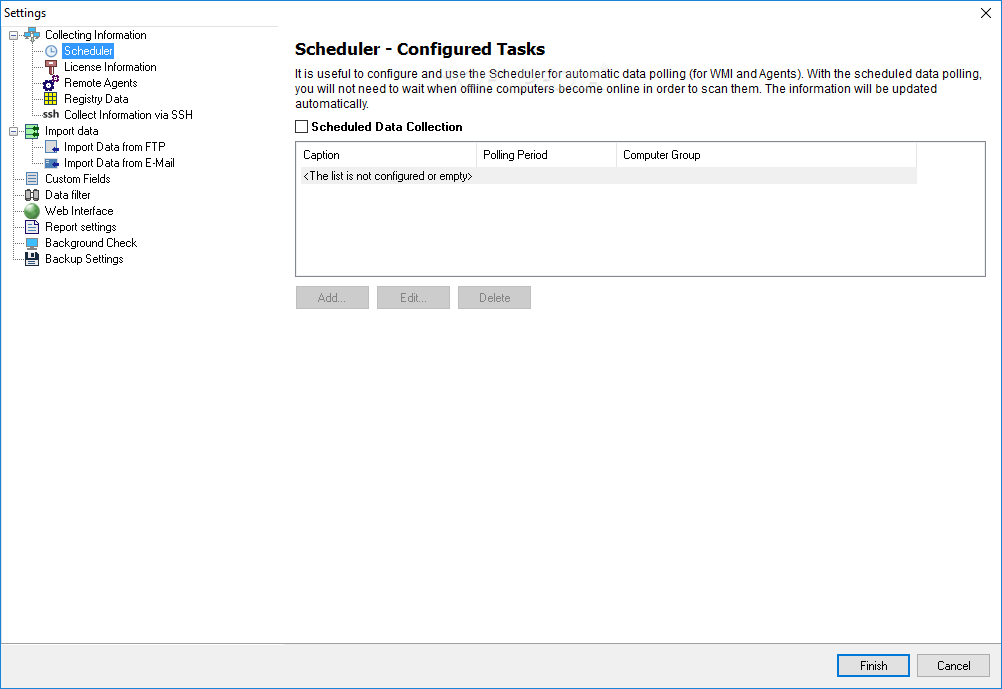
By accessing the ‘Data Collection State’ window, you are able to preview how data is gathered from computers. It displays the current task’s completion process and the scheduled data collection process. You can configure and use the Scheduler for automatic data polling.
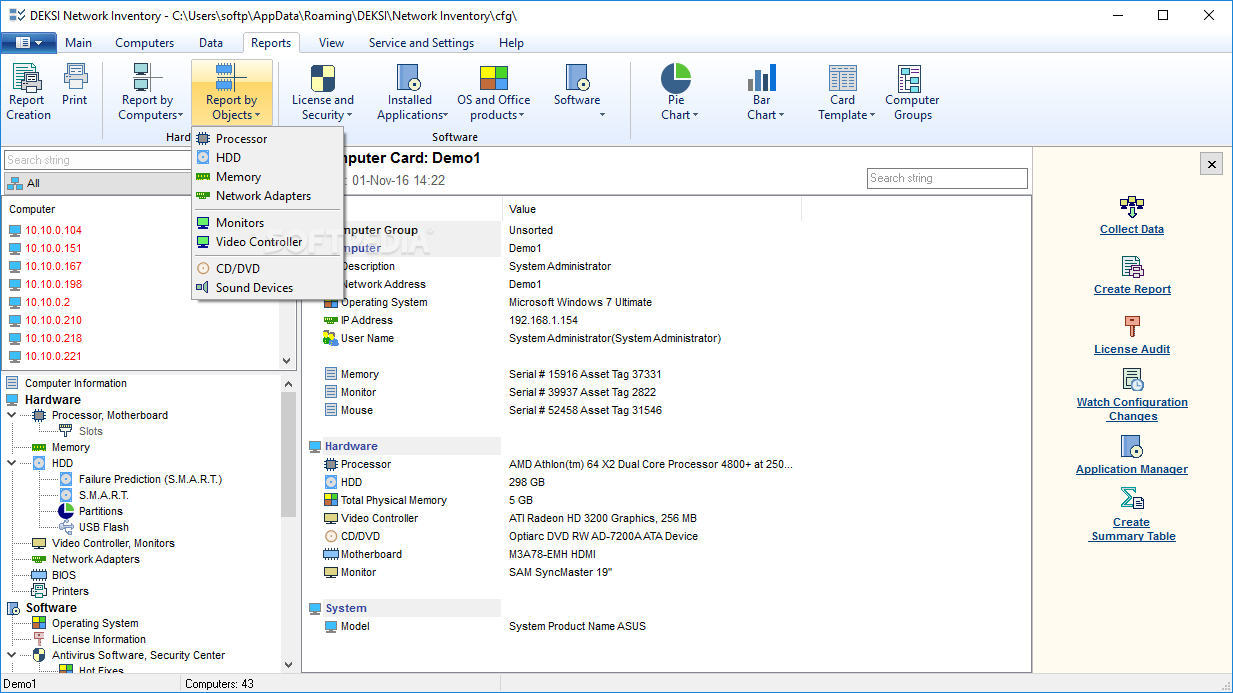
Since IT managers and network administrators need to gather information about software installed on their network computers, about operating system types and computer serial numbers, DEKSI Network Inventory comes with a reliable and useful menu, entitled ‘Reports’.
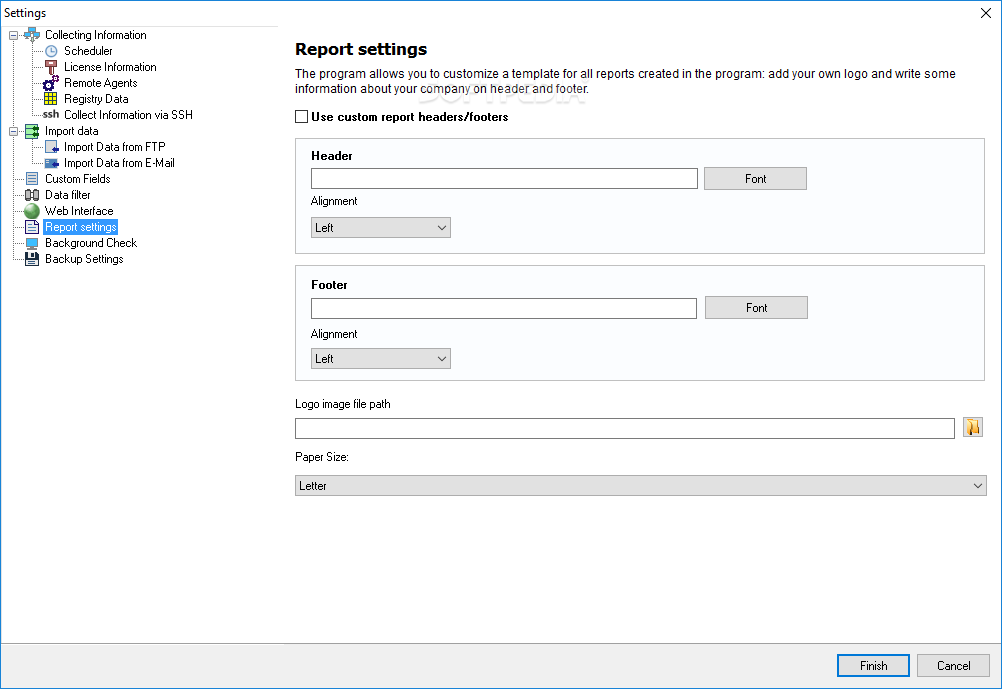
With the help of the ‘Report Creation’ wizard, you are able to design your own reports about ‘Hardware’, ‘License Information’, ‘Security’ and ‘Installed Software’. After that, you can save them in separate files, or create one common report file.
To sum things up, DEKSI Network Inventory allows you to run various diagnostics tests and get notified about the temperature of the hard drives, low disk spaces and software problems.
Download Hubs
DEKSI Network Inventory is part of these download collections: Network Inventory
What's new in DEKSI Network Inventory 13.5:
- Added ability to create and print user reports (the Fast Report templates) to the computer card window.
- Added several new report templates.
- Including:
DEKSI Network Inventory 13.5
add to watchlist add to download basket send us an update REPORT- runs on:
- Windows All
- file size:
- 20.4 MB
- filename:
- dni.exe
- main category:
- Network Tools
- developer:
- visit homepage
4k Video Downloader

Bitdefender Antivirus Free

Zoom Client

calibre

ShareX

Microsoft Teams

Context Menu Manager

IrfanView

Windows Sandbox Launcher

7-Zip

- IrfanView
- Windows Sandbox Launcher
- 7-Zip
- 4k Video Downloader
- Bitdefender Antivirus Free
- Zoom Client
- calibre
- ShareX
- Microsoft Teams
- Context Menu Manager