14 DAY TRIAL //
 An image is said to worth a thousand words. A simple image provides the viewer with so much information, and the information is accurate and palpable. But if a simple image is so worthy, how about a large set of images serialized one after another in chronological order, displayed in quick steps (normal people would call this a video, but not me, I wanted to emphasize how many words can be wasted when the information is not delivered in the right form). Obviously, if images are far better describers of surrounding realities, videos are better still.
The software I'll be reviewing today is called iShowU and it is a tool that creates various types of screen captures, including video captures. Considering there are so many screen capturing utilities now available, why is video capturing ability so important? Well, it's very important.
Video capturing enables you to do lots of things that were just not possible before. Why describe some error over the phone for half an hour to a support engineer (with a limited probability he will really understand what's driving you crazy...), when you could just record the whole abnormal behavior that interferes with your work, along with your comments as the audio background of the video? And what if you could do all this is less than a minute?
The benefits of having the ability of video recording your screen activity can be proven in numerous ways. You can show someone who's far away what's happening on your desktop, record tutorials, promote webpages, record YouTube videos (I don't think this is legal, but you can do it). The possibilities are endless, and if you choose to use the iShowU software from shinywhitebox, you'll only be paying 20 US dollars for it.
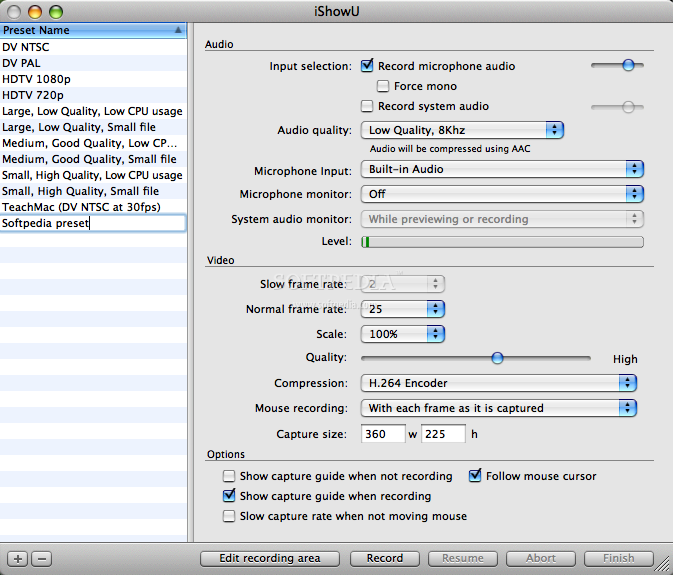
What first struck me about iShowU is the simplicity. It's really easy to use. Though it allows multiple settings for video quality, source of sound and so on, it works out of the box. If you don't know what all the settings are about, there's no need in the world to ever place you finger on them. When first opened, the program offers to edit your presets for a common usage of the software, and you'll be ready to go. The are many presets available, customized for various purposes, and you can make presets of your own, as many as you'd like.
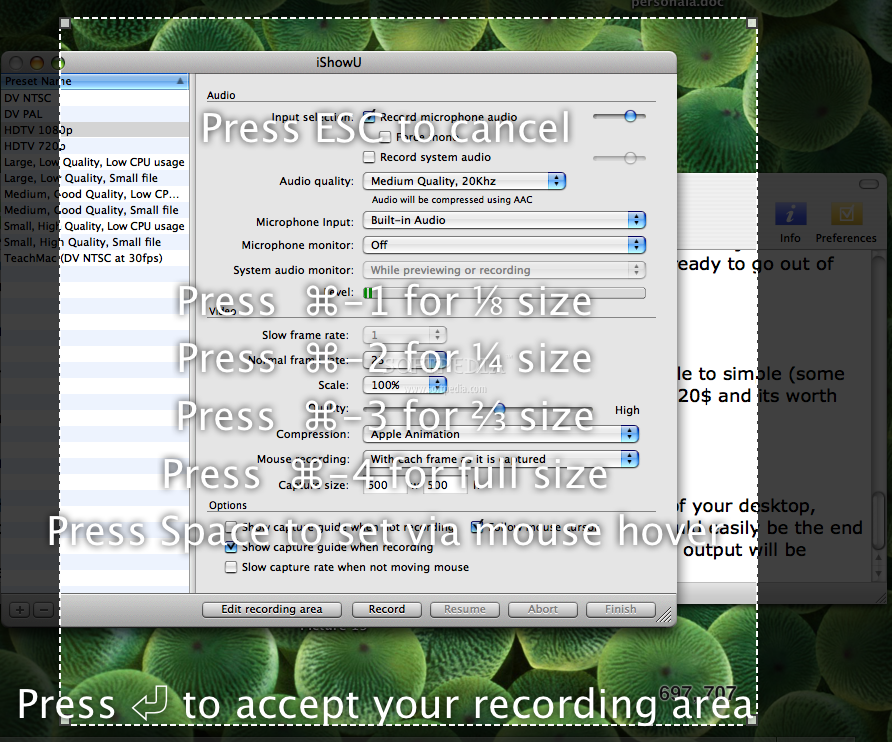
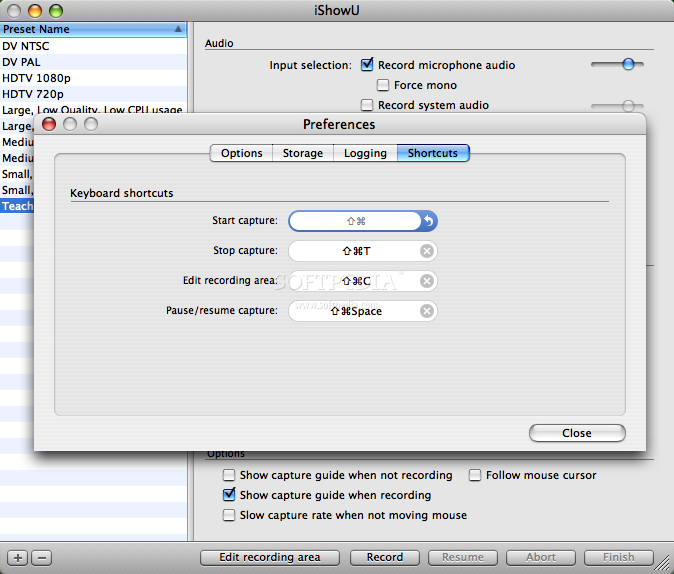
To make video captures, you can customize the size of the area you'd like to capture, that will eventually be the frame size of your video. This is very easy to do, by adjusting a translucent screen. You can choose to film a fixed area on your screen or you can choose to have the "camera" follow your mouse movements. For a more smooth experience, iShowU provides with customizable hotkey combinations, to help you start recording in no time.
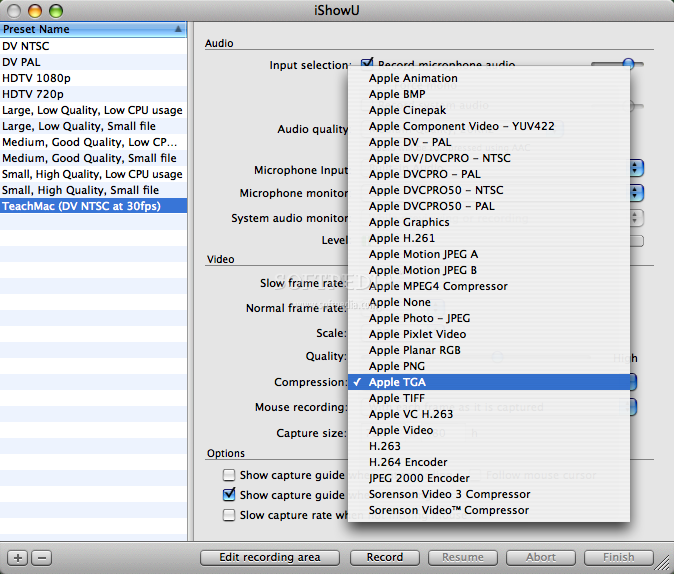
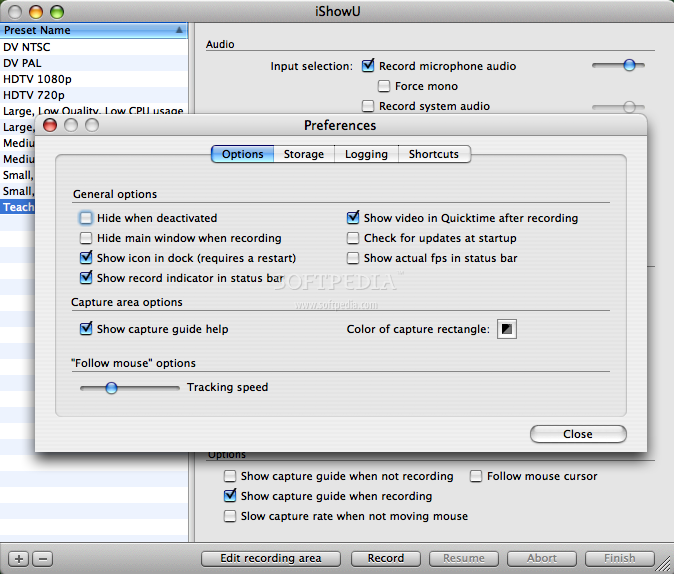
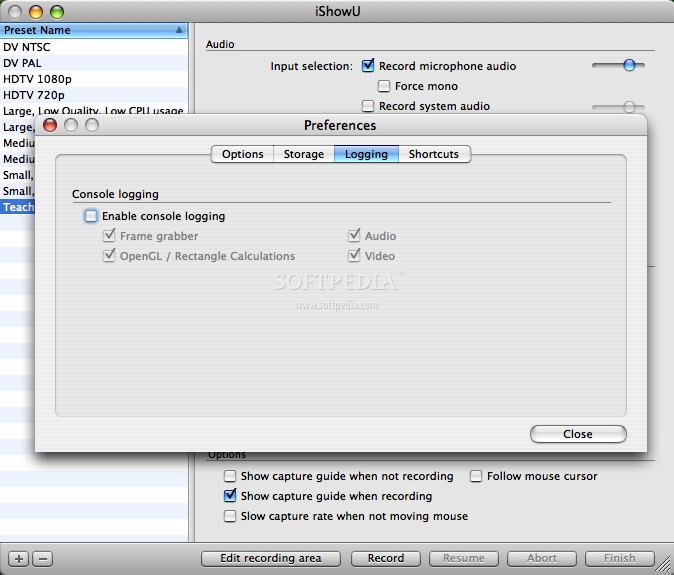
The software allows the change of all the settings regarding the output: you can set the parameters for the audio source and quality, set the characteristics for the video (such as the slow frame rate, normal frame rate, the quality of the video and the compression type, and the size of the capture area, in pixels). There are several other options and settings that you can use to have the program better suit you needs, available from both the main screen of the program or from its preferences pan. Though you have the possibility of setting lots of usage parameters, you don't have to do that, the software works just fine with its own presets.
iShowU is truly a nice piece of software, works great, doesn't steal away a large portion of your computer's resources and the output is at least satisfactory. The interface is very friendly and easy to use, and if you were looking for a video capturing tool, I warmly recommend iShowU.
The Good
The best thing about iShowU is that it's so easy to use. No need for complicated adjustments and settings (though you are allowed to custom all output parameters), it's ready to go out of the box.
The Bad
I really can't name anything bad about iShowU. I could say it's perhaps a little too simple (some users might require more), but personally, I think it's just fine. It's priced at 20$ and it's worth the money.
The Truth
iShowU is a screen capturing tool that allows you to make video recordings of your desktop, including audio background. If you were looking for such a utility, iShowU could easily be the end of your search. You may try out the software before choosing to buy it, but the output will be watermarked.
These are the iShowU screenshots: