14 DAY TRIAL //
 We know that watching TV on our computer is no longer a new subject. When you buy a TV Tuner the kit includes the drivers, remote control, and the software to watch the TV shows with. That's great, one would think this is all you need to avoid buying a new television set (and installing it) in order to watch whatever you want whenever you want. Well, experience has taught me that this is not enough. Indeed, the kit supplies all the hardware you need. But regarding the software, things couldn't be gloomier.
The retail software fulfills the basic needs to view TV shows, but people have different needs, so here comes into action Chris TV Professional. It is produced by Chris P.C. Srl and it is a $49,95 shareware that you can try for free for a 21 day trial period.
The software meets the most pretentious needs a human being can possibly have and technology can offer. The installation runs smoothly till one point when Chris TV is asking you to select the Video and Audio Capture Source. This configuration wizard (available only in Standard and Professional version) will help you elect the Video Capture Device for Chris TV to function properly.
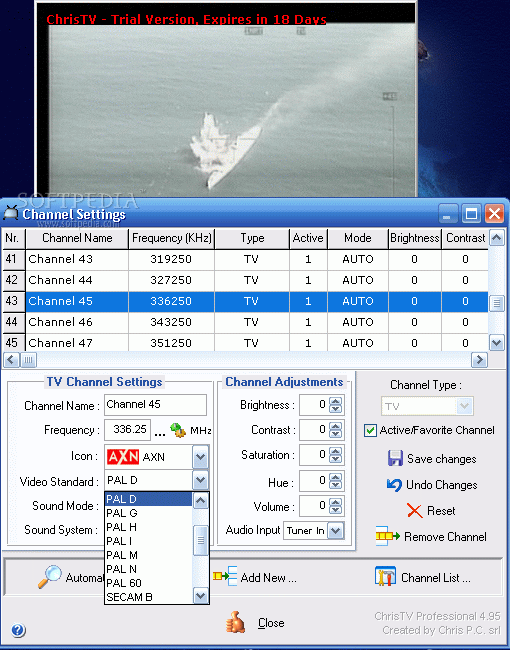
Another important aspect is the scanning window. Here you have three scanning options: Scan by Frequency, Scan by Channel Number, Scan by Channel Table. For the first option you have the possibility of setting the start/end frequencies; be careful with choosing the Video Standard as there are three encoding systems depending on your geographic position: PAL (phase alternation line), SECAM (sequential color with memory) and NTSC (National Television System Committee).
The standards with most spreading across the globe are PAL and NTSC. NTSC is mostly used in America, while PAL is used in most countries in Europe, Asia, Africa and Oceania. SECAM using countries are switching to PAL as analog SECAM television cannot be edited in its native analog form easily. Suffice to say that the switch is taking place for reducing the television stations costs.
If you do not know exactly what type of signal encoding is your country using, refer to Chris TV help to view a video standards list with the name of the country and the default video standard. PAL NTSC and SECAM are divided into sub categories like PAL-M/B/N..., NTSC-M SECAM -K/D/B...
In scan by frequency you also have to specify the Sound Mode (auto, stereo, dual and mono) and the Sound System for stereo channels. Now press scan button and wait.
Automatic Scan by Channel Number is much simpler. Here you just choose your country, the type of TV input (local antenna or cable), the video standard (PAL-D in Eastern Europe, PAL-B or PAL-G in Central and Western Europe, NTSC in USA, SECAM - France), the sound mode (auto, stereo, mono or dual) and press Start.
Scanning by Channel Table supposes choosing the channel table (PAL-DK in Eastern Europe, PAL-BG in Central and Western Europe, NTSC in USA), the frequency field (set the starting frequency), video standard, sound mode and sound system.
The scanning for channels is the most difficult part in setting up Chris TV. I had some problems at the beginning, but I soon discovered what I was doing wrong and the software found all the channels on my cable TV.
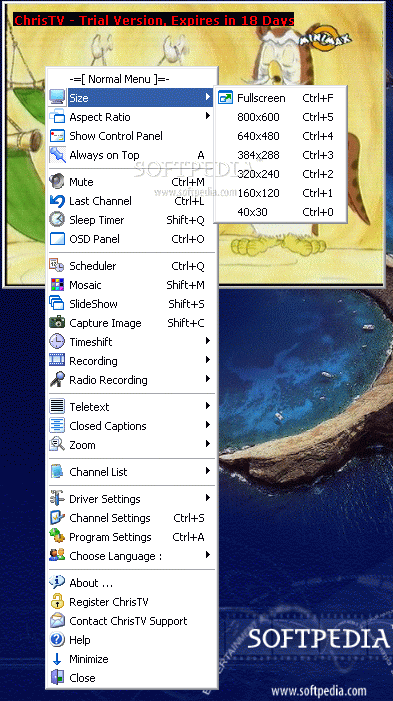
The features Chris TV comes with are included in the main menu. Here you can choose the viewing mode (fullscreen or some predefined window sizes). You can set the aspect ratio of the TV window. If you want to always have the TV screen in front of you can set it to always stay on top. This way you can work on your computer and watch TV.
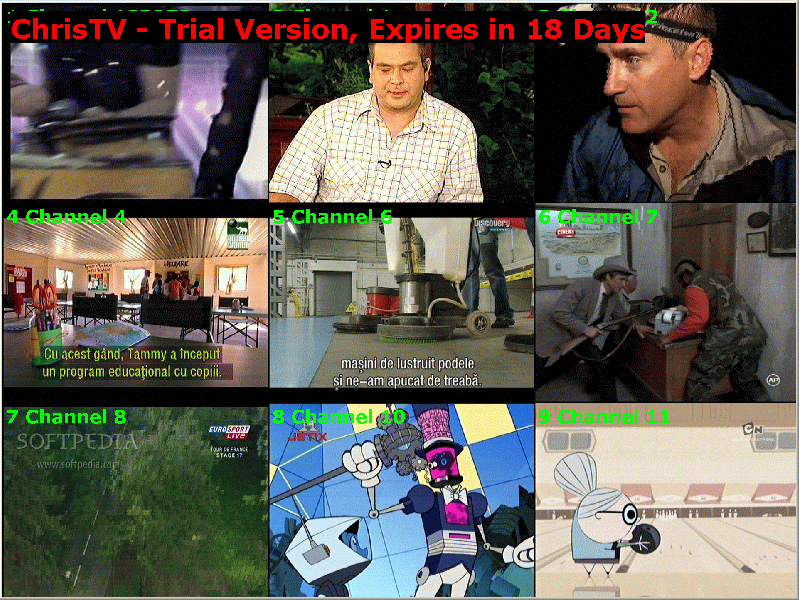
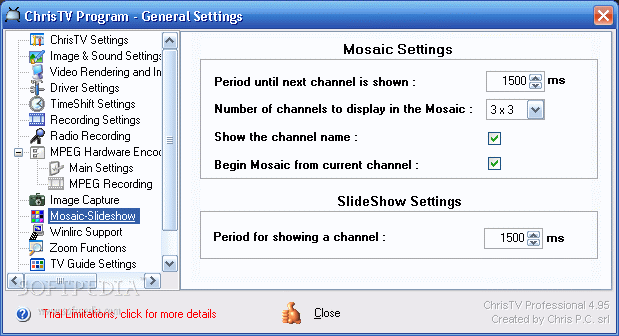
The mosaic option allows the user to view nine channels in the TV window. In this mode the channels are perpetually changing and you can decide more quickly on what you want to watch.
The Slideshow option is similar to the mosaic one, the single difference being that in slideshow mode the TV window shows only one channel and in mosaic mode you view nine channels at once.
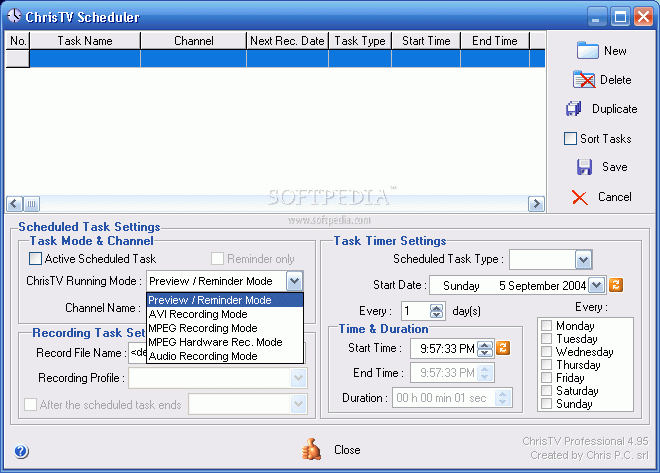
The schedule option allows the user to record the favorite TV shows directly on his/her hard disk. In the Scheduler window set the channel name, the time interval you want to record (date, start/end time), the name of the recorded file, and the type of the task (frequency). Another feature in scheduling your recording is that you can set Chris TV to close after the recording is over.
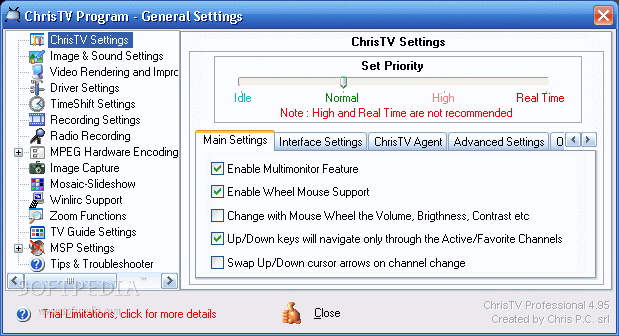
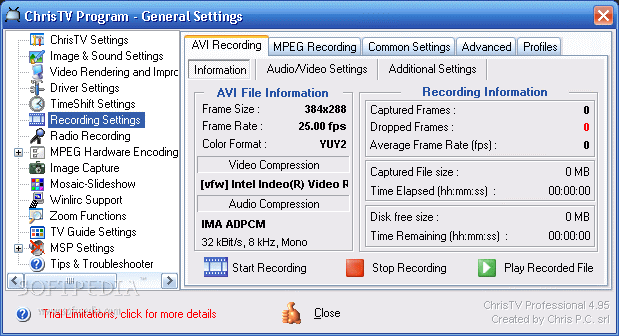
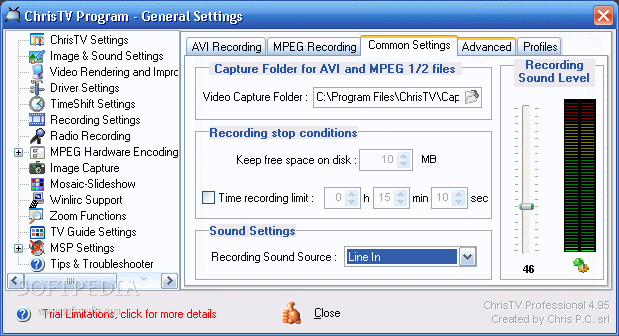
For the recording option you have to make the necessary recording settings in the Program Settings. Here you can choose your compression codecs (both video and audio), frame size, frame rate, video format, aspect ratio, etc. All these settings can be saved as a profile and load when you want to use them again.
Choose the teletext option to view the teletext pages of the channels. The teletext page can also be set to transparent so you can see the TV image in the background.
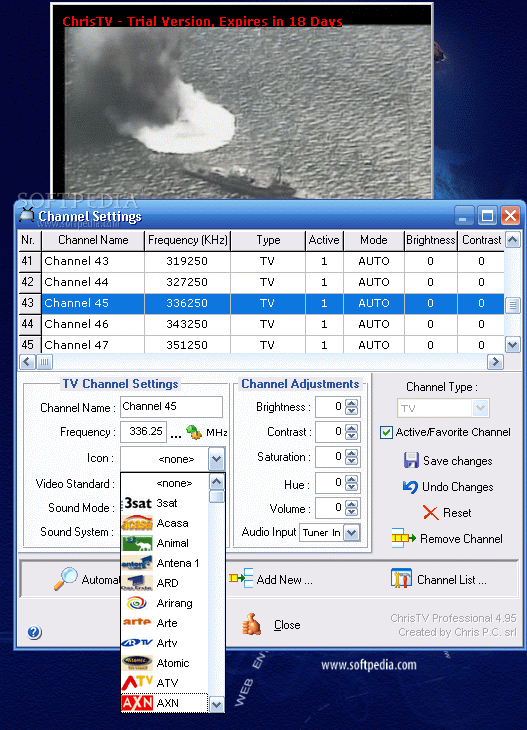
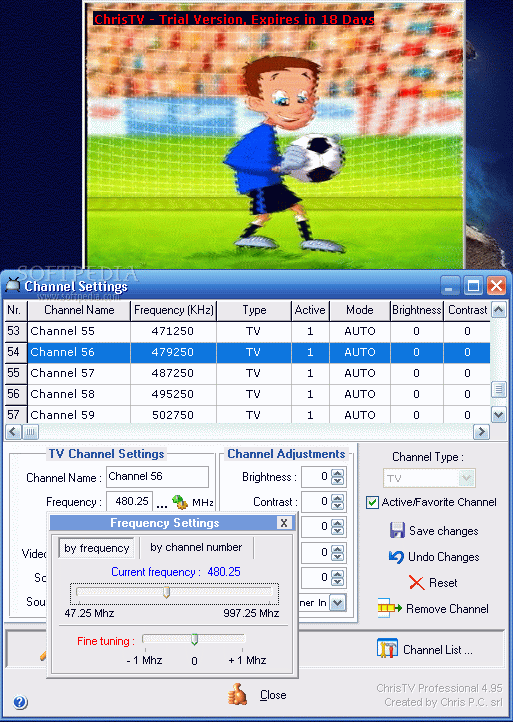
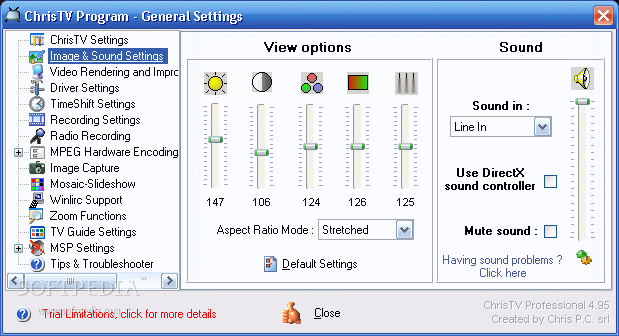
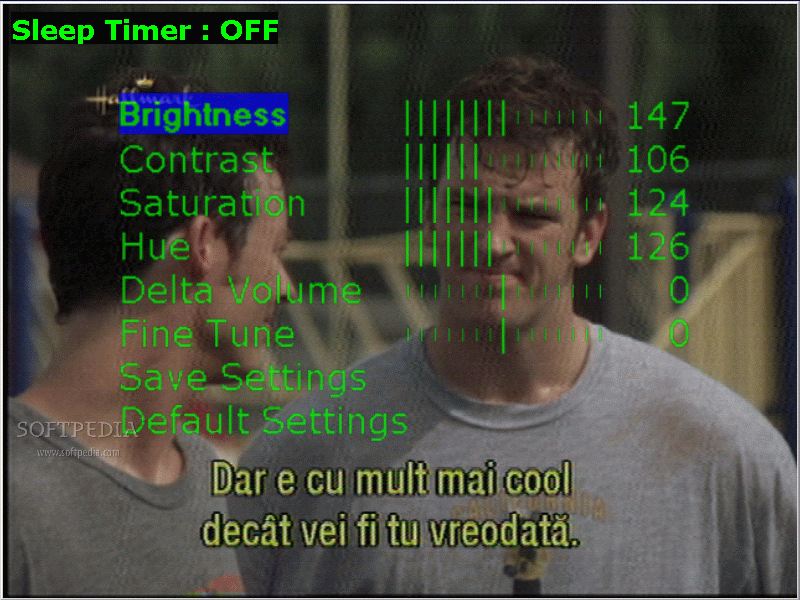
In the Channel Settings menu the user can make settings only for that channel. Set the name, adjust frequency, set the TV logo, and adjust the brightness, contrast, saturation, hue and volume. If you don't see the channel crystal clear you have the option of fine tuning. The same settings are available for radio stations (of course, here you have only the audio settings, don't expect to find the contrast option).
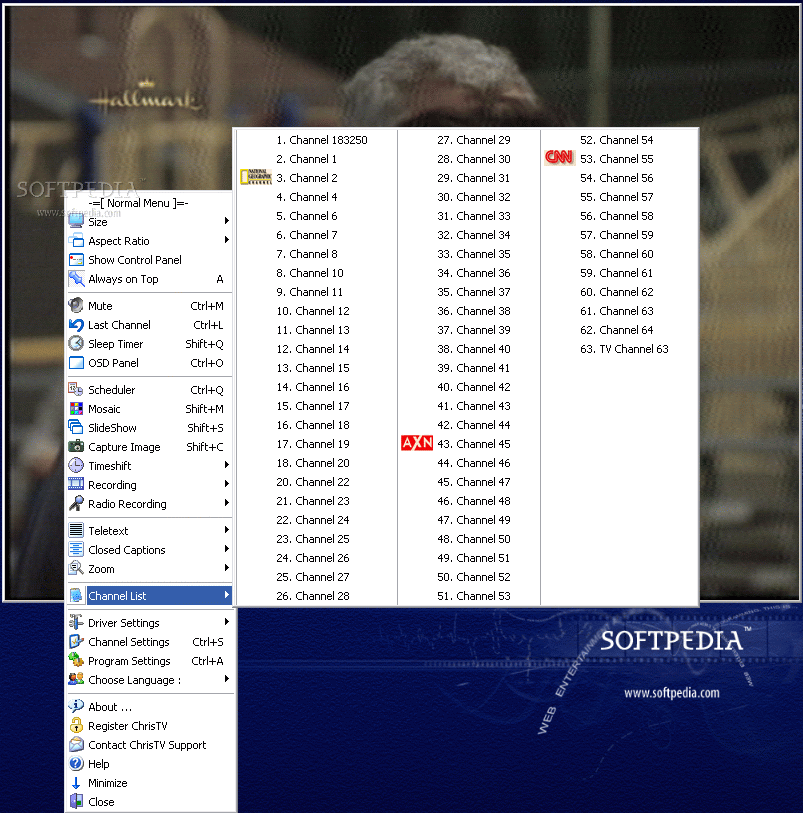
In the main menu you have the channel list option that allows you to view a list of all the TV stations Chris TV has found. If you set TV logos for the TV stations they will appear in this list (this way you can find the channel you are looking for easier).
The Good
Chris TV has all the options a TV has and it is also a PVR. The price is as low as $49, 95. The image quality is great (at least at testing I had no problems). I used to have some problems with scanning for channels because there was a mix-up with the countries, but Chris TV Professional had this fixed.
The Teletext option increases the long list of options for the software.
The Bad
I couldn't find all the logos for my TV channels.
The Truth
The software is great. Except for the difficulties with the settings for the scanning that some of you will have, the software works smoothly. It has all the functions a TV set has and in addition to that you can record your favorite shows. The author offers a trial period of 21 days before you decide to buy or not the product.
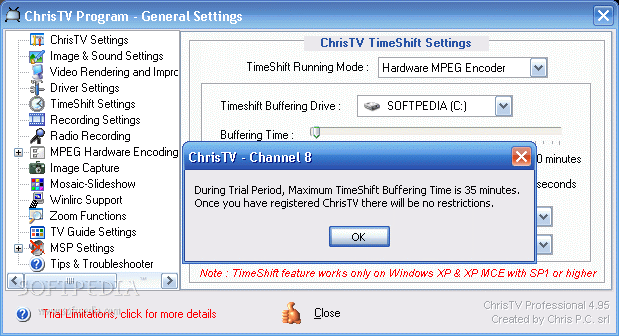
The limitations for the trial are as follows: Some Video and Audio Recording Codecs are not available, like DivX or MP3, but you can use without any restriction XVid, HuffYUV, any Intel or Microsoft Codecs, DV Video Encoder and any MJPEG Codecs. The recording is limited to 40 - 55 minutes. You can not modify the default Recording segmentation and Free Space on Capture Disk.
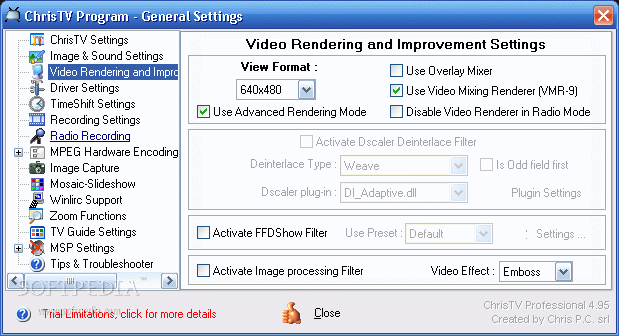
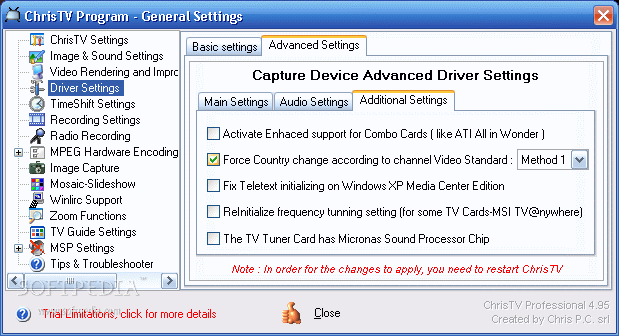
Here are some snapshots of the application in action: